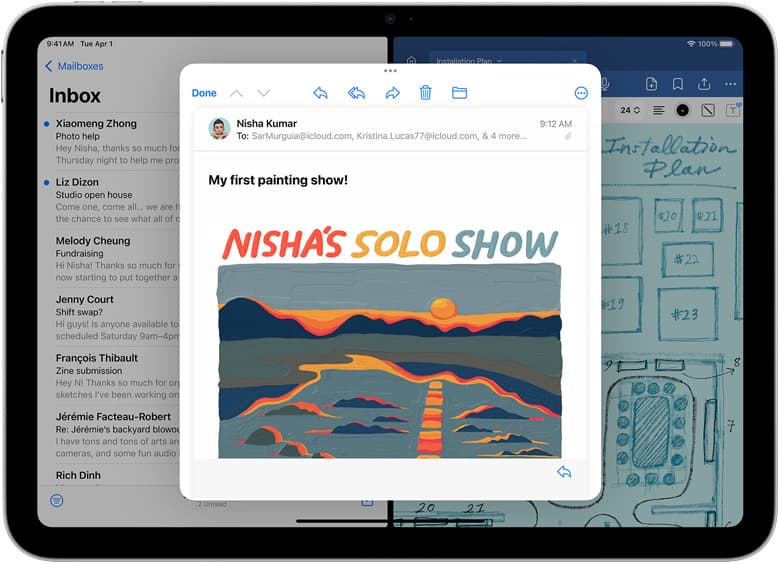
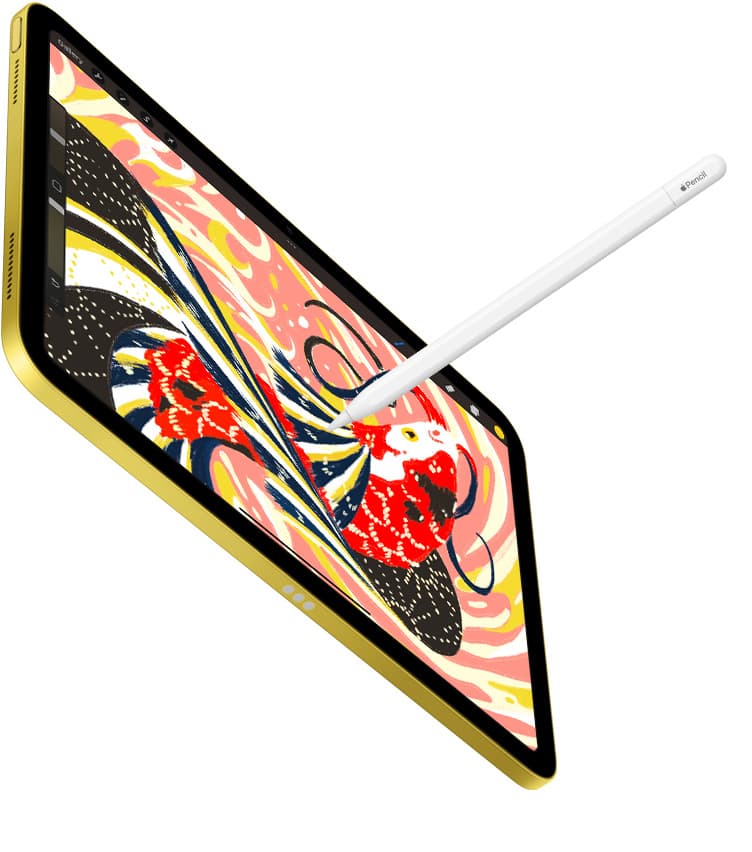
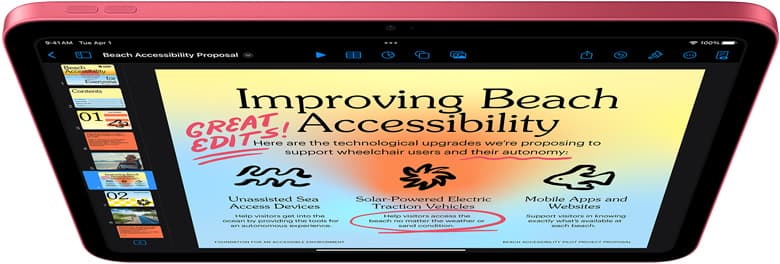
If you need an iPad app for interior design sketching, buy Procreate for quick perspective concepts and client rendering, or choose Clip Studio Paint if your drafting relies on multi-page project files and built-in ruler engines [5], [8], [9]. Procreate is a paid Graphics & Design app built specifically for iPad, making it the most direct choice for designers who want to avoid monthly fees [5], [8]. Clip Studio Paint is available as a free download with a 30-day trial, catering to illustrators who need multi-page management and complex perspective grids [9]. If you just need fast room mockups, skip the subscription tools and purchase Procreate [8].
Choosing your primary interior design sketching app
Interior design sketching demands an app that handles spatial layout, furniture blocking, surface textures, and color washes without cluttering your digital drafting board [5], [8]. Savage Interactive designed Procreate specifically as a dedicated iPad creative application, giving it a streamlined interface that keeps the canvas open for drawing [5], [8]. Because Procreate is a one-time purchase, you own your drawing workspace outright without tracking ongoing software licenses [8]. For designers who spend their days presenting finish concepts or quick room elevations to clients on site, that standalone pricing model simplifies budgeting [8].
Interior architecture often needs technical structure beyond basic freehand sketching [9]. Clip Studio Paint by CELSYS approaches digital drawing with a deep toolset that includes specialized vector layers, comic framing, and detailed ruler options [9]. While Procreate focuses purely on the iPad screen experience, Clip Studio Paint is structured around projects that can move across devices [9]. If your interior sketching involves strict technical guides, isometric projection lines, or layered plan sets, Clip Studio Paint justifies its trial and subscription structure [9].
When deciding between these two leaders, consider whether you sketch primarily for conceptual ideation or technical drafting [8], [9]. Quick client meetings, material mood boards, and illustrative perspective views thrive in Procreate [5], [8]. Detailed space planning, multi-sheet presentations, and vector-backed interior elevations align closer with the deeper toolset in Clip Studio Paint [9].
Procreate versus Clip Studio Paint for room layouts
Procreate stands out for designers who want immediate responsiveness when developing interior vignettes and rendering fabric textures [5], [8]. The app lets you configure pressure sensitivity, smoothing, and gesture shortcuts to match your personal drawing habits [5], [7]. Because device memory directly dictates canvas size and maximum layer limits in Procreate, your hardware choice establishes how many overlay adjustments you can keep active in a single design file [4]. Designers who build layered lighting schemes, base floor textures, and furniture arrangements on separate layers must keep these memory-defined layer limits in mind [4].
Clip Studio Paint approaches spatial drawing with a heavier emphasis on construction geometry [9]. Its toolset includes customizable perspective rulers, enabling artists to lock brush strokes directly into one-point, two-point, or three-point room perspective grids [9]. While you can set up drawing guides inside Procreate [5], Clip Studio Paint provides a more rigorous ruler framework for technical interior drafting [9]. The tradeoff is interface density; Clip Studio Paint mirrors a full desktop application, packing pallets, sub-tools, and asset libraries around your room canvas [9].
Choose Procreate if you want a frictionless sketchbook feel where rendering finishes like wood grain, marble, and upholstery feels natural [5], [8]. Choose Clip Studio Paint if you can't work without dedicated vector linework and advanced perspective guides for complex architectural layouts [9].
Vector and freeform sketching alternatives on iPad
Beyond Procreate and Clip Studio Paint, several other apps in the App Store Graphics & Design category serve interior sketching workflows [10], [14]. Concepts by TopHatch is a flexible vector-based sketchbook designed to take visual concepts into reality [14]. Because Concepts utilizes an infinite canvas and vector strokes, interior designers can sketch an entire floor plan alongside detail vignettes, dimension callouts, and furniture schedules on one continuous sheet [14]. Designers who need to adjust wall thicknesses or rescale furniture symbols without losing line clarity will appreciate the vector architecture of Concepts [14].
Adobe Fresco provides another capable alternative, listed as a free professional drawing and painting app by Adobe [10]. Fresco integrates vector brushes and raster brushes into a single canvas, making it appealing for designers who already archive assets within the Adobe ecosystem [10]. For fast, unencumbered hand sketching on site, Sketchbook offers a free download that covers essential drawing tools across a clean workspace [12]. It is ideal for rough spatial brainstorming when you do not need complex layer architectures [12].
Other notable App Store drafting options include Infinite Painter and ibis Paint X [11], [13]. Infinite Painter is a free-download creative app that offers advanced brush mechanics for iPad and iPhone [13]. Meanwhile, ibis Paint X provides free illustration and animation features for mobile artists [11]. While these apps are capable, interior specialists will generally find the best balance of perspective guidance, layer control, and visual presentation in Procreate, Clip Studio Paint, or Concepts [8], [9], [14].
Pairing your sketching app with Apple Pencil and iPad hardware
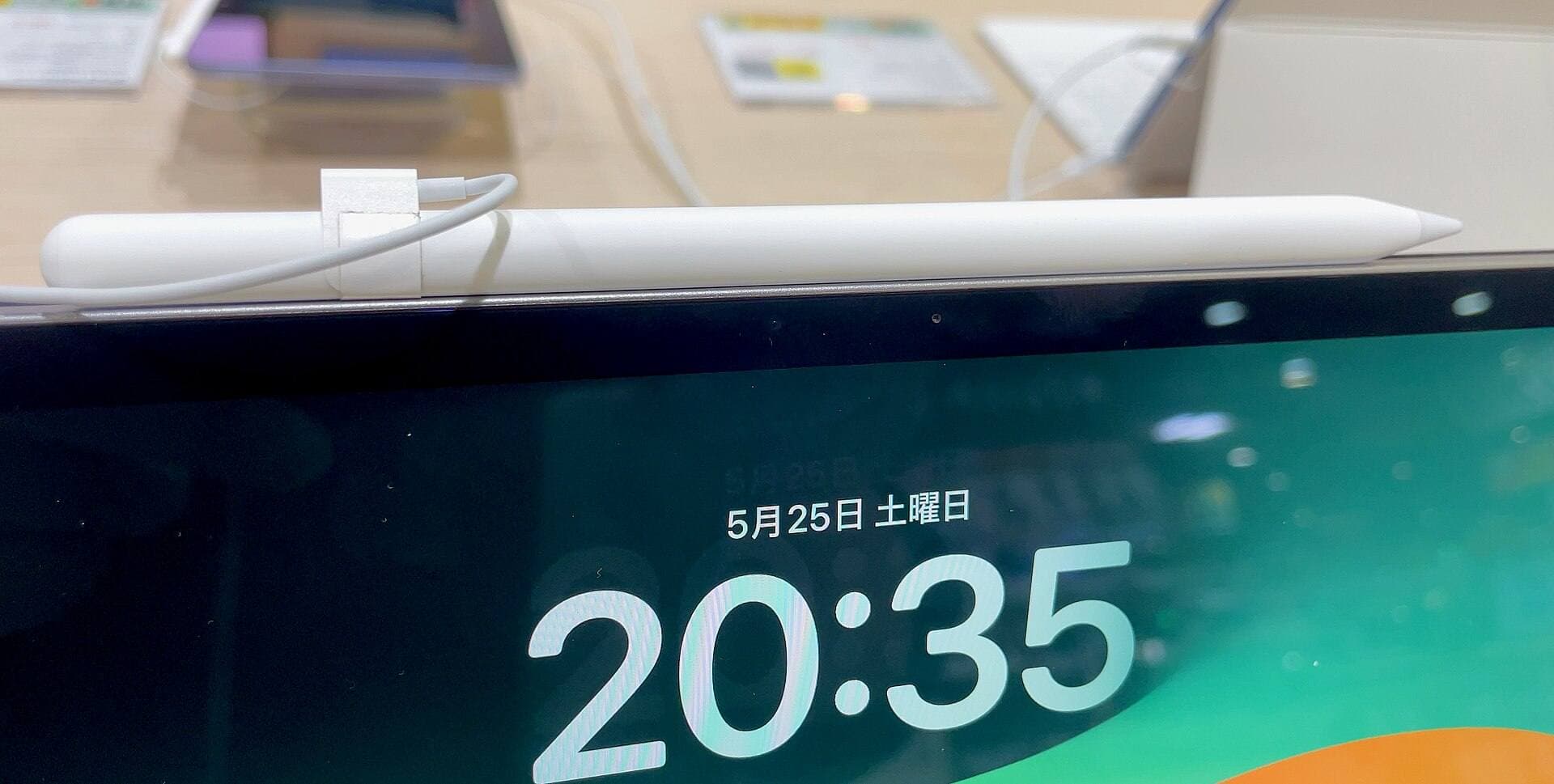
The software you select depends directly on the physical stylus and tablet in your hands [1], [2]. The Apple Pencil Pro introduces advanced hardware features including squeeze gestures, barrel roll rotation, haptic feedback, and hover preview [2], [6]. In compatible iPad drawing software, barrel roll uses an internal gyroscope to rotate shaped brushes, such as flat calligraphy markers or angled highlighter tips, simply by twisting the barrel [2], [6]. Squeeze allows artists to summon contextual tool palettes or change stroke properties without breaking contact with the screen [2], [6].
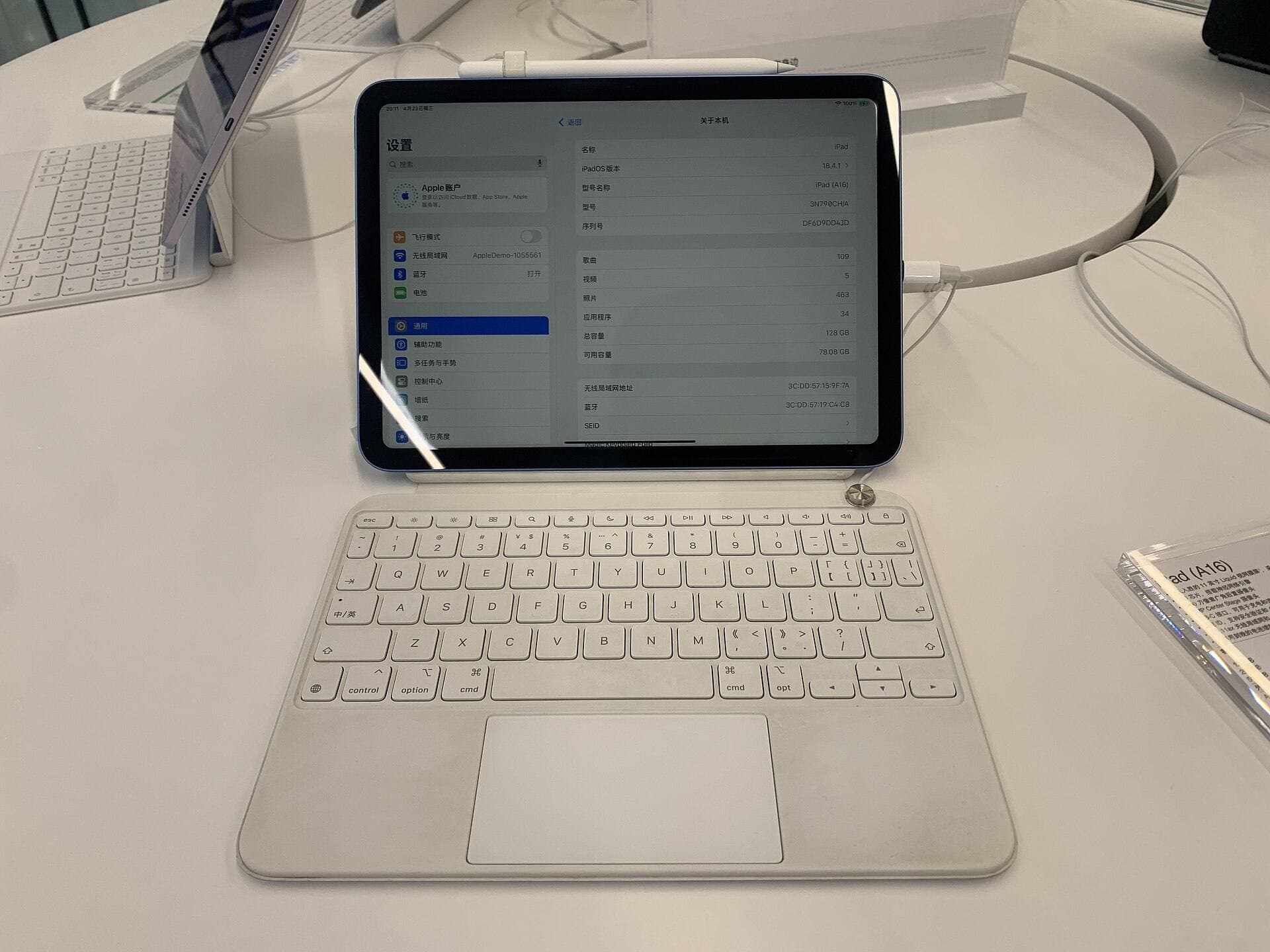
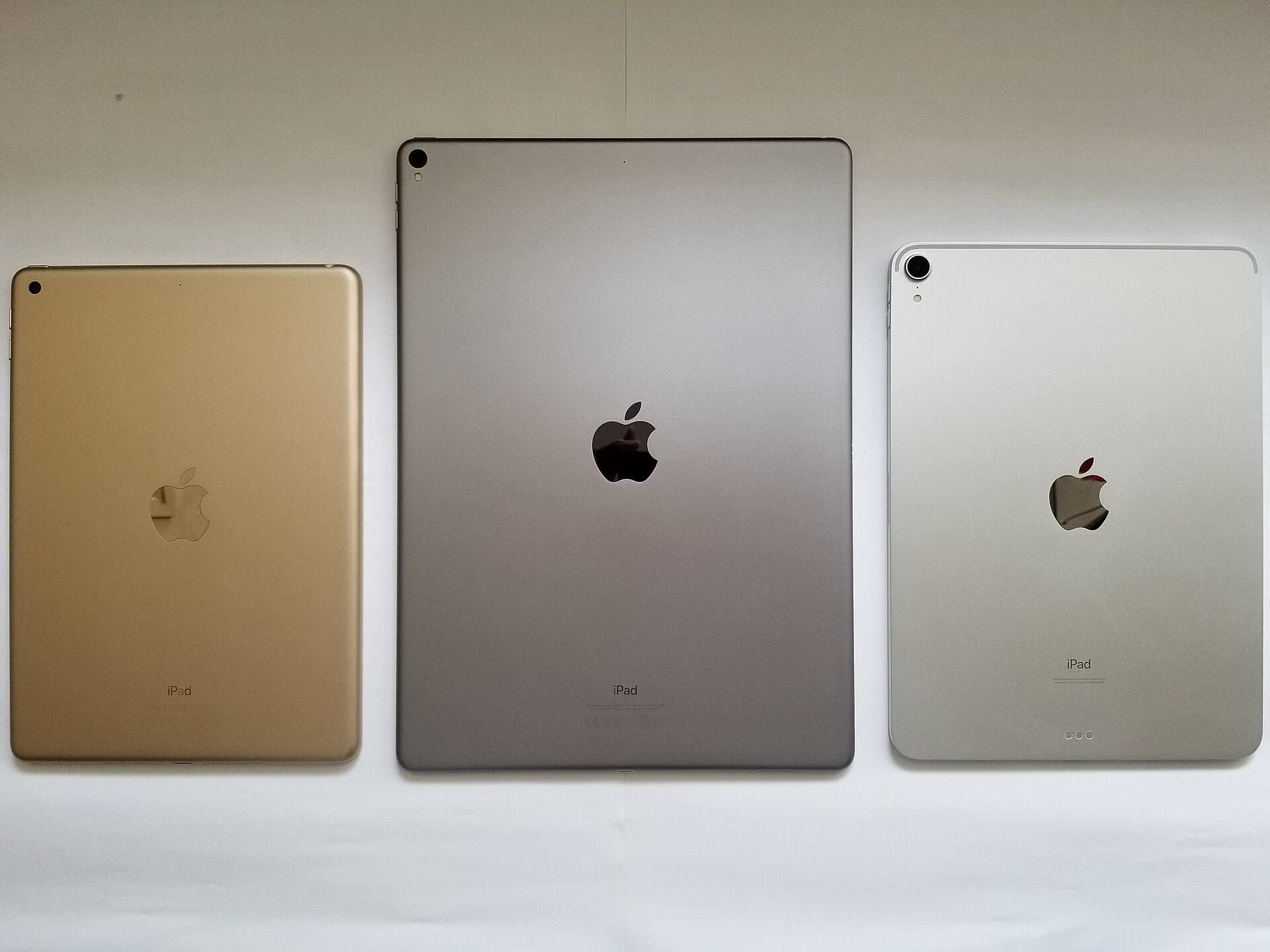
Stylus features still need matching tablet hardware [2], [3]. The Apple Pencil Pro is compatible only with select modern tablets, such as the iPad Air with the M4 chip or modern iPad Pro models [1], [3]. If you sketch on an older base iPad or earlier iPad Air, you must verify your exact model before purchasing a stylus, as older hardware uses the Apple Pencil (1st generation), Apple Pencil (2nd generation), or Apple Pencil (USB-C) [2], [3]. The Apple Pencil (USB-C) provides precise sketching and tilt support, but it lacks pressure sensitivity, making it less suitable for nuanced interior shading and watercolor wash rendering [2].
For most interior sketch artists buying a new rig, the iPad Air (M4) offers an ideal balance of hardware support and value [1]. It supports the Apple Pencil Pro, gives you multiple display size options, and provides ample storage capacity for large rendering libraries [1], [3]. Pair it with Procreate for client rendering or Clip Studio Paint for technical elevations to establish a portable, reliable interior design workstation [1], [8], [9].
Bottom line
For most interior designers, Procreate is the best overall app to buy [5], [8]. Its one-time purchase price, uncluttered interface, and natural brush dynamics make it the most efficient digital sketchbook for space concepts, finish selections, and client presentations [5], [8]. Skip the recurring costs of desktop-grade suites if your goal is simply to sketch, render, and present polished interior views on an iPad [8].
If your studio workflow requires vector lines, strict multi-point perspective rulers, or multi-page floor plan books, choose Clip Studio Paint instead [9]. Take advantage of its free 30-day trial to confirm whether its complex interface matches your drafting style [9]. Whichever software you choose, pairing it with an iPad Air (M4) and Apple Pencil Pro ensures you have full access to hover preview, barrel roll rotation, and pressure-sensitive brush control across every room sketch you create [1], [2], [6].
Sources
[1] https://www.apple.com/ipad/compare/ [2] https://www.apple.com/apple-pencil/ [3] https://support.apple.com/en-us/108937 [4] https://help.procreate.com/articles/zlexav-ipad-compatibility [5] https://apps.apple.com/us/app/procreate/id425073498 [6] https://support.apple.com/guide/ipad/draw-with-apple-pencil-ipadc55b6c7a/ipados [7] https://help.procreate.com/procreate/handbook/5.2/interface-gestures/pencil [8] https://apps.apple.com/us/app/id425073498 [9] https://apps.apple.com/us/app/id1262985592 [10] https://apps.apple.com/us/app/id1458660369 [11] https://apps.apple.com/us/app/id450722833 [12] https://apps.apple.com/us/app/id883738213 [13] https://apps.apple.com/us/app/id1146543227 [14] https://apps.apple.com/us/app/id560586497
Recommended gear
Procreate
apps.apple.comPro: One-time purchase
Con: iPad-only
Clip Studio Paint
apps.apple.comPro: Deep comics, vector, ruler, and animation toolset
Con: iPad plan model is less simple than Procreate
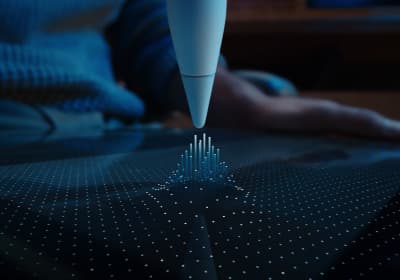
Apple Pencil Pro
amazon.comThe best Apple stylus for serious digital art workflows. Expensive, but the control upgrades are real.
Pro: Best brush-control and hover workflow
Con: Highest price in the lineup
Works only with newer iPad models. Check compatibility.
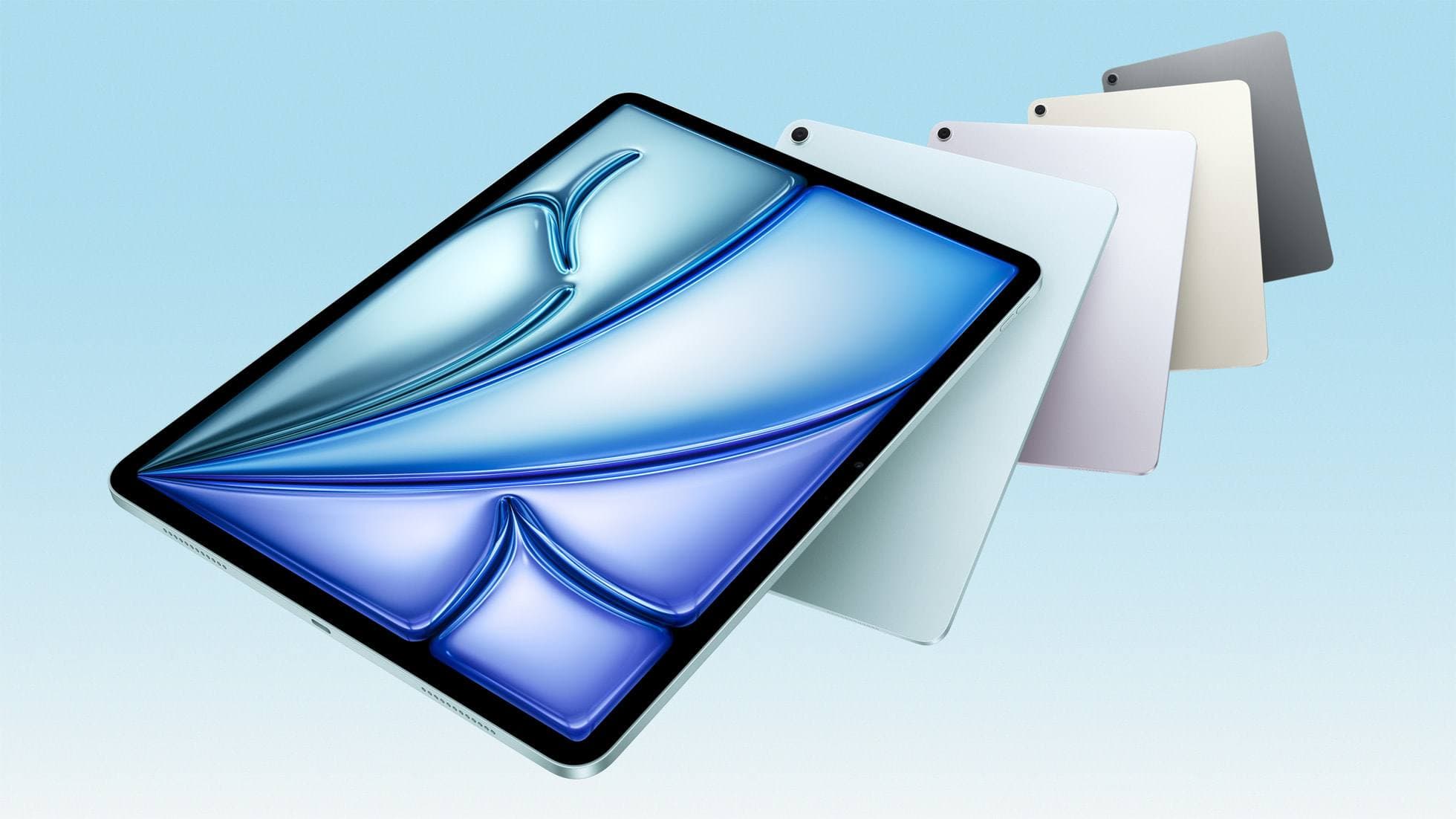
iPad Air (M4)
apple.comThe clean current Air recommendation for most serious hobby artists. Stronger buy logic than old-stock M3 when pricing is close.
Pro: Best current balance of price, headroom, and Pencil support
Con: Still 60Hz
Current Air lineup. Choose size, storage, and keyboard path before checkout.
Related buying picks
More in this collectionBuyer guide
Best iPad app for surface pattern design: Procreate versus Clip Studio Paint
Choose Procreate for standalone raster pattern motifs or pick Clip Studio Paint for vector assets and complex pattern tile structures.
Buyer guide
Best iPad app for mood boards
Choose between infinite vector canvases and fixed raster boards to assemble your next project visual references on iPad.
Buyer guide
Best iPad app for embroidery design
Procreate is the top iPad app for drawing embroidery patterns, while Clip Studio Paint and Concepts offer distinct vector and ruler alternatives.
Buyer guide
Best iPad app for character design
Procreate delivers the cleanest raster workflow for turnaround sheets, while Clip Studio Paint offers deeper vector and comic tooling.