
iPad buying timing in 2026: when to buy and when to wait
Most iPad buying regret happens before checkout. It comes from unclear timing, uncertain compatibility, and fear of instant obsolescence.
You cannot predict every launch. You can reduce the downside.
Start with two variables
1) urgency
High urgency means your current setup is blocking real work now.
Low urgency means your current setup is usable and you are optimizing comfort or speed.
2) regret cost
High regret cost means budget is tight, resale value matters, or returns are painful.
Low regret cost means you keep devices long term and can absorb short-term value swings.
What recent iPad cadence implies
Apple updates iPad families on different cycles, not one annual date. Recent updates hit spring and fall windows across different models. [1]
Practical reading:
- near announcement windows: uncertainty is higher
- mid-cycle periods: timing risk is lower
Low-regret buying rule
If you are close to a credible Apple event window and urgency is low, wait.
If urgency is high, buy with a return policy path that protects you from near-term regret. Apple's direct return policy is explicit on timeline and conditions. [2]
The three artist-specific traps
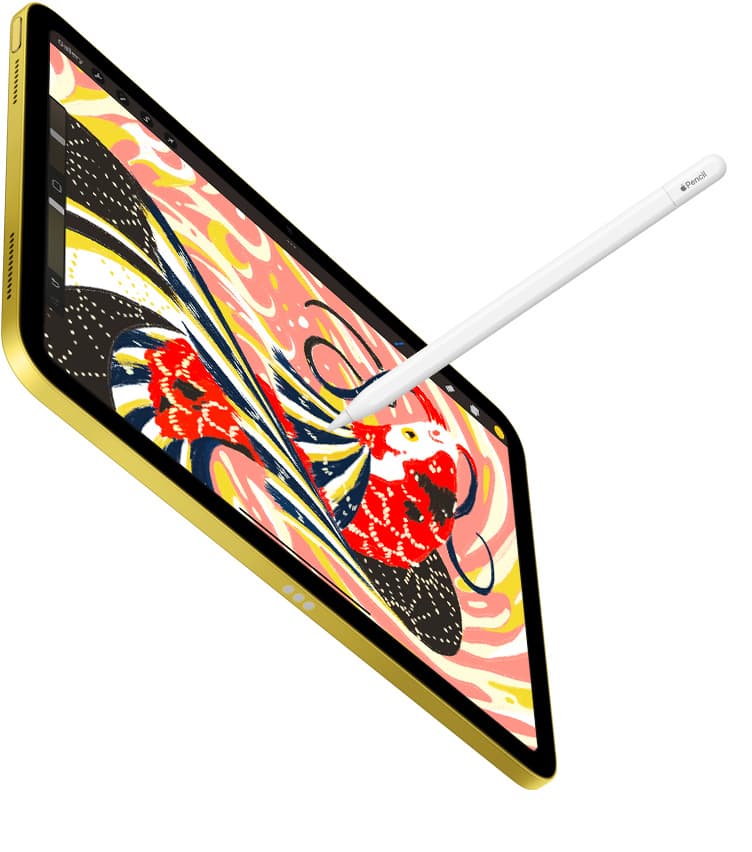
trap 1: wrong Pencil pairing
Always choose iPad first, then Pencil from Apple's compatibility table. [3]
trap 2: underbuying storage
Storage pain shows up later as export friction and project churn. For active art workflows, 256GB is usually safer than absolute base tiers.
trap 3: overbuying chip when workflow needs are simple
If your use is mostly sketching, references, and moderate canvas sizes, display and storage choices usually matter more than highest-tier silicon.
Timing playbook
Buy now when:
- current device is unreliable
- deadlines are fixed
- replacement delay would cost meaningful time or money
Wait when:
- announcement window is very close
- current device is still usable
- you are primarily optimizing value
Buy near window only if:
- return policy is clear
- you are willing to swap if product changes land quickly
Practical profile-based defaults
Budget-first hobbyist:
- base iPad tier with careful storage choice can be enough
Weekly artist with medium complexity projects:
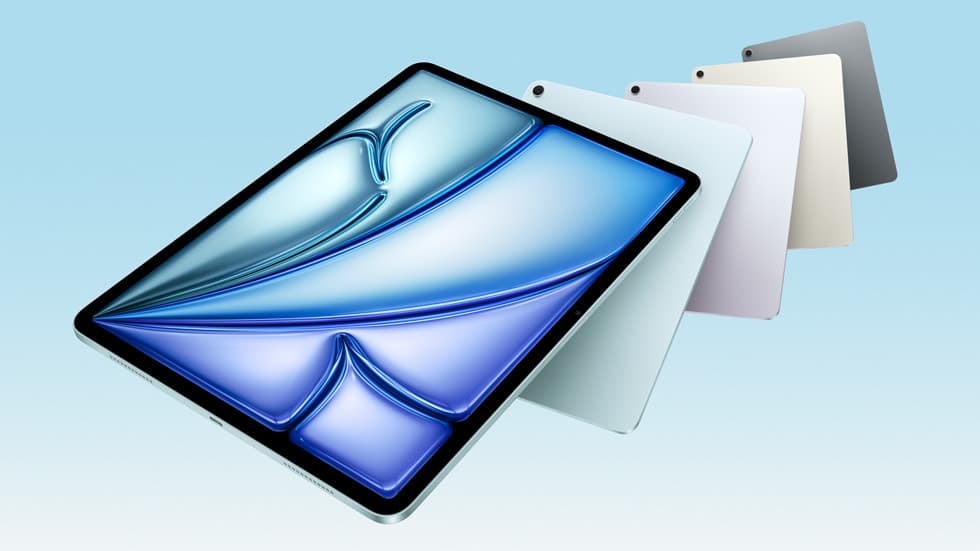
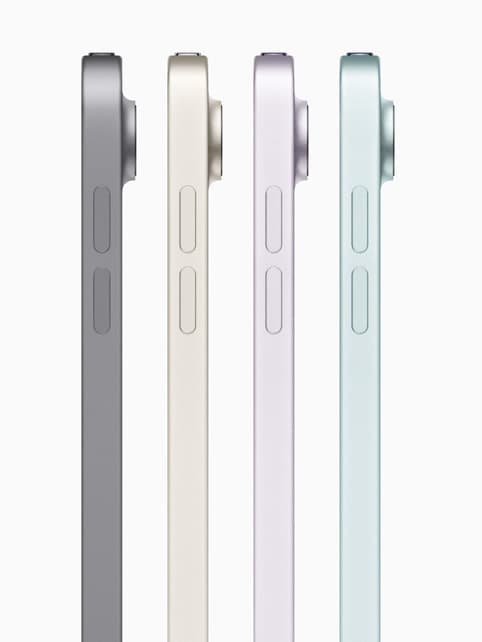
- Air tier usually hits best power-to-cost balance
Display-sensitive and heavy multitask artist:
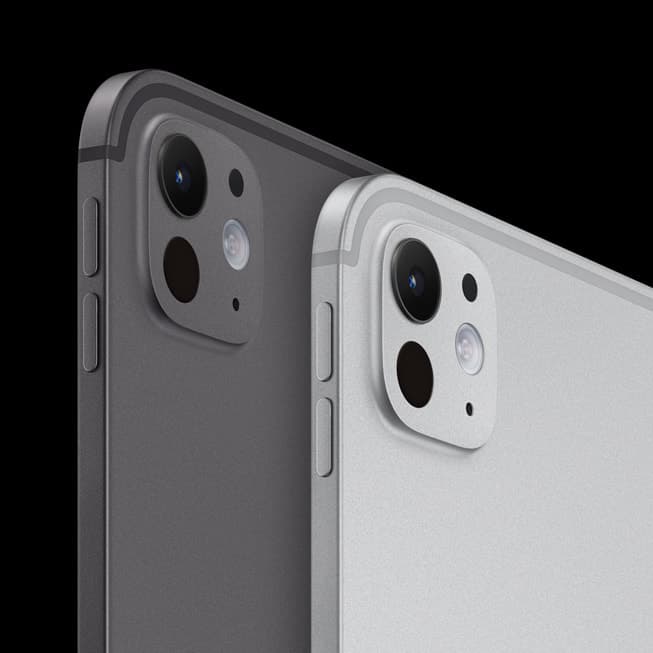
- Pro tier is easier to justify
Five-step pre-check before checkout
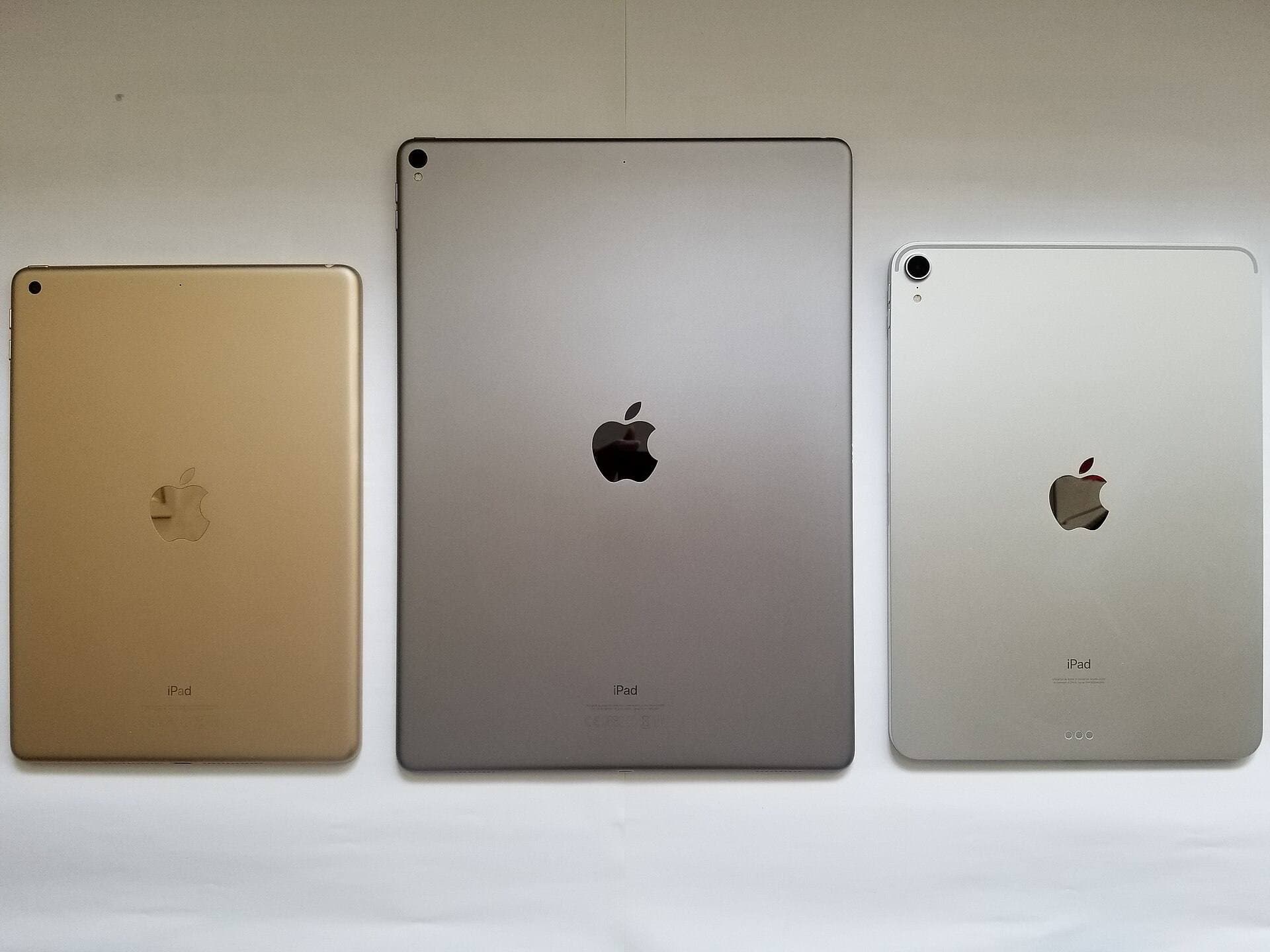
- confirm exact model and generation
- verify Pencil compatibility on Apple table
- choose storage from workflow needs, not price anxiety
- verify return and exchange terms
- lock your accessory list after iPad choice
Bottom line
Timing is about risk management. If you need to work now, buy deliberately and move. If you do not, waiting for near-term clarity is usually the highest-value decision.
<!-- depth-pass-v1 -->Practical decision framework
If you are buying for iPad Buying Timing in 2026: Buy Now or Wait?, use this sequence: define your weekly use, pick the minimum gear that removes the bottleneck, then hold the setup steady for two weeks before buying anything else. This avoids high-cost accessory churn and keeps your spend tied to actual output. For Artists and hobbyists deciding whether to buy an iPad now or wait for the next announcement cycle., this usually means testing ipad-a16, ipad-air-m3, and ipad-pro-m5 in real sessions before adding new parts.
Budget protection rules
Use clear rules so your cart stays profitable:
- Buy only for a repeated bottleneck, not a theoretical one.
- Keep one primary setup and one backup path, not three competing versions.
- Replace unstable components quickly; do not normalize intermittent behavior.
- Track what you used in the last two weeks and remove dead-weight gear.
These rules improve conversion quality because they align purchases with real use and reduce return-risk behavior.
14-day implementation plan
Days 1 to 4
Run your baseline setup and log the top three friction points.
Days 5 to 8
Apply one targeted fix and keep all other variables unchanged.
Days 9 to 11
Stress test in your real environment (desk, travel, and one public workspace).
Days 12 to 14
Lock the setup if friction is reduced and remove any accessory that did not materially help.
Common purchase traps
Trap 1: Buying by specification anxiety
Fix: buy for your current weekly workload and delay upgrades until constraints repeat.
Trap 2: Overpacking accessories
Fix: keep only items that save time at least three times per week.
Trap 3: No maintenance policy
Fix: do a weekly reliability check on cables, charging behavior, and attachment points.
Trap 4: Changing too many things at once
Fix: test one upgrade at a time so results stay measurable.
Extra scenario: high-pressure deadline window
For iPad Buying Timing in 2026: Buy Now or Wait?, keep the lowest-risk path active when deadlines are near: stable setup, no new experimental changes, and one backup route for critical actions. This protects output velocity and reduces failure risk when timing matters most.
Extra scenario: travel or mobile environment
When working outside your main desk, reduce variables. Use your known-good kit, keep cable and power roles fixed, and avoid adding untested components mid-session. This improves consistency and protects session completion rates.
Extra scenario: handoff and collaboration
If your workflow includes sharing files or handing off assets, validate export and sync behavior before the final window. Reliability in handoff steps often matters more than small gains in tool speed.
Extra scenario: maintenance week
Schedule a short maintenance pass each week: verify connections, refresh baselines, and remove dead steps from your setup. Small maintenance habits prevent recurring disruption and preserve long-term workflow quality.
Extra scenario: high-pressure deadline window
For iPad Buying Timing in 2026: Buy Now or Wait?, keep the lowest-risk path active when deadlines are near: stable setup, no new experimental changes, and one backup route for critical actions. This protects output velocity and reduces failure risk when timing matters most.
Sources
Recommended gear

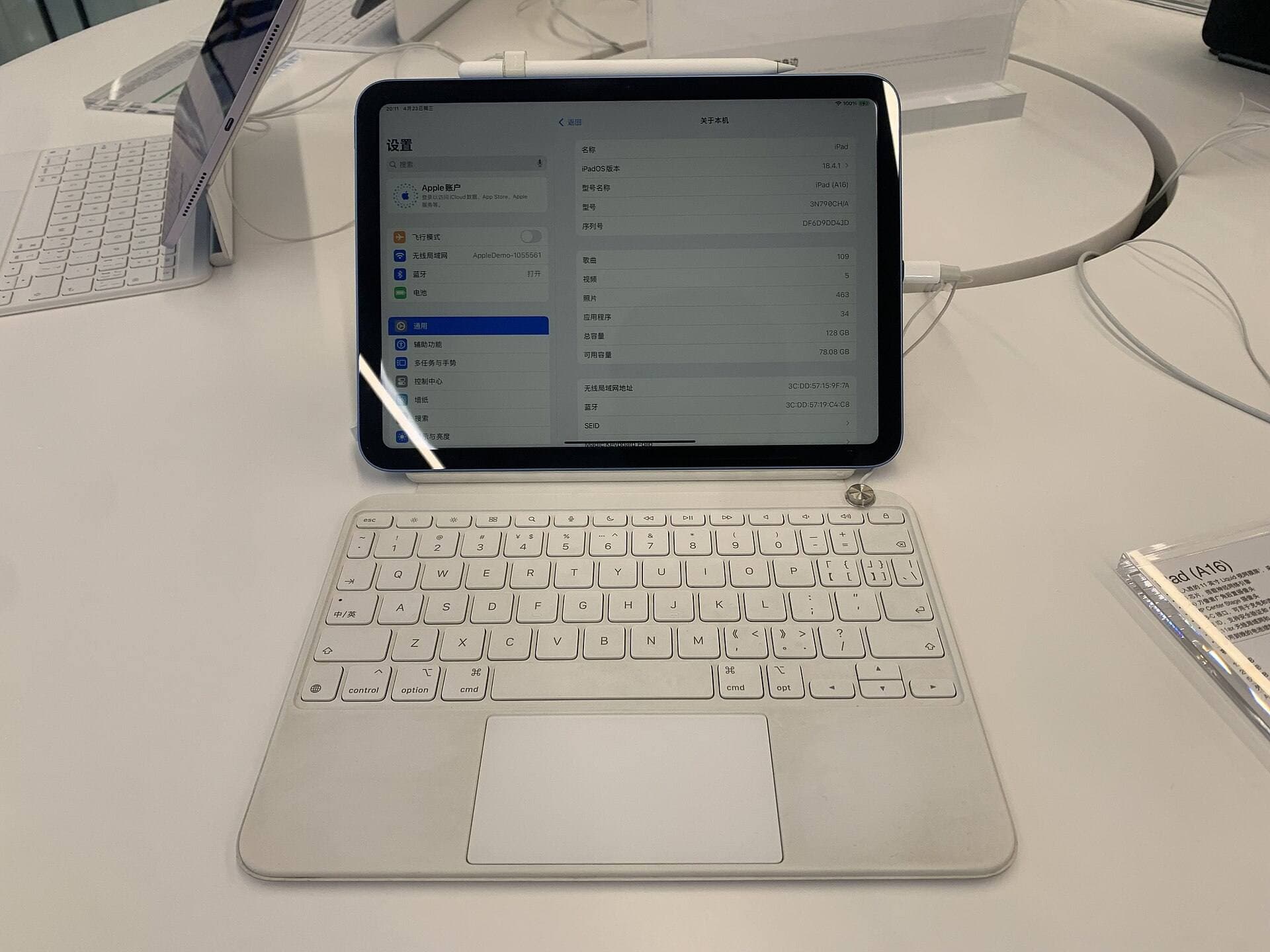
iPad (A16, 11th gen)
amazon.comThe best entry iPad for most artists on a budget. It is not premium, but it is very hard to beat on value.
Pro: Best value iPad right now
Con: No ProMotion display
Search opens with the exact model keywords. Verify size and storage before checkout.
iPad Air (M3)
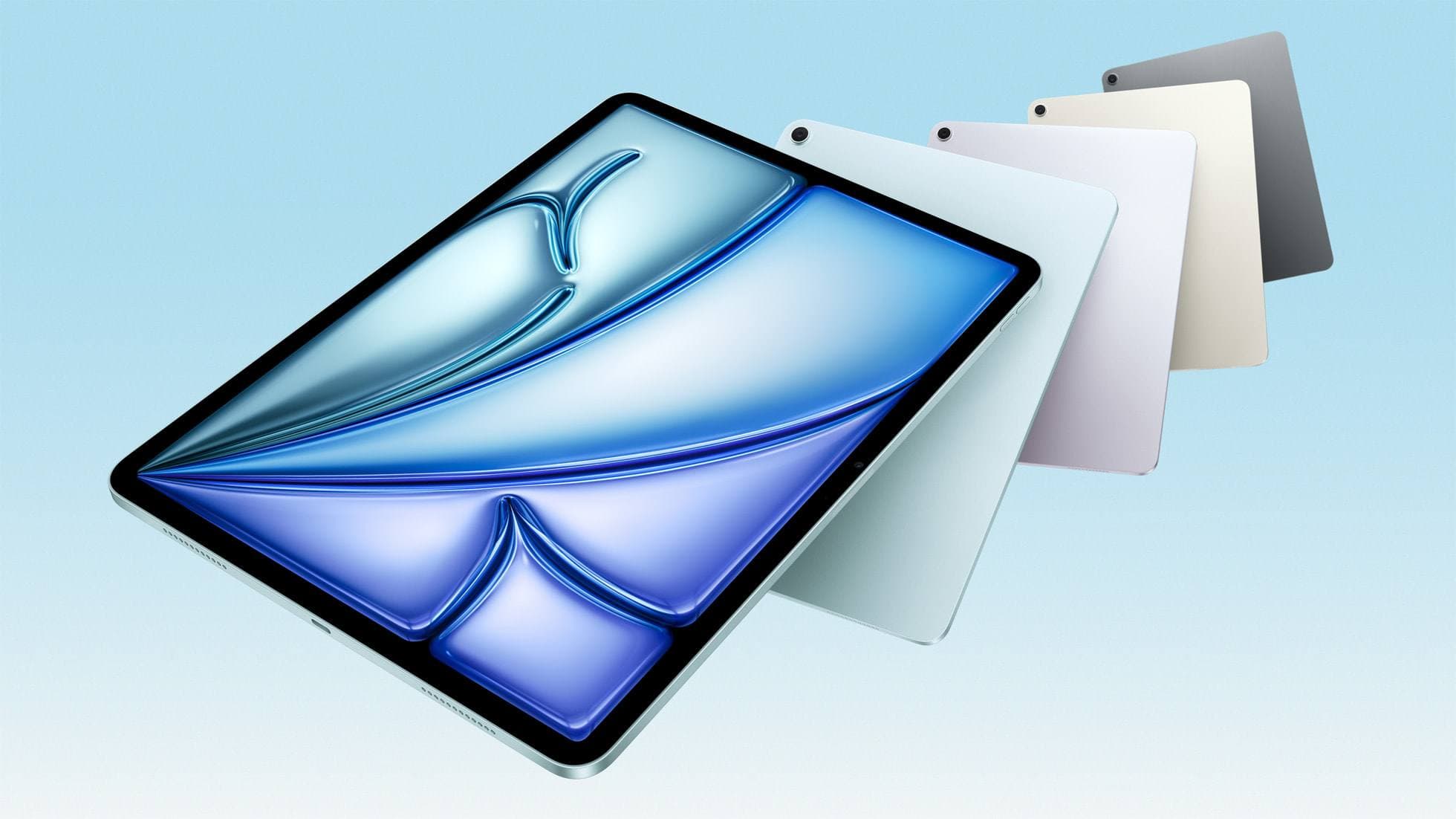
amazon.comStill a smart Air buy when the discount is real. Harder to justify when pricing drifts too close to the current model.
Pro: Strong prior-gen value when the discount is real
Con: Not the current Air lineup
This is the prior-gen Air. Confirm the discount against the current Air before checkout.
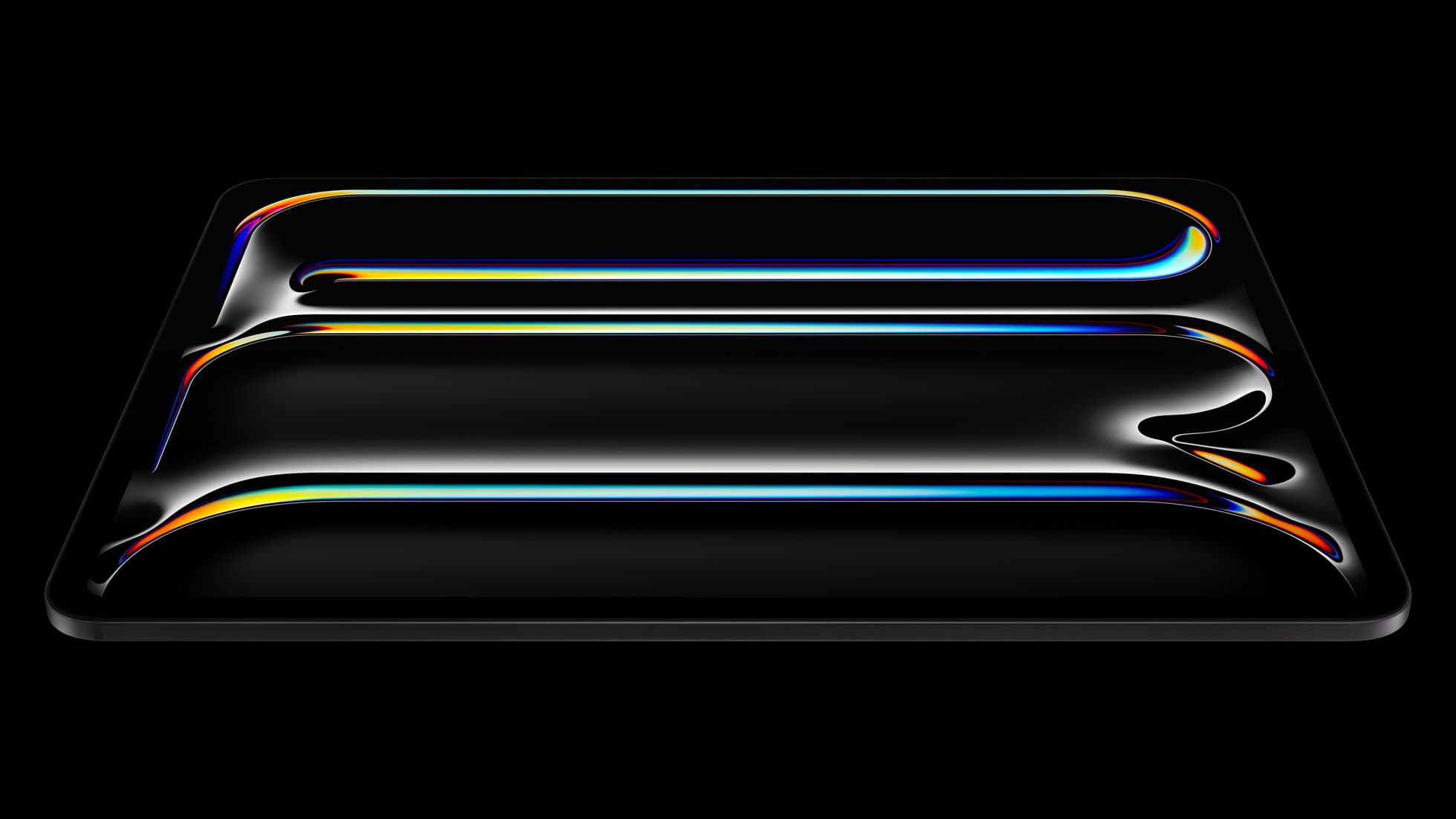
iPad Pro (M5)
amazon.comThe best iPad for drawing feel and premium workflow comfort, but many buyers still overpay for it.
Pro: Best iPad display and ProMotion feel
Con: Highest price in the lineup
Search opens with iPad Pro terms. Check year, chip, and screen size.
iPad Air (M4)
apple.comThe clean current Air recommendation for most serious hobby artists. Stronger buy logic than old-stock M3 when pricing is close.
Pro: Best current balance of price, headroom, and Pencil support
Con: Still 60Hz
Current Air lineup. Choose size, storage, and keyboard path before checkout.
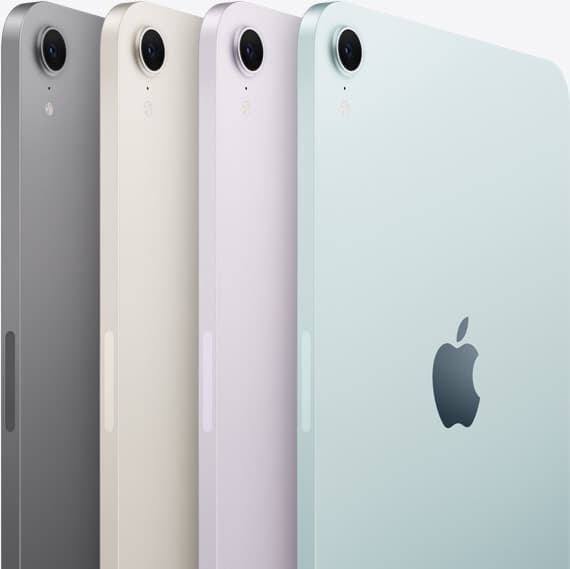
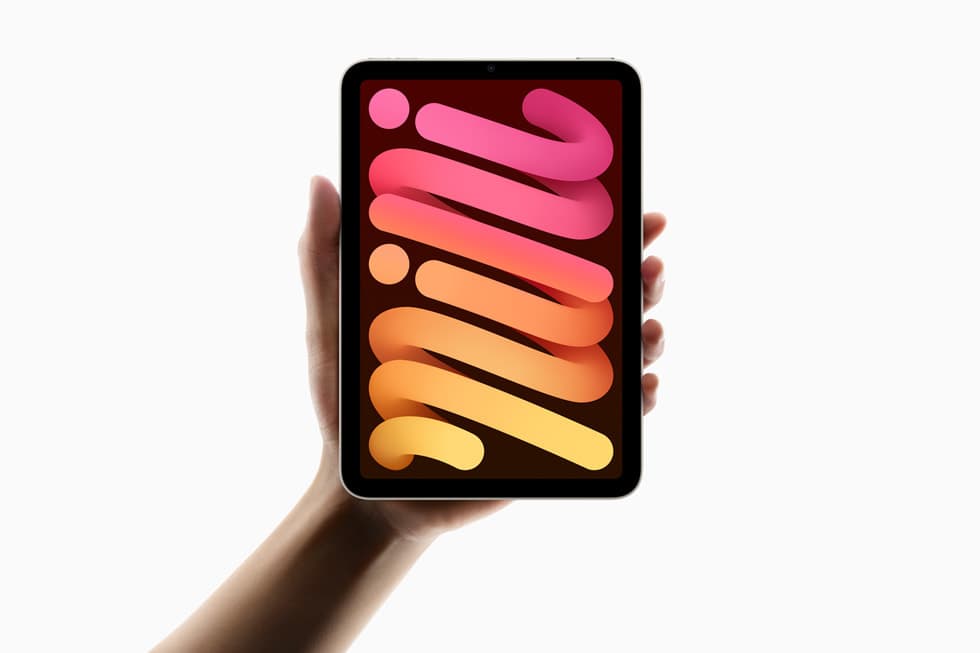
iPad mini (A17 Pro)
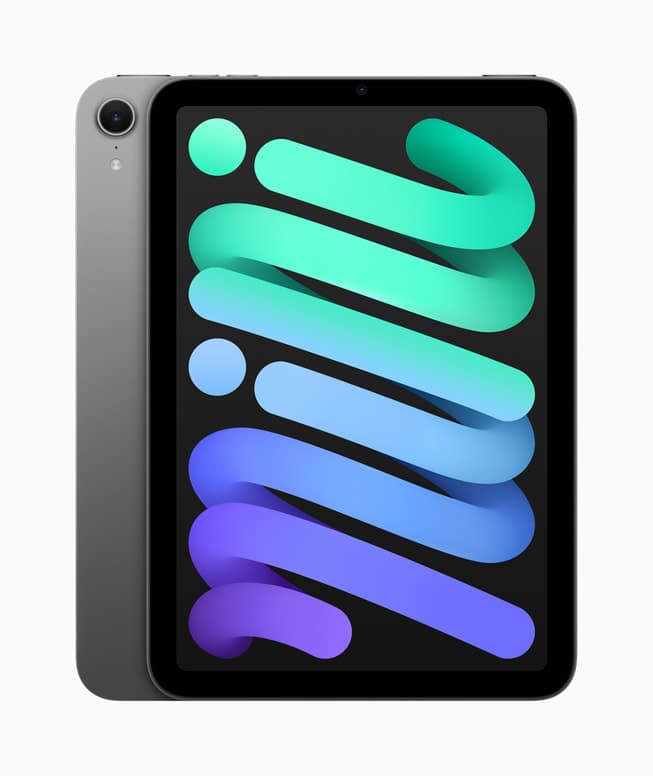
amazon.comThe most portable real iPad for drawing. It wins on mobility and loses on workspace.
Pro: Most portable drawing iPad
Con: Small canvas for detailed work
Search opens with iPad mini A17 Pro terms. Verify model number before buying.
Related buying picks
More in this collectionBuyer guide
Best iPad Deals for Digital Artists (March 2026): What to Buy and What to Skip
The best iPad deal is not the lowest sticker price. Use this guide to pick the right iPad and Apple Pencil combo for real drawing workflows without overpaying.
Buyer guide
Best iPad mini Accessory Bundle for Drawing (2026)
iPad mini is strongest when you keep the setup light. This buyer guide picks three pieces that add utility without killing portability.
Buyer guide
Best USB-C Chargers for iPad Artists (2026): Wattage, Heat, and Real Speed
For iPad artists, charger quality matters more than max wattage marketing. Buy by single-port output, heat behavior, and split-power rules.
Buyer guide
Best iPad Cases for Artists (2026): Protection, Weight, and Draw-Angle Tradeoffs
The right iPad case for art is a balance between corner protection, bag weight, and a stand angle that does not wobble while you draw.