
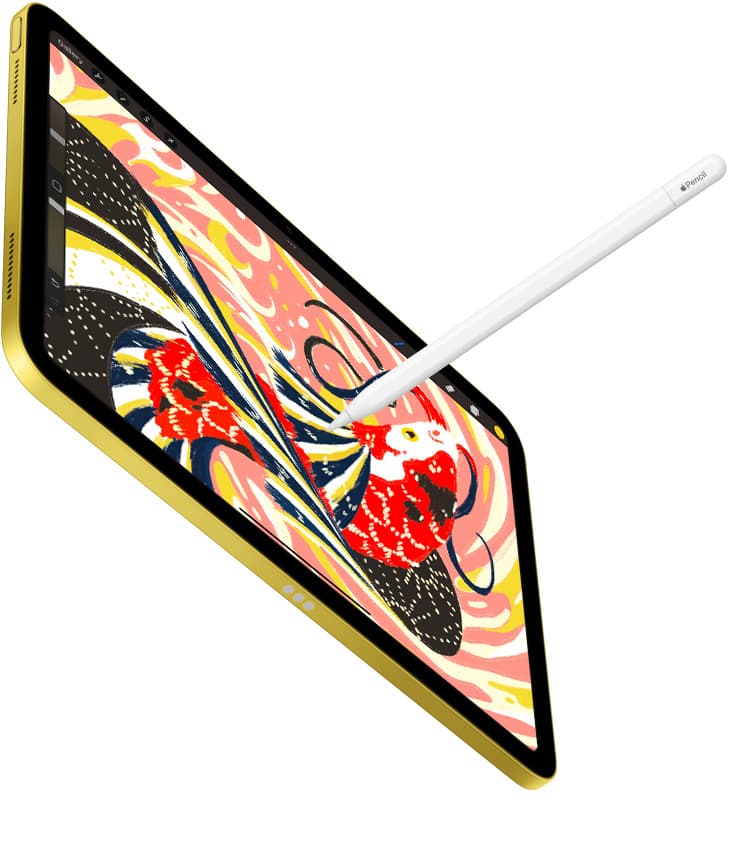

If you need a dedicated solid modeling tool on iPadOS, download Shapr 3D CAD modeling as your primary design application [1]. For users working strictly inside legacy DWG environments, choose the official AutoCAD app [2]. Teams that require browser-linked cloud assemblies should choose Onshape 3D CAD instead [3]. If you already own an older iPad, keep your current tablet to test these free downloads before upgrading hardware [1], [7]. If you are buying a fresh setup, pick the iPad Air with Apple Pencil Pro for hardware hover and tool control without paying top-tier flagship prices [7], [8].
Tablet computer-aided design has evolved from basic viewers into capable modeling environments [1], [3]. Getting real work done requires selecting an application that aligns with your specific production format rather than expecting one download to solve every engineering task [1], [2].
Direct solid modeling and drafting picks
For general mechanical parts and solid geometry, Shapr 3D CAD modeling stands out as a productivity download with over 34,000 App Store ratings [1]. The listing describes a workflow that takes projects from design to manufacturing using direct modeling interactions [1]. If your projects require exporting dimensional parts for 3D printing, prototyping, or physical machining, this app provides the most complete native tablet interface [1]. You should pick it if you want an interface constructed around pen and touch input rather than desktop mouse menus [1], [8]. You can skip it if your work consists entirely of flat floor plans or legacy 2D contract drawings [2].
Designers who work primarily with drafting sheets and production schematics should download AutoCAD by Autodesk [2]. The App Store listing identifies it as the official AutoCAD app, placing it in the productivity category [2]. It serves professionals who receive drawings from engineering offices and need to measure, annotate, or revise DWG files directly on job sites [2]. You should choose AutoCAD if you must maintain exact compatibility with desktop drafting standards and layer systems [2]. You should skip AutoCAD if you want to build complex 3D solid geometries from scratch using modern Apple Pencil gestures [1], [2].
Full cloud platforms and 2D documentation tools
Mechanical engineering teams that manage collaborative assemblies should look closely at Onshape 3D CAD by PTC Inc. [3]. Onshape is categorized under productivity, and its listing explains that it is a full mechanical CAD platform designed for professional users and extended teams [3]. Because the platform handles cloud data management, team members can review part studios and assemblies directly on an iPad [3]. You should choose Onshape if your office already runs an enterprise Onshape database and you need full model access during meetings or shop-floor inspections [3]. You should skip Onshape if you work solo offline or want a tactile modeling engine built solely around iPadOS gestures [1], [3].
When your CAD needs center around building spaces rather than mechanical assemblies, SketchUp provides an alternative path [4]. The SketchUp 3D Modeling listing by Trimble Inc. sits in the Graphics and Design category and highlights a free seven-day Go trial [4]. It suits interior designers, woodworkers, and general contractors who need to visualize rooms, framing, and spatial concepts [4]. You should pick SketchUp if you need to coordinate architectural volumes quickly and share spatial plans with clients [4]. You should skip it if your end deliverable requires precision mechanical tolerances or parametric solid modeling [1], [4].
Architectural conceptualization and design sketching
Architects and planning professionals often need hybrid drawing tools that blend freeform sketching with scaled vector layouts [5], [6]. Morpholio Trace Sketch CAD by Vectorworks is listed in Graphics and Design as an all-in-one design and architecture app [6]. It allows designers to trace over imported photographs, background CAD layers, or 3D models with virtual trace paper and precision scales [6]. You should choose Morpholio Trace if you work in schematic design, landscape architecture, or early site planning where hand sketching remains an essential part of the design review [6]. Skip Morpholio Trace if you need to generate production solid geometry or native machine tooling files [1], [6].
For conceptual product shapes, uMake 3D CAD Modeling Design offers another approach [5]. The listing by UMake notes that it was awarded iPad Pro App of the Year and focuses on transforming ideas into 3D models, architectural designs, and product concepts [5]. It bridges freeform curves and 3D wireframes for industrial designers exploring form studies [5]. Choose uMake if your initial design phase involves organic curves and conceptual massing rather than strict engineering constraints [1], [5]. Skip uMake if your primary task is standard production drafting or multi-part mechanical assembly work [2], [3].
Hardware pairings for tablet CAD work
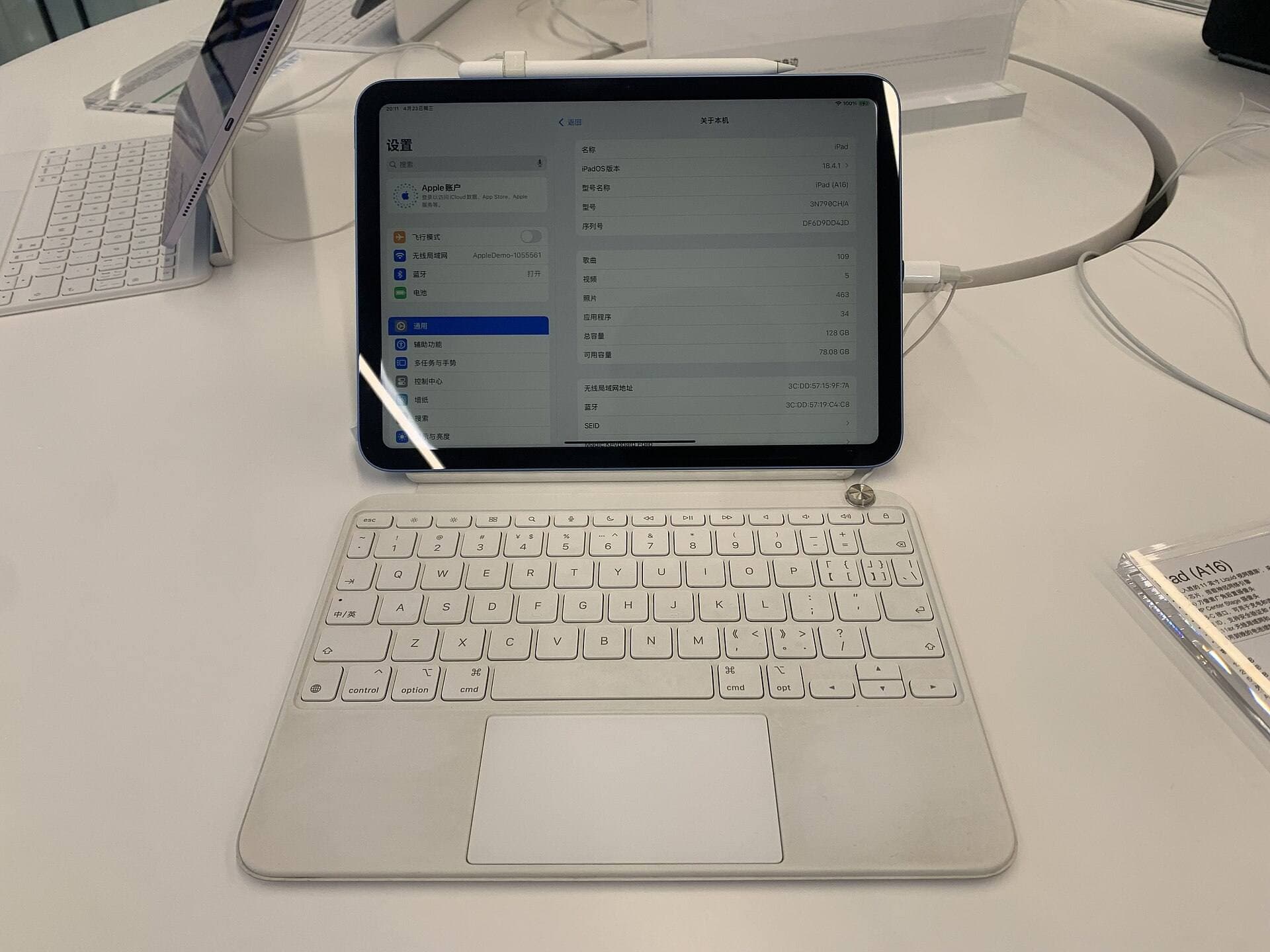
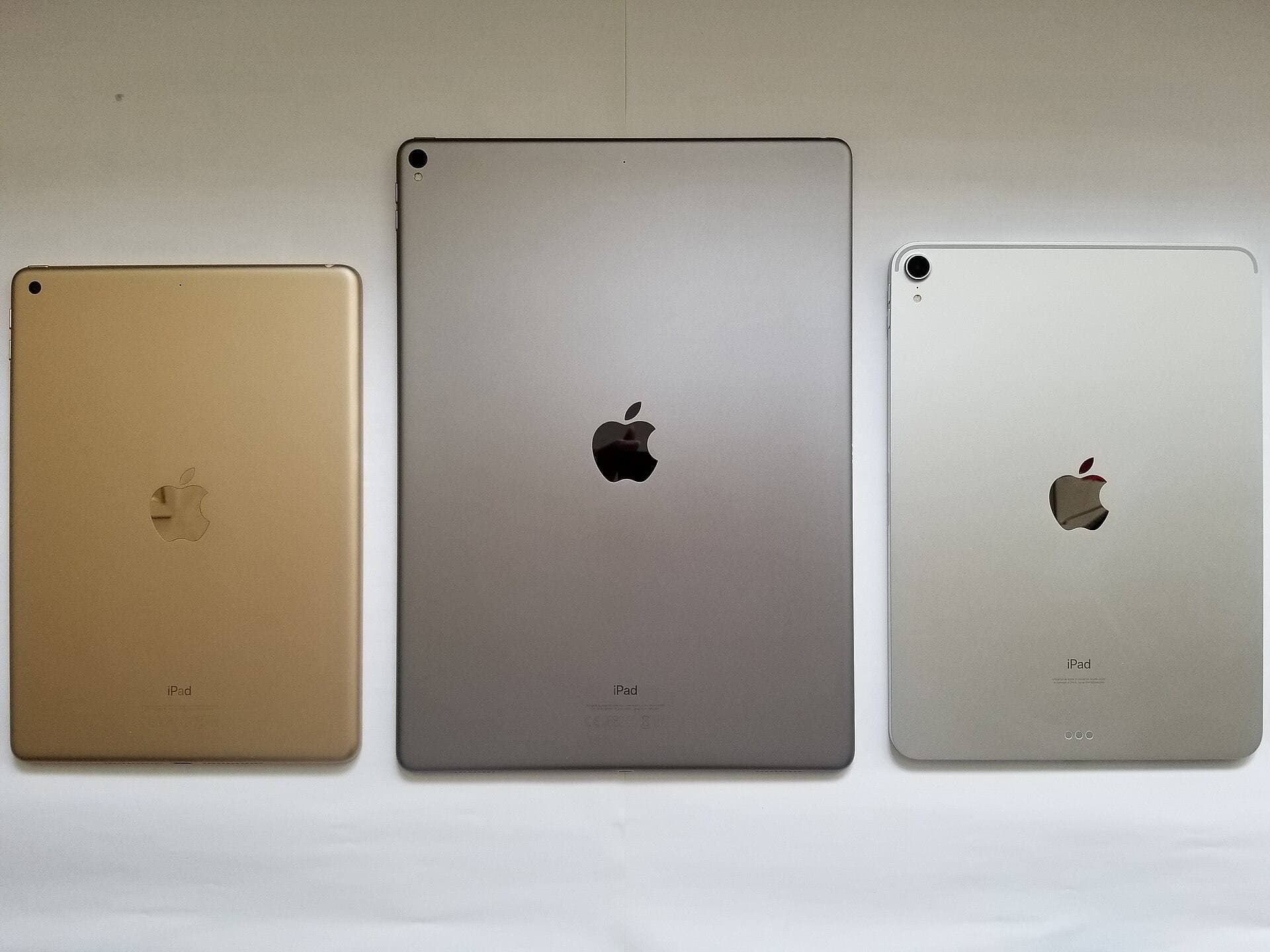
Running CAD applications successfully requires pairing your chosen app with compatible Apple hardware [7], [8]. Apple offers several iPad models, ranging from the base iPad up through iPad Air and iPad Pro options [7]. For most designers, the iPad Air with the M4 chip hits the ideal middle ground [7]. The iPad Air provides M4 processing power, modern display sizing, and full compatibility with Apple Pencil Pro without forcing you into the top tier of tablet pricing [7], [8]. You should pick the iPad Air if you want a dependable setup that balances processing headroom, modern stylus support, and portability [7], [8]. You can skip upgrading to a new iPad Air if your current iPad already runs your necessary CAD viewer or modeling app smoothly [1], [7].
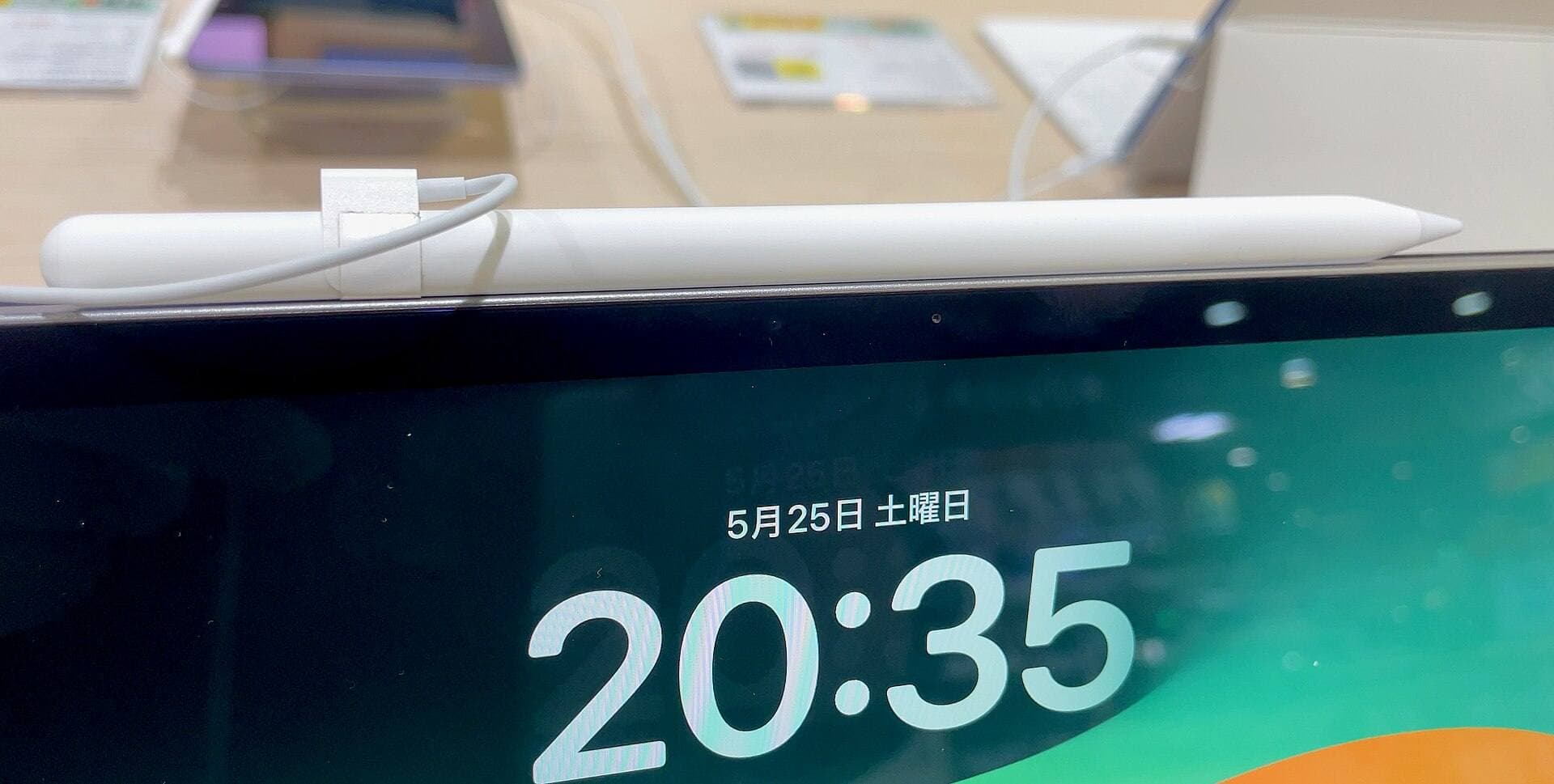
Stylus selection plays a critical role in your tablet drawing experience [8], [9]. According to Apple, Apple Pencil Pro features tool switching via squeeze gestures, barrel roll sensors for rotational orientation, haptic feedback, and Apple Pencil hover [8]. The hover feature displays a digital cursor mark before the tip touches the glass, which assists precision snapping on CAD endpoints [8]. Apple Pencil Pro is compatible with newer iPad models, including the iPad Air with M4 [8], [9]. If your CAD tasks involve snapping lines to microscopic grid intersections, buying Apple Pencil Pro alongside a supported tablet delivers the most control [1], [8]. If you use an older tablet model, verify compatibility through Apple's support documentation before buying accessories, as Apple Pencil Pro does not pair with older legacy iPads [7], [9].
Bottom line
For general 3D mechanical modeling, Shapr 3D CAD modeling is the top iPad recommendation due to its direct solid modeling workflow [1]. For traditional 2D drafting and viewing contractor files, stick with the official AutoCAD app [2]. Teams focused on cloud collaboration should choose Onshape 3D CAD, while concept builders and architects will gain the most flexibility from SketchUp or Morpholio Trace [3], [4], [6]. If you are buying a complete CAD workstation today, pair Shapr 3D with the M4 iPad Air and Apple Pencil Pro to get hover precision and solid modeling support without overspending on flagship hardware [1], [7], [8].
Sources
[1] https://apps.apple.com/us/app/id1091675654 [2] https://apps.apple.com/us/app/id393149734 [3] https://apps.apple.com/us/app/id923421284 [4] https://apps.apple.com/us/app/id796352563 [5] https://apps.apple.com/us/app/id1042246861 [6] https://apps.apple.com/us/app/id547274918 [7] https://www.apple.com/ipad/compare/ [8] https://www.apple.com/apple-pencil/ [9] https://support.apple.com/en-us/108937
Recommended gear
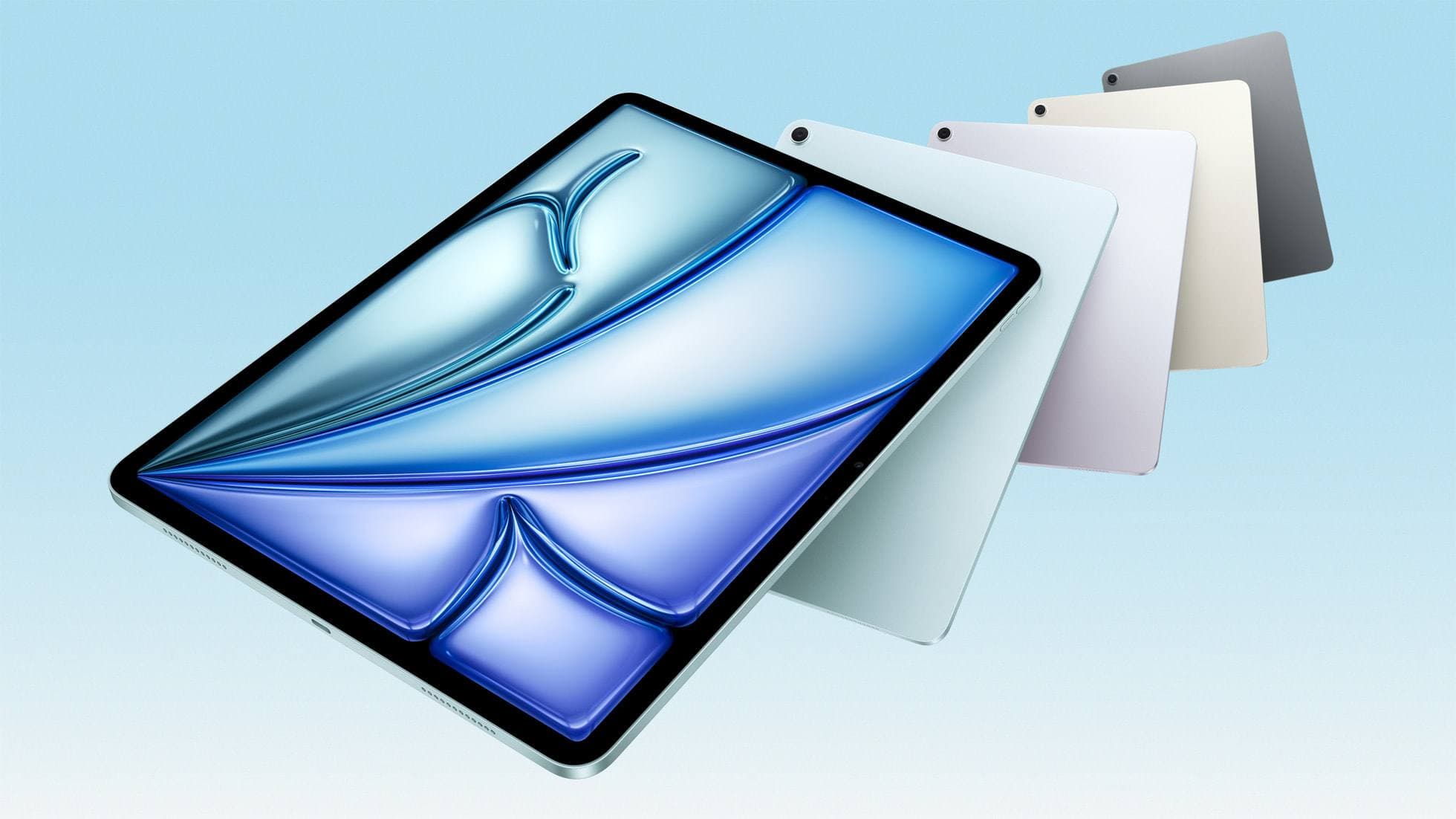
iPad Air (M4)
apple.comThe clean current Air recommendation for most serious hobby artists. Stronger buy logic than old-stock M3 when pricing is close.
Pro: Best current balance of price, headroom, and Pencil support
Con: Still 60Hz
Current Air lineup. Choose size, storage, and keyboard path before checkout.
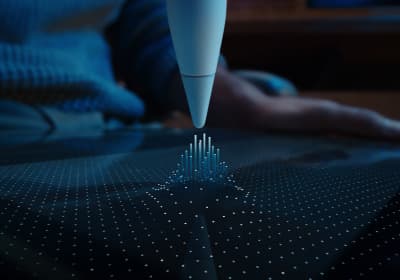
Apple Pencil Pro
amazon.comThe best Apple stylus for serious digital art workflows. Expensive, but the control upgrades are real.
Pro: Best brush-control and hover workflow
Con: Highest price in the lineup
Works only with newer iPad models. Check compatibility.
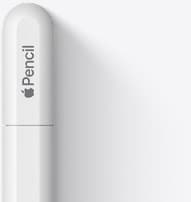
Apple Pencil (USB-C)
amazon.comA practical low-cost Apple stylus with broad compatibility, but limited for advanced art control.
Pro: Lowest official Apple Pencil cost
Con: No pressure sensitivity for brush work
Compatible with many recent iPads. No pressure support.
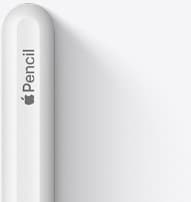
Apple Pencil (2nd generation)
amazon.comStill a strong stylus on compatible iPads. Good pressure control, but compatibility is the main trap.
Pro: Pressure support without Pro pricing
Con: Not compatible with newest Pro-only iPads
Only for iPads that support 2nd generation pairing.
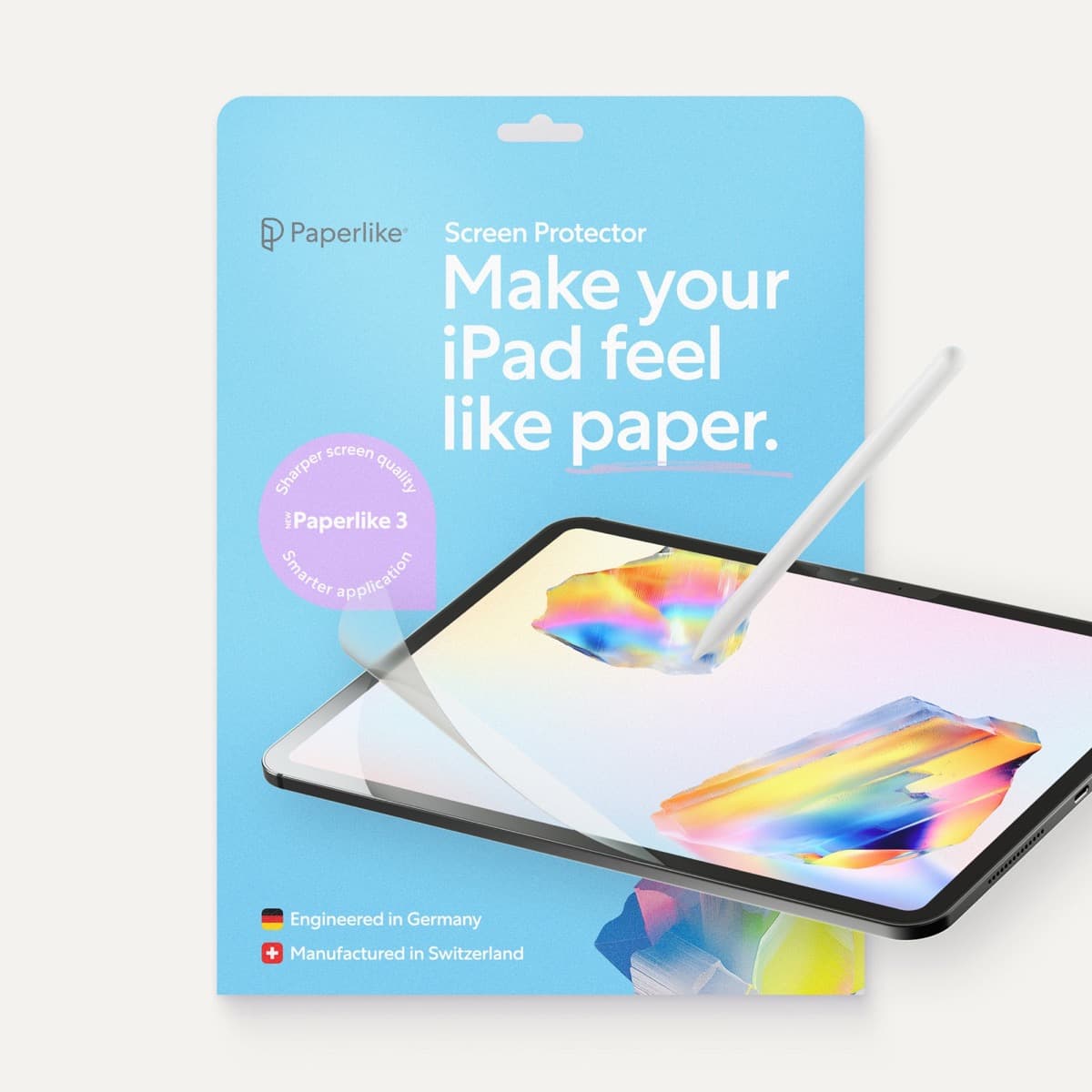
Paperlike 3 (11-inch, 2-pack)
amazon.comA strong surface-feel upgrade for drawing control. Clarity tradeoff is real and should be expected.
Pro: Adds controlled paper-feel friction
Con: Slightly reduces perceived display sharpness
11-inch fit only. Confirm generation before checkout.
Related buying picks
More in this collectionBuyer guide
Best iPad app for UI design: top options compared
Pick the right iPad UI design tool by matching your workflow between dedicated vector layouts, quick pencil wireframes, or desktop handoff.
Buyer guide
Best iPad app for perspective drawing
Clip Studio Paint and Procreate offer distinct approaches to vanishing points, specialized rulers, and architectural sketching on iPad.
Buyer guide
Best iPad app for hand lettering
Procreate remains the best iPad app for hand lettering, paired with dedicated vector options when you need clean outlines.
Buyer guide
Best iPad app for surface pattern design: Procreate versus Clip Studio Paint
Choose Procreate for standalone raster pattern motifs or pick Clip Studio Paint for vector assets and complex pattern tile structures.