
Cables look interchangeable until they fail during real work.
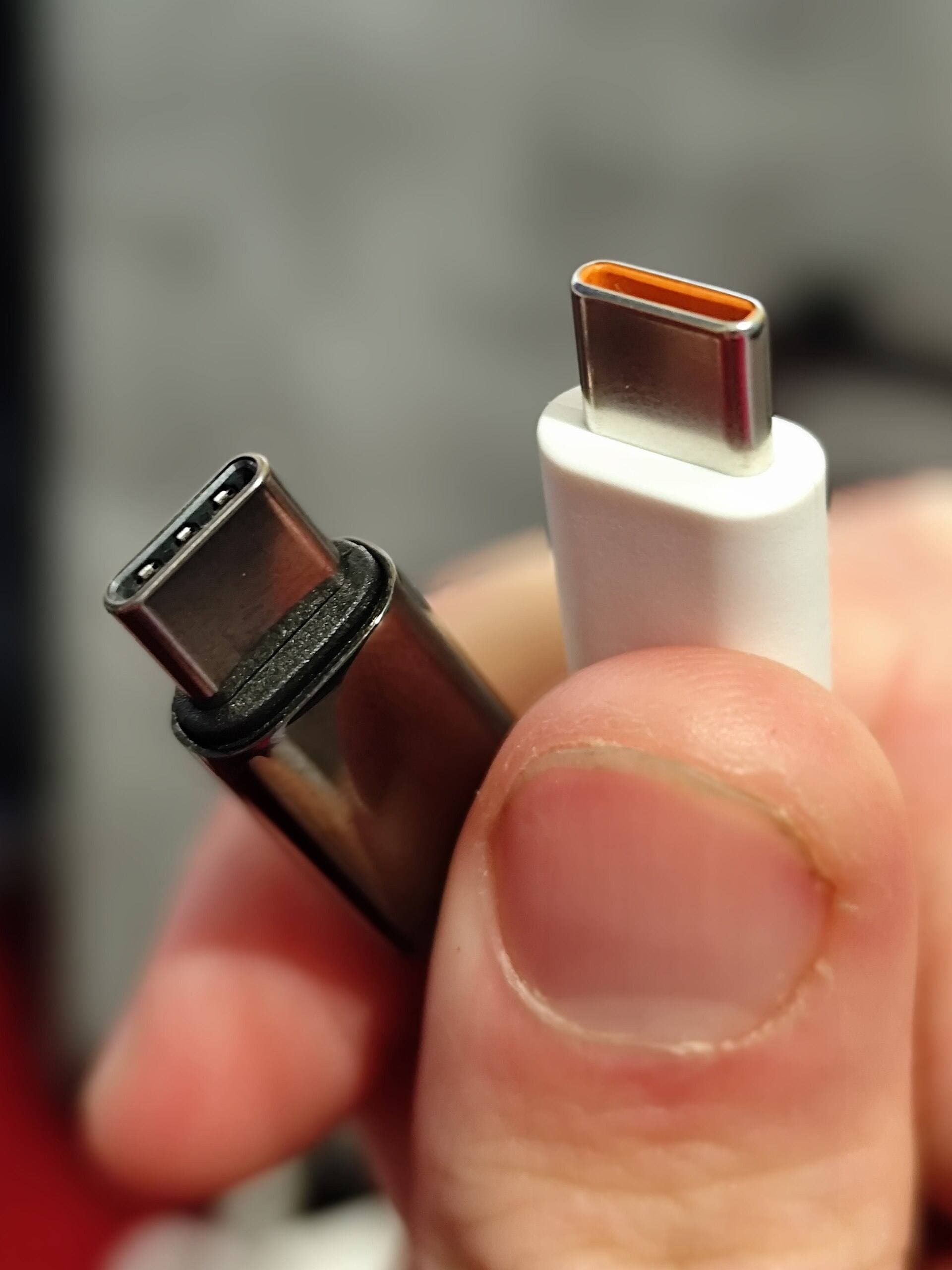
Most iPad artists lose time because they buy USB-C cables by connector shape, not capability. Two cables can look identical but behave completely differently for charging, display output, and SSD transfer. If your workflow includes drawing, hub use, and backups, cable choice is a direct productivity decision.
For hub selection itself, pair this with Best USB-C Hubs for iPad Artists.
The core rule
USB-C is a physical connector, not a guaranteed performance tier.
A cable may be optimized for:
- high charging with limited data,
- stronger data with lower charging tolerance,
- mixed use with compromises,
- or full-featured performance at higher cost.
Use USB-IF references and clear vendor specs to validate claims.[1]
Buy by workflow role, not by marketing label
Most creators should carry two core cable roles and one backup:
- power-first cable for daily charging and desk stability,
- data-first cable for SSD export and transfer reliability,
- travel backup cable to prevent session failure.
Trying to make one cable do everything often causes hidden bottlenecks.
Quick selection table
| Workflow | Minimum target | Typical failure when under-specced |
|---|---|---|
| Daily charging while drawing | stable 60W to 100W from reputable vendor | battery drain during active use |
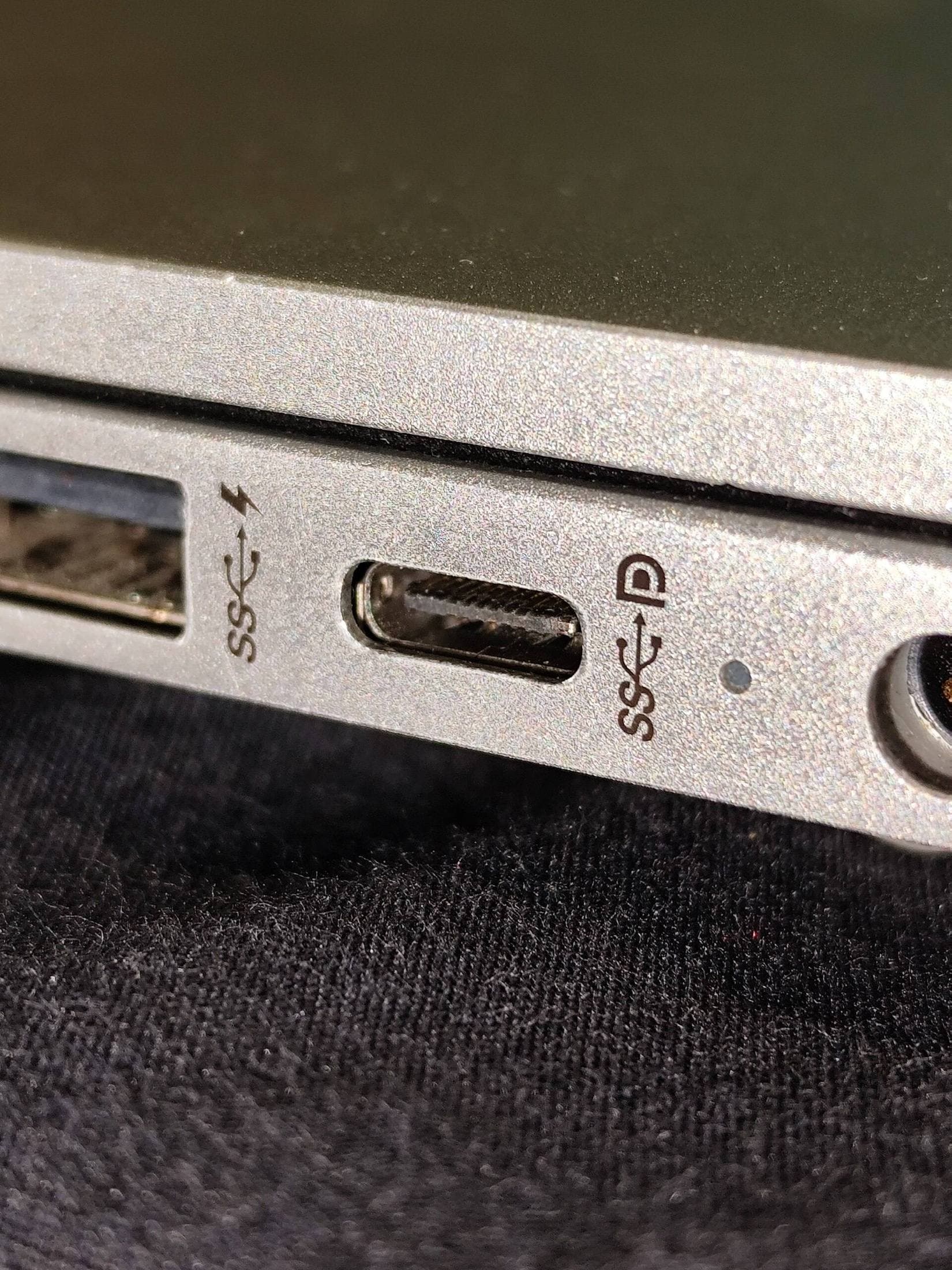
| Hub + display + charging | documented display support + pass-through behavior | flicker, disconnect, or renegotiation |
| SSD backup and export | documented high-speed data support | unexpectedly slow transfers |
| Travel and mobile sessions | durable connectors + strain relief | intermittent charging after wear |
Use this table as a first pass, then validate with your own setup.
Cable role 1: daily charging cable
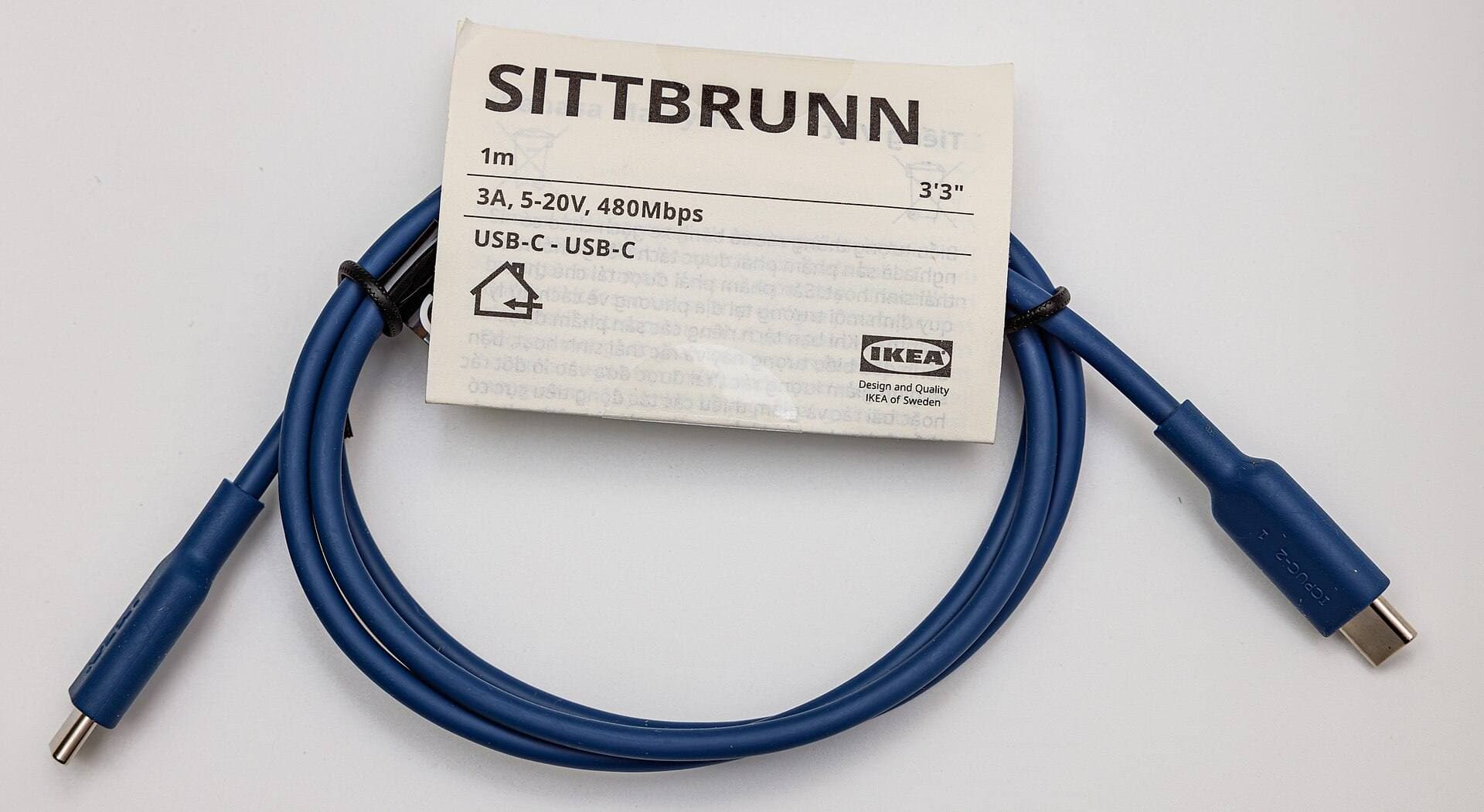
This is the cable you use most, so durability and connection consistency matter more than headline specs.
What to prioritize:
- connector fit consistency,
- low heat under sustained use,
- cable jacket durability,
- practical length for your desk layout.
If this cable is unstable, your entire workflow feels unstable.
Cable role 2: data-first cable for exports
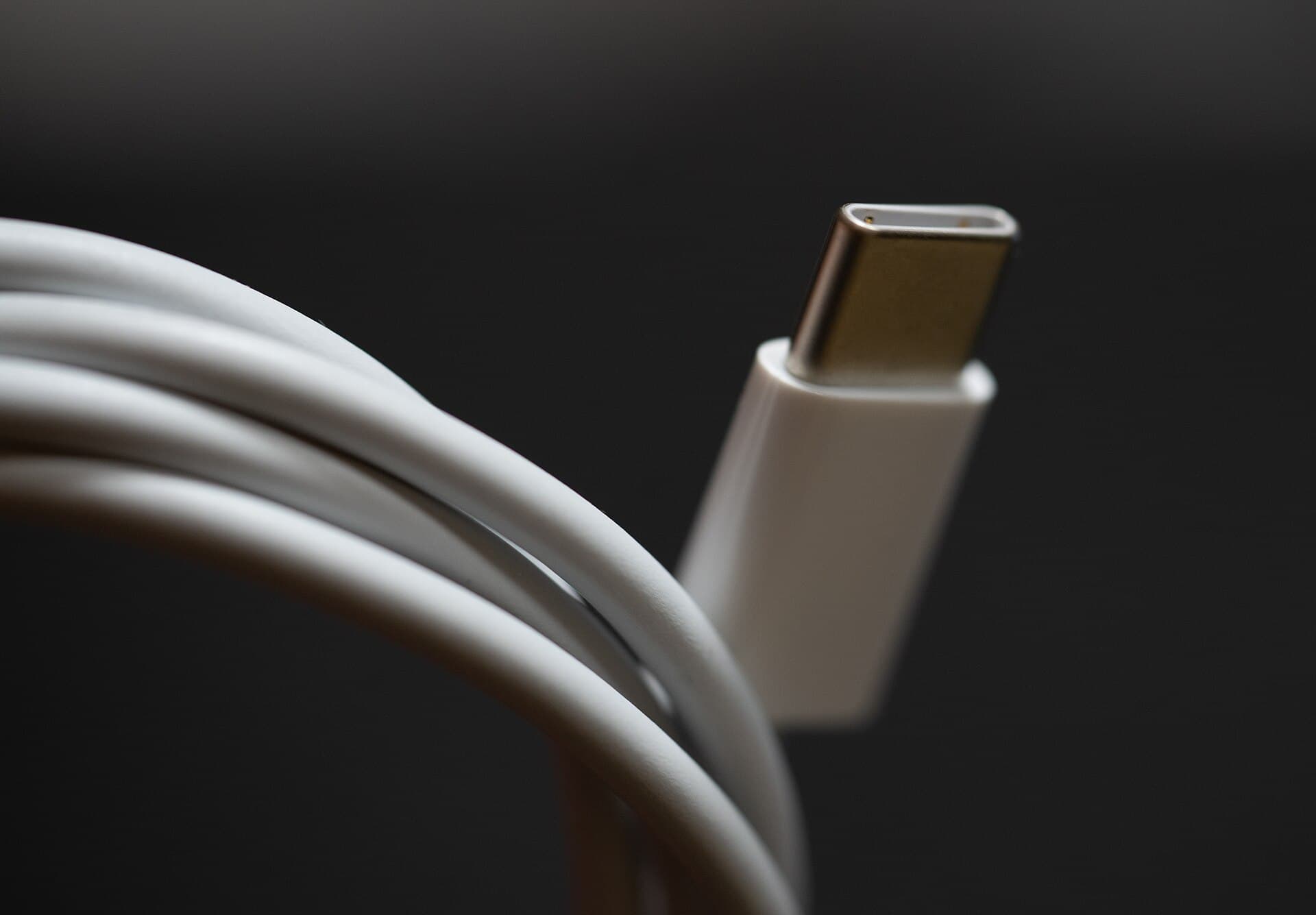
A data cable should be treated as production infrastructure, not generic spare.
Use it for:
- exporting large canvases,
- backup to portable SSD,
- moving project archives,
- recovery and migration tasks.
Label this cable and keep it separate from charging-only cables. Mixing roles causes confusion and performance variability.
Cable role 3: travel backup cable
Travel failures often come from one worn primary cable with no backup.
Your backup cable should be:
- tested before trip day,
- stored in a fixed pouch location,
- used occasionally to confirm it still works under load.
A tested spare prevents full-session outages.
Practical picks
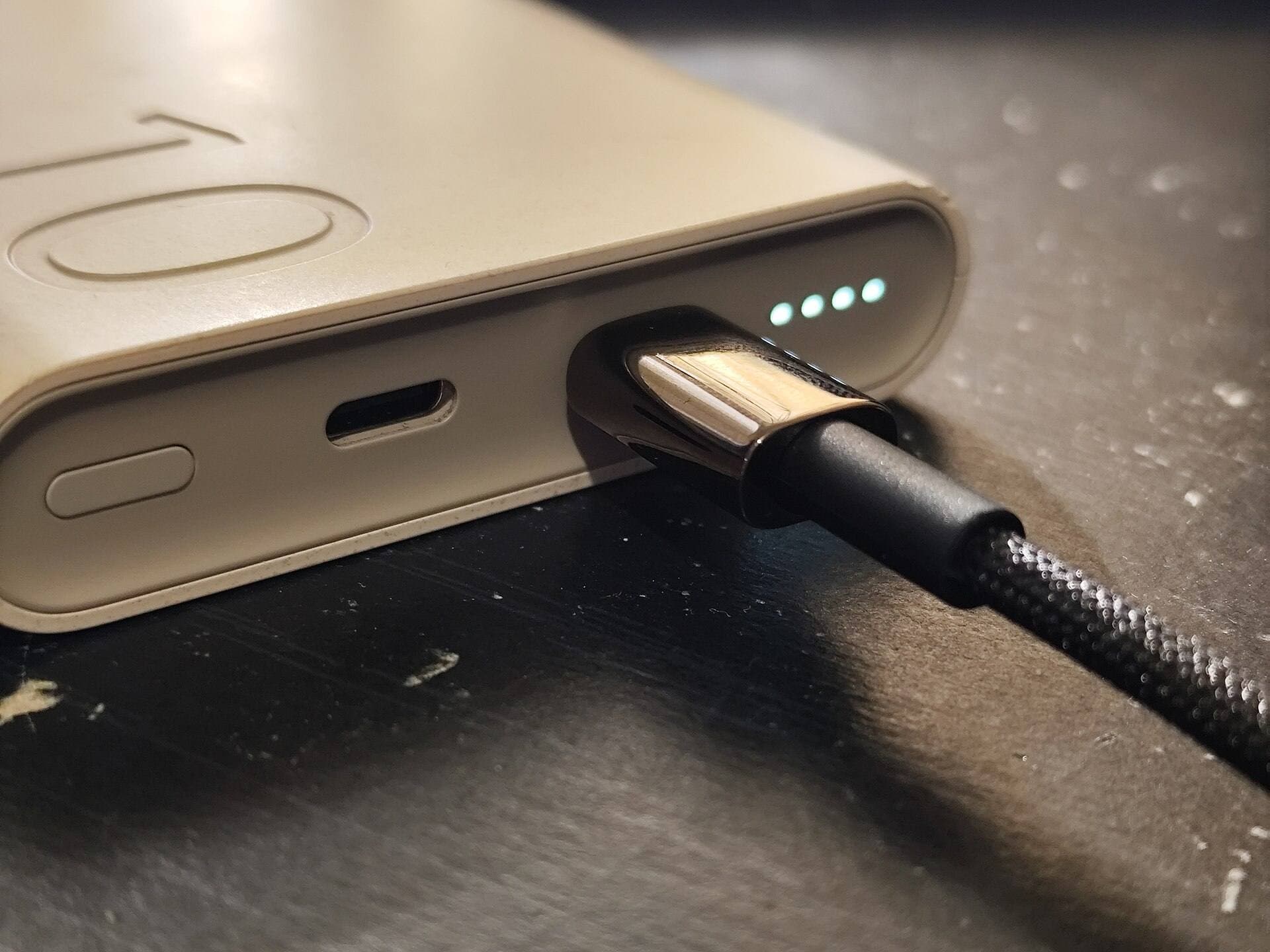
Anker USB-C to USB-C Cable (240W)
Good option for high charging headroom and broad daily utility.
Apple USB-C Charge Cable (1m)
Useful baseline cable for reliable charging and basic sync workflows.
SanDisk Extreme Portable SSD
Not a cable, but an effective validation target for real-world transfer stability and backup speed.
How to validate a cable in 15 minutes
Run this test before trusting any cable for paid work:
- Start iPad near mid battery and draw for 20 minutes while charging.
- Export a large project to SSD and watch transfer consistency.
- If you use a hub and monitor, test display plus charging together.
- Wiggle connector gently during load to expose intermittent faults.
If behavior is inconsistent, retire the cable from production use.
Length strategy that reduces friction
Cable length should match location and task:
- 1m for tidy desk routing and lower tangling,
- 2m for awkward outlet placement in cafes and hotels,
- short backup cable for compact travel pouch.
Longer is not always better. Excess slack can increase wear and table drag.
Heat and reliability behavior
Heat is a warning signal.
If a cable becomes unusually warm during normal charging, inspect and replace sooner. Heat can indicate stress at connectors or internal resistance issues that eventually cause unstable performance.
Routine checks:
- inspect connector tips weekly,
- check for kinks near strain points,
- retire cables with intermittent behavior immediately.
Common mistakes
Mistake 1: buying by connector alone
USB-C shape does not guarantee power or data capability.
Mistake 2: one cable for every role
Single-cable workflows break as soon as one link fails or underperforms.
Mistake 3: no role labeling
Unlabeled cables get mixed, making troubleshooting harder and slower.
Mistake 4: trusting new cable without stress test
Even reputable cables should be validated in your real setup.
Mistake 5: keeping failing cables too long
Intermittent disconnects waste more time than replacement cost.
Suggested cable kit by user type
Beginner artist
- one reliable charging cable,
- one backup cable.
Keep setup simple and stable.
Intermediate creator with SSD workflow
- one charging-first cable,
- one data-first cable,
- one backup cable.
This is the practical sweet spot for most users.
Travel-heavy professional
- one desk cable,
- one travel cable,
- one dedicated data cable,
- one tested compact backup.
This reduces risk across changing work environments.
30-day cable management policy
Week 1
Assign roles to each cable and label them.
Week 2
Run full transfer and charging tests on all active cables.
Week 3
Retire or downgrade any cable showing intermittent behavior.
Week 4
Lock pouch and desk placement so cable retrieval is automatic.
This routine prevents most cable-related downtime.
Bottom line
The best USB-C cable setup for iPad artists is a role-based system, not a single universal cable.
Keep one strong daily charging cable, one dedicated data cable for exports and backups, and one tested travel backup. Label each cable by function and replace early at first instability. That approach protects session continuity, export reliability, and long-term workflow confidence.
Sources
Recommended gear
Anker USB-C to USB-C Cable (240W)
amazon.comPro: High power headroom for charging and dock use
Con: Not every 240W cable supports high data rates
Confirm required wattage and data speed before checkout.
Apple USB-C Charge Cable (1m)
apple.comPro: Consistent Apple compatibility
Con: Shorter length than many desk setups need
Good baseline cable for charging and simple data sync.
SanDisk Extreme Portable SSD
amazon.comPro: Rugged and compact
Con: Can run hot under heavy copy
Good for large Procreate backup workflows.
iPad (A16, 11th gen)
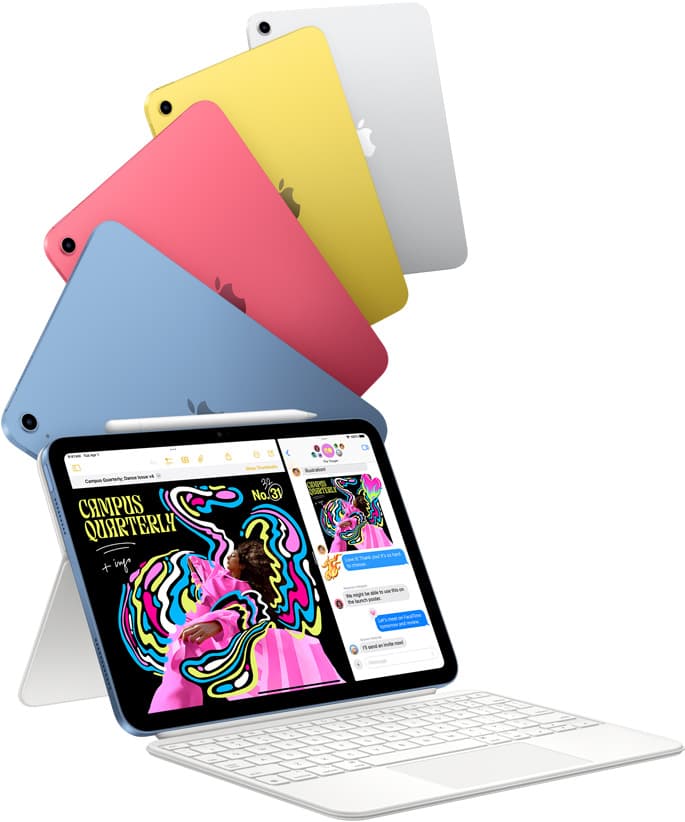
amazon.comThe best entry iPad for most artists on a budget. It is not premium, but it is very hard to beat on value.
Pro: Best value iPad right now
Con: No ProMotion display
Search opens with the exact model keywords. Verify size and storage before checkout.
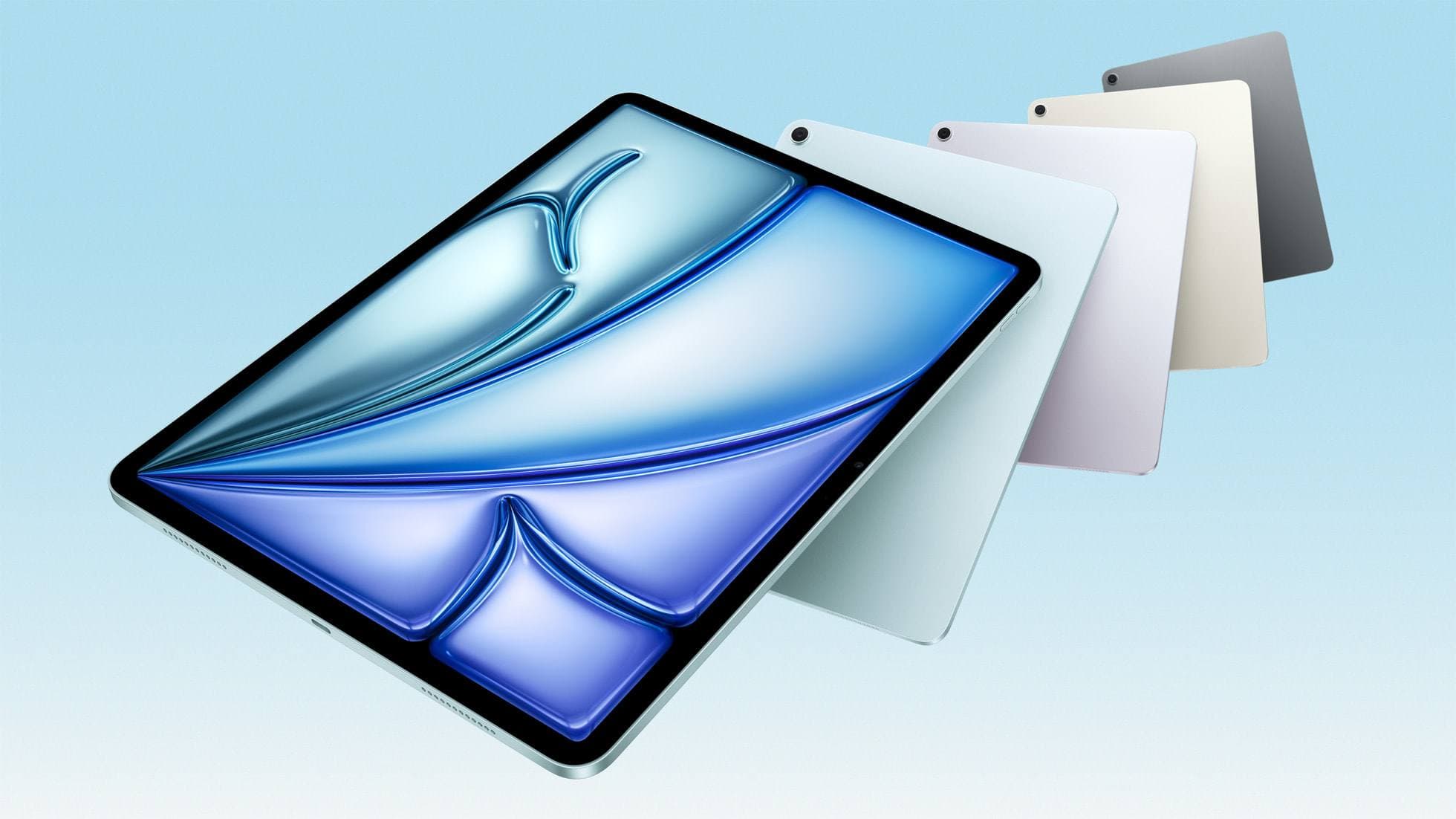
iPad Air (M4)
apple.comThe clean current Air recommendation for most serious hobby artists. Stronger buy logic than old-stock M3 when pricing is close.
Pro: Best current balance of price, headroom, and Pencil support
Con: Still 60Hz
Current Air lineup. Choose size, storage, and keyboard path before checkout.
Related buying picks
More in this collectionBuyer guide
Portable iPad Keyboard Travel Kit (2026): Write, Sketch, Pack Fast
How to build a portable iPad writing and sketch kit for cafes and transit, including keyboard format choices, setup flow, and compatibility checks.
Buyer guide
Travel Charging Setup for iPad Artists (2026): One-Bag Power Kit
A travel charging setup works when charger, power bank, and cables have fixed roles and you run the same simple routine at airports, hotels, and cafes.
Buyer guide
Best SD and microSD Card Readers for iPad Creators (2026)
Card reader speed on iPad depends on card bus, reader bus, and iPad port limits. Buy for your actual ingest workflow, not label hype.
Buyer guide
Best USB-C Hubs for iPad Artists (2026): Ports, Power, and Display Stability
The best USB-C hub for iPad art work is the one that keeps power and display stable while handling your real accessory stack.