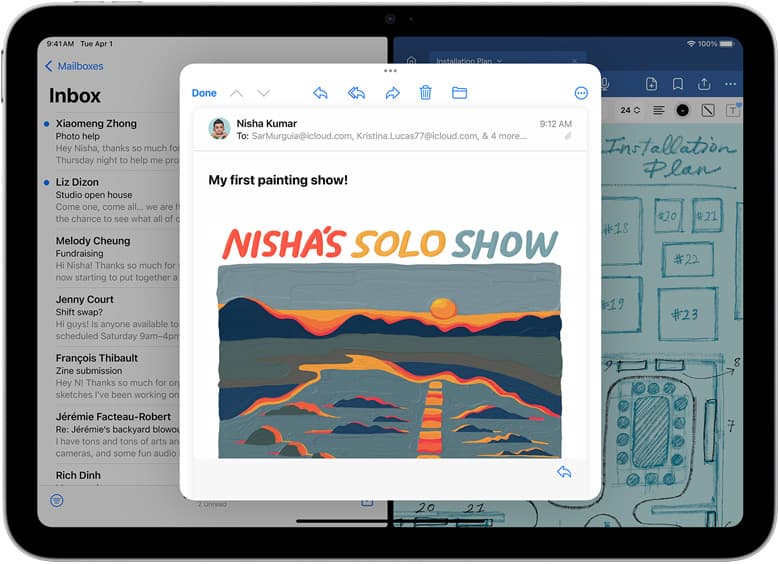
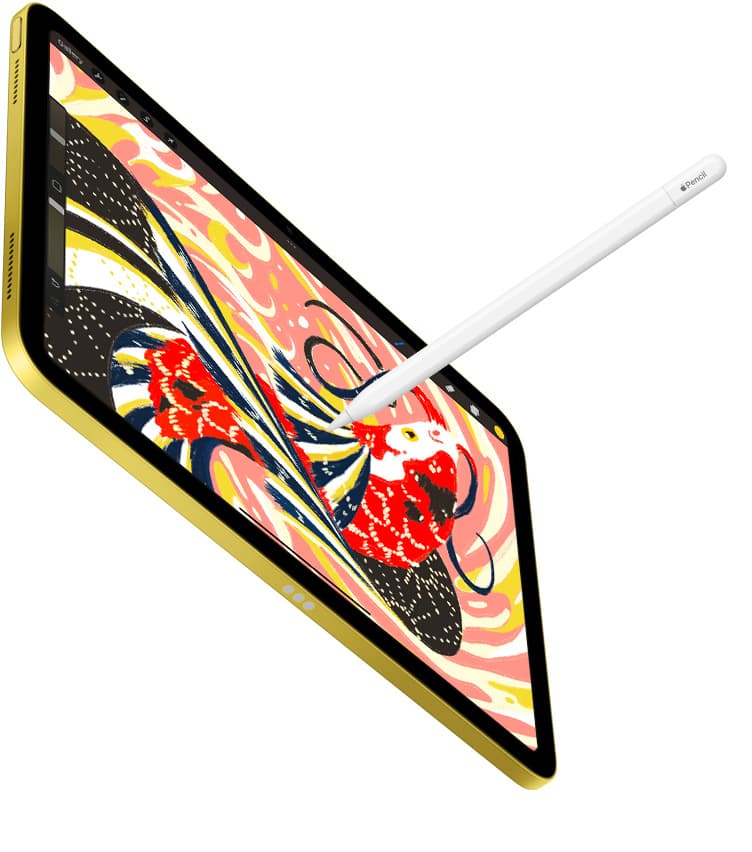
If you draw for long sessions, charging speed is workflow quality.
A charger that looks fast on paper can still feel slow if it drops output when a second device is connected, runs hot, or negotiates power inconsistently.
Quick buy rules
- If you use iPad Pro and want fast top-ups, buy a charger with at least one USB-C port that can deliver 60W by itself.[1]
- If you charge iPad plus phone together, buy by split table, not total wattage. A good 65W or 100W charger is only good if iPad still gets enough power when the second port is active.[2][3]
- If you draw while plugged in, thermals matter. A cooler charger plus airflow behind the iPad gives more consistent charging behavior.[4][5]
Why most charger specs confuse people
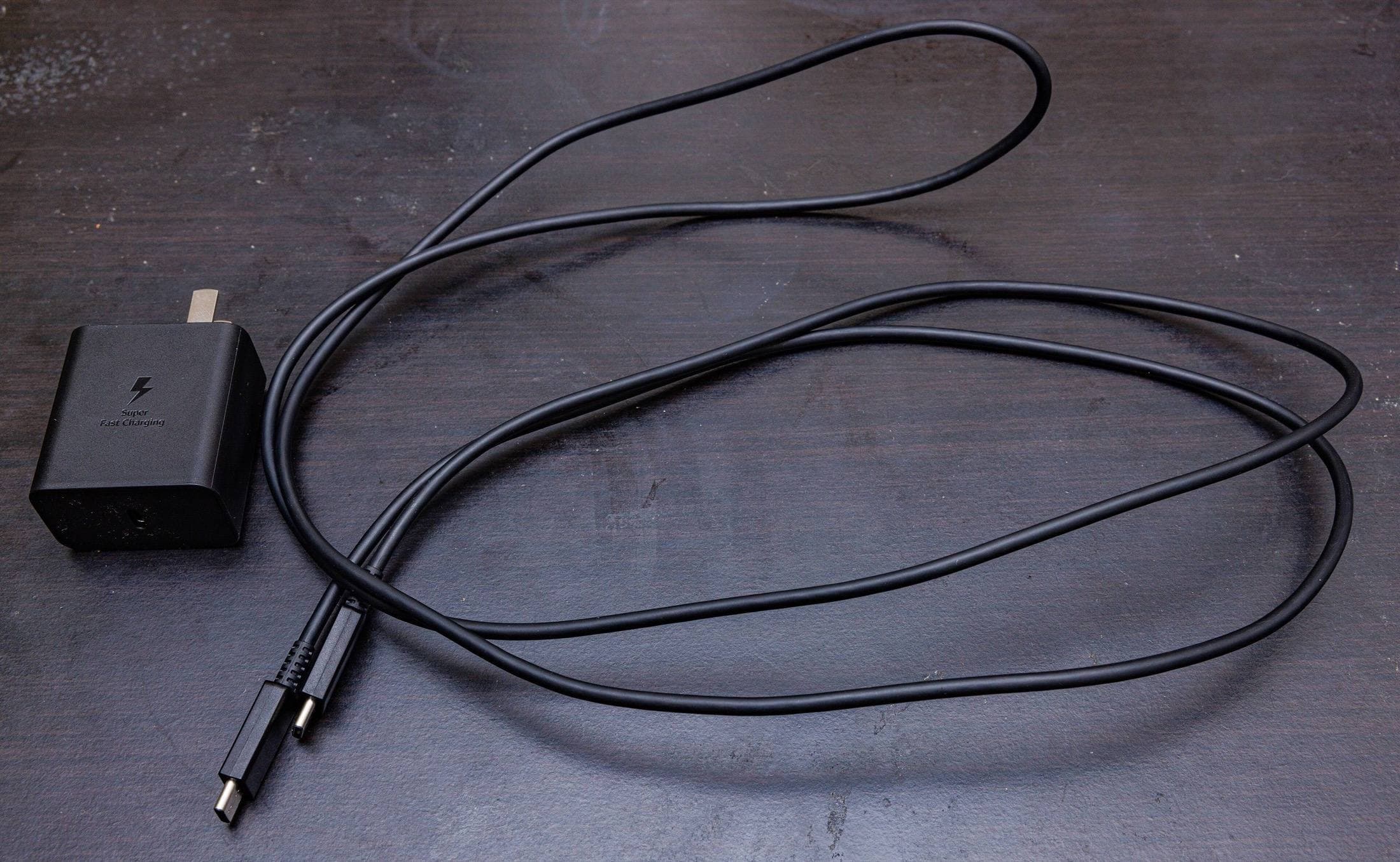
Most listings emphasize "65W" or "100W" and hide the details that affect real use.
What actually matters:
- USB-C Power Delivery support; a USB-C connector alone does not promise it.[6]
- Per-port voltage and current profiles (for example, 20V x 3A).
- Multi-port split behavior.
- Cable quality and cable length.
A strong charger has a clear table for one-port and two-port output modes. If there is no table, skip it.
Practical wattage targets for iPad artists
iPad Pro users
Apple documents a 60W class requirement for fast charging behavior on current iPad Pro models.[1]
For buying, this means:
- Minimum: one USB-C port that can provide 60W alone.
- Better: 65W to 100W class adapter with explicit split rules.
- Best for mixed use: 100W class adapter that still leaves iPad at 60W when phone or accessories are charging.
iPad Air, iPad mini, and base iPad users
You still benefit from quality chargers, but you usually do not need extreme wattage. A well-built 30W to 65W charger is enough for most art workflows and travel setups.[7][8]
Heat is the hidden speed limit
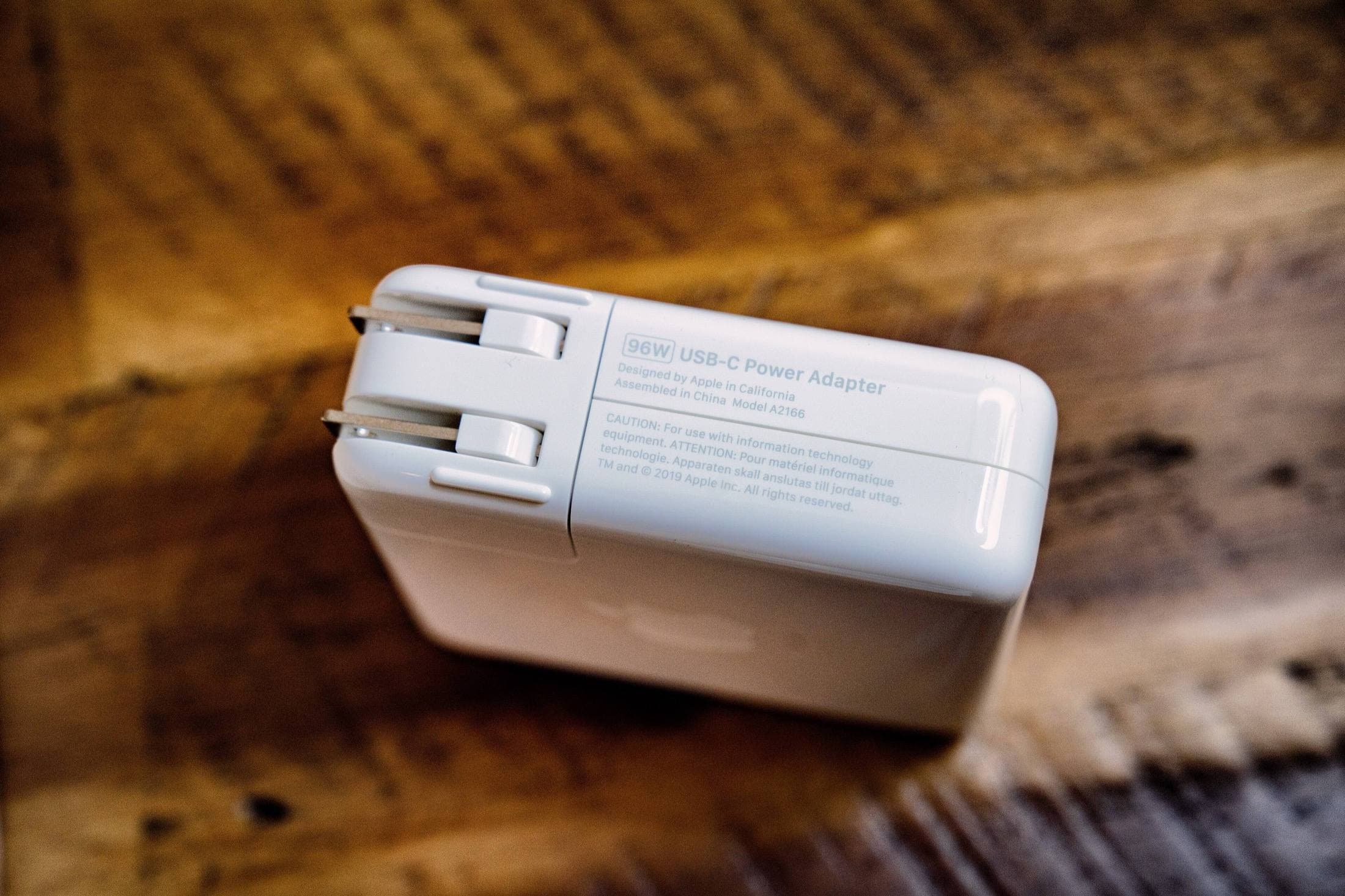
Charging speed is not only a wattage problem. It is also a temperature problem.
As device temperature rises, charging systems reduce input power to protect battery health. Apple documents this behavior across iPad charging and operating ranges.[4][5]
For artists, this happens often because:
- screen brightness stays high
- export or rendering spikes CPU and GPU load
- iPad is in a folio or soft surface that traps heat
Simple fix:
- keep the iPad on a stand or hard desk surface while charging
- remove heavy case during long charging windows
- avoid direct sunlight near windows
Multi-port chargers and real workflow stability
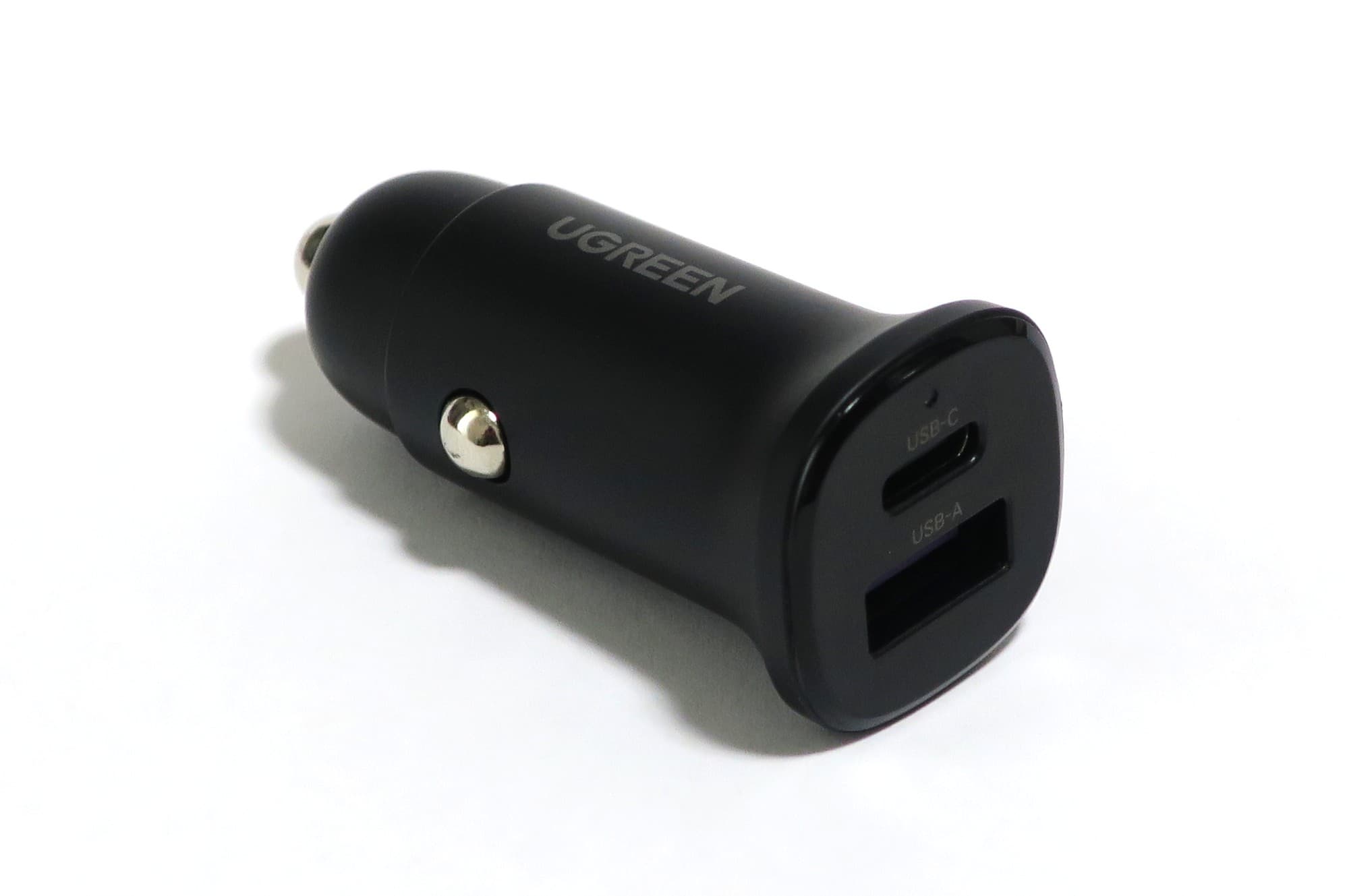
The main failure pattern is this: charger says "100W," user plugs in iPad and phone, iPad charge rate falls sharply.
That is normal for many models. Total output is shared.
Before buying, look for explicit split examples, such as:
- Port C1 alone: high output
- Port C1 plus C2: lower output on each
If that table is missing, treat the listing as unverified.
Cable choices that avoid fake bottlenecks
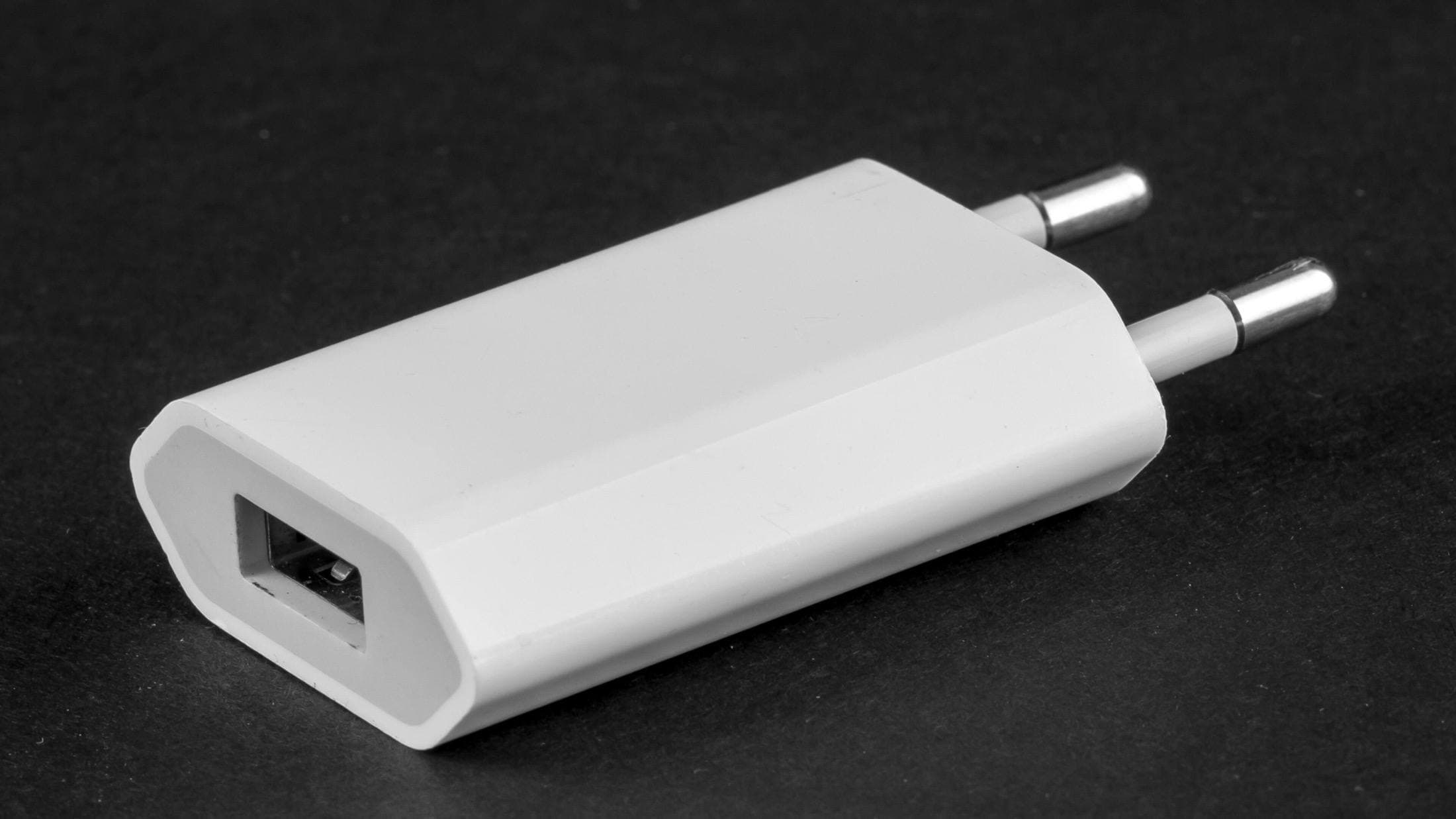
A poor cable can cancel out a good charger.
Use a cable that clearly states USB-C PD support and the power level you need. For desk drawing, keeping one 2m cable and one short travel cable avoids cable stress and charging interruptions.
Also separate goals:
- charging cable for power reliability
- high-speed data cable for SSD transfers
Do not assume one cable does both at top tier.
Recommended setup by use case
Minimal desk setup
- one reliable 65W charger
- one 2m USB-C cable
- one short spare cable
Heavy iPad Pro plus phone setup
- one 100W class multi-port charger with clear split table
- one primary iPad cable
- one secondary phone cable
Travel setup
- one charger with broad input voltage support
- one compact cable pouch
- one backup cable
Final decision policy
Buy the charger that is most boring in daily use.
If charging remains stable when you draw, export, and charge a second device, you picked correctly.
Chasing max watt numbers without split and thermal details usually costs more and performs worse.
<!-- depth-pass-v1 -->Practical decision framework
If you are buying for Best USB-C Chargers for iPad Artists (2026): Wattage, Heat, and Real Speed, use this sequence: define your weekly use, pick the minimum gear that removes the bottleneck, then hold the setup steady for two weeks before buying anything else. This avoids high-cost accessory churn and keeps your spend tied to actual output. For iPad artists choosing one charger for desk and travel use., this usually means testing anker-736-nano-ii-100w, ugreen-nexode-65w, and apple-96w-usbc-power-adapter in real sessions before adding new parts.
Budget protection rules
Use clear rules so your cart stays profitable:
- Buy only for a repeated bottleneck, not a theoretical one.
- Keep one primary setup and one backup path, not three competing versions.
- Replace unstable components quickly; do not normalize intermittent behavior.
- Track what you used in the last two weeks and remove dead-weight gear.
These rules improve conversion quality because they align purchases with real use and reduce return-risk behavior.
14-day implementation plan
Days 1 to 4
Run your baseline setup and log the top three friction points.
Days 5 to 8
Apply one targeted fix and keep all other variables unchanged.
Days 9 to 11
Stress test in your real environment (desk, travel, and one public workspace).
Days 12 to 14
Lock the setup if friction is reduced and remove any accessory that did not materially help.
Common purchase traps
Trap 1: Buying by specification anxiety
Fix: buy for your current weekly workload and delay upgrades until constraints repeat.
Trap 2: Overpacking accessories
Fix: keep only items that save time at least three times per week.
Trap 3: No maintenance policy
Fix: do a weekly reliability check on cables, charging behavior, and attachment points.
Trap 4: Changing too many things at once
Fix: test one upgrade at a time so results stay measurable.
Sources
Recommended gear
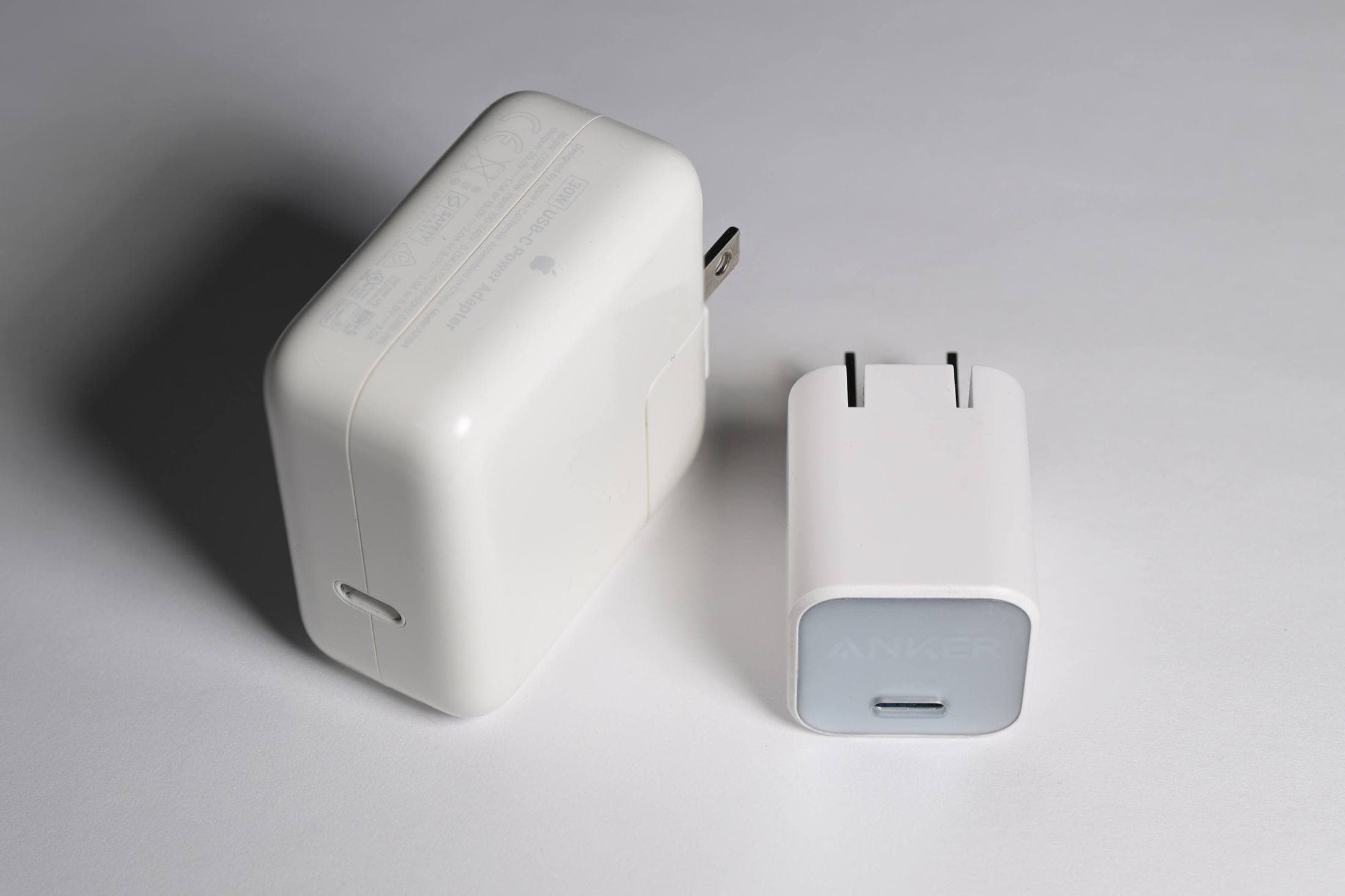
Anker 736 Charger (Nano II 100W)
amazon.comA practical multi-device charging brick for iPad workflows. Great utility, with expected port-sharing tradeoffs.
Pro: Strong multi-device travel charging profile
Con: Larger than compact 65W bricks
Check per-port split table before buying, not only max total wattage.
UGREEN Nexode 65W USB-C Charger
amazon.comPro: Compact size with useful multi-port output
Con: May drop port wattage more aggressively under load
Good balance for iPad plus phone in one outlet.
Apple 96W USB-C Power Adapter
apple.comPro: Predictable output and Apple ecosystem reliability
Con: No multi-port flexibility
Single-port adapter. Pair with quality USB-C cable for iPad Pro fast charging.
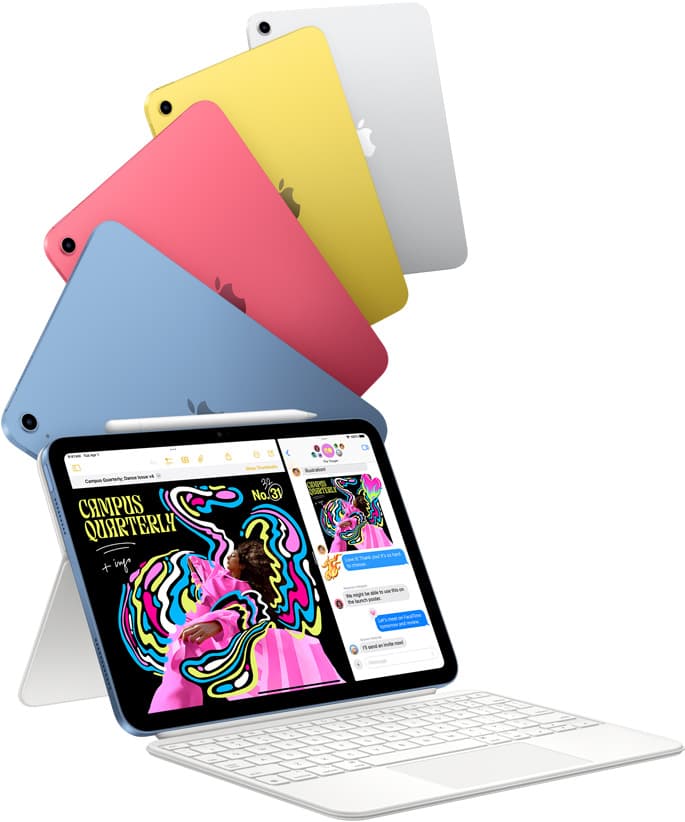
iPad (A16, 11th gen)
amazon.comThe best entry iPad for most artists on a budget. It is not premium, but it is very hard to beat on value.
Pro: Best value iPad right now
Con: No ProMotion display
Search opens with the exact model keywords. Verify size and storage before checkout.
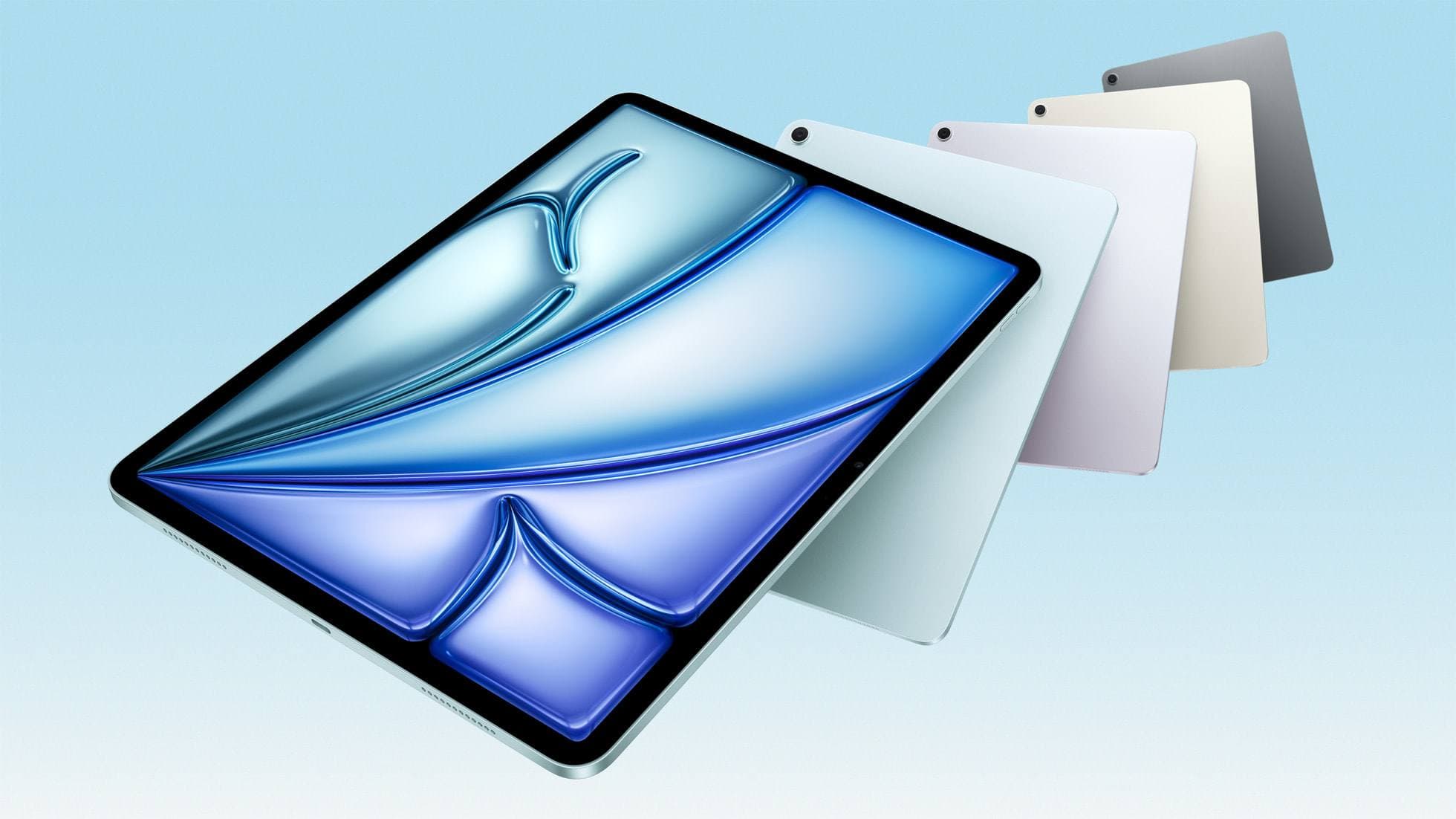
iPad Air (M4)
apple.comThe clean current Air recommendation for most serious hobby artists. Stronger buy logic than old-stock M3 when pricing is close.
Pro: Best current balance of price, headroom, and Pencil support
Con: Still 60Hz
Current Air lineup. Choose size, storage, and keyboard path before checkout.
Related buying picks
More in this collectionBuyer guide
Best iPad mini Accessory Bundle for Drawing (2026)
iPad mini is strongest when you keep the setup light. This buyer guide picks three pieces that add utility without killing portability.
Buyer guide
Best iPad Cases for Artists (2026): Protection, Weight, and Draw-Angle Tradeoffs
The right iPad case for art is a balance between corner protection, bag weight, and a stand angle that does not wobble while you draw.
Buyer guide
Best Travel Power Kit for iPad Artists (2026 Buyer Guide)
Pack one three-piece travel charging kit for iPad drawing: a 100W wall charger, a high-output power bank, and a 2m USB-C cable.
Buyer guide
Best iPad Air Accessory Bundle for Artists (2026)
If you already chose iPad Air, this is the highest-ROI accessory stack for drawing, writing, and portable work.