If you plan to animate with an iPad, buy the Twelve South HoverBar Duo [1]. It includes both a weighted desktop base and a clamp in the box, and Apple says it holds iPad in a variety of positions, heights, and angles [1]. Apple doesn't mention stop motion or a straight-down overhead shot, so test your angle with your own iPad before you build a shoot around it [1]. When you animate using software such as Stop Motion Studio, framing depends on where the iPad's camera sits [2]. Skip folding cases if you need the camera raised above your work surface [7], [8].
Camera angle freedom and why standard folios fail
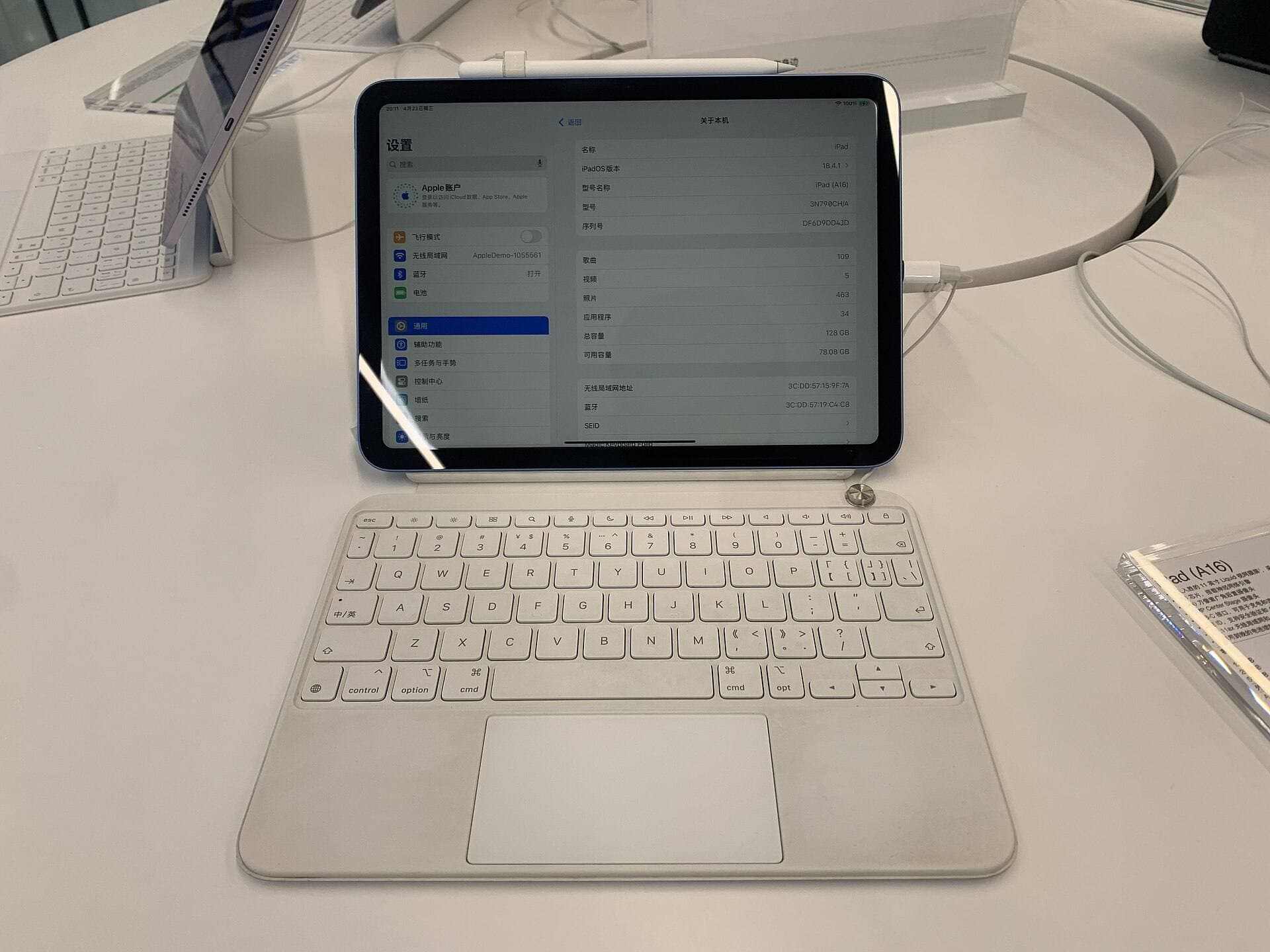
Stop motion animation relies on taking photos frame by frame while the camera stays still, and Stop Motion Studio's onion skinning exists to keep those frames aligned [2]. Tablet folios fold into reading or typing positions. That works fine for answering email, but it's a problem when you build a miniature set on a table, because the camera ends up looking across the table rather than down at it [7], [8].
In addition, standard folios lack independent height adjustments. They rest flat on the table, meaning you cannot raise the lens without stacking books or boxes beneath the tablet. That sort of makeshift tower is precarious during an animation session in Stop Motion Studio [2]. When you touch the screen to capture a frame or review a timeline, an unstable stack shifts easily [2]. An adjustable stand holding the iPad in a variety of positions and heights eliminates the need for makeshift risers on your work table [1].
If you only need to sketch character turnarounds or draw storyboards, a flat folio or simple wedge is practical. But when the iPad itself is the camera rig for capture, static viewing angles work against you [1], [2]. You need a mount that separates the iPad from the tabletop surface entirely so your scene can occupy the space beneath the lens [1].
Twelve South HoverBar Duo: clamp versus desktop base
The Twelve South HoverBar Duo stands out because it bundles two mounting methods in one package [1]. In the box, you get a weighted desktop base and a clamp [1]. Apple describes using the clamp to hold iPad above a kitchen counter, keeping the surface below clear [1]. The weighted base lets you set the stand anywhere on a flat desk when there's nothing to clamp onto [1]. The listing gives no clamp opening size, so measure your table edge before you order [1].
This two-in-one setup answers the biggest problem in tabletop stop motion, which is staging. If the clamp fits your table, the arm can hold the iPad near your miniature set without stand legs getting into your lighting or characters [1]. Apple says the HoverBar Duo holds iPad in a variety of positions, heights, and angles, but it never promises a straight-down shot or says how steady the arm stays, so confirm both before your return window closes [1].
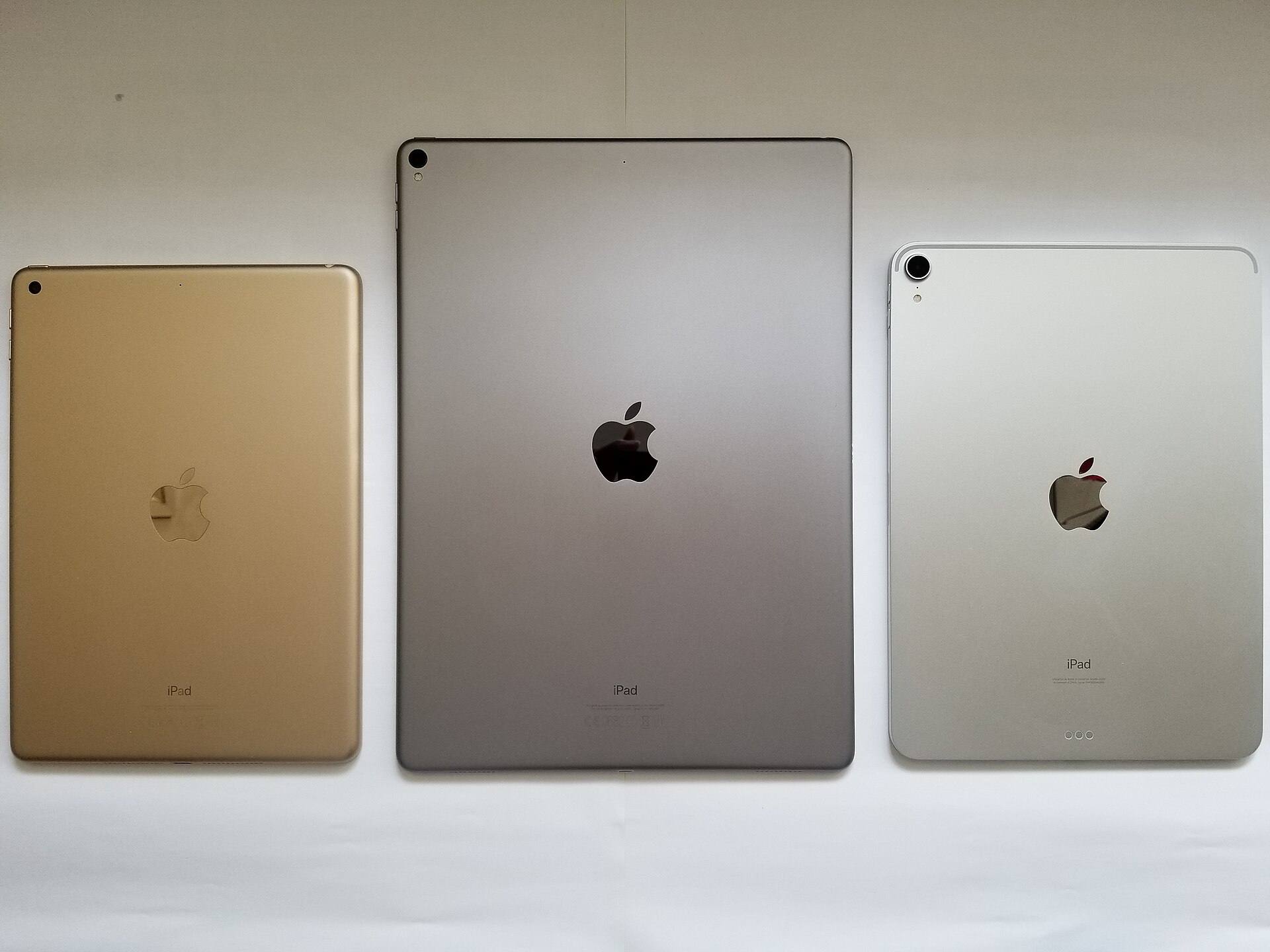
Who should buy the HoverBar Duo? Anyone using an iPad mini, standard iPad, iPad Air, or iPad Pro to film frame-by-frame animation on a dedicated desk or tabletop [1]. The mount is listed by Apple for all of those product families, making it widely compatible across current and past models [1], [3].
Who should skip it? Digital painters who want a surface to lean on while drawing should look elsewhere, because an arm isn't a drawing surface [1]. For filming, Stop Motion Studio lists using an Apple Watch or another device as a remote camera, which lets you capture frames without touching the iPad on the arm [2].
Kickstands and folios when you need a portable backup
Not every animator works at a permanent desk. Sometimes you need a setup that travels inside a backpack for quick tests. In those cases, you might look at a hybrid case like the Logitech Combo Touch or a light folio like the MOFT Float Folio for 11-inch iPad Air [7], [8].
The Logitech Combo Touch includes a flexible kickstand paired with a detachable keyboard [8]. It's a strong choice when you use one iPad for scriptwriting, planning, and travel. For stop motion capture, though, a kickstand still keeps the iPad on the table surface, so you can't raise the camera above a tabletop set. Buy the Combo Touch if your priority is typing and everyday protection, but don't rely on it as your main camera rig [8].
Apple's listing calls the MOFT Float Folio a light, eye-level folio, and it's shown with a detachable Apple Pencil holder [7]. It fits 11-inch iPad Air models across recent generations [7]. It's still a folio and not an arm, so nothing on its listing suggests you can point the camera straight down or fix it to a desk edge [7]. If you need angle control for framing, the HoverBar Duo's arm and clamp are the better fit [1].
Choosing the right iPad and animation app setup
Your stand choice works alongside your iPad and animation software. The iPad Air (M4) comes in 11-inch and 13-inch sizes and pairs with the Apple Pencil Pro [3], [5]. Apple Pencil Pro adds barrel roll, squeeze, and haptic feedback, which matter when you sketch concept art or edit frames rather than when you shoot them [6].
For capturing physical models, clay, or paper cutouts, Stop Motion Studio is a dedicated tool on iPad [2]. Its listing names onion skinning, animation guides, and frame-by-frame editing [2]. Because the app shows earlier frames against your current view, the iPad needs to stay put between shots [2]. If it shifts between frames, you'll see the jump in playback, which is why a stand you've tested at your shooting angle matters more than its spec sheet [1], [2].
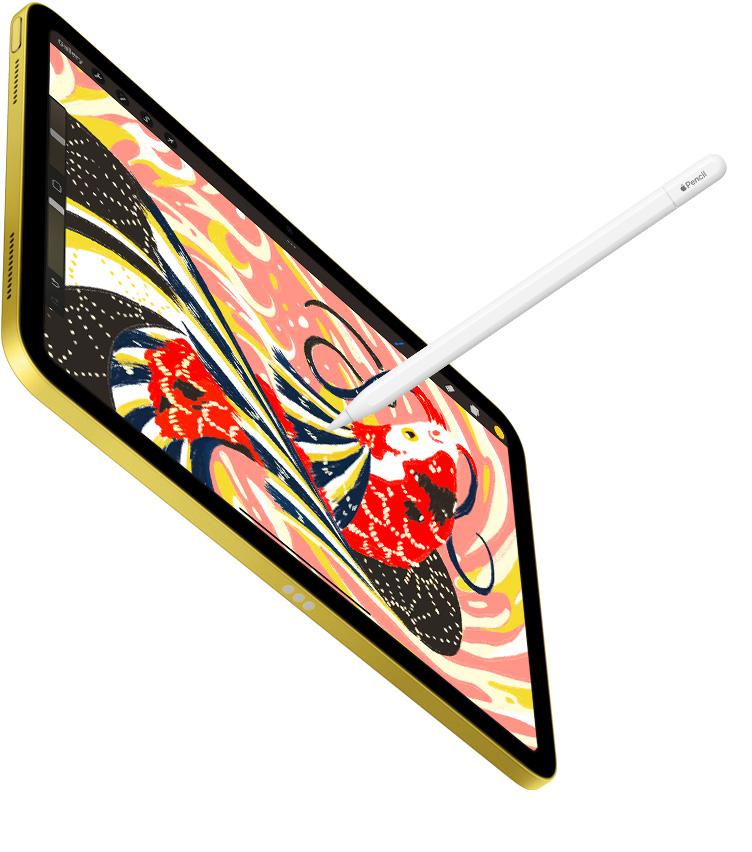
If your workflow extends beyond physical stop motion into hand-drawn 2D animation, you might also use timeline-based drawing apps like Procreate Dreams [4]. Unlike capture-based apps, drawn animation requires you to press your Apple Pencil against the glass repeatedly [4], [6]. If you plan to switch between filming physical puppets and drawing 2D assets on the same day, having both an articulated clamp and a flat desk surface is ideal [1]. You can use the HoverBar Duo clamp while recording camera frames in Stop Motion Studio, then release the tablet or drop it to desk height when hand-drawing frames in Procreate Dreams [1], [2], [4].
Bottom line
If you want to make stop motion animation on your iPad, buy the Twelve South HoverBar Duo [1]. Its weighted base and clamp give you more ways to position the camera than a folio, but test your overhead angle early because Apple doesn't promise one [1]. Skip the MOFT Float Folio and Logitech Combo Touch if camera position is your main goal [7], [8]. Pair the HoverBar Duo with an iPad you own and dedicated software like Stop Motion Studio [1], [2].
Sources
[1] https://www.apple.com/shop/product/hq432zm/a/twelve-south-hoverbar-duo-for-ipad [2] https://apps.apple.com/us/app/stop-motion-studio/id441651297 [3] https://www.apple.com/ipad/compare/ [4] https://apps.apple.com/us/app/procreate-dreams/id1595520602 [5] https://support.apple.com/en-us/108937 [6] https://www.apple.com/apple-pencil/ [7] https://www.apple.com/shop/product/hs7l2zm/a/moft-air-float-folio-for-11-ipad-air [8] https://www.apple.com/shop/product/hrh12zm/a/logitech-combo-touch-keyboard-case-for-ipad-air-11-inch-m4
Recommended gear
Twelve South HoverBar Duo
apple.comPro: Weighted base and clamp both in the box
Con: An arm is a poor surface to lean on while drawing
Apple lists it for iPad Air, iPad Pro, iPad mini and iPad models. Confirm yours on the listing.
MOFT Float Folio for 11-inch iPad Air
apple.comPro: Light folio with a detachable Apple Pencil holder
Con: Air sizes only, no keyboard
Apple lists it for iPad Air 11-inch (M2, M3 and M4) and iPad Air (5th generation).
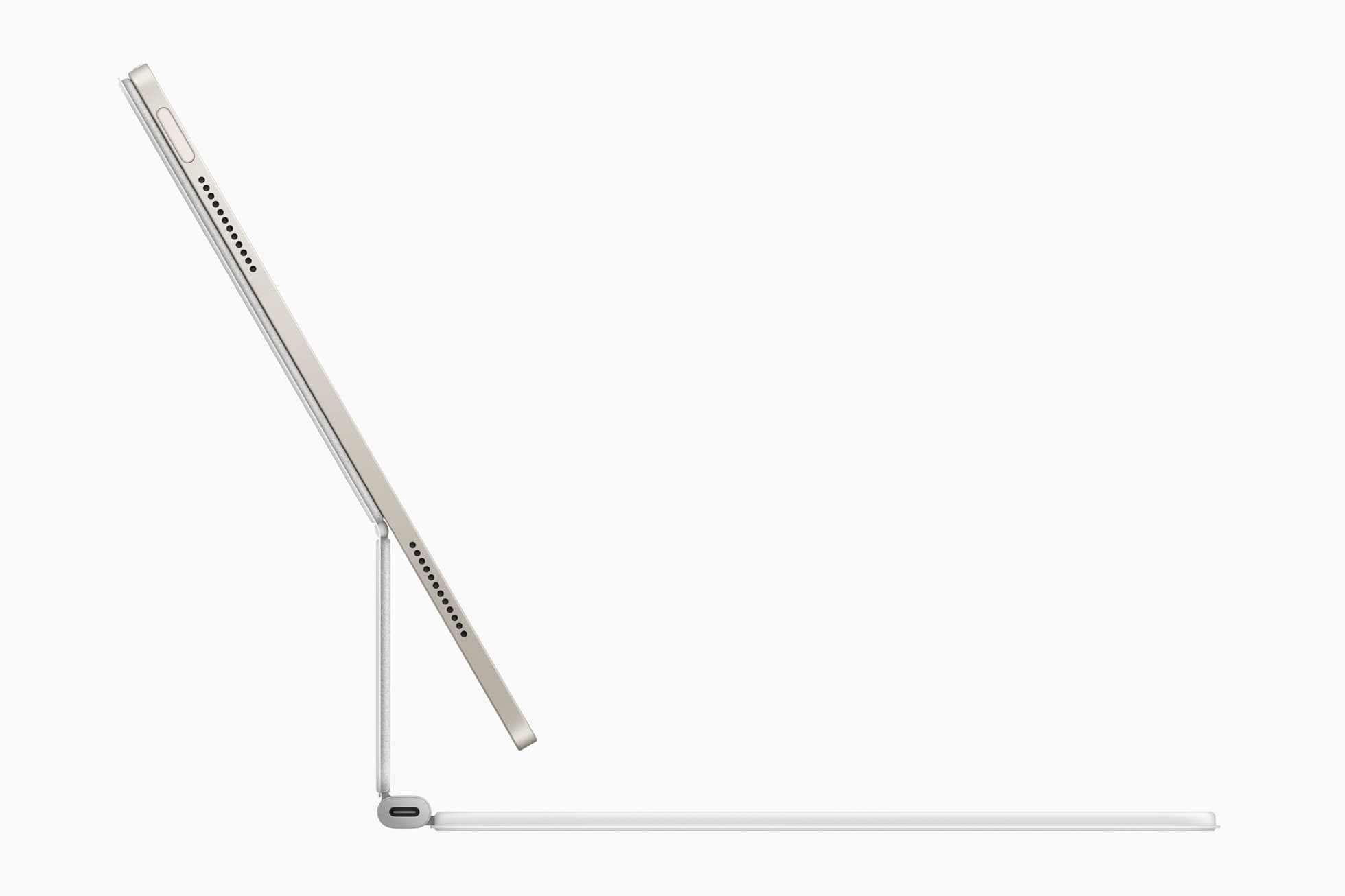
Logitech Combo Touch for iPad Air 11
apple.comThe best hybrid case when notes, planning, and drawing all happen on one iPad. Great utility, but more weight than draw-first buyers need.
Pro: Flexible kickstand plus detachable keyboard
Con: Bulkier than a simple folio
Confirm exact 11-inch iPad Air generation compatibility before purchase.
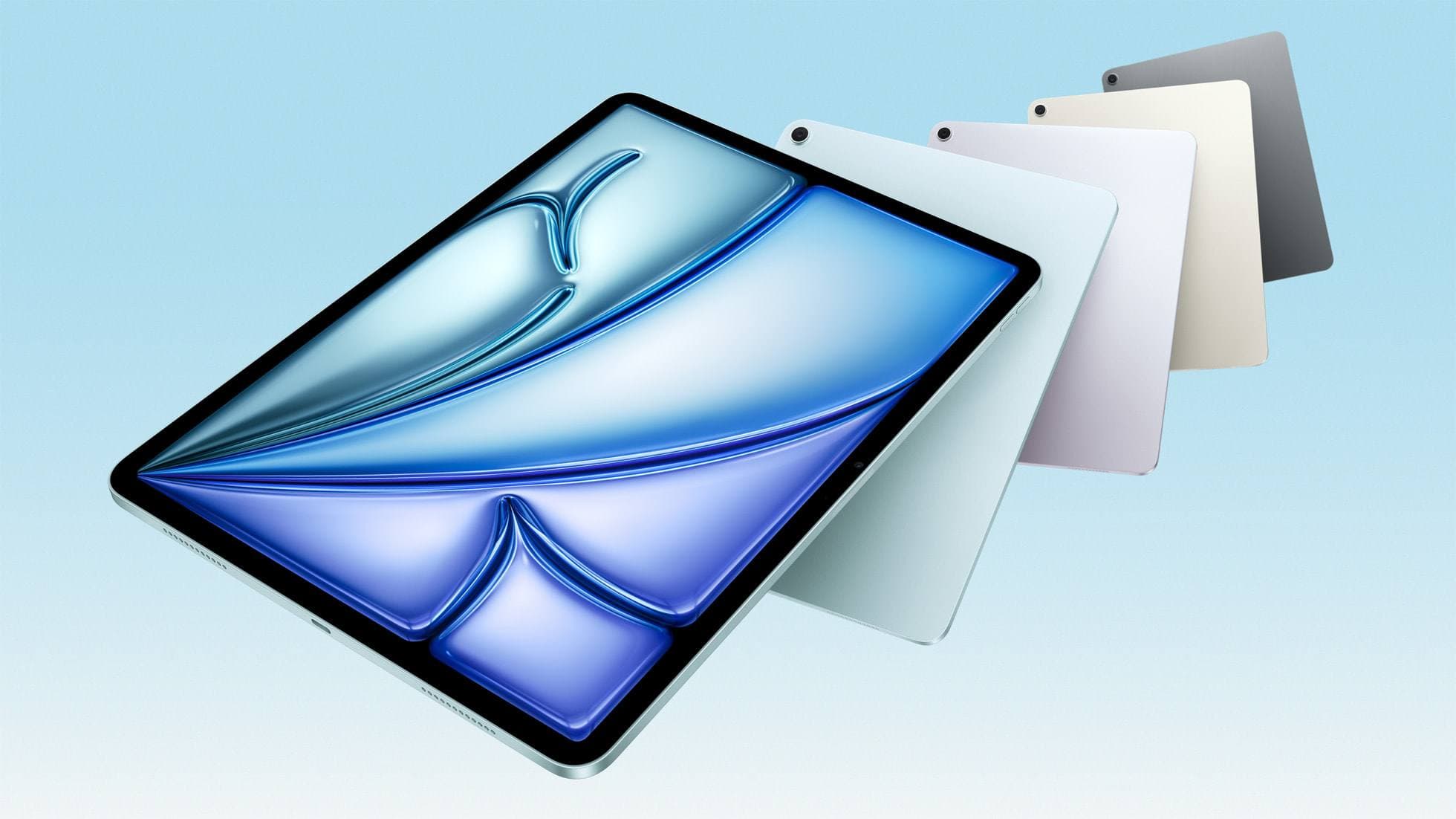
iPad Air (M4)
apple.comThe clean current Air recommendation for most serious hobby artists. Stronger buy logic than old-stock M3 when pricing is close.
Pro: Best current balance of price, headroom, and Pencil support
Con: Still 60Hz
Current Air lineup. Choose size, storage, and keyboard path before checkout.
Related buying picks
More in this collectionBuyer guide
Best iPad stand for reference while painting
Pick the Twelve South HoverBar Duo to lift reference images off a crowded painting table, or a folio if you paint away from home.
Comparison
Best iPad Stand Setup for Couch vs Desk Drawing (2026)
This buyer comparison focuses on comfort and stability. Pick your stand style by posture and session length, not by looks.
Buyer guide
Best Portable iPad Stands for Cafe and Travel Drawing (2026)
Portable iPad stands for artists should prioritize stability on small tables, quick setup, and low packed weight.
Buyer guide
Saving Your Neck: The Best Adjustable iPad Stands for Long Drawing Sessions
You can draw on an iPad anywhere, which is exactly how your neck ends up paying rent.