If you want a dependable drawing tablet today, buy the iPad Air (M4) [1]. It pairs with Apple Pencil Pro, giving you squeeze gestures, barrel roll, and haptic feedback without forcing you into the top-tier pricing of the iPad Pro lineup [1], [2]. If your budget is tight, pick the iPad (A16) instead [1]. That baseline model handles sketching and painting well, though it limits your stylus choice to the USB-C model or older hardware [1], [3]. Skip the iPad Pro (M5) unless you specifically demand ProMotion refresh rates and OLED display tech for daily studio production [1].
Why iPad Air M4 is the best balance for most illustrators
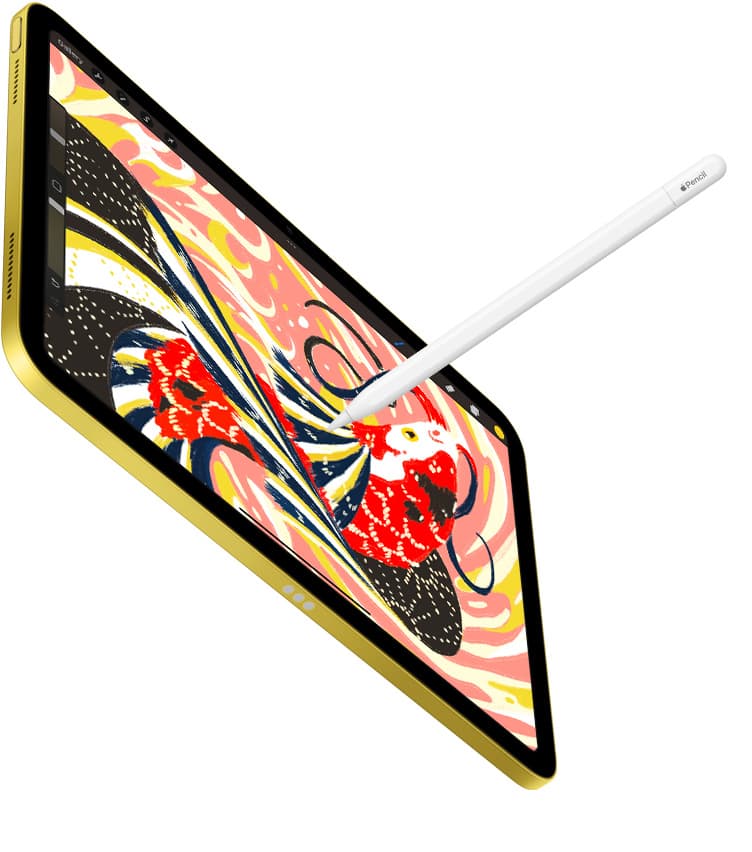
Choosing an illustration tablet comes down to how much you spend versus the specific stylus tools you unlock [1], [2]. The iPad Air (M4) sits directly in the sweet spot between basic sketching hardware and high-cost studio gear [1]. It runs on Apple silicon and includes support for Apple Pencil Pro, which brings pressure sensitivity, barrel roll rotation, squeeze tool switching, and haptic feedback [1], [2]. Those tactile input features alter how directly you interact with digital brushes in apps like Procreate [2], [4].
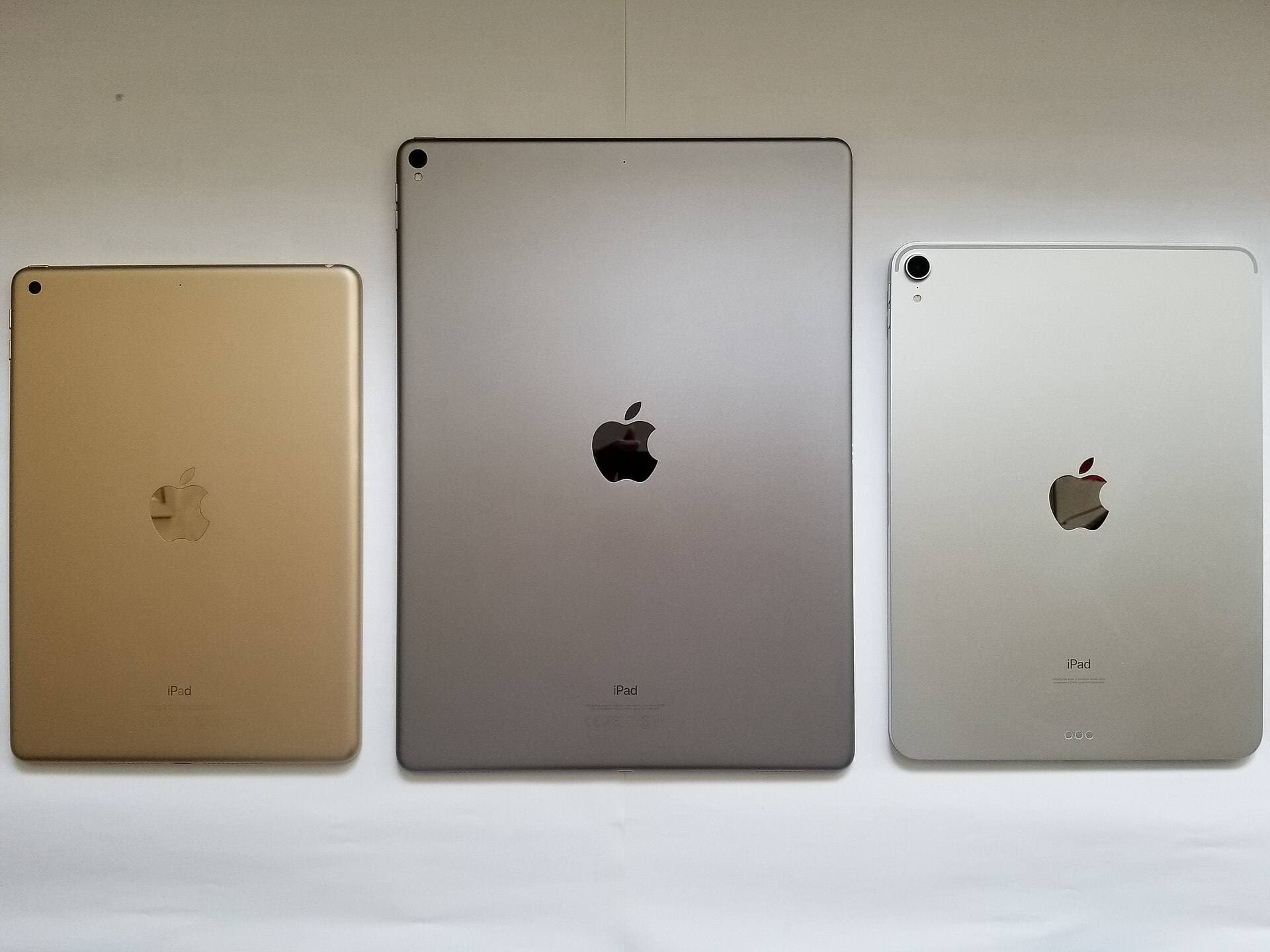
Apple offers the iPad Air in two screen sizes, giving you an option between an 11-inch screen and a 13-inch screen [1]. If you work primarily at a desk, the larger 13-inch display provides noticeably more surface area for complex compositions, tool palettes, and floating reference windows [1], [4]. If you carry your sketchbook in a bag or paint on public transit, the 11-inch version preserves mobility while retaining the identical M4 processor and Apple Pencil Pro support [1], [2].
The main compromise on the iPad Air is its 60Hz display refresh rate [1]. Unlike the iPad Pro, the Air doesn't feature ProMotion technology [1]. For many illustrators, the standard refresh rate remains entirely workable for line art, lettering, coloring, and graphic design [1], [4]. If you don't require the higher refresh rate display, the iPad Air gives you current stylus features at a much friendlier total cost [1], [2].
Apple Pencil compatibility and hardware features
Stylus compatibility is the most critical technical detail to check before purchasing any iPad for drawing [1], [3]. Apple currently sells several different Apple Pencil models with distinct tool profiles, and they do not all work with every tablet [2], [3]. Buying the wrong combination means you could end up with a stylus that cannot pair or one that lacks pressure sensitivity entirely [2], [3].
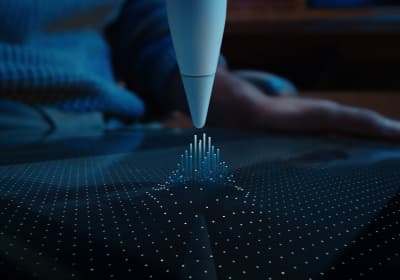
Apple Pencil Pro works with the iPad Air (M4), iPad Pro (M5), and iPad mini (A17 Pro) [1], [3]. It supports pressure sensitivity, tilt detection, barrel roll orientation via an internal gyroscope, squeeze shortcuts, and Apple Pencil hover [1], [2]. Hover allows you to preview your brush mark, size, or opacity before your tip touches the glass [2]. Squeeze lets you bring up a palette or switch tools quickly without reaching across your canvas [2].
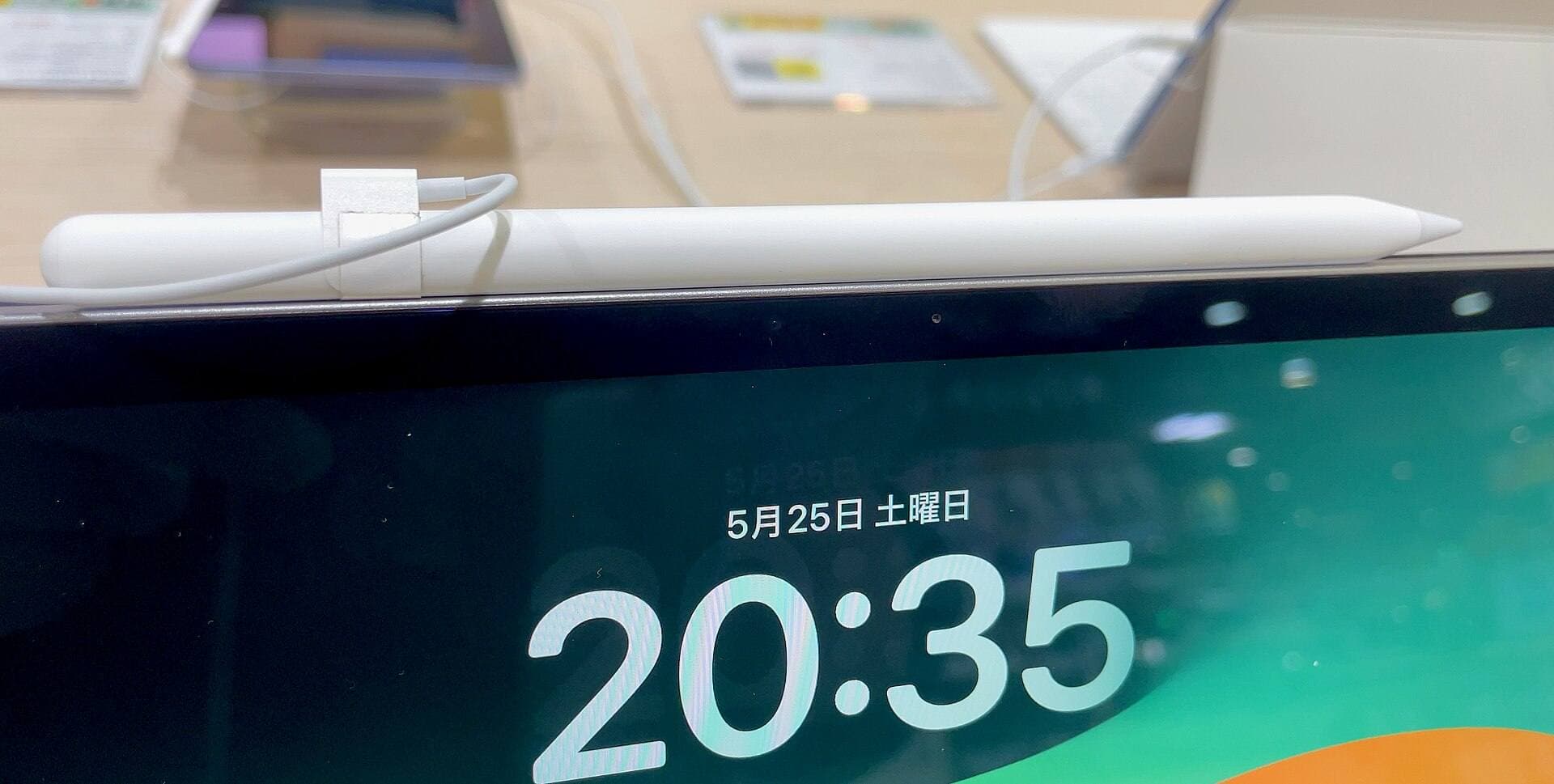
In contrast, the baseline iPad (A16) does not support Apple Pencil Pro [1], [3]. Instead, it pairs with the Apple Pencil (USB-C) [1], [3]. While Apple Pencil (USB-C) offers tilt sensitivity and magnetic storage, it does not include pressure sensitivity, squeeze, barrel roll, or wireless charging [2], [3]. If your artistic style relies on varying line weight based on hand pressure, this stylus limitation is significant [2]. You must verify that your preferred pencil features match the exact iPad model on your desk [1], [3].
Canvas size, memory, and layer limits in drawing apps
Digital drawing apps rely heavily on tablet hardware to determine how large you can make your files [4]. In Procreate, for example, your maximum canvas dimensions and layer count depend directly on the amount of system memory available on your device [4]. When you create high-resolution files intended for physical print, layer limits can restrict how you structure complex artwork [4], [5].
The iPad Air (M4) and iPad Pro (M5) feature higher base memory configurations than entry-level tablets [1]. That extra memory allows Procreate to grant significantly more layers across large pixel dimensions [1], [4]. If your illustration process relies on dozens of separate layers for sketching, base colors, line art, shading, and texture overlays, choosing a tablet with higher memory prevents you from having to merge layers early [4].
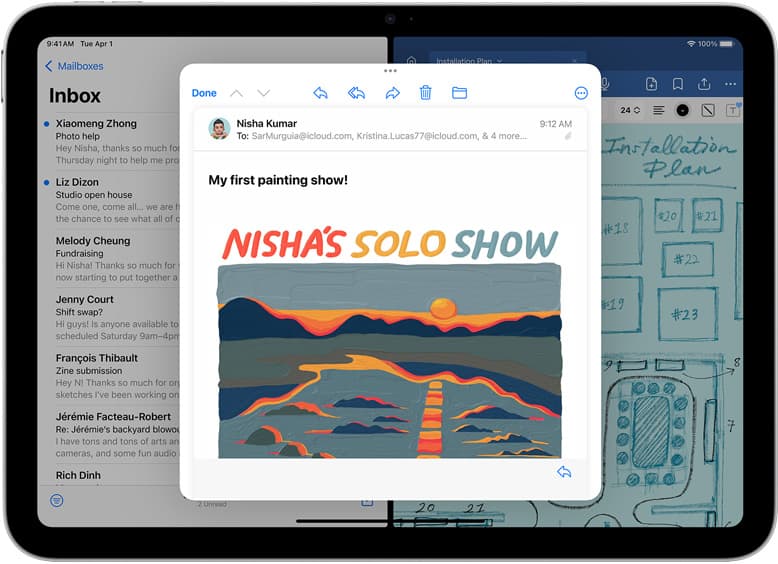
The baseline iPad (A16) still runs Procreate and common creative applications smoothly for personal sketches and social media illustrations [1], [4], [5]. However, its hardware profile will impose lower ceiling limits on available layers when you set up canvases at 300 DPI or higher [1], [4]. Choosing your tablet based on layer requirements ensures you won't encounter rigid file constraints during your regular creative routine [4].
Comparing the four iPad models for digital art
Each model in Apple's current tablet lineup targets a specific type of creative budget and use case [1]. Reviewing the hardware distinctions helps you identify which device fits your personal art style [1].
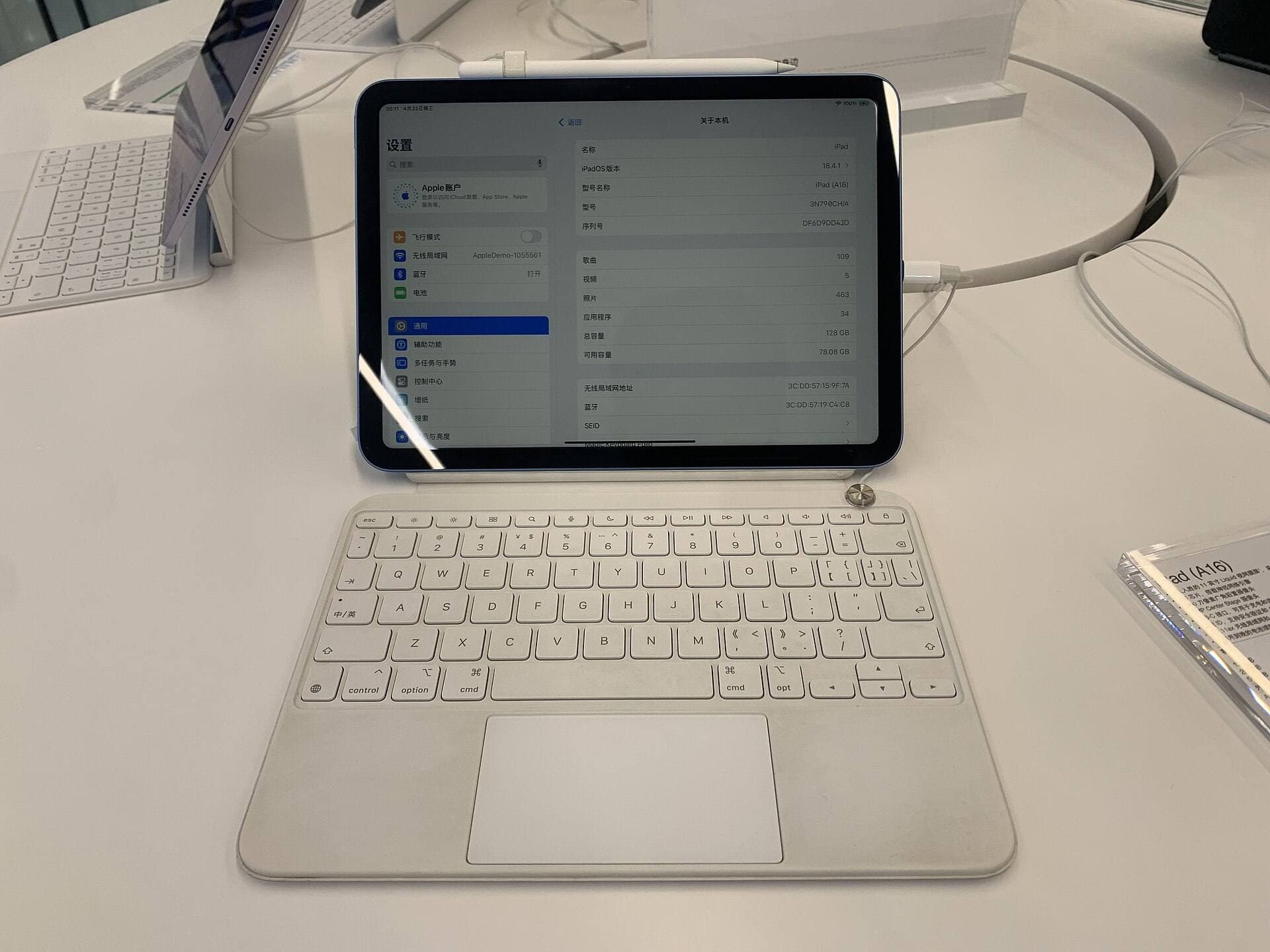
The iPad (A16) is the entry-level pick [1]. It delivers an affordable gateway into digital drawing, making it an excellent match for hobbyists, students, or beginners exploring digital media [1]. Because it lacks ProMotion and Apple Pencil Pro support, you give up squeeze gestures, barrel roll, and pressure sensitivity when using the USB-C Pencil [1], [2], [3]. Buy this model if you want an affordable digital notebook and casual sketch pad, but skip it if variable line weight is mandatory for your style [1], [2].
The iPad mini (A17 Pro) offers maximum portability in an 8.3-inch format [1]. It supports Apple Pencil Pro, giving you pressure sensitivity, hover, and squeeze in a tablet that fits inside a small coat pocket [1], [2], [3]. It is ideal for field sketching, urban drawing, and travel journaling [1]. However, you should skip the mini if it's your only creative workstation, because the compact screen leaves little space for toolbars and detailed canvas rendering [1], [4].
The iPad Air (M4) is the general recommendation for most artists [1]. With choices between 11-inch and 13-inch displays, M4 processing power, and full Apple Pencil Pro support, it handles everything from sticker production to commercial character design [1], [2], [3]. It lacks the OLED screen and 120Hz ProMotion display of the Pro line, but it matches the Pro in core drawing versatility [1]. Buy the Air if you want a complete creative platform without excess spending [1].
The iPad Pro (M5) represents the top tier [1]. It features an Ultra Retina XDR OLED display, ProMotion technology with adaptive refresh rates up to 120Hz, and the highest available storage options [1]. The faster refresh rate makes brush strokes appear closer to the physical pencil tip [1], [2]. Buy the iPad Pro if you create artwork professionally full-time, demand the highest contrast display, or produce heavy multi-layer print files [1], [4]. Skip it if you want to keep your equipment costs reasonable, as the Air handles the exact same drawing apps with the same Apple Pencil Pro tools [1], [2], [4].
Bottom line
For the vast majority of illustrators, the iPad Air (M4) is the best tablet to buy [1]. It delivers full compatibility with the Apple Pencil Pro, including pressure sensitivity, barrel roll, and squeeze gestures, across your choice of an 11-inch or 13-inch display [1], [2], [3]. Buy the iPad (A16) if you want to spend as little as possible on a casual sketch pad [1]. Choose the iPad mini (A17 Pro) if portability matters above all else [1]. Pick the iPad Pro (M5) only if you need a 120Hz ProMotion OLED screen for demanding studio workloads [1]. For everyone else, the iPad Air (M4) provides the best balance of creative capability and practical value [1], [2].
Sources
[1] https://www.apple.com/ipad/compare/ [2] https://www.apple.com/apple-pencil/ [3] https://support.apple.com/en-us/108937 [4] https://help.procreate.com/articles/zlexav-ipad-compatibility [5] https://apps.apple.com/us/app/procreate/id425073498
Recommended gear
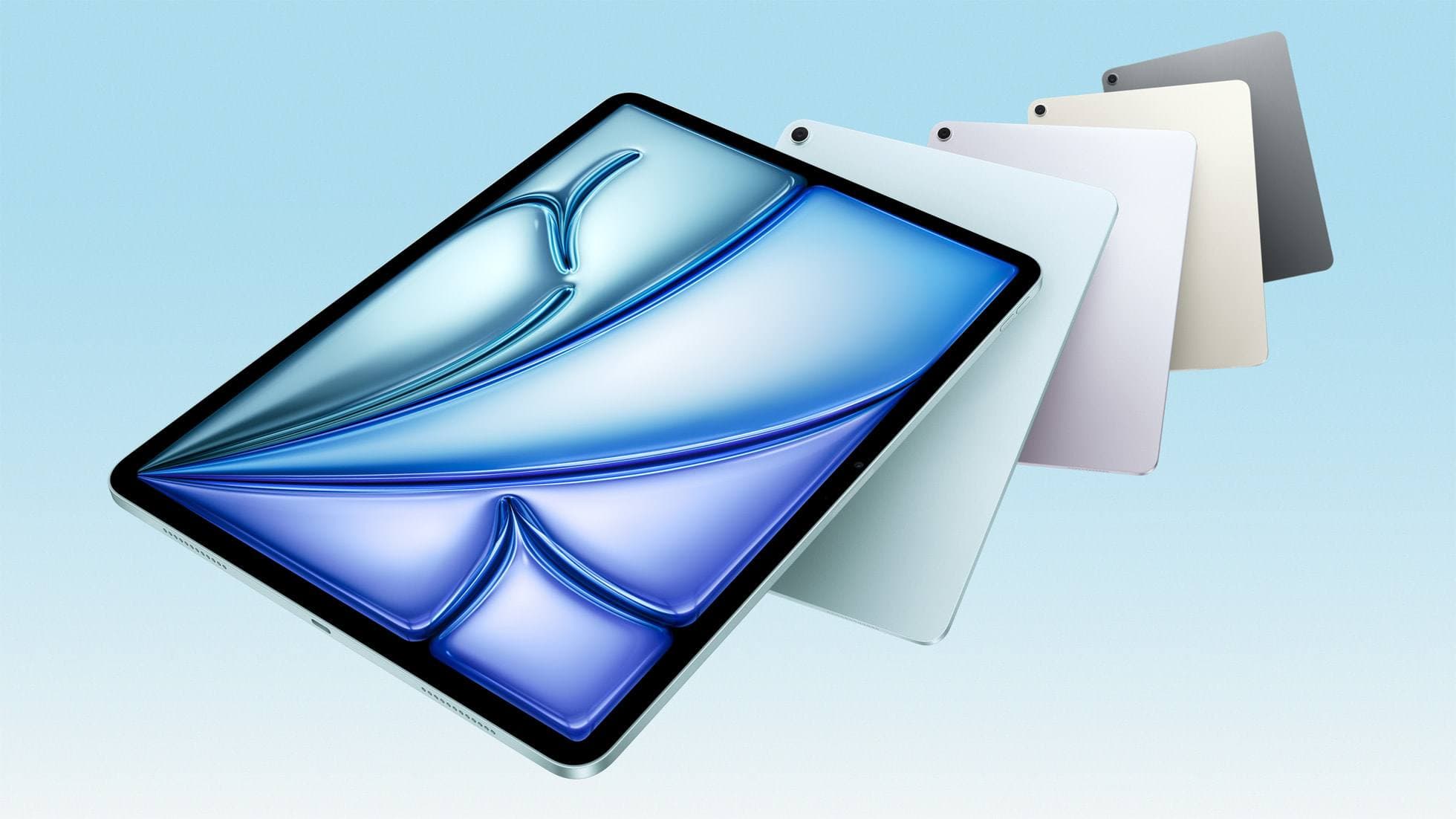
iPad Air (M4)
apple.comThe clean current Air recommendation for most serious hobby artists. Stronger buy logic than old-stock M3 when pricing is close.
Pro: Best current balance of price, headroom, and Pencil support
Con: Still 60Hz
Current Air lineup. Choose size, storage, and keyboard path before checkout.
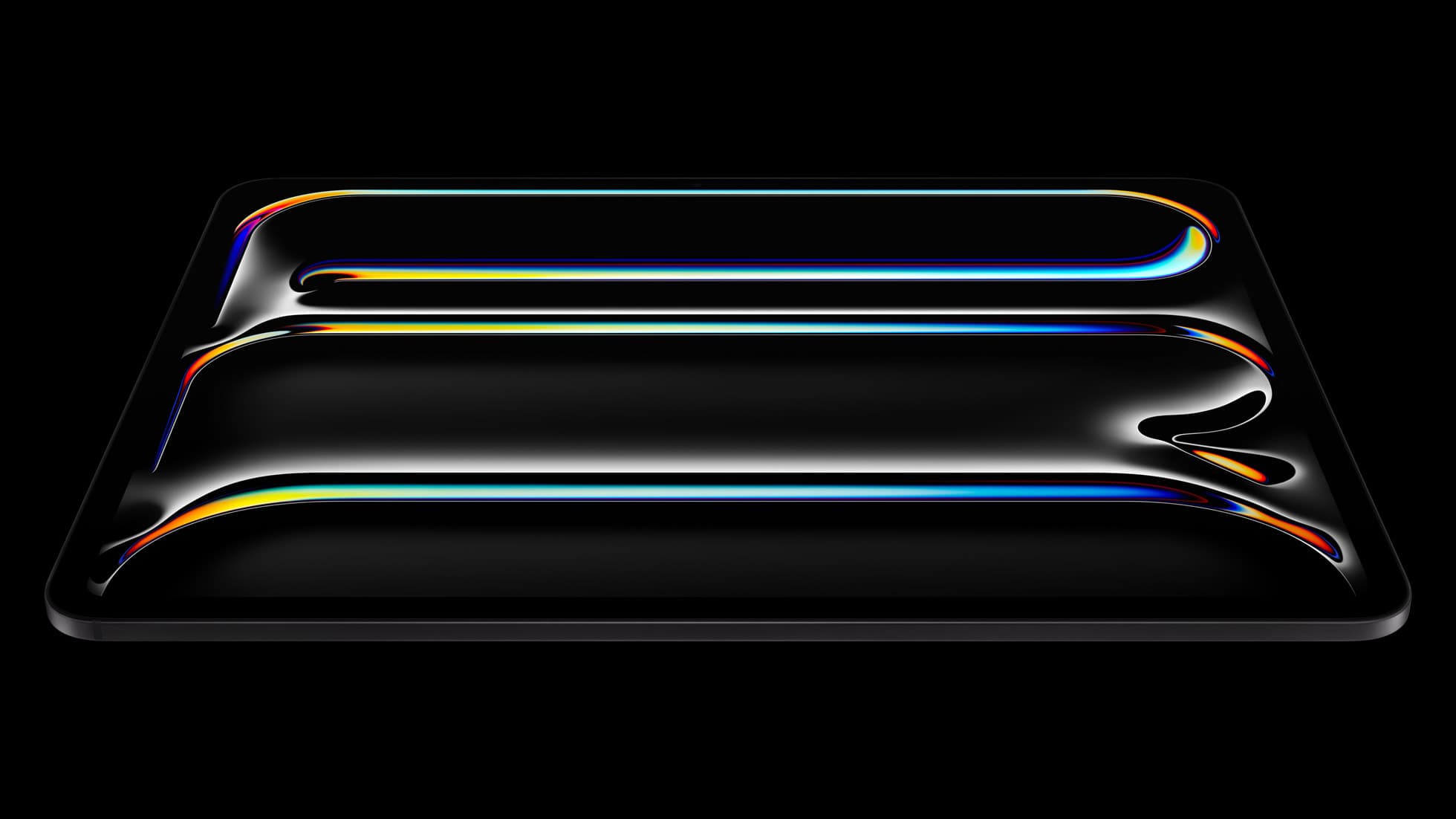
iPad Pro (M5)
amazon.comThe best iPad for drawing feel and premium workflow comfort, but many buyers still overpay for it.
Pro: Best iPad display and ProMotion feel
Con: Highest price in the lineup
Search opens with iPad Pro terms. Check year, chip, and screen size.
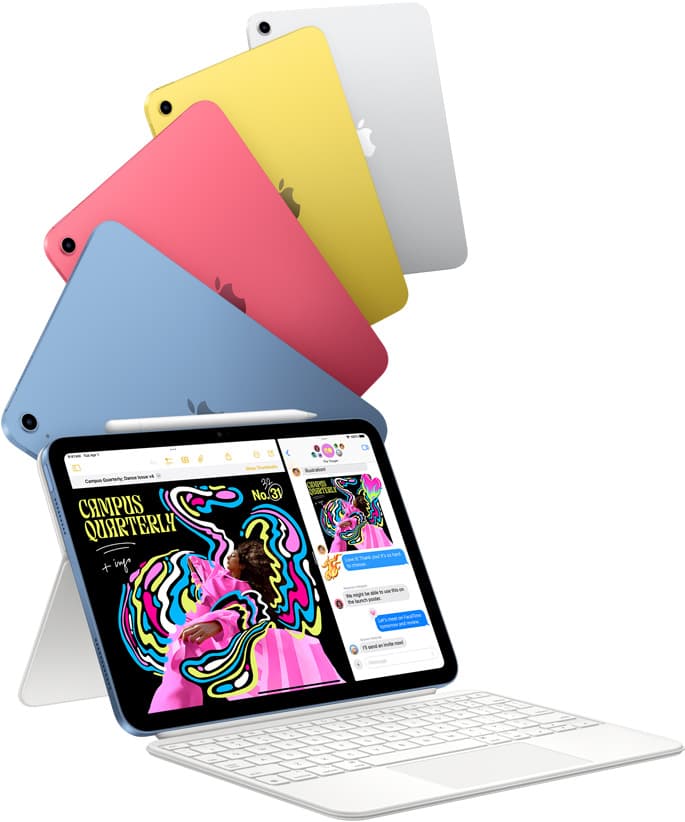
iPad (A16, 11th gen)
amazon.comThe best entry iPad for most artists on a budget. It is not premium, but it is very hard to beat on value.
Pro: Best value iPad right now
Con: No ProMotion display
Search opens with the exact model keywords. Verify size and storage before checkout.
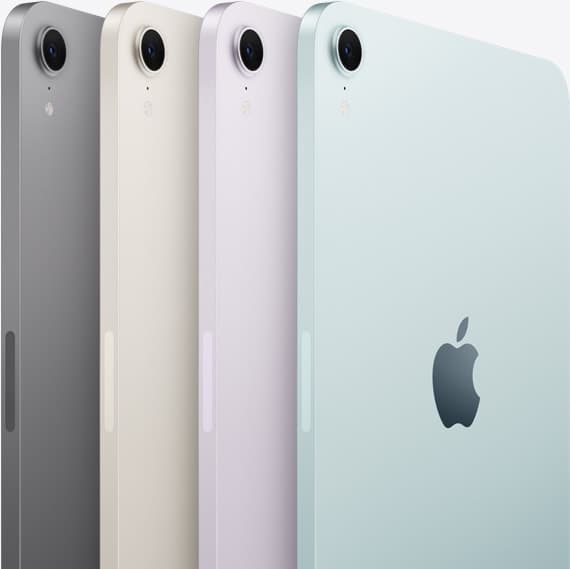
iPad mini (A17 Pro)
amazon.comThe most portable real iPad for drawing. It wins on mobility and loses on workspace.
Pro: Most portable drawing iPad
Con: Small canvas for detailed work
Search opens with iPad mini A17 Pro terms. Verify model number before buying.
Related buying picks
More in this collectionComparison
iPad vs Android tablet for drawing: How to pick your art setup
Compare iPad and Android tablets for digital art to find the right stylus, app ecosystem, and hardware balance.
Buyer guide
Is a 64GB iPad enough for Procreate?
A 64GB iPad can run Procreate; decide whether it is enough by measuring your active canvases and the device storage already in use.
Buyer guide
Best iPad for lettering and calligraphy
Choose the iPad Air for barrel roll calligraphy tools without paying Pro prices, or pick the iPad Pro if you need 120Hz ProMotion for fast flourishing.
Buyer guide
Best iPad for sublimation design: How to pick the right screen and chip
Compare iPad models for sublimation art so you get the layer counts, Apple Pencil features, and screen size your printing projects require.