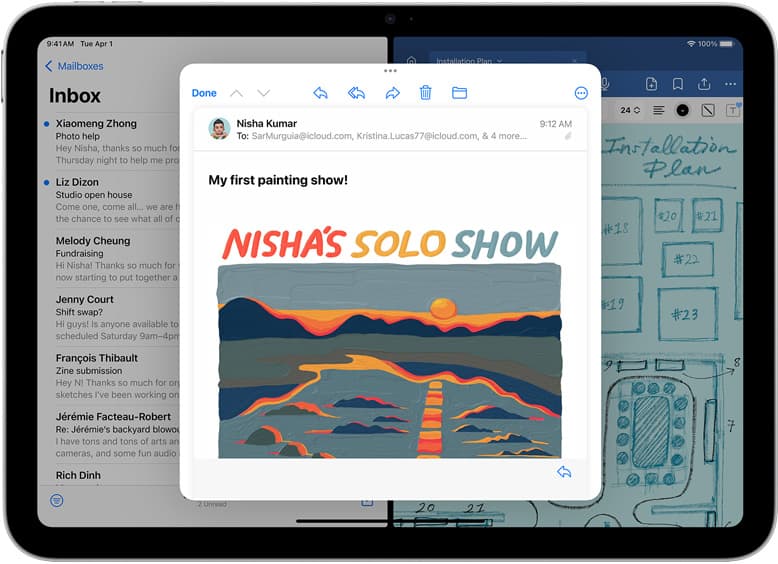
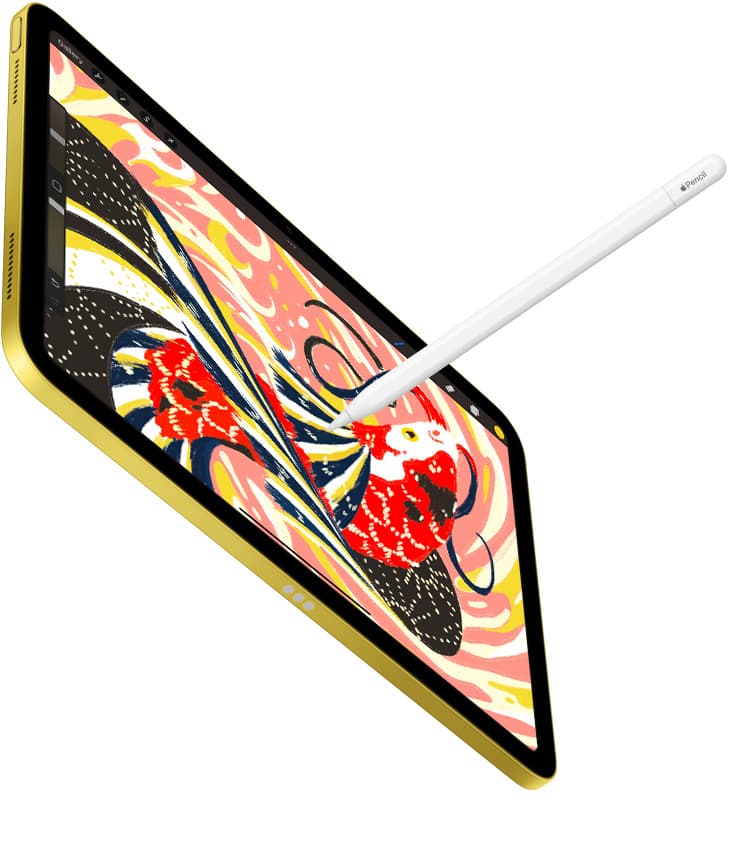
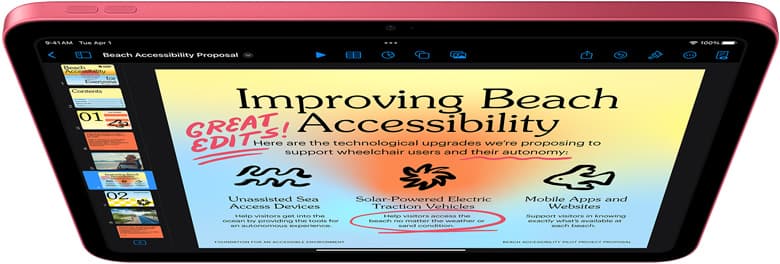
Buy the iPad 10th gen or current base iPad if you want a capable entry-level digital sketchbook for Procreate without spending premium tablet money [1], [4]. It runs the full Procreate software from the App Store and gives you access to the same core brush engine used across Apple's entire tablet catalog [4], [5]. Keep your existing iPad 8th gen if your current canvas sizes fit comfortably within its memory limits, because Procreate continues to run on older iPad generations that support modern iPadOS releases [4]. Skip the entry-level tier and choose the iPad Air (M4) only if you need advanced stylus capabilities like squeeze and barrel roll via the Apple Pencil Pro [1], [2].
For most hobbyists, students, and casual illustrators, the standard iPad hardware delivers plenty of canvas space for regular illustration projects [1], [4]. You do not need to spend top dollar on a pro-grade tablet just to build finished digital paintings, create stickers, or practice lettering [4], [5]. Even so, hardware choices dictate stylus ergonomics and total layer counts, so understanding what the entry model handles before you check out will keep you from regretting your purchase [1], [4].
Apple Pencil pairing and stylus tradeoffs
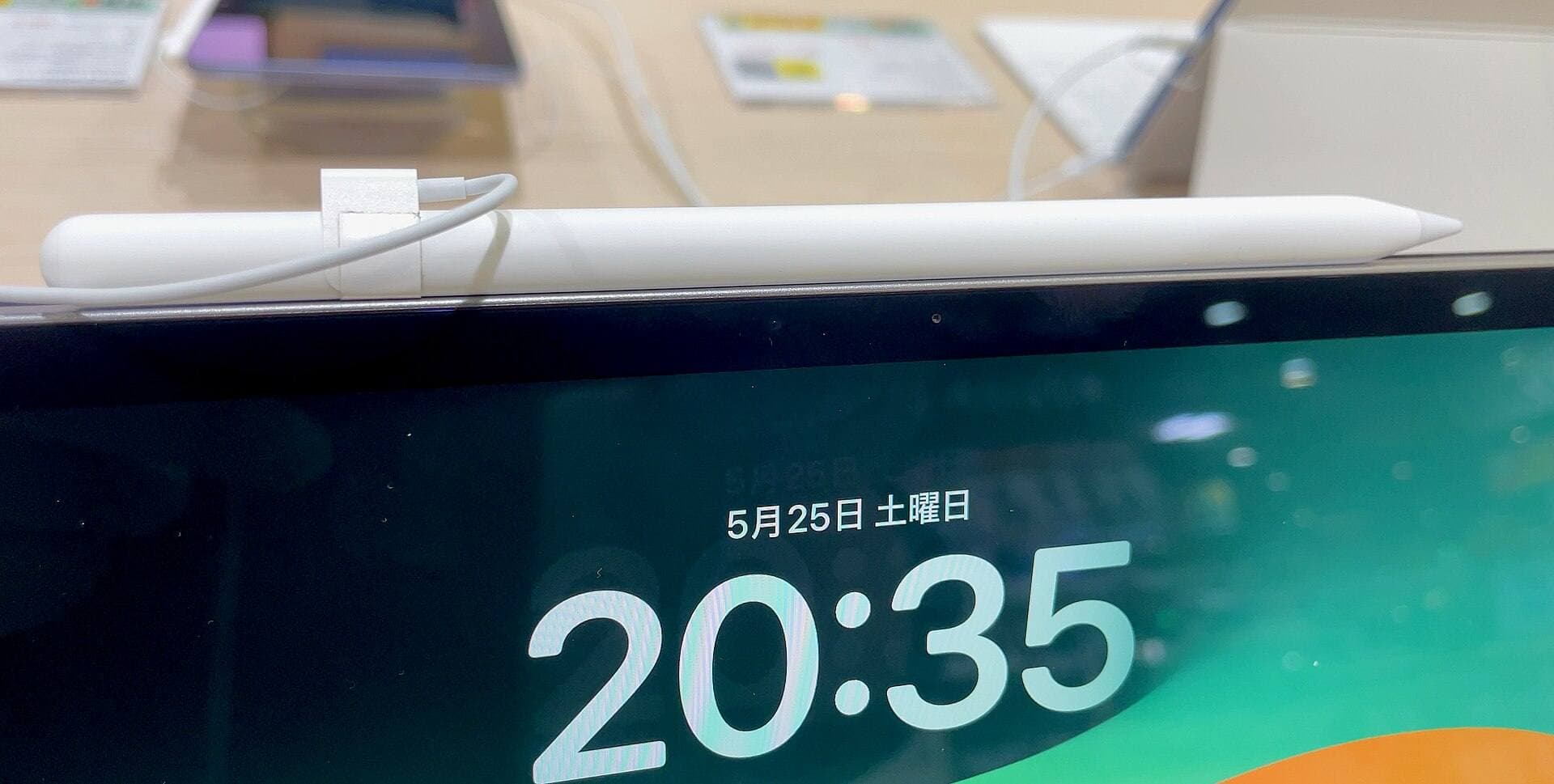
The biggest day-to-day consideration on the iPad 10th gen centers on which stylus you attach to it [1], [3]. Unlike the higher-tier iPad models that use magnetic pairing, the iPad 10th gen supports the Apple Pencil (USB-C) and the older Apple Pencil (1st generation) [1], [3]. If you pick the first-generation Apple Pencil to get pressure sensitivity for natural inking, you must pair and charge it using an external adapter with a cable [2], [3]. That adapter workflow works fine on a desk, but it feels clumsy when you want to sketch on the go [3].
Choosing the Apple Pencil (USB-C) solves some convenience problems because it includes a sliding USB-C port and clings magnetically to the side of the tablet for flat storage [2], [3]. However, the Apple Pencil (USB-C) lacks pressure sensitivity entirely, offering only tilt detection [2]. For clean vector-style lines, uniform comic inks, or flat coloring, pressure might not matter to your style [2], [4]. But if your drawing approach relies heavily on soft pencil shading or dynamic brush stroke weight that responds to hand pressure, the missing pressure sensor is a real limitation [2].
Stepping up to a model like the iPad Air (M4) changes that math completely [1]. The Air lineup pairs with the Apple Pencil Pro, which attaches, pairs, and charges magnetically right along the flat edge [1], [3]. The Apple Pencil Pro brings pressure sensitivity, barrel roll, squeeze gestures, haptic feedback, and hover support into supported apps [2]. If you want those tactile controls without fiddling with separate charging dongles, moving beyond the base iPad lineup becomes an easy choice to justify [1], [2], [3].
Canvas sizes and layer limits in Procreate
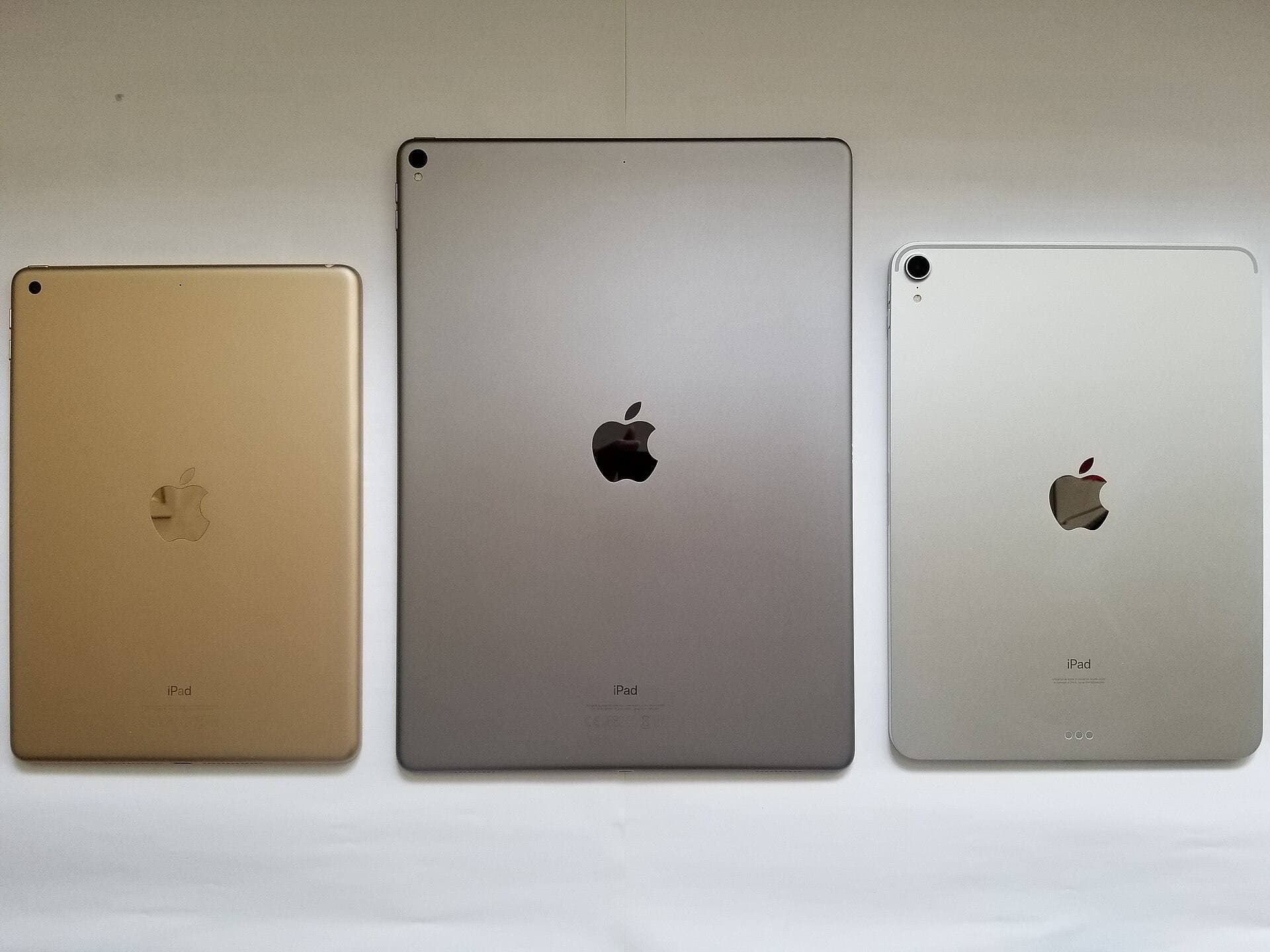
Procreate does not manage layer caps arbitrarily; it sets maximum layer counts based strictly on available system memory and canvas pixel dimensions [4]. Because entry-level hardware like the iPad 10th gen and base iPad models carry less RAM than iPad Air or iPad Pro models, your layer ceiling sits lower on larger canvas presets [1], [4].
For social media graphics, spot illustrations, and standard print sizes like 8 by 10 inches at 300 DPI, the base iPad provides dozens of usable layers [4]. That is plenty of room for rough sketches, linework, flat colors, shadows, and lighting passes [4], [5]. But if your workflow demands detailed commercial posters, massive multi-layer comic pages, or complex animation loops in Procreate, you can hit the layer ceiling faster on standard hardware [4], [5]. When you hit that ceiling, you have to merge layers or duplicate project files to keep building [4].
If you currently draw on an iPad 8th gen, you already know how this feels [4]. The 8th gen also runs Procreate, but because it contains older system architecture and less memory, its layer ceilings for high-resolution projects sit even lower than what the 10th gen provides [1], [4]. If you are constantly forced to merge your drawing layers on an 8th gen, upgrading to a 10th gen or current iPad (A16) increases your room to breathe, while jumping to the iPad Air (M4) gives you far more headroom for massive canvases [1], [4].
Screen quality and the non-laminated drawing surface
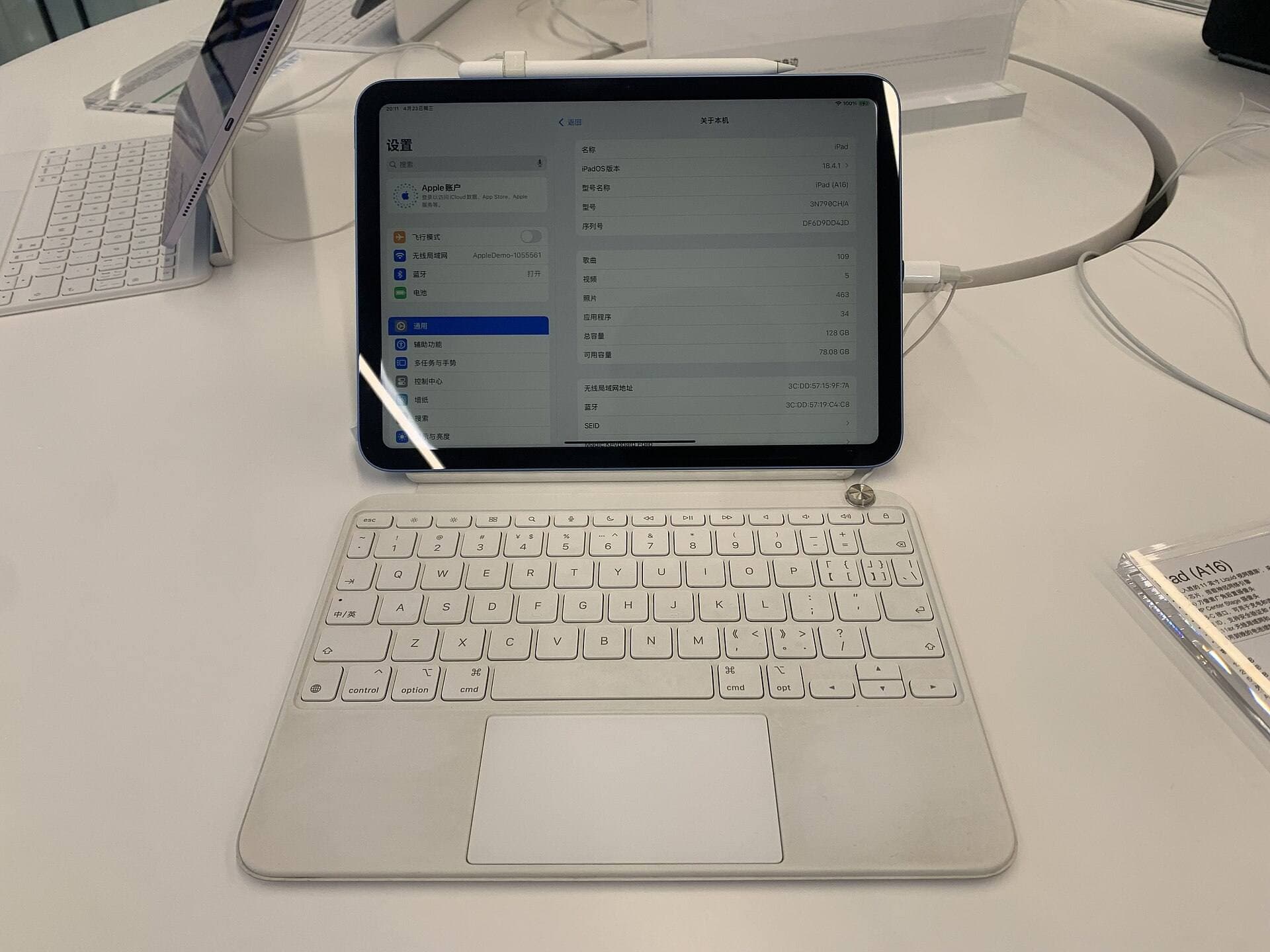
The display on the iPad 10th gen measures 10.9 inches diagonally with crisp resolution and broad color output [1]. It looks bright for painting in Procreate, yet it features a non-laminated construction [1]. That means there is a tiny air gap between the top surface glass and the actual display pixels sitting beneath it [1].
When you draw with an Apple Pencil on a non-laminated screen, the tip of your stylus sits slightly above the mark being drawn, creating a faint optical offset known as parallax [1], [2]. It also produces a slightly hollow tapping sound as you tap your stylus across the glass [1]. Most beginners and casual artists adapt to that small gap in a single drawing session [1], [4]. But if you come from an iPad Air, iPad Pro, or a laminated drawing tablet, you will notice the physical distance between your hand and your stroke right away [1].
The iPad Air (M4) features a fully laminated display with an antireflective coating, bringing the digital ink right under the pencil tip [1]. Both the standard iPad and the iPad Air operate at a standard 60Hz screen refresh rate rather than the faster ProMotion display found on Pro hardware [1]. If 60Hz drawing has worked for you in the past, the base iPad screen offers a pleasant, colorful surface to build finished art [1], [4].
Who should buy the 10th gen and who should skip
The iPad 10th gen, or the updated iPad (A16), is the right choice for beginner artists, casual hobbyists, students, and anyone who wants a dedicated digital sketchbook without spending hundreds more [1], [4]. When paired with the first-generation Apple Pencil for pressure or the USB-C model for quick note-taking and flat inking, it delivers an approachable digital art platform that handles the full Procreate toolset [1], [2], [4].
You should skip the base iPad tier if your primary focus is advanced illustration using modern stylus gestures [1], [2]. If you want magnetic pencil charging, barrel roll to rotate brush shapes, or squeeze gestures to trigger tool shortcuts, you should buy the iPad Air (M4) instead [1], [2], [3]. The Air eliminates charging dongles, delivers a laminated screen surface, and handles broader layer limits on large canvas files [1], [4].
If you already own an iPad 8th gen, you only need to upgrade if your current device feels cramped by canvas limits or if you want a modern full-screen design with USB-C connectivity [1], [4]. The 8th gen still runs Procreate and works with the original pressure-sensitive Apple Pencil, making it completely serviceable for everyday sketching until your layer needs outgrow it [1], [3], [4].
Bottom line
The iPad 10th gen is thoroughly good for Procreate if you understand its stylus hardware pairings and working layer ceilings [1], [2], [4]. It handles sketching, painting, and graphic lettering cleanly on a bright screen without forcing you into high tablet costs [1], [4]. Choose the standard iPad to keep your kit cost grounded, stick with your iPad 8th gen if your simple layer stacks still get the job done, and upgrade to the iPad Air (M4) if you demand seamless magnetic stylus charging and Apple Pencil Pro features [1], [2], [3], [4].
Sources
[1] https://www.apple.com/ipad/compare/ [2] https://www.apple.com/apple-pencil/ [3] https://support.apple.com/en-us/108937 [4] https://help.procreate.com/articles/zlexav-ipad-compatibility [5] https://apps.apple.com/us/app/procreate/id425073498
Recommended gear
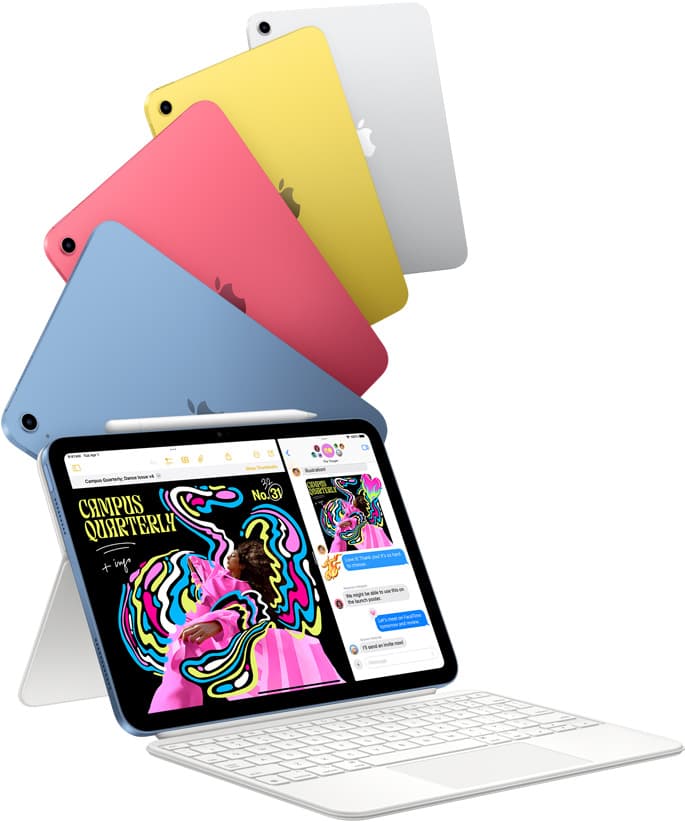
iPad (A16, 11th gen)
amazon.comThe best entry iPad for most artists on a budget. It is not premium, but it is very hard to beat on value.
Pro: Best value iPad right now
Con: No ProMotion display
Search opens with the exact model keywords. Verify size and storage before checkout.
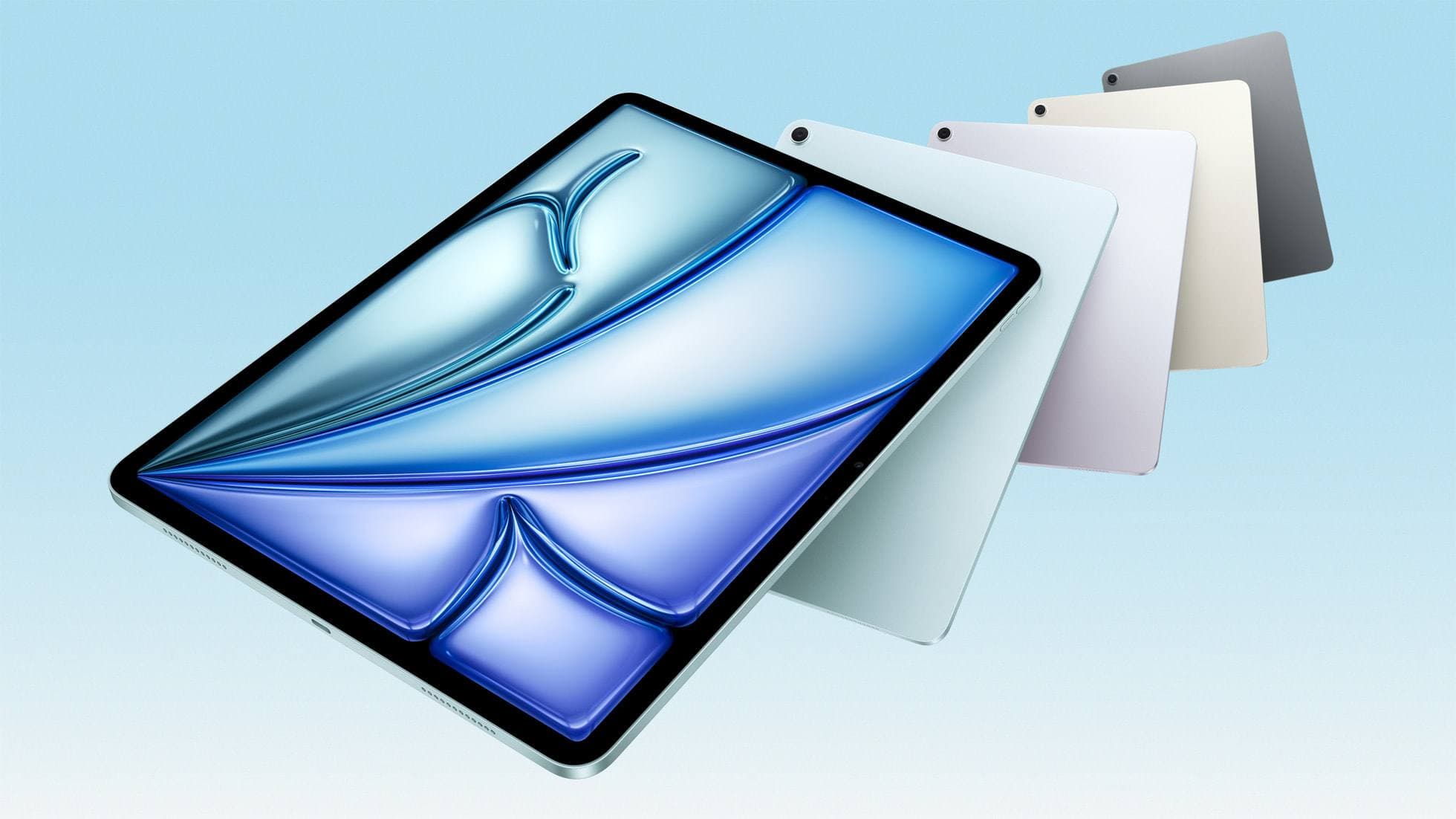
iPad Air (M4)
apple.comThe clean current Air recommendation for most serious hobby artists. Stronger buy logic than old-stock M3 when pricing is close.
Pro: Best current balance of price, headroom, and Pencil support
Con: Still 60Hz
Current Air lineup. Choose size, storage, and keyboard path before checkout.
Procreate
apps.apple.comPro: One-time purchase
Con: iPad-only
Apple Pencil Pro
amazon.comThe best Apple stylus for serious digital art workflows. Expensive, but the control upgrades are real.
Pro: Best brush-control and hover workflow
Con: Highest price in the lineup
Works only with newer iPad models. Check compatibility.
Related buying picks
More in this collectionBuyer guide
How to choose the best iPad for illustration work
Find the best iPad for your illustration workflow based on Apple Pencil Pro compatibility, screen size, Procreate layer limits, and display feel.
Buyer guide
Best iPad for storyboard artists: our buyer guide
Choose the right iPad for storyboarding based on screen size, Apple Pencil Pro features, and canvas layer limits.
Buyer guide
Best iPad for medical illustration
Choose the right iPad and Apple Pencil setup for medical illustration based on stylus precision, canvas size, and layer limits.
Comparison
iPad vs Samsung tablet for drawing: which setup to choose
Choose an iPad if your art workflow relies on Procreate and Apple Pencil tools, and pick the iPad Air for the best balance of features.