If you need an iPad app for digital concept art, buy Procreate [1]. It is sold as a paid app by Savage Interactive Pty Ltd under the Graphics and Design category, giving you a full raster painting workspace without recurring subscription charges [1]. Choose Clip Studio Paint by CELSYS, Inc. instead if your visual development pipeline relies on multi-page project files, specialized perspective rulers, or vector line tools [2]. Skip Clip Studio Paint if you dislike continuous recurring app subscriptions, because its full mobile service runs on an ongoing plan model after a 30-day initial trial [2]. For pure speed during rapid ideation, Procreate remains the standard drawing purchase for most painters [1].
Why Procreate suits visual development thumbnailing
Concept art requires fast silhouette discovery, rapid lighting passes, and loose brush exploration. Procreate stands out in this role because its interface clears away desktop toolbars and palettes, leaving maximum screen space for drawing on an iPad [1]. The software is developed by Savage Interactive Pty Ltd specifically as an iPad application, rather than a modified desktop port [1]. That native focus means gestures for undo, redo, and canvas rotation respond instantly without navigating multi-level tool menus [1].
When blocking out environment concepts, layer structure becomes a practical calculation. Savage Interactive notes that canvas resolution and maximum layer availability depend directly on your iPad model's hardware memory [3]. A tablet with more RAM allows more layers at high resolutions, ensuring you can separate rough values, color keys, and character scale figures without flattening early stages [3]. If you want a distraction-free digital canvas that opens immediately into a sketch, Procreate delivers the most direct path [1].
When to choose Clip Studio Paint for production art
Clip Studio Paint offers tools that go far beyond standard raster painting brushes [2]. While Procreate focuses purely on direct raster marks, Clip Studio Paint includes built-in perspective rulers, vector layers, and frame division tools originally designed for graphic novels and production illustration [2]. If you design hard-surface vehicles, mech concepts, or cityscapes with precise vanishing points, Clip Studio Paint provides automated vanishing point guides that lock brush strokes to three-point perspective grids [2].
Vector line work is another major advantage in Clip Studio Paint [2]. On a vector layer, you can redraw line weight, adjust anchor points, or erase overlapping intersecting lines without degrading resolution [2]. This functionality helps concept artists who need to hand off clean line art to 3D modelers or production designers [2]. CELSYS distributes the iPad edition as a free download with a 30-day trial period, after which you must select a usage plan to continue saving and exporting artwork [2]. Artists who need desktop interoperability across macOS or Windows find this software justifies the subscription fees [2].
Exploring lightweight sketching alternatives on iPadOS
Beyond the two primary contenders, several free download options serve specific sketching niches. Concepts by TopHatch, Inc. takes an entirely vector approach with an infinite canvas, making it a strong tool for preliminary ideation, architectural mood boards, and iterative prop design [4]. Its App Store listing shows a 4.7 rating across thousands of user submissions, confirming wide adoption among visual designers [4].
Sketchbook by Sketchbook, Inc. and Adobe Fresco by Adobe Inc. provide alternative raster solutions [5], [6]. Sketchbook offers a simple layout focused on pencil sketches, quick tonal studies, and basic concept markers without deep configuration layers [5]. Adobe Fresco mixes standard pixel brushes with live oil and watercolor engines, as well as native vector brushes, giving painters mixed-media textures without leaving a single document [6]. For hobbyists or beginners who want extensive brush libraries without upfront costs, ibis Paint X by ibis inc. and Infinite Painter by Sean Brakefield also provide full drawing engines in the App Store Graphics and Design category [7], [8].
How hardware pairings affect your painting workflow
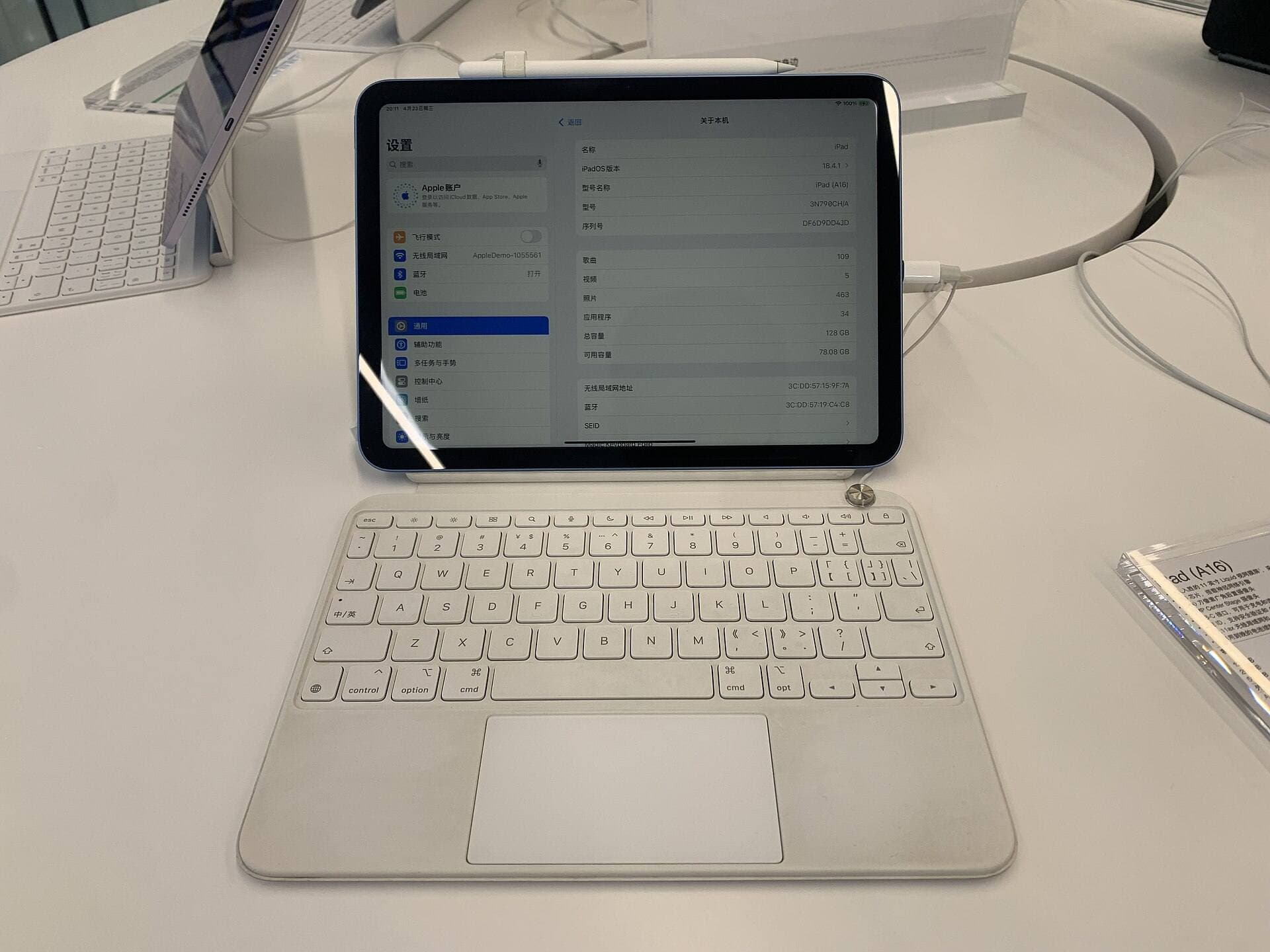
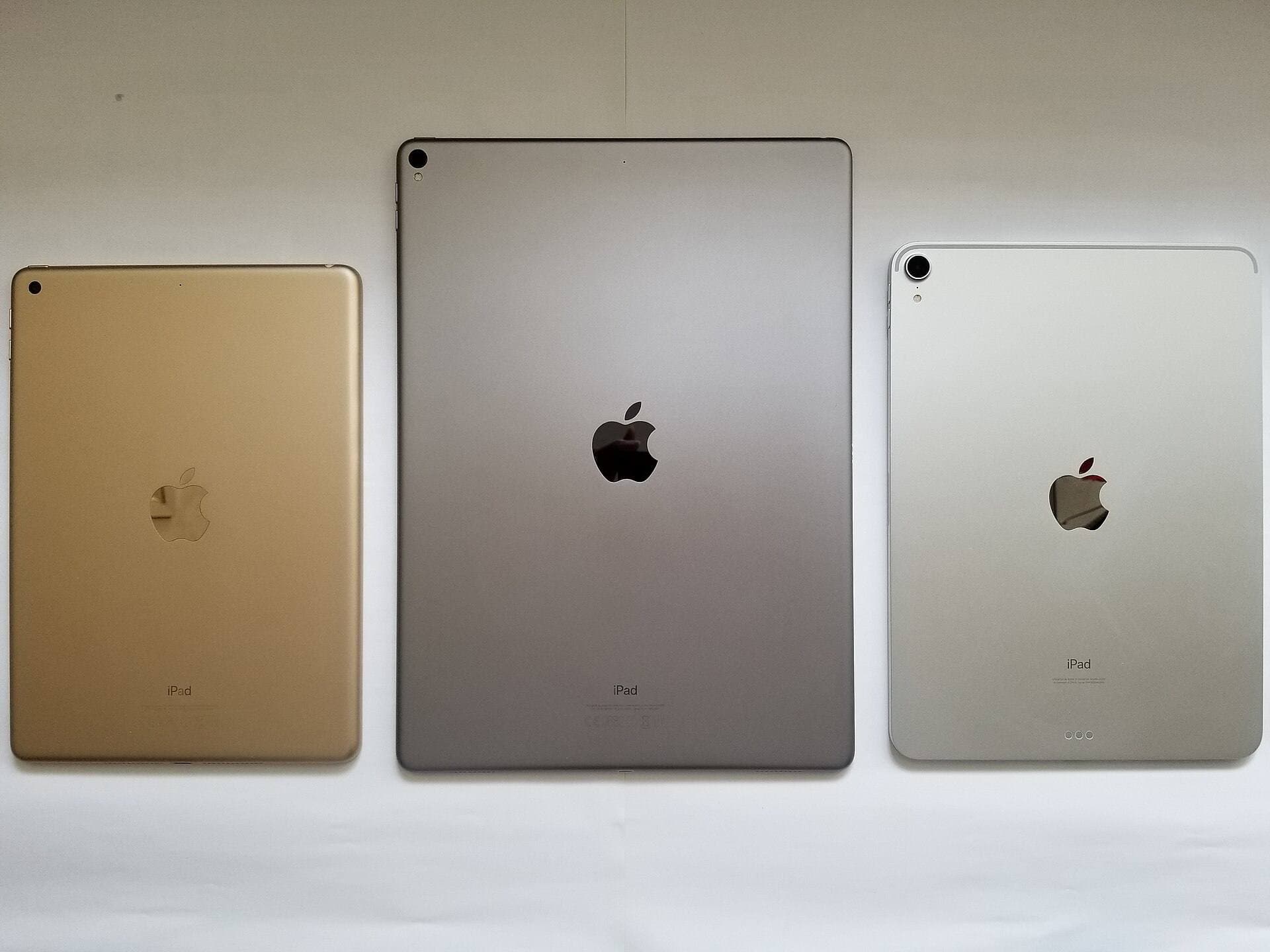
The software you select performs best when matched with capable tablet hardware. Apple's modern iPad lineup, including the iPad Air with the M4 chip, gives digital painters solid headroom for complex canvas resolutions [9]. The iPad Air offers both 11-inch and 13-inch display options, allowing you to choose between portability for on-location plein air studies and expansive screen real estate for detailed concept sheets [9]. Because Procreate links maximum layer counts directly to available system RAM, recent iPad Air models provide higher layer ceilings than older base iPads [3], [9].
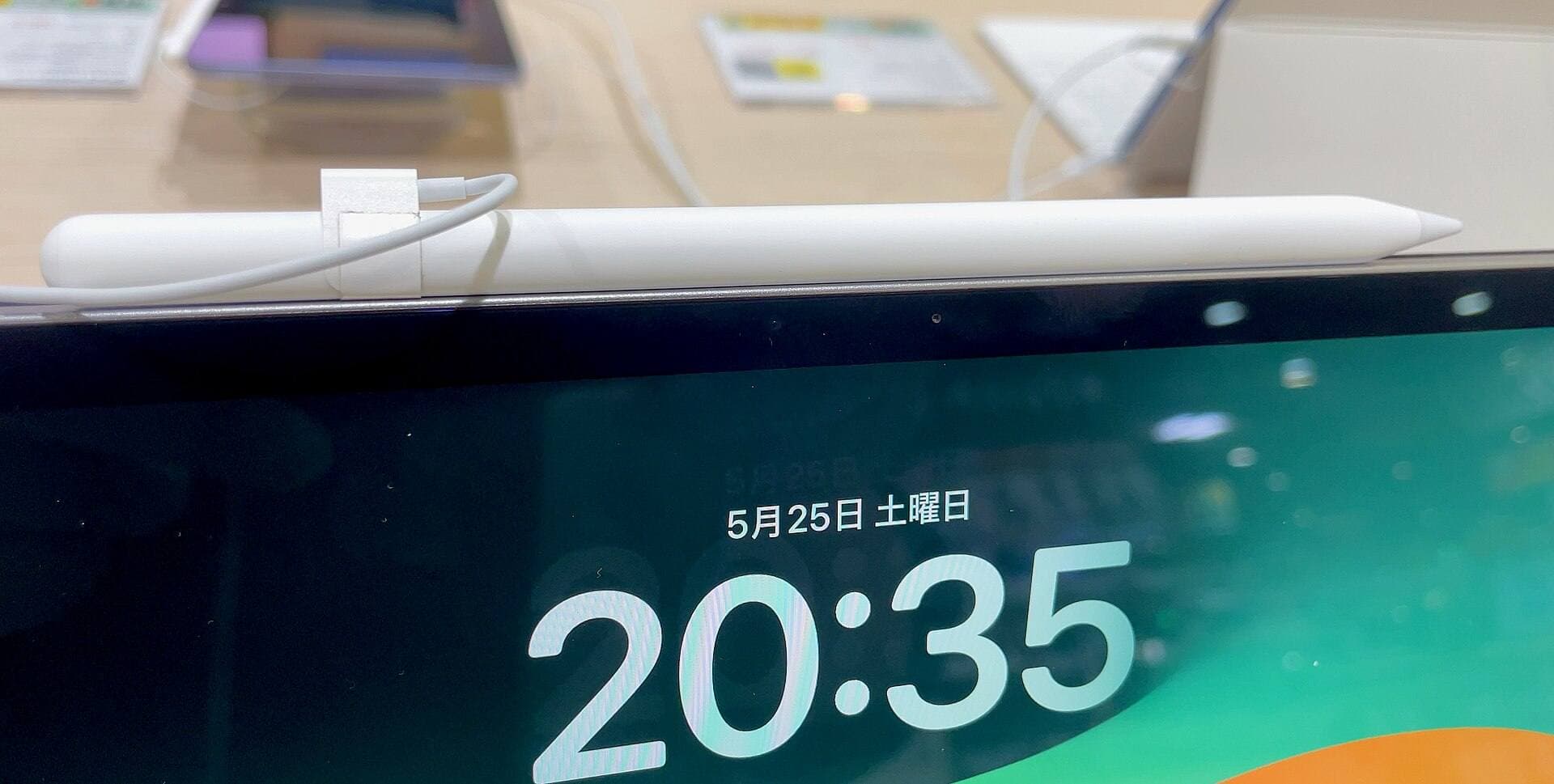
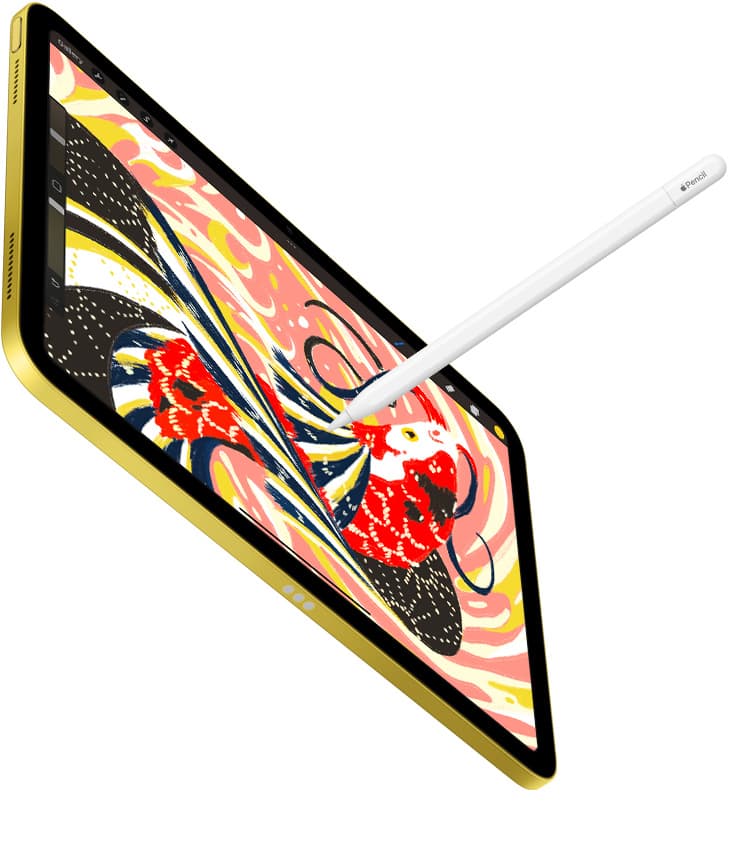
Stylus support is equally critical for nuanced brush dynamics. The Apple Pencil Pro pairs with current iPad Air and iPad Pro models, bringing advanced input features including pressure sensitivity, tilt detection, hover previews, barrel roll, and squeeze controls [10], [11]. In compatible apps, barrel roll allows you to rotate flat brush tips simply by twisting the stylus body, mimicking real calligraphy pens and flat wash brushes [10]. Apple Pencil hover displays the exact footprint, size, and opacity of your active brush before the stylus makes physical contact with the display [10]. If your tablet only pairs with older Pencil generations, check Apple's official compatibility chart before buying new accessories [11].
Deciding between a one-time purchase and a subscription
Your software budget and workflow scope will ultimately dictate which app belongs on your home screen. Procreate appeals to solo illustrators, freelance concept artists, and students because it carries no ongoing monthly expense [1]. You purchase the application once from the App Store and retain access to all brush customization menus, export formats, and interface updates indefinitely [1]. For independent creators focused on character design, environment thumbnails, and matte painting plates, that single payment provides exceptional long-term utility [1].
In contrast, Clip Studio Paint targets artists working inside structured entertainment design pipelines where multi-page documents, collaborative cloud assets, and vector line export are mandatory [2]. If you work across both a desktop graphics tablet and an iPad while traveling, Clip Studio Paint's synchronized workspace smooths out cross-device handoffs [2]. However, if you only sketch casually or produce finished standalone illustrations, paying a recurring software plan may add unnecessary overhead compared to Procreate's permanent ownership model [1], [2].
Bottom line
Buy Procreate if your primary goal is rapid, intuitive raster concept painting on an iPad without paying subscription fees [1]. Its clutter-free canvas and deep hardware optimization make it the ideal companion for thumbnailing, character silhouettes, and atmospheric lighting studies [1], [3]. Choose Clip Studio Paint instead if your workflow requires three-point perspective rulers, scalable vector line art, and asset synchronization with desktop workstations [2]. If you are investing in new hardware, pairing either app with an iPad Air and an Apple Pencil Pro gives you the brush precision, hover preview, and layer capacity needed for rigorous creative work [9], [10], [11].
Sources
[1] https://apps.apple.com/us/app/id425073498 [2] https://apps.apple.com/us/app/id1262985592 [3] https://help.procreate.com/articles/zlexav-ipad-compatibility [4] https://apps.apple.com/us/app/id560586497 [5] https://apps.apple.com/us/app/id883738213 [6] https://apps.apple.com/us/app/id1458660369 [7] https://apps.apple.com/us/app/id450722833 [8] https://apps.apple.com/us/app/id1146543227 [9] https://www.apple.com/ipad/compare/ [10] https://www.apple.com/apple-pencil/ [11] https://support.apple.com/en-us/108937
Recommended gear
Procreate
apps.apple.comPro: One-time purchase
Con: iPad-only
Clip Studio Paint
apps.apple.comPro: Deep comics, vector, ruler, and animation toolset
Con: iPad plan model is less simple than Procreate
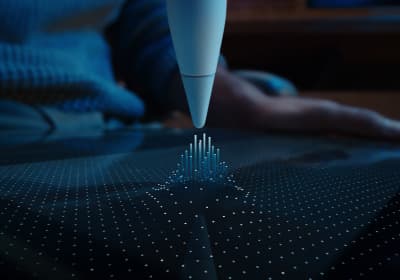
Apple Pencil Pro
amazon.comThe best Apple stylus for serious digital art workflows. Expensive, but the control upgrades are real.
Pro: Best brush-control and hover workflow
Con: Highest price in the lineup
Works only with newer iPad models. Check compatibility.
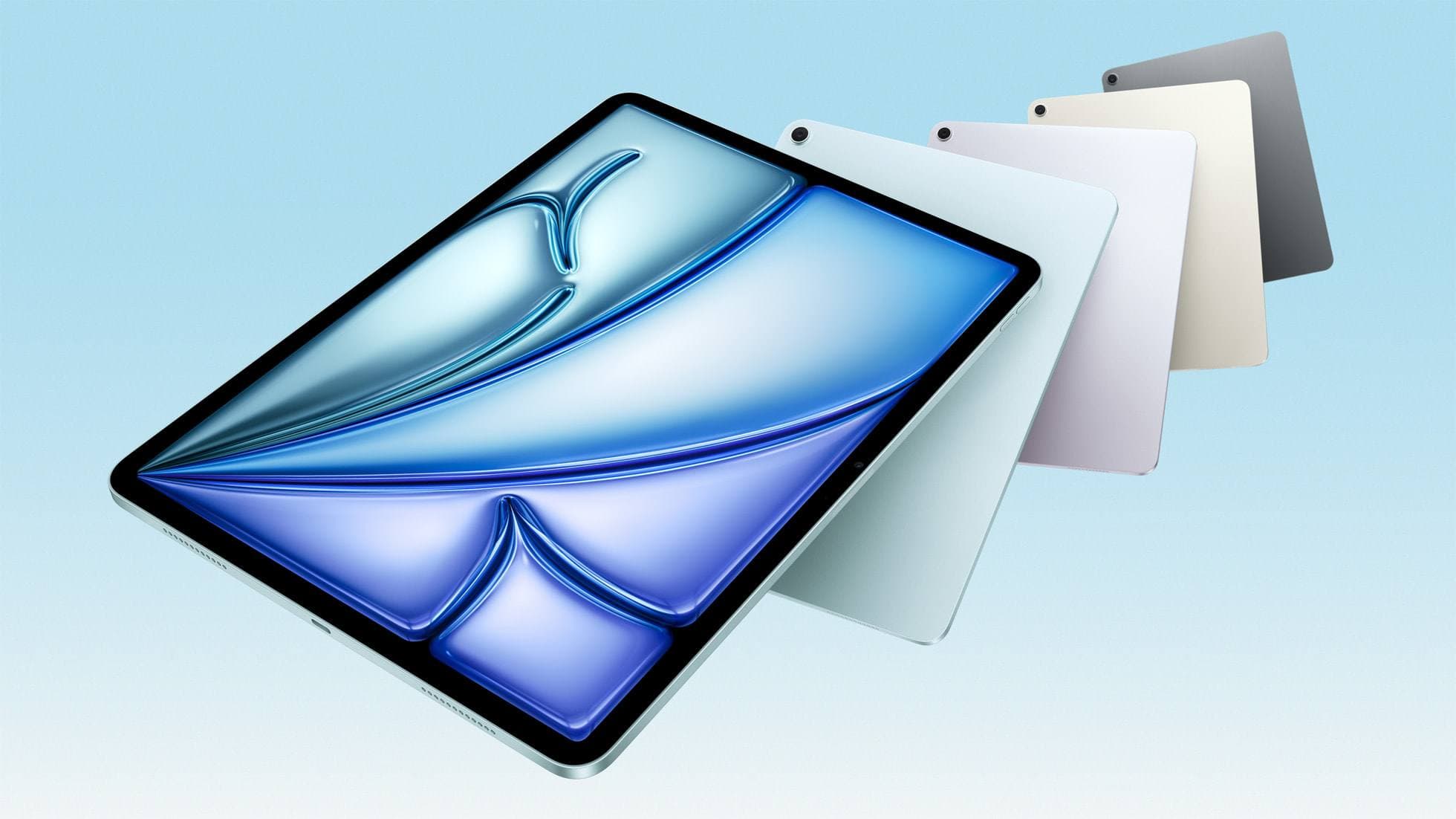
iPad Air (M4)
apple.comThe clean current Air recommendation for most serious hobby artists. Stronger buy logic than old-stock M3 when pricing is close.
Pro: Best current balance of price, headroom, and Pencil support
Con: Still 60Hz
Current Air lineup. Choose size, storage, and keyboard path before checkout.
Related buying picks
More in this collectionBuyer guide
What is the best app for illustration on iPad?
Procreate leads for standalone tablet raster painting, while Clip Studio Paint offers deeper multi-page tools and desktop parity.
Buyer guide
Best iPad app for figure drawing practice
Procreate is the top pick for dedicated figure drawing drills, while Clip Studio Paint suits artists needing deep multi-page anatomy study tools.
Buyer guide
Best iPad app for embroidery design
Procreate is the top iPad app for drawing embroidery patterns, while Clip Studio Paint and Concepts offer distinct vector and ruler alternatives.
Buyer guide
Best iPad app for character design
Procreate delivers the cleanest raster workflow for turnaround sheets, while Clip Studio Paint offers deeper vector and comic tooling.