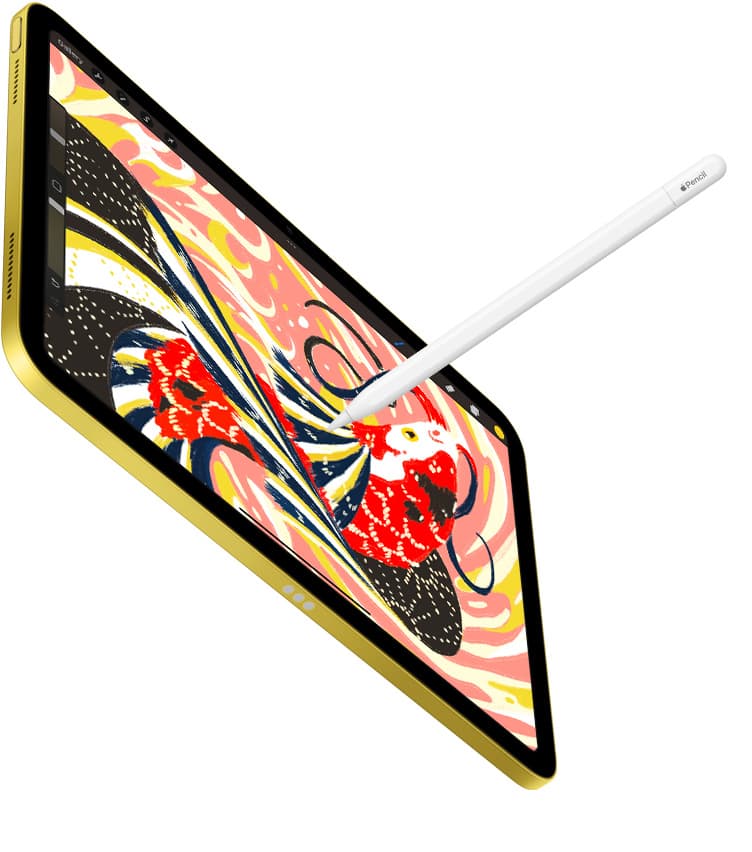
If you want the most reliable iPad setup for oil painting, buy Procreate as a one-time purchase [1]. It delivers an extensive brush library, customizable texture blending, and deep layer controls tailored specifically for iPad hardware [1], [6]. If you want to begin without an upfront payment, download Adobe Fresco [2] or Infinite Painter [3] instead. Both are free downloads in the Graphics and Design category that provide dedicated sketching and painting engines [2], [3]. Skip subscription-heavy art utilities if you only need straightforward brushwork and layer blending on your tablet.
Choosing the right app for traditional oil techniques requires looking closely at brush mechanics, blend physics, and how your iPad handles memory limits [6]. Digital oils rely heavily on wet-edge blending, impasto texture simulation, and stylus pressure response [7]. Here is how the leading options compare for painters building a digital oil setup.
Procreate for dedicated studio painting
Procreate by Savage Interactive Pty Ltd is a paid app built specifically for iPad [1]. It currently holds a 4.4 out of 5 rating across tens of thousands of App Store reviews [1]. For painters who want to replicate thick oils or wet glazes, the app provides a full brush studio where you can adjust grain, wet mix properties, dilution, and brush tip shapes [1]. The catalog model also gives you a permanent license rather than a monthly software fee.
Who should buy Procreate: Artists who want a dedicated iPad environment, offline access, and complete control over custom impasto and oil blending brushes [1]. It is the best choice if you dislike ongoing software subscriptions and plan to paint primarily on Apple tablets.
Who should skip Procreate: Anyone painting across multiple operating systems, because Procreate remains iPad-only [1]. If you want desktop syncing to macOS or Windows without file conversions, you will need to consider cross-platform alternatives.
Memory management in Procreate connects directly to hardware specs [6]. The software ties maximum canvas dimensions and layer limits directly to the RAM in your specific iPad model [6]. For large oil pieces with complex glazing layers, verify your tablet memory before starting high-resolution work [6].
Adobe Fresco for accessible paint tools
Adobe Fresco: Draw and Paint App by Adobe Inc. is listed as a free download in the Graphics and Design category [2]. It carries a 4.7 out of 5 App Store rating from more than 60,000 user reviews [2]. The app is described as a professional drawing and painting tool built for everyone [2].
Who should choose Adobe Fresco: Painters who want to test digital painting without an upfront fee [2]. The free listing makes it an easy entry point if you are picking up an iPad for the first time and want to explore standard brushes before buying paid software [2].
Who should skip Adobe Fresco: Artists who want a fully standalone studio app free from cloud sign-in requirements [2]. If you work offline for long stretches or avoid cloud ecosystems, a self-contained app like Procreate is often a simpler fit [1].
Because Adobe Fresco runs on modern iPad hardware, it benefits directly from active styluses with tilt and pressure support [2], [7]. Testing wet-on-wet paint behavior in Fresco gives you a direct baseline for how your stylus responds to broad strokes and delicate glazing [2], [7].
Infinite Painter and Artstudio Pro for traditional workflows
Infinite Painter by Sean Brakefield is another free download in the App Store, rated 4.1 out of 5 across more than 10,000 ratings [3]. The App Store listing positions it as one of the best-designed painting, sketching, and drawing apps created for both iPad and iPhone [3]. It includes traditional painting mechanics that cater directly to natural media painters wanting realistic canvas textures [3].
Artstudio Pro: Draw, Paint by Sylwester Los is a free download holding a 4.6 out of 5 rating [4]. It offers a powerful painting and photo editing engine available on both iOS and macOS [4]. This makes Artstudio Pro an interesting choice for oil painters who want to transition their project files smoothly between an iPad and a Mac desktop [4].
If you prefer broader illustration tools, ibis Paint X by ibis inc. is a free download rated 4.7 out of 5 with over 290,000 reviews [5]. While ibis Paint X emphasizes drawing and animation freely without pressure, it contains diverse brush engines suitable for casual paint sketches [5].
Who should choose Infinite Painter or Artstudio Pro: Painters who want specialized natural media interfaces or desktop cross-compatibility across iPad and Mac [3], [4].
Who should skip these options: Artists who already rely on Procreate brush packs and tutorial ecosystems, as community resources for Procreate remain far larger [1].
Hardware pairing with Apple Pencil and iPad memory
Your software choice only goes as far as your stylus and tablet allow [6], [7]. Real oil painting demands responsive pressure sensitivity to control paint volume, tilt sensitivity for angled flat washes, and accurate tracking for delicate impasto ridges [7].
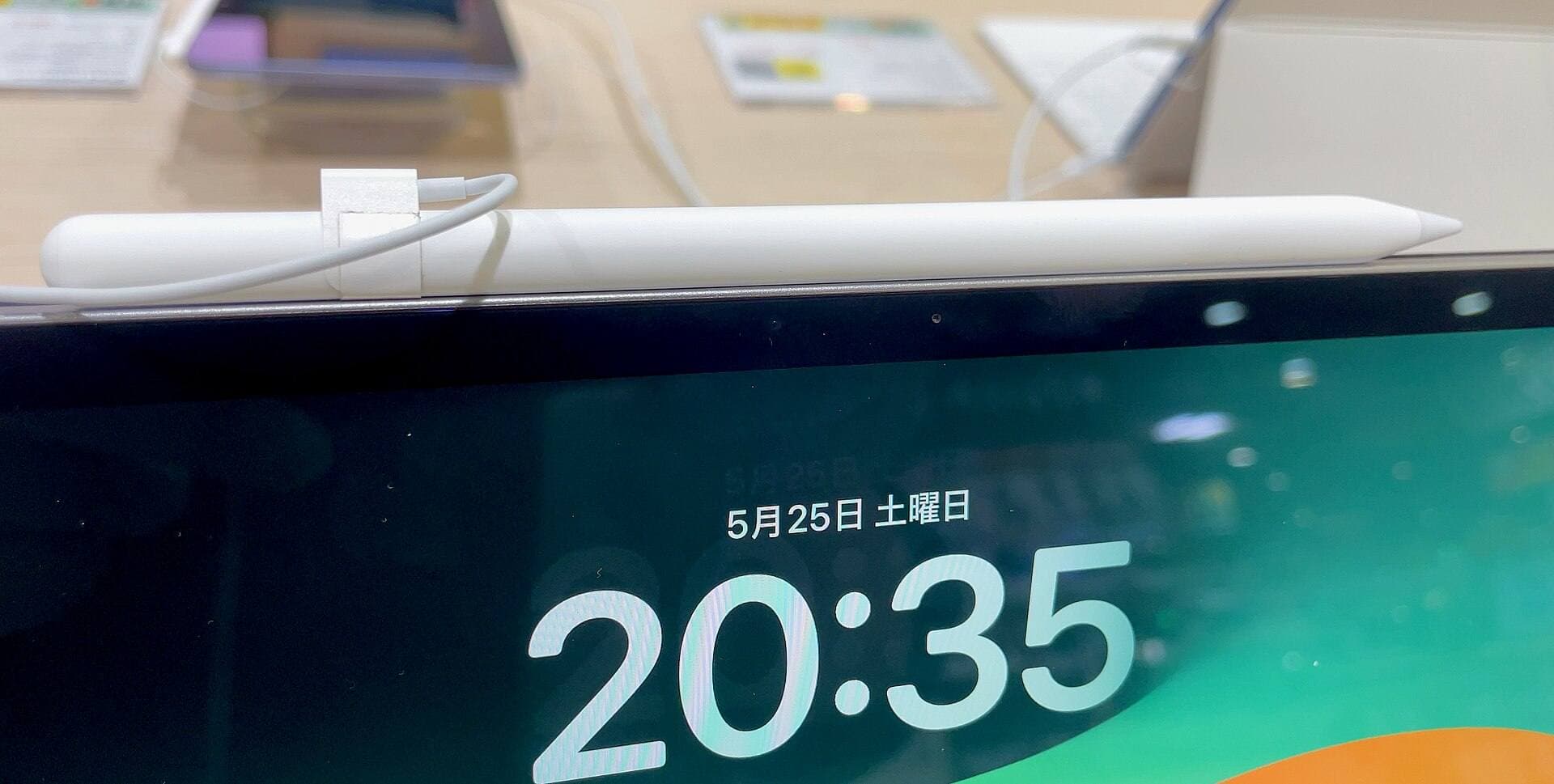
Apple Pencil models offer varying feature sets across the iPad range [7], [8]. The Apple Pencil Pro includes pressure sensitivity, tilt, haptics, barrel roll, hover, and a squeeze gesture [7]. Barrel roll is particularly relevant for oil painting, as rotating the stylus changes the orientation of shaped flat brushes or fan brushes on your canvas [7]. However, the Apple Pencil Pro pairs only with select newer tablets, such as the iPad Air with M4 chip or modern iPad Pro models [7], [8], [9].
If you use an iPad with the Apple Pencil (USB-C), be aware that it supports tilt and hover but lacks pressure sensitivity [7], [8]. Painting oils without pressure sensitivity makes it difficult to modulate paint density naturally in apps like Procreate or Adobe Fresco [1], [2], [7].
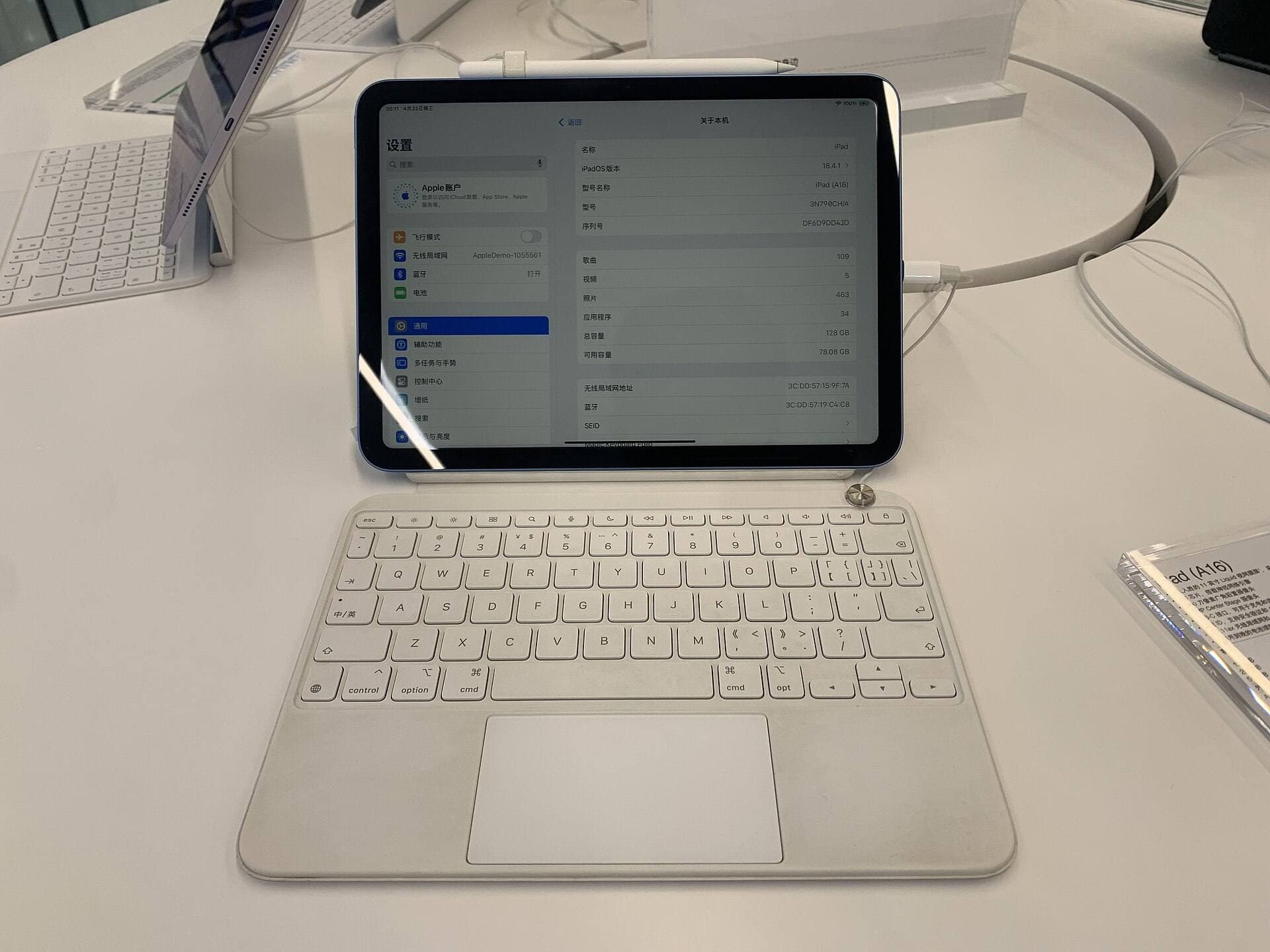
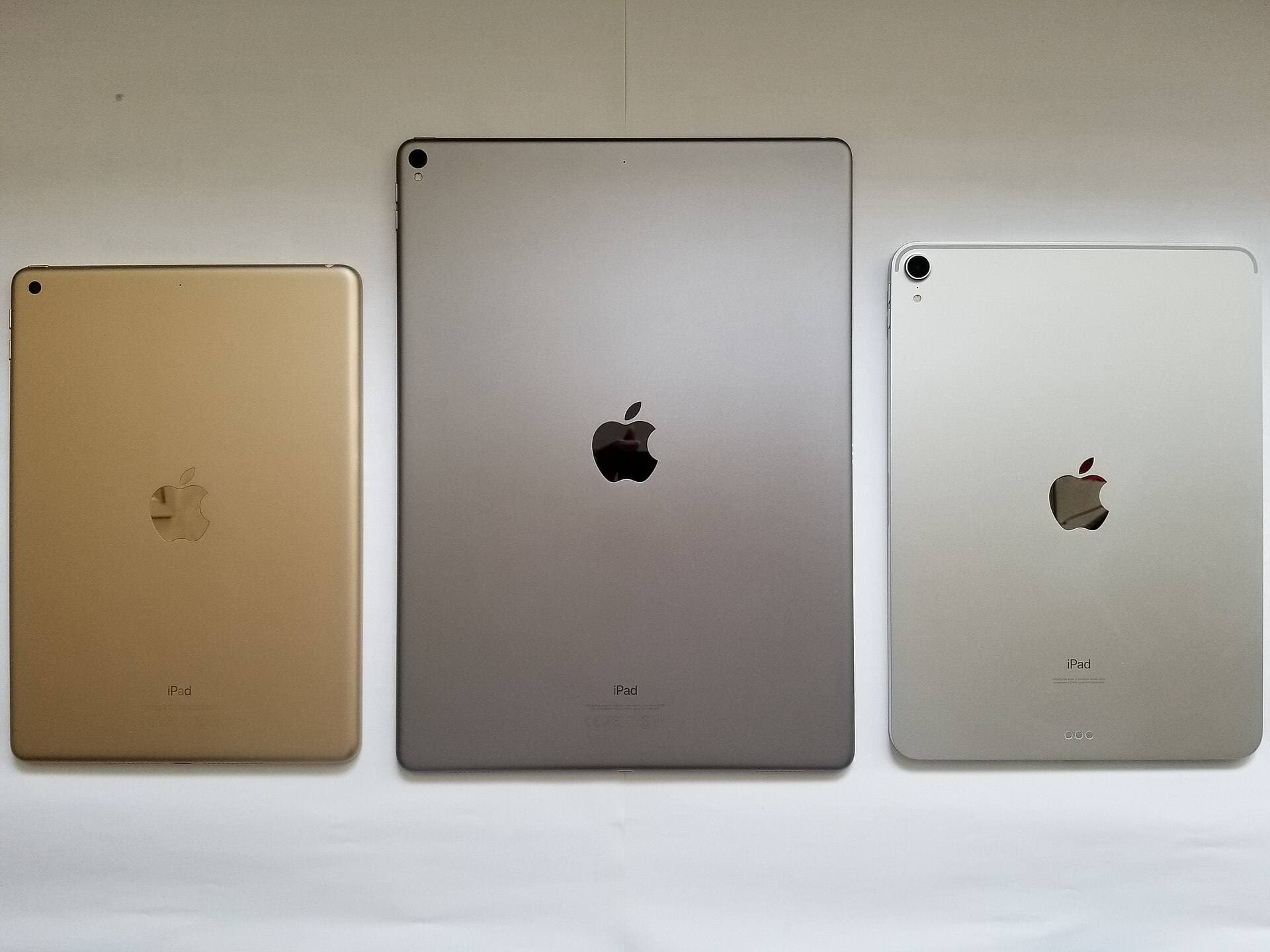
Screen size and memory also determine your comfort during multi-hour painting sessions [6], [9]. An iPad Air with M4 chip provides a 60Hz display, balanced processing power, and Apple Pencil Pro support [7], [9]. Because Procreate layer caps scale with device RAM, choosing an iPad with adequate memory ensures you do not run out of layers on high-resolution canvases [6], [9].
Bottom line
For most artists seeking an authentic oil painting experience on an Apple tablet, Procreate is the top purchase to make [1]. It combines a one-time purchase price with deep brush editing and optimized iPad performance [1], [6]. Pair Procreate with an Apple Pencil that supports pressure sensitivity to unlock fluid paint blending and realistic marks [1], [7].
If you prefer to spend nothing upfront, download Adobe Fresco or Infinite Painter from the App Store [2], [3]. Both give you capable paint toolsets to evaluate your stylus handling before investing in paid apps [2], [3], [7]. Verify your iPad model's Pencil compatibility and memory limits prior to starting large oil projects [6], [8].
Sources
[1] https://apps.apple.com/us/app/id425073498 [2] https://apps.apple.com/us/app/id1458660369 [3] https://apps.apple.com/us/app/id1146543227 [4] https://apps.apple.com/us/app/id1244142051 [5] https://apps.apple.com/us/app/id450722833 [6] https://help.procreate.com/articles/zlexav-ipad-compatibility [7] https://www.apple.com/apple-pencil/ [8] https://support.apple.com/en-us/108937 [9] https://www.apple.com/ipad/compare/
Recommended gear
Procreate
apps.apple.comPro: One-time purchase
Con: iPad-only
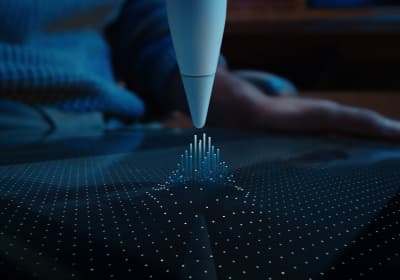
Apple Pencil Pro
amazon.comThe best Apple stylus for serious digital art workflows. Expensive, but the control upgrades are real.
Pro: Best brush-control and hover workflow
Con: Highest price in the lineup
Works only with newer iPad models. Check compatibility.
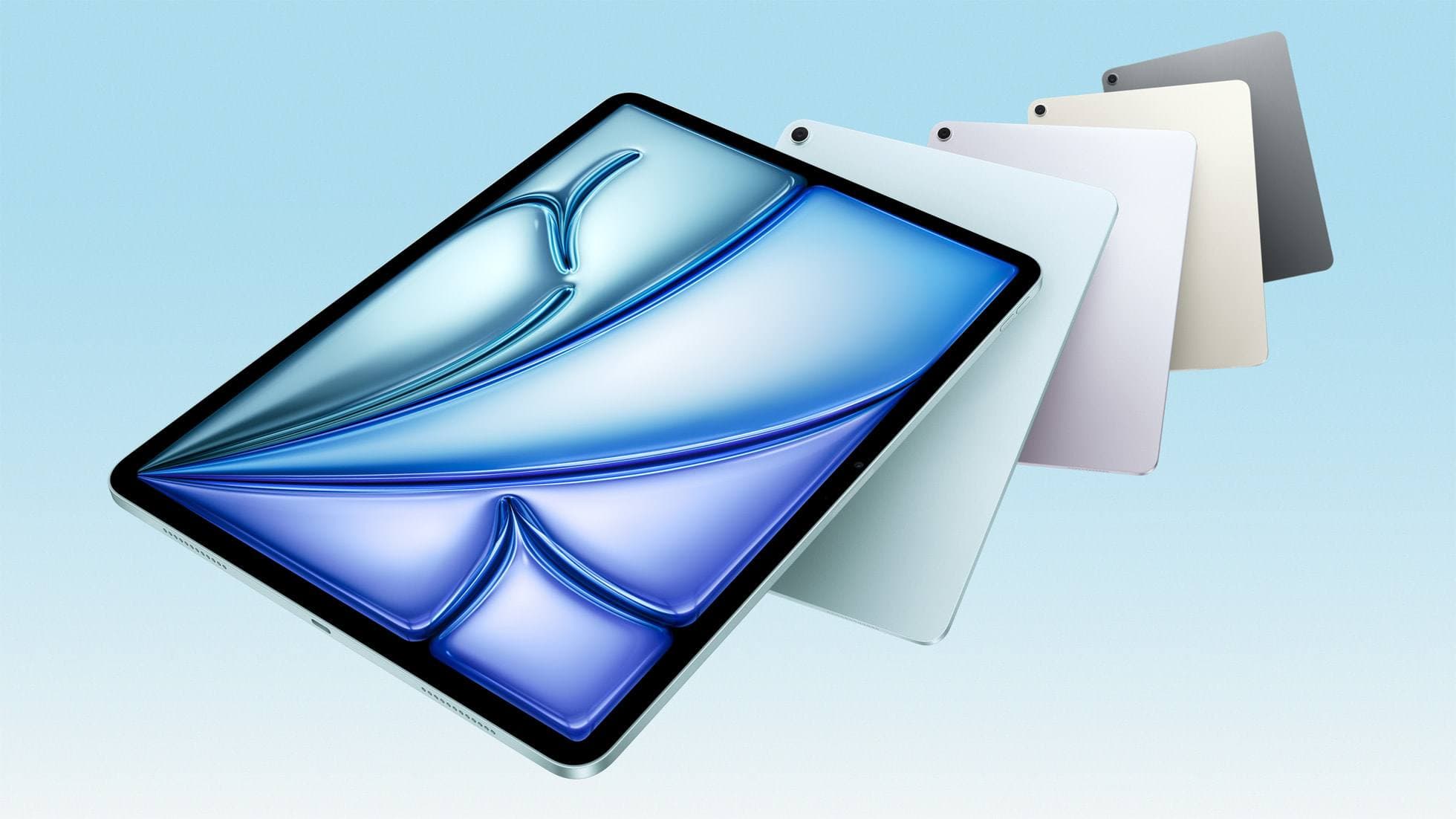
iPad Air (M4)
apple.comThe clean current Air recommendation for most serious hobby artists. Stronger buy logic than old-stock M3 when pricing is close.
Pro: Best current balance of price, headroom, and Pencil support
Con: Still 60Hz
Current Air lineup. Choose size, storage, and keyboard path before checkout.
Apple Pencil (USB-C)
amazon.comA practical low-cost Apple stylus with broad compatibility, but limited for advanced art control.
Pro: Lowest official Apple Pencil cost
Con: No pressure sensitivity for brush work
Compatible with many recent iPads. No pressure support.
Apple Pencil (2nd generation)
amazon.comStill a strong stylus on compatible iPads. Good pressure control, but compatibility is the main trap.
Pro: Pressure support without Pro pricing
Con: Not compatible with newest Pro-only iPads
Only for iPads that support 2nd generation pairing.
Related buying picks
More in this collectionBuyer guide
Best iPad app for watercolor painting: top choices and stylus pairings
Pick the right iPad watercolor app based on pricing model, live brush needs, and Apple Pencil hardware compatibility.
Buyer guide
Best coloring app for iPad kids: guided pages or open digital canvas
Choose Lake for structured coloring books or step up to Procreate when older kids outgrow premade templates.
Buyer guide
Best iPad app for pixel art: dedicated tools compared to Procreate
Choose dedicated pixel editors like Pixquare, Pixel Studio, or Pixaki over general illustration software for low-resolution iPad art.
Buyer guide
Best iPad app for comics: Clip Studio Paint vs Procreate and alternatives
Clip Studio Paint is the best overall iPad app for multi-page comics and paneling, while Procreate remains the top one-time purchase for standalone illustration.