Buy the iPad Air (M4) if you want modern Apple Pencil Pro support, desktop-class chip power, and plenty of storage configurations without the steep price of the Pro tier [1], [3]. Choose the iPad Pro (M5) only if your daily editing workload demands Apple's highest-end display hardware and ProMotion refresh rates [1]. Skip the baseline iPad (A16) and the iPad mini (A17 Pro) if you plan to edit complex video timelines or large multi-layer canvases, as their screen boundaries and accessory limits hold back serious creative projects [1], [3].
Graphic design and video editing demand more from a tablet than casual sketching or media playback. You need enough processing power to handle high-resolution visual assets, display real estate to organize complex timelines, and responsive stylus tools for detailed layout work [1], [4]. Apple offers several distinct models that span different processor generations and accessory tiers [1], [3]. Understanding where each iPad fits will save you from buying the wrong tablet or paying for hardware features you don't actually need.
How Apple Pencil Pro support changes design work
When you work on detailed graphic design projects, your stylus is your main interface. Apple separates its stylus lineup across different tablet tiers, making stylus compatibility one of the most critical buying decisions [2], [3]. Both the iPad Air (M4) and iPad Pro (M5) support the Apple Pencil Pro, which includes hardware features not found on older or entry-level models [1], [3].
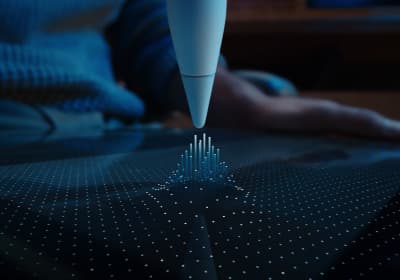
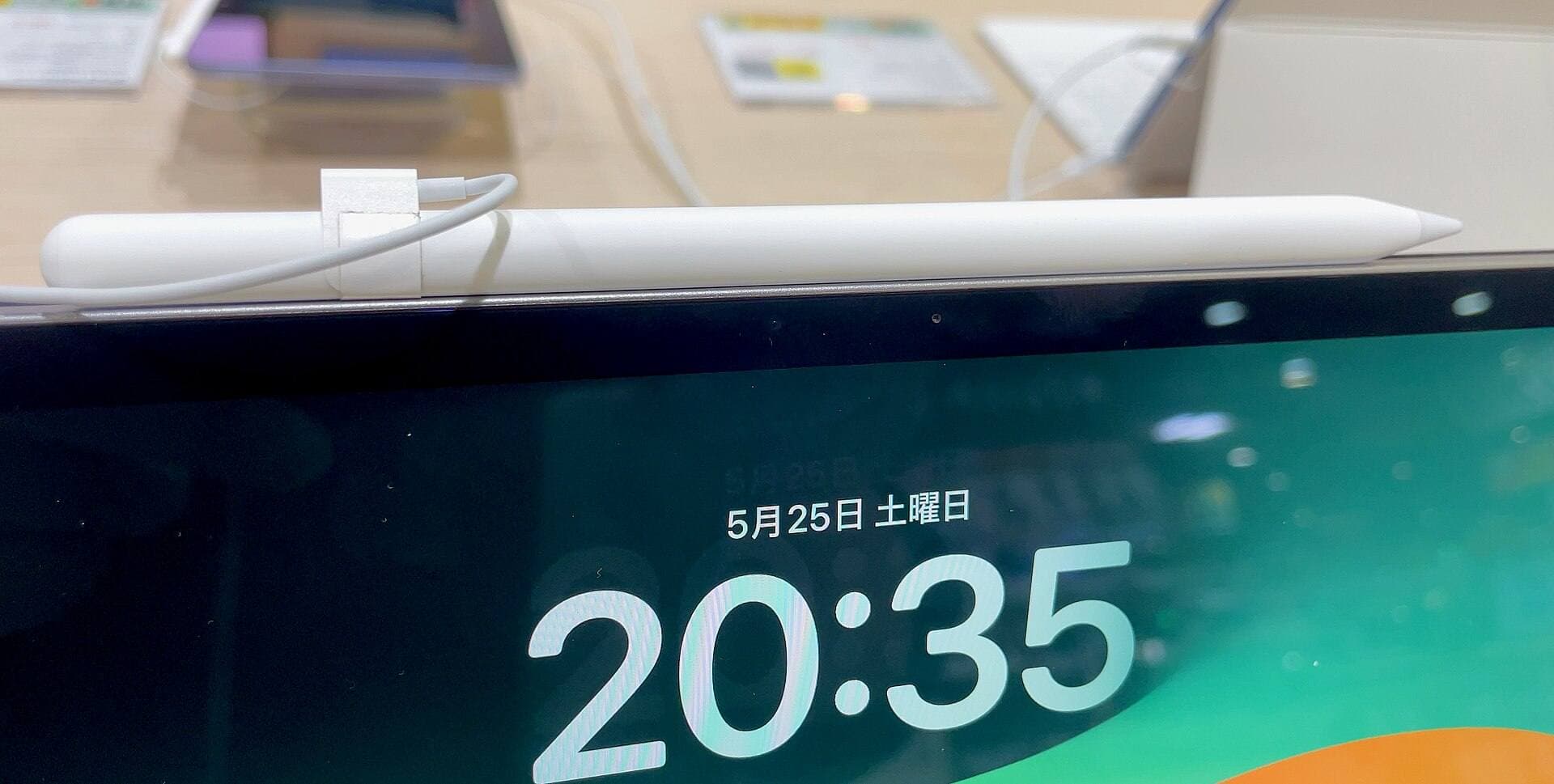
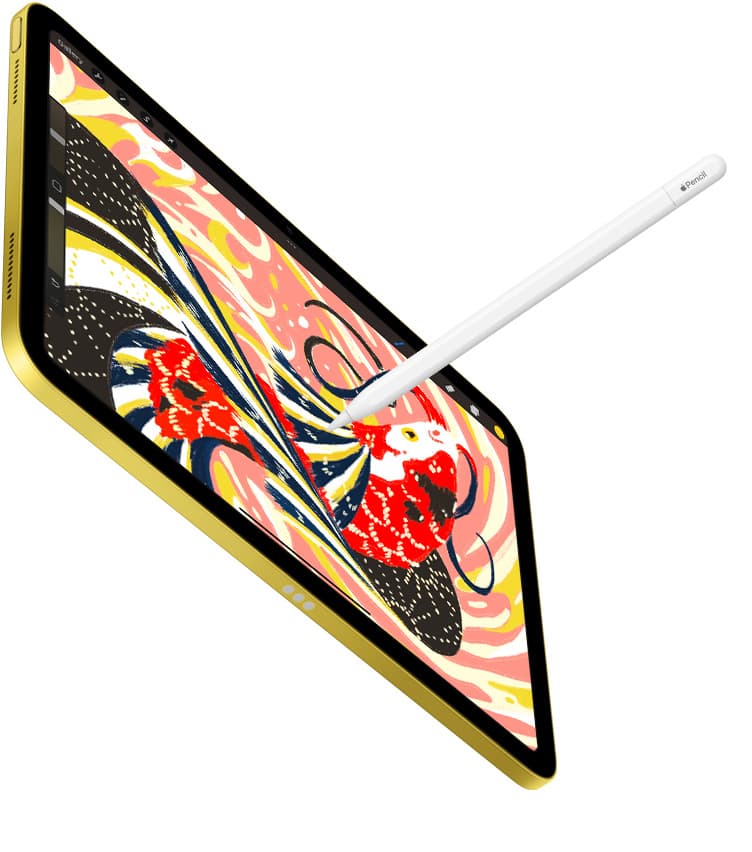
The Apple Pencil Pro incorporates barrel roll, squeeze gestures, haptic feedback, and Apple Pencil hover [2]. Squeeze gestures allow you to pull up contextual tool palettes or change stroke widths directly from the barrel of the tool without tapping off-screen menus [2]. Barrel roll uses an internal gyroscope to let you rotate shaped brushes, calligraphy pens, and precision markers simply by twisting the stylus in your fingers [2]. These hardware additions streamline daily vector design and illustration workflows in compatible apps [2], [5].
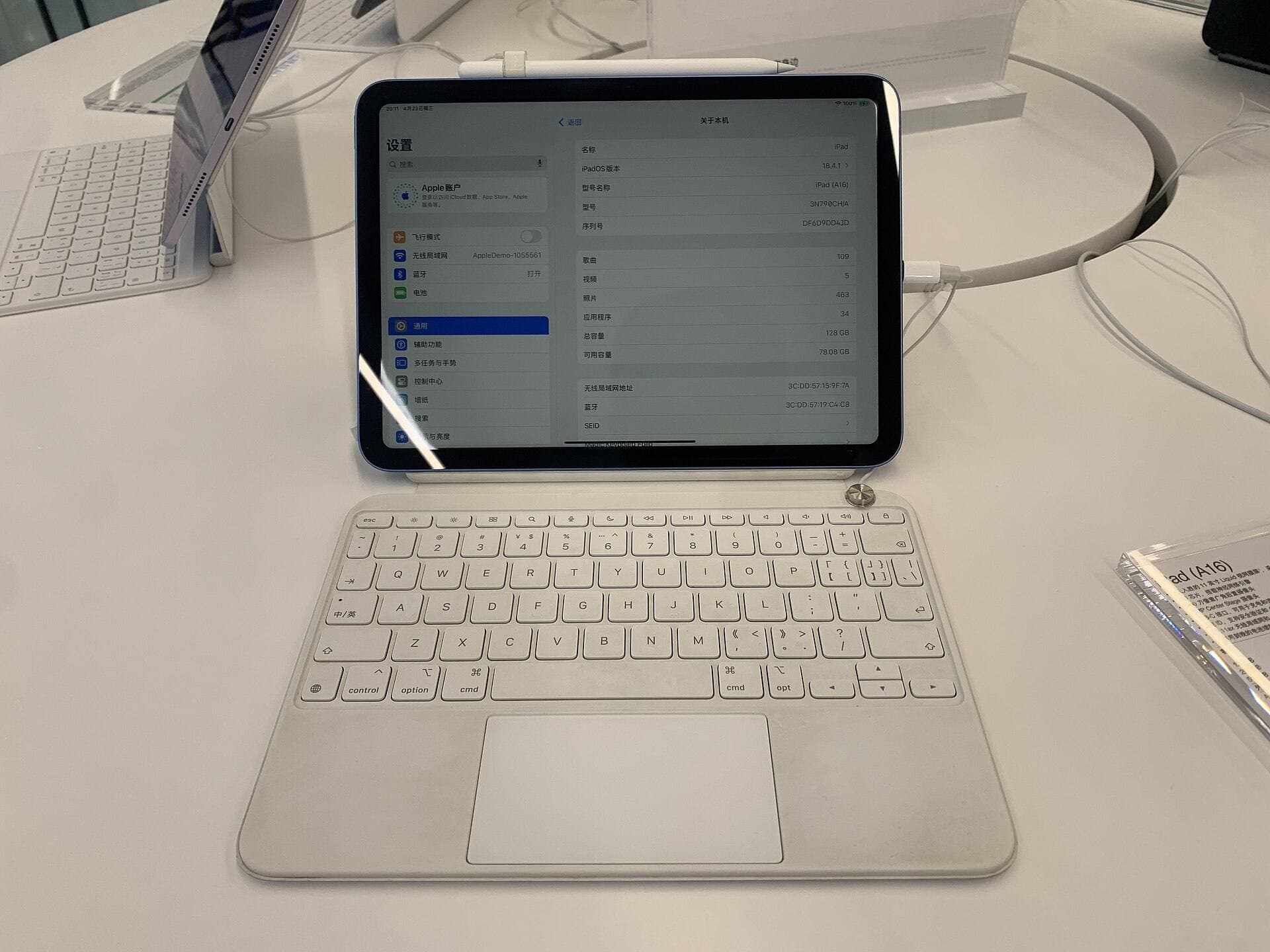
In contrast, the entry-level iPad (A16) does not support the Apple Pencil Pro [1], [3]. It works with the Apple Pencil (USB-C) or older first-generation models, which lack features like squeeze, barrel roll, and pressure sensitivity depending on the exact pairing [2], [3]. If your graphic design work relies heavily on dynamic pressure curves or instant tool changes, starting with an iPad Air (M4) or iPad Pro (M5) ensures you get full access to the Apple Pencil Pro feature set [1], [2], [3].
Screen size and display tech for video timelines
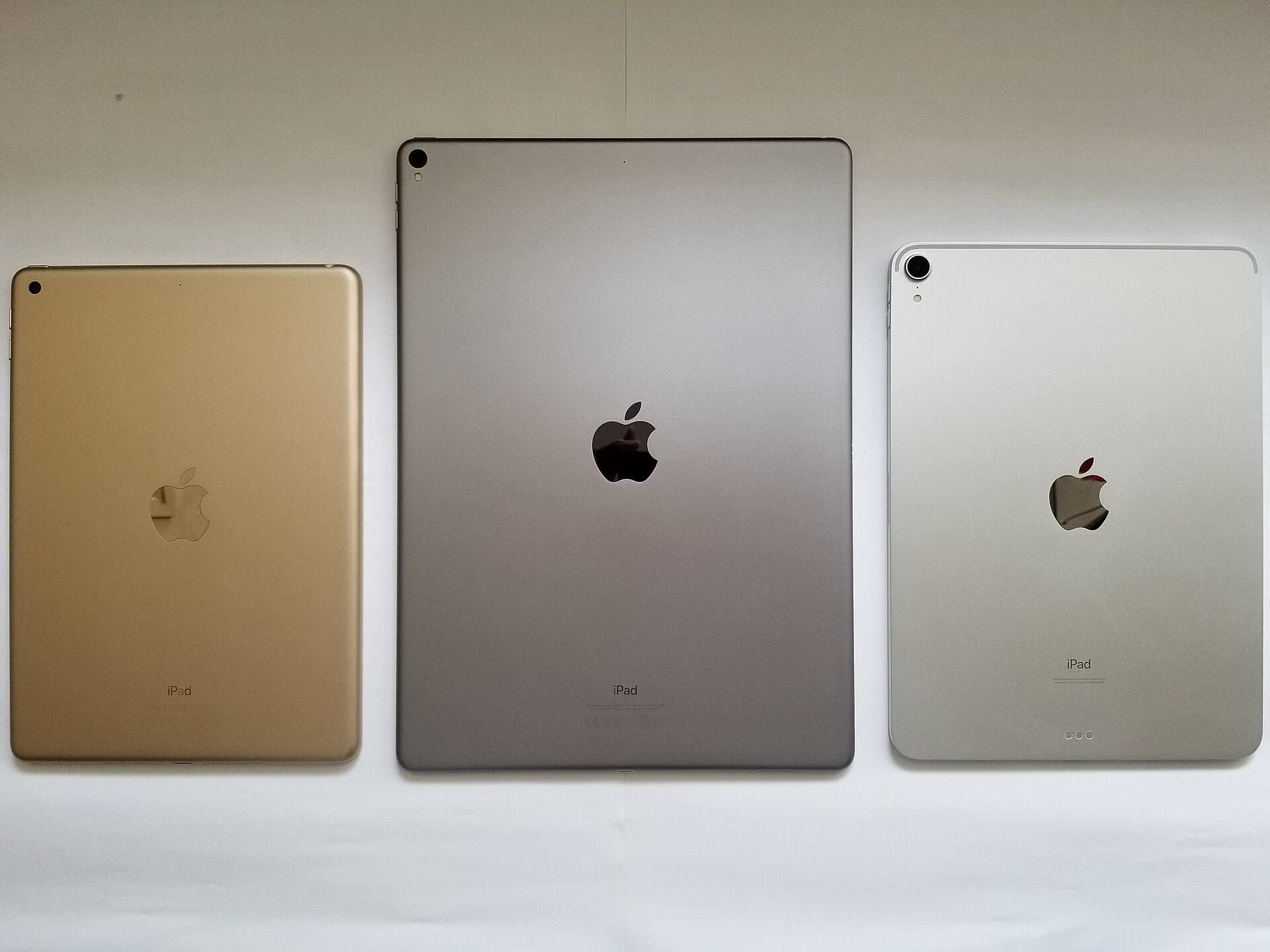
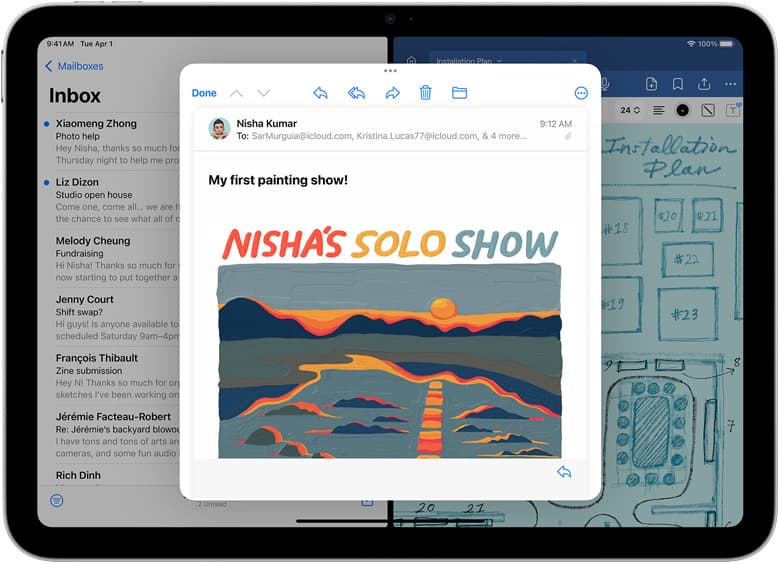
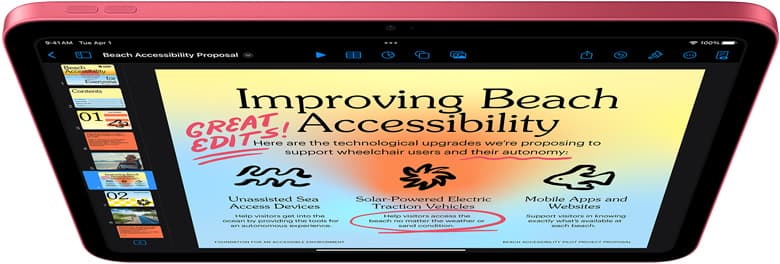
Screen space dictates how comfortably you can manage video timelines, color grading scopes, and multi-panel design layouts [1]. Apple offers the iPad Air (M4) and iPad Pro (M5) in both 11-inch and 13-inch form factors, giving you a choice between lighter travel weight and a larger visual workspace [1].
For video editors, the extra space on a 13-inch display provides room for stacked video tracks, audio waveforms, and preview windows without constant pinching and zooming [1]. If you edit multi-clip video sequences or layout spreads with detailed typography, the 13-inch canvas gives your workspace room to breathe [1]. The 11-inch versions remain completely capable, but you'll spend more time toggling panels and shrinking track heights to see your entire project [1].
Display technology also marks a key divide between the Air and Pro lines. The iPad Air (M4) uses a standard 60Hz display, while the iPad Pro (M5) features Apple's ProMotion technology with adaptive refresh rates [1]. ProMotion delivers smoother scrolling and stylus tracking on the glass, which some illustrators and editors notice immediately when drawing fast lines or skimming long video timelines [1], [2]. If you don't require high-refresh motion, the iPad Air (M4) screen provides clean color and sharp resolution for standard design tasks at a much lower cost [1].
Chip choices and memory for creative layers
Under the hood, processor class and internal memory place hard boundaries on how ambitious your design documents and video sequences can be [1], [4]. Applications like Procreate calculate maximum canvas sizes and layer limits directly from the available working memory of your specific iPad model [4], [5]. When you work with larger canvas dimensions or higher print resolutions, older or lower-memory devices force you to work with fewer layers [4].
The iPad Air (M4) and iPad Pro (M5) pack desktop-grade M-series processors that offer high memory bandwidth and strong graphic performance [1]. This extra headroom makes a clear difference when you're managing complex digital paintings, vector illustrations with hundreds of elements, or 4K video streams with multiple color correction nodes [1], [4]. The M-series architecture also ensures long-term support across modern creative software updates [1], [5].
On the other hand, the iPad (A16) uses mobile-tier silicon designed for general consumer use [1]. While it runs creative software like Procreate from the App Store, you will hit tighter layer limits on large canvases compared to M-series tablets [1], [4], [5]. The iPad mini (A17 Pro) includes a modern mobile chip, but its compact screen size restricts how many interface panels you can keep open at once [1]. For serious video assembly and heavy design files, choosing an M-series iPad avoids early hardware bottlenecks [1], [4].
Comparing the iPad lineup for designers and editors
Choosing the right device comes down to matching your primary creative medium with the hardware strengths of each model [1]. Here is how the current lineup breaks down for visual creators:
- iPad Air (M4): This is the sweet spot for most designers and video editors [1]. It pairs with the Apple Pencil Pro, comes in 11-inch and 13-inch sizes, and runs on the capable M4 processor [1], [3]. You give up ProMotion refresh rates, but you gain access to the same stylus tools and high-resolution canvas potential as the flagship tablet [1], [2], [4].
- iPad Pro (M5): This is the uncompromising choice for full-time creative pros [1]. It delivers the best display in Apple's lineup, complete with ProMotion, along with the top-tier M5 chip and full Apple Pencil Pro compatibility [1], [2], [3]. Buy this model if you edit video every single day and want the absolute smoothest visual feedback available [1].
- iPad (A16): This baseline model is an affordable entry point for students or beginners exploring graphic arts [1]. However, it lacks Apple Pencil Pro support, uses a standard 60Hz screen, and runs an older A-series chip that limits canvas layering and editing timelines [1], [3], [4]. Skip this model if you plan to do professional client work.
- iPad mini (A17 Pro): The mini provides an ultra-portable digital sketchbook [1]. It supports Apple Pencil Pro, giving you squeeze and barrel roll features in a pocketable build [1], [2], [3]. However, the 8.3-inch screen is simply too tight for multi-track video editing, panel-heavy layout apps, and broad drawing gestures [1]. Keep it as a secondary companion rather than your primary workstation.
Bottom line
For graphic design and video editing, the iPad Air (M4) is the smartest purchase for the vast majority of creators [1]. It delivers full compatibility with the Apple Pencil Pro, offers both 11-inch and 13-inch canvas sizes, and includes the processing power needed to handle high-resolution files and deep layer stacks [1], [2], [4]. You skip the high price of the Pro line while keeping the tools that matter most for everyday visual work [1].
If you have a larger budget and your work demands the best possible display with ProMotion fluidity, step up to the iPad Pro (M5) [1]. Skip the baseline iPad (A16) due to its accessory limits, and leave the iPad mini (A17 Pro) for mobile sketchers who don't need to cut video timelines [1], [2], [3]. Pair the iPad Air (M4) with an Apple Pencil Pro and sufficient internal storage, and you'll have a balanced creative workstation ready for real design work [1], [3].
Sources
[1] https://www.apple.com/ipad/compare/ [2] https://www.apple.com/apple-pencil/ [3] https://support.apple.com/en-us/108937 [4] https://help.procreate.com/articles/zlexav-ipad-compatibility [5] https://apps.apple.com/us/app/procreate/id425073498
Recommended gear
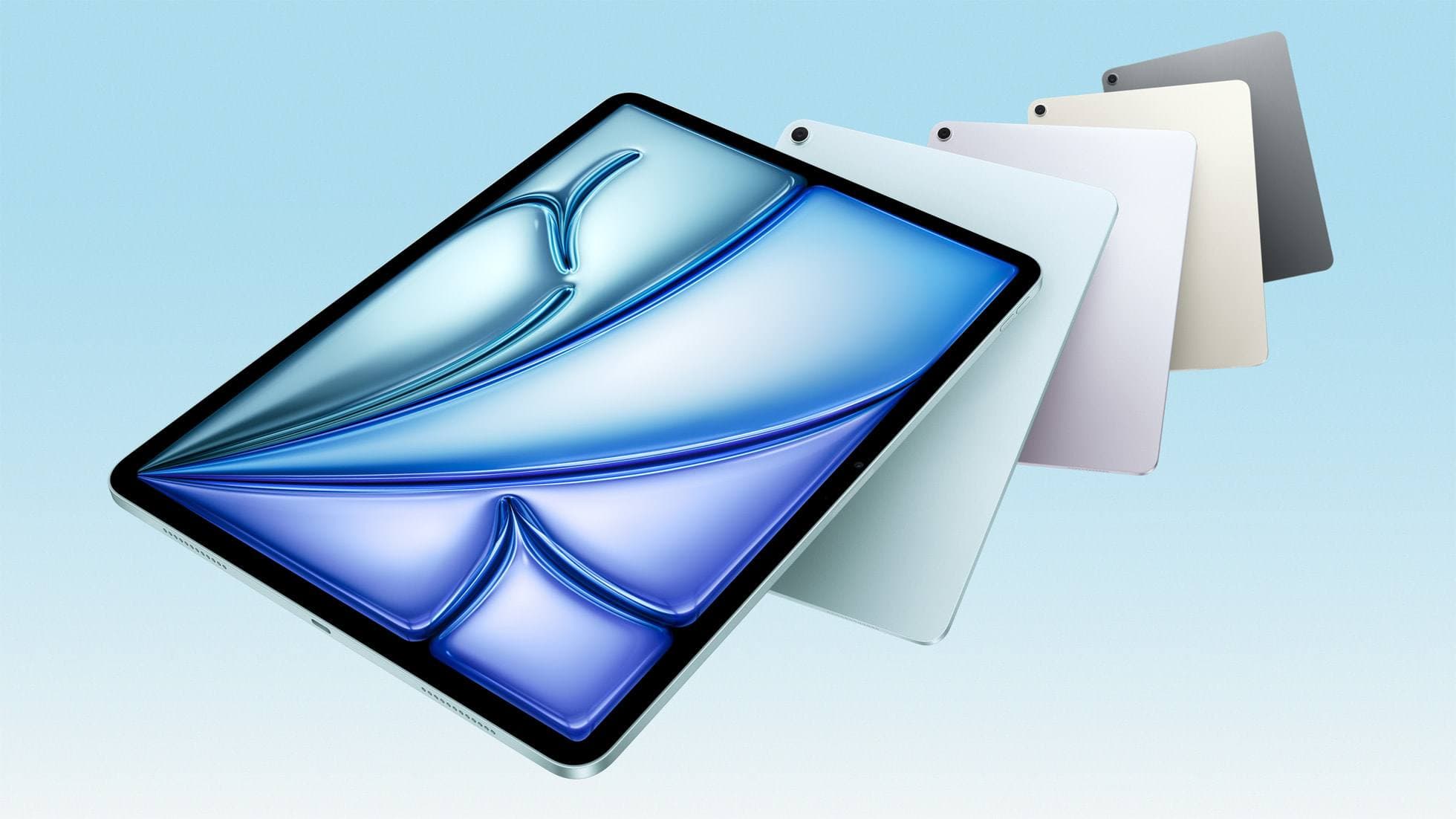
iPad Air (M4)
apple.comThe clean current Air recommendation for most serious hobby artists. Stronger buy logic than old-stock M3 when pricing is close.
Pro: Best current balance of price, headroom, and Pencil support
Con: Still 60Hz
Current Air lineup. Choose size, storage, and keyboard path before checkout.
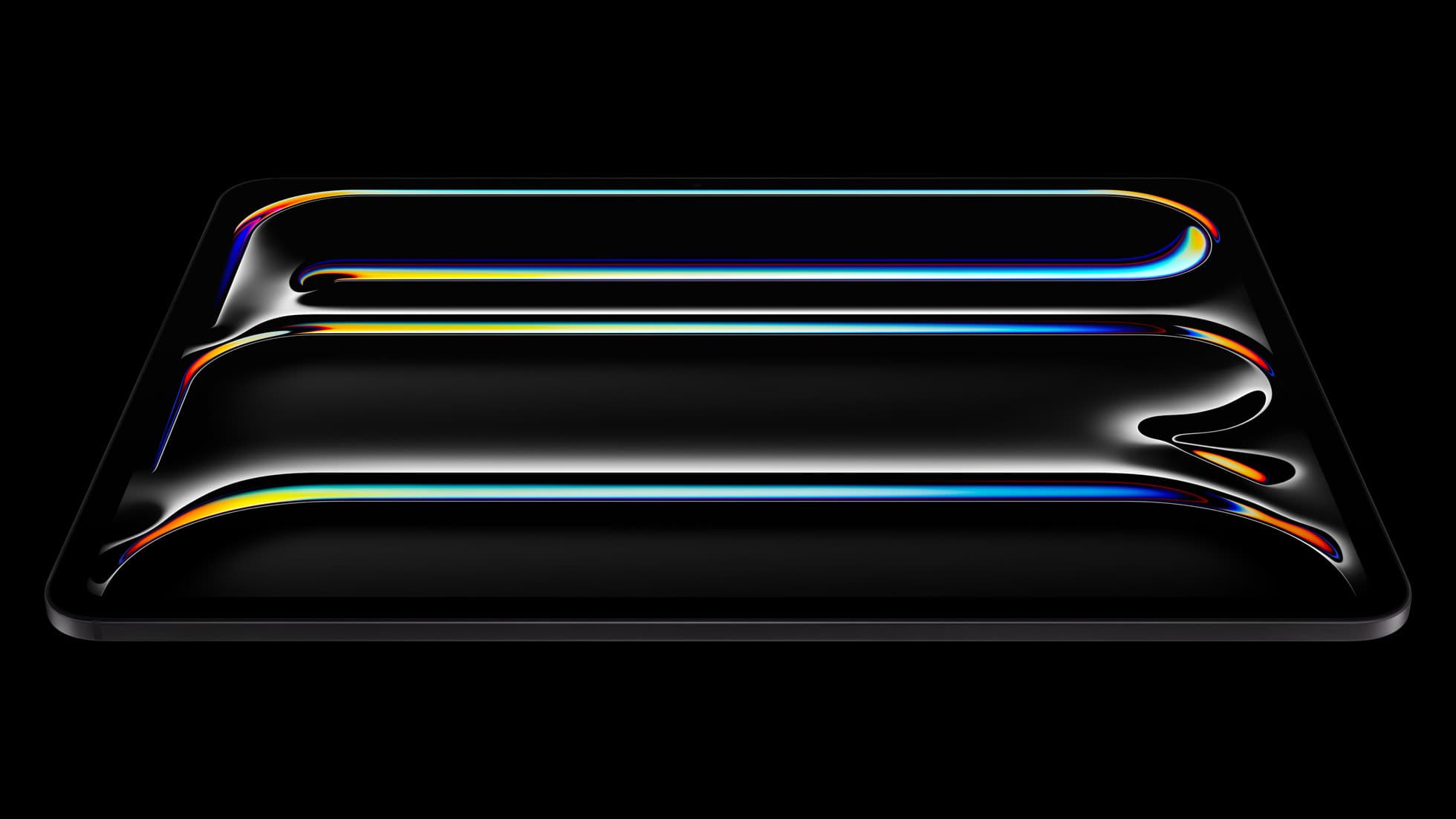
iPad Pro (M5)
amazon.comThe best iPad for drawing feel and premium workflow comfort, but many buyers still overpay for it.
Pro: Best iPad display and ProMotion feel
Con: Highest price in the lineup
Search opens with iPad Pro terms. Check year, chip, and screen size.
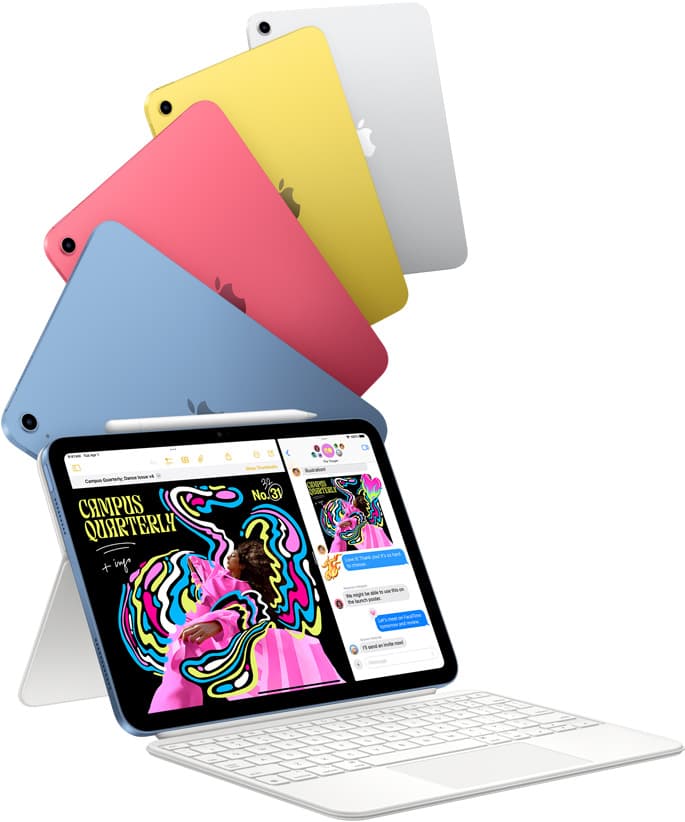
iPad (A16, 11th gen)
amazon.comThe best entry iPad for most artists on a budget. It is not premium, but it is very hard to beat on value.
Pro: Best value iPad right now
Con: No ProMotion display
Search opens with the exact model keywords. Verify size and storage before checkout.
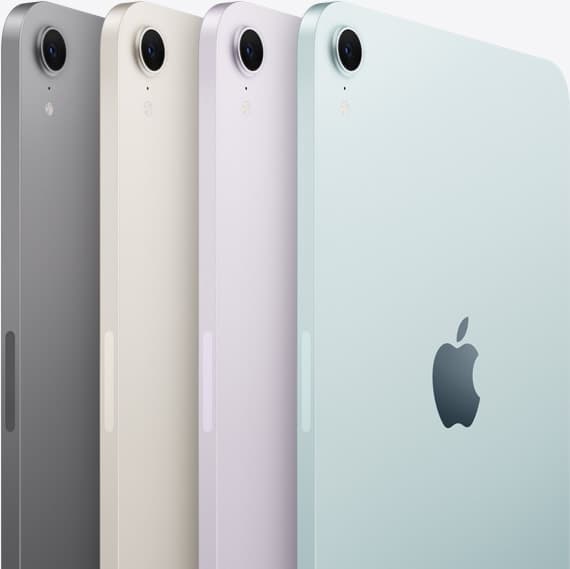
iPad mini (A17 Pro)
amazon.comThe most portable real iPad for drawing. It wins on mobility and loses on workspace.
Pro: Most portable drawing iPad
Con: Small canvas for detailed work
Search opens with iPad mini A17 Pro terms. Verify model number before buying.
Related buying picks
More in this collectionBuyer guide
The best iPad for graphic design students: Air, Pro, and budget picks compared
Graphic design students should buy the iPad Air (M4) for its balance of Apple Pencil Pro support, screen options, and practical value.
Buyer guide
How to choose the best iPad for illustration work
Find the best iPad for your illustration workflow based on Apple Pencil Pro compatibility, screen size, Procreate layer limits, and display feel.
Buyer guide
Choosing an iPad for digital planning and drawing
Pairing an iPad Air with Apple Pencil Pro offers the right balance of stylus features and canvas headroom for dual planning and sketch workflows.
Buyer guide
Best iPad for interior design
The iPad Air (M4) is the best overall iPad for interior designers needing Apple Pencil Pro support without paying Pro tier prices.