If you need multi-page comic layouts, specialized perspective rulers, or desktop cross-platform file exchange, skip Procreate and download Clip Studio Paint [1], [2]. Procreate is an established one-time purchase built exclusively for iPadOS, rated 4.4 out of 5 in the App Store Graphics and Design category [1]. However, its iPad-only scope and flat raster focus leave clear gaps for artists who need vector ink lines, desktop handoff, or infinite drafting canvases [1], [2], [3]. If you want a zero-cost option or a dedicated vector sketching workflow, Adobe Fresco or Concepts provide targeted tools without an upfront paid license [4], [5].
Why look beyond Procreate on iPad
Procreate dominates iPad digital painting due to its clean interface and one-time purchase model [1]. Even so, the app remains iPad-only, meaning artists can't open their native projects directly on desktop operating systems without flattening or converting layer data [1]. Device hardware also dictates how you work inside the app. Procreate ties maximum layer counts directly to available device memory and canvas dimensions [6]. If you build large print canvases on an iPad with lower RAM, the available layer limit decreases accordingly [6].
Artists seeking production features like frame-by-frame storyboarding, multi-page document binding, or vector ink editing often hit functional walls in raster-only environments. While Procreate remains an excellent generalist tool, specialized drawing applications solve specific production tasks that a single iPad illustration canvas doesn't address [1], [2].
Clip Studio Paint for multi-page comics and production work
Clip Studio Paint by CELSYS is the strongest direct production alternative to Procreate for long-form creators [1], [2]. The app holds a 4.7 out of 5 rating in the App Store and offers an initial 30-day free trial [2]. Unlike Procreate, Clip Studio Paint provides a deep toolset that includes perspective rulers, vector linework layers, and dedicated tools for comic panel construction and animation [2].
Buy Clip Studio Paint if you draw multi-chapter comics, webtoons, or need your iPad canvas to sync with desktop operating systems [2]. The vector layers let you resize lineart strokes without bitmap degradation, while its ruler systems speed up complex architectural backgrounds. Skip Clip Studio Paint if you dislike continuous software plans or prefer a minimal, uncluttered touch interface. While Procreate keeps pricing simple with a one-time purchase, Clip Studio Paint relies on an iPad plan structure [1], [2].
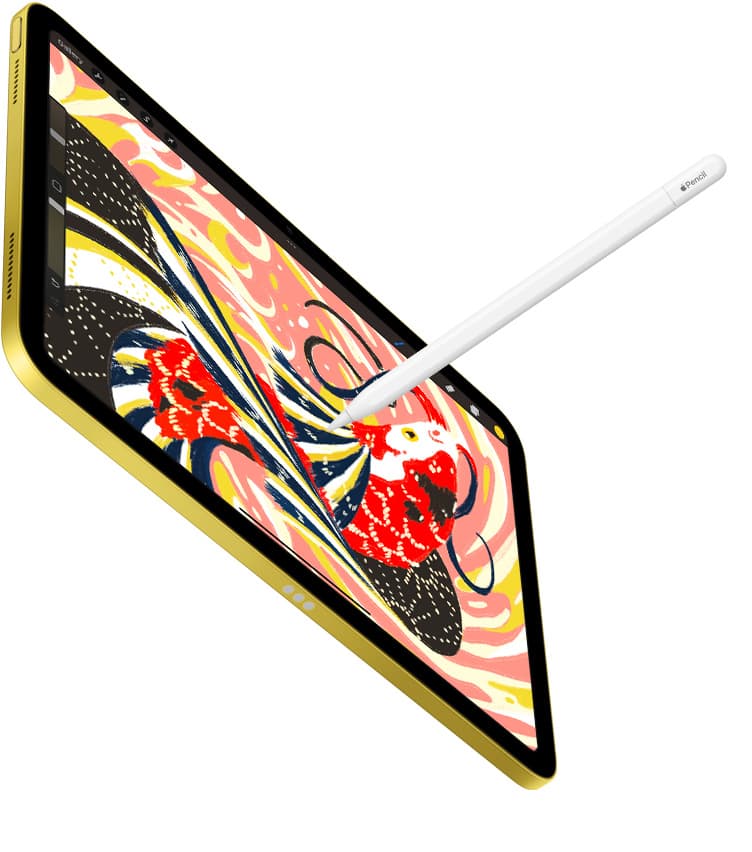
Hardware pairing also matters when running detailed illustration suites. If you pair Clip Studio Paint with an Apple Pencil Pro on compatible tablets like the iPad Air with an M4 chip, you gain hardware input capabilities like barrel roll, squeeze, and haptic feedback alongside pressure sensitivity and tilt detection [7], [8], [9].
Adobe Fresco for live brushes and vector mixing
Adobe Fresco is listed as a free download in the App Store Graphics and Design category, earning a 4.7 out of 5 rating across more than 60,000 reviews [4]. Adobe presents Fresco as a drawing and painting app designed for both natural media simulation and digital illustration [4].
Choose Adobe Fresco if your workflow balances raster painting with clean vector lineart on the same canvas [4]. The app includes live brushes that simulate watercolor bleeding and oil paint blending, allowing pigments to interact digitally as you layer colors [4]. It's also well-suited for illustrators who already utilize Creative Cloud workflows across mobile devices. Skip Fresco if you require deep comic production panels, multi-page document exports, or complex animation sequencing, where Clip Studio Paint offers broader toolsets [2], [4].
Sketchbook and ibis Paint X for everyday sketching and social art
For artists who don't require dense commercial production toolsets, both Sketchbook and ibis Paint X offer capable digital workspaces as free App Store downloads [10], [11].
Sketchbook holds a 4.8 out of 5 rating from over 220,000 App Store ratings, presenting an uncluttered interface focused on immediate sketching and drawing tools [10]. Download Sketchbook if you want a clean, low-friction canvas for daily warm-ups, quick character concepts, or basic finished illustrations without managing heavy tool palettes [10]. Skip Sketchbook if you rely on advanced layer clipping, complex vector paths, or print-ready multi-page publishing tools [2], [10].
By contrast, ibis Paint X holds a 4.7 out of 5 rating from nearly 300,000 user reviews [11]. The app focuses on mobile-friendly accessibility, screen tones, and community sharing features [11]. Choose ibis Paint X if you produce manga-style line drawings or mobile animation clips and prefer free access supported by in-app options [11]. Skip ibis Paint X if you prefer a minimal canvas interface with zero promotional elements [10], [11].
Concepts and Infinite Painter for technical drawing and natural media
When standard raster drawing layers restrict your creative layout, Concepts and Infinite Painter represent distinct technical alternatives [3], [5].
Concepts holds a 4.7 out of 5 rating in the App Store Graphics and Design category [5]. TopHatch designs Concepts as an infinite vector sketchbook where you can plan, sketch, and draft ideas freely [5]. Choose Concepts if you work in architectural design, rapid ideation, or product drafting where having an infinite canvas with scalable vector strokes is necessary [5]. Because every line drawn in Concepts retains vector point data, you can adjust stroke weight, color, or path smoothing at any stage [5]. Skip Concepts if you need traditional digital painting tools like blending brushes, impasto textures, or textured paint build-up [3], [5].
Infinite Painter holds a 4.1 out of 5 rating in the App Store and targets natural media rendering on iPad and iPhone [3]. Choose Infinite Painter if you want experimental paint engine dynamics, custom brush customization, and seamless pattern creation in a portable package [3]. Skip Infinite Painter if you work strictly in high-precision vector drafting or require multi-page publishing environments [2], [5].
Choosing the right iPad hardware and stylus support
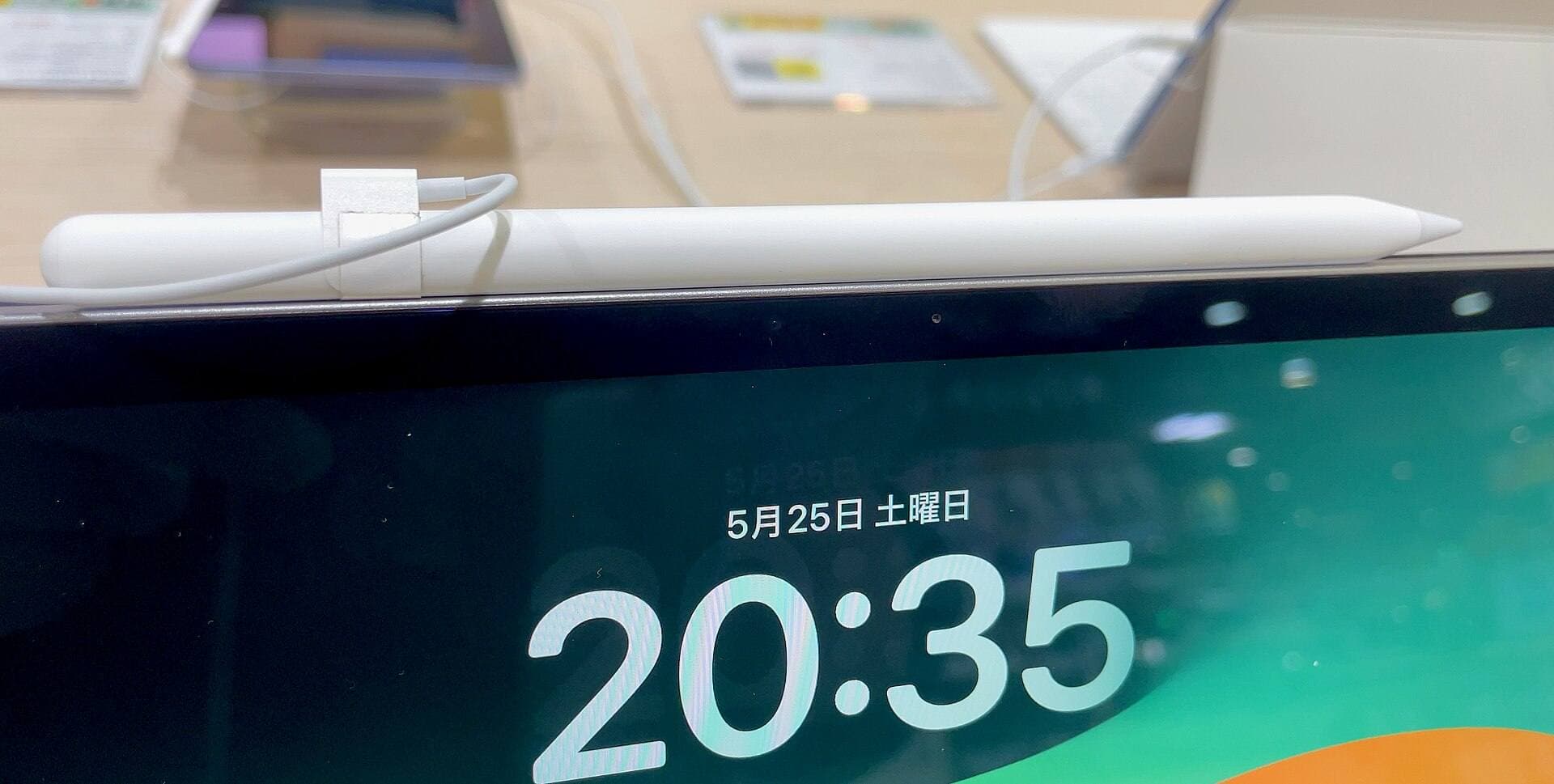
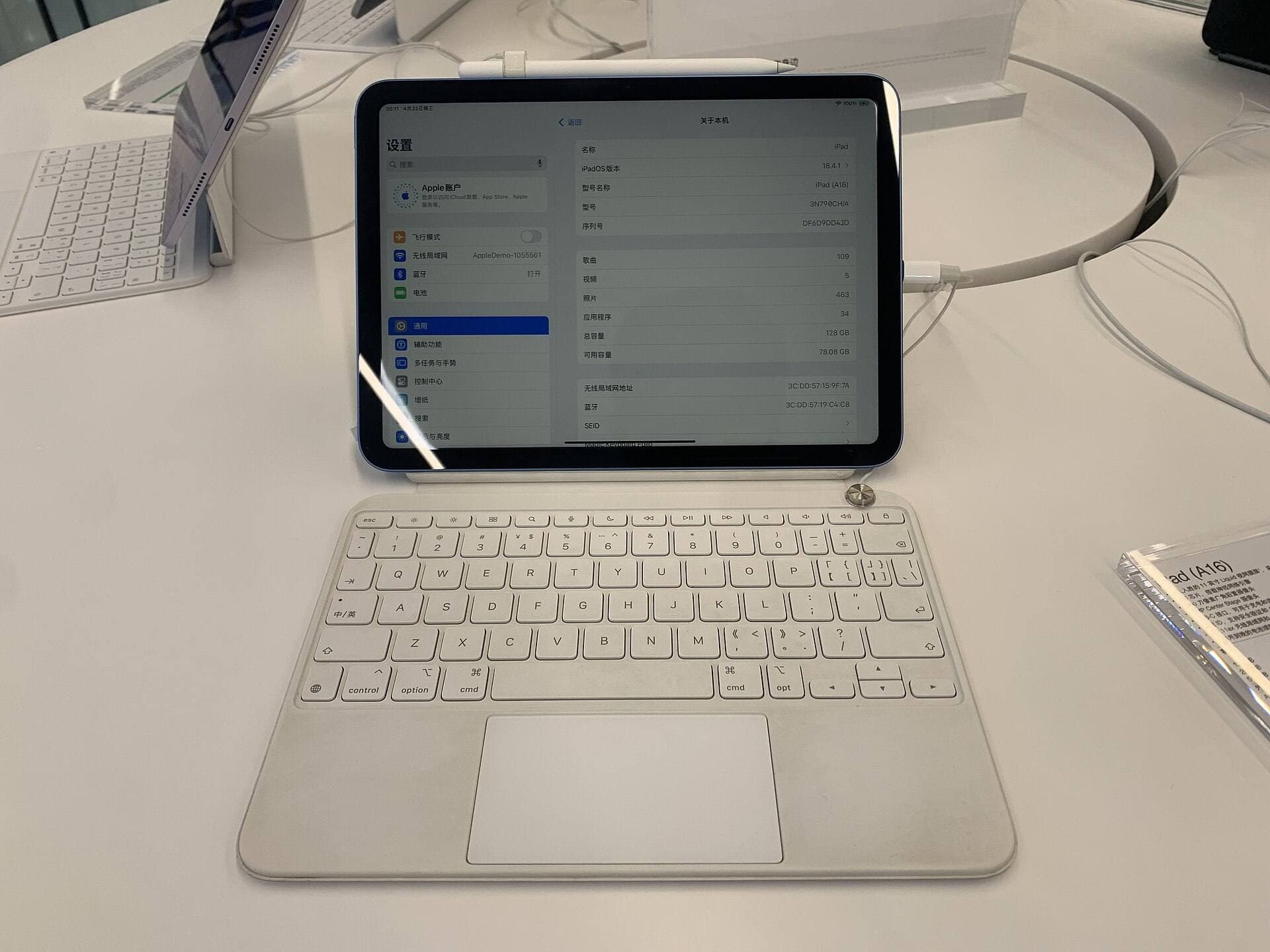
Software selection works alongside iPad hardware features. The iPad Air with the M4 chip offers a modern baseline balance of processor performance and Apple Pencil Pro support [7], [8]. On supported models, the Apple Pencil Pro adds features including squeeze detection, barrel roll orientation, haptic feedback, and hover preview over the glass surface [7], [8].
Pressure sensitivity and tilt functionality are core components of both the Apple Pencil Pro and earlier compatible Apple Pencil styluses across the lineup [7], [8]. However, hardware pairing must be verified before purchasing accessories. The Apple Pencil Pro only pairs with select newer iPad models, while standard USB-C and previous-generation pencils pair across different tablet tiers [7], [8]. Matching your drawing software to an iPad configuration with sufficient unified memory ensures you maintain higher layer headroom for high-resolution canvas projects [6], [8].
Bottom line
Procreate remains an outstanding baseline recommendation for general illustrators who prefer a one-time purchase with no recurring fees on iPadOS [1]. Choose Clip Studio Paint instead if your projects require multi-page comics, frame-by-frame animation, perspective tools, or cross-platform desktop syncing [2]. If your budget allows no upfront software spending, test Adobe Fresco or Sketchbook to secure capable digital drawing engines at zero initial cost [4], [10]. For technical ideation or unlimited canvas sizes, Concepts delivers the vector precision that raster drawing apps can't match [5]. Pair your selected software with a compatible iPad Air and Apple Pencil Pro setup to unlock full hover, tilt, and pressure workflows [7], [8].
Sources
[1] https://apps.apple.com/us/app/id425073498 [2] https://apps.apple.com/us/app/id1262985592 [3] https://apps.apple.com/us/app/id1146543227 [4] https://apps.apple.com/us/app/id1458660369 [5] https://apps.apple.com/us/app/id560586497 [6] https://help.procreate.com/articles/zlexav-ipad-compatibility [7] https://www.apple.com/apple-pencil/ [8] https://www.apple.com/ipad/compare/ [9] https://support.apple.com/en-us/108937 [10] https://apps.apple.com/us/app/id883738213 [11] https://apps.apple.com/us/app/id450722833
Recommended gear
Procreate
apps.apple.comPro: One-time purchase
Con: iPad-only
Clip Studio Paint
apps.apple.comPro: Deep comics, vector, ruler, and animation toolset
Con: iPad plan model is less simple than Procreate
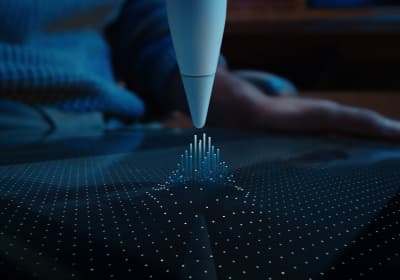
Apple Pencil Pro
amazon.comThe best Apple stylus for serious digital art workflows. Expensive, but the control upgrades are real.
Pro: Best brush-control and hover workflow
Con: Highest price in the lineup
Works only with newer iPad models. Check compatibility.
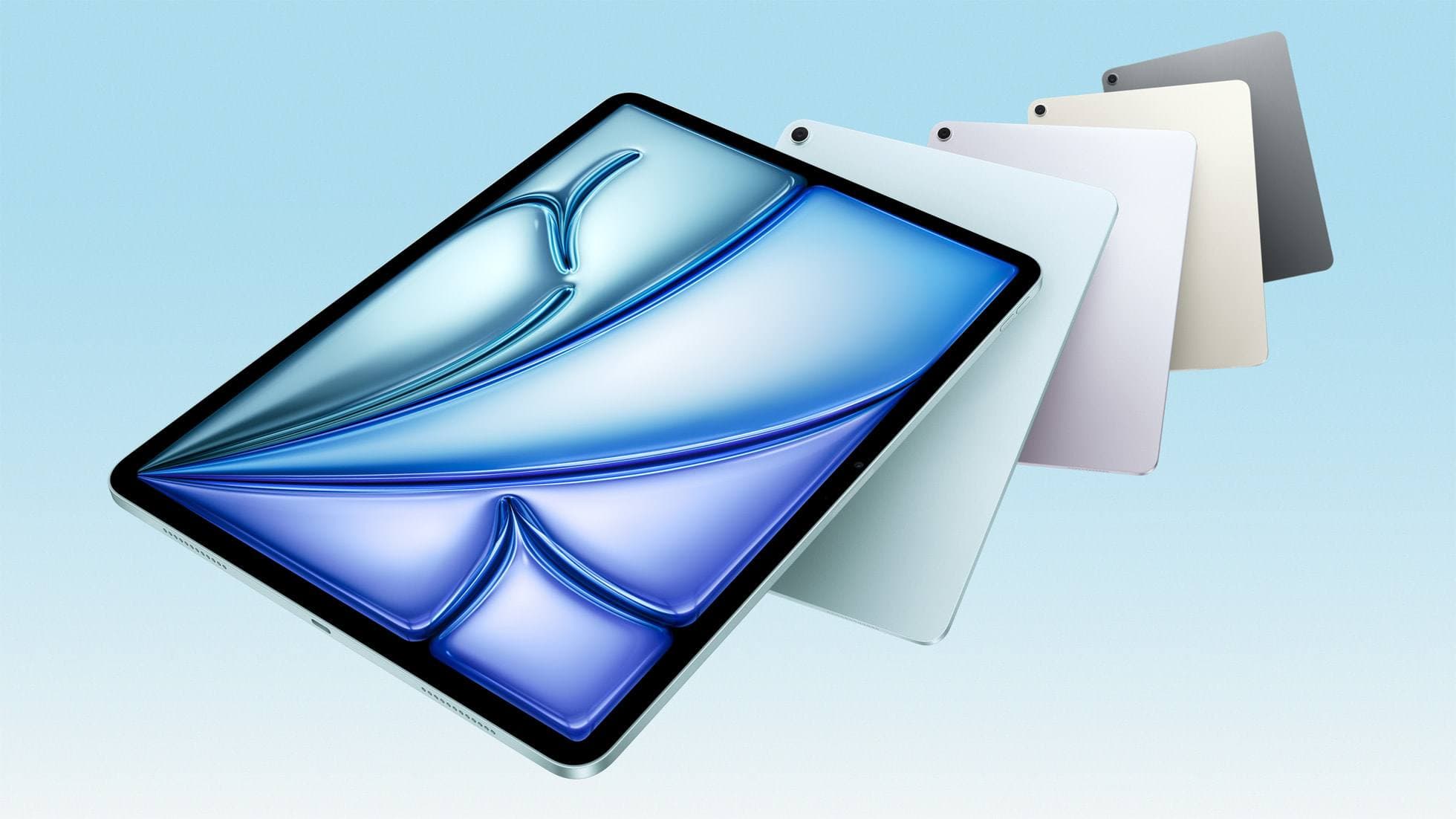
iPad Air (M4)
apple.comThe clean current Air recommendation for most serious hobby artists. Stronger buy logic than old-stock M3 when pricing is close.
Pro: Best current balance of price, headroom, and Pencil support
Con: Still 60Hz
Current Air lineup. Choose size, storage, and keyboard path before checkout.
Related buying picks
More in this collectionBuyer guide
Best iPad app for manga: Clip Studio Paint versus Procreate and free alternatives
Clip Studio Paint is the best overall iPad app for serialized manga and multi-page comics, while Procreate remains the top one-time purchase for single illustrations.
Buyer guide
What is the best handwriting app for iPad?
Choose between flexible vector canvases and traditional raster stroke engines based on how you organize your handwriting and notes.
Buyer guide
Best iPad app for drawing anime: Clip Studio Paint versus Procreate
Pick Clip Studio Paint for dedicated manga and anime production toolsets, or choose Procreate for a streamlined one-time purchase on iPad.
Buyer guide
Best iPad drawing app for beginners
Procreate remains the best first drawing app to buy on iPad, while free options like Sketchbook and Adobe Fresco let you start without upfront costs.