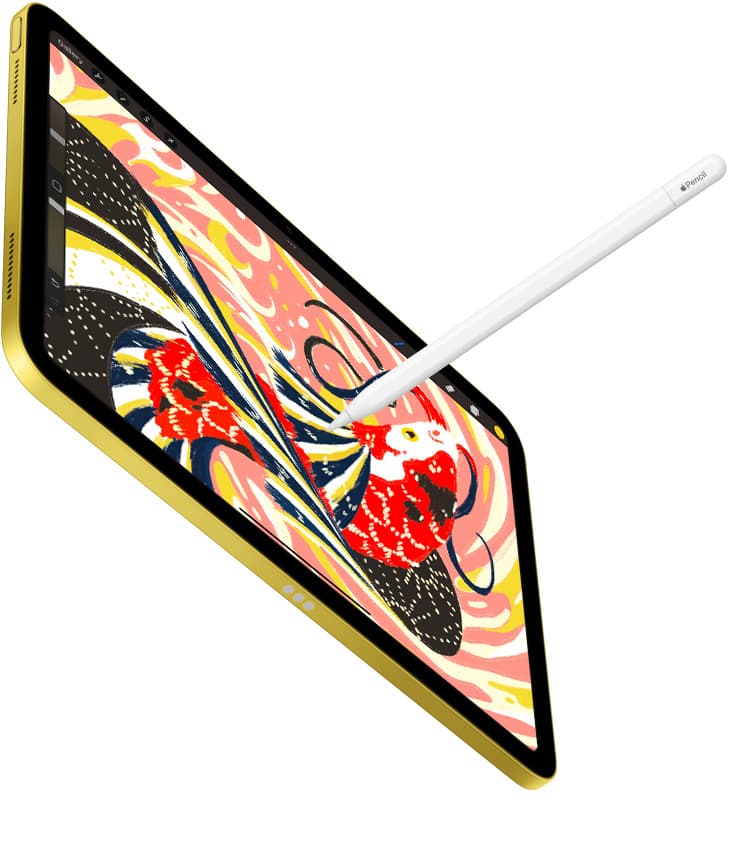
If you want to paint gouache on an iPad, buy Procreate [1]. It is a paid app in the Graphics & Design category that gives you immediate access to dry-brush texturing, flat matte shape layering, and an extensive community of custom brush sets [1]. You should skip subscription-based raster suites if your main goal is traditional gouache, acrylic, or poster paint simulation. If you do not want to spend money right away, download Adobe Fresco, which is a free download that lets you explore digital painting before making a purchase [2].
Traditional gouache sits between transparent watercolor and thick oil paint. It relies on matte opacity, chalky edge textures, visible dry brushing, and quick shape blocking. Translating that feel onto a glass tablet screen depends heavily on how an app handles brush grain, shape dynamics, opacity blending, and stylus angle input [1], [6].
Why Procreate is the best overall gouache choice
Procreate stands as the primary recommendation for gouache artists because it pairs a one-time purchase model with an adaptable brush engine [1]. The app carries a 4.4 out of 5 rating across more than 50,000 App Store reviews, serving both beginners and experienced illustrators [1]. Its built-in painting category includes wet acrylic and gouache brushes, but its primary advantage is the ease with which you can import third-party brush packs built specifically to mimic Holbein or Winsor & Newton gouache pigments [1].
Gouache illustrators typically work by laying down opaque silhouettes and carving details on top with semi-dry brushes. In Procreate, you can adjust brush grain, jitter, and glaze settings to mimic chalky textures without altering how your strokes blend [1]. You can also lock layer transparency to paint over flat shapes without spilling over edges, which reflects how traditional gouache artists apply highlights over dark background flats [1].
The trade-off with Procreate is that it is strictly iPad-focused and ties your working layer limits directly to your tablet hardware [1], [5]. Procreate documents link available layers directly to device memory and canvas dimensions [5]. If you build large multi-layered illustrations on an entry-level iPad with lower unified memory, you will hit tighter layer caps than you would on a higher-end tablet [5]. For gouache, which often requires only a handful of textured layers, this limitation rarely stops a standard project [5].
Adobe Fresco as the zero-cost live gouache alternative
If you want to test opaque digital painting without paying upfront, Adobe Fresco is the best free alternative to explore [2]. Listed as a free download in the App Store with a 4.7 rating, Adobe Fresco provides dedicated drawing and painting tools for everyone [2]. It gives you immediate access to pixel brushes and live brushes without requiring an upfront license fee [2].
Adobe Fresco appeals to artists who want watercolor and oil simulation out of the box, but you can also configure its oil and pixel brushes to behave like thick, opaque gouache [2]. You can paint wet-into-wet or let underlying passages dry digitally to mimic true gouache layering [2]. For illustrators who already work within broader graphic design software, Fresco offers a clean interface and accessible cloud file handling [2].
You should skip Fresco if you prefer completely offline asset storage or want to use the massive marketplace of custom Procreate brush packs [1], [2]. Procreate brush files do not natively cross over into Fresco with identical dual-brush dynamics, so sticking with Fresco means working mainly within Adobe's brush ecosystem [1], [2].
Infinite Painter and Artstudio Pro for traditional brush feel
Two other apps deserve consideration if you want alternative brush engines: Infinite Painter and Artstudio Pro [3], [4]. Both are available as free downloads on the App Store to test before unlocking complete toolsets [3], [4]. Infinite Painter holds a 4.1 rating and is designed specifically as a sketching and painting environment for iPad and iPhone [3]. It features a brush engine that replicates natural paint blending, making it attractive for artists who find standard digital brushes too synthetic [3].
Artstudio Pro holds a 4.6 rating and is a painting and photo editing app available on iOS and macOS [4]. If you frequently paint on both an iPad and a Mac desktop, Artstudio Pro provides a unified experience across platforms that Procreate cannot match due to its iPad-only design [1], [4]. Its brush engine supports advanced stamp dynamics, tilt responses, and pressure curves that suit detailed gouache work [4], [6].
Choose Infinite Painter or Artstudio Pro if you prioritize realistic edge wetness or need desktop cross-compatibility [3], [4]. Skip them if you want the simplest user interface and the widest selection of beginner tutorials, where Procreate remains the standard [1].
Hardware pairings that matter for opaque paint styling
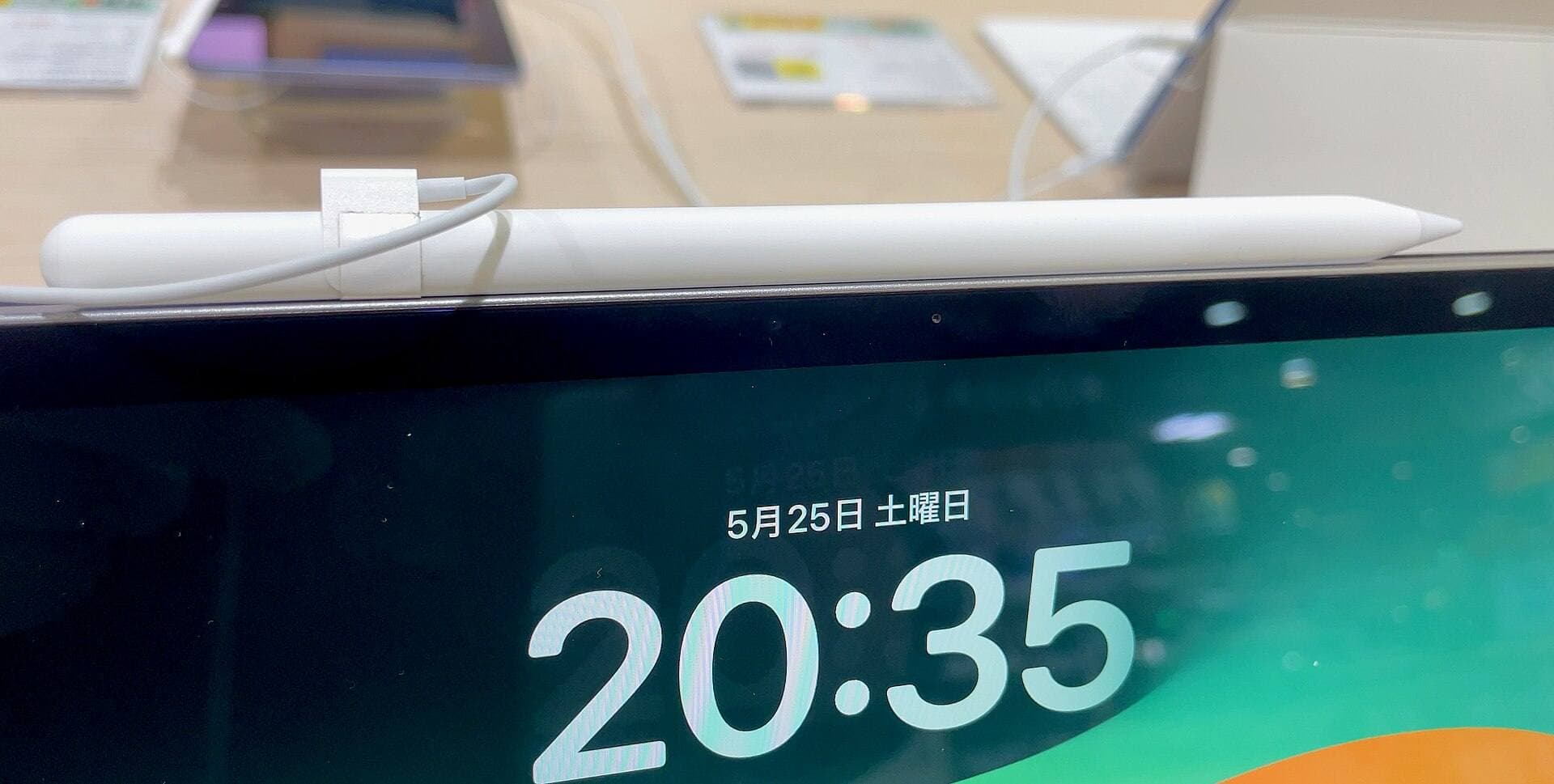
Choosing the right painting app is only half of the equation; your stylus and tablet determine how natural gouache strokes feel under hand [5], [6]. Apple Pencil models incorporate tilt and pressure sensitivity, which are necessary for creating chalky, scumbled gouache textures when you lean the pencil on its side [6].
If you use an Apple Pencil Pro, you also gain barrel roll and squeeze controls [6]. Barrel roll lets you rotate shaped flat brushes simply by twisting the stylus barrel in your fingers, closely mimicking the way a real flat gouache brush changes stroke width as you pivot your wrist [6]. Apple Pencil hover also lets you preview brush size and texture stamp orientation before touching the screen [6].
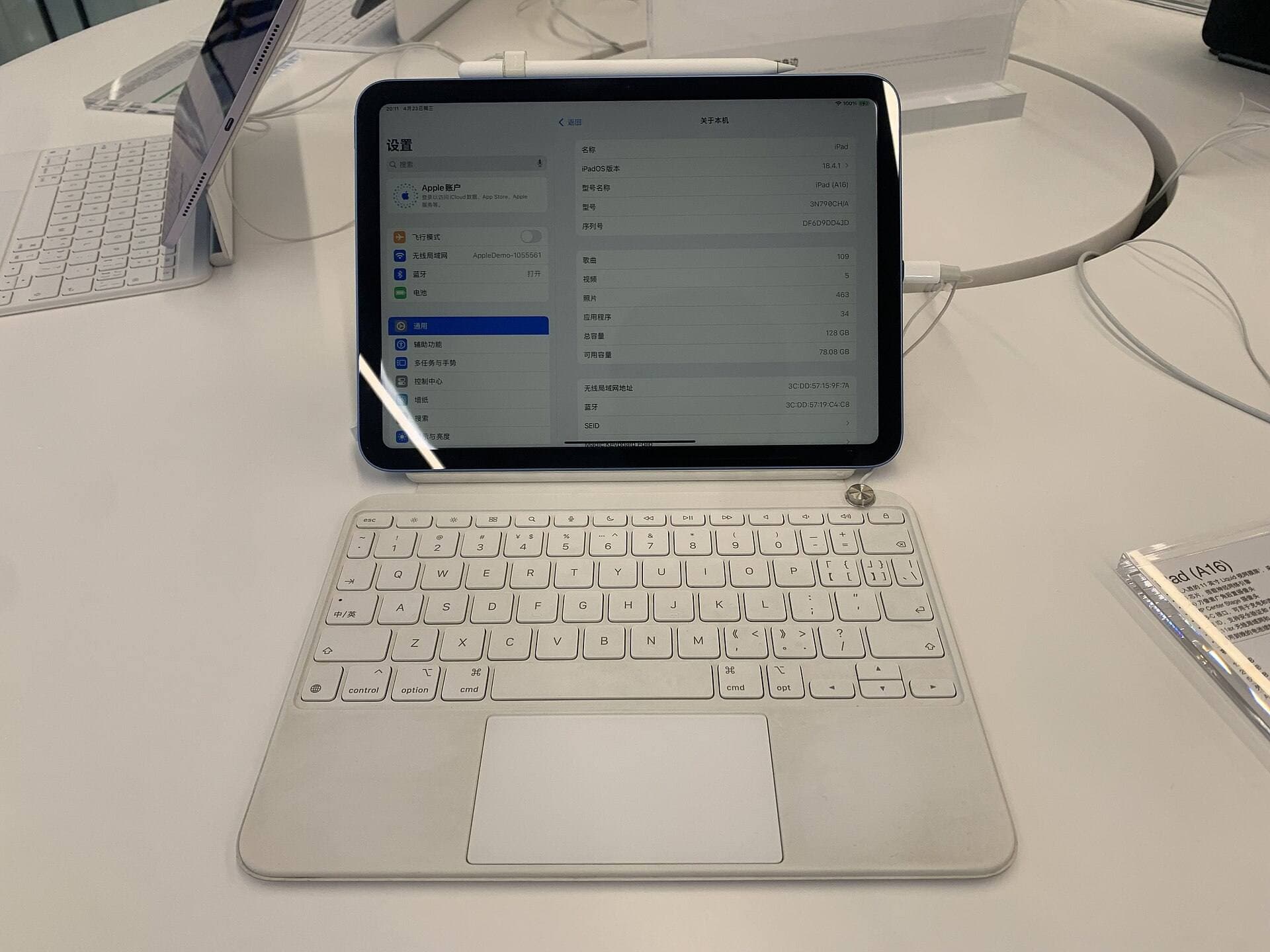
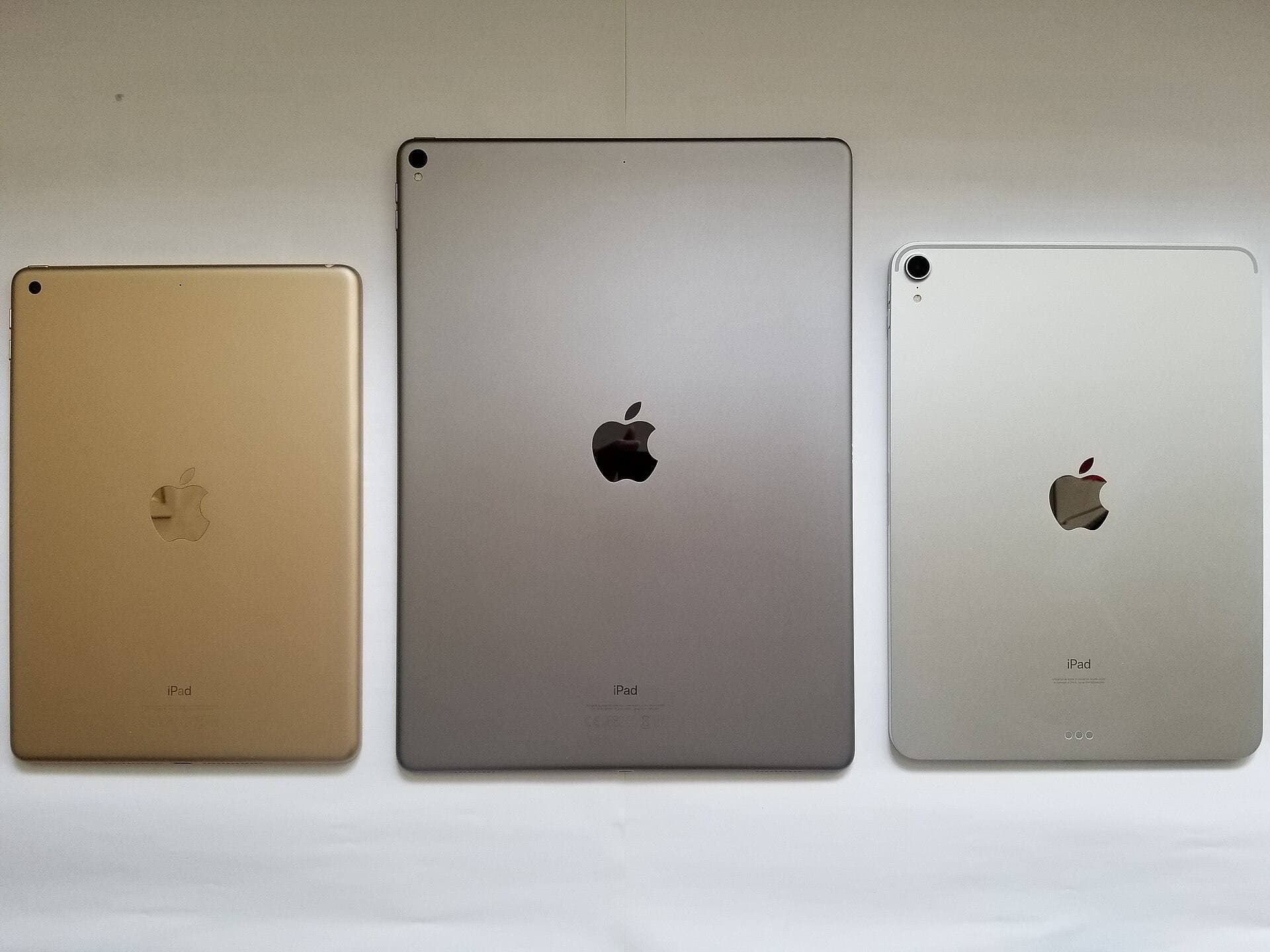
For the tablet itself, a mid-range model like the iPad Air provides ample performance and memory headroom for painting canvases without pushing into premium Pro pricing [5], [6]. Because Procreate layer counts scale with available hardware memory, modern iPad Air models let you work on print-resolution gouache files with dozens of active layers [5]. If you own an older iPad, check your model compatibility, but remember that even older hardware can run Procreate effectively if you manage your canvas resolution wisely [5].
Bottom line
For digital gouache painting on an iPad, buy Procreate [1]. Its combination of one-time pricing, straightforward layer management, and a vast ecosystem of custom texture brushes makes it the most capable tool for replicating matte, opaque paint [1]. Download Adobe Fresco instead if you want to explore opaque painting techniques without spending any money upfront [2]. Add an Apple Pencil with tilt and pressure sensitivity to ensure your dry-brush edges and flat gouache washes respond just like physical bristles [6].
Sources
[1] https://apps.apple.com/us/app/id425073498 [2] https://apps.apple.com/us/app/id1458660369 [3] https://apps.apple.com/us/app/id1146543227 [4] https://apps.apple.com/us/app/id1244142051 [5] https://help.procreate.com/articles/zlexav-ipad-compatibility [6] https://www.apple.com/apple-pencil/
Recommended gear
Procreate
apps.apple.comPro: One-time purchase
Con: iPad-only
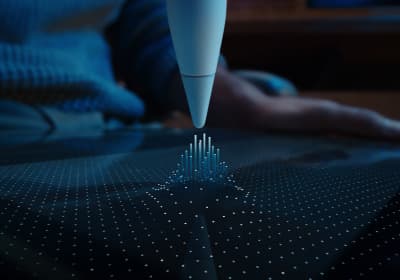
Apple Pencil Pro
amazon.comThe best Apple stylus for serious digital art workflows. Expensive, but the control upgrades are real.
Pro: Best brush-control and hover workflow
Con: Highest price in the lineup
Works only with newer iPad models. Check compatibility.
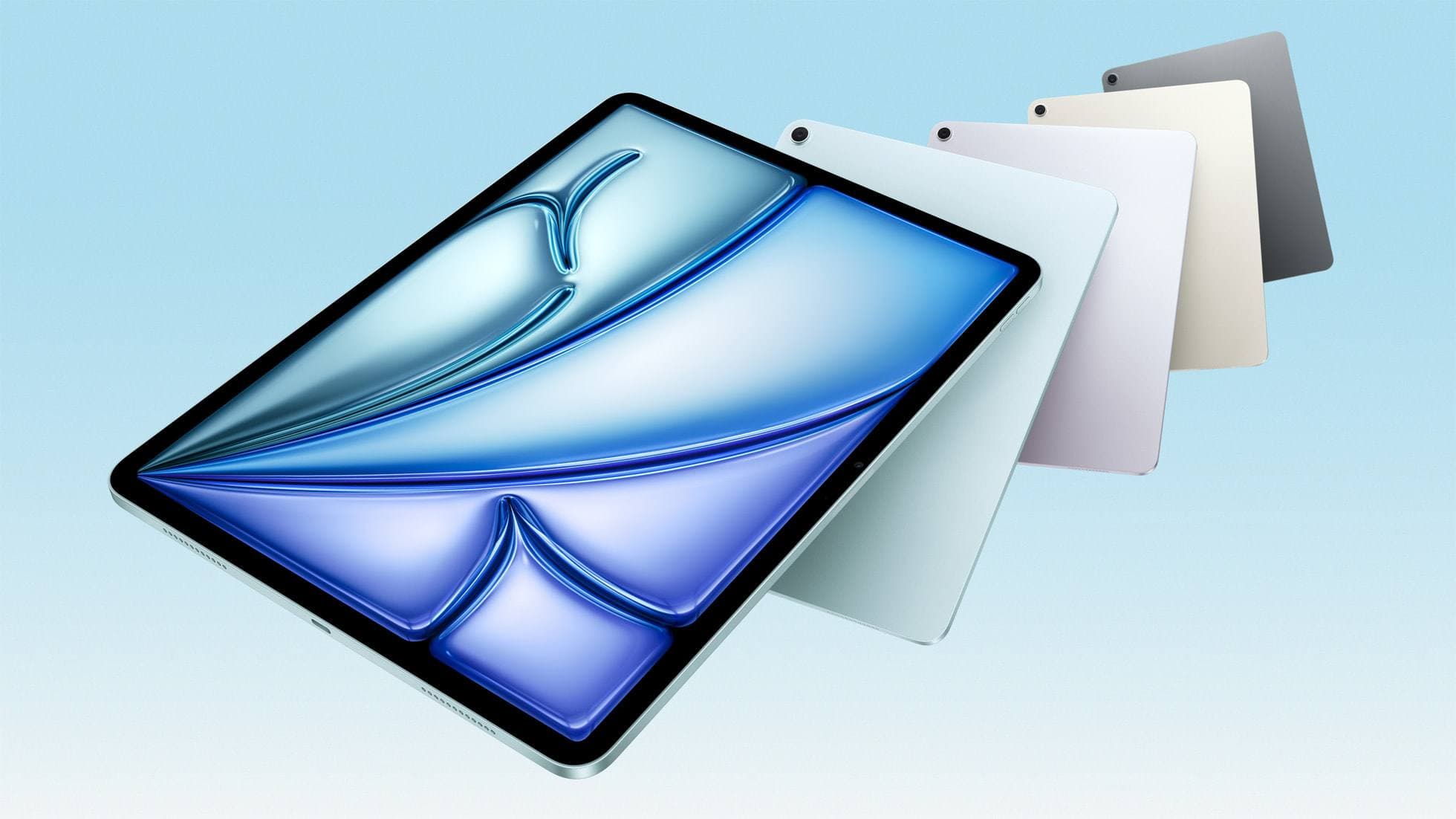
iPad Air (M4)
apple.comThe clean current Air recommendation for most serious hobby artists. Stronger buy logic than old-stock M3 when pricing is close.
Pro: Best current balance of price, headroom, and Pencil support
Con: Still 60Hz
Current Air lineup. Choose size, storage, and keyboard path before checkout.
Apple Pencil (USB-C)
amazon.comA practical low-cost Apple stylus with broad compatibility, but limited for advanced art control.
Pro: Lowest official Apple Pencil cost
Con: No pressure sensitivity for brush work
Compatible with many recent iPads. No pressure support.
Apple Pencil (2nd generation)
amazon.comStill a strong stylus on compatible iPads. Good pressure control, but compatibility is the main trap.
Pro: Pressure support without Pro pricing
Con: Not compatible with newest Pro-only iPads
Only for iPads that support 2nd generation pairing.
Related buying picks
More in this collectionBuyer guide
Best iPad app for figure drawing practice
Procreate is the top pick for dedicated figure drawing drills, while Clip Studio Paint suits artists needing deep multi-page anatomy study tools.
Buyer guide
Best Procreate alternatives for iPad
Compare top iPad drawing apps to decide whether Clip Studio Paint, Fresco, or another tool fits your workflow better than Procreate.
Buyer guide
Best iPad drawing app for kids with Apple Pencil
Compare Procreate, Sketchbook, Adobe Fresco, and Clip Studio Paint to choose the best Apple Pencil drawing app for your child.
Buyer guide
What is the best handwriting app for iPad?
Choose between flexible vector canvases and traditional raster stroke engines based on how you organize your handwriting and notes.