If you are setting up an iPad to draw serialized manga, your direct purchase choice is Clip Studio Paint [1]. Buy Clip Studio Paint if your project demands multi-page project files, perspective rulers, frame division, vector lines, or direct handoffs to desktop studio teams [1]. Skip recurring app subscription plans and buy Procreate instead if you exclusively illustrate standalone covers, character art, and single splashes where a single raster canvas is all you require [2]. For hobbyists who want zero upfront software investment, MediBang Paint and ibis Paint X provide free initial entry points on the App Store [3], [4].
The core differences between manga apps and illustration tools
Drawing manga involves distinct mechanical needs that standard painting applications rarely address [1]. A standalone illustration requires a single blank canvas, layers, and color blending tools [2]. Serialized manga, by contrast, requires structural planning across sequential pages, uniform panel borders, speech bubbles, and consistent line weights across dozens of files [1].
Clip Studio Paint approaches digital art with a dedicated comics, vector, ruler, and multi-page toolset [1]. Its workspace replicates traditional comic production, allowing artists to organize entire chapters within a single project index [1]. Applications such as Procreate focus on an uncluttered canvas tailored to pure raster drawing and painting [2]. While Procreate lets you produce ink drawings, it does not provide native multi-page chapter organization or dedicated panel border cutting utilities [2].
Budget structure is the other major divergence between these platforms [1], [2]. Procreate sells as a single paid app download without a recurring subscription [2]. Clip Studio Paint distributes as a free initial download offering a 30-day trial, after which users select ongoing iPad plan terms [1]. Deciding between them depends on whether your project requires specialized comic production infrastructure or simple, unconstrained drawing space [1], [2].
Clip Studio Paint for dedicated multi-page manga production
Clip Studio Paint by CELSYS is listed in the Graphics and Design category on the App Store with an average rating of 4.7 stars across more than 14,000 user reviews [1]. New users can test the complete software environment through its free 30-day trial [1]. For comic creators, this application delivers tools tailored to sequential storytelling, including specialized panel generation, vector ink layers, and mechanical rulers [1].
Vector line work represents a vital asset for inkers using Clip Studio Paint [1]. Unlike standard raster strokes, vector strokes retain path geometry [1]. This architecture allows artists to adjust line weight after drawing, clean up intersecting sketch lines cleanly, and scale line work without introducing pixelated edge blur [1].
Clip Studio Paint also provides specialized manga assets, such as tone patterns, speed line generators, and 3D pose mannequins directly accessible inside the tablet interface [1]. Furthermore, if you collaborate with print publishers, assistants, or colorists who operate on desktop setups, Clip Studio Paint preserves file layers and project settings across operating systems [1]. Artists seeking an all-in-one software environment for long-form narrative books will find that Clip Studio Paint justifies its recurring plan structure [1].
Procreate for standalone illustrations and single spreads
Procreate by Savage Interactive is a paid app on the App Store holding a 4.4-star rating across more than 50,000 ratings [2]. For artists who create webtoon splash screens, character concept sheets, and pinup art, Procreate provides a focused, streamlined drawing surface [2]. The application requires only a single purchase, removing recurring renewal decisions from your workflow [2].
However, Procreate operates strictly within raster dimensions and places layer constraints based on physical hardware memory [5]. As documented by Procreate support guidelines, canvas dimensions and the specific amount of system memory in your iPad model dictate the maximum layer count you can create [5]. If you build high-resolution page spreads at print-ready dpi, layer limits can restrict how you organize flats, tone layers, background elements, and ink separations [5].
Procreate also lacks native multi-page chapter indexing [2]. Artists drawing multi-chapter projects must manage individual pages as detached gallery documents [2]. If you do not require frame-cutting tools, word balloon generators, or vector editing, Procreate remains an exceptional choice for solo inkers focused on single illustrations [2].
MediBang Paint and free entry-level manga options
If you want comic-oriented features without committing to a paid platform immediately, MediBang Paint is a free download in the App Store with a 4.6-star rating from over 32,000 ratings [3]. The listing highlights a worldwide footprint spanning over 100 million downloads across more than 150 countries [3]. MediBang Paint includes built-in comic creation tools, screentone patterns, and panel splitters without requiring an initial software purchase [3].
Another widely used alternative is ibis Paint X, which carries a 4.7-star rating across nearly 300,000 reviews as a free download [4]. While ibis Paint X promotes drawing and animation tools for creators seeking uninhibited expression, its feature focus leans toward illustration and social content creation rather than long-form book production [4]. Plaq LLC also offers Comic Draw on the App Store, maintaining a 4.1-star rating in the Productivity category as a free initial download [6]. Comic Draw combines digital sketch tools with formatting designed for comic production [6].
For creators on a strict budget, beginning with MediBang Paint provides access to panel cutting and sequential page tools without an upfront license [3]. Once your production demands deeper vector manipulation or complex desktop team integration, migrating to Clip Studio Paint provides an established commercial pipeline [1], [3].
Hardware choices and Apple Pencil pairing for comic work
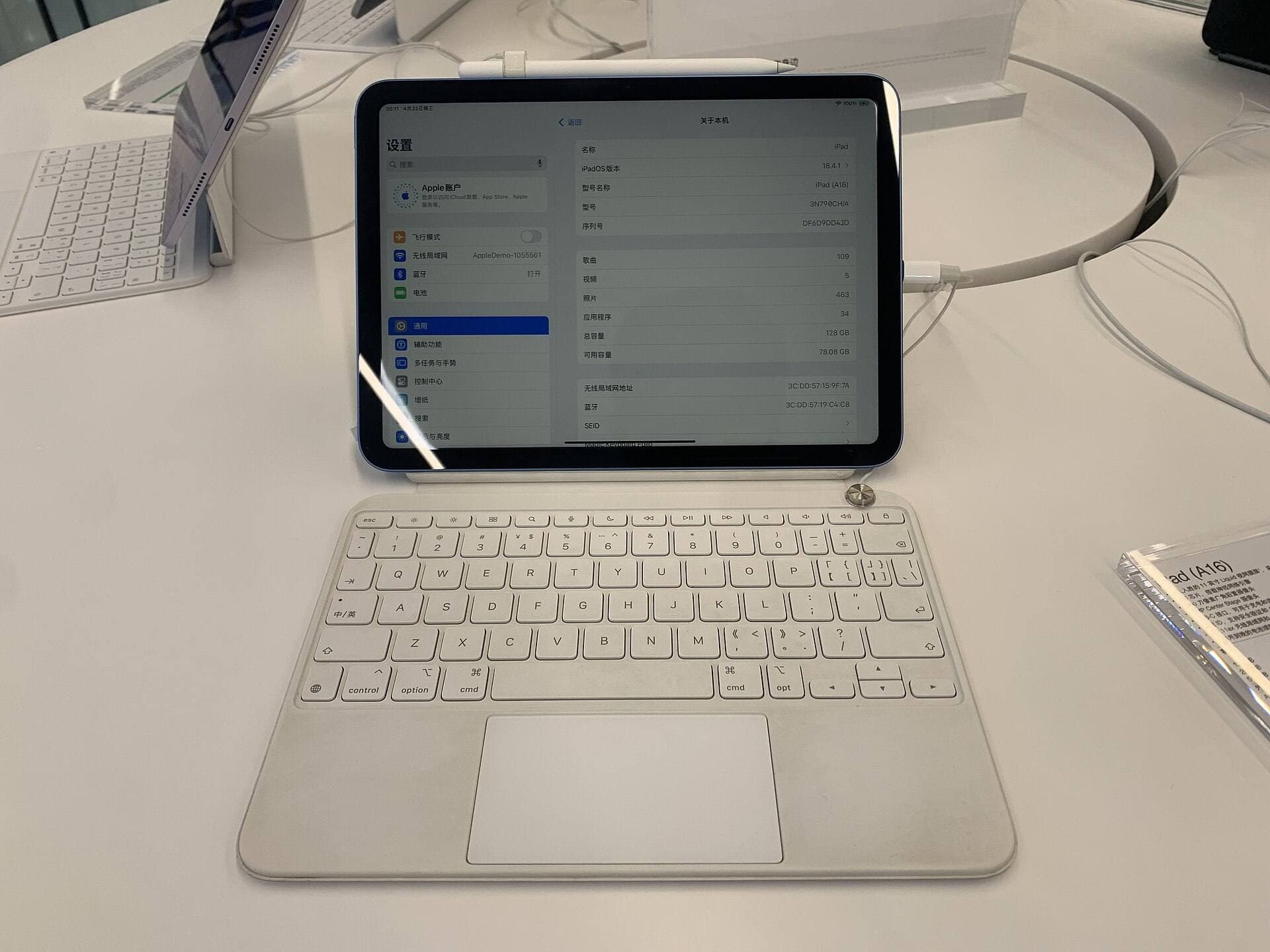
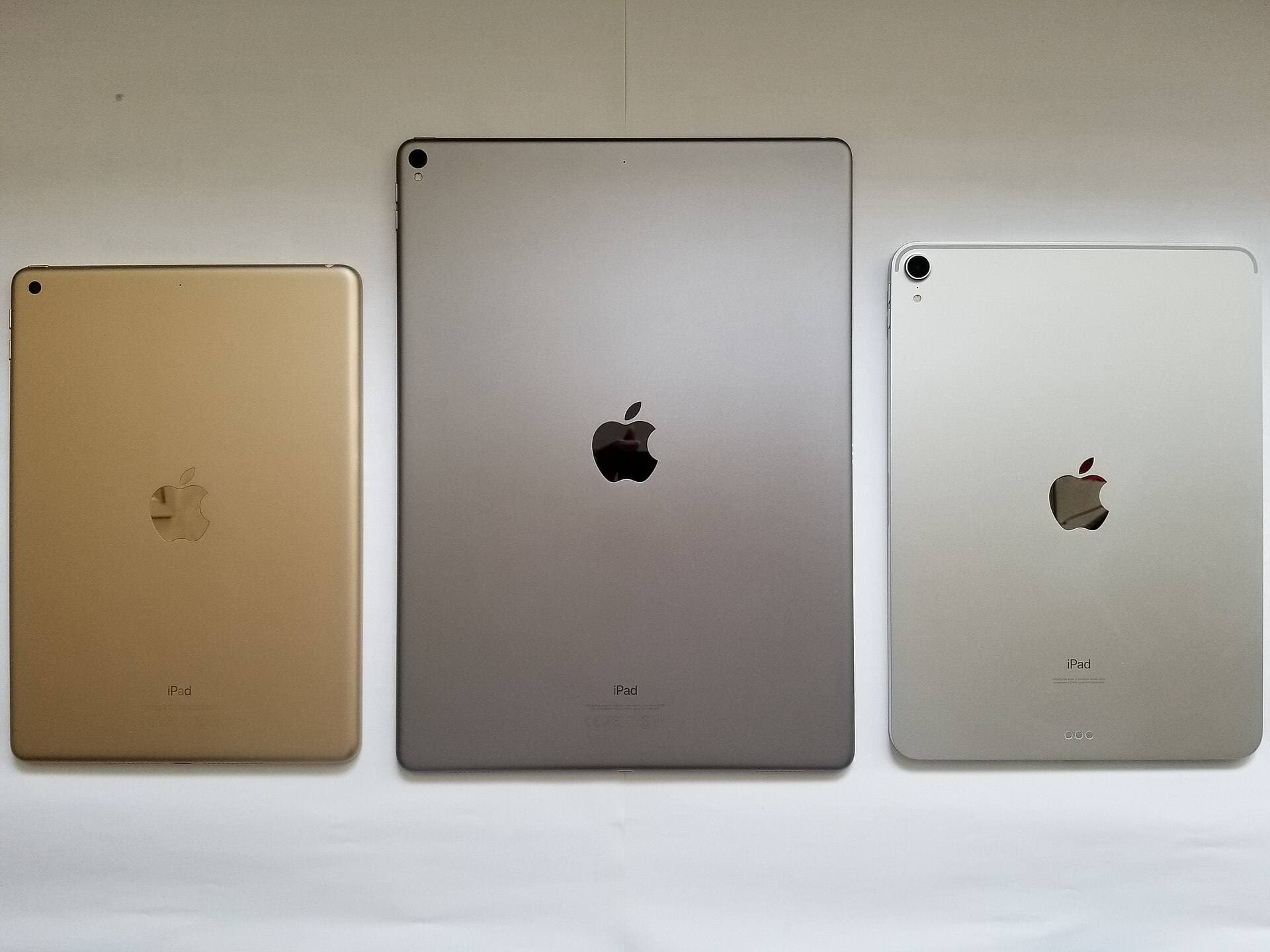
Selecting the right iPad and stylus directly influences how these drawing applications behave in hand [7], [8]. The iPad Air with the M4 chip represents an optimal balance between processing capability and Apple Pencil compatibility, offering modern performance without requiring iPad Pro pricing [8], [9]. However, buyers should note that the iPad Air display refreshes at standard 60Hz rather than higher ProMotion rates [9].
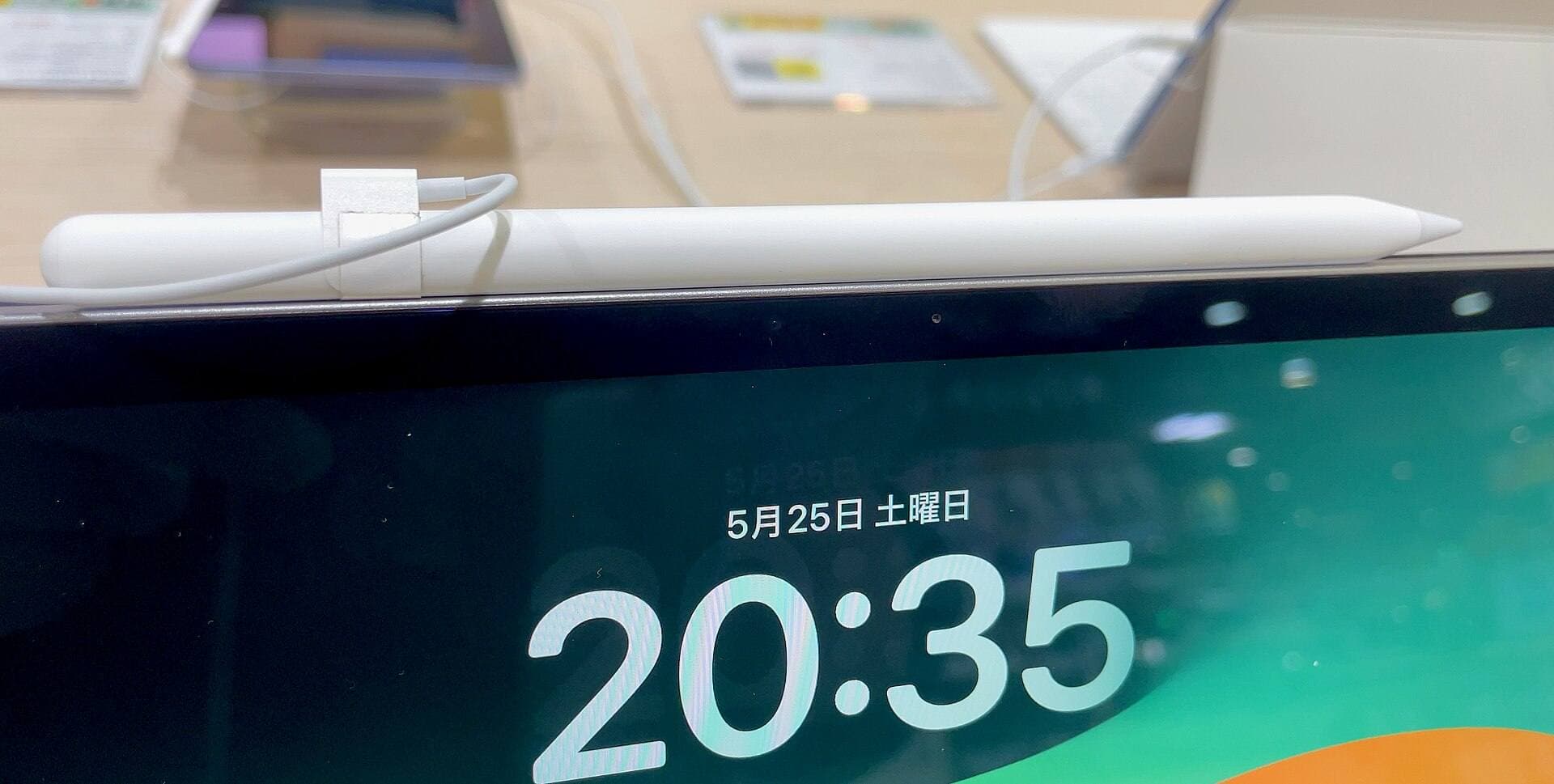
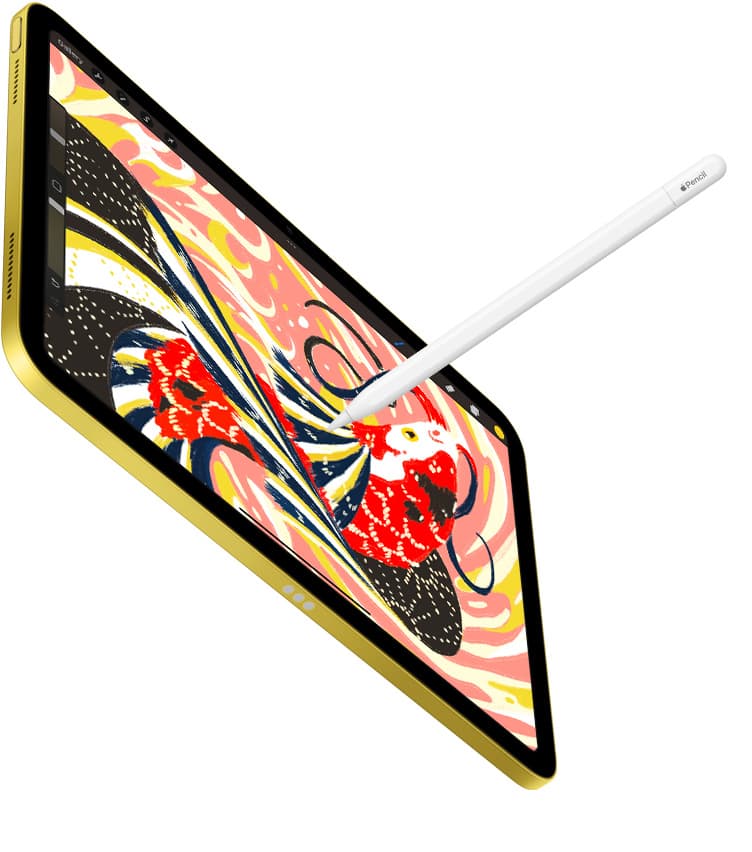
When choosing a stylus for inking and lettering, the Apple Pencil Pro provides the most comprehensive drawing control in Apple's current lineup [7]. It features pressure sensitivity, tilt detection, low latency, magnetic pairing, and wireless charging [7]. On compatible iPad models, the Apple Pencil Pro introduces hover tracking, squeeze gestures, haptic feedback, and barrel roll rotation [7]. Barrel roll enables artists to rotate brush orientation simply by twisting the stylus barrel, which proves valuable when working with calligraphy nibs or specialized manga screentone brushes [7].
Stylus compatibility must be verified prior to purchasing hardware [8]. According to Apple support documentation, the Apple Pencil Pro pairs only with recent iPad Air models with the M2 or newer chips, and iPad Pro models powered by M4 hardware [8]. If you use an older generation iPad, verify Apple Pencil pairings carefully to avoid purchasing an unsupported accessory [8].
Bottom line
For creating serialized manga, multi-page comic chapters, and collaborative print manuscripts, Clip Studio Paint is the overall best iPad application to install [1]. Its 30-day trial gives you immediate access to comic frames, perspective rulers, and vector line editing [1]. If you only draw standalone illustrations, splash art, or covers, Procreate provides the cleanest interface backed by a single one-time payment [2]. Free tools like MediBang Paint remain capable starting points for budget-conscious hobbyists [3]. For the best physical inking experience, pairing Clip Studio Paint with an M4-generation iPad Air and an Apple Pencil Pro equips you with tilt, pressure sensitivity, hover, and barrel roll brush manipulation [1], [7], [8], [9].
Sources
[1] https://apps.apple.com/us/app/id1262985592 [2] https://apps.apple.com/us/app/procreate/id425073498 [3] https://apps.apple.com/us/app/id1003588804 [4] https://apps.apple.com/us/app/id450722833 [5] https://help.procreate.com/articles/zlexav-ipad-compatibility [6] https://apps.apple.com/us/app/id947061777 [7] https://www.apple.com/apple-pencil/ [8] https://support.apple.com/en-us/108937 [9] https://www.apple.com/ipad/compare/
Recommended gear
Clip Studio Paint
apps.apple.comPro: Deep comics, vector, ruler, and animation toolset
Con: iPad plan model is less simple than Procreate
Procreate
apps.apple.comPro: One-time purchase
Con: iPad-only
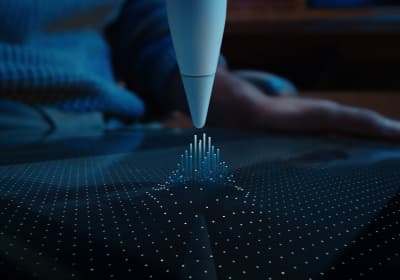
Apple Pencil Pro
amazon.comThe best Apple stylus for serious digital art workflows. Expensive, but the control upgrades are real.
Pro: Best brush-control and hover workflow
Con: Highest price in the lineup
Works only with newer iPad models. Check compatibility.
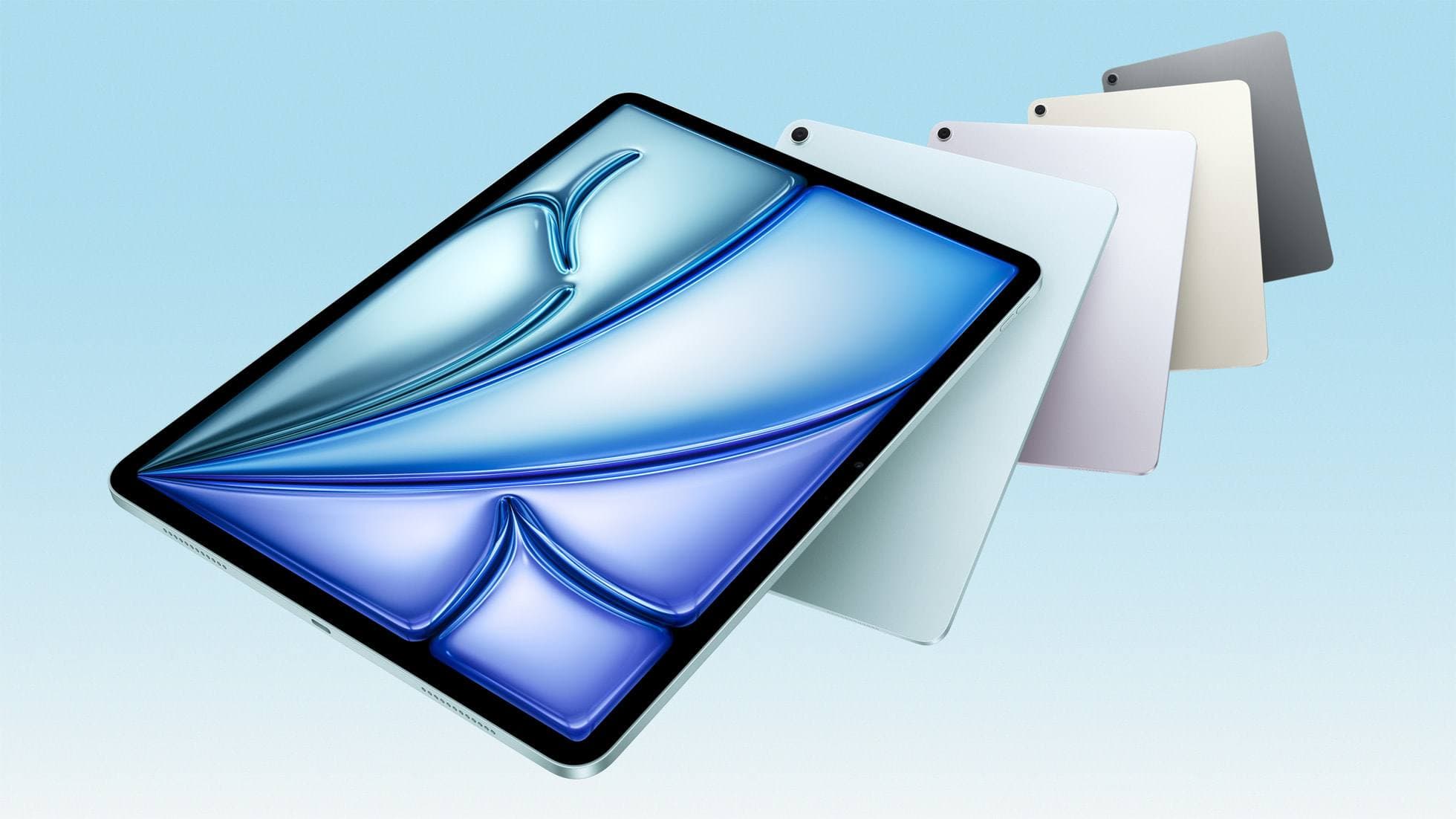
iPad Air (M4)
apple.comThe clean current Air recommendation for most serious hobby artists. Stronger buy logic than old-stock M3 when pricing is close.
Pro: Best current balance of price, headroom, and Pencil support
Con: Still 60Hz
Current Air lineup. Choose size, storage, and keyboard path before checkout.
Related buying picks
More in this collectionBuyer guide
What is the best handwriting app for iPad?
Choose between flexible vector canvases and traditional raster stroke engines based on how you organize your handwriting and notes.
Buyer guide
Best Procreate alternatives for iPad
Compare top iPad drawing apps to decide whether Clip Studio Paint, Fresco, or another tool fits your workflow better than Procreate.
Buyer guide
Best iPad app for architecture sketching
Compare Procreate, Concepts, and Clip Studio Paint to choose the right iPad drawing tool for your architectural drafting workflow.
Buyer guide
Best iPad app for drawing anime: Clip Studio Paint versus Procreate
Pick Clip Studio Paint for dedicated manga and anime production toolsets, or choose Procreate for a streamlined one-time purchase on iPad.