If you want an iPad for urban sketching, buy the iPad mini (A17 Pro) if you draw standing up, on crowded transit, or outdoors with minimal gear [1]. Its compact body makes it the most portable drawing iPad in the current lineup [1]. If you want a larger digital sketchbook surface and plan to sit at park benches or cafes, buy the iPad Air (M4) instead [1]. It pairs with Apple Pencil Pro without Pro pricing [1], [2]. Skip the iPad Pro (M5) unless you specifically demand a ProMotion display, and skip the iPad (A16) if you want Apple Pencil Pro support [1], [2].
Why physical size dictates your sketching style
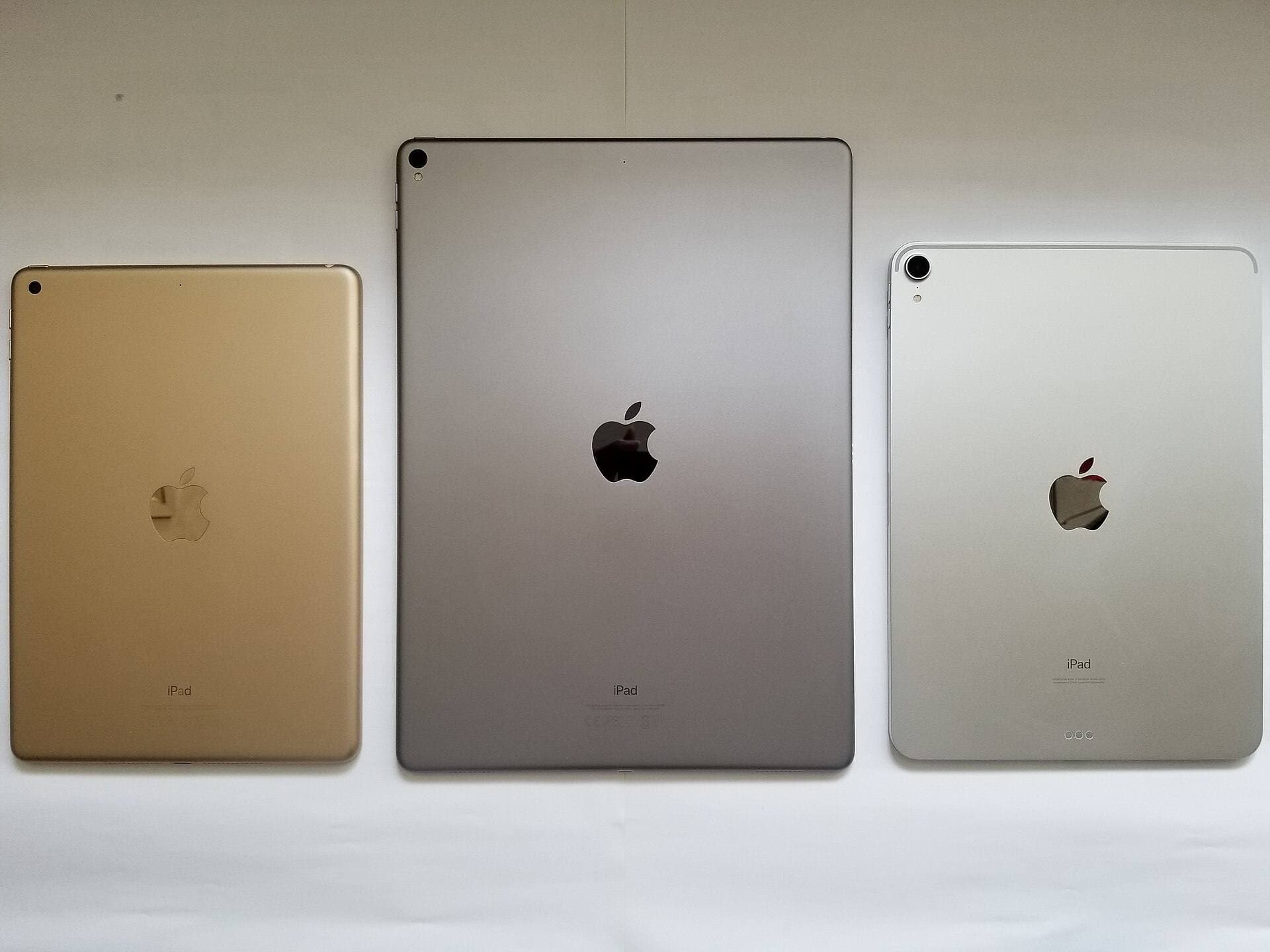
Urban sketching happens on buses, street corners, park benches, and cafe counters. When you sketch outside the studio, device footprint changes how you work [1]. The iPad mini (A17 Pro) offers the smallest footprint in the lineup, making it easy to grip in one hand while inking with the other [1]. You can tuck it into a jacket pocket or small sling bag between locations [1]. The tradeoff is drawing area, because its smaller screen offers less surface for broad brush strokes or detailed architectural perspectives [1].
The iPad Air (M4) gives you a larger canvas area that feels closer to an open physical sketchbook [1]. You get room for UI panels and floating tool palettes while keeping your main line work visible [1], [4]. The tradeoff is that the larger chassis requires two hands to hold securely or a lap to rest on while working [1]. If your sketching style relies on quick gestural thumbnails while standing on a sidewalk, the iPad mini (A17 Pro) fits that routine better [1]. If you prefer setting up at a table for an hour to complete a full colored scene, the iPad Air (M4) gives you the working room you need [1].
Apple Pencil Pro features in field sketching
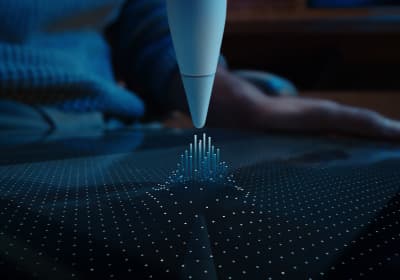
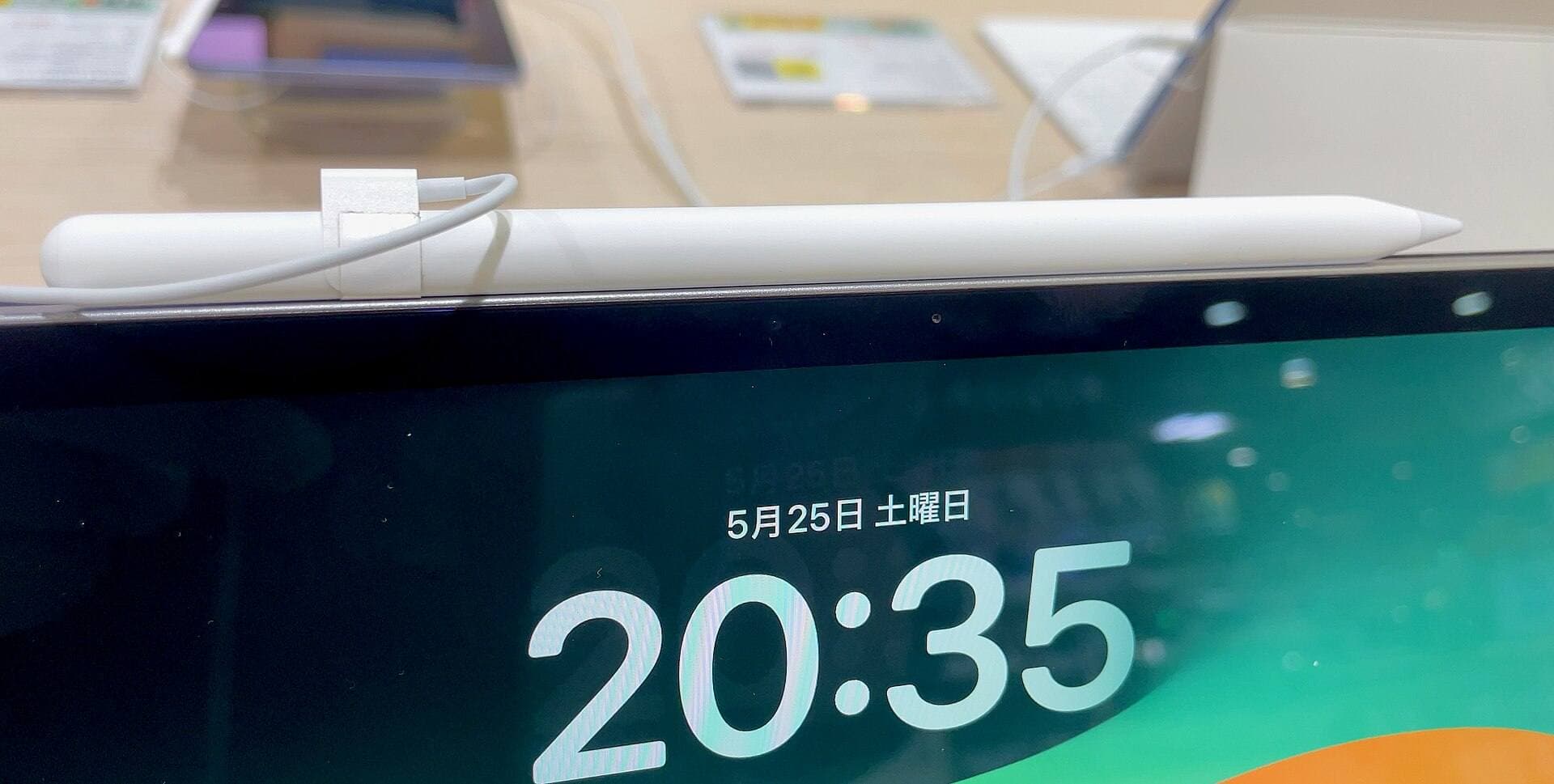
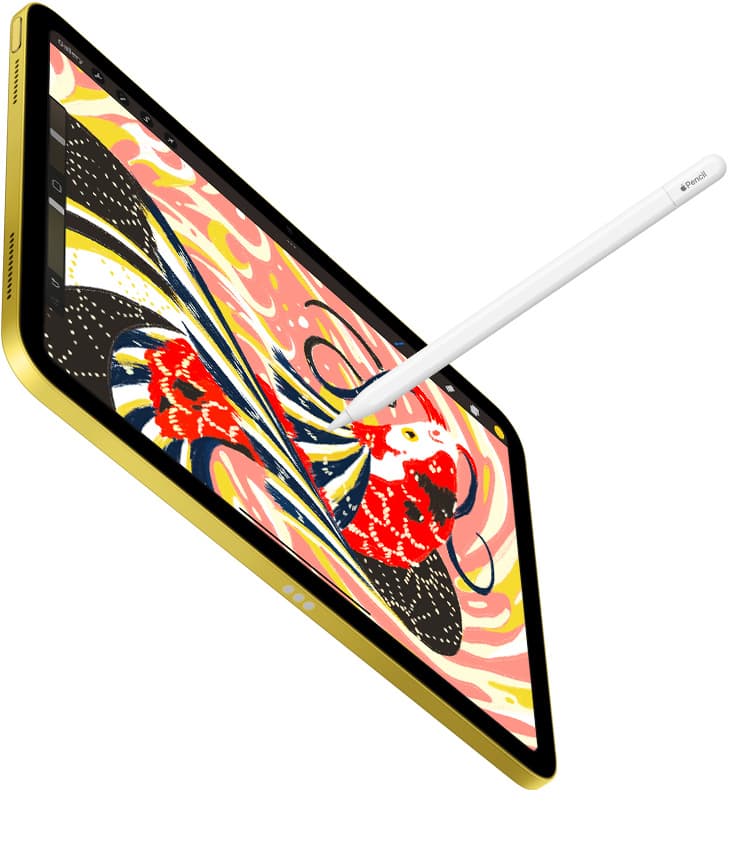
Stylus compatibility is a major consideration for field art. Both the iPad mini (A17 Pro) and the iPad Air (M4) pair with Apple Pencil Pro [2]. Apple Pencil Pro includes pressure sensitivity, tilt detection, haptic feedback, tool squeeze, and barrel roll [3]. These inputs let you change tools or rotate brush shapes directly on the barrel without tapping nested screen menus [3], [5].
When drawing on a windy corner or crowded train, minimizing screen taps keeps your focus on the subject [3], [5]. Apple Pencil Pro lets you squeeze the barrel to bring up a tool palette directly under your pen tip [3], [5]. Barrel roll uses a built-in gyroscope so you can rotate shaped brushes, such as flat watercolor washes or calligraphy pens, by rolling the stylus between your fingers [3], [5]. Apple Pencil hover also previews your brush mark and orientation on supported displays before your tip touches the glass [1], [3]. If you choose the base iPad (A16), you cannot use Apple Pencil Pro, which means skipping squeeze, barrel roll, and pressure sensitivity if using the USB-C pencil model [2], [3].
Canvas size, memory, and layer limits outside the studio
Digital sketching handles layers differently depending on hardware specifications. In creative apps like Procreate, maximum layer counts depend directly on the total device memory and the pixel dimensions of your canvas [4]. Larger canvas dimensions require more memory per layer, which lowers the maximum number of layers you can create [4].
Urban sketchers who build complex multi-layer illustrations with separate linework, watercolor washes, and shadow passes need to plan their canvas dimensions accordingly [4]. The iPad Air (M4) and iPad Pro (M5) carry more memory headroom for high-resolution projects with multiple layers [1], [4]. The iPad mini (A17 Pro) runs the same creative apps from the App Store, but working on massive print-ready canvases will restrict your available layer count faster than on devices with higher memory configurations [1], [4]. If your urban sketches stay within modest social media dimensions or personal sketchbooks, the layer limits on the iPad mini (A17 Pro) will not restrict your daily workflow [4].
Comparing the lineup for mobile art
Choosing among the available iPads comes down to balancing portability, display technology, and cost. The iPad (A16) is the budget entry option for basic sketching [1]. However, it does not support Apple Pencil Pro, lacks ProMotion, and features a standard 60Hz display [1], [2]. Buy the iPad (A16) only if total kit cost is your primary concern and you don't mind missing out on barrel roll, squeeze gestures, or advanced Pencil features [1], [2], [3].
The iPad Pro (M5) sits at the top of the lineup with Apple's best display technology and ProMotion refresh rates [1]. The ProMotion display updates at higher rates, which changes how quickly digital ink follows the tip of Apple Pencil [1], [3]. However, the iPad Pro (M5) carries the highest price in the catalog [1]. For most urban sketchers, paying a large premium for ProMotion alone is unnecessary when the iPad Air (M4) supports the same Apple Pencil Pro tools on a 60Hz screen [1], [2], [3].
The choice for field artists usually narrows to the iPad mini (A17 Pro) versus the iPad Air (M4) [1]. The mini wins on sheer mobility and one-handed handling in tight spaces [1]. The Air wins on screen surface and sustained workspace comfort when sitting down [1]. Both devices support Apple Pencil Pro, giving you identical stylus inputs in the field [2], [3].
Bottom line
Buy the iPad mini (A17 Pro) if you want the most portable drawing setup that lets you sketch anywhere without needing a table [1]. It delivers full Apple Pencil Pro capabilities in a compact package you can take on every walk [1], [2], [3]. Buy the iPad Air (M4) if you prefer a larger, sketchbook-sized canvas and do most of your sketching seated at cafes or benches [1]. Skip the iPad (A16) because it lacks Apple Pencil Pro support, and skip the iPad Pro (M5) unless you are determined to pay extra for ProMotion [1], [2].
Sources
[1] https://www.apple.com/ipad/compare/ [2] https://support.apple.com/en-us/108937 [3] https://www.apple.com/apple-pencil/ [4] https://help.procreate.com/articles/zlexav-ipad-compatibility [5] https://support.apple.com/guide/ipad/draw-with-apple-pencil-ipadc55b6c7a/ipados
Recommended gear
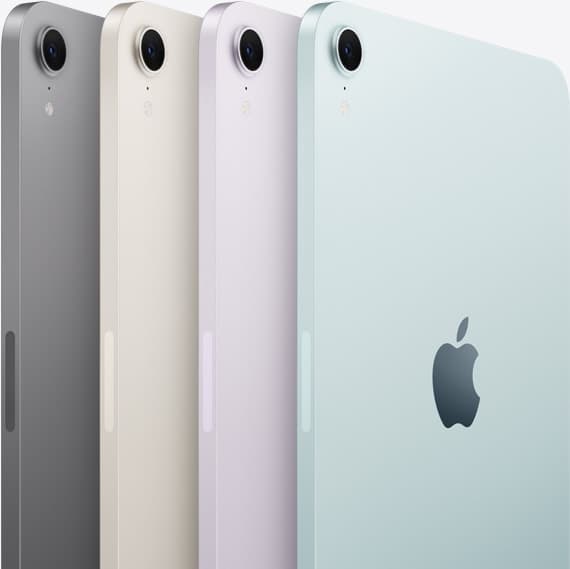
iPad mini (A17 Pro)
amazon.comThe most portable real iPad for drawing. It wins on mobility and loses on workspace.
Pro: Most portable drawing iPad
Con: Small canvas for detailed work
Search opens with iPad mini A17 Pro terms. Verify model number before buying.
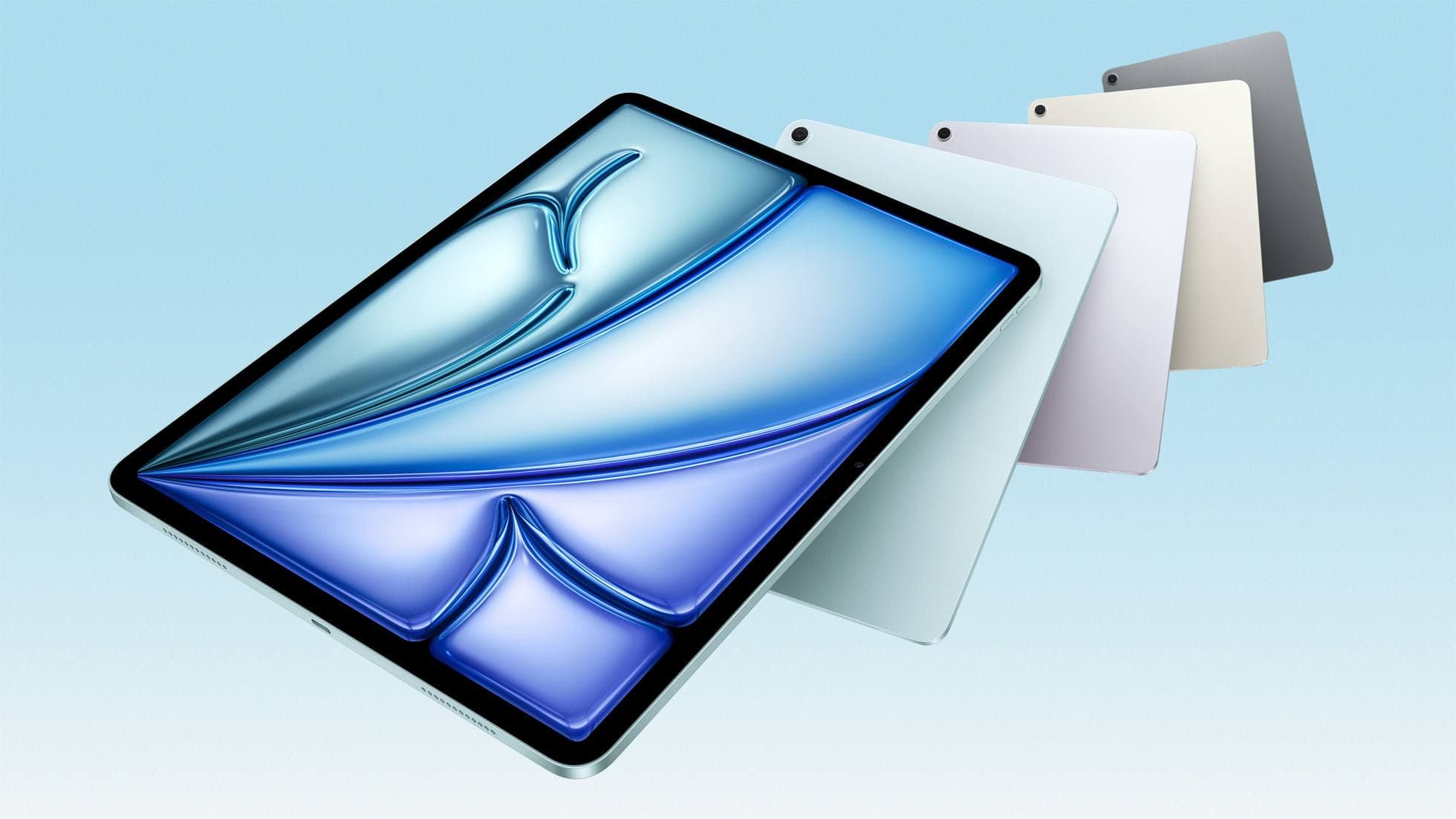
iPad Air (M4)
apple.comThe clean current Air recommendation for most serious hobby artists. Stronger buy logic than old-stock M3 when pricing is close.
Pro: Best current balance of price, headroom, and Pencil support
Con: Still 60Hz
Current Air lineup. Choose size, storage, and keyboard path before checkout.
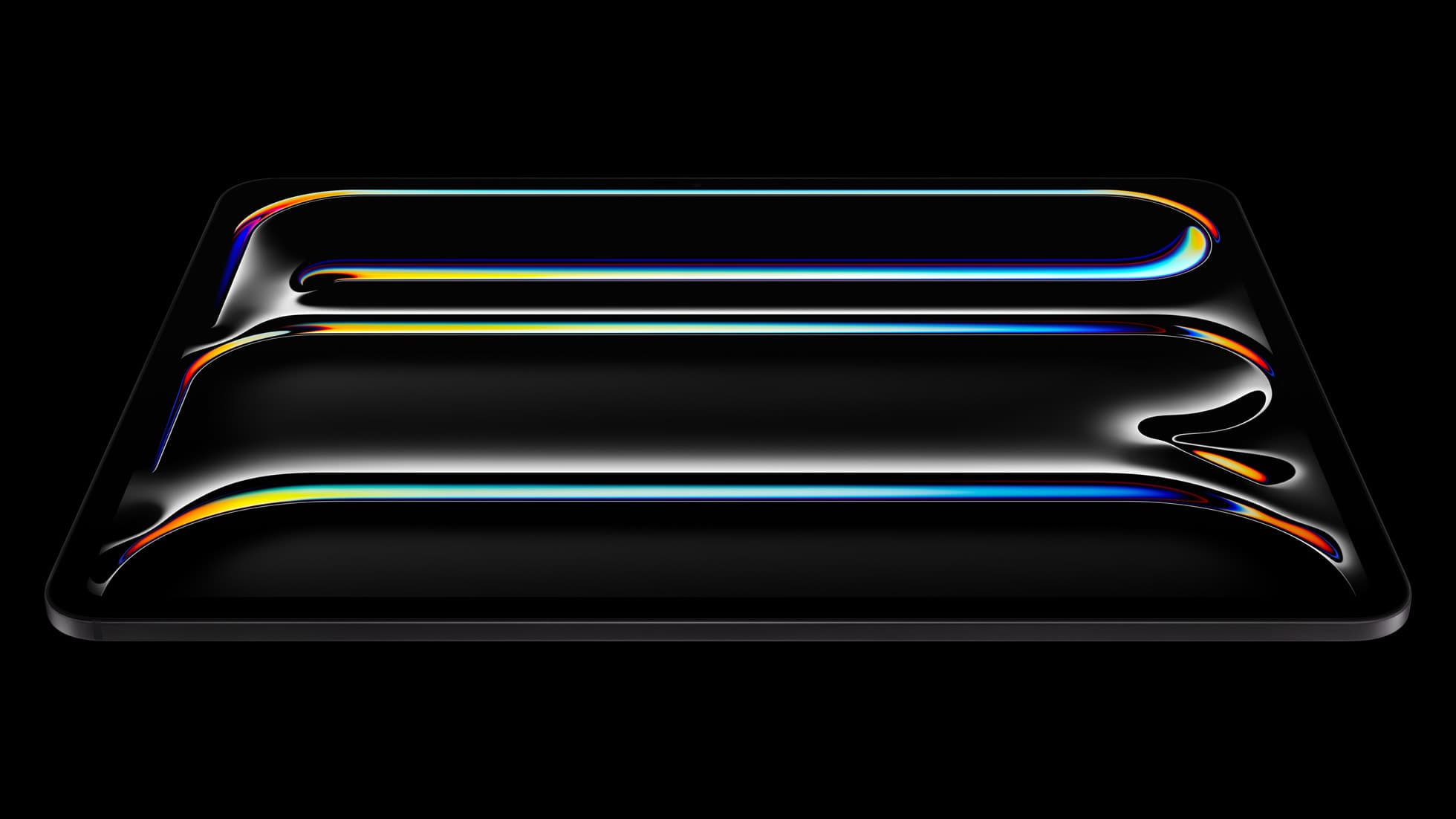
iPad Pro (M5)
amazon.comThe best iPad for drawing feel and premium workflow comfort, but many buyers still overpay for it.
Pro: Best iPad display and ProMotion feel
Con: Highest price in the lineup
Search opens with iPad Pro terms. Check year, chip, and screen size.
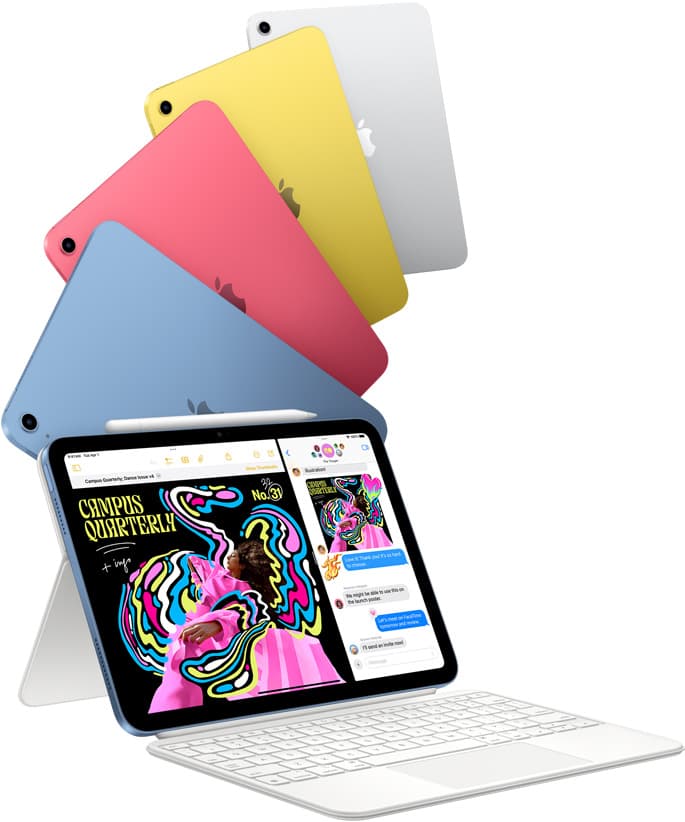
iPad (A16, 11th gen)
amazon.comThe best entry iPad for most artists on a budget. It is not premium, but it is very hard to beat on value.
Pro: Best value iPad right now
Con: No ProMotion display
Search opens with the exact model keywords. Verify size and storage before checkout.
Related buying picks
More in this collectionComparison
iPad vs Samsung tablet for drawing: which setup to choose
Choose an iPad if your art workflow relies on Procreate and Apple Pencil tools, and pick the iPad Air for the best balance of features.
Buyer guide
How to choose the best iPad for illustration work
Find the best iPad for your illustration workflow based on Apple Pencil Pro compatibility, screen size, Procreate layer limits, and display feel.
Buyer guide
Best iPad for art college: how to choose your studio tablet
The iPad Air (M4) is the best tablet for art college because it supports the Apple Pencil Pro without the expense of the iPad Pro.
Buyer guide
What's the best iPad for artists?
iPad Air with the M4 chip hits the best balance of stylus features and price for most digital artists.