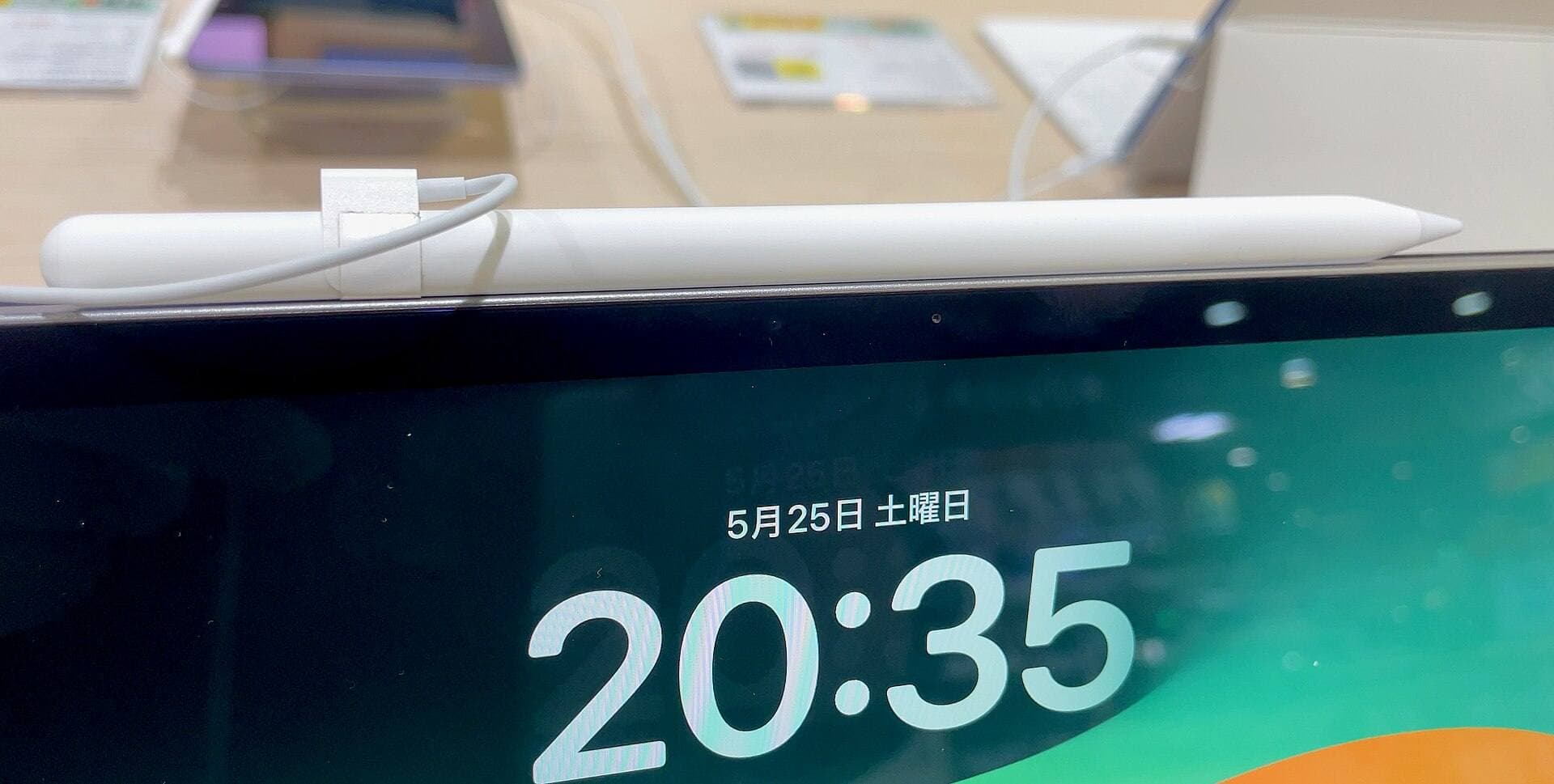
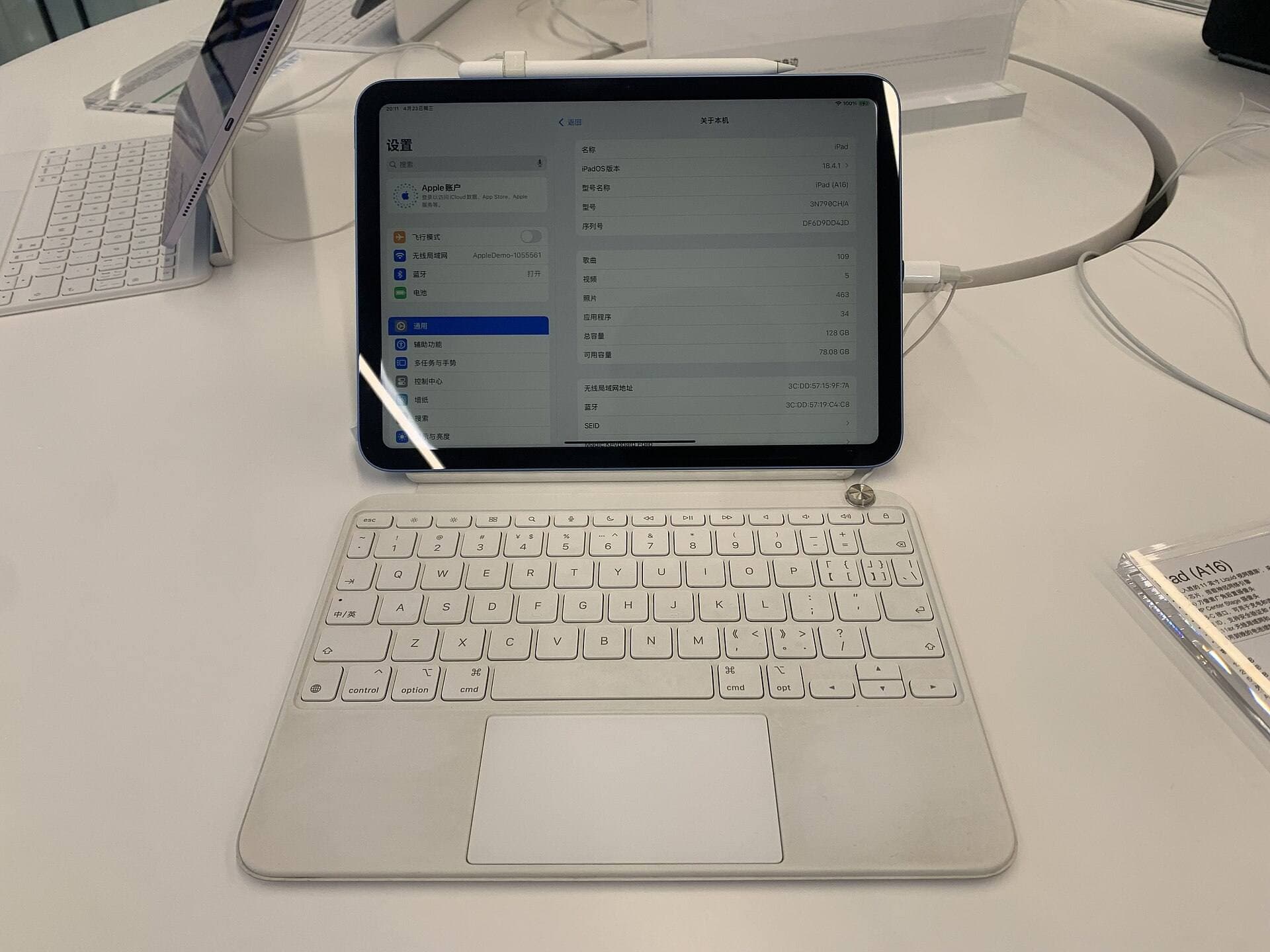
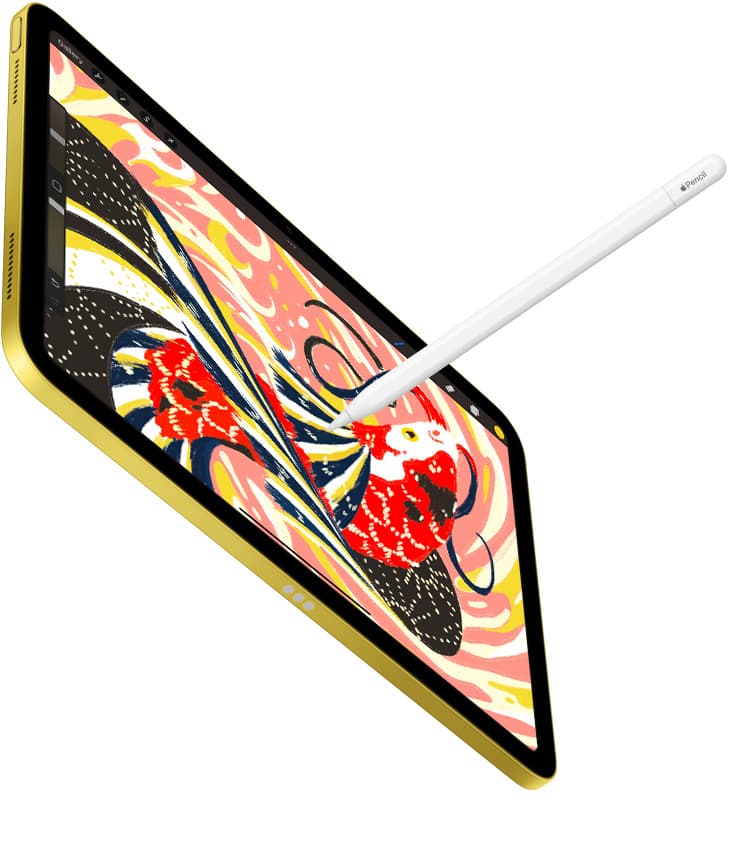
If you want to draw anime and manga on an iPad, skip Apple Pencil (USB-C) and choose either Apple Pencil Pro or Apple Pencil (2nd generation) based entirely on your iPad model [1], [2]. Clean anime line art and expressive shading require pressure sensitivity to vary stroke weight naturally, a feature Apple Pencil (USB-C) omits [1]. If you own a recent iPad that supports Apple Pencil Pro, buy Apple Pencil Pro for its advanced barrel roll, squeeze gesture, and haptic feedback [1], [5]. If you own a compatible previous-generation iPad, keep or buy Apple Pencil (2nd generation) because it provides full pressure support without forcing a tablet upgrade [1], [2].
Why line work and pressure sensitivity narrow your choices
Anime illustration relies heavily on disciplined line work, dynamic hatching, and controlled tapering on hair strands and facial features. Stylus hardware plays a direct role in how easily drawing software translates your hand movement into these varied stroke profiles [1], [5]. When an Apple Pencil includes pressure sensitivity, drawing engines can map your hand pressure to line width, opacity, or brush size dynamically [1], [3].
Apple Pencil Pro and Apple Pencil (2nd generation) both feature native pressure sensitivity, allowing you to transition from hairline contours to thick fills in a single stroke [1]. Apple Pencil (USB-C), by contrast, does not support pressure sensitivity [1]. While Apple Pencil (USB-C) includes tilt sensitivity for shading on its side, pressing harder against the glass will not widen a line or alter ink density [1], [5]. For anime artists who need predictable brush weight changes during inking passes, relying strictly on manual brush size sliders is inefficient [3].
Because software like Procreate uses stylus pressure curves to calculate stroke tapering and feathering, using a stylus without pressure capability severely limits your inking toolbox [1], [3]. Unless you only create flat vector lines or color pre-inked scans, pressure sensitivity is a mandatory requirement for serious anime drawing [1].
Apple Pencil Pro versus Apple Pencil 2nd generation
If pressure sensitivity is non-negotiable, the choice between Apple Pencil Pro and Apple Pencil (2nd generation) comes down to features and device compatibility [1], [2]. Both models attach magnetically to compatible iPad frames for wireless pairing and storage [1], [2]. However, Apple Pencil Pro adds specialized hardware controls that change how you interact with your digital canvas [1], [5].
Apple Pencil Pro introduces a squeeze sensor built into the lower barrel [1], [5]. Squeezing the stylus triggers quick menus, tool palettes, or custom shortcuts without interrupting your drawing posture [1], [5]. It also incorporates custom haptic feedback, giving subtle tactile pulses when you snap shapes, toggle modes, or trigger gestures [1], [5]. Furthermore, Apple Pencil Pro adds a gyroscope that enables barrel roll, letting you rotate shaped brushes or calligraphy-style nibs simply by turning the stylus in your fingers [1], [5].
In comparison, Apple Pencil (2nd generation) provides double-tap functionality on its flat edge to swap between your active tool and an eraser [1], [3]. It lacks the squeeze sensor, the haptic engine, and the barrel roll gyroscope found on Apple Pencil Pro [1]. If your iPad already pairs with Apple Pencil (2nd generation), upgrading your entire tablet just to gain squeeze gestures or barrel roll is rarely necessary [1], [2]. But if you are buying a newer iPad model that exclusively supports Apple Pencil Pro, those added controls provide a noticeable upgrade in canvas interaction [1], [2].
Why Apple Pencil USB-C falls short for anime illustration
Apple Pencil (USB-C) occupies the lowest price tier in Apple's active stylus catalog, but it presents severe compromises for illustrators [1]. It features tilt sensitivity, palm rejection, and Apple Pencil hover when paired with supported iPad models, but it strips away pressure sensitivity completely [1]. This hardware limitation fundamentally alters how digital brushes behave [1], [5].
In anime drawing, inking is often the most time-consuming stage. Artists count on subtle pressure modulation to feather line endings, emphasize silhouette silhouettes, and ink expressive eye contours [3], [5]. With Apple Pencil (USB-C), every stroke drawn with a given brush preset produces a uniform width unless you tilt the stylus heavily or pause to drag the application interface slider [1], [3]. This forces artists to rely on artificial digital tapering filters rather than hand control [3].
Additionally, Apple Pencil (USB-C) does not charge magnetically on the side of the iPad; it requires sliding open an end cap to plug in a physical USB-C cable for charging and pairing [1], [2]. It also lacks the double-tap tool switching found on Apple Pencil (2nd generation) and Apple Pencil Pro [1]. While students taking text notes or designers marking up PDFs may find the USB-C model sufficient, anime illustrators should actively skip it in favor of a pressure-capable stylus [1].
Pairing screen texture with your stylus for line control
Drawing fine anime details on bare iPad glass can feel slick and unpredictable. The smooth surface offers minimal physical resistance, which can make fine inking lines wobble if your hand slips. To address this friction mismatch, many illustrators add a textured screen protector like Paperlike 3 [4].
Paperlike 3 is an 11-inch matte screen protector designed to mimic the tactile drag of paper beneath the Apple Pencil tip [4]. The micro-textured surface introduces controlled friction, helping you maintain stroke stability during delicate line art and rapid cross-hatching [4]. It also reduces harsh overhead glare when you work under bright studio or room lighting [4].
There is an aesthetic tradeoff to consider before installing a textured film [4]. Matte coatings introduce a mild diffuse scattering effect, which slightly softens the native crispness and saturated vibrancy of the iPad display [4]. If you prioritize ultimate screen clarity for final color grading, bare glass remains the sharpest option [6]. However, if your primary obstacle is slippery linework, adding Paperlike to your Apple Pencil setup creates a predictable, sketchbook-like drawing surface [4].
Matching your iPad model to the right stylus
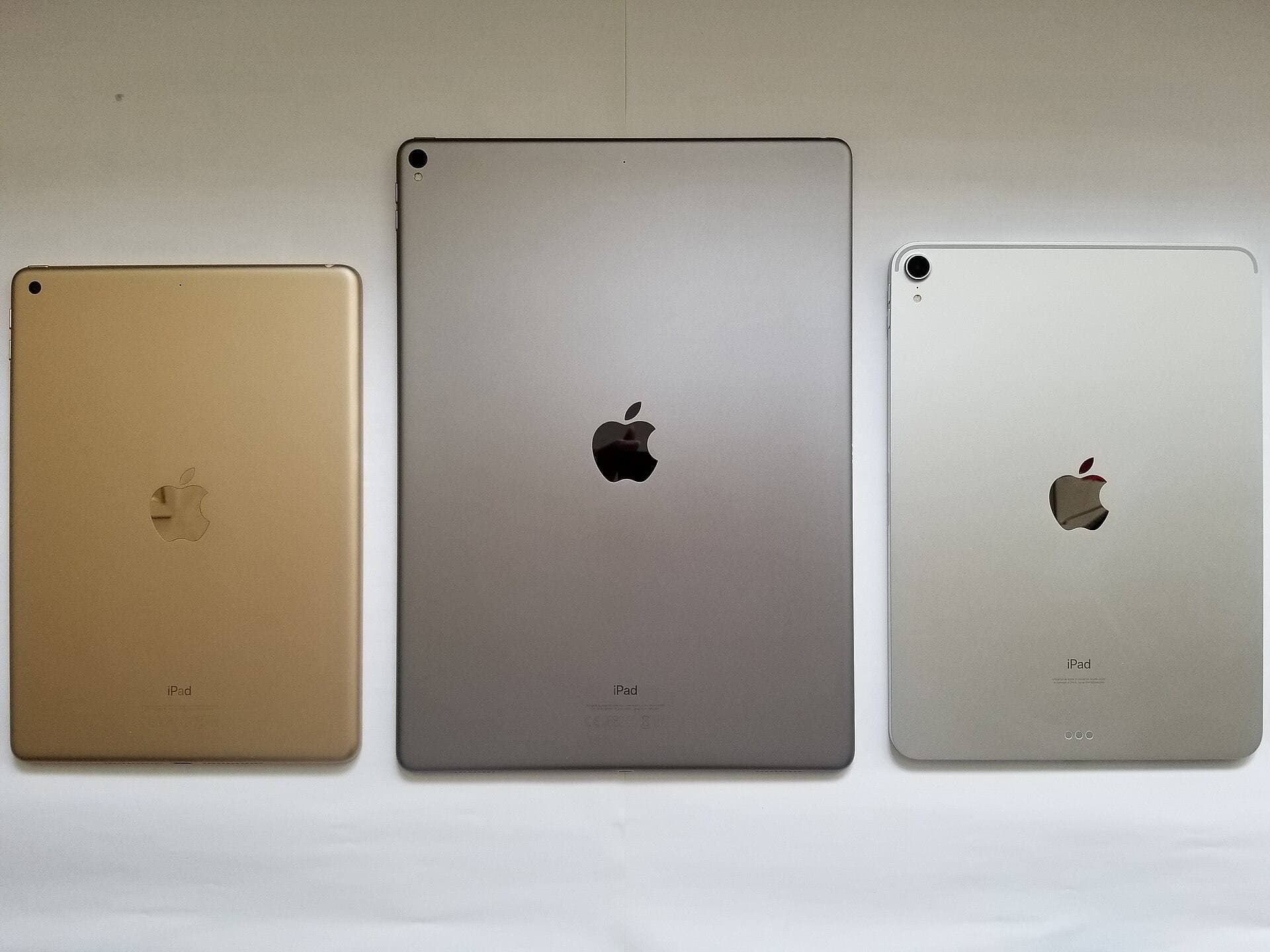
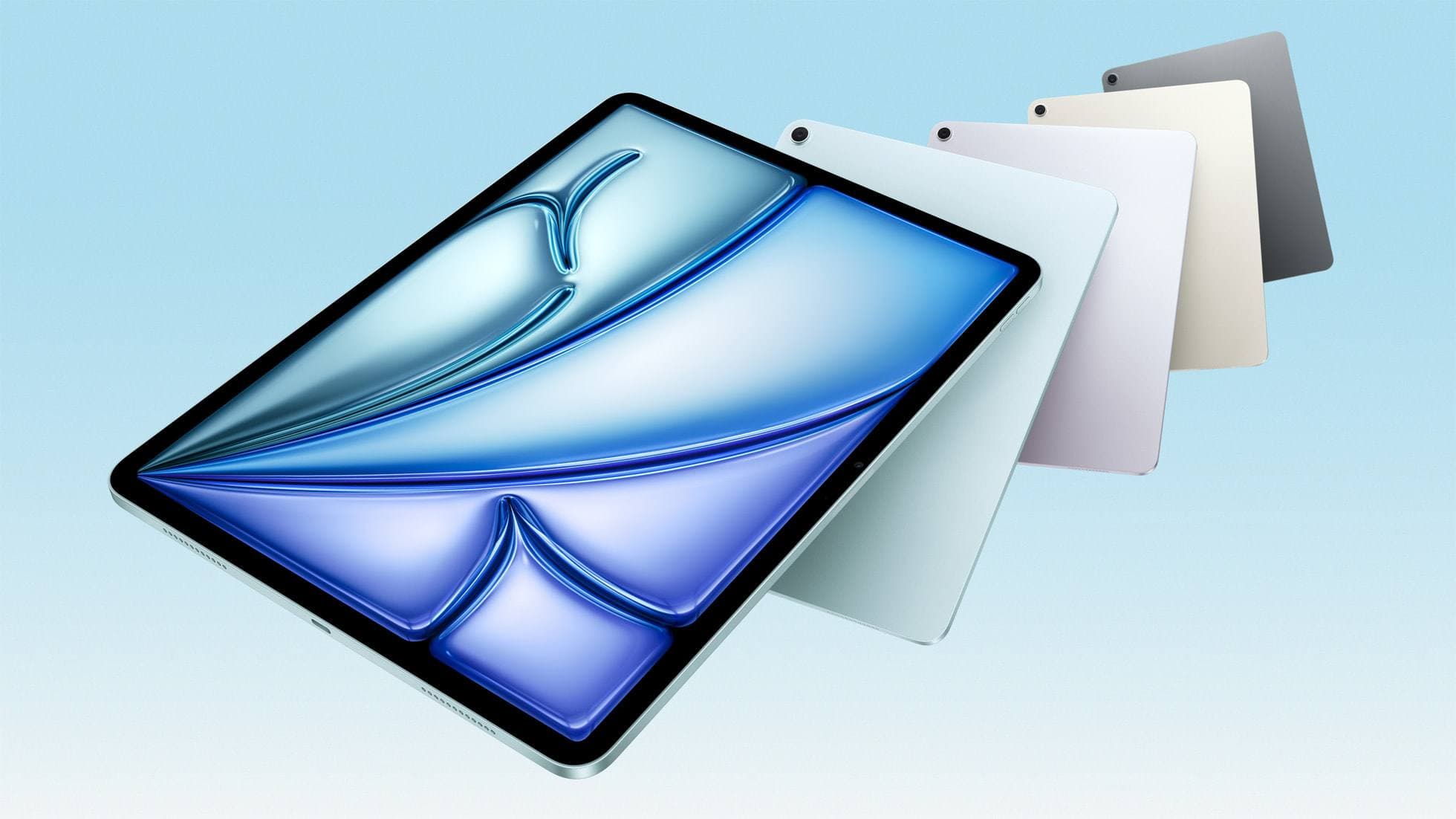
Stylus compatibility on iPad is strictly segmented by hardware generation [2]. You cannot simply pick your favorite Apple Pencil and pair it with any iPad model [2]. Before making a purchase, verify your exact tablet model in iPadOS settings to ensure hardware support [2], [6].
Apple Pencil Pro works exclusively with recent iPad models designed with updated internal pairing sensors [1], [2]. It does not backward-pair with older iPad Pro or iPad Air tablets that used Apple Pencil (2nd generation) [2]. If you buy an M4 iPad Pro or an M2 iPad Air, Apple Pencil Pro is the only pressure-sensitive official stylus option available to you [1], [2], [6].
Conversely, Apple Pencil (2nd generation) pairs exclusively with previous-generation flat-edged iPad Pro, iPad Air, and iPad mini models [2]. If your current hardware consists of an older iPad Air or iPad Pro that supports the 2nd-generation stylus, you already have full access to pressure-sensitive drawing in apps like Procreate [1], [2], [7]. You do not need to replace your hardware unless you are hitting memory-based layer limits on complex illustration canvases [7].
Bottom line
Anime and manga drawing require fluid pressure sensitivity to produce tapered line weights and rich, controlled ink work [1], [3]. Because Apple Pencil (USB-C) lacks pressure detection entirely, it is the wrong tool for serious anime inking and should be skipped [1]. Buy Apple Pencil Pro if you own or plan to buy a compatible newer iPad, as its squeeze shortcuts, haptics, and barrel roll offer the most capable illustration control in Apple's lineup [1], [2], [5]. Keep or buy Apple Pencil (2nd generation) if you are working on a compatible previous-generation iPad, where it delivers excellent pressure accuracy without forcing an expensive tablet upgrade [1], [2].
Sources
[1] https://www.apple.com/apple-pencil/ [2] https://support.apple.com/en-us/108937 [3] https://help.procreate.com/procreate/handbook/5.2/interface-gestures/pencil [4] https://paperlike.com/products/paperlike-for-ipad [5] https://support.apple.com/guide/ipad/draw-with-apple-pencil-ipadc55b6c7a/ipados [6] https://www.apple.com/ipad/compare/ [7] https://help.procreate.com/articles/zlexav-ipad-compatibility
Recommended gear
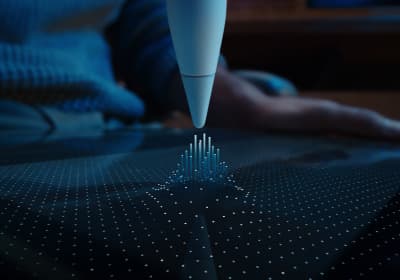
Apple Pencil Pro
amazon.comThe best Apple stylus for serious digital art workflows. Expensive, but the control upgrades are real.
Pro: Best brush-control and hover workflow
Con: Highest price in the lineup
Works only with newer iPad models. Check compatibility.
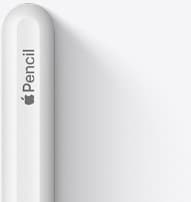
Apple Pencil (2nd generation)
amazon.comStill a strong stylus on compatible iPads. Good pressure control, but compatibility is the main trap.
Pro: Pressure support without Pro pricing
Con: Not compatible with newest Pro-only iPads
Only for iPads that support 2nd generation pairing.
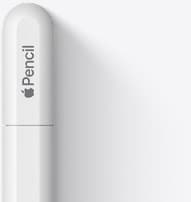
Apple Pencil (USB-C)
amazon.comA practical low-cost Apple stylus with broad compatibility, but limited for advanced art control.
Pro: Lowest official Apple Pencil cost
Con: No pressure sensitivity for brush work
Compatible with many recent iPads. No pressure support.
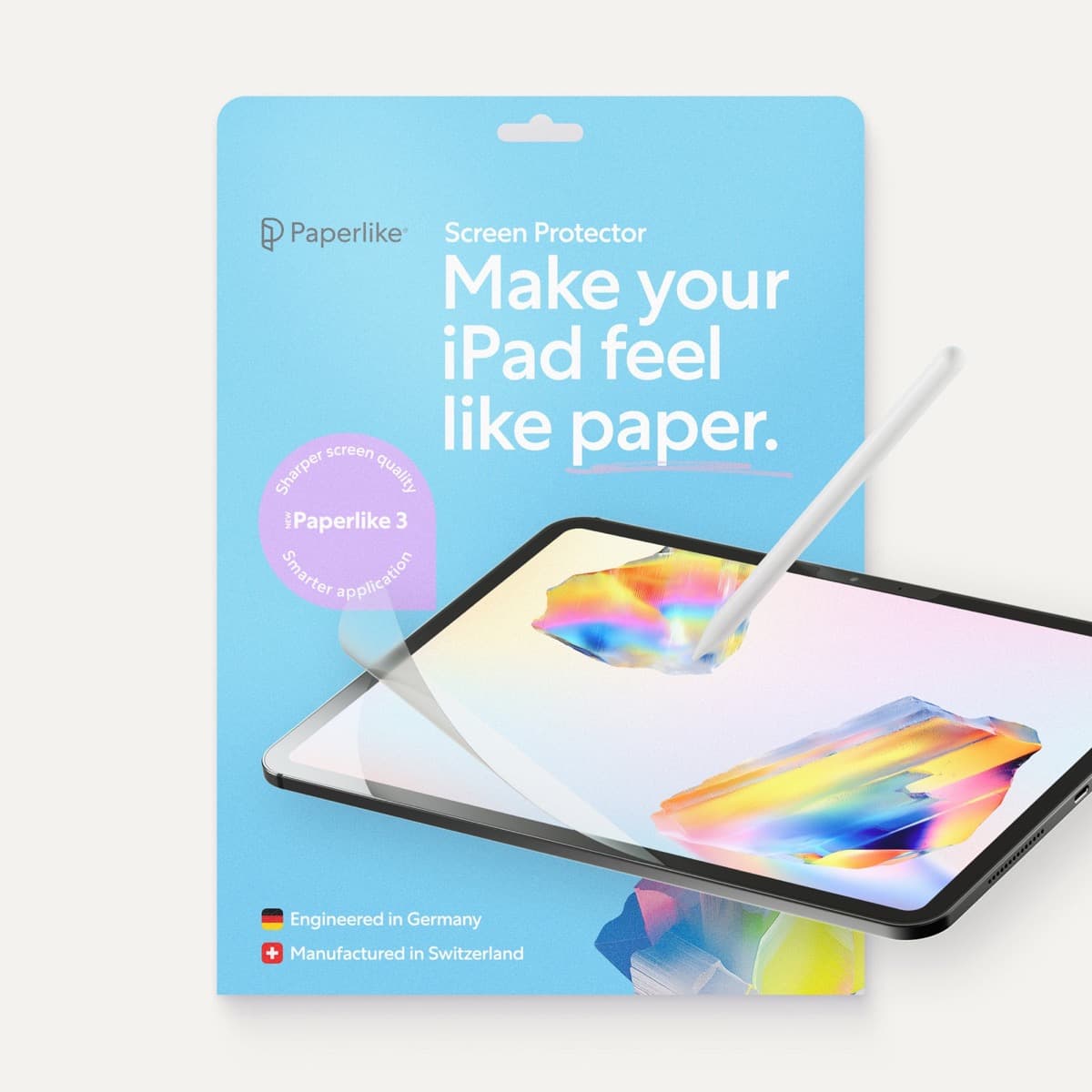
Paperlike 3 (11-inch, 2-pack)
amazon.comA strong surface-feel upgrade for drawing control. Clarity tradeoff is real and should be expected.
Pro: Adds controlled paper-feel friction
Con: Slightly reduces perceived display sharpness
11-inch fit only. Confirm generation before checkout.
Related buying picks
More in this collectionBuyer guide
Is the Apple Pencil USB-C enough for Procreate?
The Apple Pencil (USB-C) functions in Procreate, but the lack of pressure sensitivity makes it a poor fit for expressive brushwork.
Buyer guide
Apple Pencil for watercolor painting: which stylus to choose
Choose an Apple Pencil with pressure sensitivity for digital watercolor, and avoid flat styluses that cannot modulate pigment wash.
Buyer guide
Best Apple Pencil for portrait drawing: choosing the right stylus
Portrait artists need pressure sensitivity for tonal rendering, making Apple Pencil Pro or Apple Pencil 2nd generation the right choice over the entry model.
Buyer guide
Choosing the best Apple Pencil for medical illustration
Medical illustrators need pressure sensitivity and precise hardware compatibility, making the Apple Pencil Pro or 2nd generation pencil essential over the USB-C model.