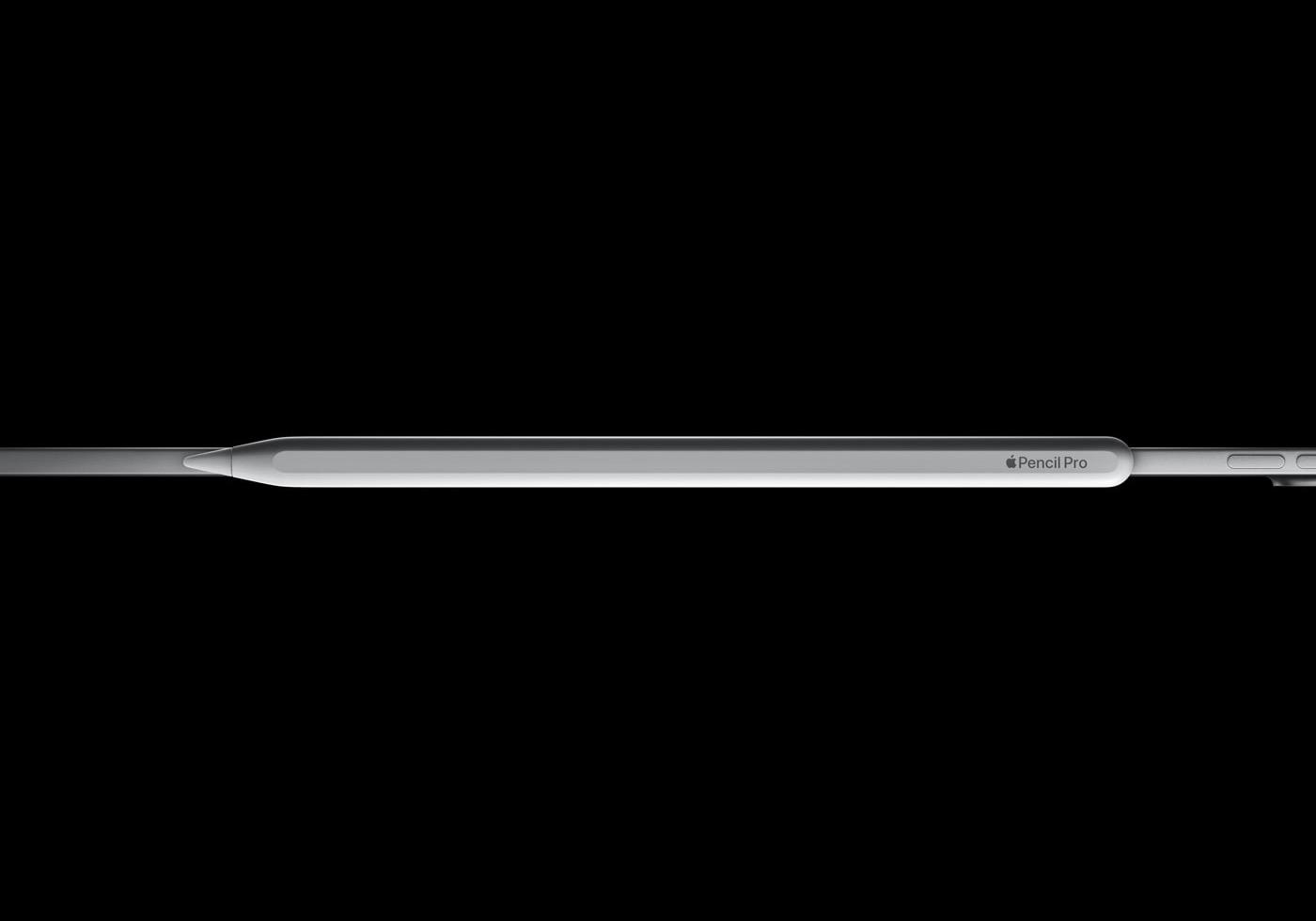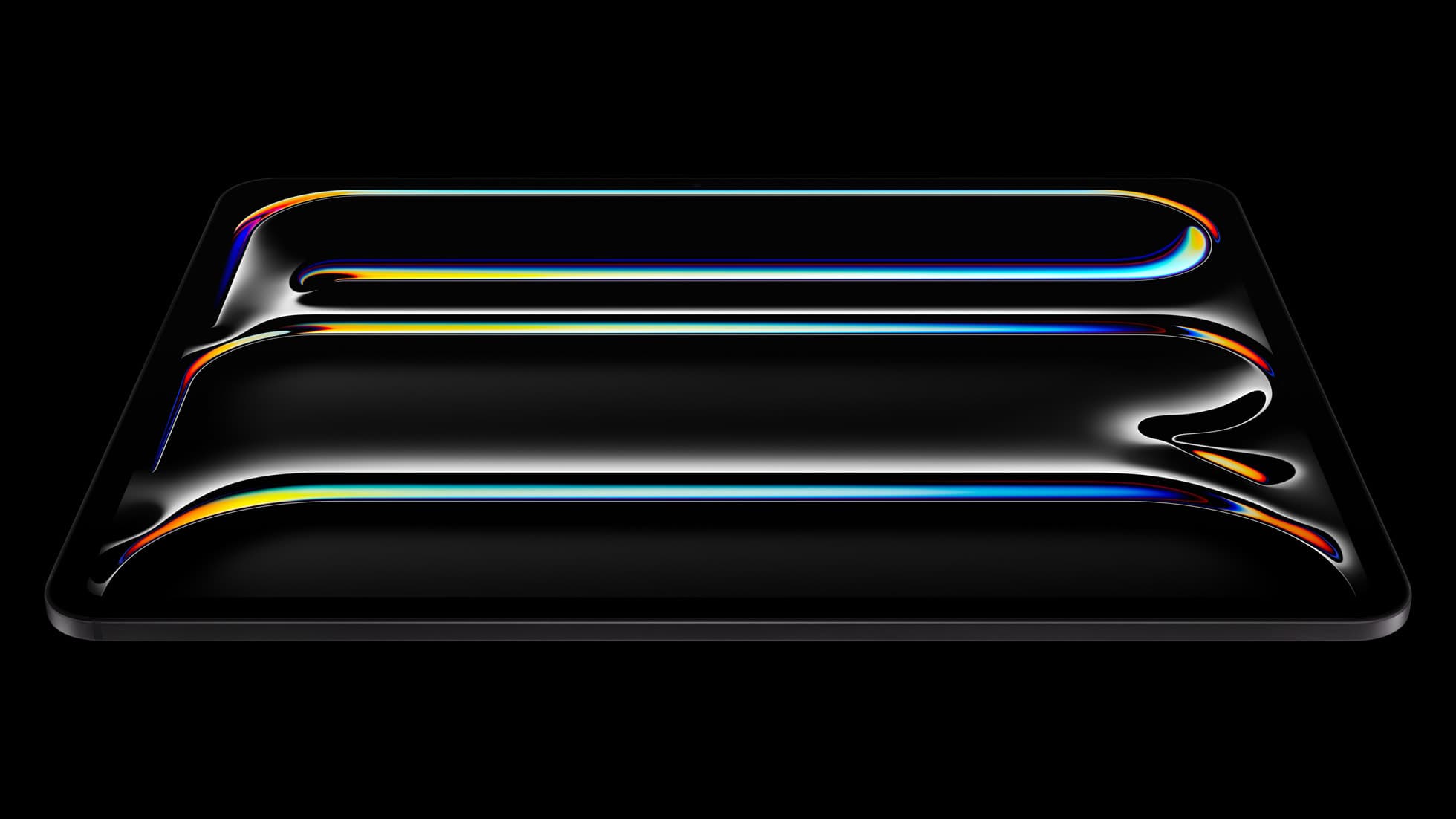
iPad Pro (M5)
iPad Pro (M5) review
4.7
The best iPad for drawing feel and premium workflow comfort, but many buyers still overpay for it.
Quick buy if you are done browsing this page of the archive.
iPad Pro (M5)
Top-rated picks from this archive page.
iPad Pro (M5)
The best iPad for drawing feel and premium workflow comfort, but many buyers still overpay for it.
Apple Pencil Pro
The best Apple stylus for serious digital art workflows. Expensive, but the control upgrades are real.
Samsung T7 Portable SSD
One of the safest SSD buys for iPad creators. Fast, stable, and easy to trust for backup routines.
Page 20 is useful for scanning content. It is not the shortest route to a safe purchase. Use these buyer paths if you are actually trying to choose what to buy.
Compatibility first
Use this when the real risk is ordering the wrong Pencil for your iPad, not choosing between tablets.
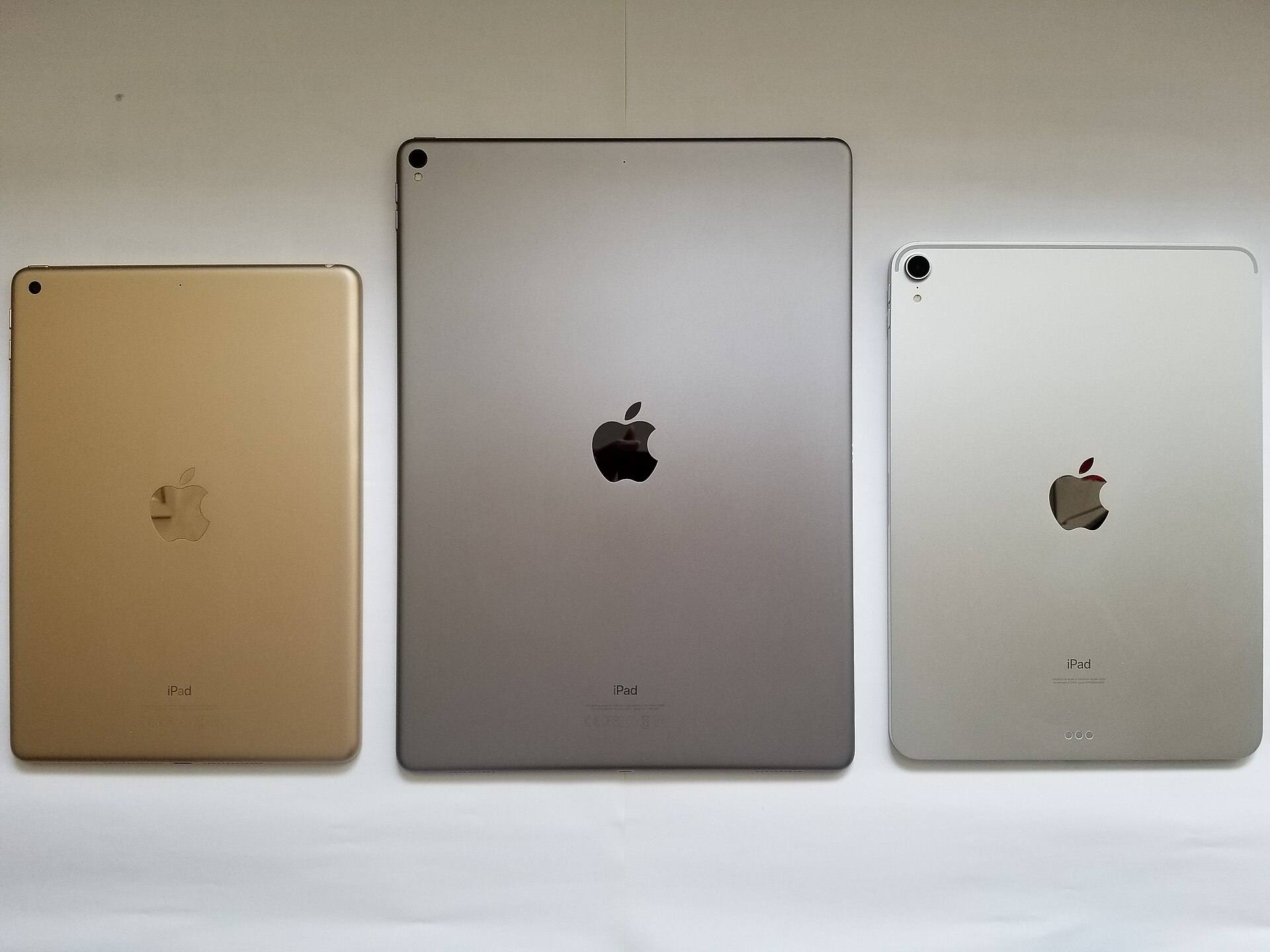
Compare models
The common upgrade question. Start here if you need the shortest path to the sensible buy.
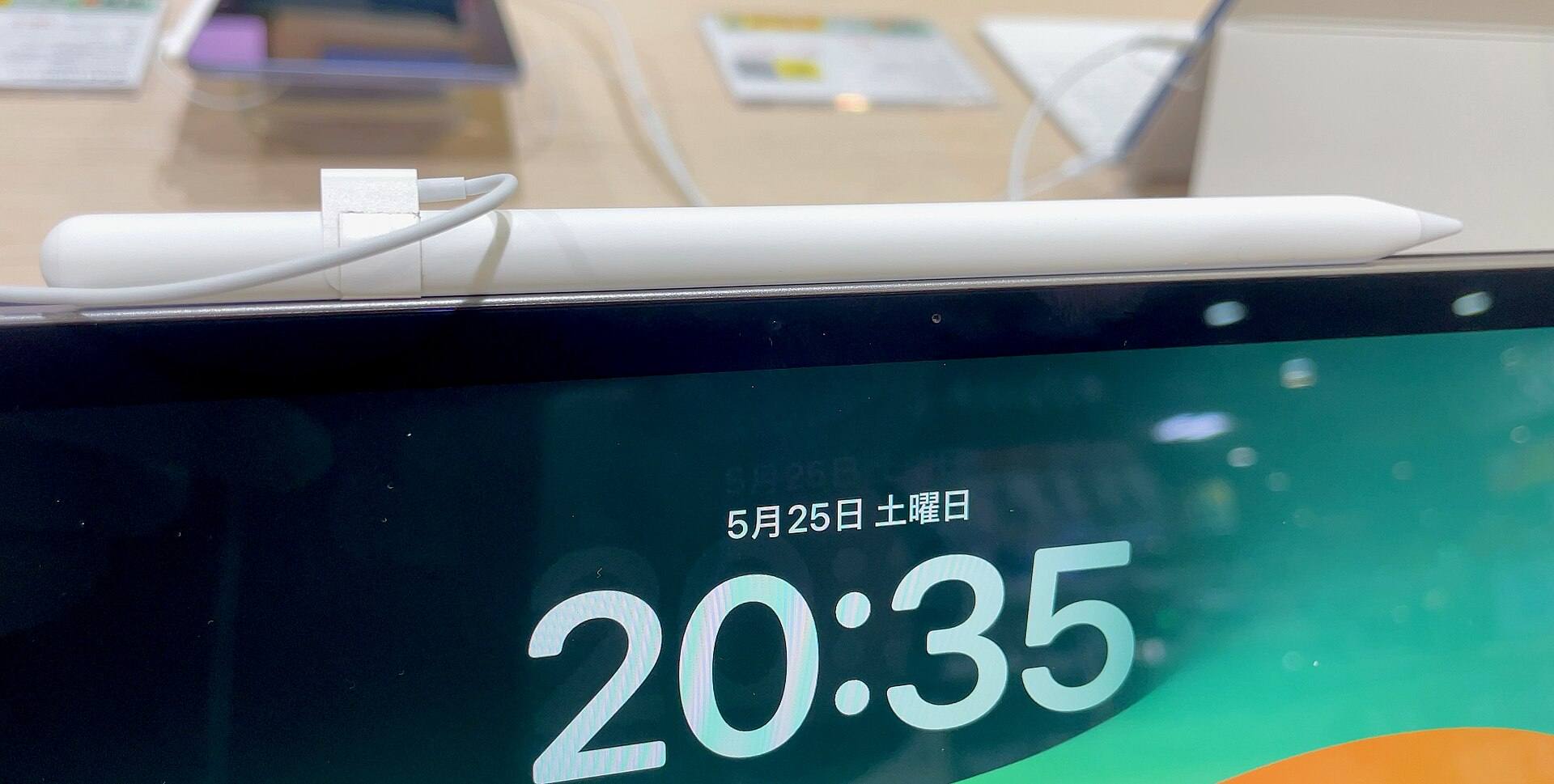
Main art app
Use this when the purchase is mainly about Procreate and you need the safest balance of cost, display feel, and headroom.
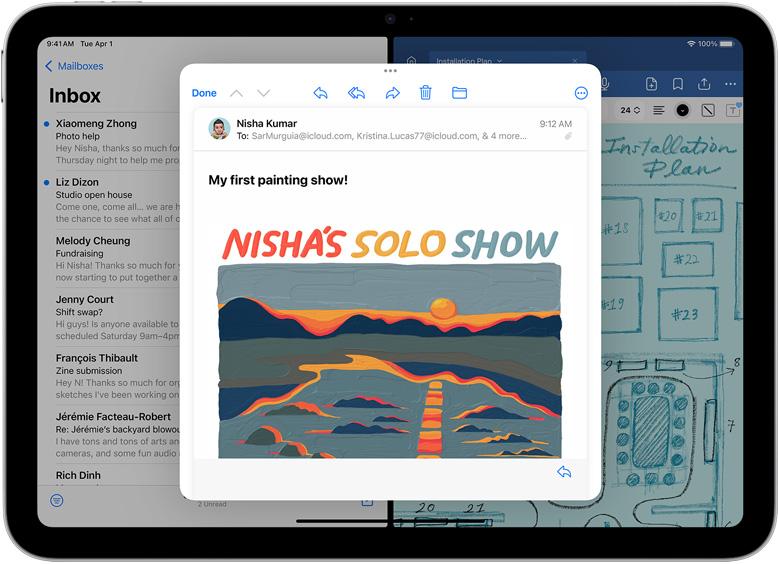
School plus art
Use this when the real purchase is one iPad for notes, PDFs, and regular drawing instead of separate school and art devices.
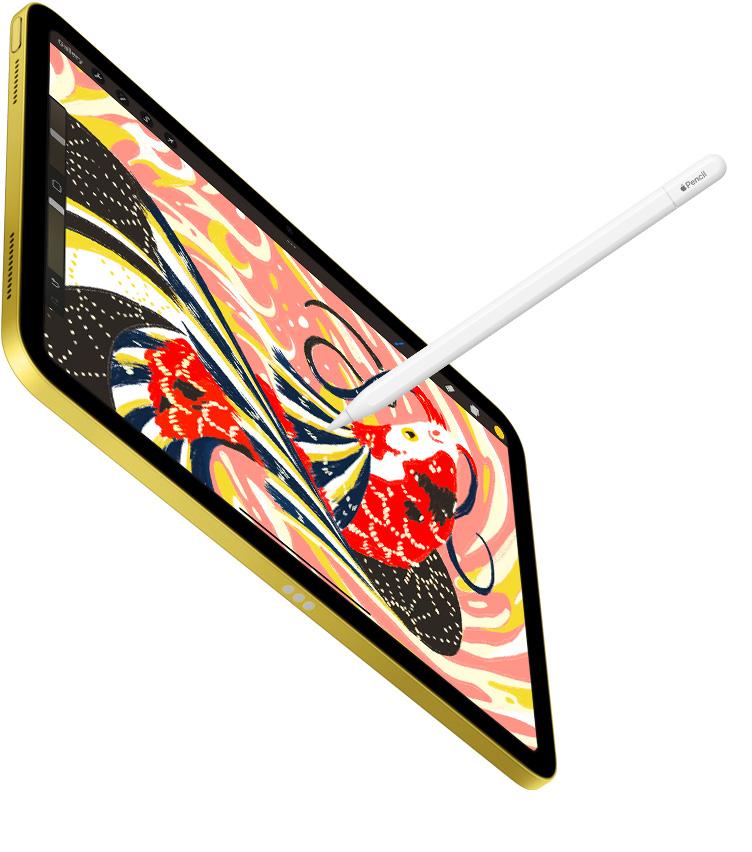
Notes plus drawing
Use this when the real purchase is one iPad for meetings, planning, PDFs, and regular drawing without drifting into the wrong premium tier.
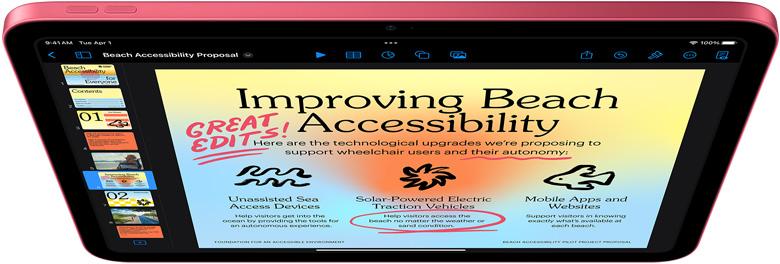
Cases and carry
Use this when the real choice is keyboard case versus draw-first case, not which iPad to buy.
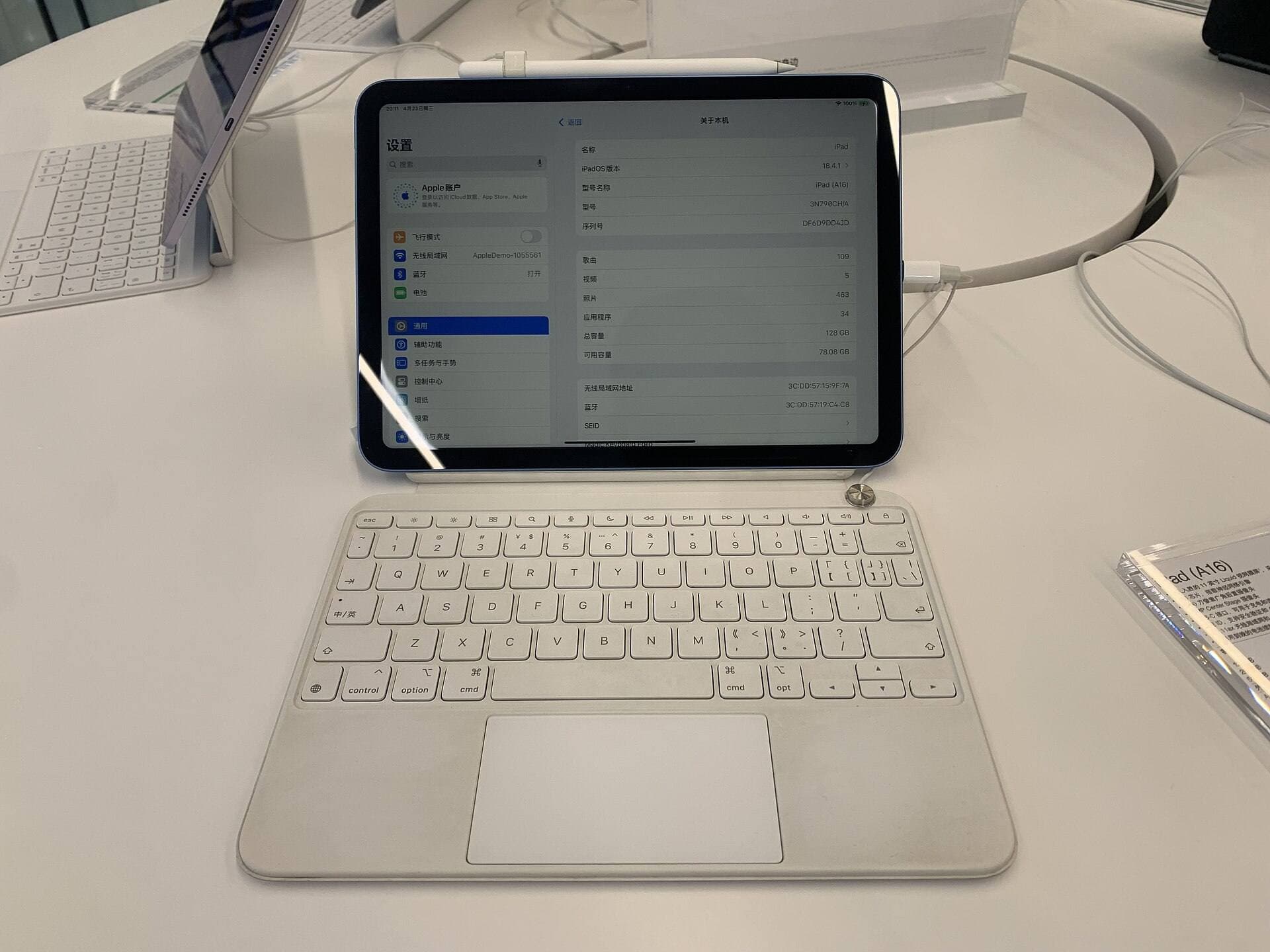
Start with a budget
Use this when you want the best beginner path without drifting into Pro-level overspending.
Buy now
Use this when the shortlist is already small and you mostly need the fastest route to checkout.
iPad
Mar 9, 2026 6 min read
A low-data iPad workflow for artists: keep active work local, keep the master library in iCloud Drive, and download only what you actually need.
iPad
Mar 2, 2026 4 min read
The best iPad deal is not the lowest sticker price. Use this guide to pick the right iPad and Apple Pencil combo for real drawing workflows without overpaying.
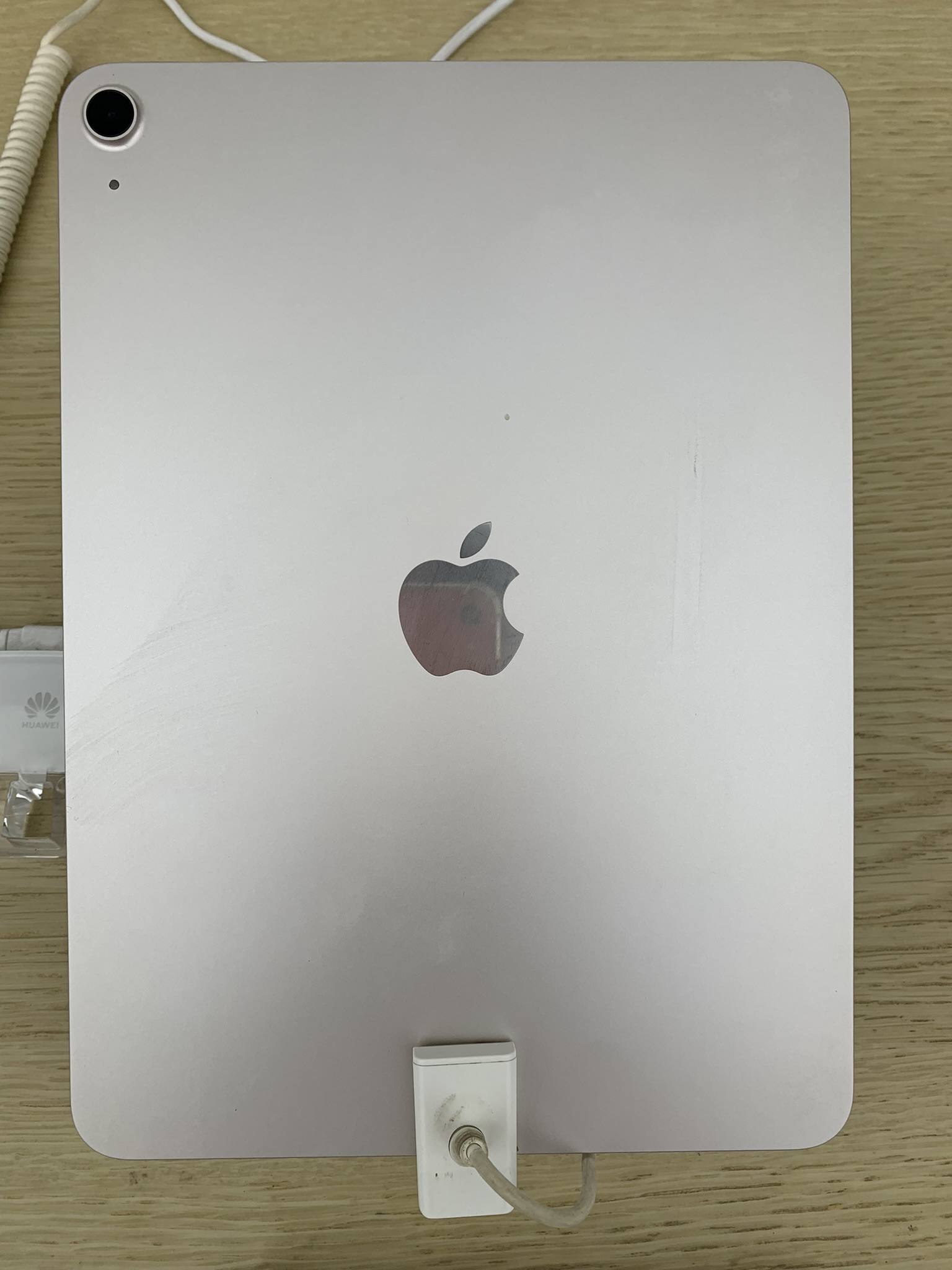
iPad
Feb 21, 2026 4 min read
How to keep iPad creative work moving without Wi-Fi: offline-capable app behavior, local file strategy, and travel-safe export and backup routines.
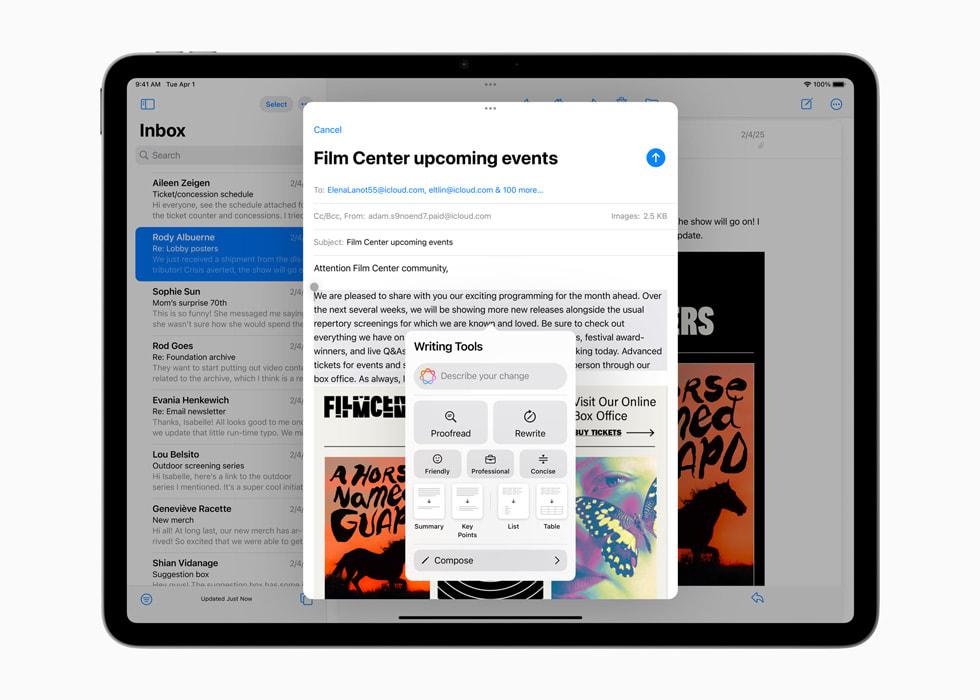
Apple Pencil
Feb 20, 2026 4 min read
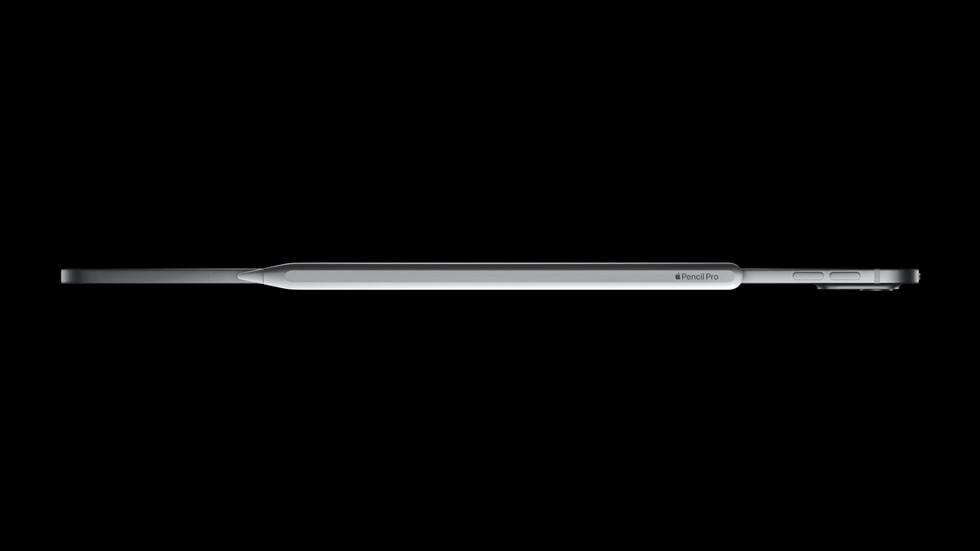
A practical Apple Pencil Pro setup guide for artists: squeeze and double-tap tuning, hover use, Procreate smoothing, and fast drills for cleaner lines.
Ergonomics
Feb 16, 2026 4 min read
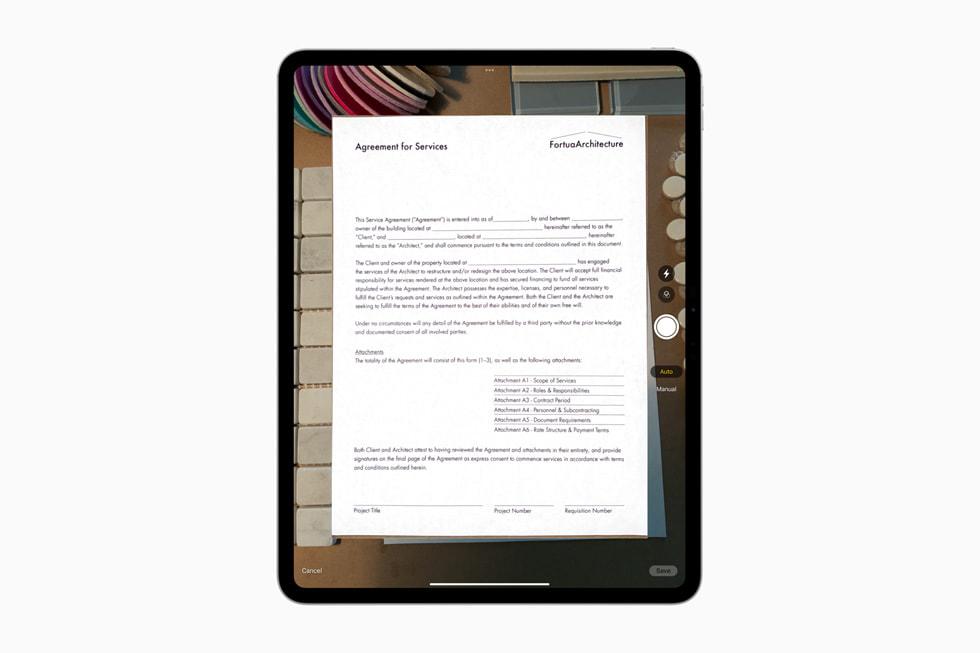
A practical desk setup for iPad artists: tilt targets, glare control, and lighting choices that reduce neck strain and visual fatigue during long sessions.
iPad
Feb 14, 2026 4 min read
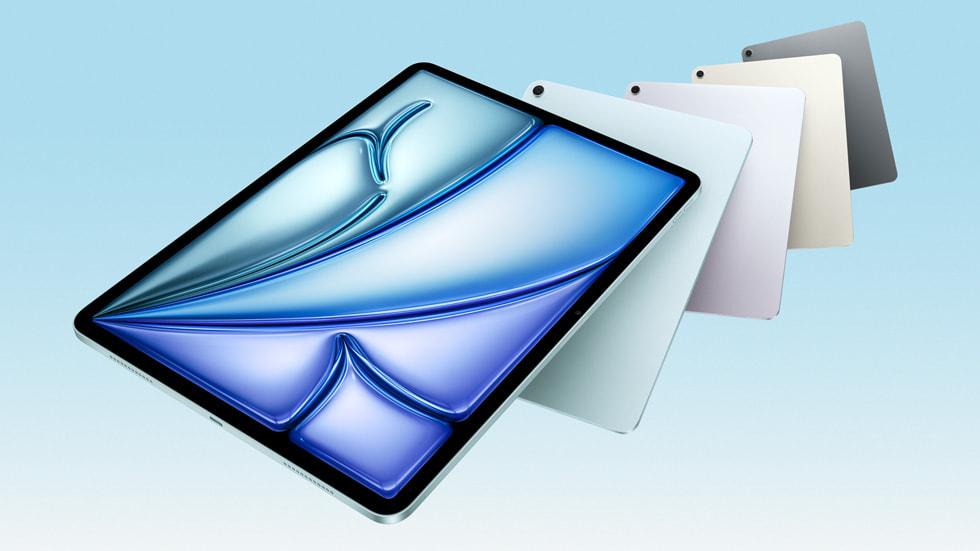
An evidence-first timing guide for iPad artists: when to buy immediately, when to wait for announcements, and how to avoid compatibility regret.
iPad
Feb 13, 2026 4 min read
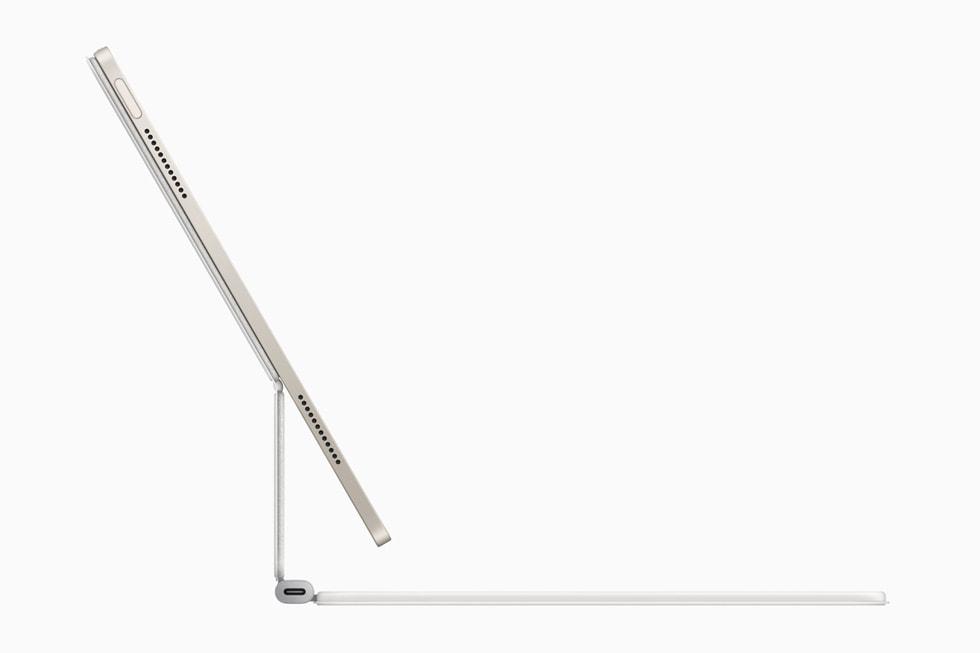
How to build a portable iPad writing and sketch kit for cafes and transit, including keyboard format choices, setup flow, and compatibility checks.
iPad
Feb 10, 2026 6 min read
A practical iPad-to-print workflow for artists: when to choose P3 or sRGB, how to proof before ordering, and export settings that prevent dark or dull prints.
iPad
Feb 7, 2026 4 min read
A practical battery health guide for iPad artists: safer charging habits, heat control, and the settings that reduce lag during long sessions.
iPad
Feb 4, 2026 5 min read
For Procreate in 2026, the right iPad depends on canvas size, layer depth, and how much latency sensitivity you actually have.