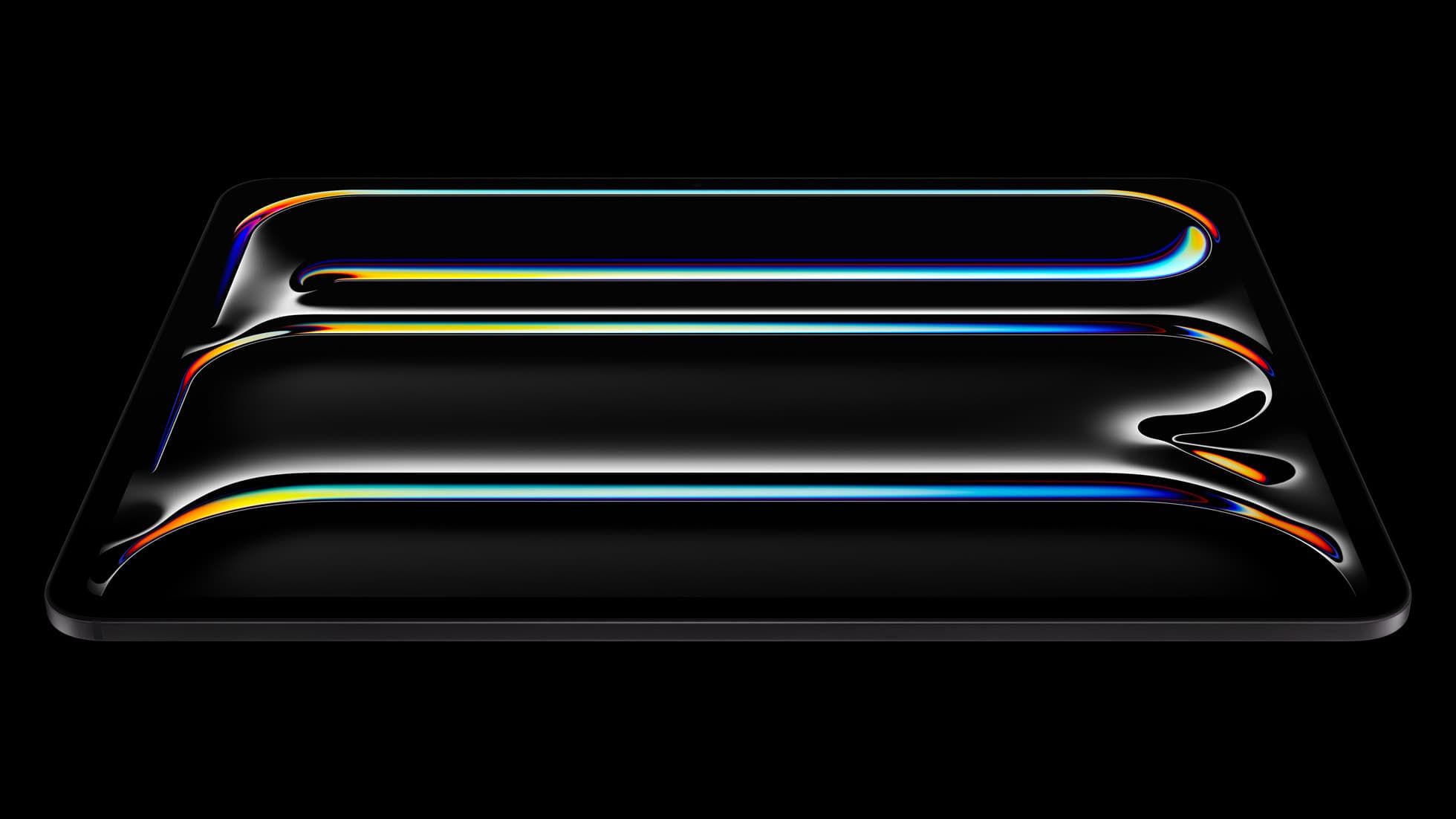
iPad Pro (M5)
iPad Pro (M5) review
4.7
The best iPad for drawing feel and premium workflow comfort, but many buyers still overpay for it.
50 articles
Top-rated picks from articles in this tag.
iPad Pro (M5)
The best iPad for drawing feel and premium workflow comfort, but many buyers still overpay for it.
Apple Pencil Pro
The best Apple stylus for serious digital art workflows. Expensive, but the control upgrades are real.
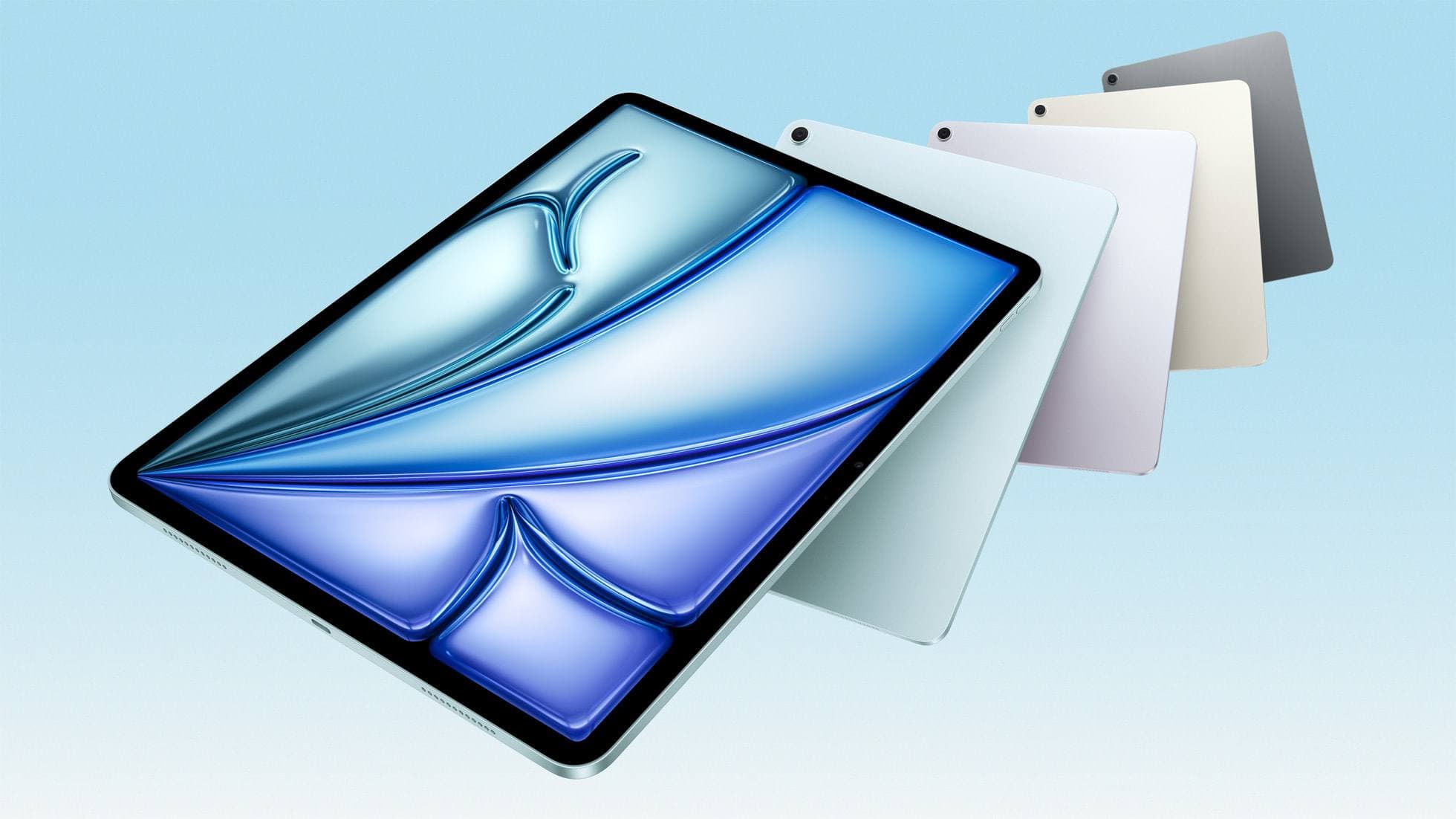
iPad Air (M4)
The clean current Air recommendation for most serious hobby artists. Stronger buy logic than old-stock M3 when pricing is close.
Procreate
Oct 17, 2026 5 min read
Procreate is the better pick for most iPad artists who'll pay once, while ibis Paint X is the better pick for free drawing and for anyone who also draws on a phone.
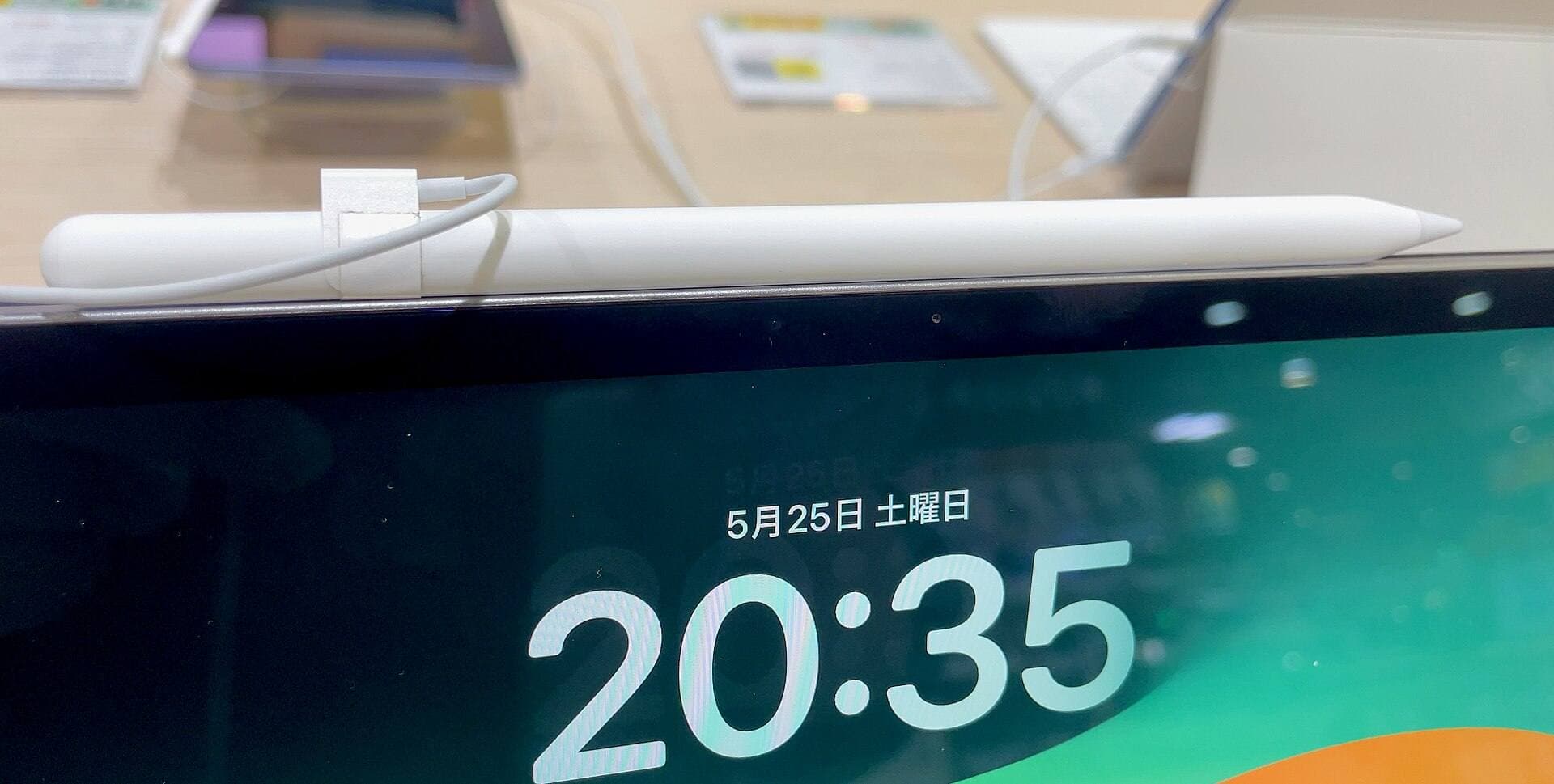
apple pencil pro
Oct 9, 2026 6 min read
Diagnose why squeeze gestures fail on Apple Pencil Pro and learn how to configure system tools, app support, or hardware pairings.
ipad apps
Oct 9, 2026 5 min read
Compare Procreate, Clip Studio Paint, and top free-to-download alternatives to choose the right iPad app for sketching and tracing over photos.
Apple Pencil
Oct 9, 2026 5 min read
Diagnose why Apple Pencil barrel roll fails, check hardware compatibility, and fix brush rotation in your creative apps.
Procreate
Oct 9, 2026 6 min read
Fix blurry Procreate exports by setting correct canvas pixel dimensions and matching your iPad memory to your layer needs.
iPad
Oct 9, 2026 4 min read
Get the iPad Air (M4) if you want the Apple Pencil Pro toolset, or pick the base iPad (A16) if you want a capable digital sketchpad at the lowest entry cost.
drawing tablets
Oct 9, 2026 5 min read
Compare the best iPad options for webtoon creation based on screen size, Apple Pencil support, and layer capacity.
Procreate
Oct 9, 2026 5 min read
Hardware limits, timeline track loads, and iPad memory bounds can slow animation workflows, but you can troubleshoot before buying new gear.