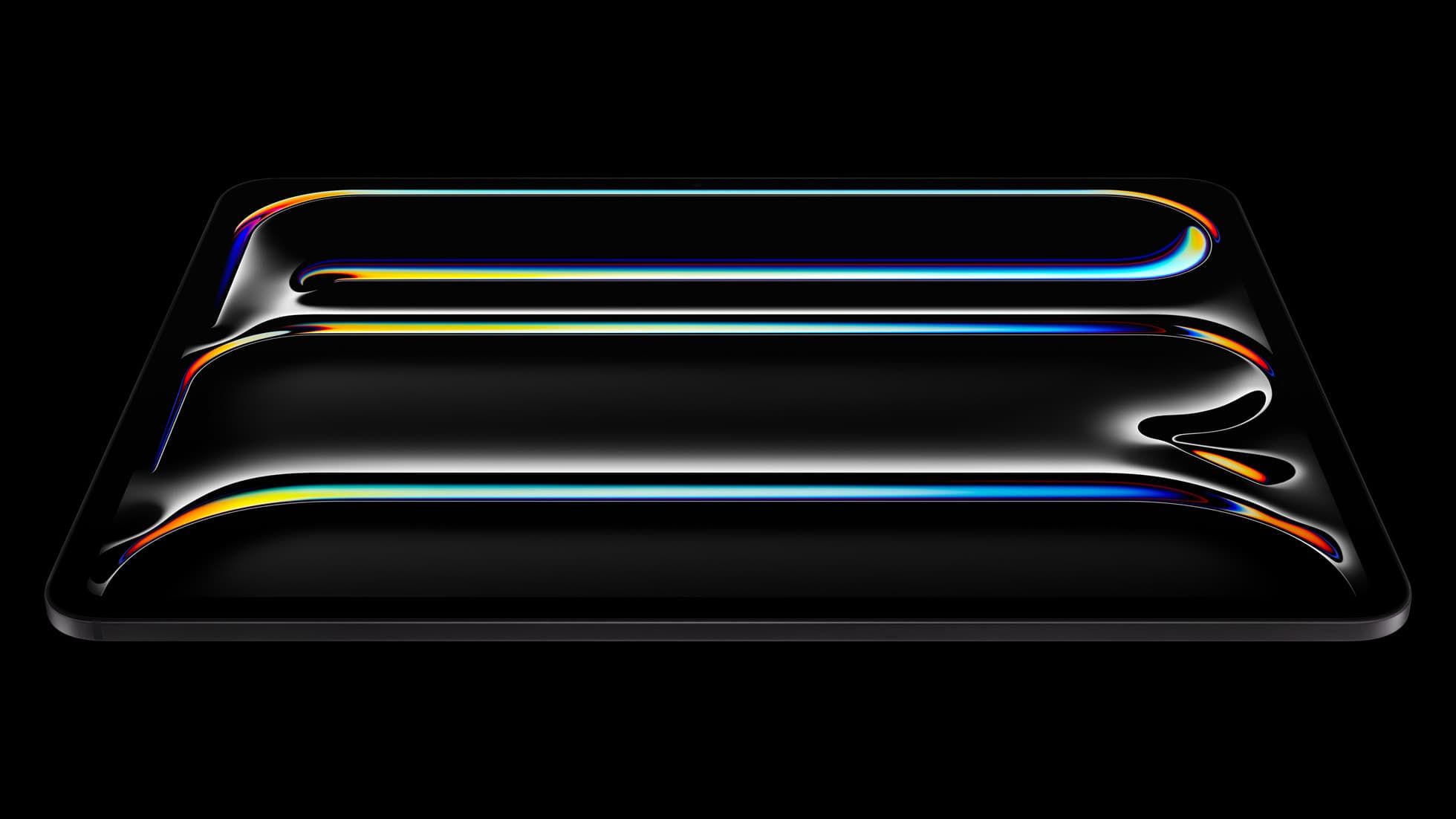
iPad Pro (M5)
iPad Pro (M5) review
4.7
The best iPad for drawing feel and premium workflow comfort, but many buyers still overpay for it.
23 articles
Top-rated picks from articles in this tag.
iPad Pro (M5)
The best iPad for drawing feel and premium workflow comfort, but many buyers still overpay for it.
Apple Pencil Pro
The best Apple stylus for serious digital art workflows. Expensive, but the control upgrades are real.
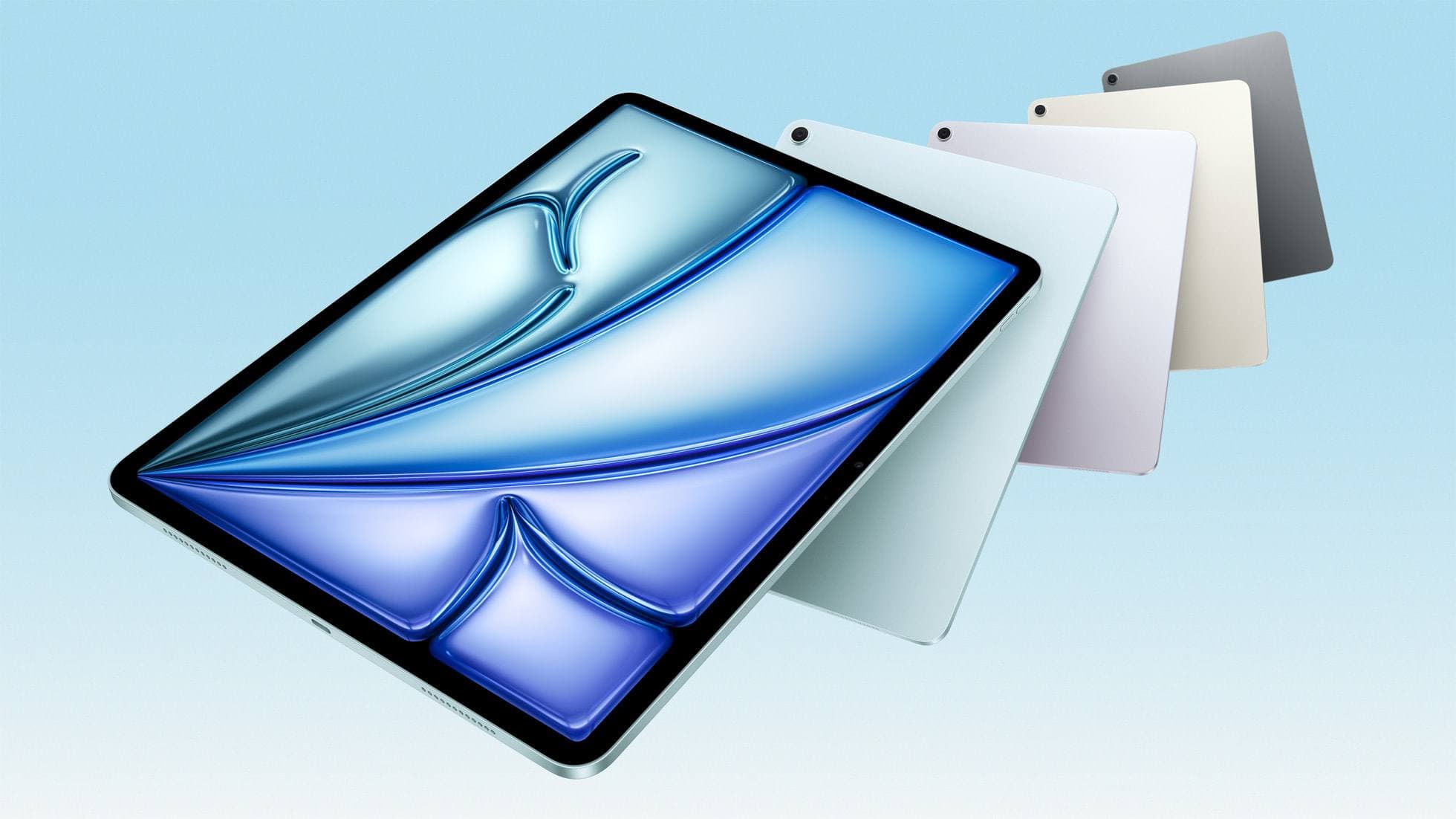
iPad Air (M4)
The clean current Air recommendation for most serious hobby artists. Stronger buy logic than old-stock M3 when pricing is close.
ipad art
Oct 9, 2026 6 min read
Learn how canvas sizing, layer management, and hardware limits impact iPad drawing performance, and whether an iPad Air or iPad Pro upgrade makes sense.
ipad mini
Oct 9, 2026 5 min read
The iPad mini handles modern digital art tools and Apple Pencil Pro, but its compact screen restricts timeline management.
Procreate
Oct 9, 2026 5 min read
Hardware limits, timeline track loads, and iPad memory bounds can slow animation workflows, but you can troubleshoot before buying new gear.
ipad air
Oct 9, 2026 5 min read
The iPad Air provides full Apple Pencil Pro support and enough chip headroom to run Clip Studio Paint without paying Pro prices.
iPad
Oct 9, 2026 5 min read
Choose the iPad Air (M4) for the best balance of accessory support and screen size in stop motion workflows.
Procreate
Oct 9, 2026 6 min read
Fix brush drag and layer caps in Procreate by adjusting app settings before deciding to upgrade your iPad hardware.
iPad
Oct 9, 2026 6 min read
Choose between dedicated camera capture utilities and hand-drawn animation tools to build the right stop motion workflow on your iPad.
iPad
Oct 9, 2026 5 min read
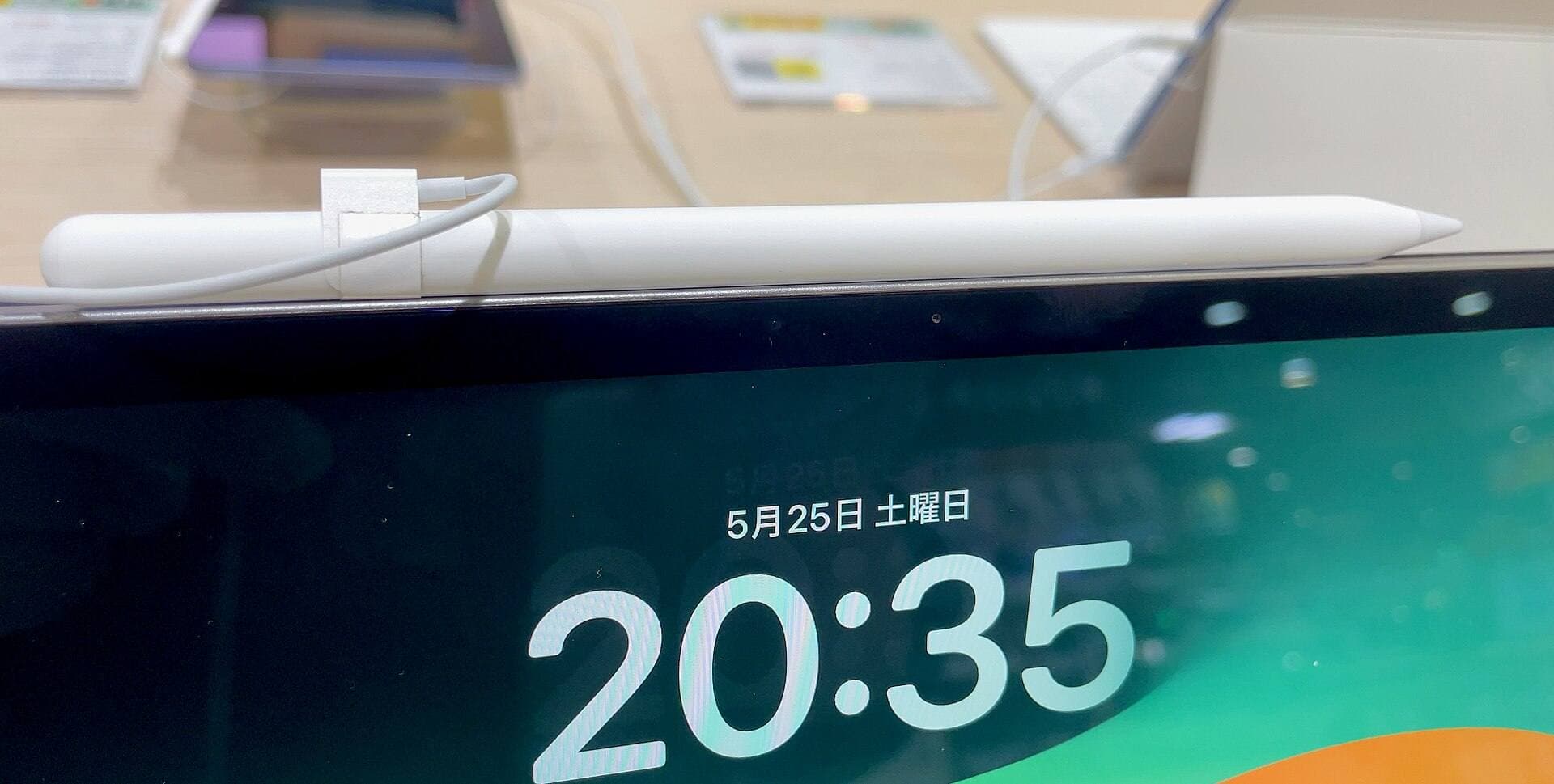
For most artists using Procreate, an iPad Pro is overkill when an iPad Air with Apple Pencil Pro delivers the same core drawing features and layer headroom.