If you create episodic webcomics, buy the iPad Air (M4) [1], [2]. It gives you compatibility with Apple Pencil Pro without forcing you into top-tier hardware pricing [1], [3]. If you want the smoothest drawing feel and the best display hardware in the lineup, buy the iPad Pro (M5) [1]. If you want the most affordable standalone kit and do not mind standard pencil features on a 60Hz screen, pick the iPad (A16, 11th gen) [1], [3]. Skip the smallest tablets if you draw panels on long vertical pages, because layout work demands usable screen space [1], [4].
Webtoon production has specific hardware demands. Long vertical strips need reliable layer room, clear linework control, and quick navigation across continuous panels [4], [5]. You can sketch thumbnails anywhere, but finishing full episodes requires choosing the right balance of display room, stylus tools, and system memory [1], [4].
Why canvas size and memory matter for webtoon strips
Webtoons are built around long vertical reading formats where multiple panels stack on continuous files or linked canvases [4], [5]. Drawing these strips means you need both physical working space and enough hardware memory to keep your layer stacks flexible [1], [4]. In apps like Procreate, total available system memory directly controls the maximum layer count you can create at any given pixel resolution [4], [5]. When you work on high-resolution episode files with separate layers for sketches, inks, flat colors, shading, and speech bubbles, memory limits hit quickly [4].
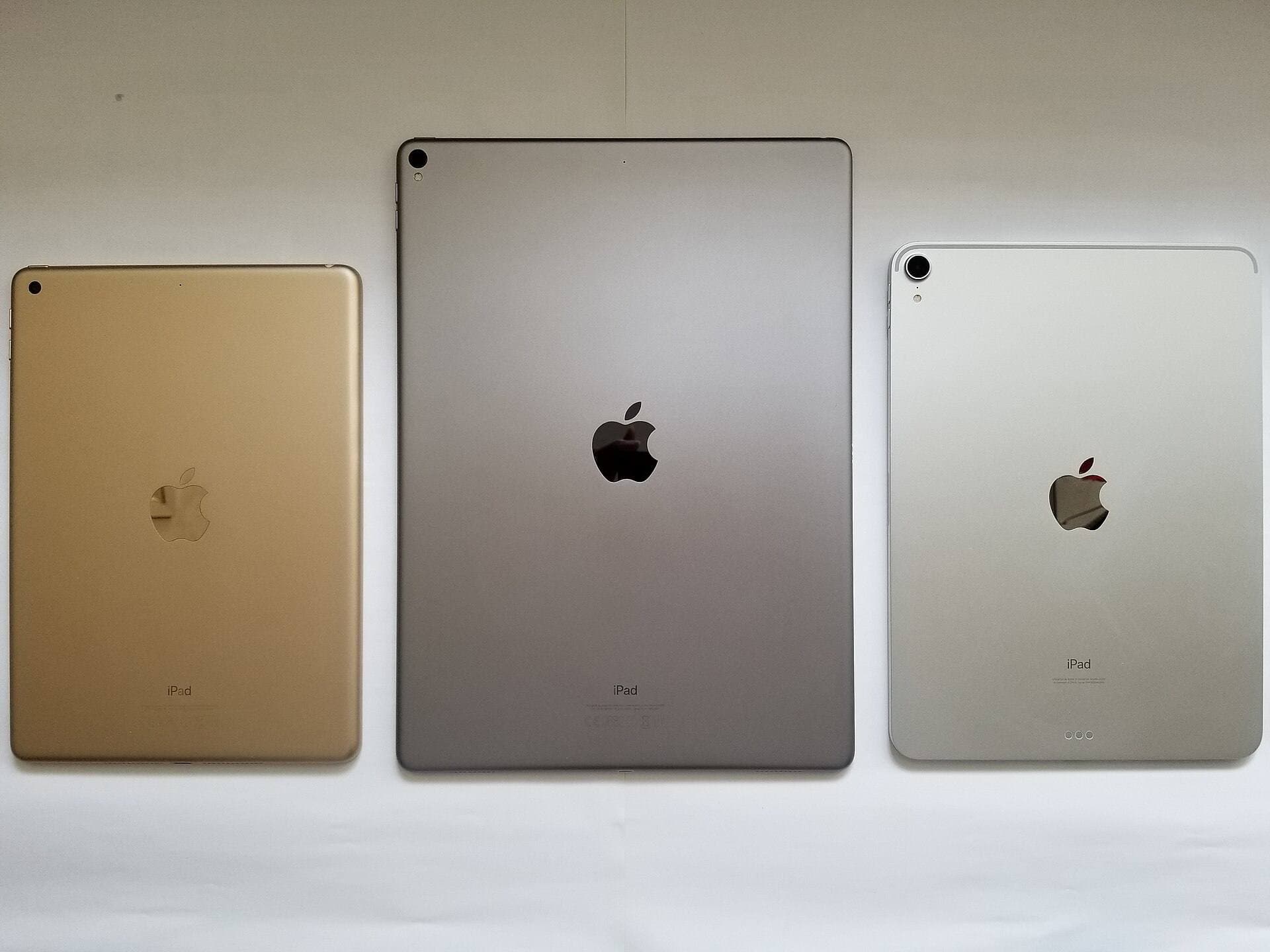
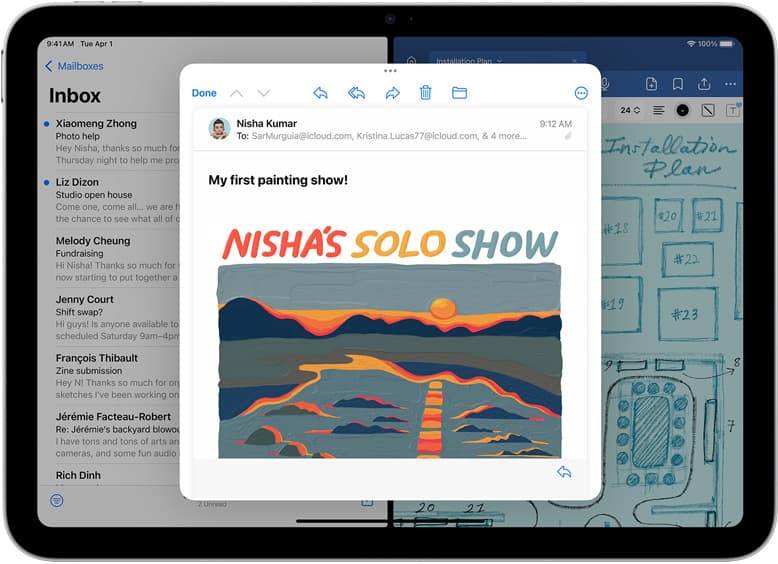
Choosing a larger tablet screen changes how much of your comic strip you can inspect at once without constant zooming [1]. The iPad Pro (M5) and iPad Air (M4) provide larger screen options that let you view full panel transitions alongside brush menus [1]. Working on a smaller screen forces you to zoom in and out frequently to judge pacing between vertical panels [1], [4]. While you can draft thumbnails on a compact device, building production-ready vertical pages is easier when your display lets you keep your overall layout in view [1].
Apple Pencil features that impact line art and paneling
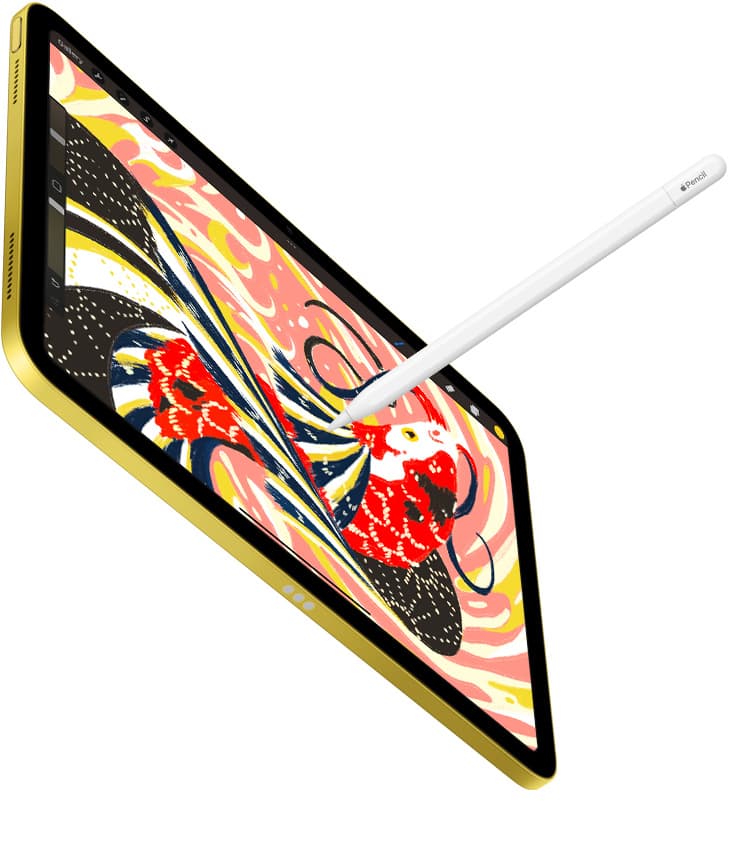
Linework forms the backbone of webcomic paneling, and your choice of Apple Pencil determines your physical drawing tools [2], [3]. The Apple Pencil Pro pairs with both the iPad Air (M4) and the iPad Pro (M5), bringing hardware capabilities that older stylus models lack [1], [2], [3]. It includes a squeeze gesture to invoke tool palettes, a built-in gyroscope for barrel roll orientation, and haptic feedback [2]. It also delivers pressure sensitivity and tilt detection directly to supported software [2], [5].
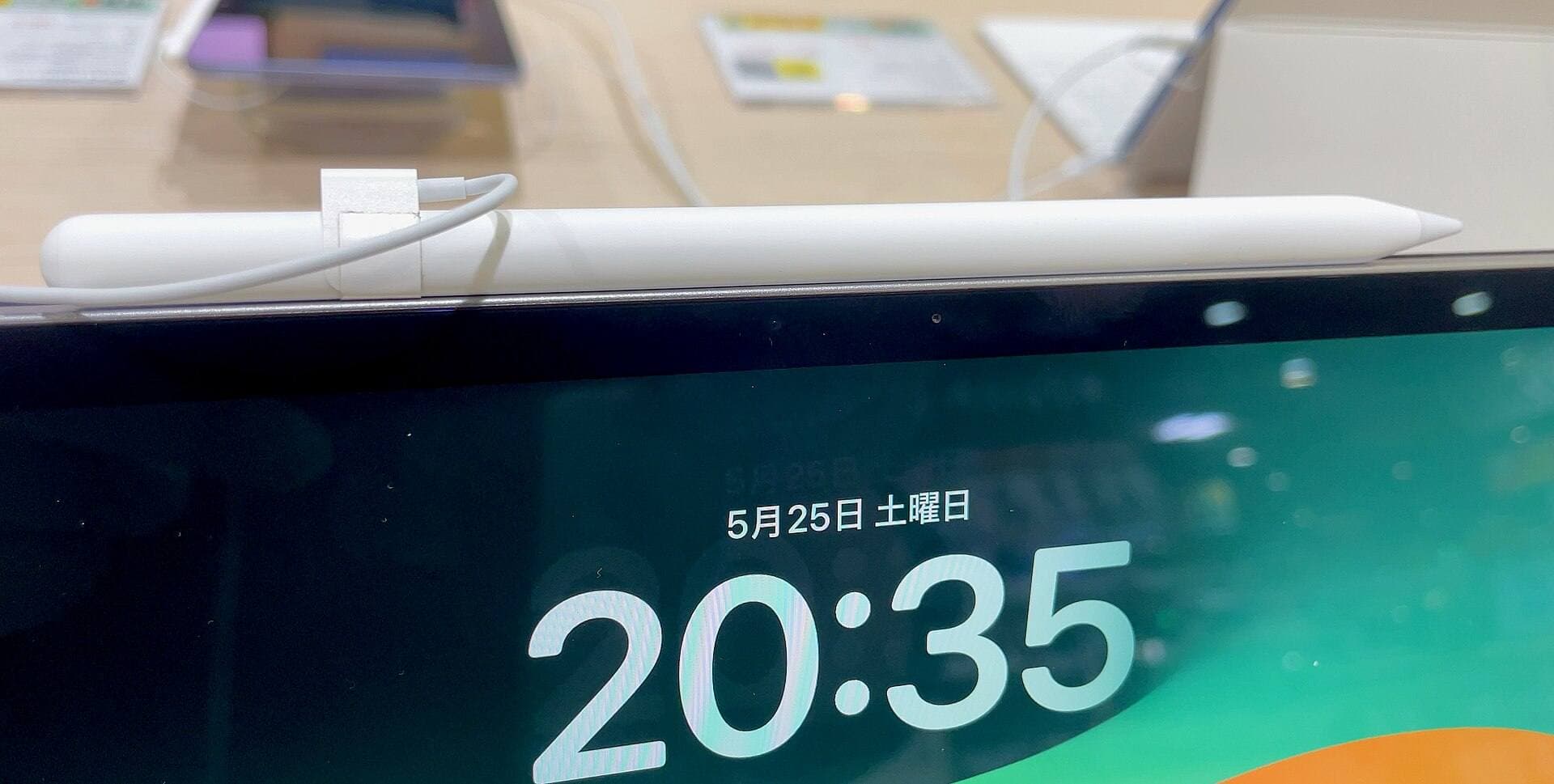
For inking clean borders and detailed hair strands, barrel roll lets you rotate shaped brushes as you sketch [2]. Squeeze controls give you direct access to brush sizes or eraser swaps right at your fingertips without breaking your rhythm to tap on-screen menus [2]. The entry-level iPad (A16), by contrast, does not support Apple Pencil Pro [1], [3]. It pairs with compatible styluses like the Apple Pencil (USB-C), which supports tilt detection and magnetic pairing attachment for storage, but lacks pressure sensitivity [2], [3]. If variable-width inking is essential to your line art style, buying an iPad model that supports pressure-sensitive stylus hardware is a major workflow requirement [2], [3].
Comparing iPad models for webcomic workflows
The iPad Air (M4) represents the most practical middle ground for episodic artists [1]. It runs on Apple M4 silicon and supports Apple Pencil Pro along with Apple Pencil (USB-C) [1], [3]. You get the advanced stylus controls, magnetic charging on the side of the tablet, and plenty of capability for high-resolution projects [1], [2], [3]. The trade-off is the display refresh rate: the iPad Air runs on a standard 60Hz panel rather than a variable high-refresh screen [1]. For many artists, that screen rate is entirely sufficient for daily inking and coloring [1].
The iPad Pro (M5) is the premium alternative for creators who spend hours every day drawing detailed comic pages [1]. It features an advanced Ultra Retina XDR display and Apple ProMotion technology, which provides adaptive refresh rates up to 120Hz [1]. That faster refresh rate makes digital inking feel closer to the tip of your stylus [1], [2]. The iPad Pro (M5) also supports Apple Pencil hover, showing a cursor preview before your tip touches the glass [1], [2]. Buy the iPad Pro (M5) if you want the best visual hardware and demand ProMotion responsiveness, but skip it if your creative budget cannot absorb top-tier pricing [1].
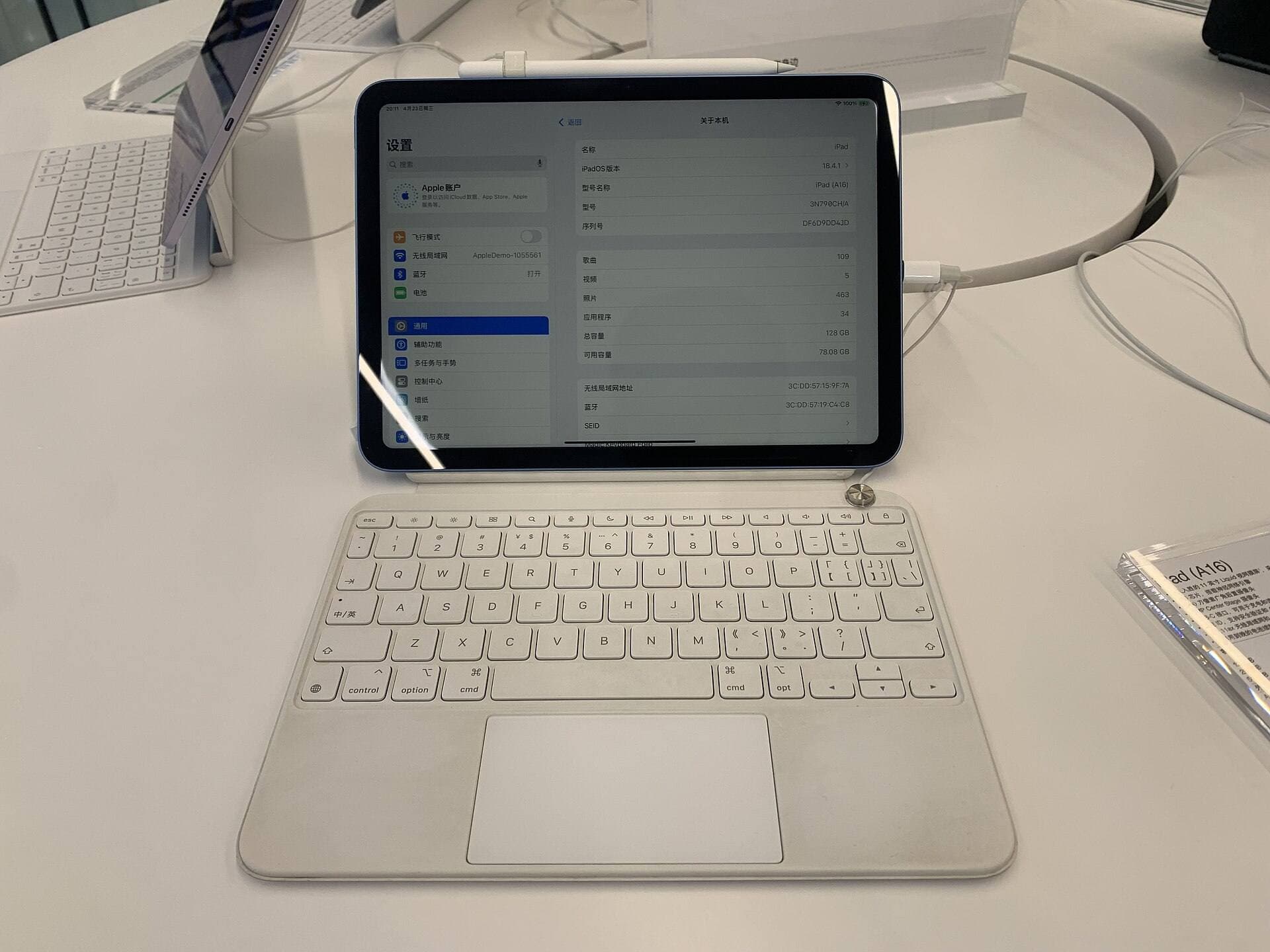
The standard iPad (A16, 11th gen) is the budget-conscious pick [1]. It offers the essential iPadOS drawing environment and runs standard art apps like Procreate [1], [5]. However, it lacks ProMotion and does not work with Apple Pencil Pro [1], [3]. You must check your stylus pairing options carefully before buying, as older pairing cables or USB-C stylus models apply here [2], [3]. Buy the iPad (A16) if you want a reliable, cost-effective digital drawing tablet for scripting, flatting, and basic illustration, but skip it if you require pressure-sensitive drawing with Apple Pencil Pro [1], [2], [3].
Standalone tablets versus dedicated pen displays
Many comic artists debate whether to purchase an all-in-one iPad or connect a traditional pen tablet from brands like Wacom to a desktop computer [1], [6]. Wacom pen tablets connect directly to desktop operating systems and operate strictly as input accessories without standalone computing hardware [6]. That setup lets you run full desktop illustration suites and manage giant multi-file comic folders across external drives [6]. However, pen tablets tether you to a desk and require an active computer connection to draw [6].
An iPad combines the computer, screen, and pen input into a single mobile chassis [1]. You can sketch rough storyboard thumbnails on your couch, ink panels while traveling, and handle web publishing from a single device [1], [5]. For webtoon creators who publish weekly and value drawing anywhere, the standalone iPad environment is exceptionally convenient [1]. If your production pipeline relies heavily on desktop-only lettering plugins or massive studio asset managers, pairing a desktop setup with an iPad gives you mobility without breaking your existing desktop workflow [1], [6].
Bottom line
For most webtoon artists, the iPad Air (M4) is the best overall choice [1]. It balances cost and capability by giving you Apple Pencil Pro support, strong hardware headroom, and flexible storage configurations without charging top-tier prices [1], [2], [3]. If you want the ultimate drawing experience with a ProMotion display, choose the iPad Pro (M5) [1]. If keeping your total equipment cost minimal is your top priority, pick the iPad (A16) and plan your stylus pairing accordingly [1], [3].
Sources
[1] https://www.apple.com/ipad/compare/ [2] https://www.apple.com/apple-pencil/ [3] https://support.apple.com/en-us/108937 [4] https://help.procreate.com/articles/zlexav-ipad-compatibility [5] https://apps.apple.com/us/app/procreate/id425073498 [6] https://www.wacom.com/en-us/products/pen-tablets
Recommended gear
iPad Air (M4)
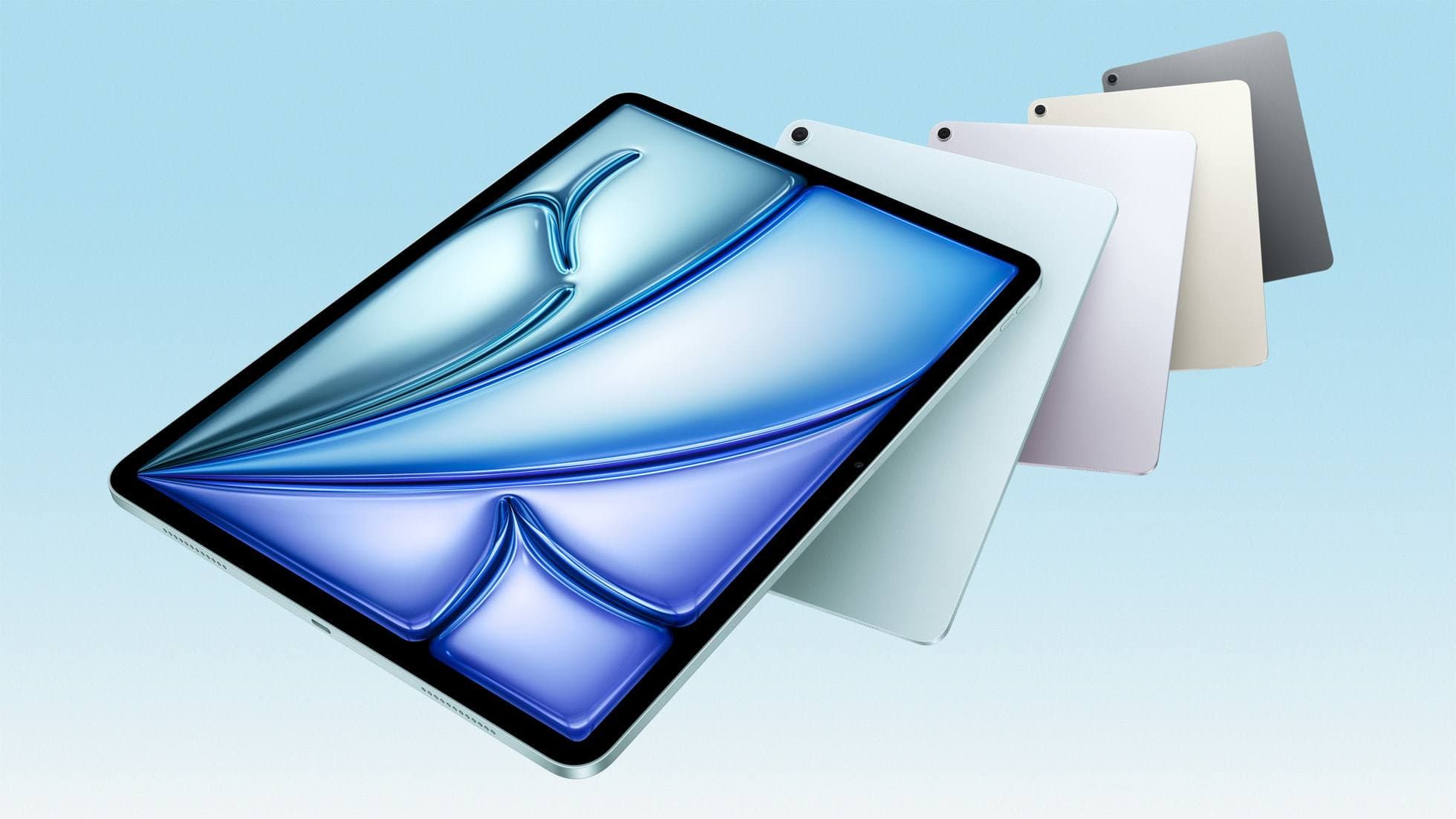
apple.comThe clean current Air recommendation for most serious hobby artists. Stronger buy logic than old-stock M3 when pricing is close.
Pro: Best current balance of price, headroom, and Pencil support
Con: Still 60Hz
Current Air lineup. Choose size, storage, and keyboard path before checkout.
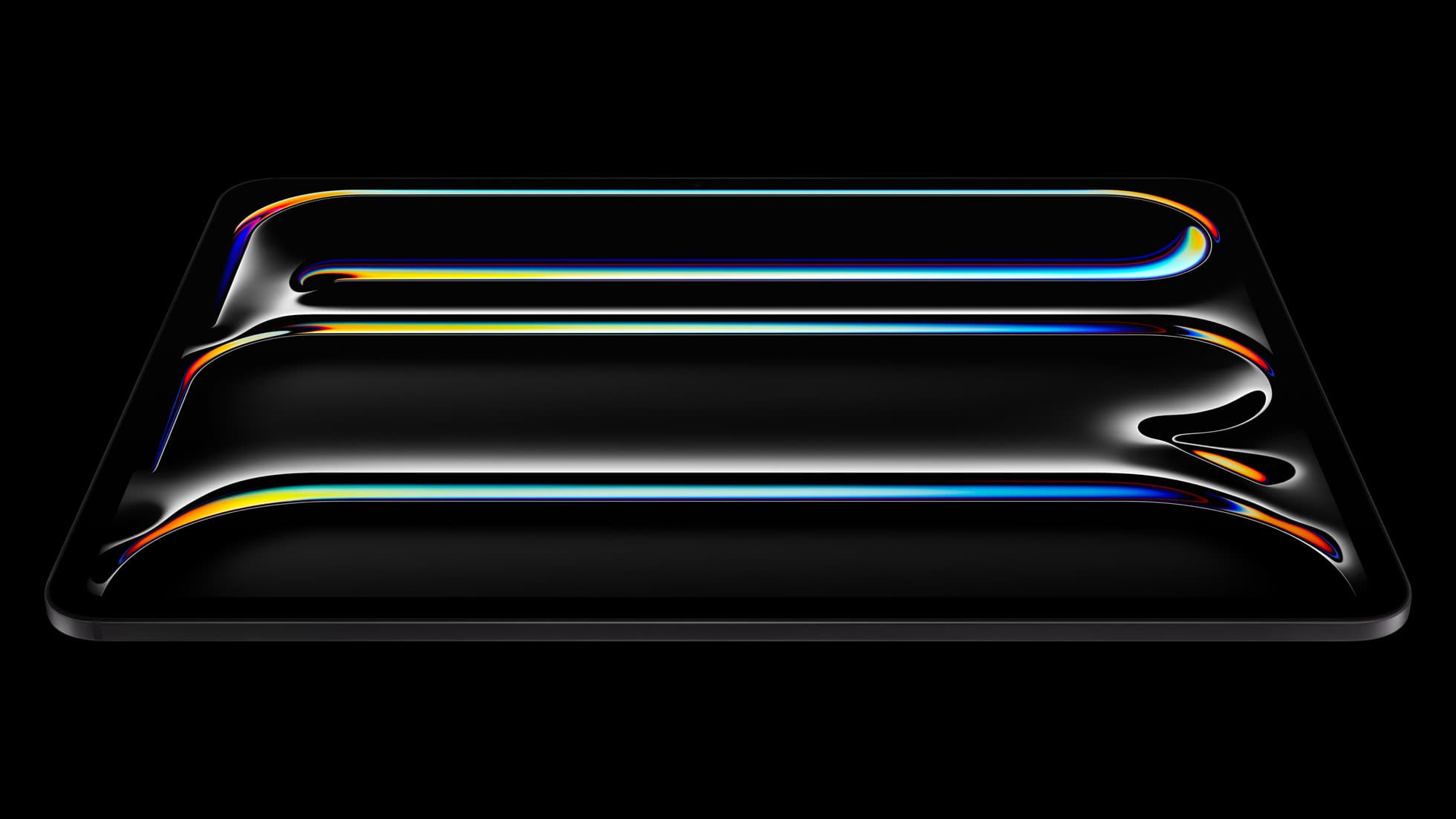
iPad Pro (M5)
amazon.comThe best iPad for drawing feel and premium workflow comfort, but many buyers still overpay for it.
Pro: Best iPad display and ProMotion feel
Con: Highest price in the lineup
Search opens with iPad Pro terms. Check year, chip, and screen size.
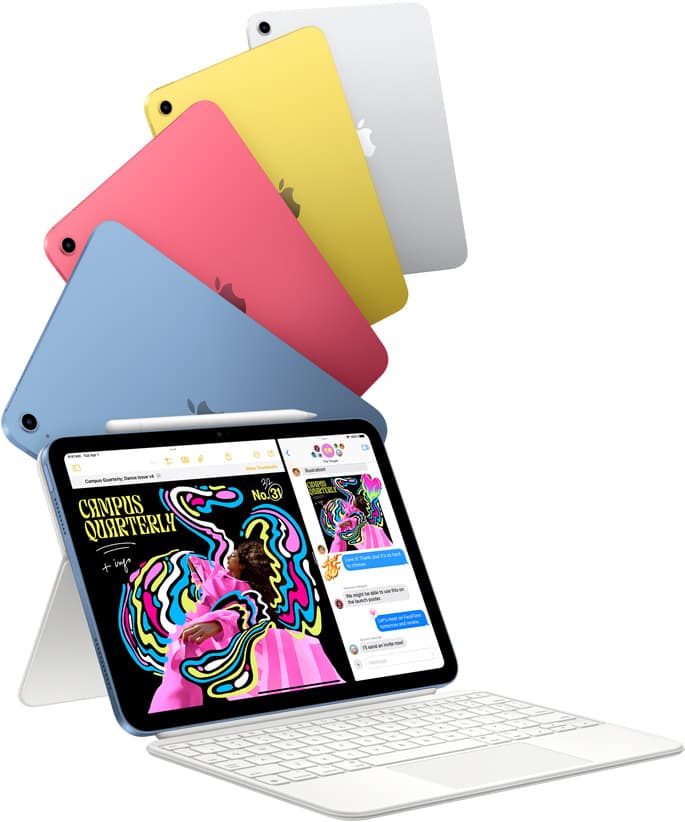
iPad (A16, 11th gen)
amazon.comThe best entry iPad for most artists on a budget. It is not premium, but it is very hard to beat on value.
Pro: Best value iPad right now
Con: No ProMotion display
Search opens with the exact model keywords. Verify size and storage before checkout.
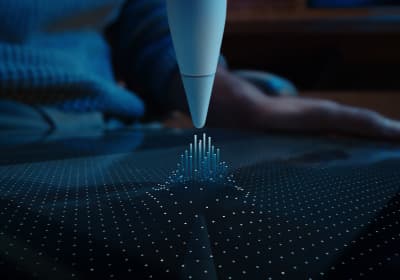
Apple Pencil Pro
amazon.comThe best Apple stylus for serious digital art workflows. Expensive, but the control upgrades are real.
Pro: Best brush-control and hover workflow
Con: Highest price in the lineup
Works only with newer iPad models. Check compatibility.
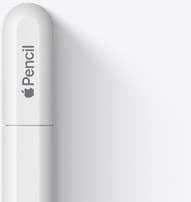
Apple Pencil (USB-C)
amazon.comA practical low-cost Apple stylus with broad compatibility, but limited for advanced art control.
Pro: Lowest official Apple Pencil cost
Con: No pressure sensitivity for brush work
Compatible with many recent iPads. No pressure support.
Related buying picks
More in this collectionComparison
iPad vs Samsung tablet for drawing: which setup to choose
Choose an iPad if your art workflow relies on Procreate and Apple Pencil tools, and pick the iPad Air for the best balance of features.
Comparison
iPad vs pen display for illustration: how to choose your drawing setup
Compare standalone iPad mobility against tethered pen displays to pick the right digital drawing tool for your illustration workflow.
Comparison
iPad vs MacBook for digital art: Which setup should you buy?
Choose an iPad if direct stylus drawing matters most, or stick with a MacBook if your art pipeline demands desktop desktop file management and external tablet hardware.
Buyer guide
Best iPad for animation: How to choose your creative setup
Compare the best iPads for 2D animation, timeline performance, and stylus responsiveness to match your workflow and budget.