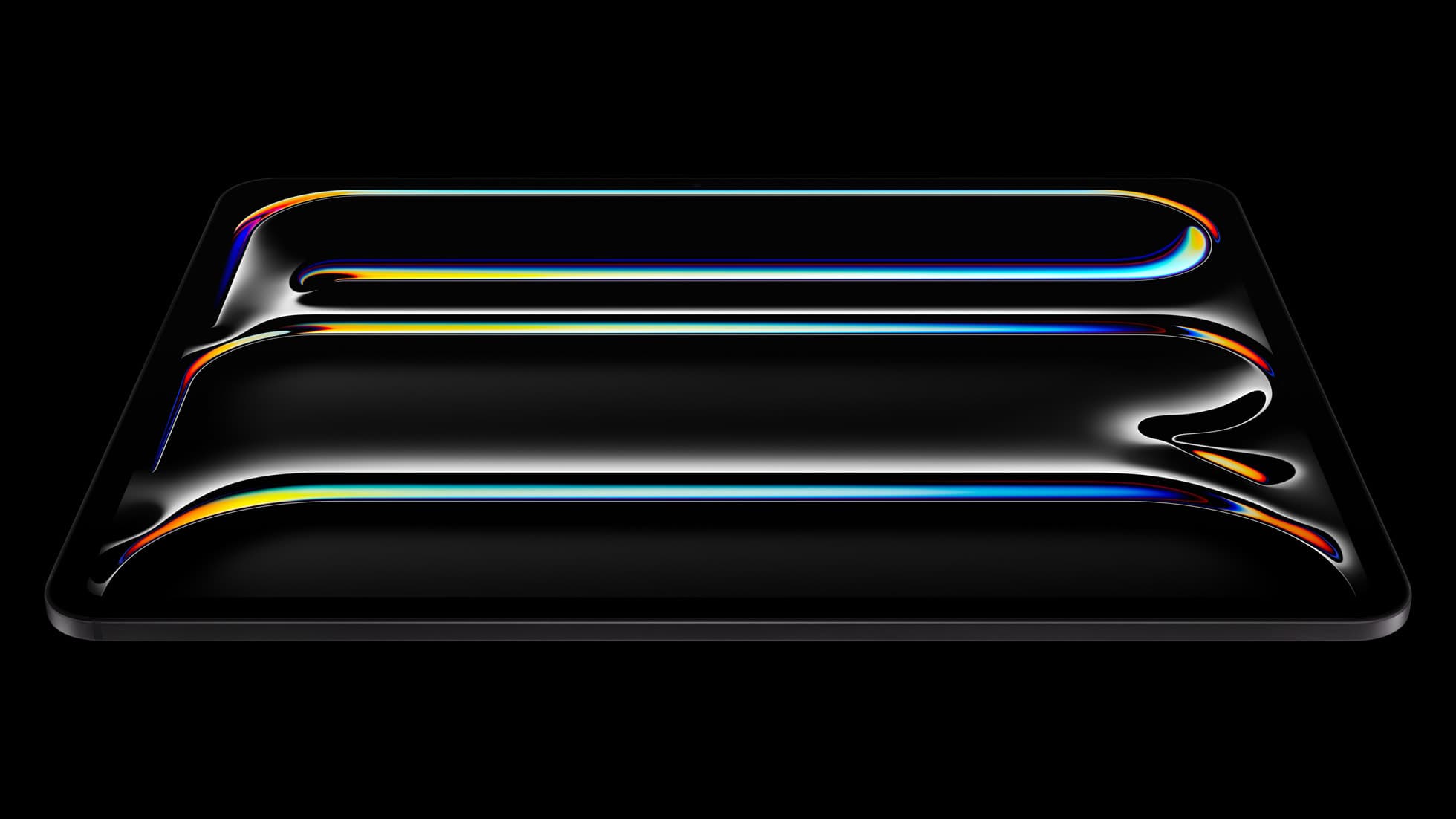
iPad Pro (M5)
iPad Pro (M5) review
4.7
The best iPad for drawing feel and premium workflow comfort, but many buyers still overpay for it.
7 articles
Top-rated picks from articles in this tag.
iPad Pro (M5)
The best iPad for drawing feel and premium workflow comfort, but many buyers still overpay for it.
Apple Pencil Pro
The best Apple stylus for serious digital art workflows. Expensive, but the control upgrades are real.
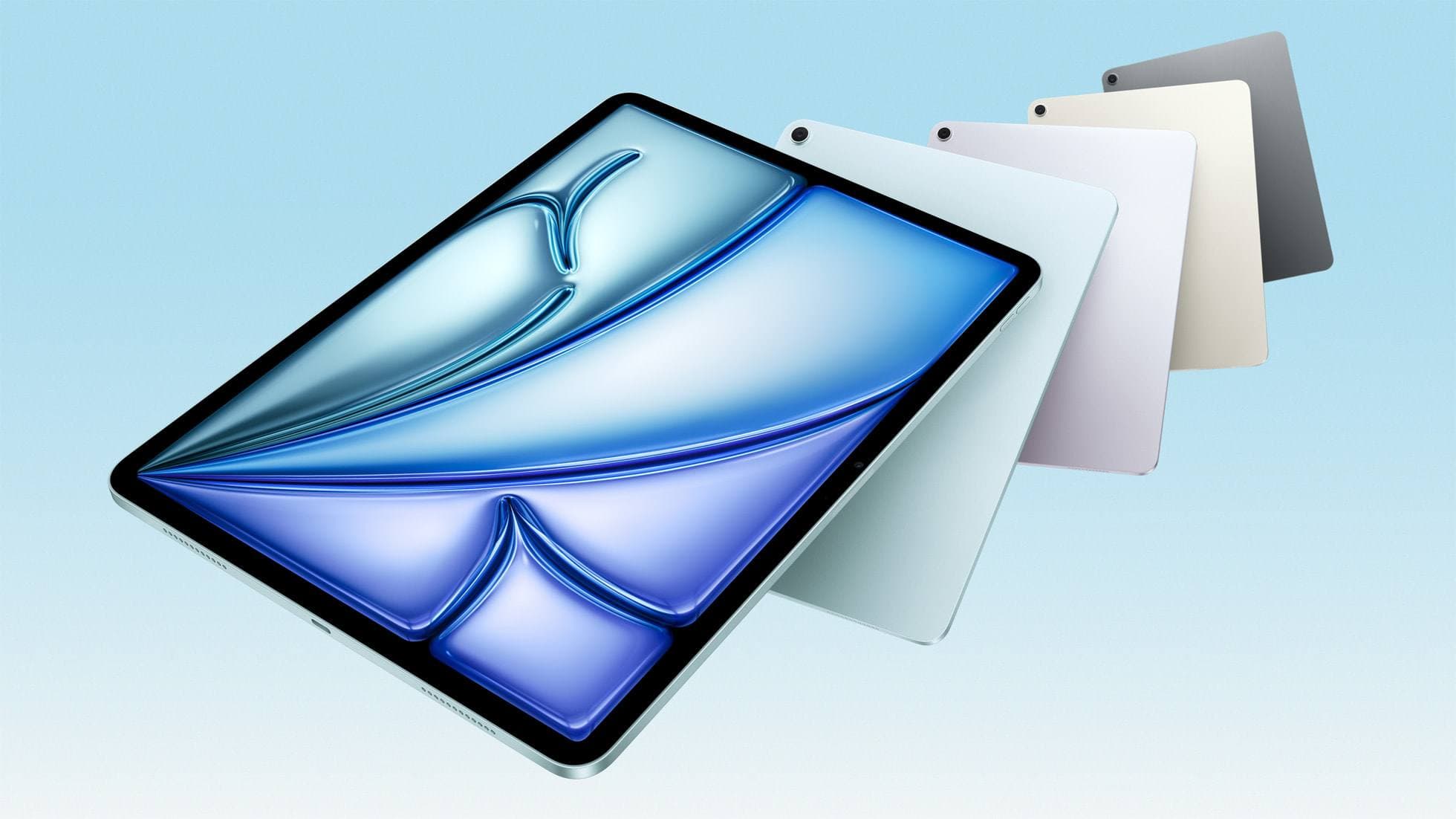
iPad Air (M4)
The clean current Air recommendation for most serious hobby artists. Stronger buy logic than old-stock M3 when pricing is close.
adobe fresco
Oct 29, 2026 5 min read
Fresco slowdowns usually come from document size, layer count, full storage, or brush settings, so keep your iPad and work through those before stepping up to the iPad Air (M4).
Apple Pencil
Oct 29, 2026 4 min read
For character line art and painted spreads, buy the Apple Pencil Pro on a compatible iPad, keep a 2nd generation Pencil, and reserve the USB-C model for layouts and lettering.
Apple Pencil
Oct 29, 2026 5 min read
Botanical work lives on tapering lines and soft washes, so buy the Apple Pencil Pro or keep a 2nd generation Pencil and skip the USB-C model for painting.
iPad
Oct 9, 2026 5 min read
Choose the right iPad for digital painting based on screen space, Apple Pencil features, and layer capacity.
drawing apps
Oct 9, 2026 5 min read
Buy Procreate for the most versatile gouache workflow on iPad, or start with Adobe Fresco if you want to test opaque digital painting without paying upfront.
ipad apps
Oct 8, 2026 6 min read
Pick the right iPad watercolor app based on pricing model, live brush needs, and Apple Pencil hardware compatibility.
ipad apps
Oct 8, 2026 5 min read
Compare Procreate, Adobe Fresco, and other leading iPad apps to choose the best digital oil painting workflow for your stylus and budget.