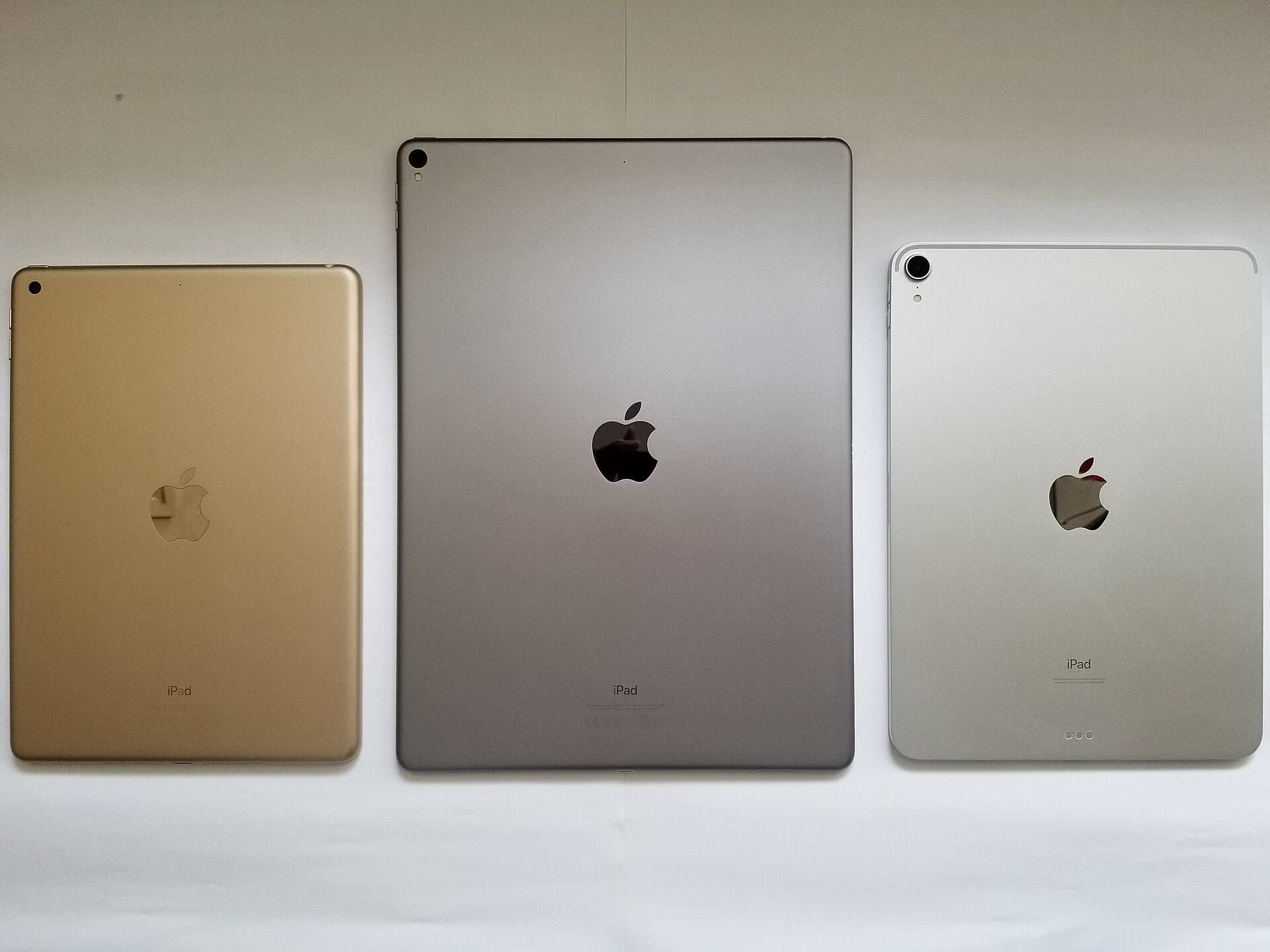
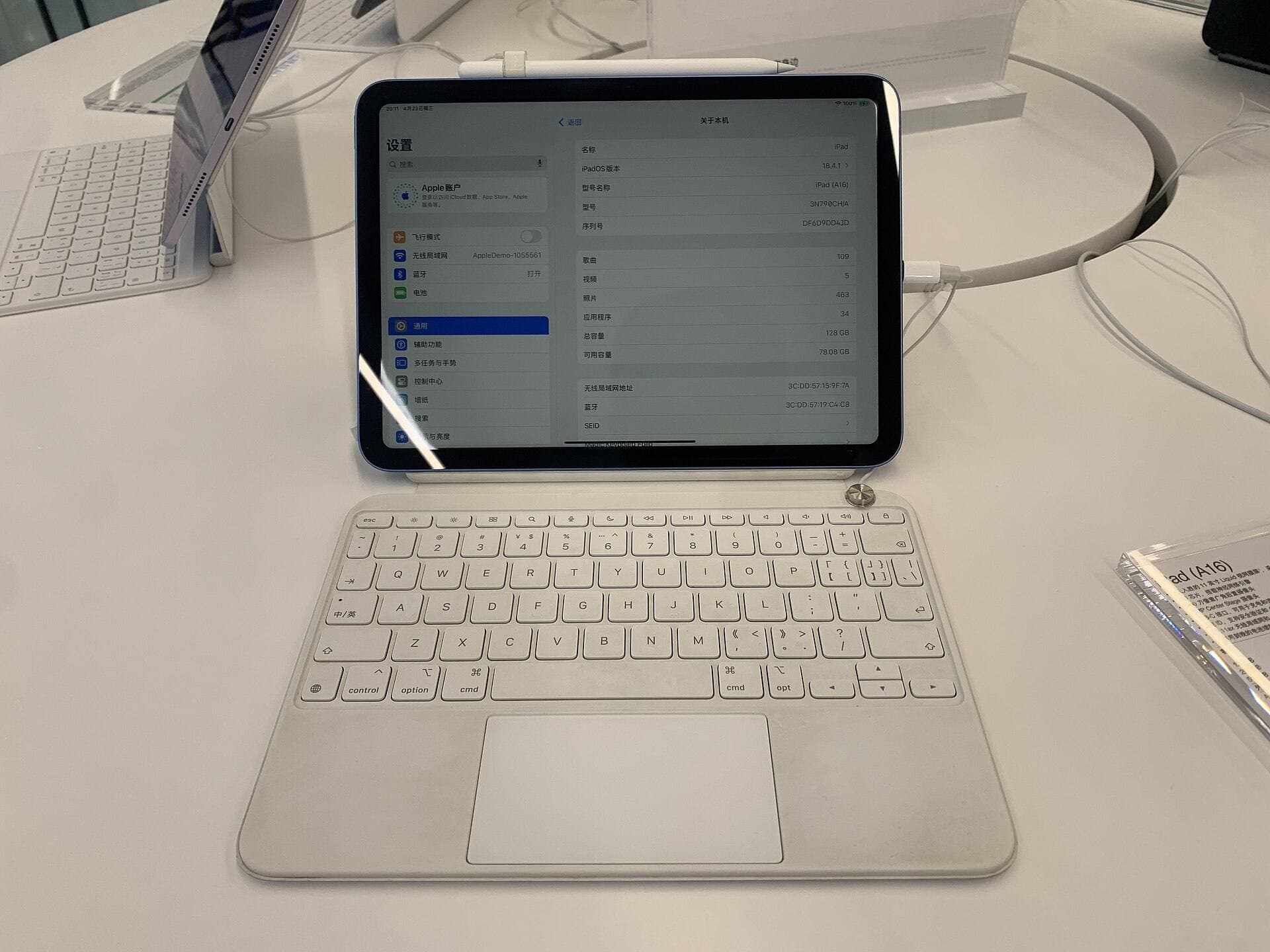
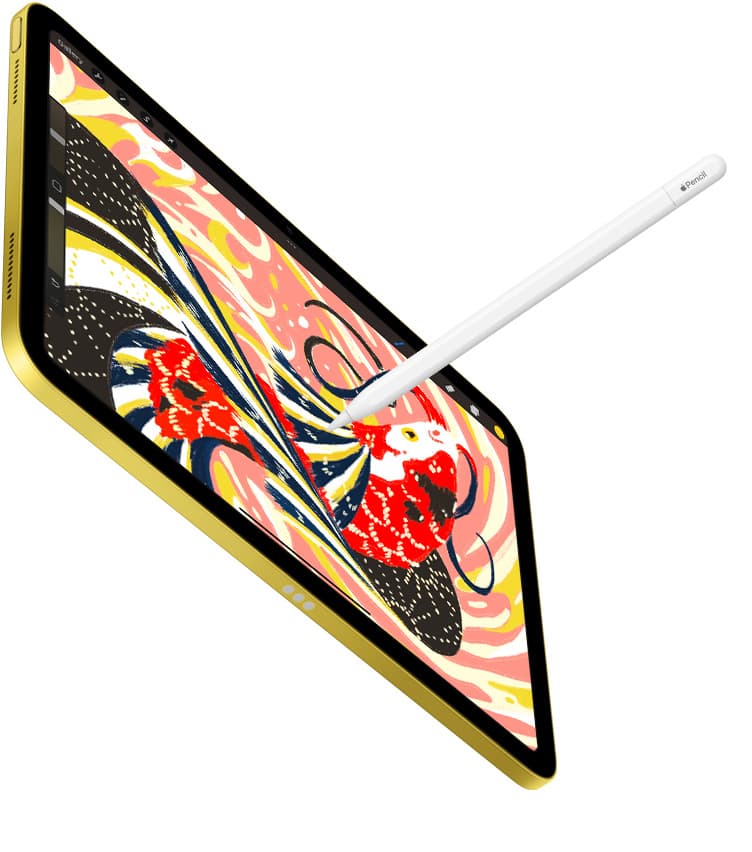
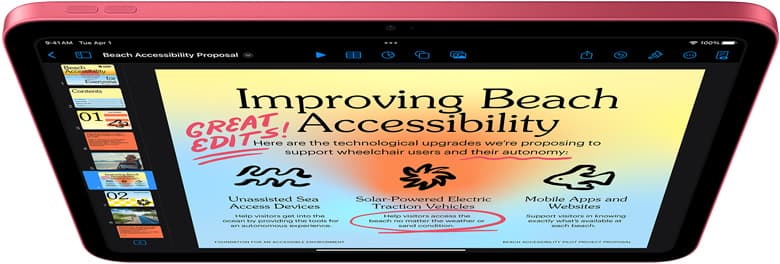
Buy the iPad (A16, 11th gen) for most children who want to draw, sketch, and play creative games [1]. It provides a full display and runs standard drawing software like Procreate without forcing you to spend money on professional tablet hardware [1], [4]. Step up to the iPad Air (M4) only if your child is an older student who explicitly needs advanced Apple Pencil Pro features such as pressure sensitivity and barrel roll [1], [2]. Skip the iPad Pro (M5) entirely because its high price tag does not make sense for kids' art projects [1]. The mainstream iPad gives young creators everything they need for a sensible total kit price [1], [3].
Why the standard iPad fits most young artists
For the vast majority of children, the iPad (A16, 11th gen) is the most practical drawing tablet available [1]. It gives young artists plenty of room to sketch on a full-size display without the high replacement anxiety that comes with premium hardware [1]. Children often switch between sketching, school assignments, reading, and casual gaming, and the A16 chip handles those everyday tasks smoothly [1].
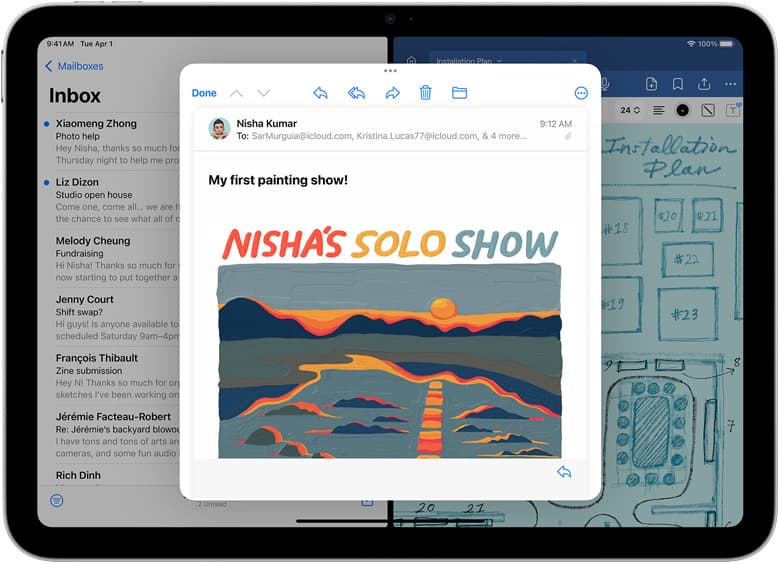
Drawing apps like Procreate run directly on the standard iPad, allowing kids to work with layers, custom brushes, and digital canvases [4], [5]. You do not need top-tier processing power to let a child learn color theory or practice character design [4]. The base model keeps the initial hardware investment reasonable while opening up the entire ecosystem of iPadOS creative apps [1], [5].
When buying for a child, durability and total setup cost matter just as much as screen size. You can pair the iPad (A16, 11th gen) with a rugged child-safe case, a screen protector, and an Apple Pencil (USB-C) without pushing your total budget into premium territory [1], [3]. Unless your child has already outgrown basic digital tools and demands fine pressure control for advanced rendering, the standard iPad remains the smartest starting point [1], [2].
When to step up to the iPad Air
The iPad Air (M4) becomes worth considering when you are shopping for an older child, a middle-schooler, or a teenager who takes illustration seriously [1]. The primary drawing advantage of the iPad Air (M4) over the base iPad is its compatibility with the Apple Pencil Pro [1], [3]. That stylus brings hardware features like pressure sensitivity, barrel roll, squeeze gestures, and haptic feedback that the entry-level styluses do not offer [2].
Pressure sensitivity allows an artist to create thicker lines by pressing harder and lighter lines with a gentle touch, mimicking traditional markers and pencils [2]. If your young artist practices delicate inking, calligraphy, or nuanced shading, the Apple Pencil Pro provides physical control that changes how brushes behave on the glass [2]. The base iPad does not support the Apple Pencil Pro, so moving to the iPad Air (M4) is the lowest-cost way to get that stylus in Apple's current lineup [1], [3].
Another consideration for serious young creators is project complexity. In apps like Procreate, the maximum number of layers you can create on a canvas depends directly on the amount of memory in your iPad [4]. The iPad Air (M4) provides more system memory headroom than the entry-level iPad, which allows larger canvas dimensions with higher layer limits before the app caps your project [1], [4]. If your child frequently hits layer limits on older hardware, stepping up to the Air makes sense [4].
Considering the iPad mini for smaller hands and travel
The iPad mini (A17 Pro) occupies a unique niche for young artists who prioritize portability [1]. With its compact display, it fits easily into small backpacks and is much simpler for smaller hands to hold without resting the tablet flat on a desk [1]. For families who travel often or kids who like to draw in the car, the mini provides a compact digital sketchbook [1].
Despite its small dimensions, the iPad mini (A17 Pro) includes modern stylus support [1]. It pairs with both the Apple Pencil (USB-C) and the Apple Pencil Pro, meaning kids can still access pressure sensitivity and tilt control on the smaller screen [2], [3]. It runs full creative apps like Procreate, offering the same interface tools as larger models [4], [5].
The tradeoff comes down to usable drawing area [1]. A smaller canvas means children have to pinch and zoom more frequently when working on detailed illustrations or coloring pages [1], [5]. If your child primarily draws while sitting at a desk at home, the larger screen of the standard iPad or iPad Air is generally easier to work on [1]. Buy the iPad mini (A17 Pro) only if physical portability and lighter weight are your top priorities [1].
Pencil compatibility and drawing app considerations
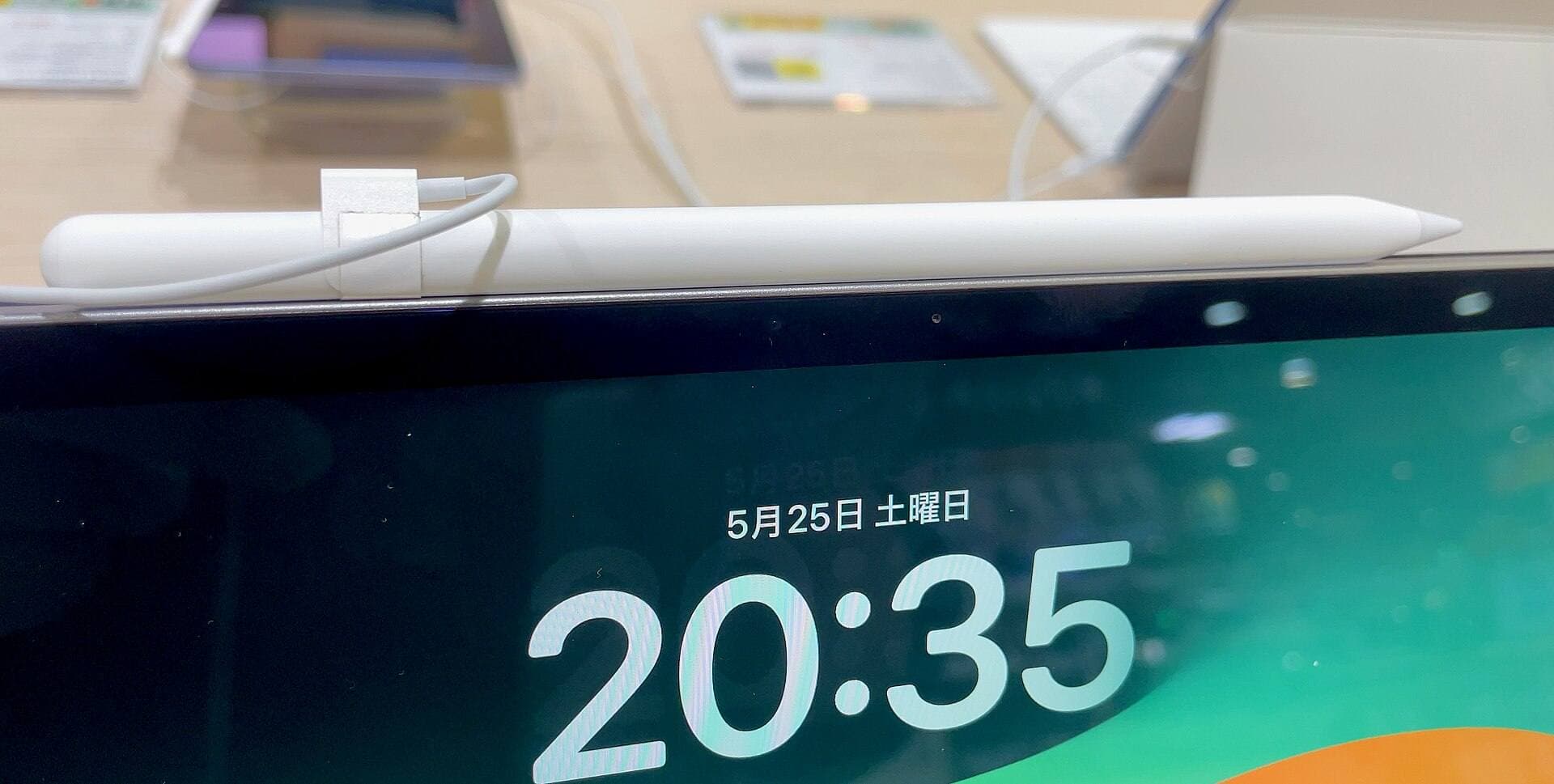
Choosing the right stylus is just as important as choosing the tablet itself, and Apple's current lineup splits features across different models [2], [3]. The Apple Pencil (USB-C) pairs with the iPad (A16, 11th gen), iPad Air (M4), and iPad mini (A17 Pro) [3]. It offers tilt sensitivity for shading, low latency, and magnetic attachment for storage, but it lacks pressure sensitivity [2]. For younger kids doing simple coloring, doodles, and line art, the USB-C model provides a durable, reliable option that is easy to manage [2], [3].
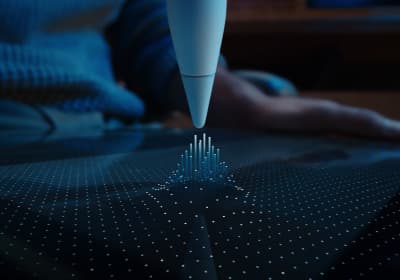
If you decide your young artist needs pressure sensitivity, you must pair a supported tablet with the Apple Pencil Pro [2], [3]. The Apple Pencil Pro pairs with the iPad Air (M4) and iPad mini (A17 Pro), but it is not compatible with the standard iPad (A16, 11th gen) [3]. In addition to pressure detection, the Apple Pencil Pro adds a squeeze sensor that opens tool palettes, barrel roll for rotating shaped brushes, and haptic feedback pulses that confirm tool selections [2].
On the software side, apps like Procreate require iPadOS and take advantage of standard Pencil features like palm rejection and tilt shading [2], [5]. Because Procreate links layer counts to the device's hardware memory, larger resolutions reduce the total number of layers available to your child [4]. For beginner sketches, typical canvas sizes offer dozens of layers even on entry-level models, so memory constraints rarely hinder younger creators [4].
Why parents should skip the iPad Pro
The iPad Pro (M5) sits at the top of Apple's tablet lineup with an advanced display and the highest processing tier available [1]. While it supports both the Apple Pencil Pro and Apple Pencil (USB-C), it is designed for demanding studio production workflows rather than family use [1], [3].
Parents should skip the iPad Pro because its exclusive features do not translate into a noticeably better drawing experience for children [1]. The higher refresh rate and premium display technology add substantial expense without changing how Procreate or casual art apps function for a young student [1], [4], [5]. Kids do not need studio-grade hardware to build strong creative skills or have fun making digital art [1], [4]. Spending money on protective cases, replacement Pencil tips, and art lessons provides far more value than buying a Pro tablet [1], [2].
Bottom line
For nearly every child learning to draw, the iPad (A16, 11th gen) paired with the Apple Pencil (USB-C) is the right purchase [1], [3]. It delivers a large screen, complete access to Procreate, and low kit costs [1], [4]. Choose the iPad Air (M4) with an Apple Pencil Pro only if your child is an experienced young illustrator who specifically requires pressure sensitivity and extra layer headroom [1], [2], [4]. Pick the iPad mini (A17 Pro) if portability matters above all else, and pass on the iPad Pro entirely [1].
Sources
[1] https://www.apple.com/ipad/compare/ [2] https://www.apple.com/apple-pencil/ [3] https://support.apple.com/en-us/108937 [4] https://help.procreate.com/articles/zlexav-ipad-compatibility [5] https://apps.apple.com/us/app/procreate/id425073498
Recommended gear
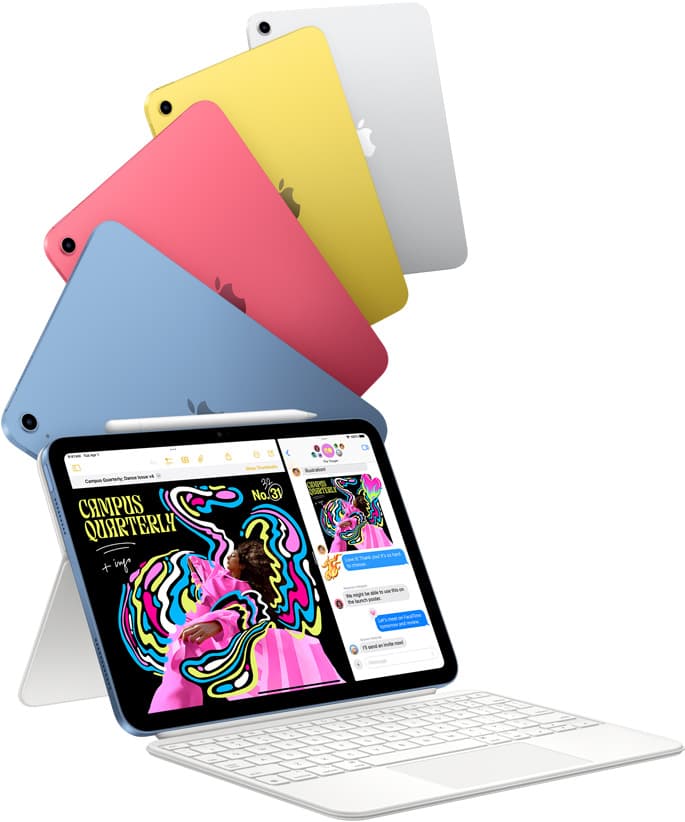
iPad (A16, 11th gen)
amazon.comThe best entry iPad for most artists on a budget. It is not premium, but it is very hard to beat on value.
Pro: Best value iPad right now
Con: No ProMotion display
Search opens with the exact model keywords. Verify size and storage before checkout.
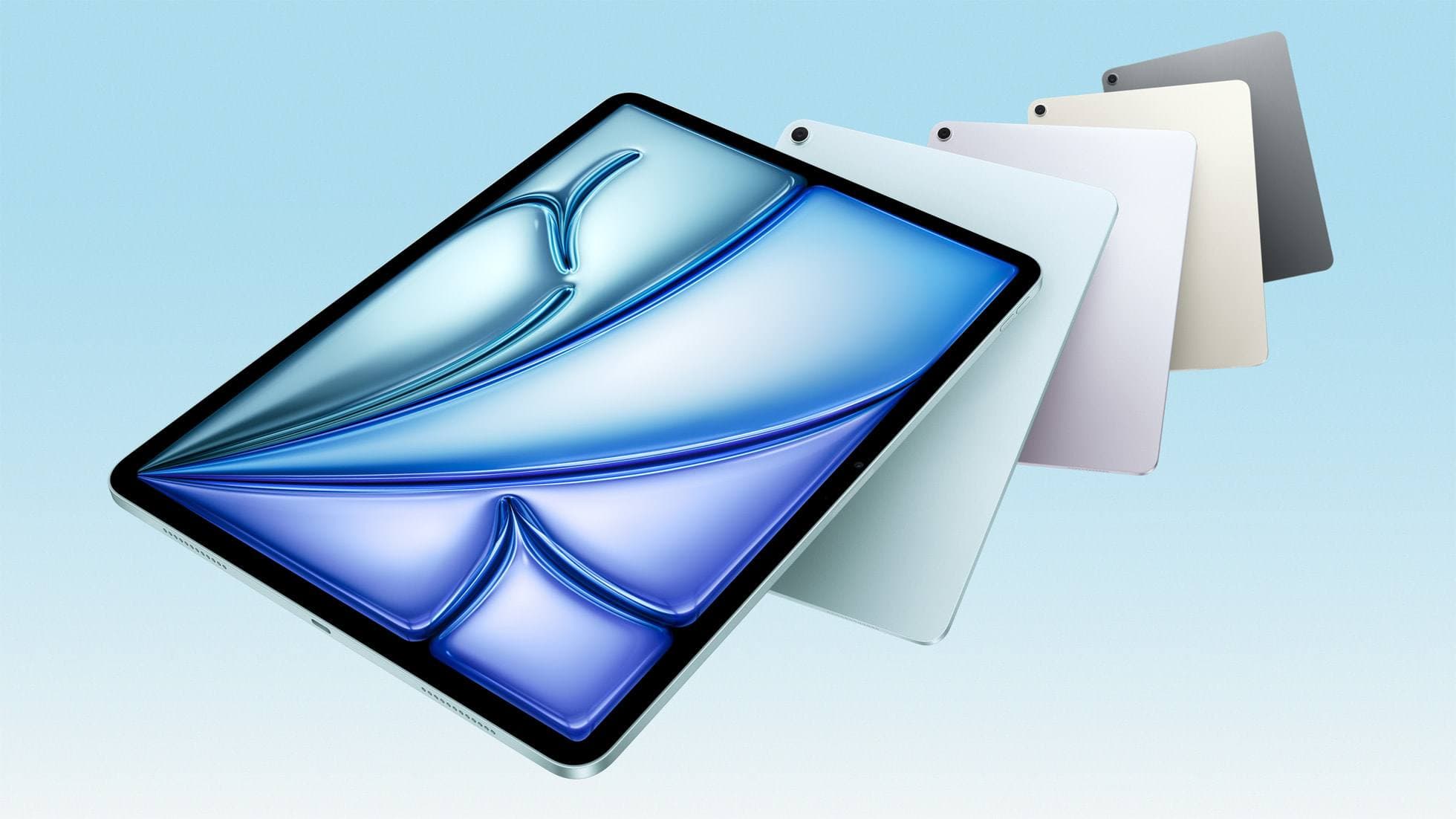
iPad Air (M4)
apple.comThe clean current Air recommendation for most serious hobby artists. Stronger buy logic than old-stock M3 when pricing is close.
Pro: Best current balance of price, headroom, and Pencil support
Con: Still 60Hz
Current Air lineup. Choose size, storage, and keyboard path before checkout.
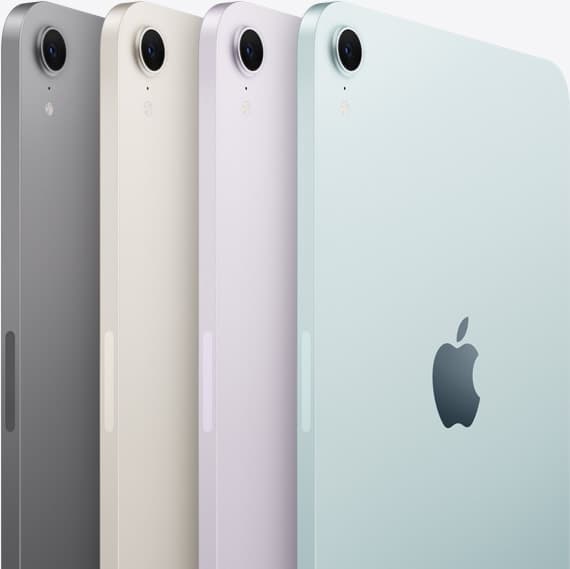
iPad mini (A17 Pro)
amazon.comThe most portable real iPad for drawing. It wins on mobility and loses on workspace.
Pro: Most portable drawing iPad
Con: Small canvas for detailed work
Search opens with iPad mini A17 Pro terms. Verify model number before buying.
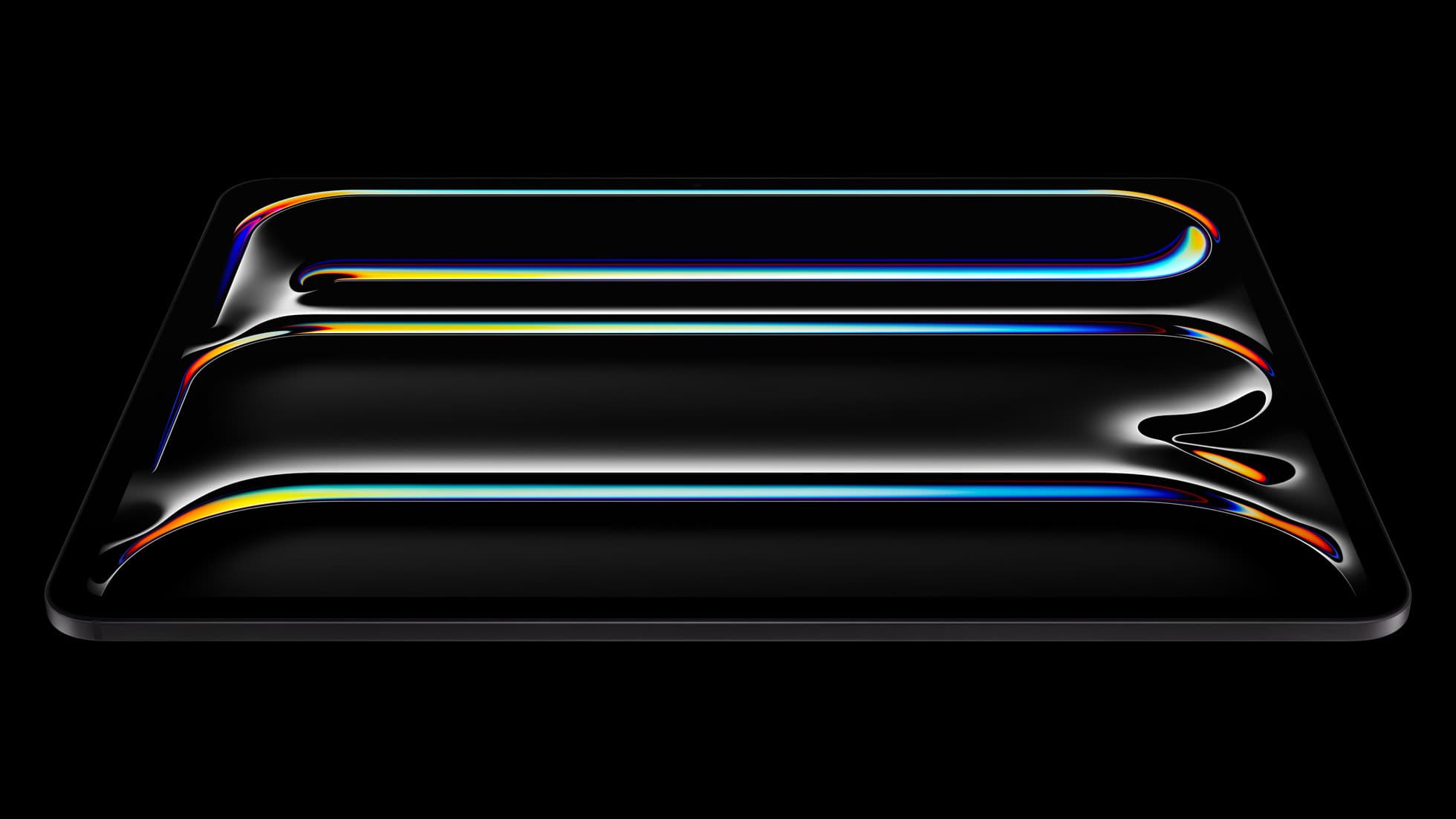
iPad Pro (M5)
amazon.comThe best iPad for drawing feel and premium workflow comfort, but many buyers still overpay for it.
Pro: Best iPad display and ProMotion feel
Con: Highest price in the lineup
Search opens with iPad Pro terms. Check year, chip, and screen size.
Related buying picks
More in this collectionBuyer guide
How to choose the best iPad for illustration work
Find the best iPad for your illustration workflow based on Apple Pencil Pro compatibility, screen size, Procreate layer limits, and display feel.
Buyer guide
Best iPad for interior design
The iPad Air (M4) is the best overall iPad for interior designers needing Apple Pencil Pro support without paying Pro tier prices.
Buyer guide
Best drawing tablet for surface pattern design: iPad Air vs iPad Pro
Choose the iPad Air with Apple Pencil Pro for repeat pattern design, or step up to the iPad Pro if high-resolution layer limits dictate your production.
Buyer guide
Is the iPad A16 good for Procreate?
The iPad A16 runs Procreate well for beginners and casual artists, though stylus support and layer limits remain key trade-offs.