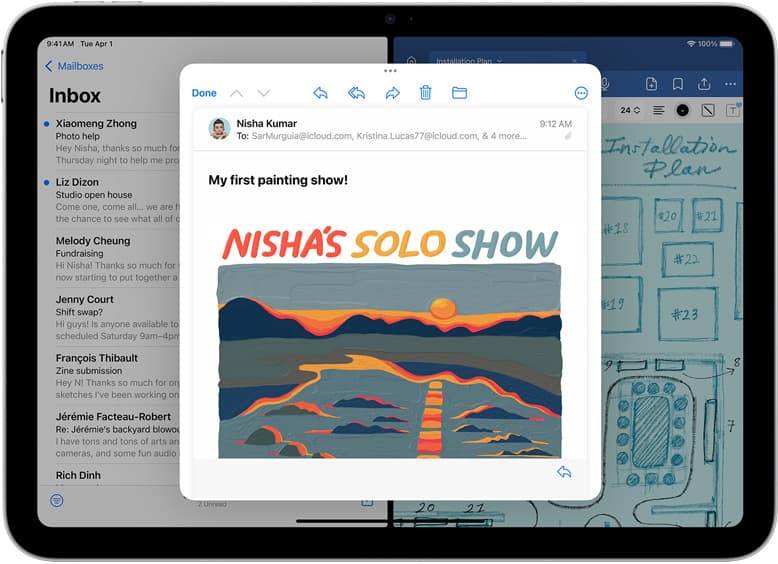
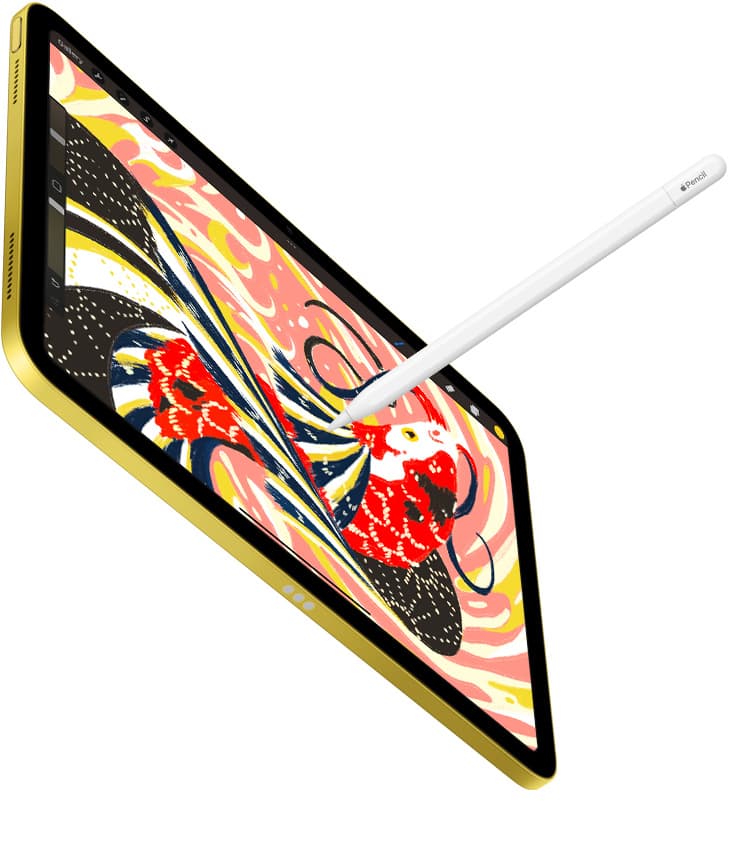
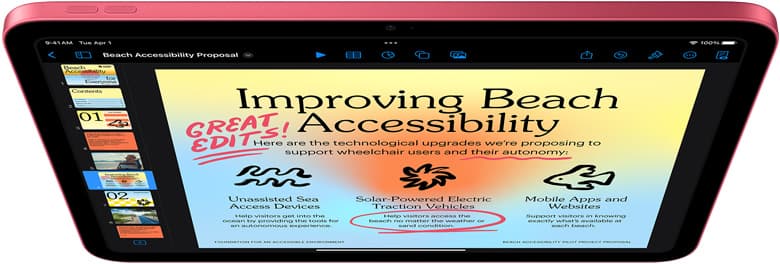
Buy the iPad Air (M4) if you want the best balance of cost and precision for branding projects [1]. It pairs directly with Apple Pencil Pro, giving you squeeze tool switching and barrel roll control for precise marks [2], [3]. If you want a smoother screen feel and have extra budget, buy the iPad Pro (M5) for its ProMotion refresh rate [1]. Skip the base iPad (A16) unless your budget is strictly limited, because it doesn't support Apple Pencil Pro shortcuts [1], [3].
Logo design places distinct demands on tablet hardware. You need precision pen input for refining letterforms, adequate memory for complex layering in apps like Procreate, and clean line placement for vector work [2], [4]. The hardware choices across Apple's tablet lineup change your stylus options and screen space directly [1], [3].
Why stylus features dictate your vector precision
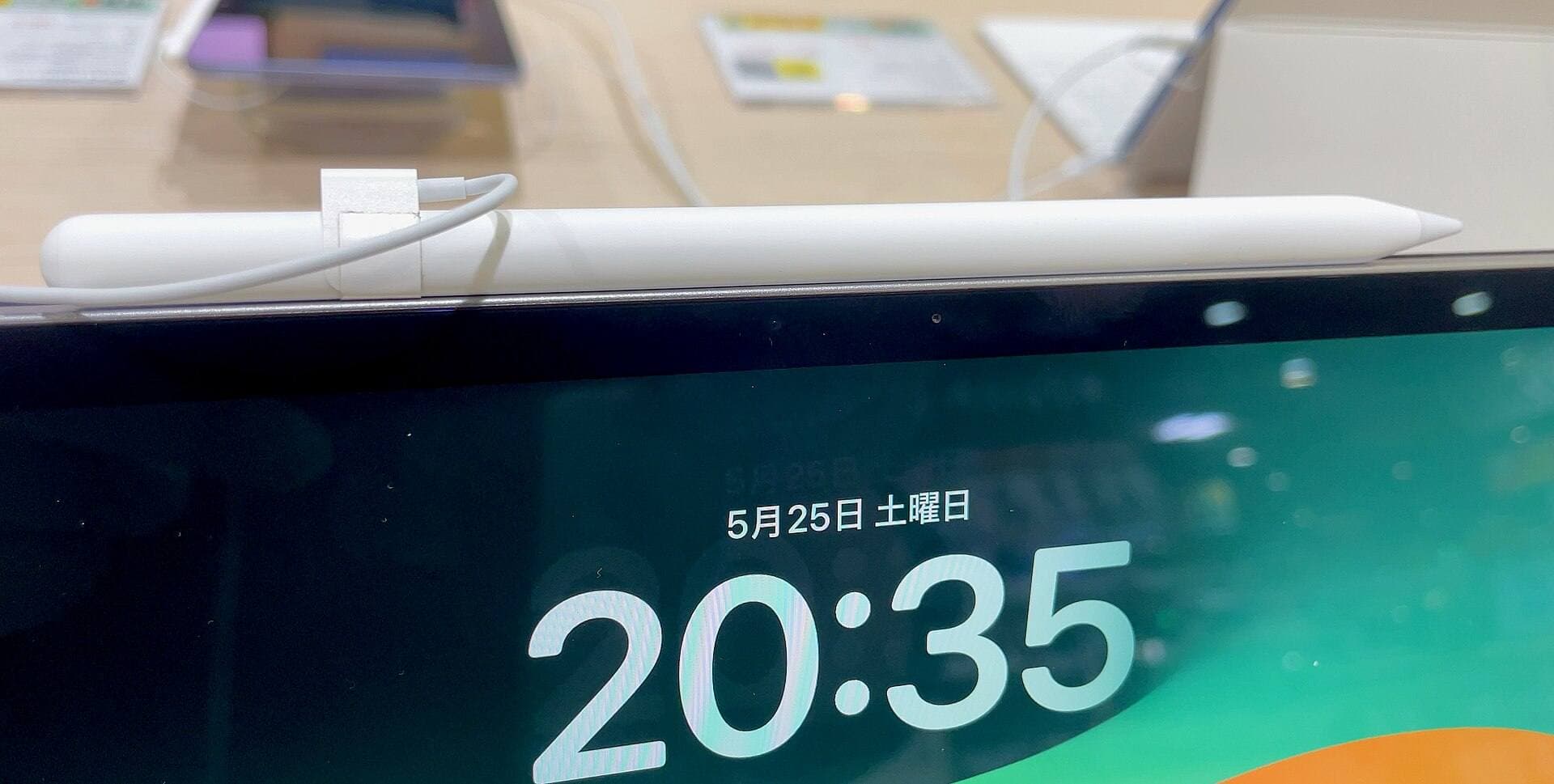
When you sketch lockups, trace letterforms, or tweak Bézier paths, your stylus input matters more than raw compute power. Apple Pencil Pro works only on select models, including the iPad Air (M4) and iPad Pro (M5) [1], [3]. This stylus features barrel roll, which uses an internal gyroscope so you can rotate shaped brush tips as you draw [2]. It also brings squeeze input, letting you trigger menus or switch tools by pressing the barrel [2].
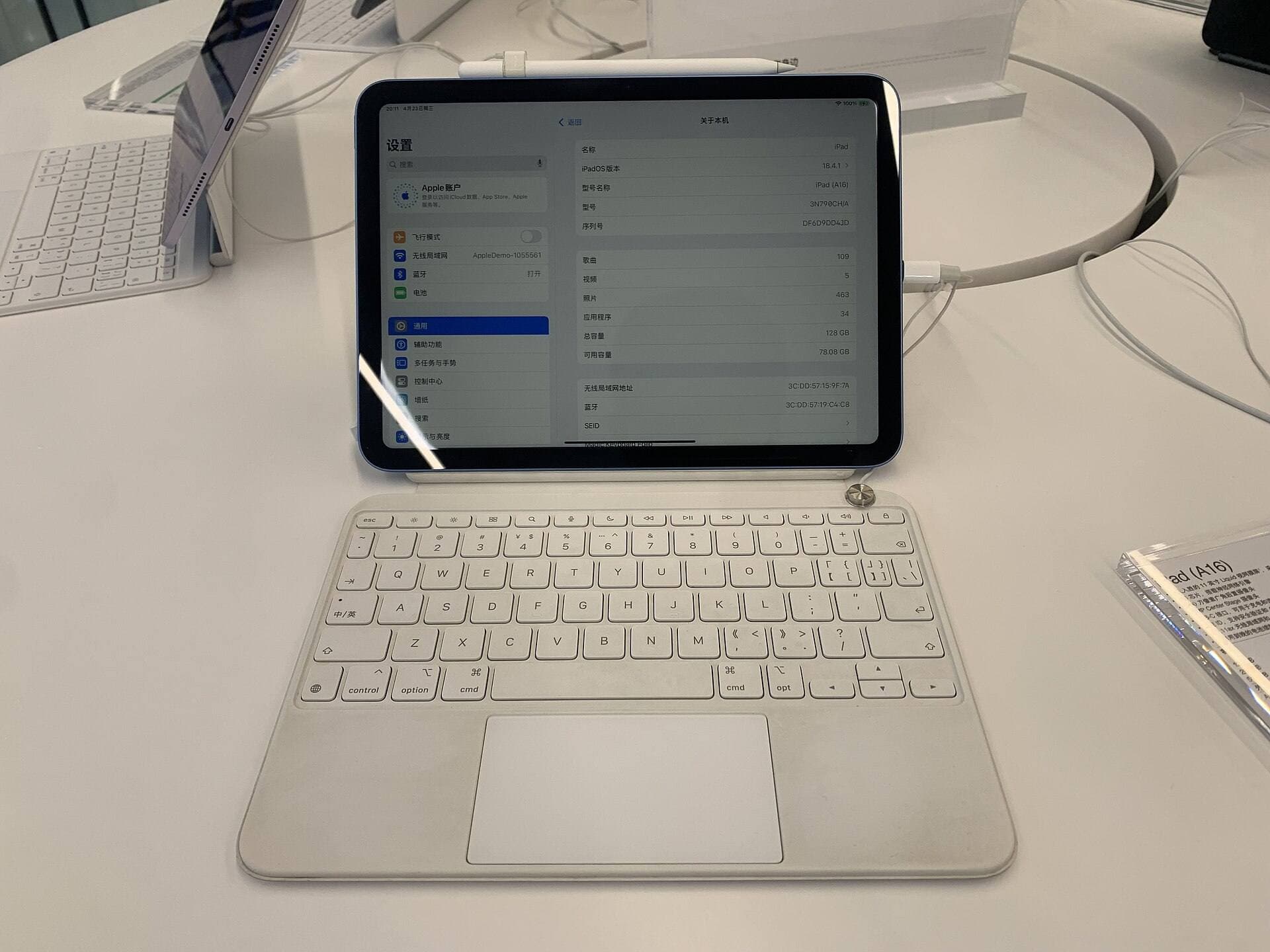
In contrast, the entry-level iPad (A16) works with Apple Pencil (USB-C) or Apple Pencil (1st generation) depending on compatibility tables, but it completely lacks support for Apple Pencil Pro [1], [3]. The USB-C model drops pressure sensitivity entirely, leaving you with tilt detection alone [2]. If you rely on pressure variation to draft calligraphic marks, using a stylus without pressure sensitivity forces manual weight adjustments later [2]. The pairing between the iPad Air (M4) and Apple Pencil Pro keeps your initial drafting responsive without demanding Pro-level hardware spend [1], [3].
Screen size tradeoffs for brand identity work
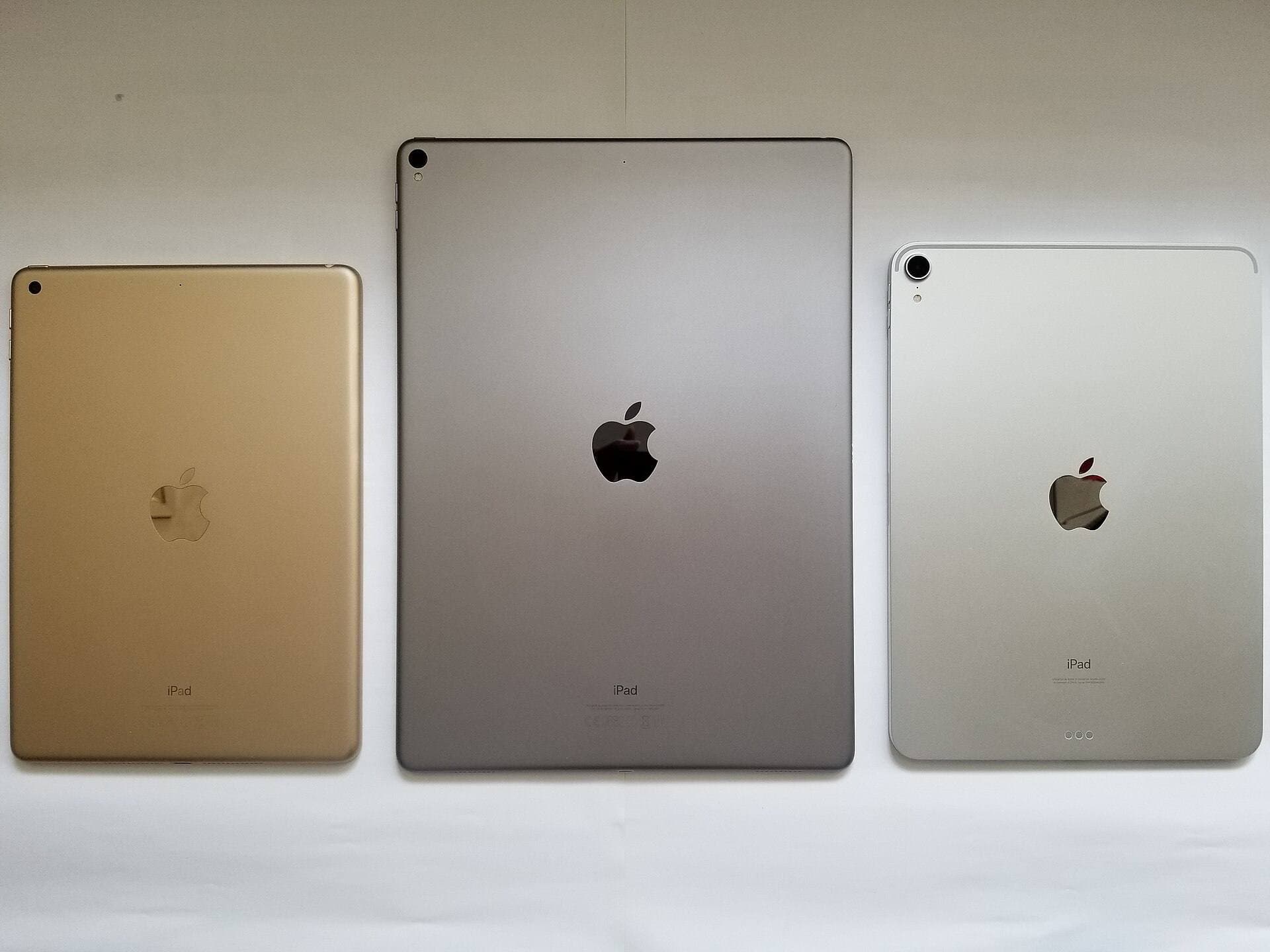
Logo design requires viewing brand marks in miniature while also zooming in to inspect path geometry. Screen real estate dictates how much space remains for your artboard once tool palettes, layers, and color pickers fill the screen [1], [5]. Apple offers the iPad Air in both 11-inch and 13-inch display options [1].
Choosing an 11-inch screen gives you a compact footprint that fits into small bags easily [1]. But if you plan to keep vector anchor points visible beside reference sheets, the 11-inch canvas feels tight. The 13-inch iPad Air provides expanded physical workspace, giving you extra margins around your canvas [1]. The base iPad (A16) limits you to a single 10.9-inch display configuration, offering no large-format choice [1]. If you want maximum screen room without Pro tier pricing, the 13-inch iPad Air is the only path in the catalog [1].
Refresh rate and display tech across the lineup
The most noticeable visual distinction between the iPad Air and the iPad Pro is screen refresh behavior. The iPad Pro (M5) features ProMotion technology with adaptive refresh rates up to 120Hz [1]. The iPad Air (M4) and base iPad (A16) use standard 60Hz displays [1].
ProMotion makes stylus strokes appear closer to the physical tip as you sketch rapid curves [1], [2]. Yet 60Hz remains fully functional for placing vector points, reviewing typography, and finalizing logomarks [1]. The iPad Pro also features Apple's top-tier Ultra Retina XDR display, while the iPad Air uses a Liquid Retina panel with wide color (P3) support [1]. P3 wide color coverage on the Air ensures your brand color swatches remain accurate during review [1]. Paying a premium for the iPad Pro makes sense only if 120Hz tracking feel is your top operational requirement [1].
Memory and canvas limits in creative apps
Raster drafting often precedes vectorization when creating brand assets. If you brainstorm marks inside Procreate, device memory directly limits how many layers you can create at specific print dimensions [4], [5]. Procreate ties maximum layer limits directly to total device RAM, preventing high-resolution files from exhausting memory [4].
The iPad Air (M4) and iPad Pro (M5) feature dedicated Apple Silicon with unified memory architectures documented across Apple's technical specs [1]. This architecture offers higher layer counts for massive raster canvases than older or entry-level chips [1], [4]. The base iPad (A16) carries lower system memory, which reduces your available layer count when building print-resolution files at 300 DPI [1], [4]. If your logo workflow involves dozens of concept layers, texture overlays, and background tests, the M4 chip in the iPad Air prevents early layer ceilings [1], [4].
Who should buy each model and who should skip it
Buy the iPad Air (M4) if you want the strongest price-to-utility ratio for identity design [1]. It pairs with Apple Pencil Pro for squeeze and barrel roll tools, comes in two screen sizes, and includes P3 wide color [1], [2]. Skip the Air only if you demand a 120Hz ProMotion display or you require absolute minimum gear expenditure [1].
Buy the iPad Pro (M5) if you want the 120Hz ProMotion screen feel and have the budget for a top-of-the-line tablet [1]. It delivers the best visual tracking Apple offers alongside Apple Pencil Pro support [1], [2]. Skip the iPad Pro if you want to keep costs balanced, because the iPad Air shares the exact same Apple Pencil Pro drawing tools for much less [1], [2], [3].
Buy the iPad (A16) if total kit price is your single decision metric and you merely need a basic digital sketchbook [1]. Skip the base iPad if you plan to do production logo design regularly, because its lack of Apple Pencil Pro support deprives you of pressure-sensitive shortcuts and advanced stylus sensors [1], [2], [3].
Bottom line
The iPad Air (M4) is the best iPad for logo design because it pairs with Apple Pencil Pro without forcing you into premium iPad Pro pricing [1], [3]. Its support for squeeze gestures, barrel roll rotation, and P3 wide color handles every phase of identity sketching and vector prep [1], [2]. Pick the 11-inch size for portability, or step up to the 13-inch model if you want extra room for reference panels [1].
Sources
[1] https://www.apple.com/ipad/compare/ [2] https://www.apple.com/apple-pencil/ [3] https://support.apple.com/en-us/108937 [4] https://help.procreate.com/articles/zlexav-ipad-compatibility [5] https://apps.apple.com/us/app/procreate/id425073498
Recommended gear
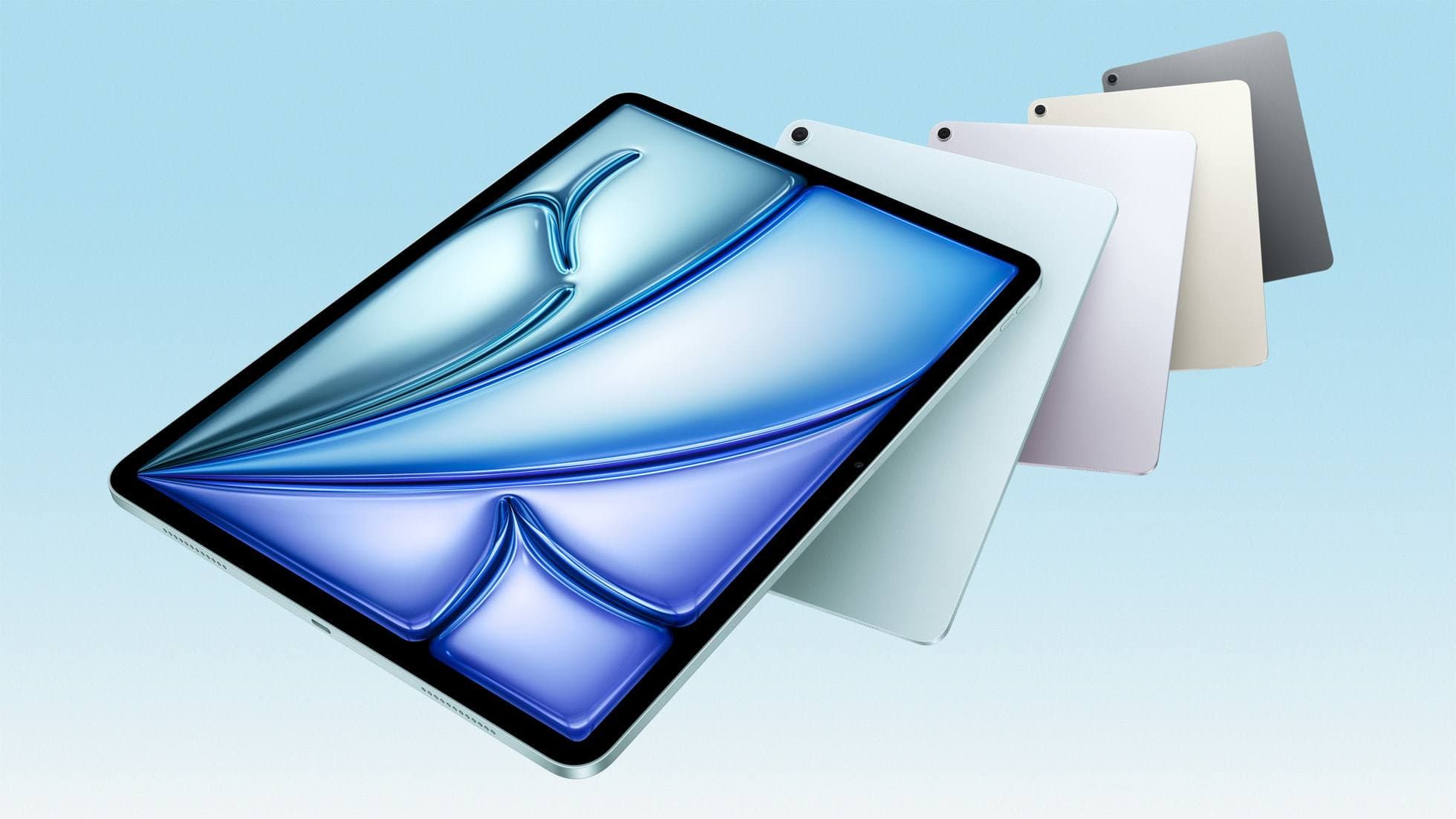
iPad Air (M4)
apple.comThe clean current Air recommendation for most serious hobby artists. Stronger buy logic than old-stock M3 when pricing is close.
Pro: Best current balance of price, headroom, and Pencil support
Con: Still 60Hz
Current Air lineup. Choose size, storage, and keyboard path before checkout.
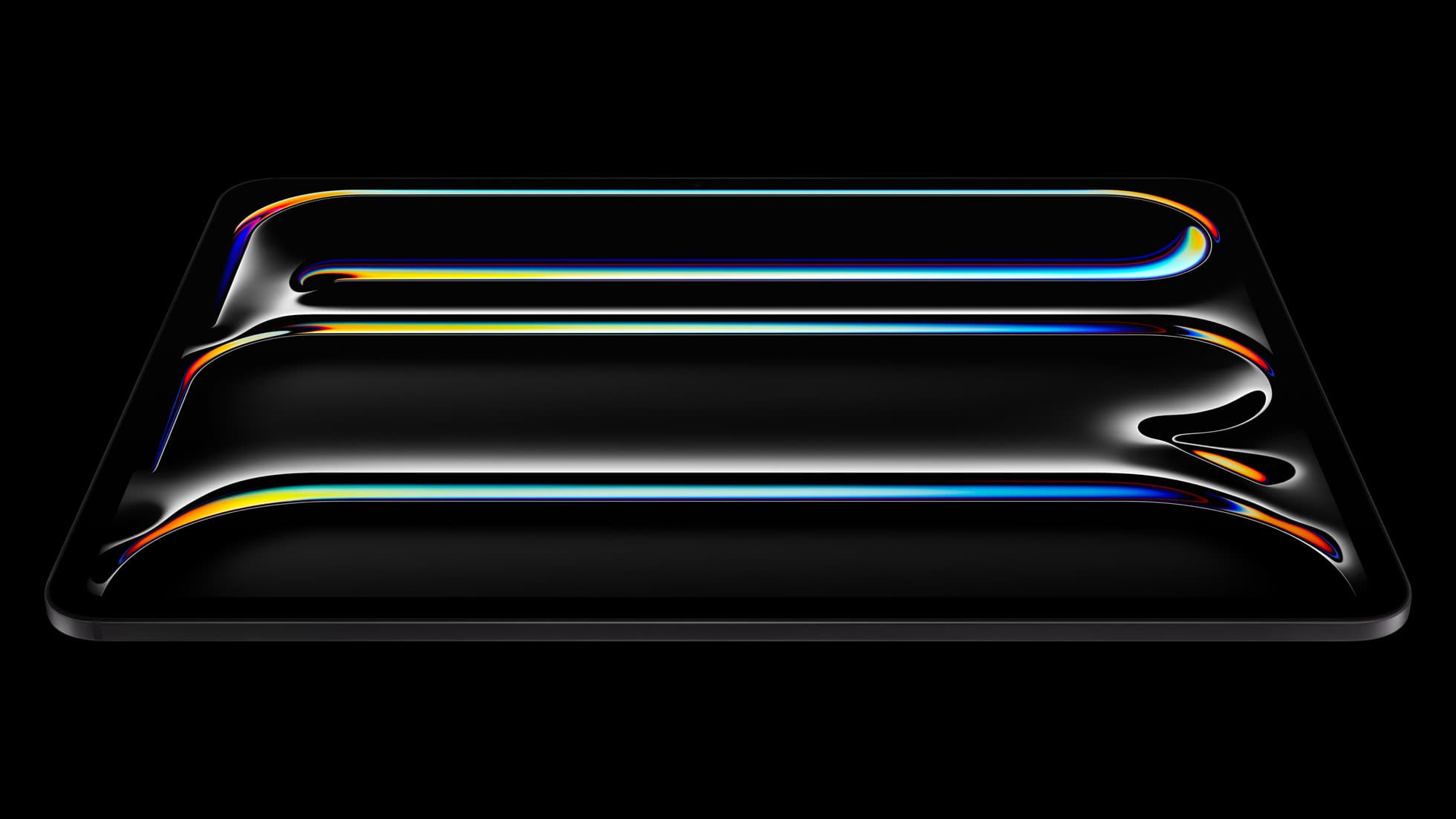
iPad Pro (M5)
amazon.comThe best iPad for drawing feel and premium workflow comfort, but many buyers still overpay for it.
Pro: Best iPad display and ProMotion feel
Con: Highest price in the lineup
Search opens with iPad Pro terms. Check year, chip, and screen size.
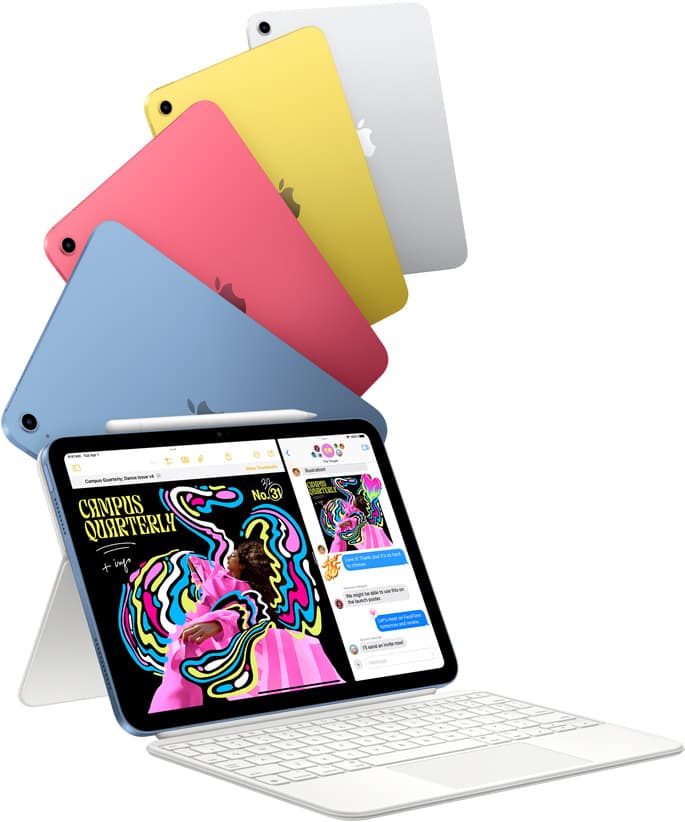
iPad (A16, 11th gen)
amazon.comThe best entry iPad for most artists on a budget. It is not premium, but it is very hard to beat on value.
Pro: Best value iPad right now
Con: No ProMotion display
Search opens with the exact model keywords. Verify size and storage before checkout.
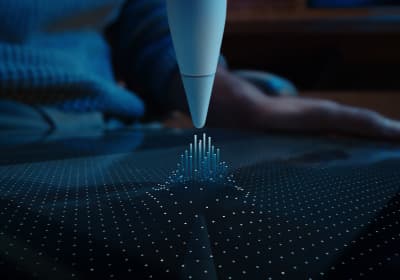
Apple Pencil Pro
amazon.comThe best Apple stylus for serious digital art workflows. Expensive, but the control upgrades are real.
Pro: Best brush-control and hover workflow
Con: Highest price in the lineup
Works only with newer iPad models. Check compatibility.
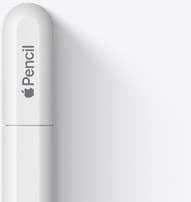
Apple Pencil (USB-C)
amazon.comA practical low-cost Apple stylus with broad compatibility, but limited for advanced art control.
Pro: Lowest official Apple Pencil cost
Con: No pressure sensitivity for brush work
Compatible with many recent iPads. No pressure support.
Related buying picks
More in this collectionBuyer guide
Best iPad for digital painting: Which model should you buy?
Choose the right iPad for digital painting based on screen space, Apple Pencil features, and layer capacity.
Buyer guide
Best iPad for digital art beginners
Get the iPad Air (M4) if you want the Apple Pencil Pro toolset, or pick the base iPad (A16) if you want a capable digital sketchpad at the lowest entry cost.
Buyer guide
Best iPad for t shirt design
Pick the right iPad and Apple Pencil pairing for creating production-ready t-shirt graphics.
Buyer guide
Best drawing tablet for pixel art: Which iPad fits your grid workflow?
The iPad (A16) is the best drawing tablet for pixel art because low-resolution sprite grids do not need expensive workstation processors.