Buy the iPad Air (M4) if you need a dependable digital sketchbook for fashion illustration, technical flats, and fabric pattern repeats. It supports the modern Apple Pencil Pro while avoiding the high entry cost of flagship hardware [1], [2]. Buy the iPad Pro (M5) only if you draw garments all day and demand the ProMotion refresh rate for quick, expressive pencil strokes [1]. Buy the iPad (A16, 11th gen) if you need a budget tablet for drafting simple croquis and tech-pack line art [1]. Skip the iPad mini (A17 Pro) for garment work unless you strictly want a portable digital notebook for textile sourcing trips, because its screen size is too cramped for full-figure croquis [1].
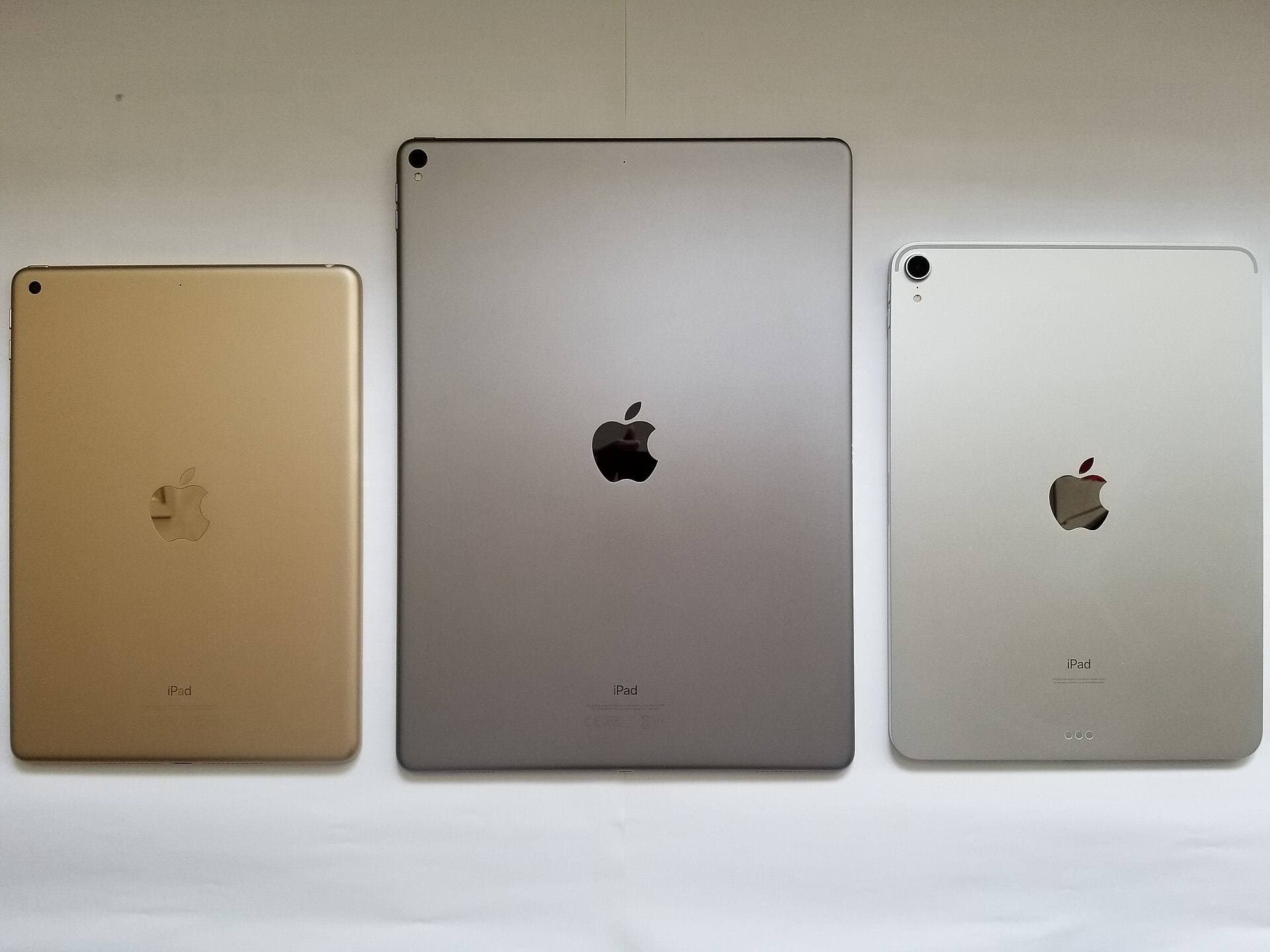
Fashion illustration can combine freehand silhouettes, precise seam lines, reference images, and layered colorways. Compare display size, Apple Pencil compatibility, and your drawing app's documented canvas limits instead of assuming a chip name guarantees a particular project size [1], [2], [3].
Why the iPad Air hits the sweet spot for fashion sketches
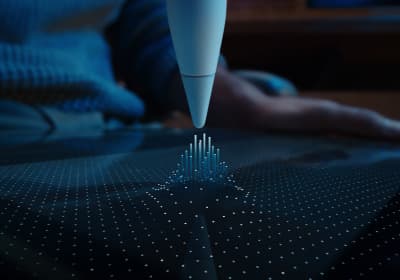
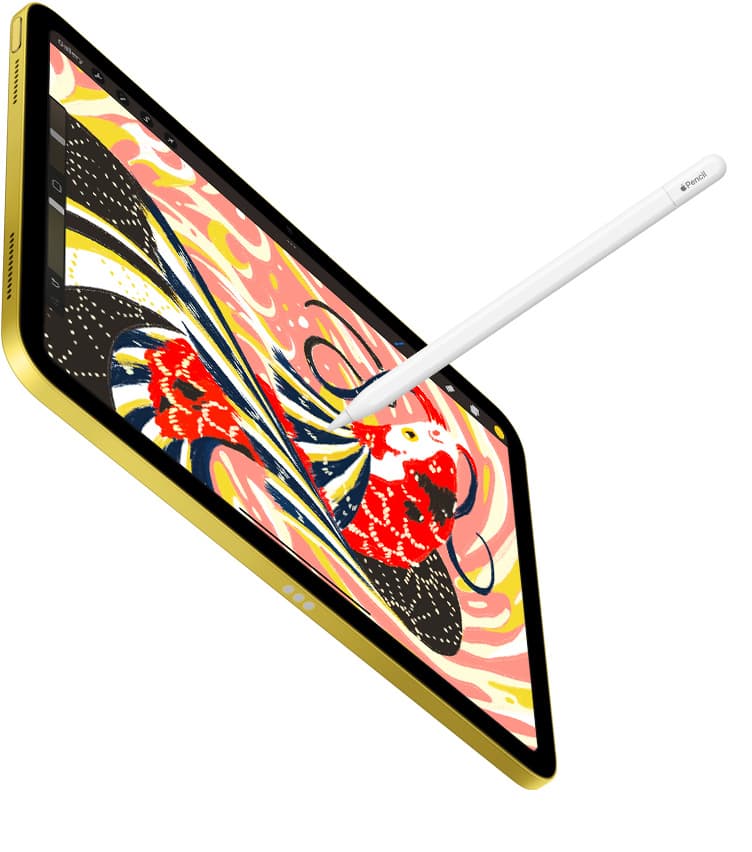
The iPad Air (M4) represents the most practical workstation for most apparel designers, design students, and studio freelancers. Its primary advantage is compatibility with the Apple Pencil Pro [2]. The Apple Pencil Pro brings physical interactions like the squeeze gesture to bring up tool palettes rapidly, alongside barrel roll, which rotates shaped brushes as you turn the stylus barrel [2]. When rendering fabric folds, flowing silks, or variable-width seam stitching in apps like Procreate, barrel roll allows you to control stroke angle instinctively without lifting your hand from the surface [2], [4].
Procreate publishes device-dependent canvas and layer information, so a representative garment file is the right way to judge headroom [3], [4]. Check the Air model against your usual canvas dimensions, then leave room for the separate layers you actually keep, such as line art, colorways, and reference elements [3].
The tradeoff to consider with the iPad Air is its standard display rather than the ProMotion display in the Pro line [1]. Some artists value the Pro display feel during fast strokes; others do not. Try both if that difference could change the purchase, because the comparison page establishes the display technology but not how sensitive your hand will be to it [1].
When the iPad Pro justifies the premium for apparel workflows
The iPad Pro (M5) sits at the top of this comparison. Its defining drawing-related difference is the ProMotion display [1]. Consider it when you have tried that display and prefer its motion during rapid sketching; job title or time spent drawing alone does not make the upgrade necessary.
Beyond ProMotion, the iPad Pro features the highest-quality display in the entire lineup, delivering exceptional contrast, bright highlights, and deep blacks [1]. When you are painting textured tweeds, metallic brocades, sheer chiffons, or complex leather grain patterns, seeing exact tonal values on screen prevents printing surprises later in production. The iPad Pro also supports the Apple Pencil Pro, giving you the full toolset of haptic feedback, squeeze shortcuts, and barrel roll control [2].
Who should skip this machine? Anyone on a strict budget, design students focusing primarily on research and pattern development, and casual fashion sketchers. The iPad Pro carries the highest price in the current lineup [1]. If your digital workflow is limited to clean black-and-white technical flats or straightforward moodboards, the extra processing overhead and top-tier display do not translate into meaningful productivity gains. The iPad Air handles those exact tasks with identical drawing software compatibility [1], [3].
Choosing between the base iPad and iPad mini for quick mockups
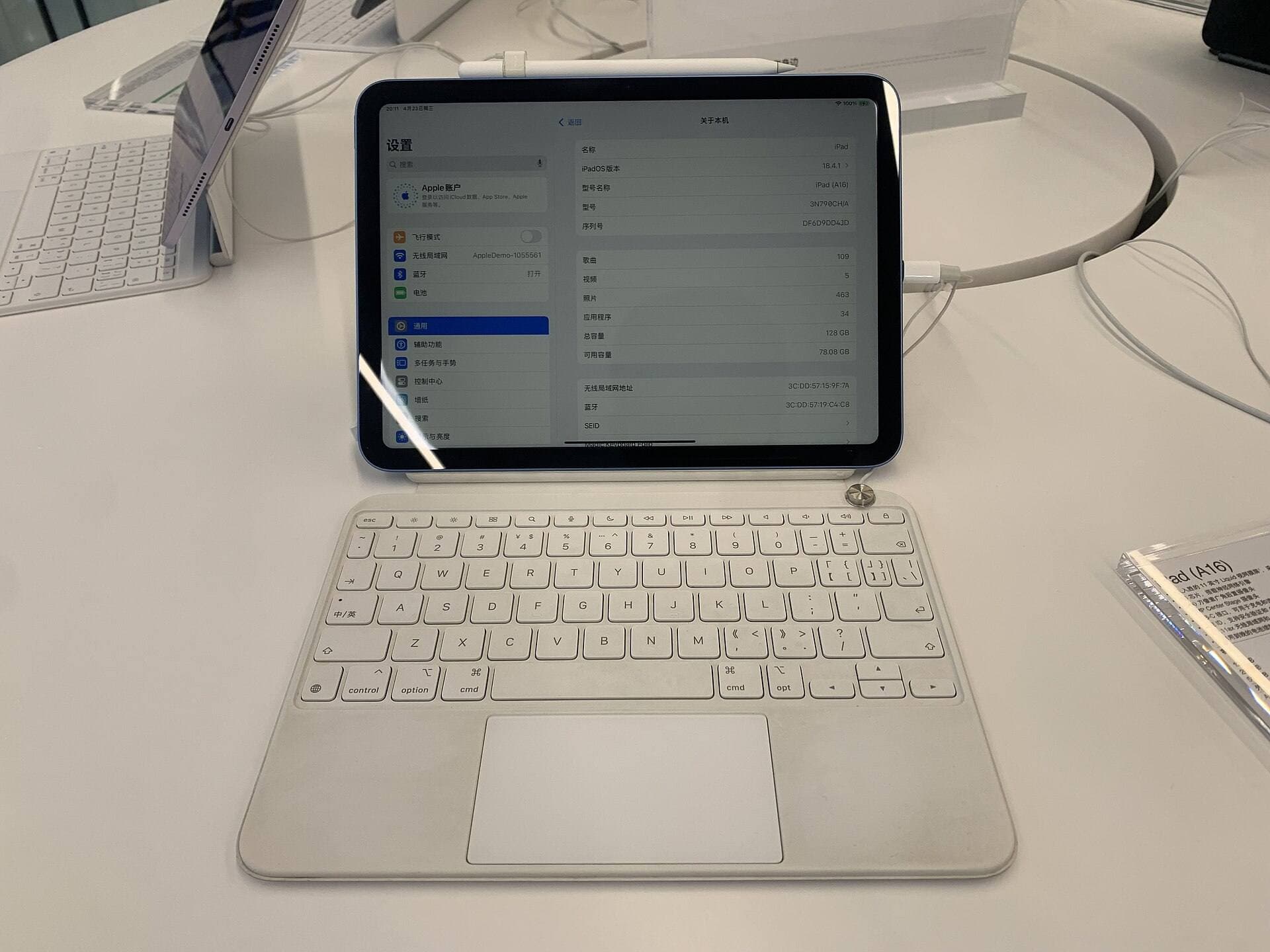
The iPad (A16, 11th gen) is the most budget-conscious model in the catalog [1]. It runs modern creative software like Procreate without trouble, making it a capable learning tool for beginners learning digital fashion croquis [3], [4]. If your work focuses on clean vector lines, tech pack annotations, and straightforward garment construction sketches, the A16 chip provides ample processing speed [1].
However, the compromises on the iPad (A16) are noticeable. It does not support the Apple Pencil Pro, meaning you lose out on barrel roll brush rotation, the squeeze gesture, and custom haptic feedback [1], [2]. The screen also lacks ProMotion, operating at a standard 60Hz refresh rate [1]. Illustrators building large canvas collections with dozens of layers for different fabric prints will reach layer caps sooner on this model than on M-series tablets [3]. Choose this model if keeping hardware costs low is your top priority, but skip it if you plan to do advanced textile rendering.
The iPad mini (A17 Pro) occupies a specific niche. It supports Apple Pencil Pro while prioritizing portability over the larger canvas choices in the Air and Pro lines [1], [2]. It can be a useful secondary device for fabric references and quick notes, but test a full croquis and its app controls on the smaller display before choosing it as a primary drawing board [1].
Apple Pencil tools and app demands for garment design
Software selection and stylus features shape the digital fashion design process just as much as raw processing specs. Procreate publishes its current iPad requirements and compatibility guidance [3], [4]. Check those pages against the exact model you plan to buy, then test the brush types used in your garment workflow [3], [4].
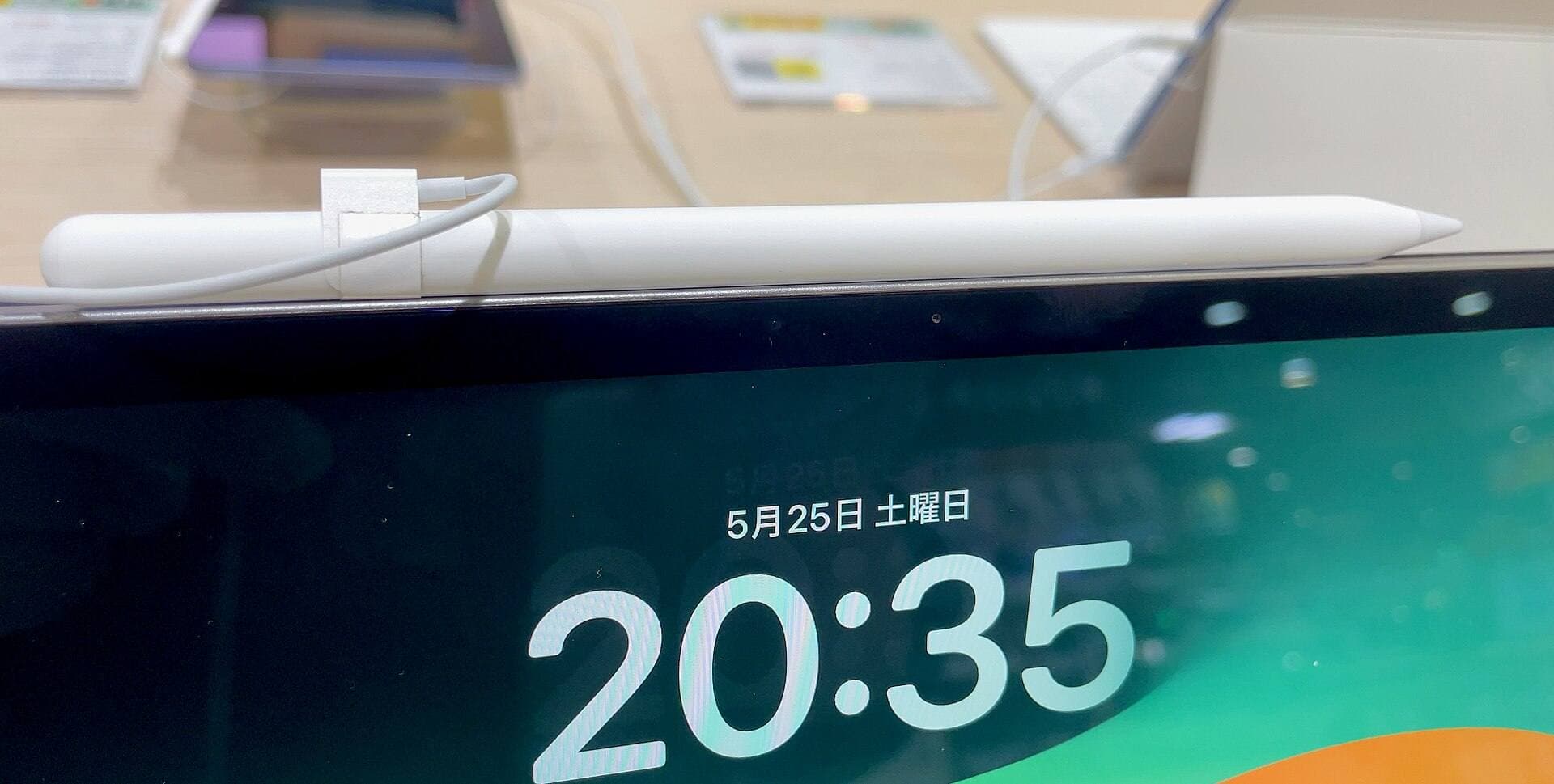
Apple Pencil compatibility is an operational factor. The Apple Pencil Pro works with the compatible models Apple lists, while the base iPad uses different Pencil options [1], [2]. Confirm that Procreate maps the Pencil control you care about before treating it as a productivity benefit [2], [4].
Barrel roll is equally valuable for textile artists [2]. By rotating the pencil between your fingers, you can change the orientation of calligraphic brushes to map out angled garment pleats, herringbone weaves, and directional topstitching in real time [2]. If these expressive tactile controls are central to how you illustrate clothing, purchasing an iPad that supports the Apple Pencil Pro is well worth the investment over entry-level options [1], [2].
Bottom line
Select the iPad Air (M4) as the best all-around tool for fashion design. It supports Apple Pencil Pro without occupying the top position in the iPad lineup [1], [2]. Verify a representative garment canvas against Procreate's current device guidance before assuming a particular layer ceiling [3], [4].
Choose the iPad Pro (M5) if you produce digital fashion art for a living and require the ultra-smooth responsiveness of a 120Hz ProMotion screen along with the best display fidelity available [1]. Choose the iPad (A16) if you need a cost-effective drawing tablet for entry-level croquis sketching and technical flats [1]. Skip the iPad mini (A17 Pro) unless your work requires a pocket-sized field notebook for trade shows and showroom scouting [1].
Sources
[1] https://www.apple.com/ipad/compare/ [2] https://support.apple.com/en-us/108937 [3] https://help.procreate.com/articles/zlexav-ipad-compatibility [4] https://apps.apple.com/us/app/procreate/id425073498
Recommended gear
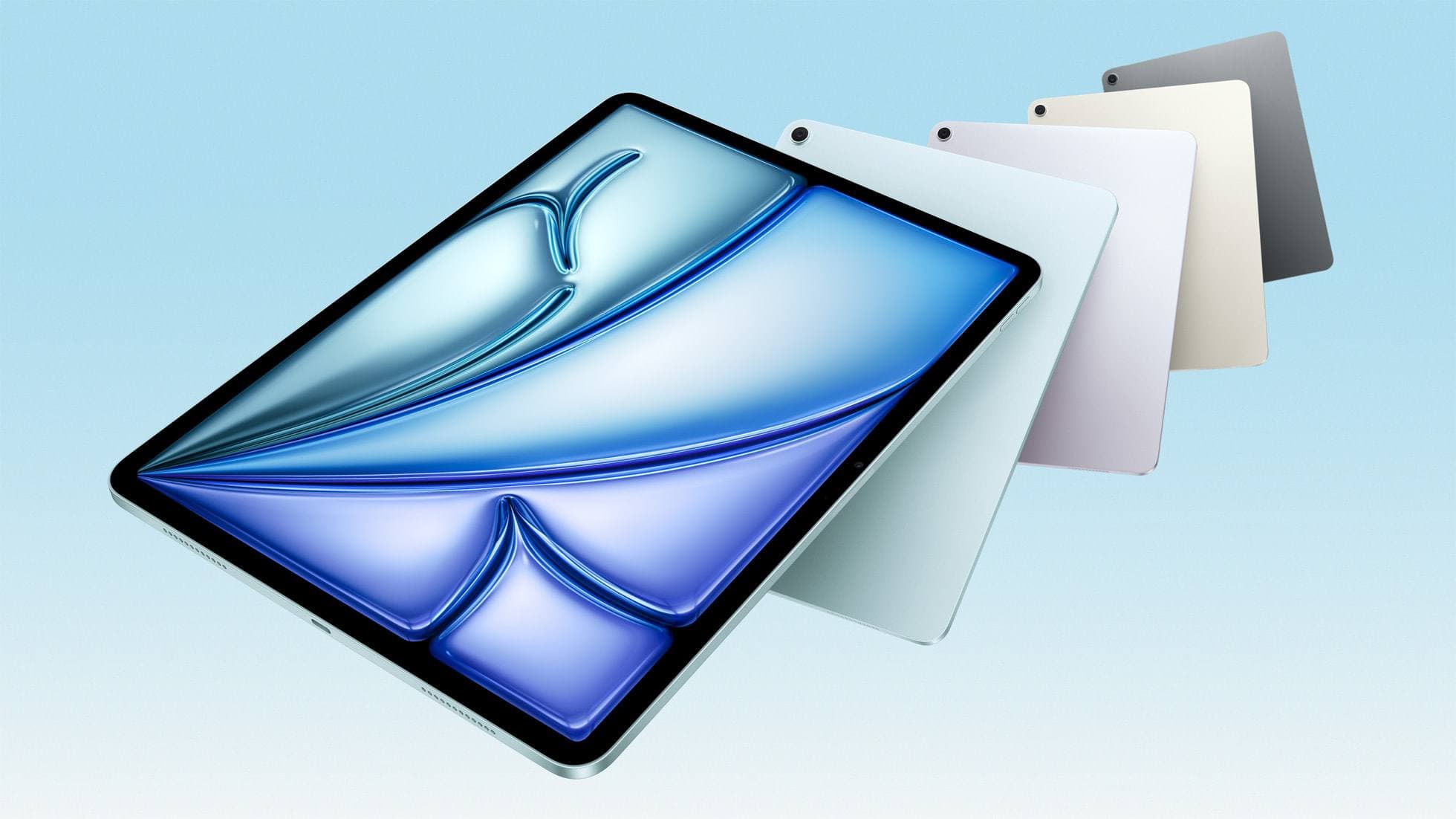
iPad Air (M4)
apple.comThe clean current Air recommendation for most serious hobby artists. Stronger buy logic than old-stock M3 when pricing is close.
Pro: Best current balance of price, headroom, and Pencil support
Con: Still 60Hz
Current Air lineup. Choose size, storage, and keyboard path before checkout.
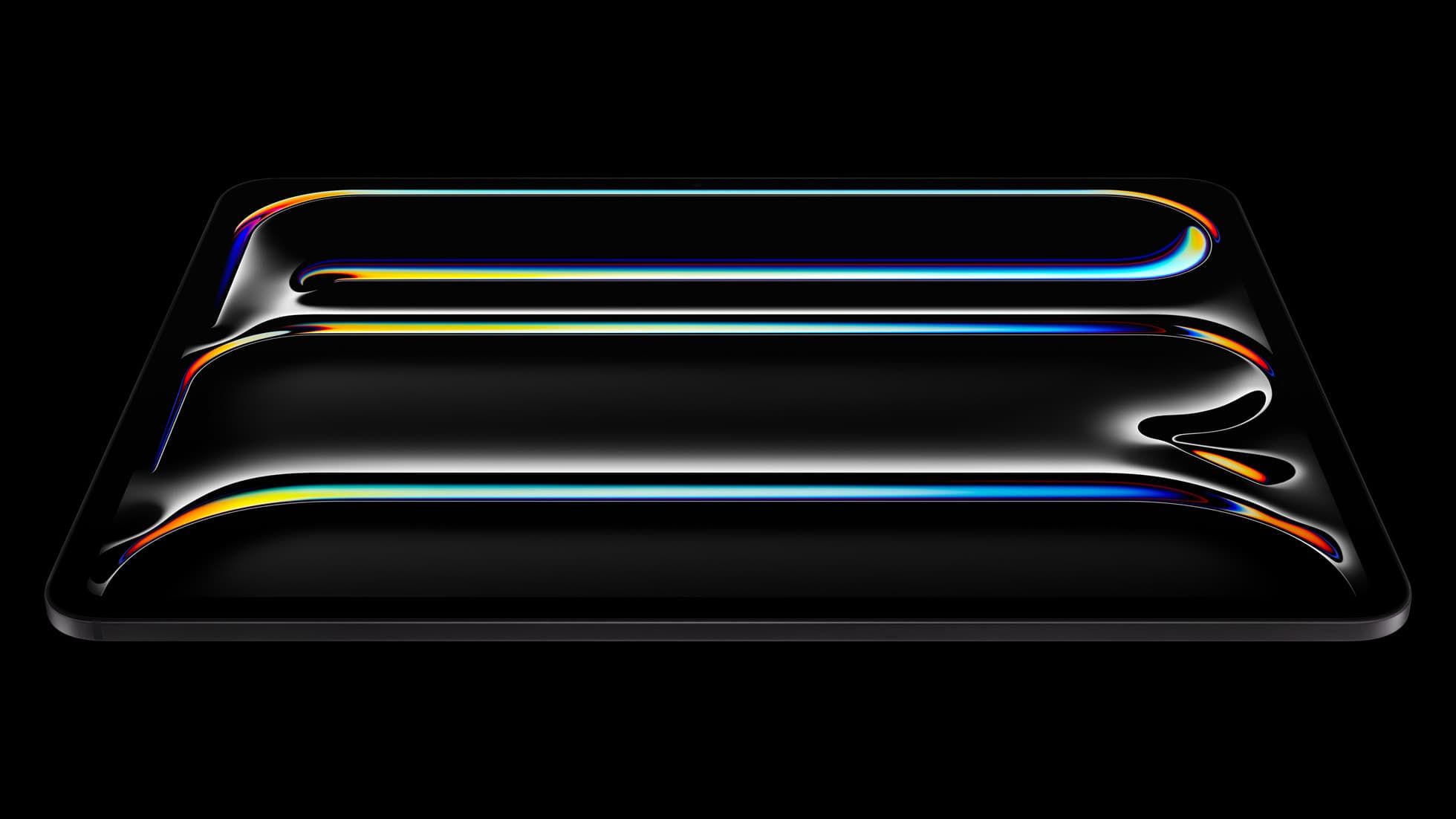
iPad Pro (M5)
amazon.comThe best iPad for drawing feel and premium workflow comfort, but many buyers still overpay for it.
Pro: Best iPad display and ProMotion feel
Con: Highest price in the lineup
Search opens with iPad Pro terms. Check year, chip, and screen size.
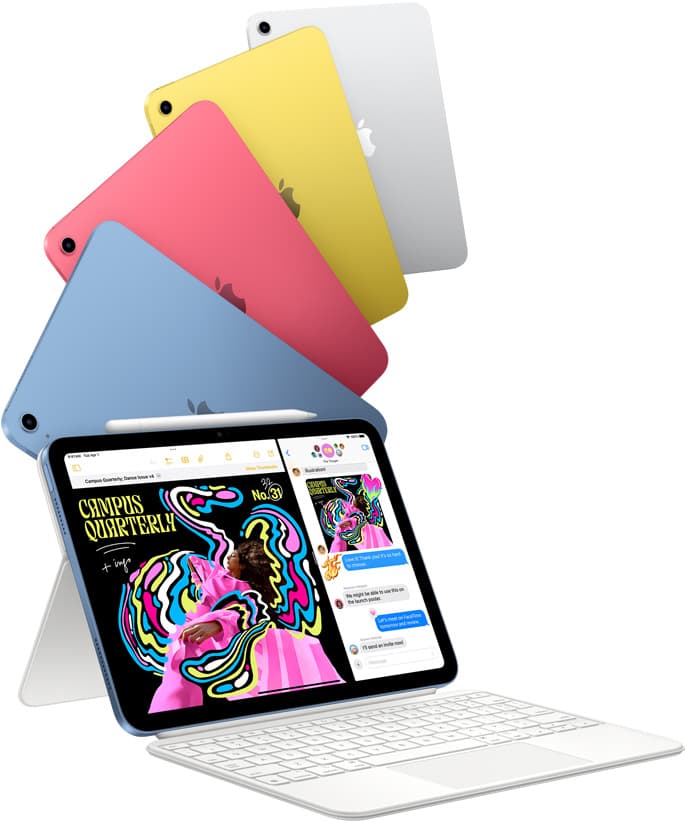
iPad (A16, 11th gen)
amazon.comThe best entry iPad for most artists on a budget. It is not premium, but it is very hard to beat on value.
Pro: Best value iPad right now
Con: No ProMotion display
Search opens with the exact model keywords. Verify size and storage before checkout.
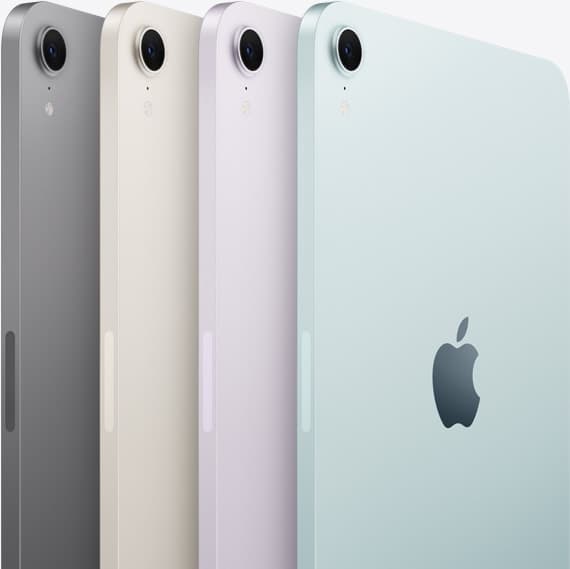
iPad mini (A17 Pro)
amazon.comThe most portable real iPad for drawing. It wins on mobility and loses on workspace.
Pro: Most portable drawing iPad
Con: Small canvas for detailed work
Search opens with iPad mini A17 Pro terms. Verify model number before buying.
Related buying picks
More in this collectionBuyer guide
Best iPad for logo design
Choose the iPad Air with the M4 chip for the best mix of vector precision, Apple Pencil Pro support, and balanced pricing.
Buyer guide
Best iPad for digital painting: Which model should you buy?
Choose the right iPad for digital painting based on screen space, Apple Pencil features, and layer capacity.
Buyer guide
Best iPad for digital art beginners
Get the iPad Air (M4) if you want the Apple Pencil Pro toolset, or pick the base iPad (A16) if you want a capable digital sketchpad at the lowest entry cost.
Buyer guide
Best iPad for t shirt design
Pick the right iPad and Apple Pencil pairing for creating production-ready t-shirt graphics.