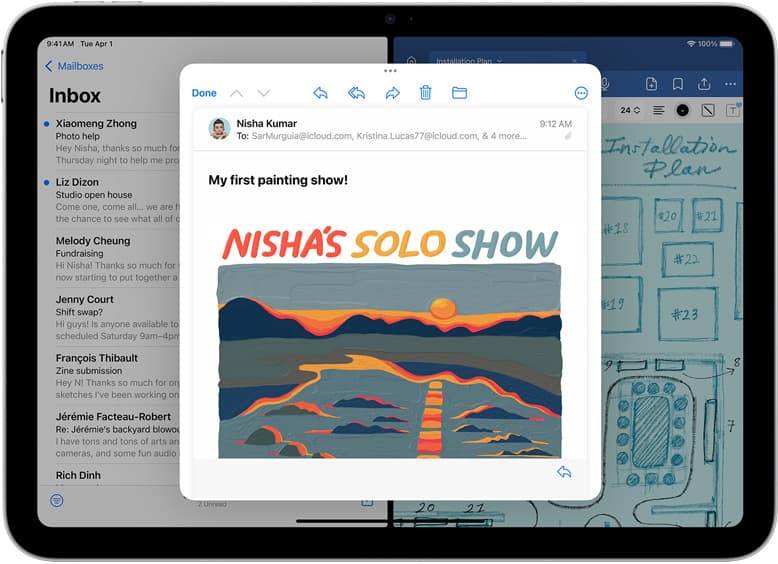
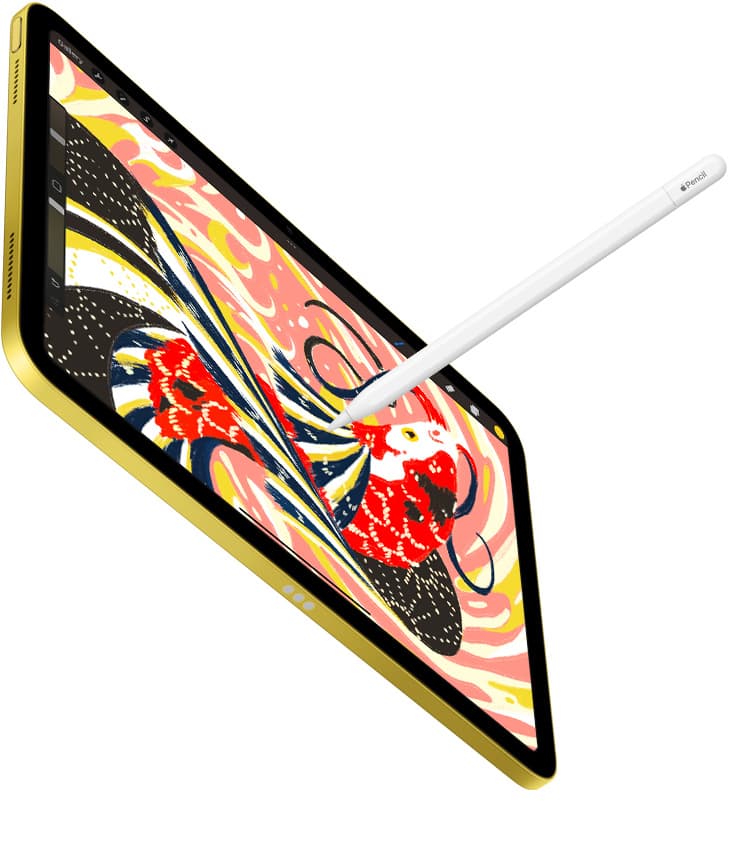
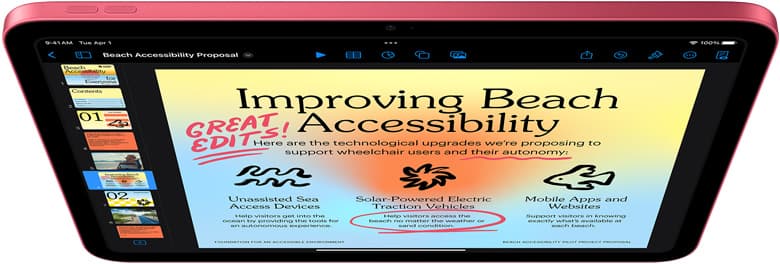
If you need an iPad for creating apparel artwork, buy the iPad Air (M4) [1]. It pairs with Apple Pencil Pro, giving you squeeze, barrel roll, and haptic feedback alongside tilt and pressure sensitivity [2], [3]. Those stylus tools make custom lettering, separating garment color layers, and drawing merchandise illustrations straightforward. If keeping your overall gear expense low is your main priority, pick the entry-level iPad (A16) [1]. Skip the iPad Pro (M5) unless you specifically demand its premium ProMotion display feel for heavy daily drawing schedules [1].
Designing t-shirts means preparing clean artwork at actual print sizes. Raster drawings in apps like Procreate depend on hardware memory to calculate available layer limits on large canvases [4]. Vector layouts and screen-printing separations require dependable stylus input for crisp line work and precise line control [2]. Here is how the current iPad lineup handles apparel design tasks.
Canvas size and layer limits for merchandise prints
T-shirt graphics require higher pixel dimensions than casual screen doodles. Standard direct-to-garment and screen-print templates often measure 12 by 16 inches or 14 by 18 inches at 300 dots per inch. In Procreate, your device memory directly governs how many layers you get for any specific canvas resolution [4], [5]. A canvas with limited layers forces you to merge ink outlines, shading, and background flats before you are ready, which makes prepping color separations harder [4].
Apple equips the iPad Air (M4) and iPad Pro (M5) with higher-tier Apple silicon chips and larger baseline memory pools than entry-level hardware [1]. That extra hardware memory gives you higher layer caps when setting up high-resolution apparel documents in Procreate [4]. While the entry-level iPad (A16) runs Procreate [4], [5], creating high-resolution apparel canvases on lower-tier hardware restricts your total active layer count [4]. If your garment designs require distinct layers for base white, spot colors, textures, and typography, hardware with more memory provides a smoother layout process [4].
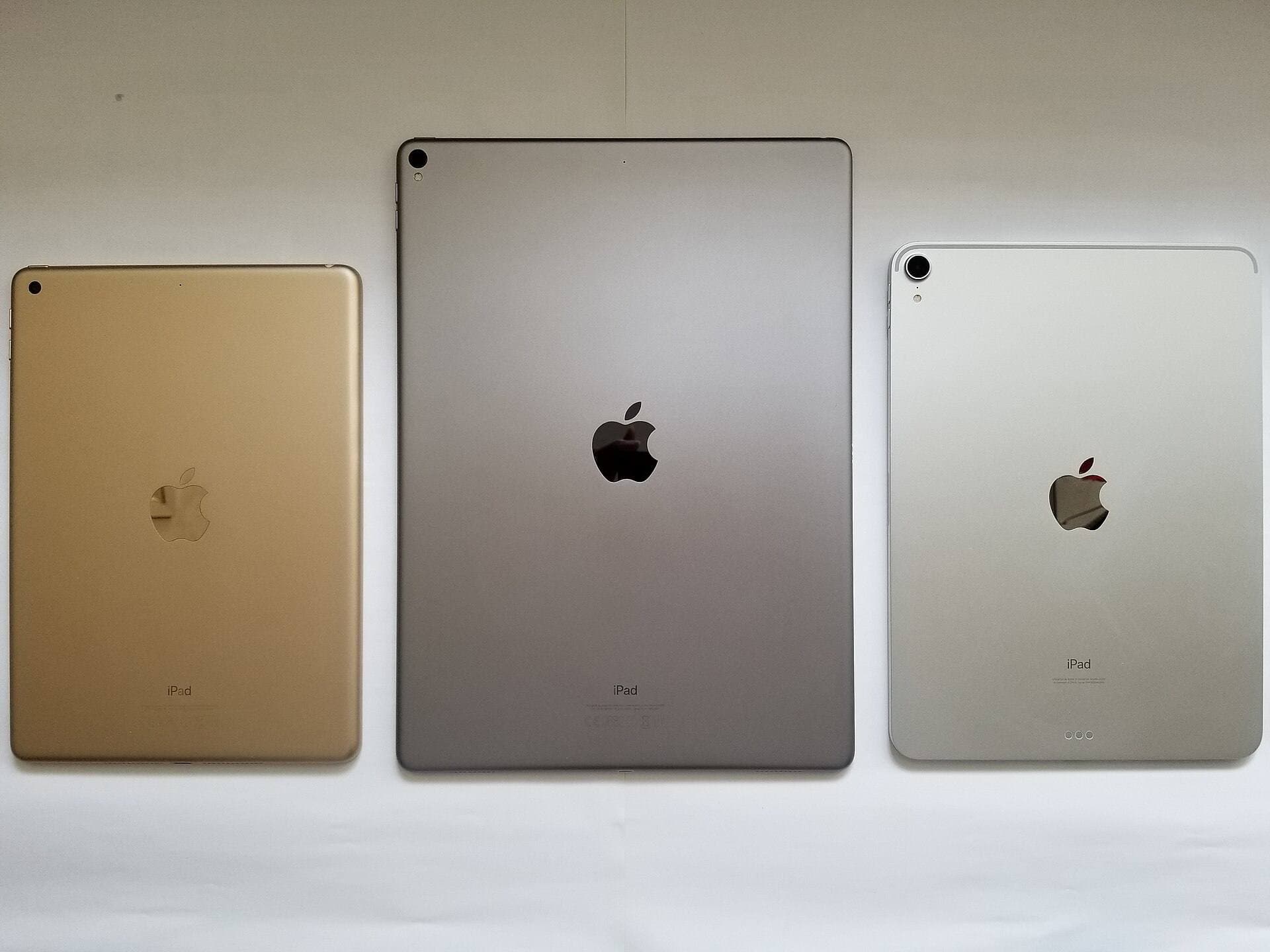
Screen dimensions also influence how you manage physical garments. The iPad Air (M4) and iPad Pro (M5) offer larger display options compared to smaller hardware [1]. A 13-inch display gives you room to inspect full front-chest graphics at close to actual print size while keeping layers, swatches, and brushes visible on screen [1], [5].
Apple Pencil selection for apparel artwork
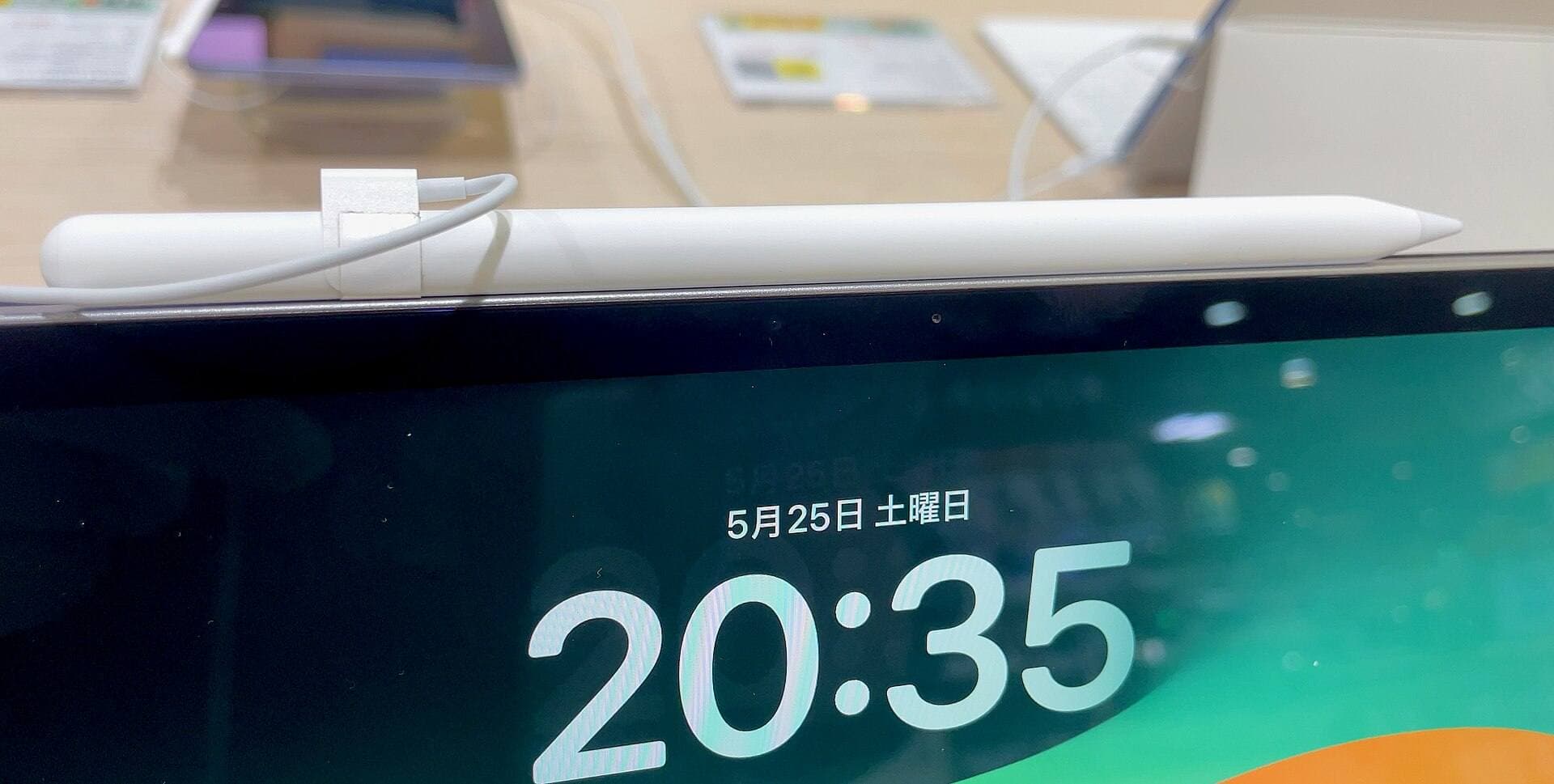
Your choice of stylus dictates how you draw custom vector strokes, lettering, and distressed line work. Apple currently divides stylus capabilities across multiple models, including Apple Pencil Pro, Apple Pencil (USB-C), and earlier generations [2], [3].
Apple Pencil Pro works exclusively with specific hardware such as the iPad Air (M4) and iPad Pro (M5) [1], [3]. It includes pressure sensitivity, tilt detection, hover, haptic feedback, squeeze gestures, and barrel roll [2]. For garment illustrators, barrel roll lets you rotate shaped brushes dynamically as you stroke, which changes the angle of calligraphy pens, flat inks, and chisel tips without stopping your stroke [2]. Squeeze brings up tool palettes directly beneath your hand, keeping menus out of your workspace [2].
In contrast, the budget-friendly Apple Pencil (USB-C) pairs with the base iPad (A16), iPad Air (M4), and iPad Pro (M5) [1], [3]. However, the USB-C model lacks pressure sensitivity, barrel roll, haptic feedback, and tool squeeze gestures [2]. It supports tilt detection and hover on compatible screens, but drawing without pressure sensitivity means your line thickness or opacity will not respond to hand pressure [2]. If you ink t-shirt graphics by hand, choosing a stylus with pressure sensitivity is vital [2]. If you stick to the base iPad (A16), check compatibility carefully to ensure you use a stylus model that matches your drafting needs [1], [3].
Why the iPad Air (M4) fits apparel illustrators best
The iPad Air (M4) hits the practical center for merchandise creators [1]. It delivers full support for Apple Pencil Pro [1], [3]. That means you receive pressure sensitivity, barrel roll orientation, and squeeze tool shortcuts without paying the premium attached to flagship Pro hardware [1], [2].
The Air lineup also comes in two distinct screen sizes: 11-inch and 13-inch [1]. Choosing the 13-inch iPad Air gives you the large physical drawing area needed to preview full-scale chest prints, front pockets, and sleeve graphics side by side [1]. You get modern M4 processing power and ample working memory for high-resolution Procreate canvases [1], [4]. The primary tradeoff is screen refresh rate. The iPad Air display runs at a standard 60Hz refresh rate rather than Apple's 120Hz ProMotion [1]. For apparel layout and raster inking, 60Hz provides a standard, capable drawing surface [1].
When the base iPad (A16) makes sense
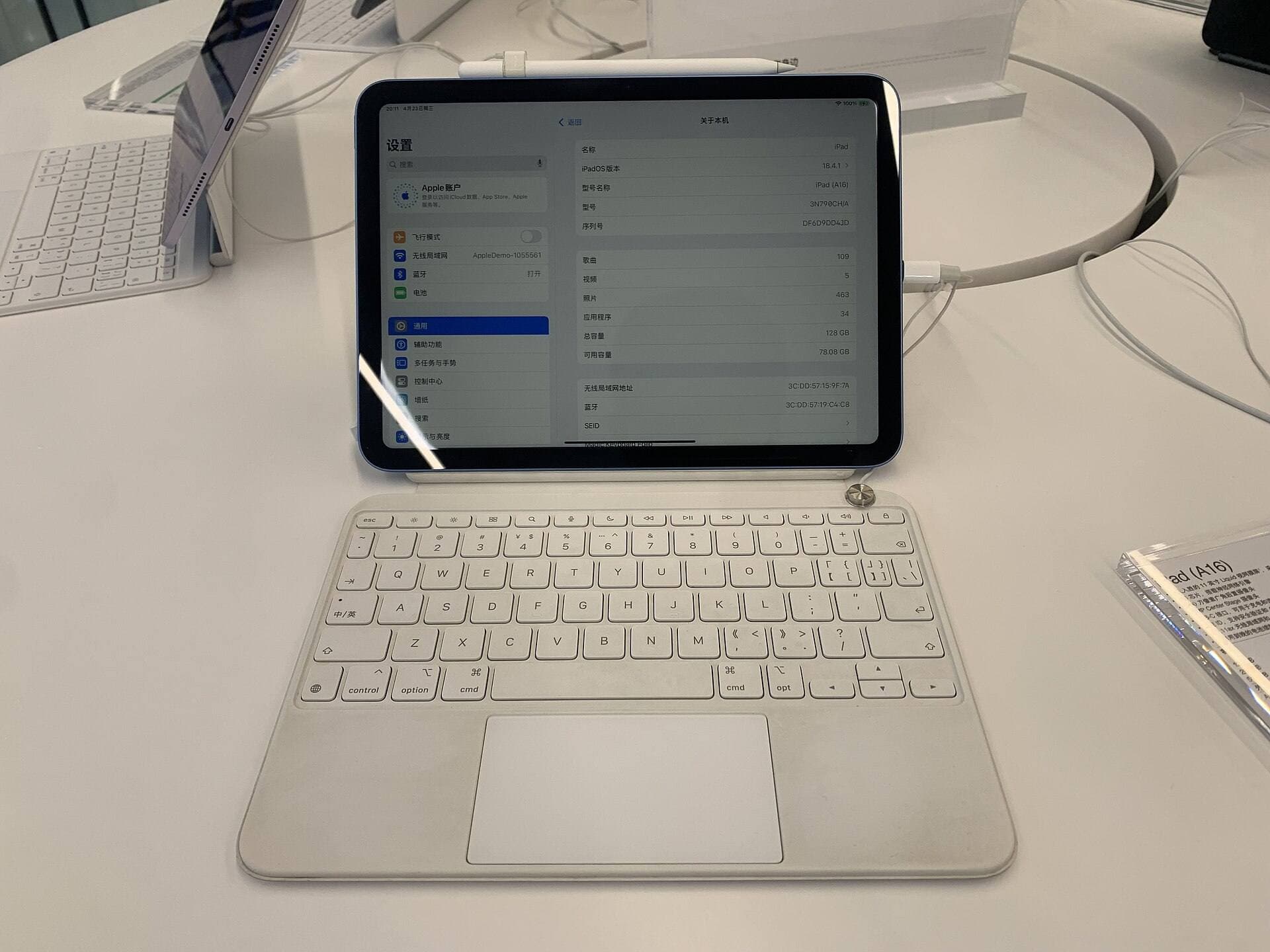
The iPad (A16) represents the most affordable path into digital drawing [1]. If you run a small apparel brand, create simple text-based graphics, or work mainly with geometric logos, this tablet covers fundamental drawing tasks [1], [5]. It handles full digital drawing applications, supports cloud storage syncing, and lets you export standard print files like PNG or PDF [4], [5].
Still, the base iPad comes with distinct production compromises. Its pairing options limit your stylus capabilities [1], [3]. While it works with Apple Pencil (USB-C), that combination lacks pressure sensitivity [2], [3]. Drawing expressive brush strokes with tapered ends requires manual adjustments rather than natural hand pressure [2]. Furthermore, lower onboard memory compared to M-series chips means Procreate gives you fewer layers on large, print-ready canvases [1], [4]. Buy the iPad (A16) if total setup cost is your deciding factor, but recognize that inking detailed graphics takes more workarounds [1], [2], [4].
When the iPad Pro (M5) is worth considering
The iPad Pro (M5) represents Apple's highest hardware tier [1]. It includes an Ultra Retina XDR display, ProMotion technology with adaptive refresh rates up to 120Hz, and the M5 processor [1]. It works with Apple Pencil Pro, giving you hover, squeeze, tilt, pressure, and barrel roll [1], [2], [3].
For t-shirt design, the key advantage of the iPad Pro is the ProMotion screen [1]. The higher refresh rate makes stylus strokes appear immediately under the pencil tip as you draw fast hatching or continuous contour lines [1], [2]. It also offers generous memory configurations for creators building layered illustrations across large canvas dimensions [1], [4]. However, the finished artwork exported from an iPad Pro looks identical on a physical t-shirt to artwork exported from an iPad Air [4], [5]. Skip the iPad Pro unless you draw full-time and place heavy personal value on ProMotion display responsiveness [1].
Bottom line
For most apparel creators, the iPad Air (M4) is the best overall choice [1]. It combines Apple Pencil Pro support, optional 13-inch sizing, and strong memory headroom for Procreate layers without the top-tier cost of Pro hardware [1], [2], [4]. Buy the iPad (A16) if you want the lowest startup cost and work mostly with simple graphics or flat lettering [1]. Choose the iPad Pro (M5) only if you need a 120Hz ProMotion display for daily inking sessions [1].
Sources
[1] https://www.apple.com/ipad/compare/ [2] https://www.apple.com/apple-pencil/ [3] https://support.apple.com/en-us/108937 [4] https://help.procreate.com/articles/zlexav-ipad-compatibility [5] https://apps.apple.com/us/app/procreate/id425073498
Recommended gear
iPad Air (M4)
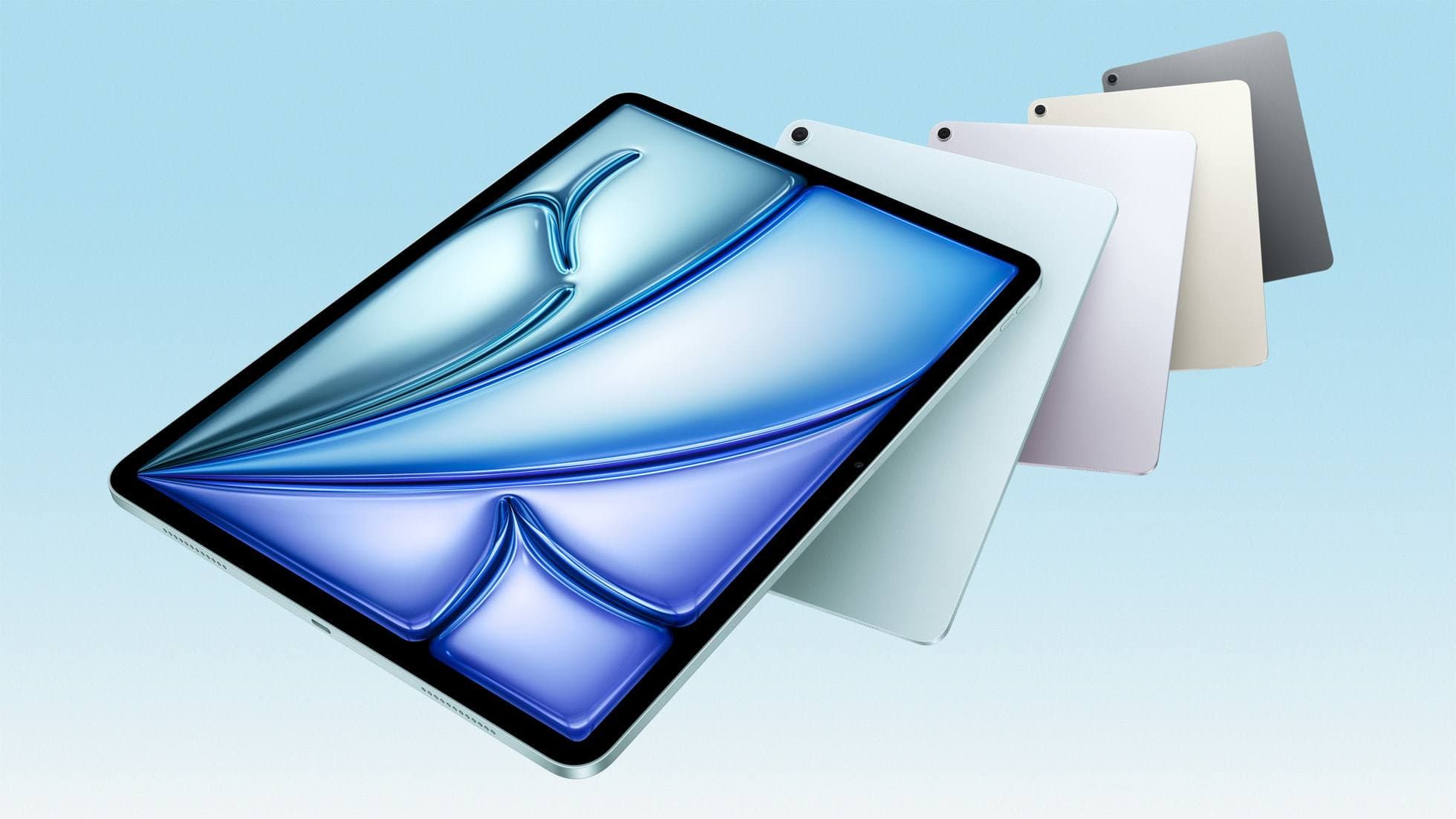
apple.comThe clean current Air recommendation for most serious hobby artists. Stronger buy logic than old-stock M3 when pricing is close.
Pro: Best current balance of price, headroom, and Pencil support
Con: Still 60Hz
Current Air lineup. Choose size, storage, and keyboard path before checkout.
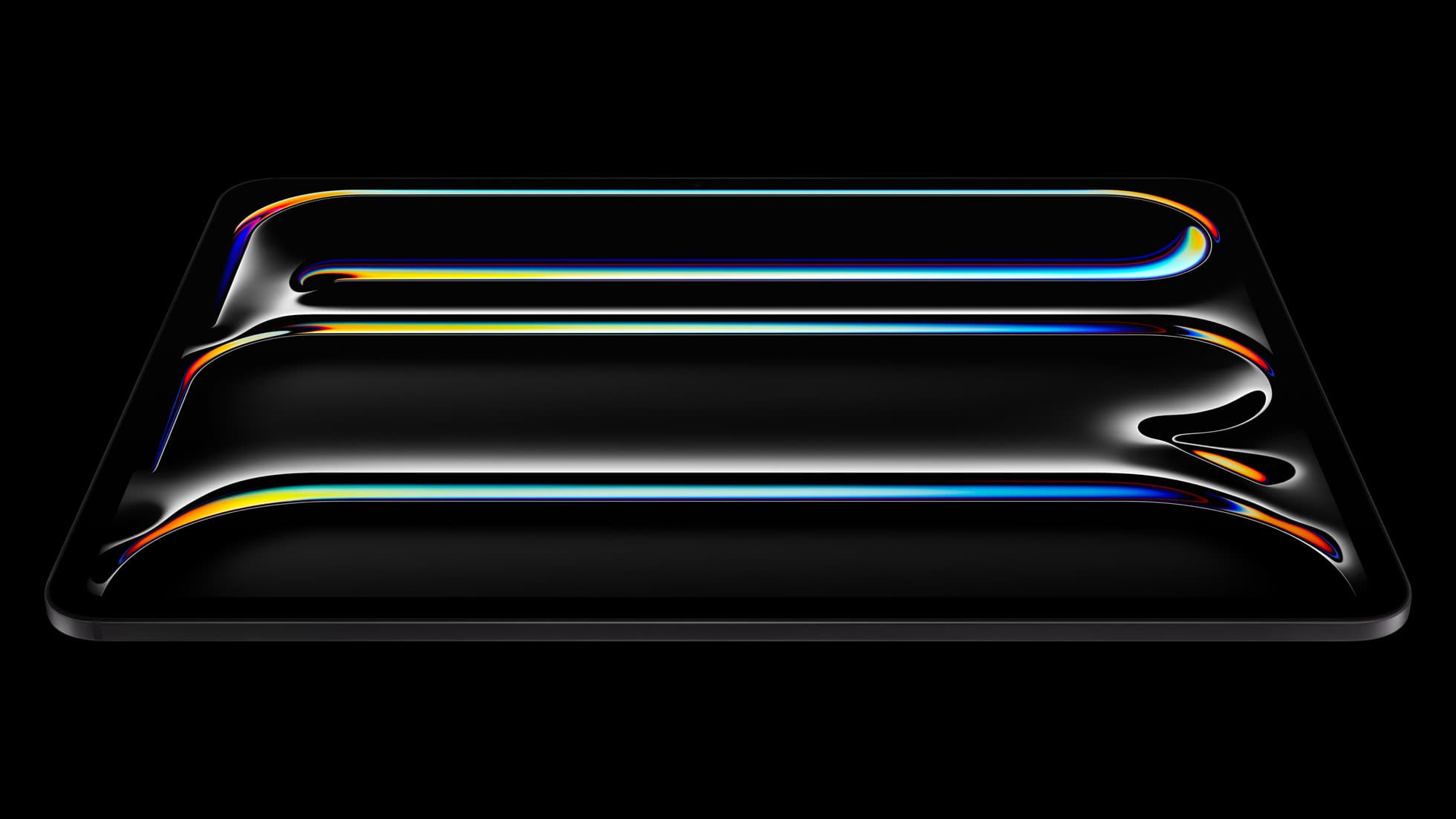
iPad Pro (M5)
amazon.comThe best iPad for drawing feel and premium workflow comfort, but many buyers still overpay for it.
Pro: Best iPad display and ProMotion feel
Con: Highest price in the lineup
Search opens with iPad Pro terms. Check year, chip, and screen size.
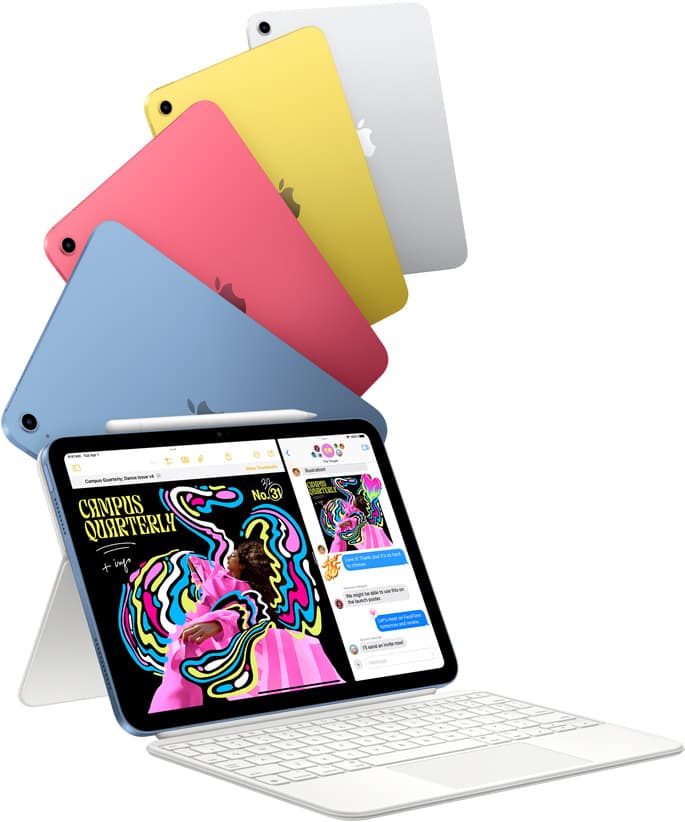
iPad (A16, 11th gen)
amazon.comThe best entry iPad for most artists on a budget. It is not premium, but it is very hard to beat on value.
Pro: Best value iPad right now
Con: No ProMotion display
Search opens with the exact model keywords. Verify size and storage before checkout.
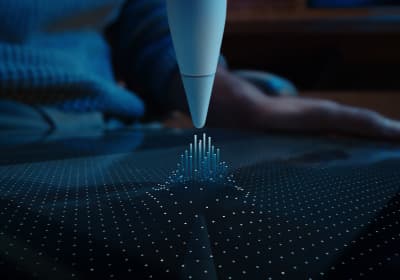
Apple Pencil Pro
amazon.comThe best Apple stylus for serious digital art workflows. Expensive, but the control upgrades are real.
Pro: Best brush-control and hover workflow
Con: Highest price in the lineup
Works only with newer iPad models. Check compatibility.
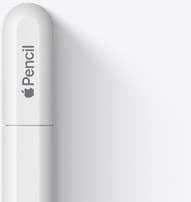
Apple Pencil (USB-C)
amazon.comA practical low-cost Apple stylus with broad compatibility, but limited for advanced art control.
Pro: Lowest official Apple Pencil cost
Con: No pressure sensitivity for brush work
Compatible with many recent iPads. No pressure support.
Related buying picks
More in this collectionBuyer guide
Best iPad for sublimation design: How to pick the right screen and chip
Compare iPad models for sublimation art so you get the layer counts, Apple Pencil features, and screen size your printing projects require.
Comparison
iPad vs laptop for Cricut: how to choose your cutting setup
Compare operating system support, Apple Pencil illustration workflows, and file uploads to decide whether an iPad or a laptop fits your Cricut cutting setup.
Buyer guide
Is a 64GB iPad enough for Procreate?
A 64GB iPad can run Procreate; decide whether it is enough by measuring your active canvases and the device storage already in use.
Buyer guide
Best iPad for logo design
Choose the iPad Air with the M4 chip for the best mix of vector precision, Apple Pencil Pro support, and balanced pricing.