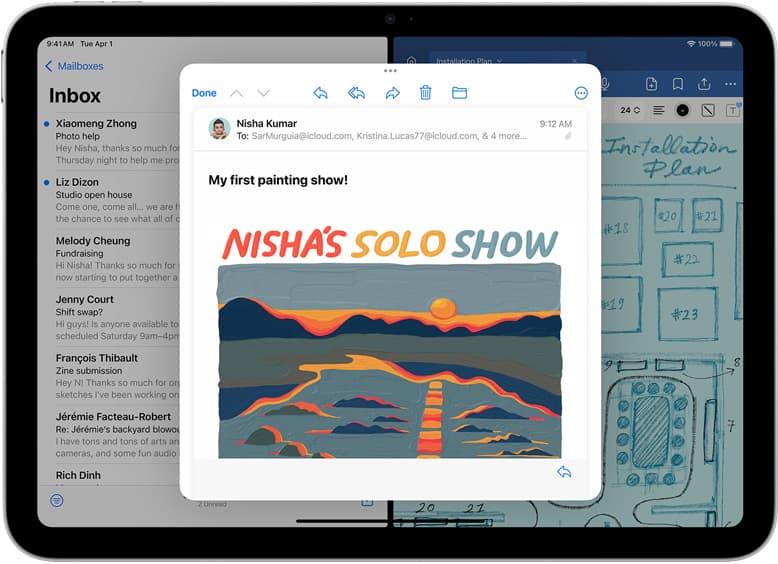
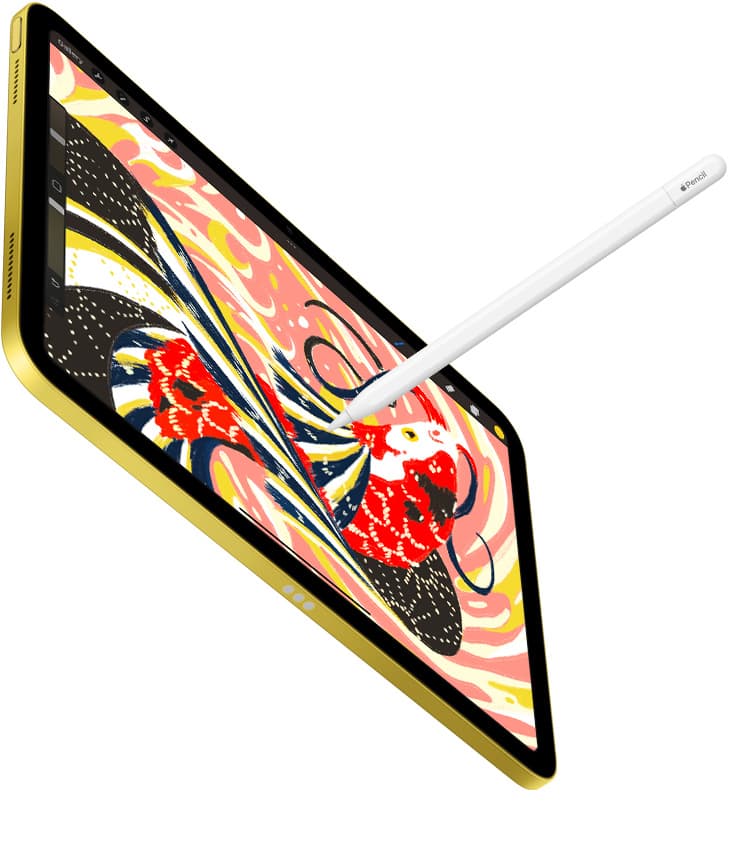
Yes, 8GB of RAM is more than enough for the vast majority of illustrators using Procreate [4], [5]. If you create detailed illustrations for social media, client work, or standard merchandise, an 8GB tablet like the iPad Air (M4) gives you generous layer counts across common canvas sizes [1], [4]. You should buy an 8GB iPad if you create multi-layered commercial illustrations or standard print posters [1], [4]. You can safely skip spending more on extreme memory configurations unless you build massive physical print files at heavy pixel resolutions [4]. For casual sketchbooks and simpler character art, even entry-level hardware remains a capable choice [1], [4].
How RAM affects your canvas and layer limits in Procreate
Understanding how memory works inside Procreate starts with how the app allocates resources for each canvas [4], [5]. Procreate does not treat memory as generic storage; instead, the software evaluates total available system memory and restricts your maximum layer count based on the pixel dimensions of your canvas [4]. A small social media canvas allows hundreds of layers, whereas an ultra-high-resolution poster reduces the available count [4].
When you purchase an iPad with 8GB of RAM, Procreate can reserve more operational memory for active canvas data than it can on entry-level hardware with smaller memory pools [1], [4]. Because Procreate recalculates its layer limit every time you create a project, total system RAM directly determines whether you hit a hard ceiling during complex projects [4]. You don't get arbitrary slider freedom; the software fixes the number before you make your first stroke [4].
This allocation method exists to keep the app working within system constraints without unpredictable background shutdowns [4], [5]. Because memory directly dictates the active layer ceiling, buying hardware with 8GB of RAM offers a practical sweet spot [1], [4]. You gain sufficient breathing room for sketching, inking, base colors, shading, texture overlays, and lighting adjustments on standard canvas sizes without having to constantly merge your work [4].
Who should choose an 8GB iPad like the iPad Air
Artists who create finished client deliverables, multi-layered editorial artwork, or detailed patterns will find an 8GB device like the iPad Air (M4) to be the ideal working standard [1], [4]. On an 8GB configuration, working at common dimensions like 3000 by 4000 pixels or standard poster resolutions provides dozens of usable layers [4]. This makes non-destructive workflows practical, allowing you to isolate clipping masks, color fills, and lighting effects onto separate tracks [4], [5].
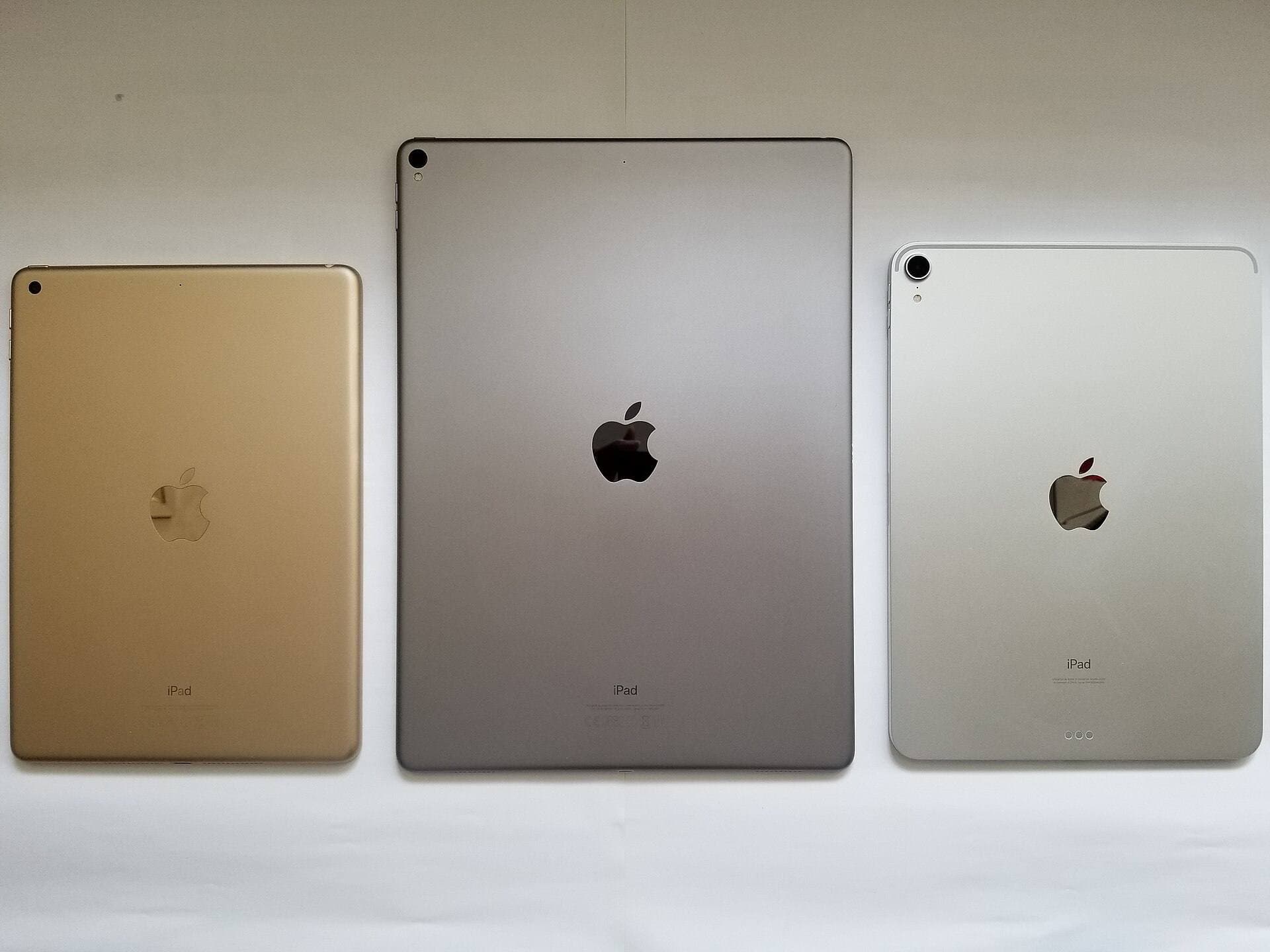
Choosing the iPad Air (M4) also gives you access to modern accessories like the Apple Pencil Pro [1], [3]. The Air features a 60Hz display, which differs from the ProMotion displays on Pro models, but its internal M4 processing hardware provides high-end computing power alongside 8GB of unified memory [1]. If you want Apple Pencil Pro support without stepping up to top-tier Pro pricing, the iPad Air works as the most balanced option in the catalog [1], [3].
Who should buy the iPad Air (M4)? Pick this device if you want Apple Pencil Pro features like barrel roll and squeeze while maintaining high layer caps in Procreate [1], [2], [4]. Who should skip it? If you only use Procreate for flat character doodles, quick ink sketches, or rough concept roughs, you won't need the layer overhead that 8GB hardware delivers [4].
When a base iPad is enough for everyday sketching
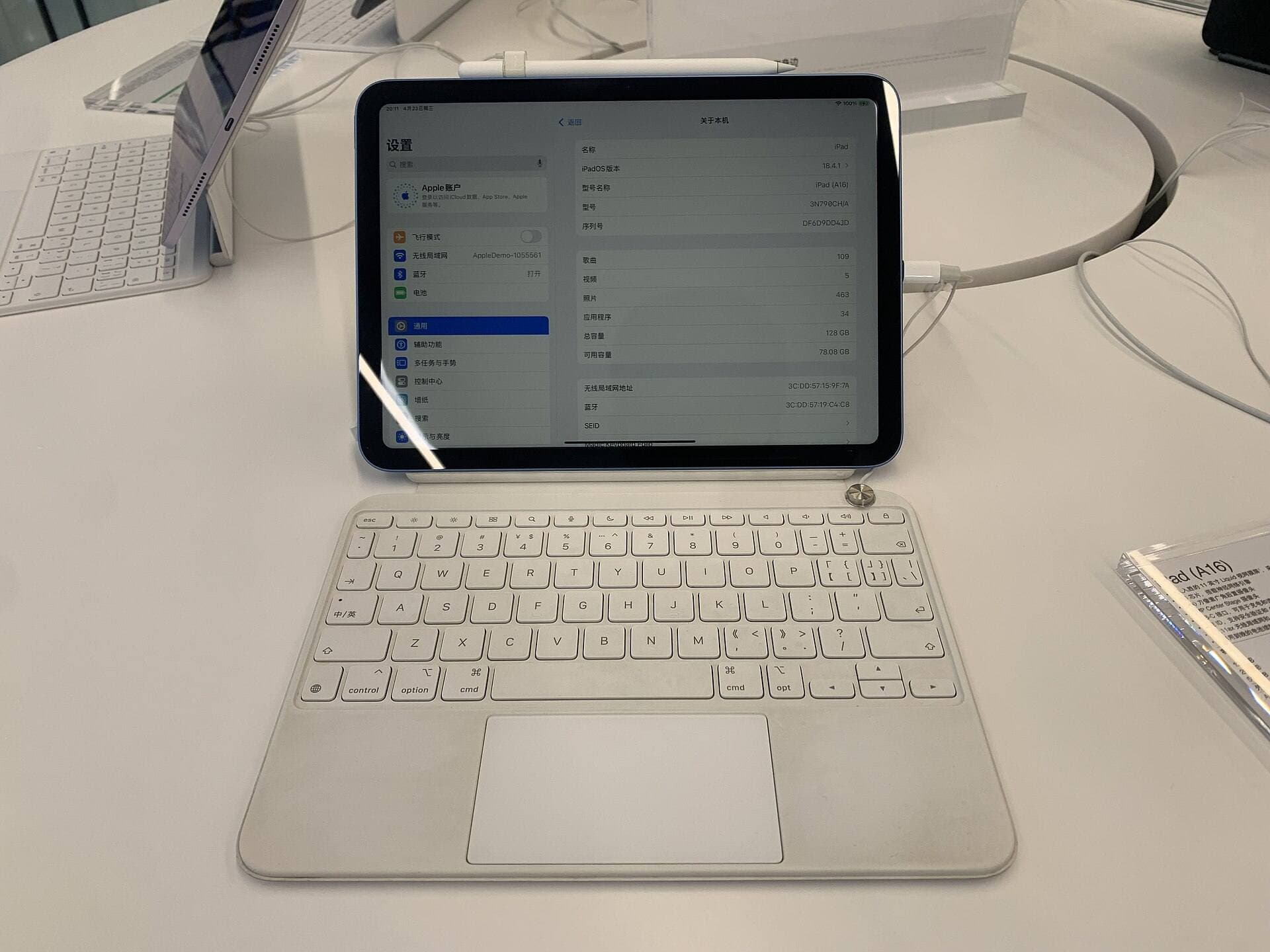
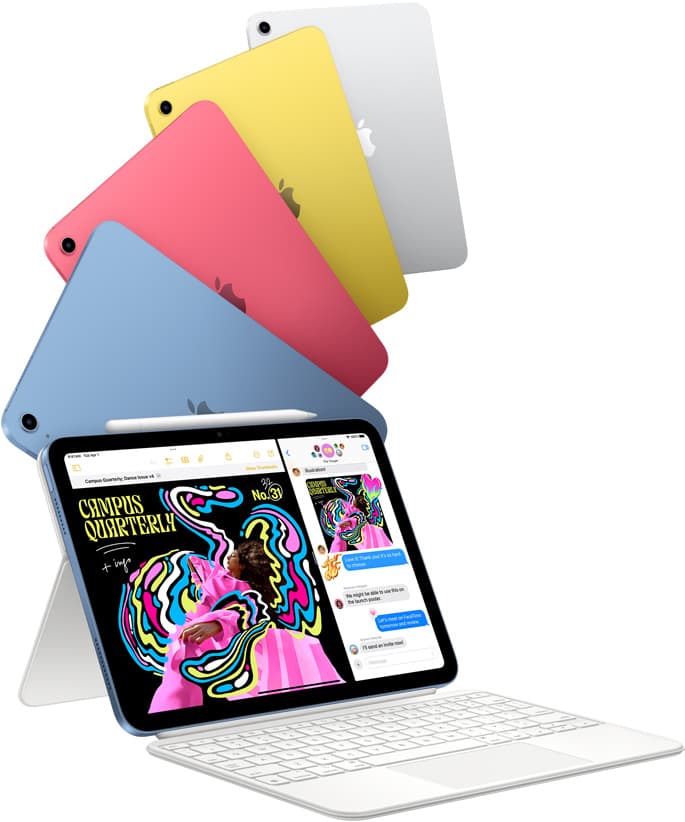
Not every drawing workflow demands high layer ceilings [4]. If your digital art habit centers on pencil studies, comic lettering, basic line art, or hobbyist illustrations, an entry-level device like the iPad (A16, 11th gen) is completely capable of running Procreate [1], [4], [5]. Procreate runs natively across a broad catalog of modern iPads, including entry-tier models [4], [5].
The tradeoff with entry-level iPads lies in tighter layer restrictions on larger digital canvases [1], [4]. When you open an artboard configured for large-format print at 300 dots per inch, an entry-level iPad provides fewer layers before reaching its ceiling [4]. If your process relies heavily on dozens of separate adjustment layers, you will need to flatten or merge tracks as you progress through each stage of the drawing [4].
However, if your primary goal is affordable entry into digital drawing, the mainstream iPad remains the best value in the lineup [1]. It pairs with compatible styluses like the Apple Pencil (USB-C) for straightforward drawing input [1], [3]. Buy the entry iPad if kit cost is your top priority and your work does not require deep layer stacks [1], [4]. Skip it if you need the Apple Pencil Pro or if you refuse to compromise on non-destructive, high-layer print projects [1], [3], [4].
Pairing your tablet with the right Apple Pencil
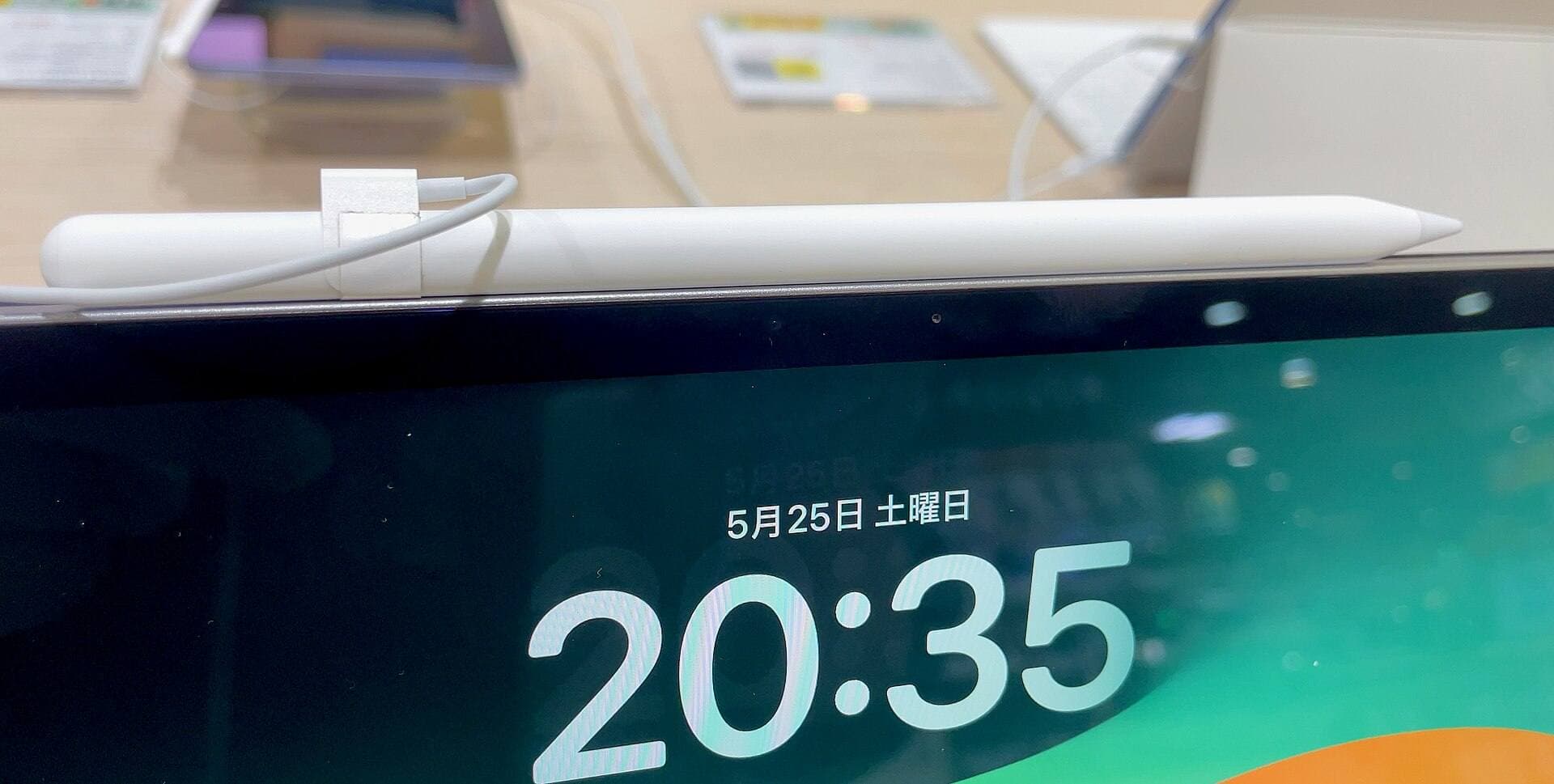
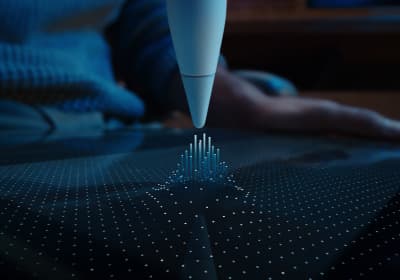
Memory capacity dictates your canvas headroom, but your stylus determines how you physically interact with Procreate [2], [4], [5]. If you select an 8GB iPad Air (M4), you can pair it with the Apple Pencil Pro [1], [3]. The Apple Pencil Pro includes pressure sensitivity, tilt detection, low-latency hover, barrel roll, squeeze gestures, and built-in haptic feedback [2].
In Procreate, features like barrel roll allow you to rotate shaped brushes simply by turning the stylus barrel in your fingers [2], [5]. Hover shows you a preview of your brush footprint, size, and opacity before your tip touches the glass [2], [5]. Squeeze allows you to summon custom tool menus or switch between brushes quickly [2], [5]. These features require hardware support found specifically on compatible newer iPads like the iPad Air (M4) [1], [3].
If you choose a mainstream iPad like the iPad (A16, 11th gen), it does not support the Apple Pencil Pro [1], [3]. Instead, you pair it with compatible models like the Apple Pencil (USB-C), which supports tilt and hover where available but lacks pressure sensitivity [1], [2], [3]. Understanding stylus compatibility helps you match your creative expectations with the right iPad configuration before you reach the checkout counter [1], [3].
Bottom line
For nearly every digital illustrator, 8GB of RAM is more than enough to handle serious illustration work in Procreate [4], [5]. It grants plenty of layer capacity across web formats, commercial editorial sizes, and medium-scale print jobs [4]. Stepping up to the iPad Air (M4) pairs that 8GB memory baseline with advanced Apple Pencil Pro features like barrel roll, squeeze, and haptic feedback [1], [2], [3].
If your budget is tight and your projects don't demand massive layer stacks, the standard iPad handles Procreate smoothly at a much lower total kit cost [1], [4], [5]. But if you want a future-facing drawing setup that balances generous layer counts with premium stylus controls, an 8GB iPad Air is the clear choice to buy [1], [2], [4].
Sources
[1] https://www.apple.com/ipad/compare/ [2] https://www.apple.com/apple-pencil/ [3] https://support.apple.com/en-us/108937 [4] https://help.procreate.com/articles/zlexav-ipad-compatibility [5] https://apps.apple.com/us/app/procreate/id425073498
Recommended gear
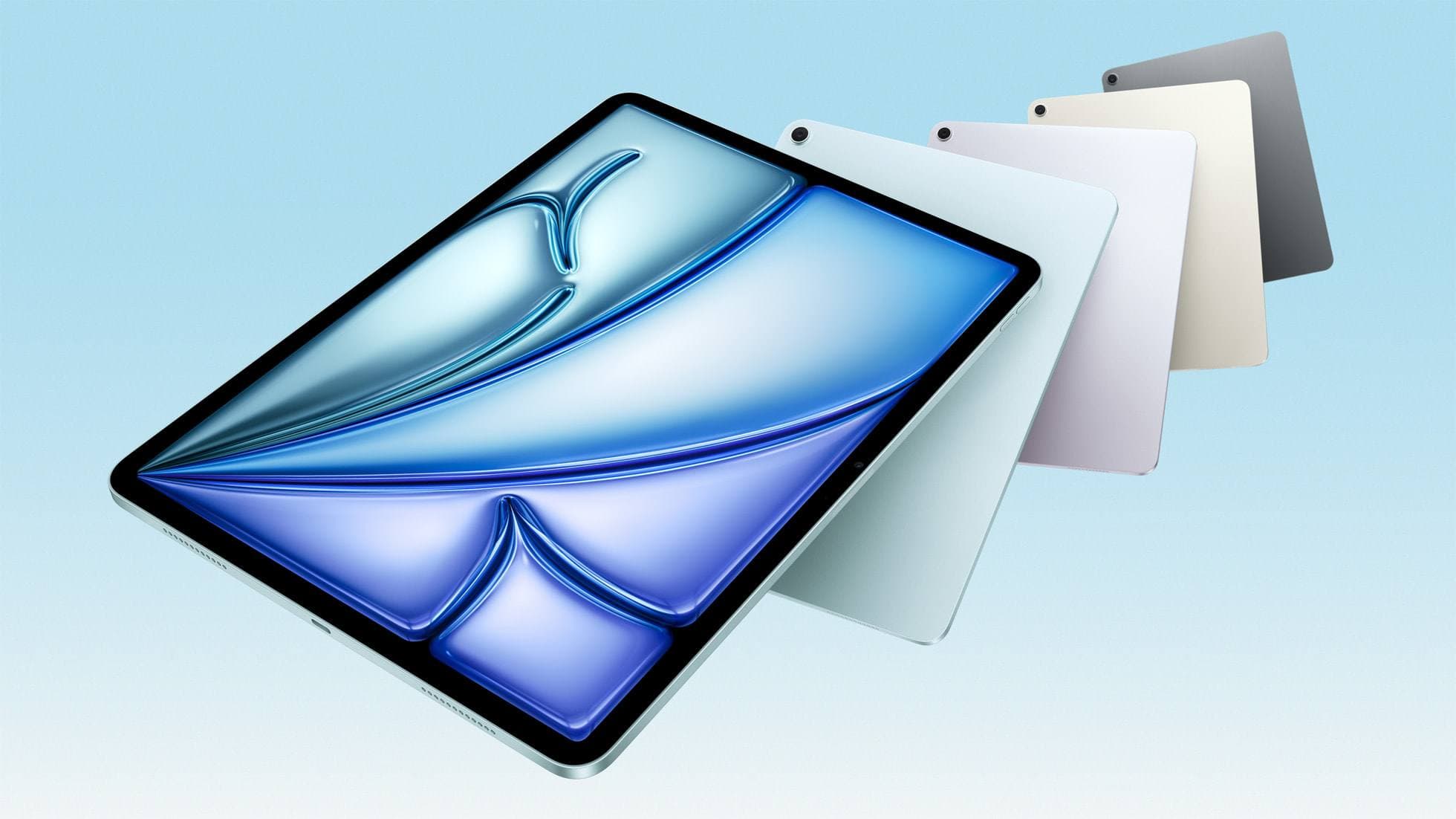
iPad Air (M4)
apple.comThe clean current Air recommendation for most serious hobby artists. Stronger buy logic than old-stock M3 when pricing is close.
Pro: Best current balance of price, headroom, and Pencil support
Con: Still 60Hz
Current Air lineup. Choose size, storage, and keyboard path before checkout.
iPad (A16, 11th gen)
amazon.comThe best entry iPad for most artists on a budget. It is not premium, but it is very hard to beat on value.
Pro: Best value iPad right now
Con: No ProMotion display
Search opens with the exact model keywords. Verify size and storage before checkout.
Procreate
apps.apple.comPro: One-time purchase
Con: iPad-only
Apple Pencil Pro
amazon.comThe best Apple stylus for serious digital art workflows. Expensive, but the control upgrades are real.
Pro: Best brush-control and hover workflow
Con: Highest price in the lineup
Works only with newer iPad models. Check compatibility.
Related buying picks
More in this collectionComparison
iPad vs Samsung tablet for drawing: which setup to choose
Choose an iPad if your art workflow relies on Procreate and Apple Pencil tools, and pick the iPad Air for the best balance of features.
Comparison
iPad vs pen display for illustration: how to choose your drawing setup
Compare standalone iPad mobility against tethered pen displays to pick the right digital drawing tool for your illustration workflow.
Comparison
iPad vs MacBook for digital art: Which setup should you buy?
Choose an iPad if direct stylus drawing matters most, or stick with a MacBook if your art pipeline demands desktop desktop file management and external tablet hardware.
Buyer guide
The best iPad for urban sketching and field drawing
Choose between the ultra-portable iPad mini and the sketchbook-sized iPad Air for drawing on the go.