If you want the best free storyboarding app for iPad right now, choose FlipaClip: Draw 2D Animation [1]. It is a free download in the App Store with an interface built around quick sequential drawing, making it an accessible starting point for drafting scene beats without paying upfront [1]. If FlipaClip does not match your taste, grab Animation Desk Draw & Animate, which is also a free download [2]. When your boards demand desktop-grade ruler toolsets or multi-page management, download Clip Studio Paint, which offers a free 30-day trial before requiring a paid plan [3].
Storyboarding on an iPad bridges the gap between fast thumbnail sketching and animated timing. Because dedicated board software can be costly, starting with a free download lets you test whether your iPad fits your planning process before you spend money on dedicated software licenses [1], [3].
Free download options for sketching storyboards
When searching for free board tools on iPadOS, animation apps often provide the exact frame-by-frame canvas you need. FlipaClip: Draw 2D Animation is listed as a free download in the Graphics & Design category on the App Store, where it holds a 4.6 out of 5 rating from over 267,000 ratings [1]. Its store listing highlights a super simple interface aimed at letting creators produce frame work quickly [1]. Because storyboarding relies heavily on drawing one frame after another to communicate camera movement and staging, FlipaClip fits board artists who want to start sketching immediately without opening their wallets [1].
Another zero-cost download to consider is Animation Desk Draw & Animate by Kdan Mobile Software [2]. Categorized under Entertainment in the App Store, it holds a 4.2 out of 5 rating across more than 15,000 reviews and presents itself as a free download for exploring frame drawing [2]. Like FlipaClip, Animation Desk lets you test visual timing and panel progression directly on the glass [1], [2].
If you prefer dedicated free downloads, both FlipaClip and Animation Desk let you begin sketching sequences without a credit card charge [1], [2]. They work well for rough thumbnails, visual pitch decks, and beat boards where simplicity matters more than complex multi-layer compositing [1], [2].
How FlipaClip and Animation Desk compare for quick shot sequences
Choosing between the top free downloads comes down to interface preferences and how you organize sequential shots. FlipaClip focuses on straightforward drawing controls, presenting a streamlined workspace designed to get panels sketched without clutter [1]. Artists who want to map out keyframes, dialogue cues, and character positions without navigating multi-level tool menus will appreciate that direct approach [1].
Animation Desk takes a slightly different styling approach, focusing on playful exploration and frame sketching [2]. For story artists who want basic frame flipping, drawing tools, and sequential playback, it supplies a ready platform without any purchase barrier at checkout [2].
However, free downloads often present feature boundaries. While both apps let you download the base software at zero cost, extended features or expanded exports in such apps often require add-ons or premium subscriptions over time [1], [2]. If you only need rough boards to hand off to an editor, test both apps with a stylus to see which canvas layout feels more natural under your hand [1], [2].
Clip Studio Paint and extended trial considerations
Artists who need professional sequential tools often look beyond casual free downloads. Clip Studio Paint by CELSYS is listed on the App Store as a free download in the Graphics & Design category with a 4.7 out of 5 rating [3]. Its store listing states that creators can start drawing and painting in a free 30-day trial [3].
While Clip Studio Paint is not permanently free, its 30-day trial provides a no-cost window to produce comprehensive storyboards and animatics [3]. Clip Studio Paint includes a deep toolset for comics, multi-page document organization, rulers, vectors, and frame-by-frame animation [3]. For board artists working on complex commercial projects, having vector inking and advanced perspective rulers is a major advantage over basic frame sketching apps [3].
If your board project has a firm deadline within a single month, taking advantage of the free 30-day trial in Clip Studio Paint allows you to complete your boards with studio-grade tools at zero initial expense [3]. Once the trial concludes, you can evaluate whether to maintain an iPad subscription plan or transition your rough boards back to simpler tools [3].
When paid iPad drawing apps make more sense
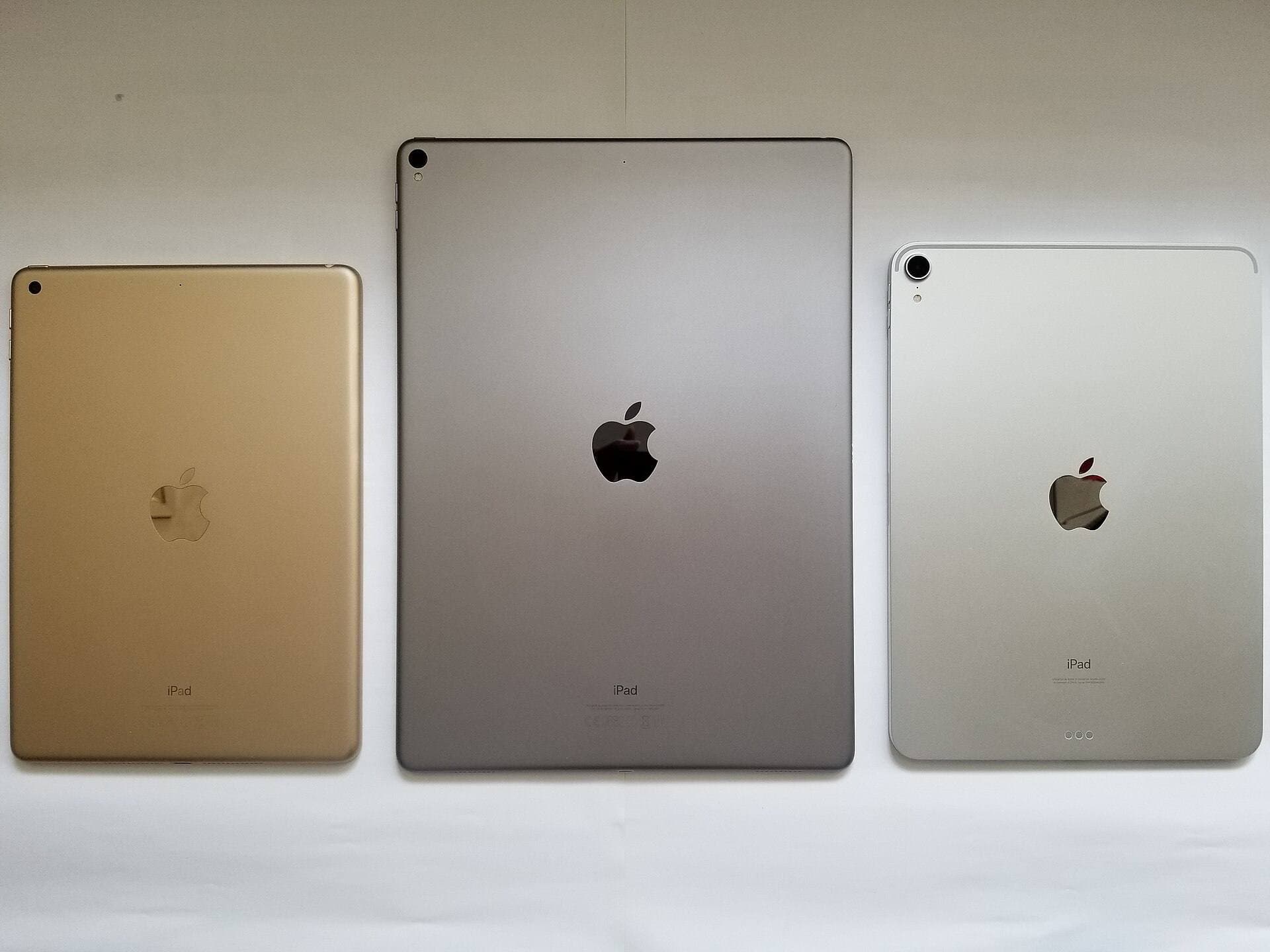
Free apps are helpful for initial drafting, but established drawing apps on iPadOS offer robust capabilities that many professionals prefer. Procreate is a popular one-time purchase app in the App Store with an extensive digital illustration feature set [4]. While Procreate is not free, its one-time purchase model eliminates recurring subscription fees [4]. It handles canvas creation across various iPad models, with layer limits linked directly to device memory and canvas dimensions [5].
For artists who need specialized timeline workflows, Savage Interactive also offers Procreate Dreams, a dedicated paid animation app rated 3.9 out of 5 in the Photo & Video category [6]. Procreate Dreams includes timeline tools tailored for animation and motion sketching [6].
Other dedicated paid options include RoughAnimator by Jacob KAFKA, a paid app holding a 4.6 out of 5 rating that provides a fully featured hand-drawn animation workspace [7]. Similarly, Callipeg is a paid 2D animation app rated 3.6 out of 5 that offers frame-by-frame and keyframe tools designed around Apple Pencil [8]. If you discover that free download tools like FlipaClip or Animation Desk restrict your pipeline, moving to a one-time purchase or specialized paid tool is a sensible next step [1], [2], [4], [7], [8].
Hardware pairing with Apple Pencil and iPad
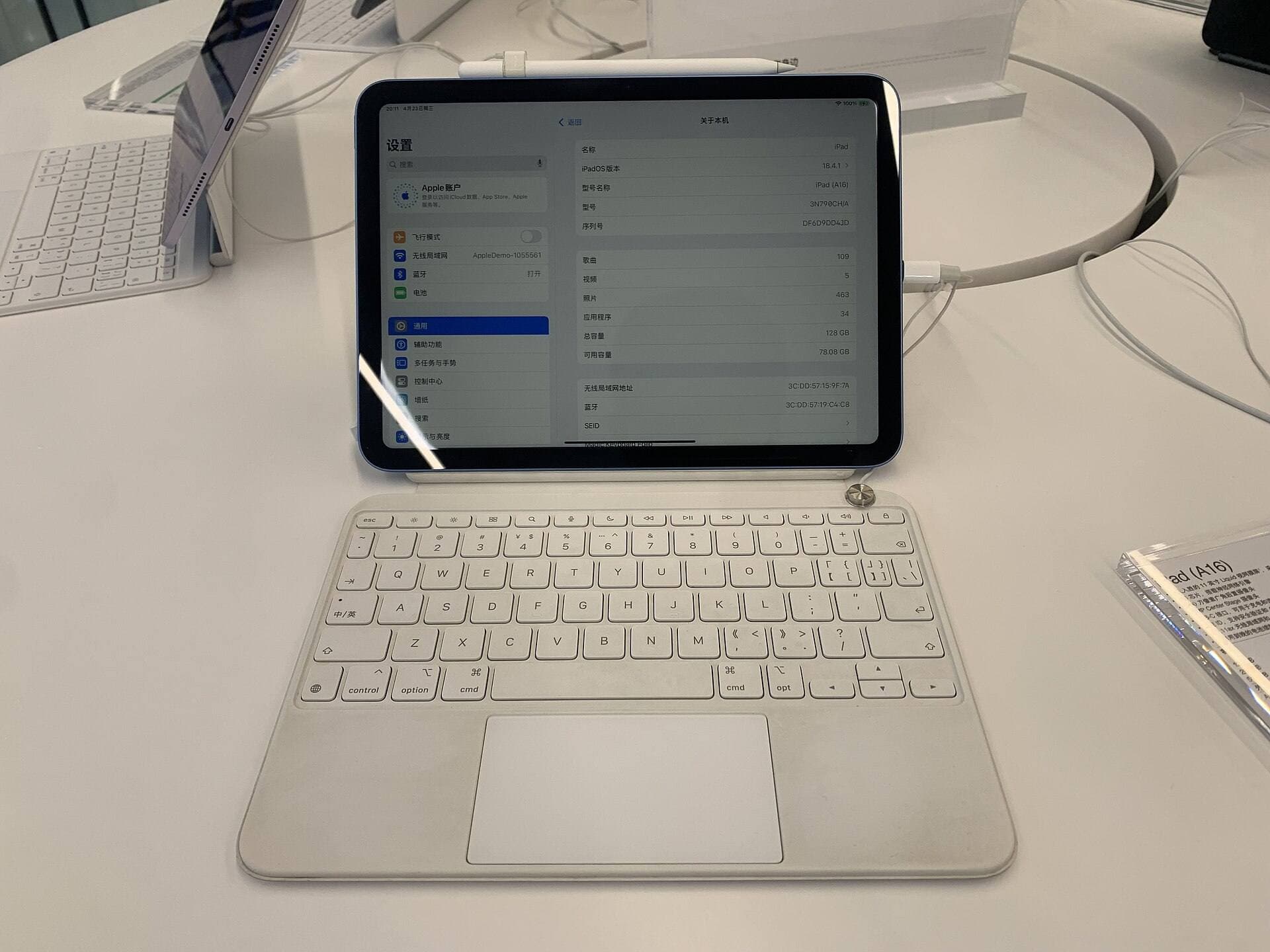
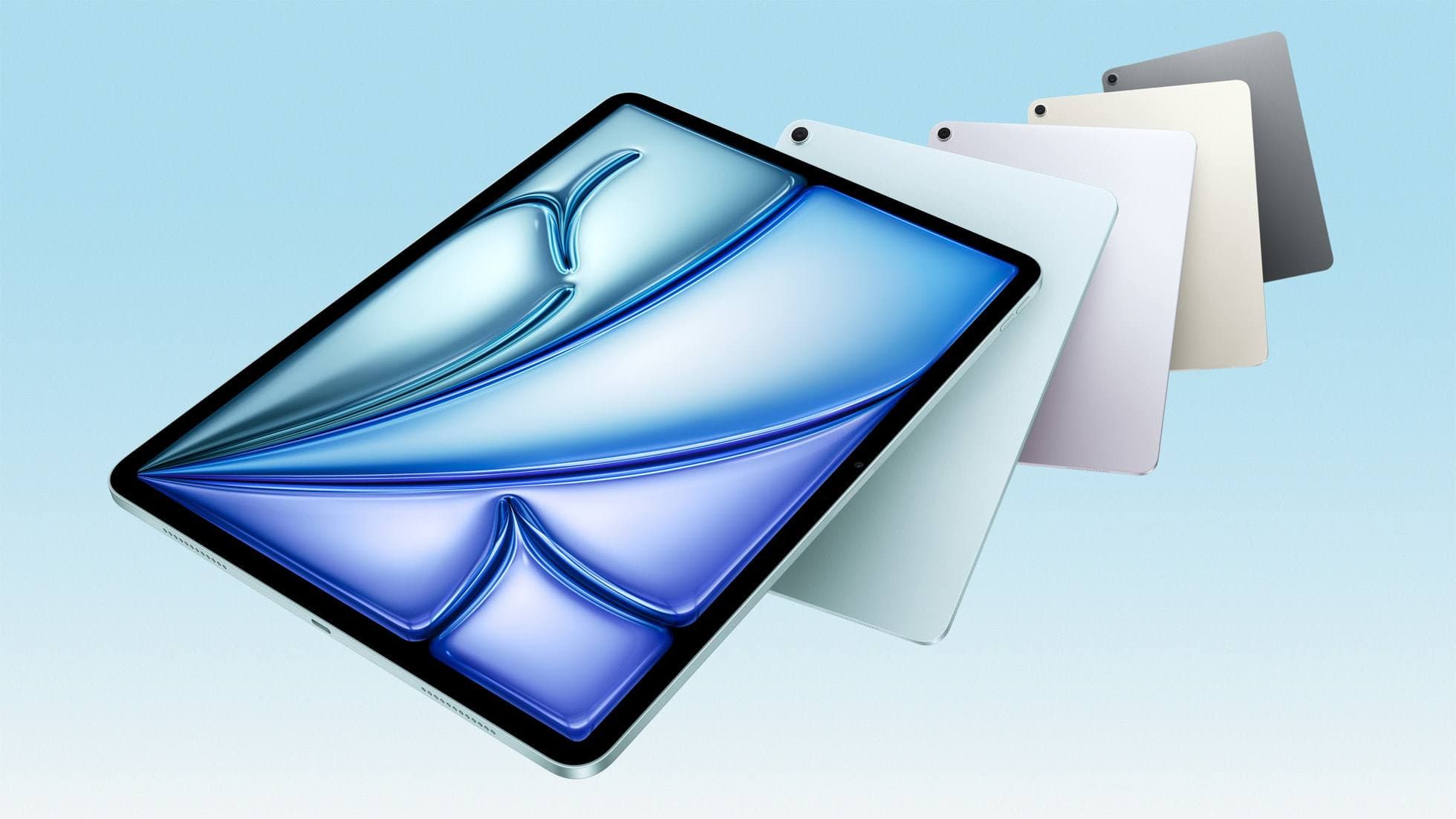
Your storyboarding workflow depends as much on your stylus and tablet hardware as it does on your software selection. For hardware, the iPad Air with the M4 chip offers a balanced combination of processing power and compatibility for modern creative apps [9]. It supports the Apple Pencil Pro, allowing you to use advanced stylus features while avoiding the higher cost of the iPad Pro lineup [9], [10].
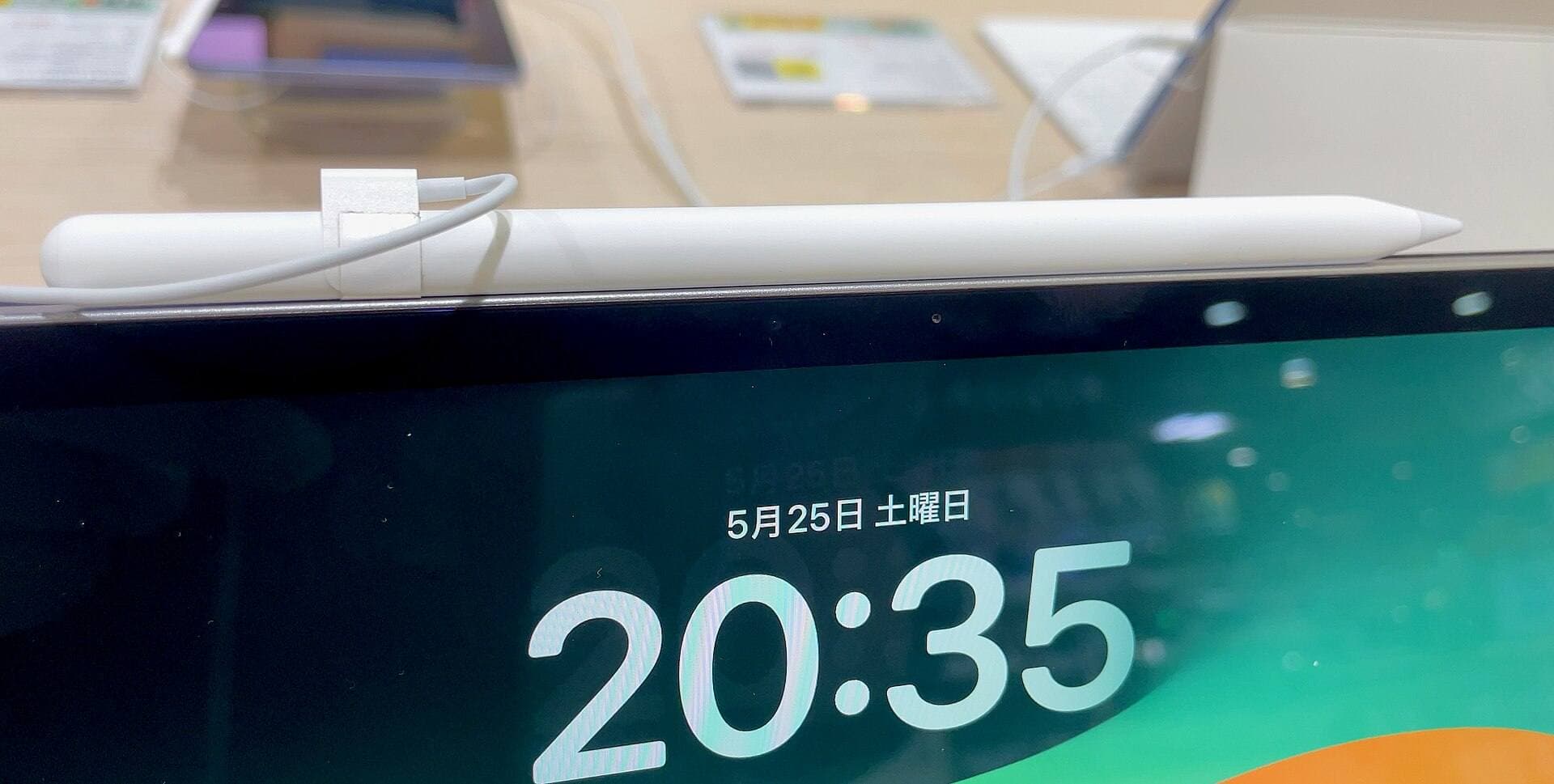
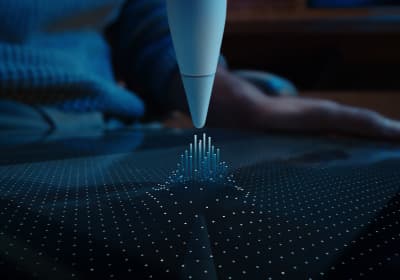
The Apple Pencil Pro introduces advanced interactions, including squeeze gestures, barrel roll, haptic feedback, and Apple Pencil hover [11]. These capabilities let you adjust brush parameters or swap drawing tools quickly, which is particularly useful when rapidly inking sequential boards [11]. The Apple Pencil Pro pairs magnetically with supported iPads, including newer iPad Air models [10], [11].
If you already own a base iPad or an older iPad Air, verify which Apple Pencil model pairs with your device before buying accessories [10]. Standard Apple Pencil models deliver precise drawing and tilt support, which are plenty capable for sketching out story frames in FlipaClip, Animation Desk, or Clip Studio Paint [1], [2], [3], [11].
Bottom line
If you want zero-cost sketching today, install FlipaClip: Draw 2D Animation for a clean, accessible frame-by-frame experience [1]. If you want another free download with animation tools, test Animation Desk Draw & Animate [2]. For advanced projects that require perspective rulers, vector lines, or multi-page management, start the 30-day free trial of Clip Studio Paint [3]. When you outgrow free downloads entirely, consider dependable paid options like Procreate or RoughAnimator paired with an iPad Air and Apple Pencil Pro [4], [7], [9], [11].
Sources
[1] https://apps.apple.com/us/app/id1101848914 [2] https://apps.apple.com/us/app/id946346179 [3] https://apps.apple.com/us/app/id1262985592 [4] https://apps.apple.com/us/app/procreate/id425073498 [5] https://help.procreate.com/articles/zlexav-ipad-compatibility [6] https://apps.apple.com/us/app/id1595520602 [7] https://apps.apple.com/us/app/id954718244 [8] https://apps.apple.com/us/app/id1456172656 [9] https://www.apple.com/ipad/compare/ [10] https://support.apple.com/en-us/108937 [11] https://www.apple.com/apple-pencil/
Recommended gear
Clip Studio Paint
apps.apple.comPro: Deep comics, vector, ruler, and animation toolset
Con: iPad plan model is less simple than Procreate
Procreate
apps.apple.comPro: One-time purchase
Con: iPad-only
Apple Pencil Pro
amazon.comThe best Apple stylus for serious digital art workflows. Expensive, but the control upgrades are real.
Pro: Best brush-control and hover workflow
Con: Highest price in the lineup
Works only with newer iPad models. Check compatibility.
iPad Air (M4)
apple.comThe clean current Air recommendation for most serious hobby artists. Stronger buy logic than old-stock M3 when pricing is close.
Pro: Best current balance of price, headroom, and Pencil support
Con: Still 60Hz
Current Air lineup. Choose size, storage, and keyboard path before checkout.
Related buying picks
More in this collectionBuyer guide
What is the best app for illustration on iPad?
Procreate leads for standalone tablet raster painting, while Clip Studio Paint offers deeper multi-page tools and desktop parity.
Buyer guide
Best iPad app for manga: Clip Studio Paint versus Procreate and free alternatives
Clip Studio Paint is the best overall iPad app for serialized manga and multi-page comics, while Procreate remains the top one-time purchase for single illustrations.
Buyer guide
Best iPad drawing app for kids with Apple Pencil
Compare Procreate, Sketchbook, Adobe Fresco, and Clip Studio Paint to choose the best Apple Pencil drawing app for your child.
Buyer guide
Best iPad app for figure drawing practice
Procreate is the top pick for dedicated figure drawing drills, while Clip Studio Paint suits artists needing deep multi-page anatomy study tools.