Buy Procreate if you want an iPad-exclusive raster workspace with a one-time purchase model [1], [2]. Choose Clip Studio Paint if you require multi-page storyboards, vector inking, or handoffs between an iPad and a desktop computer [3].
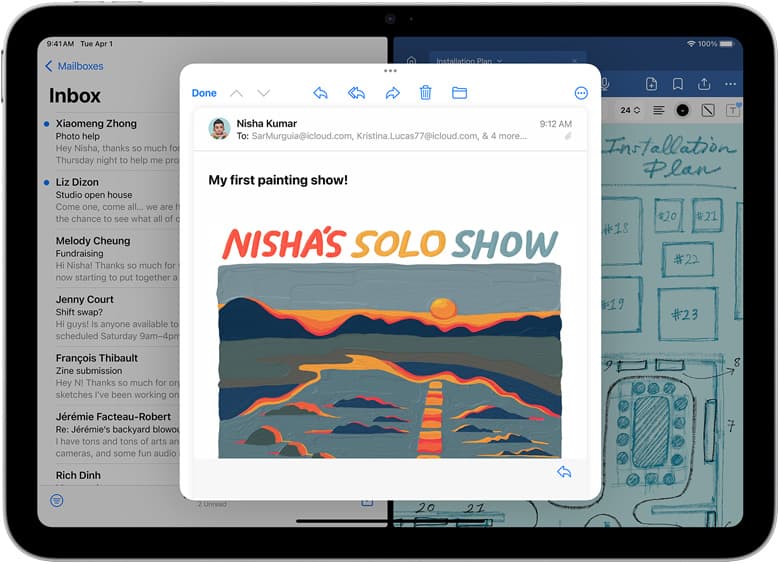
If you are setting up an iPad for digital art, the software decision shapes how your hardware responds to each stroke [1], [4]. The App Store hosts several capable drawing environments, but their pricing models and tool designs diverge quickly [1], [3]. Testing the wrong platform can leave you rebuilding custom brush libraries or struggling with canvas layer constraints [2]. Matching your workflow to the right app keeps your focus on drawing rather than file management [1], [3].
Why Procreate suits standalone raster illustration
Procreate by Savage Interactive Pty Ltd is a paid app listed in the Graphics & Design category [1]. It does not rely on a subscription model, operating instead as a one-time purchase [2]. The interface hides complex menus behind gestures, giving you a full screen dedicated to the active canvas [1].
Because Procreate is written specifically for iPadOS, it uses system memory directly to manage project sizes [2]. The app enforces layer caps based on your iPad model's available RAM and the pixel dimensions of your canvas [2]. If you create a massive print-resolution file on an entry-level iPad, Procreate restricts the number of usable layers to prevent memory overruns [2]. Artists working on character designs, editorial spots, and personal sketchbooks often prefer this setup because the software feels lightweight and avoids monthly renewal fees [1], [2].
When Clip Studio Paint is the right choice
Clip Studio Paint by CELSYS,Inc. provides a deep toolset originally built for desktop manga and comic production [3]. On iPad, it is available as a free download that includes a 30-day trial before requiring an ongoing plan [3]. Unlike Procreate's focused raster engine, Clip Studio Paint includes vector layers, perspective rulers, frame division tools, and multi-page document binding [3].
Vector layers in Clip Studio Paint allow you to adjust line weight, pinch curves, and erase intersections cleanly without degrading the underlying artwork [3]. This capability makes it a practical pick for comic illustrators, webtoon creators, and animators who need precise inking control [3]. Furthermore, because Clip Studio Paint runs across multiple operating systems, you can begin penciling on an iPad and finish rendering on a desktop setup using the same native file format [3]. If you only want a simple sketchpad, the interface density and recurring fee may feel excessive, making Procreate a cleaner fit [1], [3].
How other App Store drawing apps compare
Several alternative apps cater to distinct drawing styles across the Graphics & Design catalog [5], [6], [7], [8]. Adobe Fresco by Adobe Inc. is a free download that emphasizes brush textures, combining live watercolor and oil tools with scalable vector brushes [5]. It targets illustrators who already navigate project files across creative suites [5].
Artists seeking zero upfront software commitments often look at ibis Paint X by ibis inc., which provides drawing and animation features as a free download supported by optional upgrades [6]. Sketchbook by Sketchbook, Inc. remains another free download option that focuses on clean marker sketching and rapid ideation [7]. For artists exploring natural media simulations, Infinite Painter by Sean Brakefield offers dedicated painterly tools and textured blending as a free download [8]. Meanwhile, Concepts by TopHatch, Inc. delivers an infinite vector canvas designed for architectural layouts, visual note-taking, and product design sketches [9]. Each of these options serves a specialized creative niche, yet Procreate and Clip Studio Paint remain the two primary choices for full-featured, finished illustration [1], [3].
Hardware pairing and stylus input
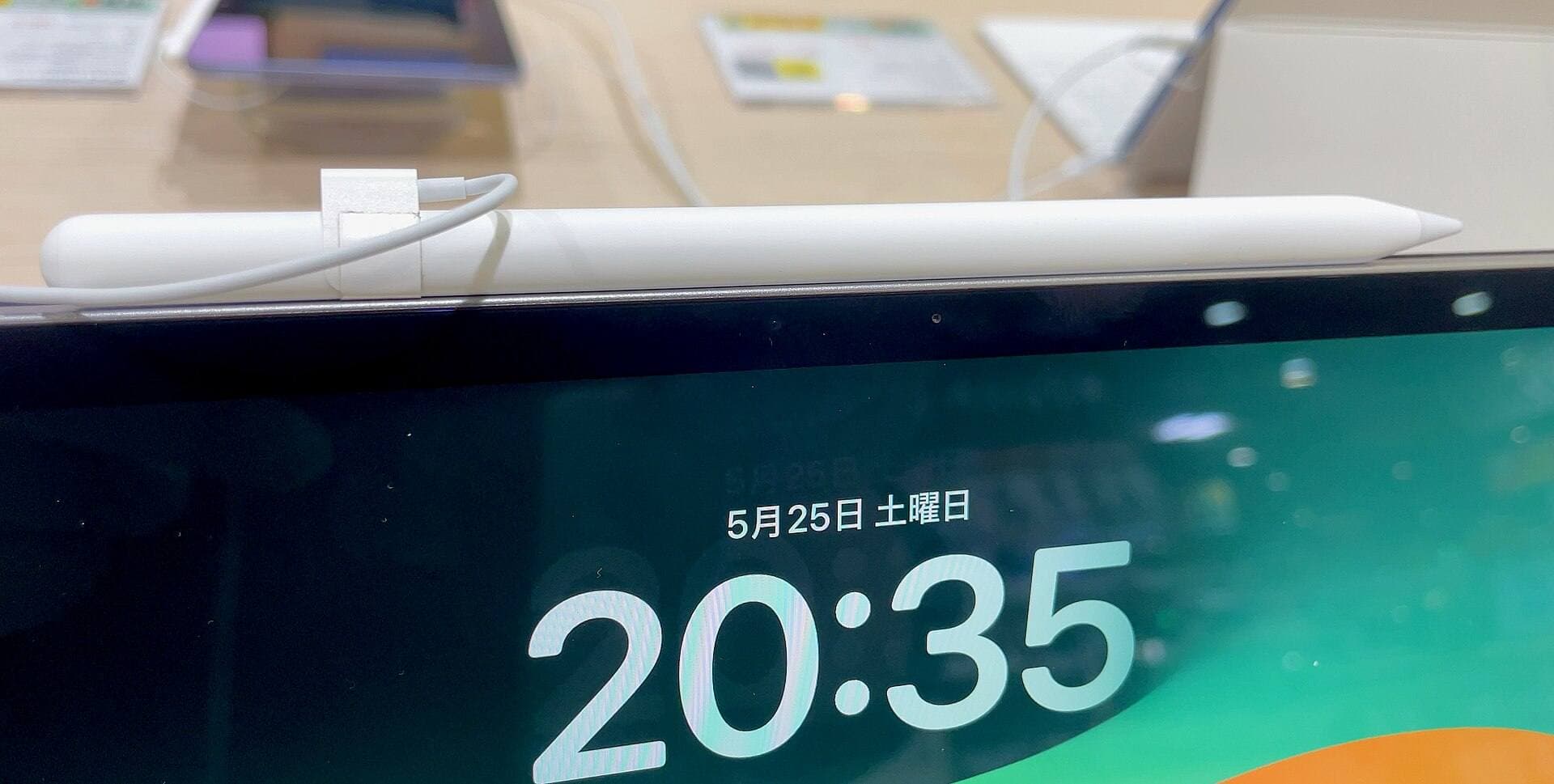
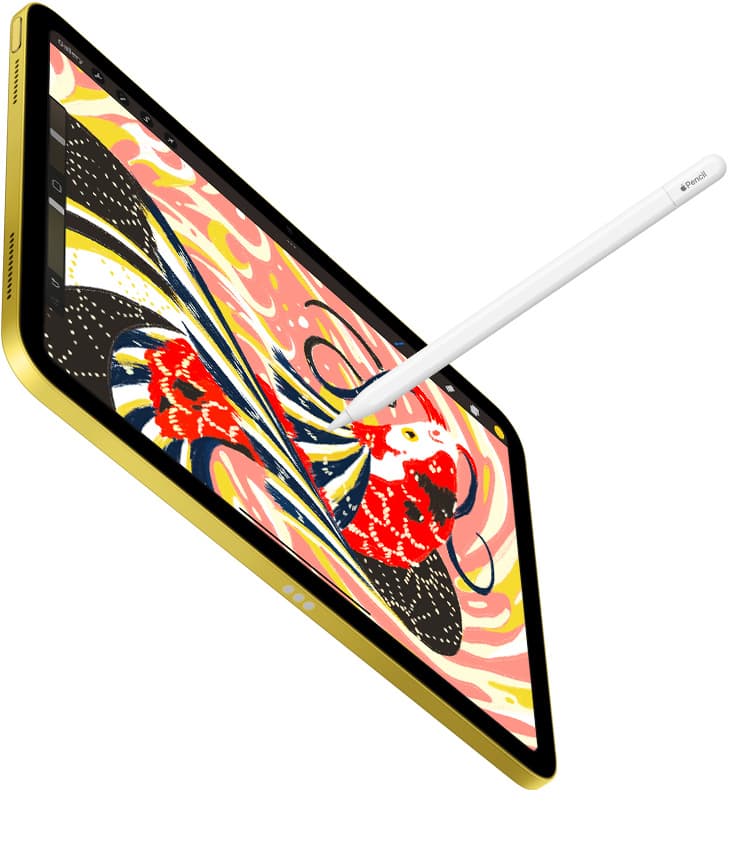
Drawing software relies directly on the stylus hardware supported by your tablet [4], [10]. The Apple Pencil Pro introduces barrel roll, squeeze gestures, and haptic feedback alongside pressure sensitivity and tilt detection [4]. Rotating the stylus barrel physically turns shaped brush tips in compatible apps, while squeezing brings up tool palettes instantly at your nib [4].
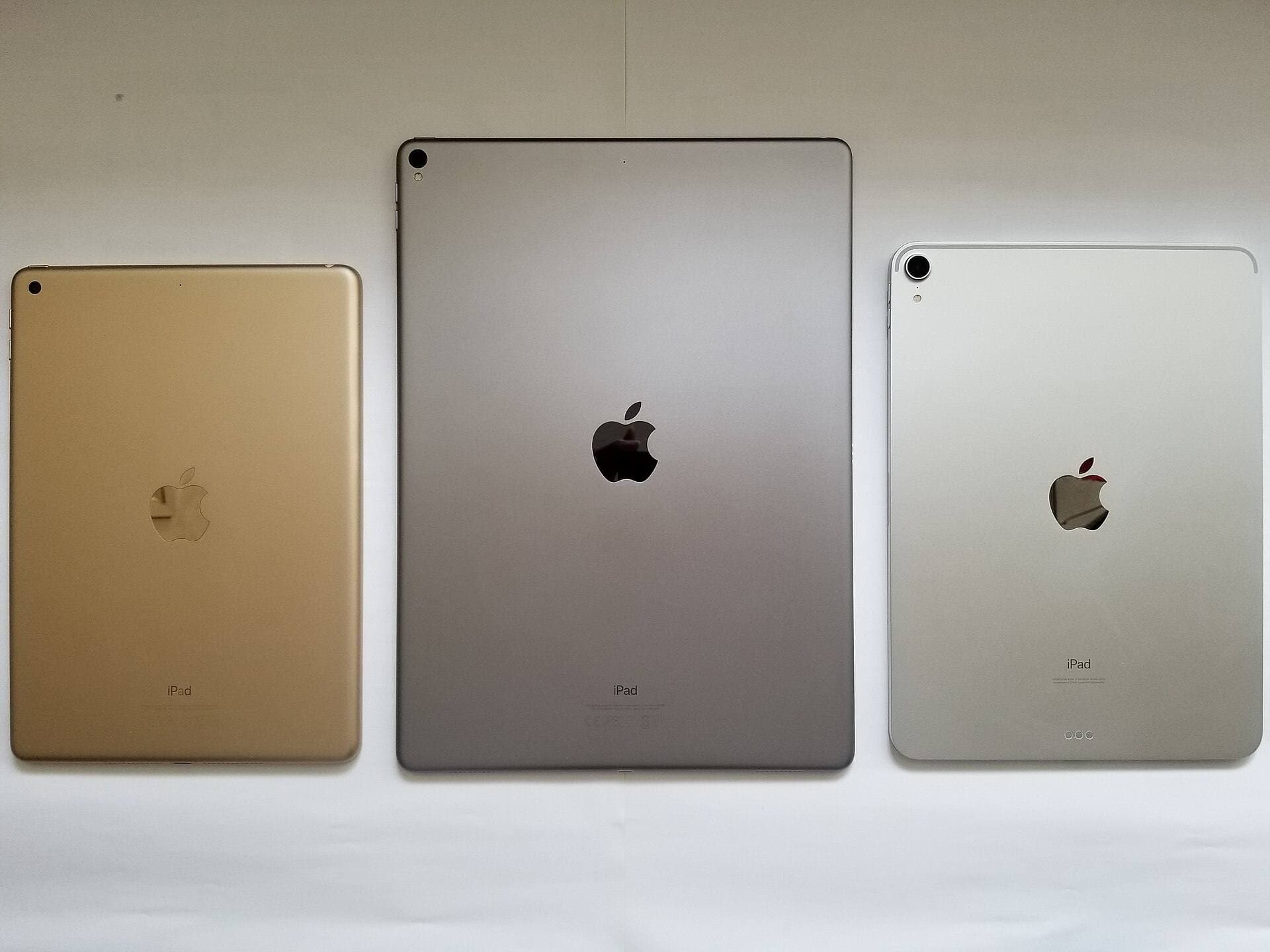
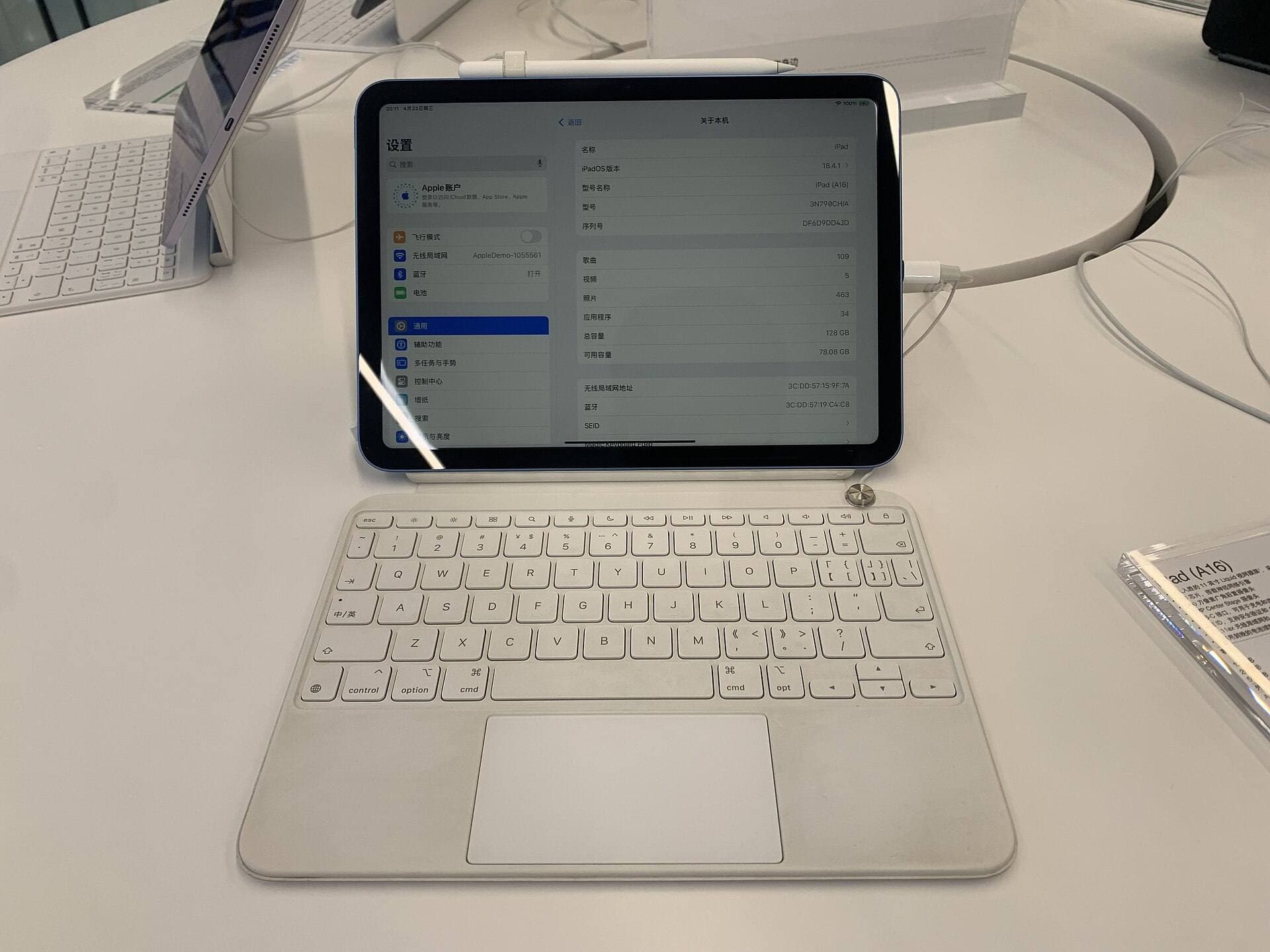
Compatibility for the Apple Pencil Pro is limited to newer hardware models, including the iPad Air with the M4 chip [4], [10], [11]. The iPad Air M4 pairs with the Apple Pencil Pro to deliver hover previews and gesture controls across your canvas [4], [10], [11]. Hover displays your brush diameter and angle before your stroke touches the glass, reducing the need to undo misplaced marks [4]. If you use older iPad models or standard styluses, you can still draw in Procreate or Clip Studio Paint, but you lose access to squeeze shortcuts and barrel-roll orientation [2], [4].
Who should buy Procreate and who should choose Clip Studio Paint
Buy Procreate if:
- You want to pay once for your illustration software and avoid monthly or annual software charges [1], [2].
- Your projects consist of single-image raster illustrations, concept paintings, or standalone social media graphics [1].
- You want an uncluttered interface tailored entirely to iPad touch and Apple Pencil input [1], [4].
Skip Procreate and choose Clip Studio Paint if:
- You produce multi-page comics, manga, or graphic novels that require sequential file organization [3].
- Your workflow relies heavily on vector inking, perspective grids, or adjustable line widths [3].
- You need to open and edit the exact same native illustration files on both an iPad and a desktop workstation [3].
Bottom line
For the vast majority of artists drawing on an iPad, Procreate is the best illustration app to buy [1], [2]. Its straightforward pricing model and responsive raster engine handle sketching, digital painting, and finished client artwork without ongoing fees [1], [2]. Choose Clip Studio Paint instead only when your projects require multi-page document handling, specialized vector ink tools, or cross-platform desktop integration [3]. Pair either app with an iPad Air M4 and an Apple Pencil Pro if you want full support for squeeze palettes, hover cursor previews, and barrel-roll brush control [4], [10], [11].
Sources
[1] https://apps.apple.com/us/app/id425073498 [2] https://help.procreate.com/articles/zlexav-ipad-compatibility [3] https://apps.apple.com/us/app/id1262985592 [4] https://www.apple.com/apple-pencil/ [5] https://apps.apple.com/us/app/id1458660369 [6] https://apps.apple.com/us/app/id450722833 [7] https://apps.apple.com/us/app/id883738213 [8] https://apps.apple.com/us/app/id1146543227 [9] https://apps.apple.com/us/app/id560586497 [10] https://support.apple.com/en-us/108937 [11] https://www.apple.com/ipad/compare/
Recommended gear
Procreate
apps.apple.comPro: One-time purchase
Con: iPad-only
Clip Studio Paint
apps.apple.comPro: Deep comics, vector, ruler, and animation toolset
Con: iPad plan model is less simple than Procreate
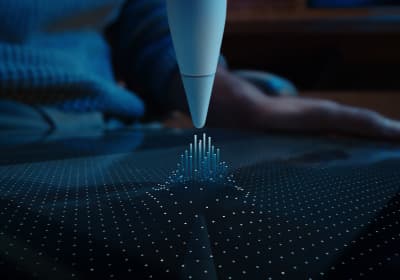
Apple Pencil Pro
amazon.comThe best Apple stylus for serious digital art workflows. Expensive, but the control upgrades are real.
Pro: Best brush-control and hover workflow
Con: Highest price in the lineup
Works only with newer iPad models. Check compatibility.
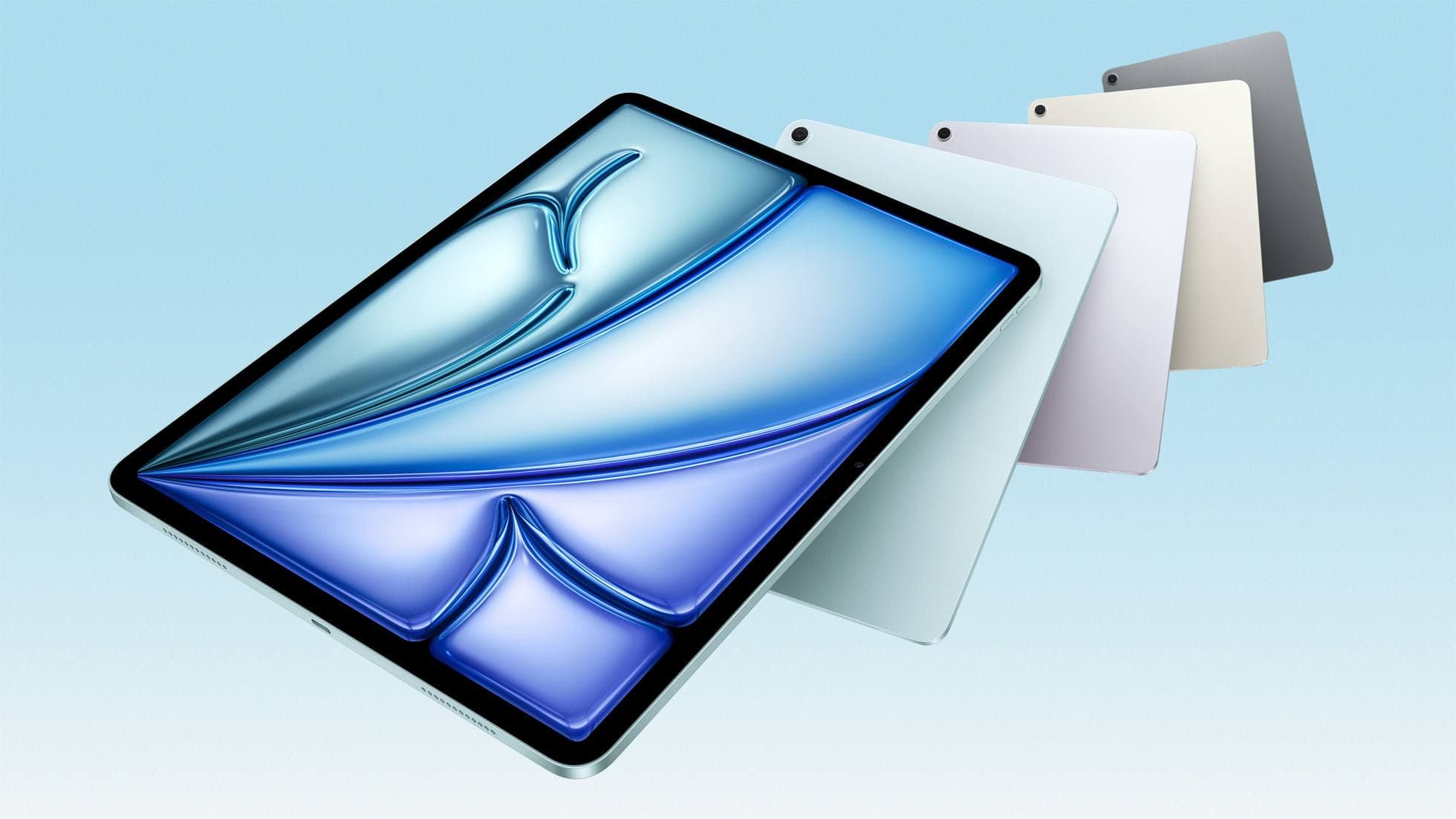
iPad Air (M4)
apple.comThe clean current Air recommendation for most serious hobby artists. Stronger buy logic than old-stock M3 when pricing is close.
Pro: Best current balance of price, headroom, and Pencil support
Con: Still 60Hz
Current Air lineup. Choose size, storage, and keyboard path before checkout.
Related buying picks
More in this collectionBuyer guide
Best iPad app for manga: Clip Studio Paint versus Procreate and free alternatives
Clip Studio Paint is the best overall iPad app for serialized manga and multi-page comics, while Procreate remains the top one-time purchase for single illustrations.
Buyer guide
Best iPad drawing app for kids with Apple Pencil
Compare Procreate, Sketchbook, Adobe Fresco, and Clip Studio Paint to choose the best Apple Pencil drawing app for your child.
Buyer guide
Best iPad app for figure drawing practice
Procreate is the top pick for dedicated figure drawing drills, while Clip Studio Paint suits artists needing deep multi-page anatomy study tools.
Buyer guide
Best iPad app for concept art: Procreate versus Clip Studio Paint
Procreate is the top pick for standalone raster concept sketching, while Clip Studio Paint suits complex production pipelines.