If you want to create full manga chapters, serialized webcomics, or technical line art with rulers, buy Clip Studio Paint [1]. If you only want to paint standalone anime character illustrations without ongoing app subscription fees, choose Procreate instead [2]. Both apps run on modern iPad hardware, but they serve completely different creative workflows [1], [2]. Clip Studio Paint is an all-in-one Japanese animation and comic production studio built around multi-page setups and vector line work [1]. Procreate is an iPad-exclusive illustration canvas focused on direct raster painting with a single upfront purchase [2], [3].
Why Clip Studio Paint leads for dedicated anime and manga
Clip Studio Paint by CELSYS comes straight from the industry standard software used across Japanese comic production and commercial anime studios [1]. The iPad version brings over the deep desktop toolkit, giving you specialized features like frame border tools, screen tones, perspective rulers, 3D pose references, and vector inking layers [1]. Vector layers let you erase intersecting lines cleanly and adjust line weight after you draw, which saves immense time during the clean inking stage of anime line art [1].
Unlike standalone illustration apps, Clip Studio Paint handles multi-page document projects directly inside the application [1]. If you plan to publish physical manga books or formatted webtoons, the app coordinates your story pages, text dialogue balloons, and reading layouts in one central management file [1]. The software is available as a free download with an initial 30-day trial in the App Store, after which it operates under a recurring plan model on iPadOS [1]. Choose Clip Studio Paint if your primary creative goal involves comic pages, structured panels, or moving files between your desktop computer and your iPad [1]. Skip it if you dislike complex desktop-style tool palettes on a tablet screen or do not want a recurring app plan [1].
Where Procreate excels for standalone anime illustrations
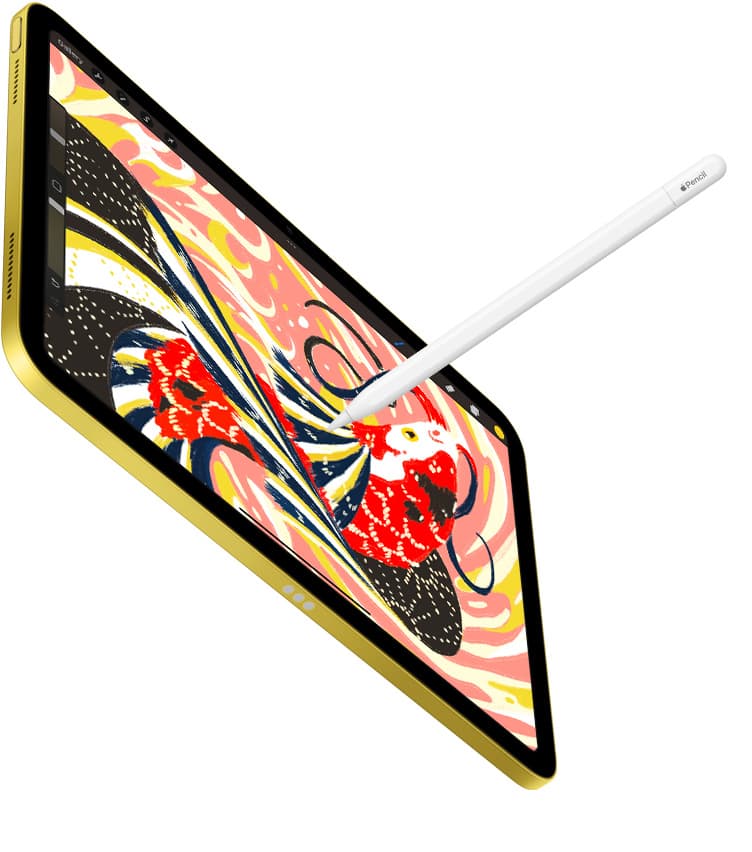
Procreate by Savage Interactive takes the opposite approach by designing an interface specifically around touch input and the Apple Pencil on iPadOS [2], [4]. The app is a paid, one-time purchase listed under the Graphics and Design category on the App Store [2]. It does not charge recurring usage fees, making it the most cost-predictable software investment for an independent illustrator [2], [3].
For anime artists who focus on portrait commissions, pin-ups, concept sketches, and painterly cel-shaded character art, Procreate offers a fast and uncluttered workspace [2]. You get an expansive brush engine, customizable color palettes, quick shape snapping for smooth line arches, and integrated layer blend modes that suit modern digital anime coloring styles [2], [4]. However, Procreate keeps hard limits on maximum layers based directly on your iPad model's available system memory and chosen canvas resolution [3]. If you work at very high print resolutions with dozens of color adjustment layers, you will run into layer caps sooner than you would in specialized desktop ports [3]. Choose Procreate if you want a clutter-free canvas and zero recurring software fees [2], [3]. Skip it if your workflow requires native panel division, automated screentones, or multi-page story management [2].
Free alternatives for sketching anime on iPad
Artists exploring anime drawing before spending money on software have viable free options in the App Store [1], [5]. The most popular dedicated choice among mobile manga creators is ibis Paint X, which is a free download with hundreds of thousands of App Store reviews [5]. The app provides built-in screentones, anime background filters, rulers, and comic frame tools designed for touchscreens [5]. If you want to practice inking and coloring without paying upfront fees, ibis Paint X lets you test manga-specific tools immediately on your iPad [5].
Another free option is Adobe Fresco, which is listed as a free professional drawing and painting app on the App Store [6]. Adobe Fresco includes vector brushes alongside raster brushes, giving anime artists access to infinitely scalable line work without purchasing complex software suites [6]. Similarly, Sketchbook offers a free download focused on sketching and clean line work, providing steady line guides and basic symmetry rulers that help with anime facial proportions [7]. If you want infinite vector canvas planning for character sheets or design layouts, Concepts is another free download in the Graphics and Design section [8]. These free apps provide practical entry points, though none combine the sheer depth of dedicated manga publishing tools found in Clip Studio Paint [1], [5].
Hardware pairing: Apple Pencil and iPad selection
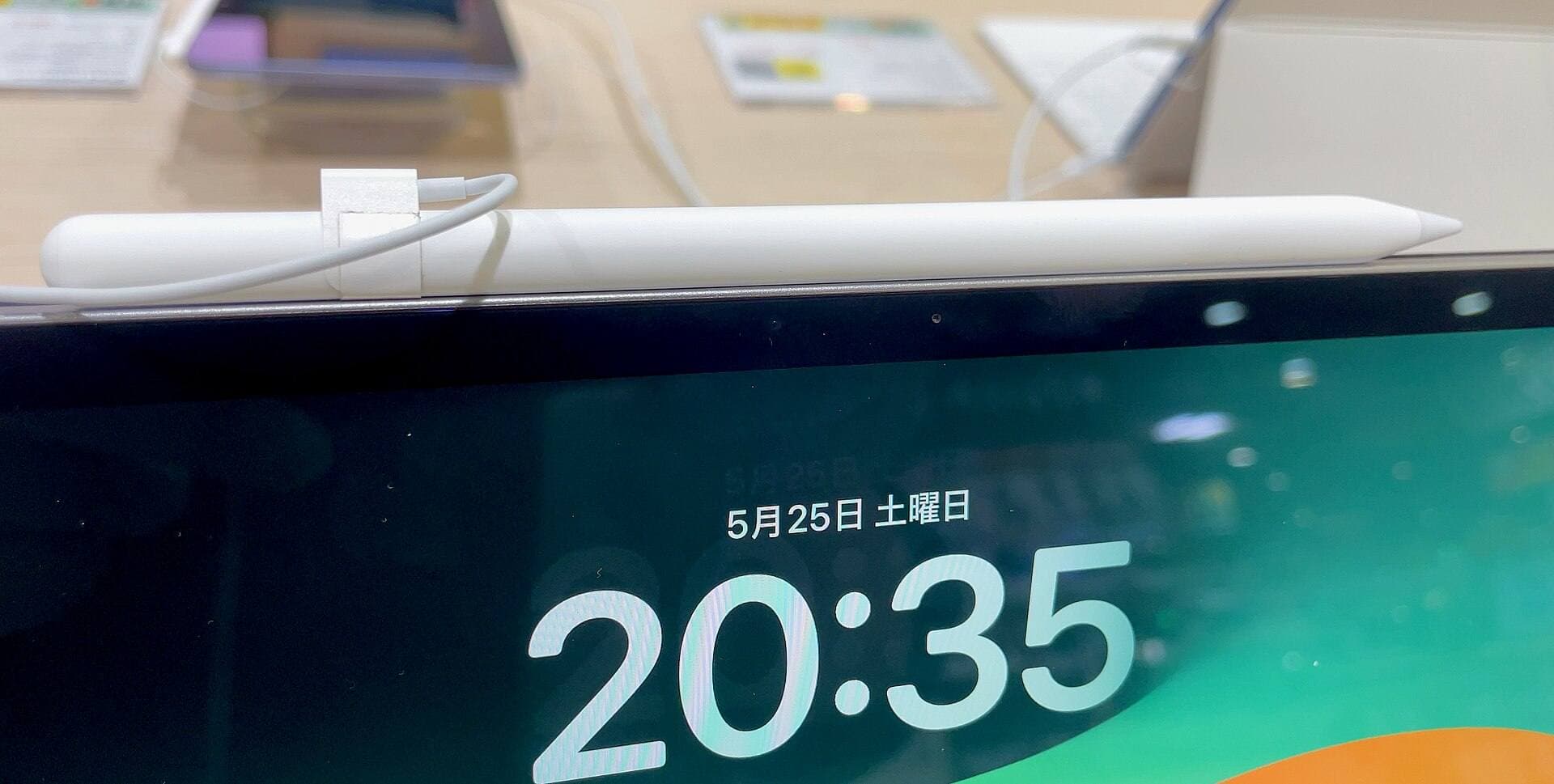
Your software choice interacts directly with the Apple Pencil features and iPad hardware you pick [4], [9]. For clean anime line art, having hardware support for pressure sensitivity is essential so your lines naturally taper at the ends like traditional dip pens [9]. The Apple Pencil Pro and Apple Pencil 2nd generation both feature pressure sensitivity, tilt detection, magnetic pairing, and wireless charging [9], [10]. The Apple Pencil Pro adds a squeeze sensor, barrel roll for brush orientation, and haptic feedback when paired with compatible tablets [9], [10].
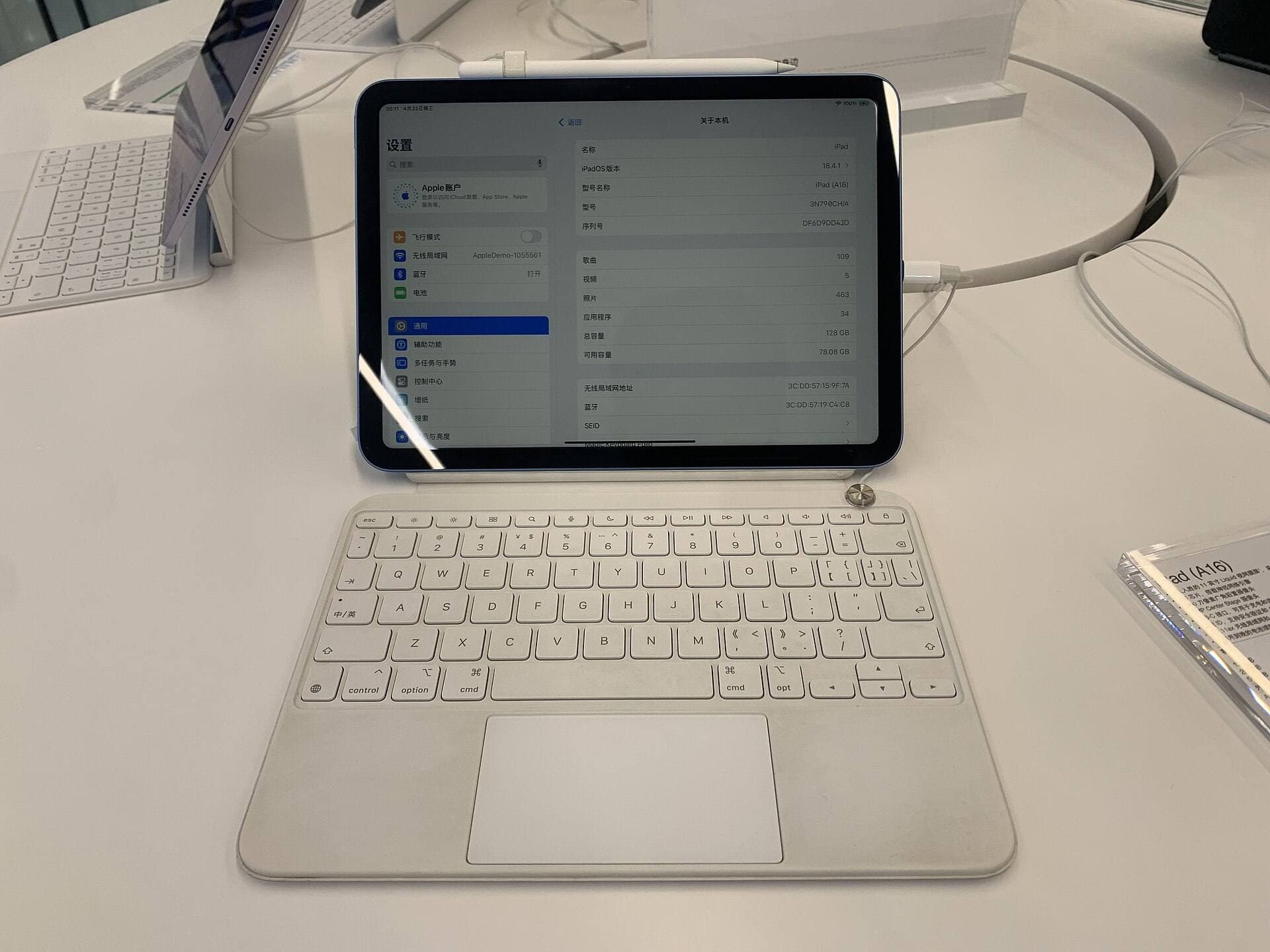
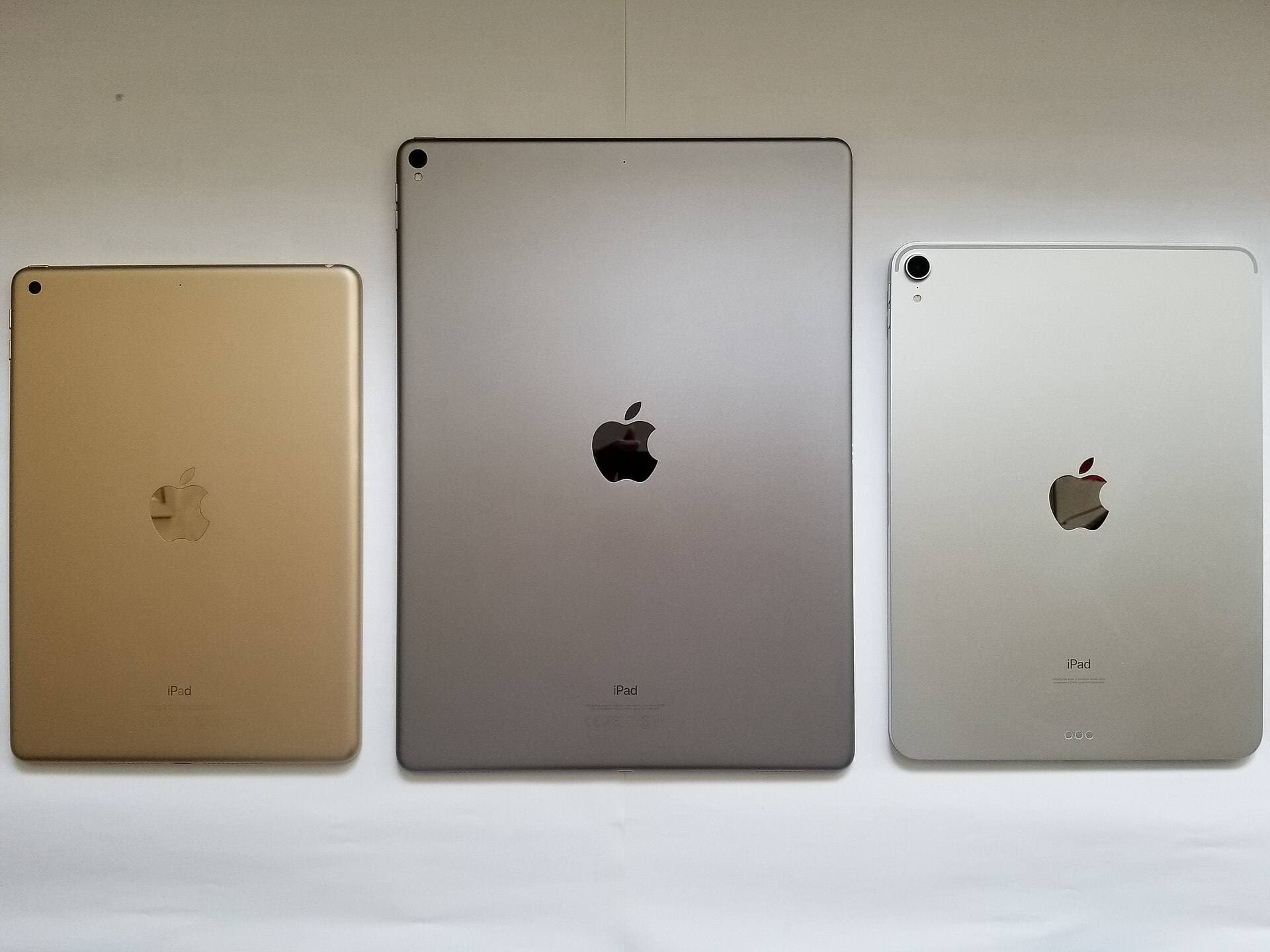
If you are buying a new tablet specifically for digital art, the iPad Air with the M4 chip offers a balanced configuration [10], [11]. It supports the Apple Pencil Pro and Apple Pencil USB-C, providing modern processing headroom and hardware compatibility without stepping into top-tier flagship tablet pricing [9], [10], [11]. The iPad Air display runs at a standard 60Hz refresh rate, but its processor and memory architecture give you generous layer ceilings in apps like Procreate [3], [11]. Make sure you verify pencil compatibility before buying, because the Apple Pencil Pro only functions with specific newer iPad models like the iPad Air M4 and iPad Pro M4 [9], [10]. Older iPads or base-tier iPad models pair instead with the Apple Pencil 1st generation or the Apple Pencil USB-C, the latter of which lacks pressure sensitivity entirely [9], [10].
Bottom line
If your goal is to draw full manga pages, build webtoons, or use specialized anime vector tools, pick Clip Studio Paint [1]. Its specialized comic panels, vector cleanup tools, and multi-page document handling make it the most capable anime production environment on iPadOS despite its recurring plan model [1]. If you focus purely on single-canvas anime character illustrations, portraits, and painterly rendering, choose Procreate to secure a powerful, touch-first creative studio for a single upfront payment [2], [3].
Sources
[1] https://apps.apple.com/us/app/id1262985592 [2] https://apps.apple.com/us/app/id425073498 [3] https://help.procreate.com/articles/zlexav-ipad-compatibility [4] https://apps.apple.com/us/app/procreate/id425073498 [5] https://apps.apple.com/us/app/id450722833 [6] https://apps.apple.com/us/app/id1458660369 [7] https://apps.apple.com/us/app/id883738213 [8] https://apps.apple.com/us/app/id560586497 [9] https://www.apple.com/apple-pencil/ [10] https://support.apple.com/en-us/108937 [11] https://www.apple.com/ipad/compare/
Recommended gear
Clip Studio Paint
apps.apple.comPro: Deep comics, vector, ruler, and animation toolset
Con: iPad plan model is less simple than Procreate
Procreate
apps.apple.comPro: One-time purchase
Con: iPad-only
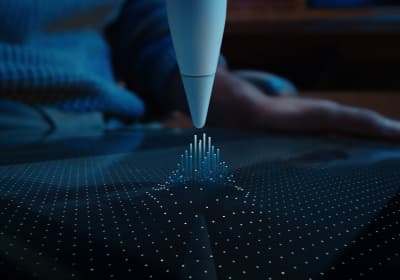
Apple Pencil Pro
amazon.comThe best Apple stylus for serious digital art workflows. Expensive, but the control upgrades are real.
Pro: Best brush-control and hover workflow
Con: Highest price in the lineup
Works only with newer iPad models. Check compatibility.
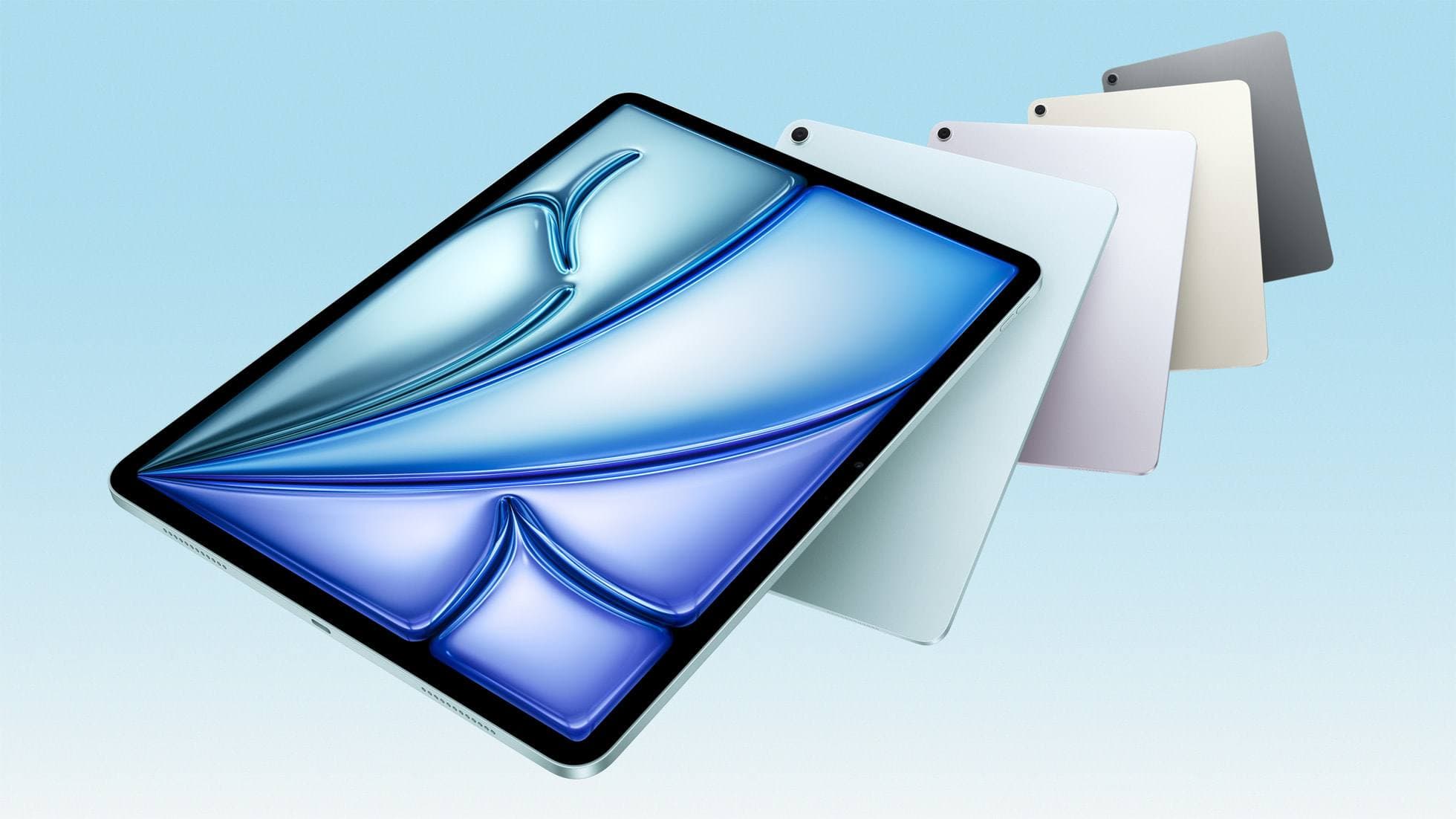
iPad Air (M4)
apple.comThe clean current Air recommendation for most serious hobby artists. Stronger buy logic than old-stock M3 when pricing is close.
Pro: Best current balance of price, headroom, and Pencil support
Con: Still 60Hz
Current Air lineup. Choose size, storage, and keyboard path before checkout.
Related buying picks
More in this collectionBuyer guide
Best iPad drawing app for beginners
Procreate remains the best first drawing app to buy on iPad, while free options like Sketchbook and Adobe Fresco let you start without upfront costs.
Buyer guide
Best iPad app for manga: Clip Studio Paint versus Procreate and free alternatives
Clip Studio Paint is the best overall iPad app for serialized manga and multi-page comics, while Procreate remains the top one-time purchase for single illustrations.
Buyer guide
Best Procreate alternatives for iPad
Compare top iPad drawing apps to decide whether Clip Studio Paint, Fresco, or another tool fits your workflow better than Procreate.
Buyer guide
Best iPad app for comics: Clip Studio Paint vs Procreate and alternatives
Clip Studio Paint is the best overall iPad app for multi-page comics and paneling, while Procreate remains the top one-time purchase for standalone illustration.