If you want the best free iPad app for 3D modeling, download Shapr 3D CAD modeling right away [1]. Shapr 3D is listed on the App Store as a free download in the Productivity category, geared to take projects from design to manufacturing [1]. It gives you a direct entry point for precision solid modeling and 3D printing prep without charging you at initial download [1]. If your goal is organic digital sculpting rather than dimensioned parts, skip the free CAD downloads and purchase Nomad Sculpt, which is a dedicated paid sculpting app [2]. For general digital painters curious about 3D texturing, Procreate is also a paid standalone app rather than a free 3D mesh modeler [3].
Why Shapr 3D fits free CAD and 3D print modeling
Parametric modeling and mechanical drafting require strict geometric tools rather than painterly clay meshes. Shapr 3D CAD modeling is categorized under Productivity on the App Store and provides a free initial download designed around the path from design to manufacturing [1]. This manufacturing focus makes it the standard recommendation when you need dimensioned sketches, clean solid geometry, and files intended for physical production on a 3D printer [1].
Because Shapr 3D is free to download, you can evaluate its toolset and sketching environment without any immediate upfront investment [1]. That makes it ideal for hobbyists who build brackets, enclosures, and functional replacement parts. You can install the application on your iPad, learn the gesture structure, and test how it translates your ideas into physical 3D prints [1]. If you only design functional household parts or light engineering projects, starting with this free download is the most practical path [1].
Who should download Shapr 3D: anyone who needs dimensional CAD, mechanical parts, or exportable models for 3D printing without an upfront purchase fee [1]. Who should skip it: artists who want to sculpt human faces, monsters, or loose concept art, because geometric CAD tools don't match freeform digital clay workflows [1], [2].
SketchUp and the trial model tradeoff
Another prominent modeling name on iPadOS is SketchUp - 3D Modeling by Trimble Inc. [4]. The App Store lists SketchUp as a free download under Graphics & Design, but its listing specifies a free 7-day Go trial [4]. That distinction matters when you are searching specifically for free modeling software [4].
While you can install the application without paying on day one, you must account for the 7-day trial structure if your modeling project takes longer than a single week [4]. SketchUp remains widely used across architectural and interior layout drafting, but it functions under an evaluation model rather than a permanent no-cost license [4]. If you only need to inspect an existing architectural asset or finish a single short assignment, the trial window can cover your project needs [4].
Who should choose SketchUp: users who already work inside Trimble ecosystems or need to review architectural files during a short trial window [4]. Who should skip it: creators looking for an open-ended, ongoing free modeling tool who do not plan to pay after seven days [4].
Free downloads versus paid sculpting apps like Nomad Sculpt
When exploring 3D modeling on iPad, you will quickly encounter Nomad Sculpt by Hexanomad [2]. Nomad Sculpt is not a free download; it is a paid application listed in the Graphics & Design category [2]. Understanding why artists pay for it helps define the boundaries of what free iPad CAD tools actually provide [1], [2].
Nomad Sculpt provides specialized sculpting tools including clay, flatten, smooth, mask, and many other brushes to shape digital creations [2]. These brush tools function like digital clay, letting you push, pull, smooth, and detail high-density polygonal meshes in ways that CAD engines like Shapr 3D are not built to replicate [1], [2]. If your 3D printing goals involve tabletop miniatures, character busts, or stylized creature figurines, mechanical CAD tools will feel rigid and restrictive compared to dedicated brush-based sculpting [1], [2].
Even though Nomad Sculpt requires an upfront purchase, it prevents the frustration of trying to force organic geometry out of engineering tools [1], [2]. Who should buy Nomad Sculpt: sculptors, character modelers, and miniature creators who need brush sets like clay, flatten, smooth, and mask [2]. Who should skip it: makers who strictly design dimensional brackets, mechanical fittings, and precise enclosures, for whom a free CAD download is the correct starting point [1], [2].
Where 2D design apps fit into a 3D pipeline
Many iPad creators also evaluate 2D illustration applications like Procreate when exploring spatial workflows [3]. Procreate by Savage Interactive Pty Ltd is a paid app listed in the Graphics & Design category, described as a creative application made for iPad [3]. While Procreate is a popular creative tool, it is not a free download and it is not a primary 3D mesh construction suite [3].
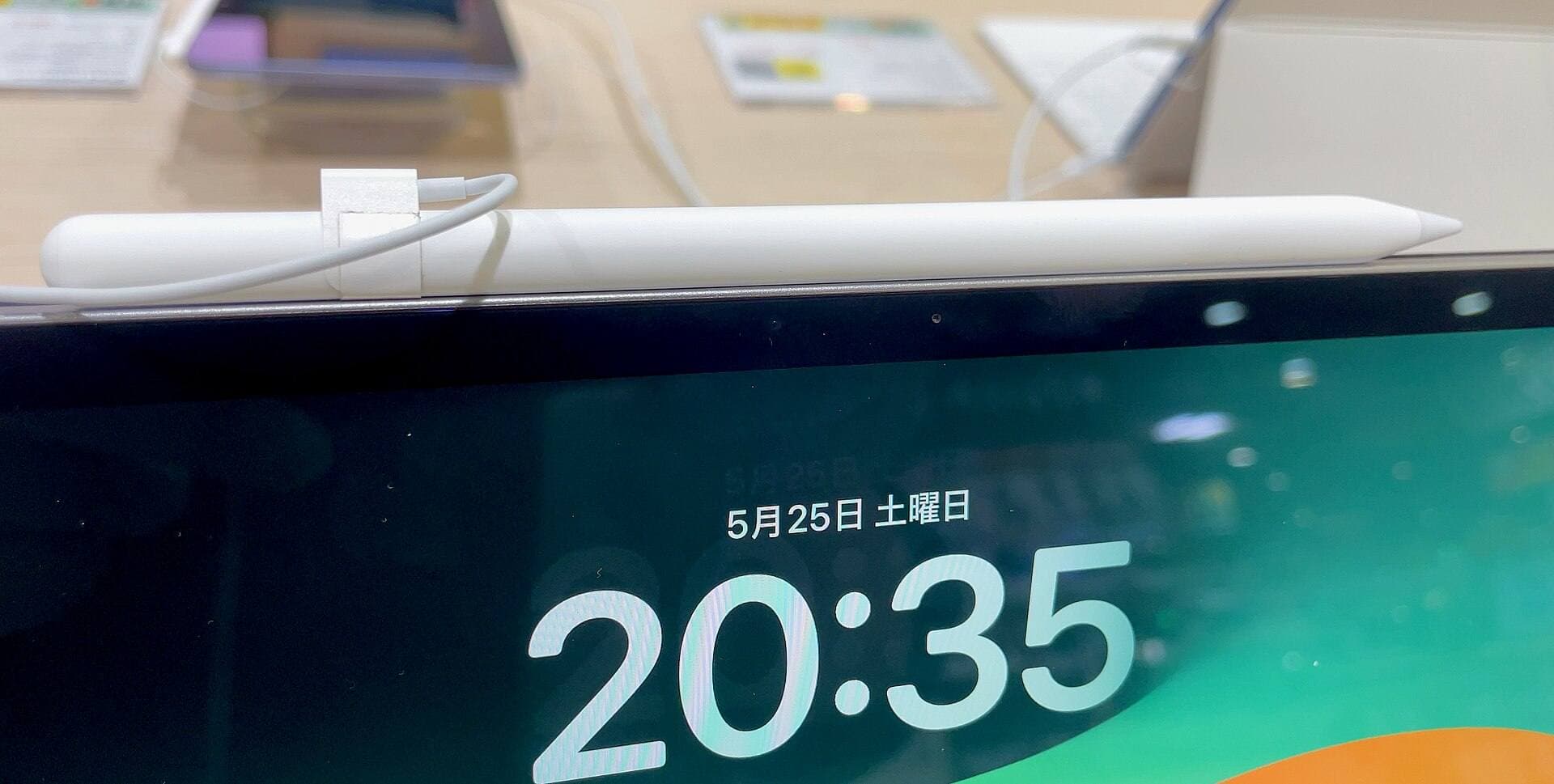
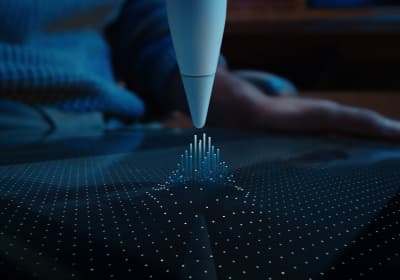
Hardware choice also influences how you control modeling brushes and CAD points across these applications. Apple Pencil models feature pressure sensitivity, tilt detection, hover, and lower-latency inputs depending on which model you pair with your tablet [5], [6]. Apple Pencil Pro adds hardware capabilities such as squeeze, barrel roll, and haptic feedback to compatible iPads [5], [6]. Apple documentation confirms that Apple Pencil Pro pairs with select models such as recent iPad Air and iPad Pro units, while other iPads pair with the USB-C Pencil or earlier Pencil generations [5], [6], [7].
If you pair Apple Pencil Pro with an iPad Air powered by the M4 chip, you get access to barrel roll, squeeze gestures, and hover across supported design software [5], [6], [7]. The iPad Air lineup lets you select your preferred display size and internal storage capacity while supporting Apple Pencil Pro inputs [5], [7]. Hardware capabilities like hover and tilt allow precise cursor placement before you touch the screen, which assists both CAD alignment and brush sculpting [2], [5].
Choosing the right iPad setup for 3D modeling
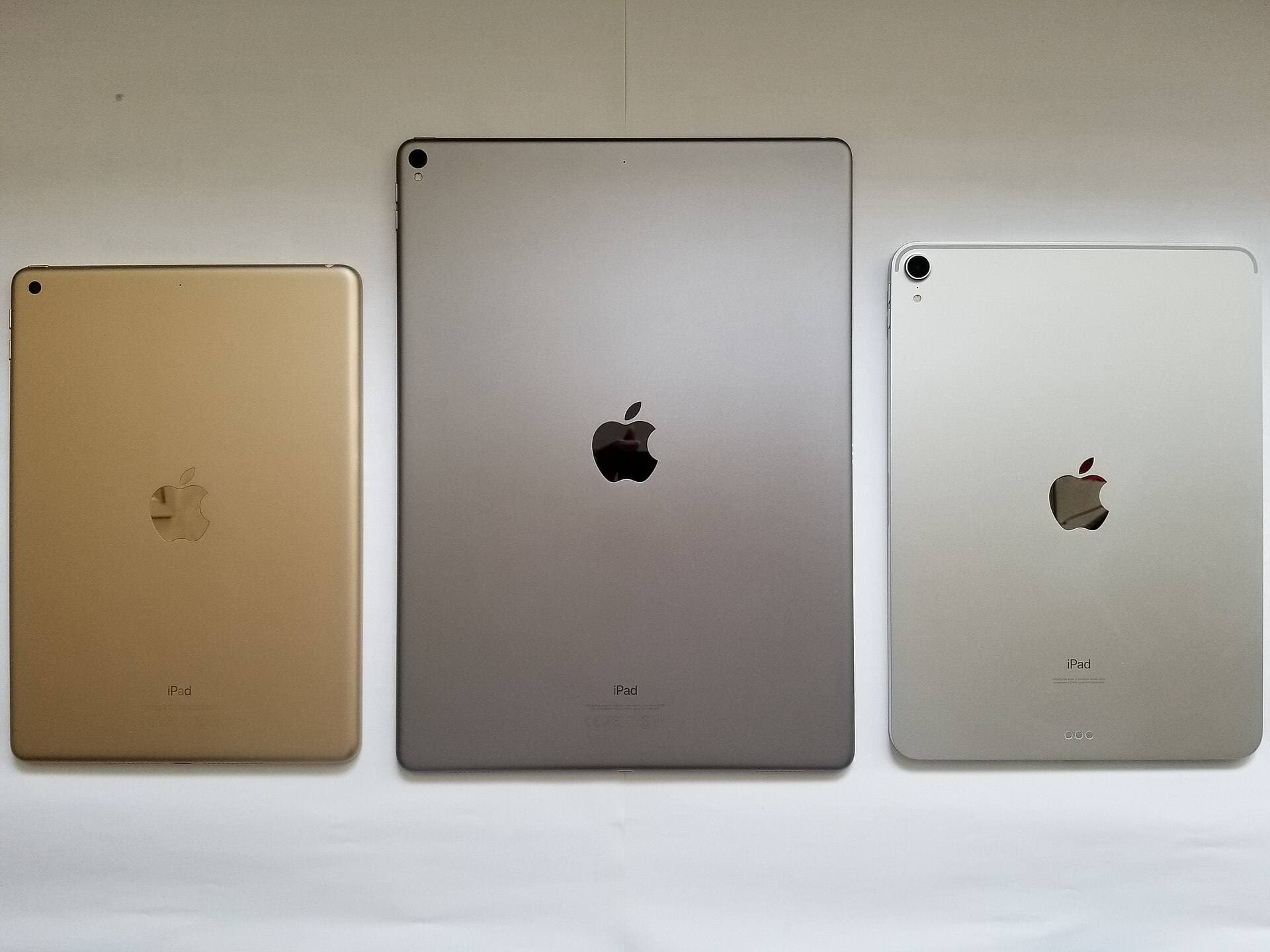
Selecting hardware for 3D modeling requires matching your tablet to the complexity of the geometry you intend to produce. Apple's iPad comparison specifications detail that iPad Air models come in multiple screen sizes with Apple silicon chips and varied internal storage options [7]. For heavy 3D assets and detailed 3D print exports, larger displays and expanded internal storage give your project files room to grow [1], [7].
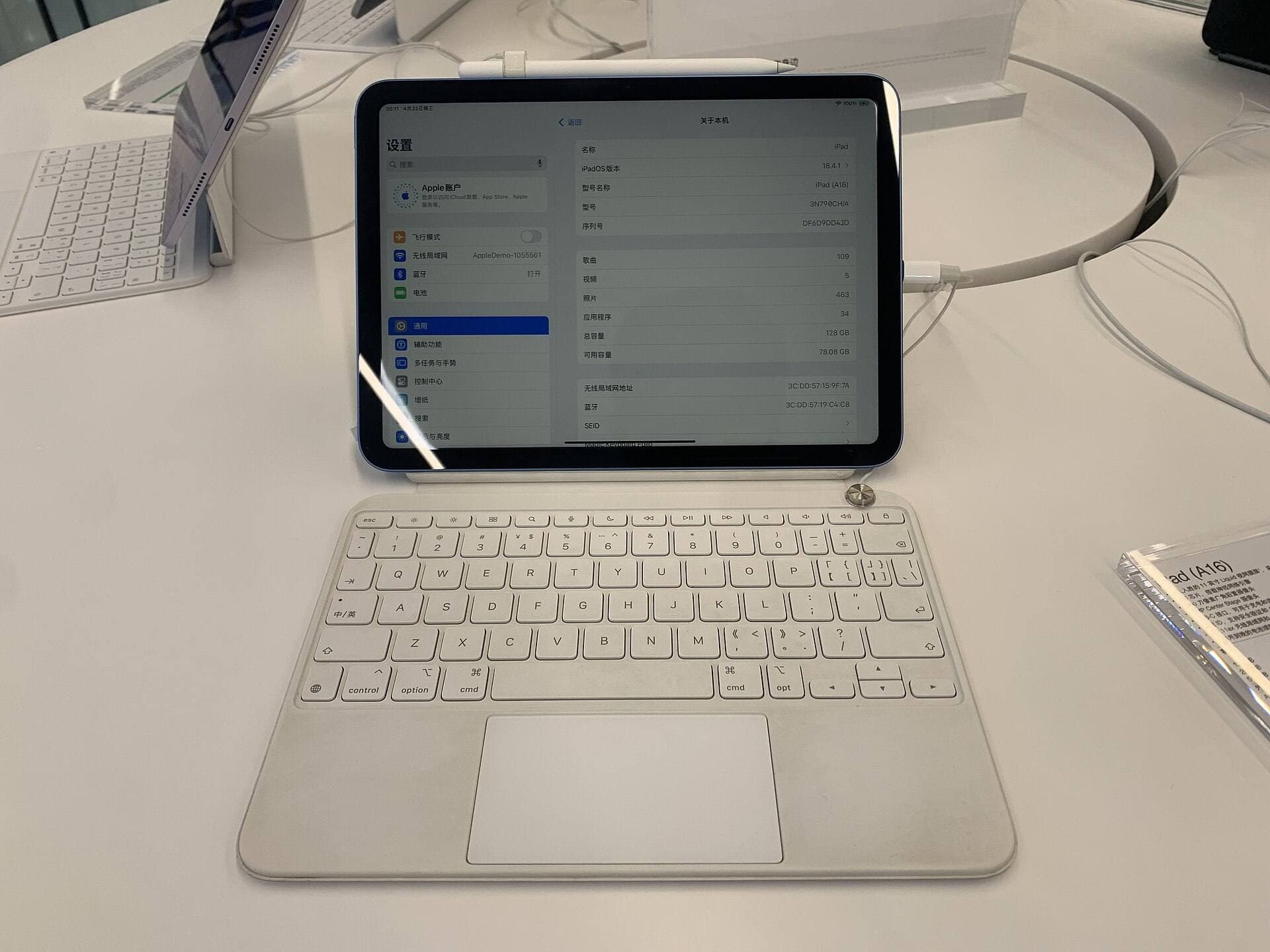
If you already own a base iPad that pairs with Apple Pencil (USB-C), that configuration is completely adequate for downloading Shapr 3D and learning basic CAD shapes [1], [5], [6]. You do not need to upgrade your hardware before testing whether the CAD workflow suits your design goals [1]. However, if you are buying a new setup specifically for modeling and digital art, stepping up to an iPad Air with M4 provides Apple Pencil Pro compatibility for advanced squeeze and roll inputs [5], [6], [7].
Who should buy the iPad Air (M4) with Apple Pencil Pro: buyers starting fresh who want modern pencil gestures like squeeze, roll, and hover without moving to the highest tablet price tier [5], [6], [7]. Who should keep their current tablet: anyone whose existing iPad already supports an Apple Pencil and runs current App Store downloads without hardware restrictions [1], [6], [7].
Bottom line
For 3D printing and precision design, Shapr 3D CAD modeling stands out as the best free download on iPad because it focuses directly on taking projects from design to manufacturing without upfront purchase costs [1]. If your goal is architectural drafting, SketchUp offers a free download that includes a 7-day Go trial window [4]. If your 3D work focuses on character sculpting and organic meshes using clay, smooth, and flatten brushes, skip the CAD tools and buy Nomad Sculpt instead [2]. You can run these applications across various iPad configurations, pairing Apple Pencil models to gain precision control over sketches and sculpts [5], [6], [7].
Sources
[1] https://apps.apple.com/us/app/id1091675654 [2] https://apps.apple.com/us/app/id1519508653 [3] https://apps.apple.com/us/app/id425073498 [4] https://apps.apple.com/us/app/id796352563 [5] https://www.apple.com/apple-pencil/ [6] https://support.apple.com/en-us/108937 [7] https://www.apple.com/ipad/compare/
Recommended gear
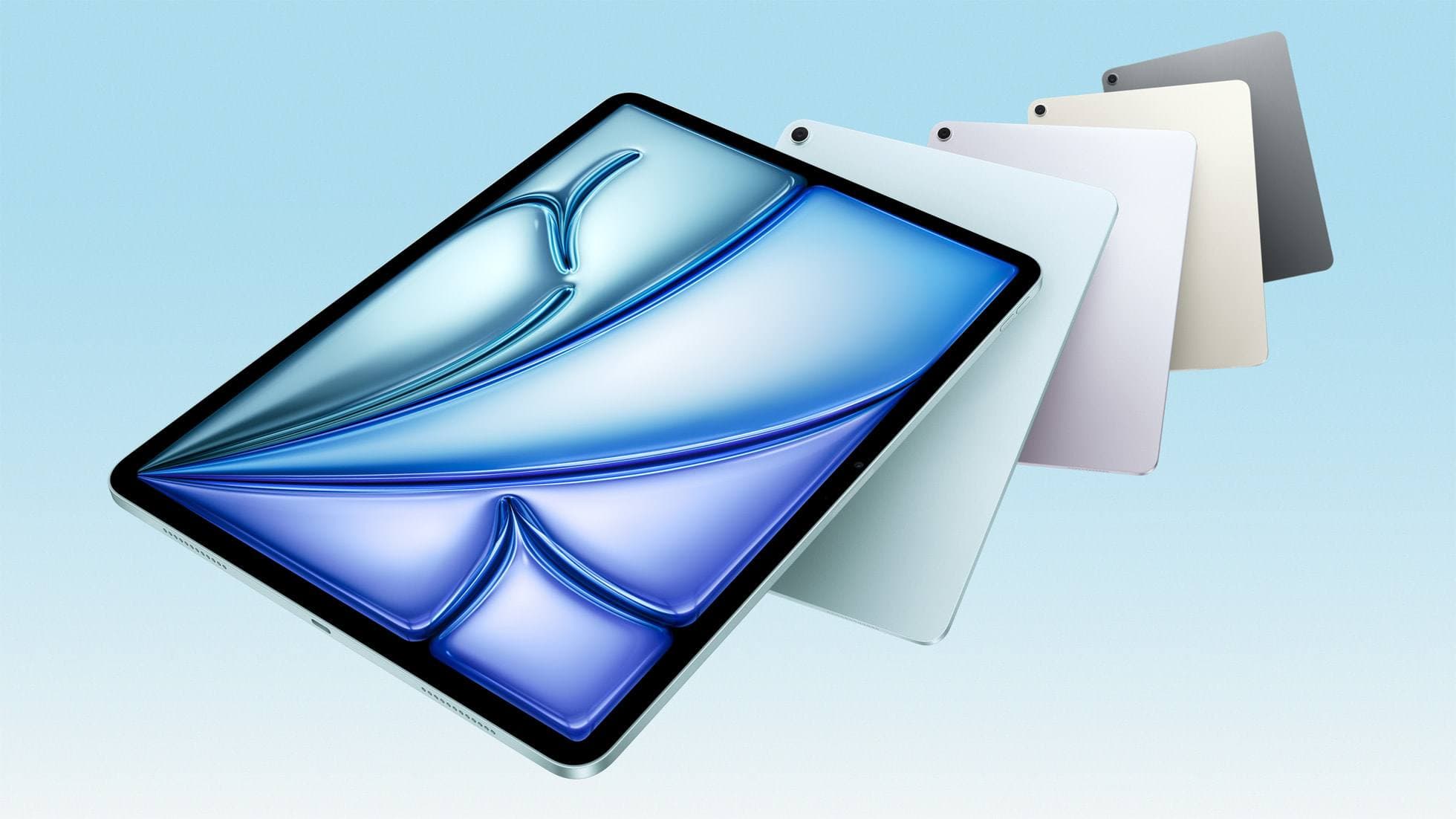
iPad Air (M4)
apple.comThe clean current Air recommendation for most serious hobby artists. Stronger buy logic than old-stock M3 when pricing is close.
Pro: Best current balance of price, headroom, and Pencil support
Con: Still 60Hz
Current Air lineup. Choose size, storage, and keyboard path before checkout.
Apple Pencil Pro
amazon.comThe best Apple stylus for serious digital art workflows. Expensive, but the control upgrades are real.
Pro: Best brush-control and hover workflow
Con: Highest price in the lineup
Works only with newer iPad models. Check compatibility.
Procreate
apps.apple.comPro: One-time purchase
Con: iPad-only
Paperlike 3 (11-inch, 2-pack)
amazon.comA strong surface-feel upgrade for drawing control. Clarity tradeoff is real and should be expected.
Pro: Adds controlled paper-feel friction
Con: Slightly reduces perceived display sharpness
11-inch fit only. Confirm generation before checkout.
Anker 341 USB-C Hub (7-in-1)
amazon.comA strong everyday port hub for iPad workflows. Good value and layout, with expected bandwidth limits.
Pro: Solid all-around port mix for iPad setups
Con: Not Thunderbolt bandwidth
Check host power pass-through and display output before buying.
Related buying picks
More in this collectionBuyer guide
Best iPad app for vector art
Compare the best iPad apps for vector art and drawing, from Affinity Designer 2 and Illustrator to Concepts and Linearity Curve.
Buyer guide
Best coloring app for iPad kids: guided pages or open digital canvas
Choose Lake for structured coloring books or step up to Procreate when older kids outgrow premade templates.
Buyer guide
Best iPad app for watercolor painting: top choices and stylus pairings
Pick the right iPad watercolor app based on pricing model, live brush needs, and Apple Pencil hardware compatibility.
Buyer guide
Best iPad app for pixel art: dedicated tools compared to Procreate
Choose dedicated pixel editors like Pixquare, Pixel Studio, or Pixaki over general illustration software for low-resolution iPad art.