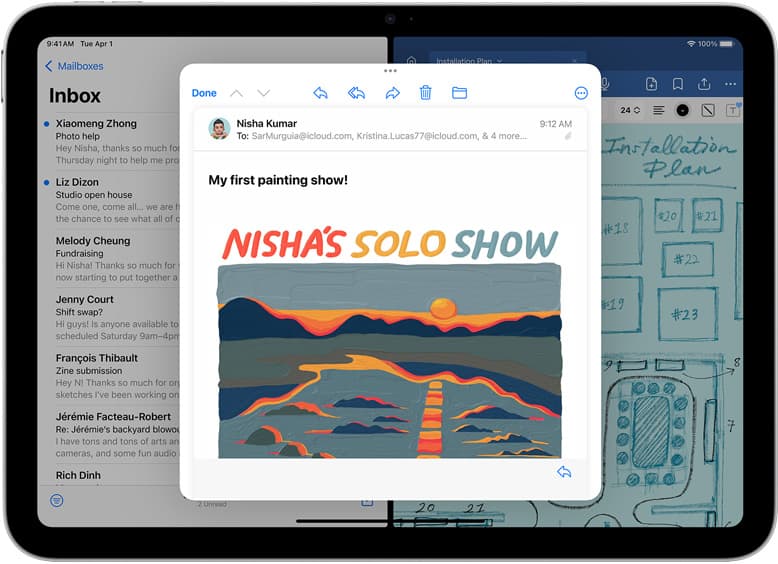
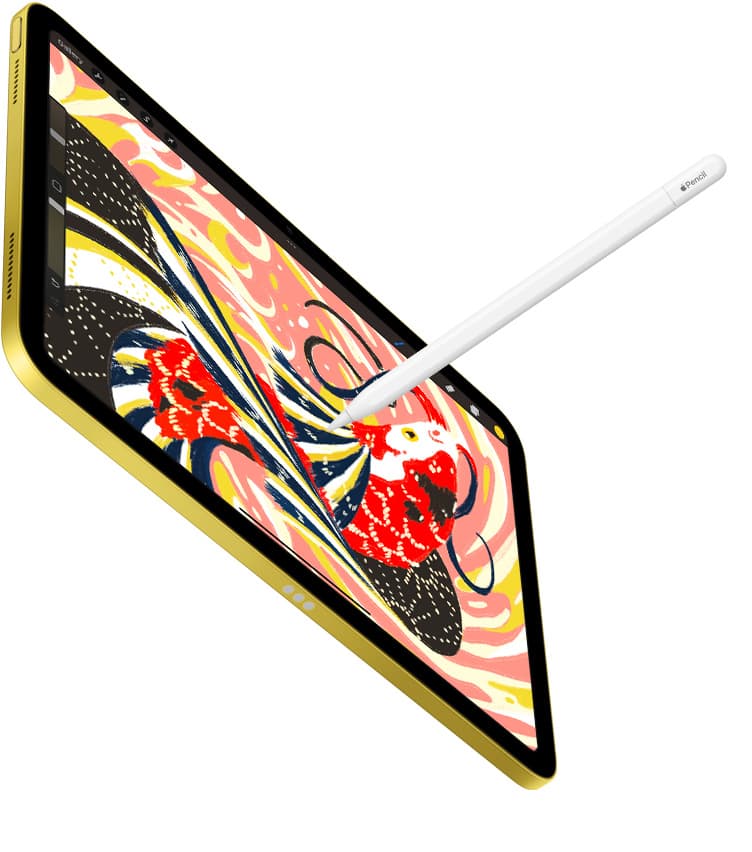
If you want the best free drawing app for iPad, install Adobe Fresco or Sketchbook first [1], [2]. Adobe Fresco delivers a dedicated free drawing and painting setup directly from the App Store [1]. Sketchbook provides an established free download focused on quick sketches and finished artwork without an immediate purchase barrier [2]. You should skip paid apps like Procreate until you know you need its specific iPad environment [3]. You can also skip Clip Studio Paint if you want a permanent free tool rather than starting with a limited 30-day trial [4]. Starting with a genuine free app keeps your initial setup cost at zero while you learn your digital drawing habits [1], [2].
Adobe Fresco for dedicated drawing and painting
Adobe Fresco stands out on the App Store as a free, professional drawing and painting application made for everyone [1]. The listing holds a 4.7 out of 5 rating across tens of thousands of customer reviews in the Graphics and Design category [1]. Because the download itself is free, anyone with a supported iPad can set up a digital canvas immediately without paying upfront software fees [1].
Artists who should choose Adobe Fresco include beginners who want a complete digital workspace and experienced illustrators exploring painting techniques without committing money [1]. It suits creators who want full painting tools under an official App Store release without navigating third-party trial limitations [1]. Anyone looking for a no-cost entry point into iPad art should start here before looking at commercial offerings [1].
Artists who should skip Adobe Fresco are those who prefer standalone vector draftsmanship or infinite canvases [5]. If your creative workflow relies heavily on vector layout work or non-standard infinite boards, other free downloads address those goals more directly [5]. Otherwise, Adobe Fresco remains one of the most accessible starting points on the platform [1].
Sketchbook and ibis Paint X for sketching and animation
Sketchbook is another leading free download in the App Store Graphics and Design category, earning a 4.8 out of 5 rating from over two hundred thousand user reviews [2]. The app describes itself as taking artists from quick sketches to fully finished artwork wherever creativity leads [2]. Its free download model lets you test pencil concepts, inking, and full color rendering right on your iPad screen [2].
Alongside Sketchbook, ibis Paint X provides a prominent free download alternative, carrying a 4.7 out of 5 rating across hundreds of thousands of reviews [6]. The listing positions itself for users who want to draw and animate freely and without pressure [6]. This makes ibis Paint X an appealing free download for creators who want to explore animation tools along with standard illustration [6].
Choose Sketchbook if you prioritize a streamlined sketching environment that covers everything from preliminary thumbnailing to completed illustration work [2]. Choose ibis Paint X if you want built-in tools for both illustration and animation under a single free listing [6]. Skip both if your goal is an unlimited vector layout workspace, where specialized vector drafting apps provide a better match [5].
Concepts and Infinite Painter for vector notes and painterly tools
Concepts offers a distinct approach compared to traditional pixel canvases [5]. Available as a free download in the Graphics and Design category with a 4.7 rating, Concepts functions as a flexible vector-based sketchbook built to take ideas from concept to reality [5]. Because it operates on vector mechanics, it serves artists who brainstorm, draft design concepts, or create scalable notes [5].
Infinite Painter provides an alternative painterly experience as a free download, holding a 4.1 rating on the App Store [7]. The developer describes it as a dedicated painting, sketching, and drawing app created specifically for iPad and iPhone users [7]. It gives traditional painters another zero-cost download to test brushwork and natural drawing interfaces [7].
Choose Concepts if your creative work involves diagrams, scalable sketch work, product ideation, or open-ended vector structuring [5]. Choose Infinite Painter if you want to explore an alternative painting interface on your iPad without an upfront financial commitment [7]. Skip Concepts if you strictly want traditional raster brushes, where Adobe Fresco or Sketchbook deliver a more standard painting workflow [1], [2].
When trial options like Clip Studio Paint make sense
Clip Studio Paint is listed on the App Store as a free download, holding a 4.7 rating from over fourteen thousand reviews [4]. However, the listing clarifies that users start drawing and painting in a free 30-day trial rather than an indefinite free service [4]. In catalog comparisons, Clip Studio Paint brings a deep toolset covering comics, vectors, rulers, and animation, but its iPad plan model is less simple than one-time software purchases [4].
Creators who should choose Clip Studio Paint are those who already know they want its specialized comics, vector, ruler, and multi-page tools, or artists who require seamless handoff with desktop versions [4]. The 30-day trial gives you sufficient time to verify whether those advanced multi-page features justify a paid commitment [4].
Creators who should skip Clip Studio Paint are those seeking a permanent free drawing tool that won't expire or ask for a subscription plan after a month [4]. If you don't want to manage ongoing plan models, pure free downloads like Adobe Fresco or Sketchbook are far more practical starting choices [1], [2].
Why paid apps like Procreate change the math
Procreate takes a very different path from the free tools on the App Store [3]. Procreate by Savage Interactive Pty Ltd is a paid app with a 4.4 rating from over fifty thousand reviews, recognized as a leading creative application made specifically for iPad [3]. Catalog notes highlight that Procreate uses a one-time purchase model rather than a recurring subscription, although it remains an iPad-only application [3]. Furthermore, supported iPads determine your available canvas memory and layer limits according to hardware RAM [8].
Artists who should buy Procreate are those ready to invest in a dedicated, one-time purchase environment that avoids subscriptions and integrates deeply with iPad hardware [3], [8]. If you already know that digital illustration is your main focus and you want a widely documented creative tool, Procreate represents a stable paid path [3].
Artists who should skip Procreate are beginners who haven't yet tested their workflow on iPad [1], [3]. Starting with Adobe Fresco or Sketchbook costs nothing and proves whether your tablet drawing routine sticks before you purchase any software [1], [2].
Bottom line
You don't need to spend money to start creating serious digital art on an iPad [1], [2]. Adobe Fresco offers an extensive free painting and drawing package that handles both sketching and polished artwork right out of the box [1]. Sketchbook provides an exceptional free environment for rapid concepts and finished illustration, while ibis Paint X gives you free illustration and animation capabilities [2], [6]. If your ideas lean toward vector planning, Concepts delivers a free-to-download sketchbook tailored to scalable work [5]. Skip recurring subscription trials like Clip Studio Paint unless you explicitly require deep comic rulers and multi-page pipelines [4]. Skip paid purchases like Procreate until your completed work outgrows the broad capabilities of your favorite free app [1], [3].
Sources
[1] https://apps.apple.com/us/app/id1458660369 [2] https://apps.apple.com/us/app/id883738213 [3] https://apps.apple.com/us/app/id425073498 [4] https://apps.apple.com/us/app/id1262985592 [5] https://apps.apple.com/us/app/id560586497 [6] https://apps.apple.com/us/app/id450722833 [7] https://apps.apple.com/us/app/id1146543227 [8] https://help.procreate.com/articles/zlexav-ipad-compatibility
Recommended gear
Procreate
apps.apple.comPro: One-time purchase
Con: iPad-only
Clip Studio Paint
apps.apple.comPro: Deep comics, vector, ruler, and animation toolset
Con: iPad plan model is less simple than Procreate
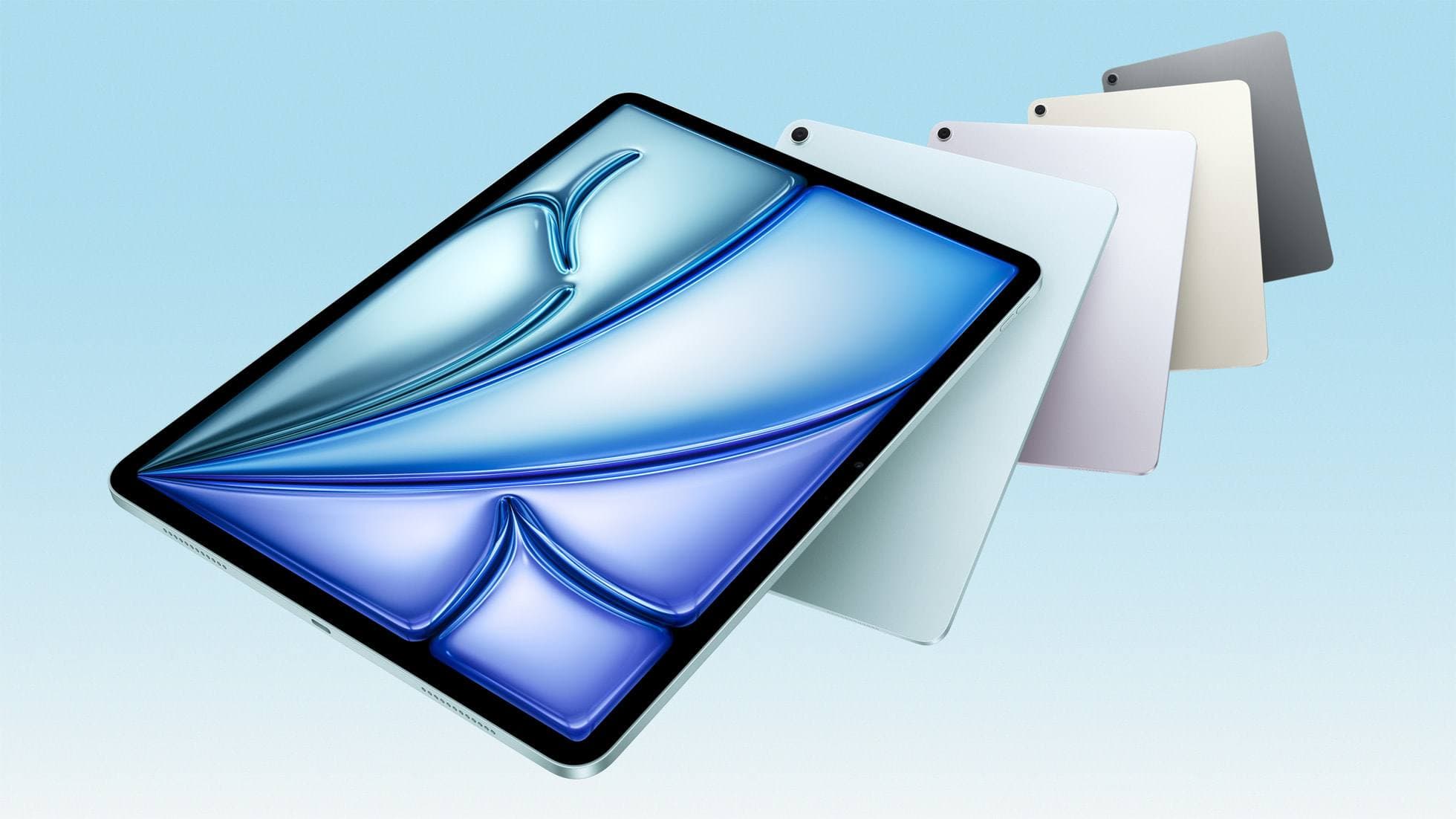
iPad Air (M4)
apple.comThe clean current Air recommendation for most serious hobby artists. Stronger buy logic than old-stock M3 when pricing is close.
Pro: Best current balance of price, headroom, and Pencil support
Con: Still 60Hz
Current Air lineup. Choose size, storage, and keyboard path before checkout.
Apple Pencil Pro
amazon.comThe best Apple stylus for serious digital art workflows. Expensive, but the control upgrades are real.
Pro: Best brush-control and hover workflow
Con: Highest price in the lineup
Works only with newer iPad models. Check compatibility.
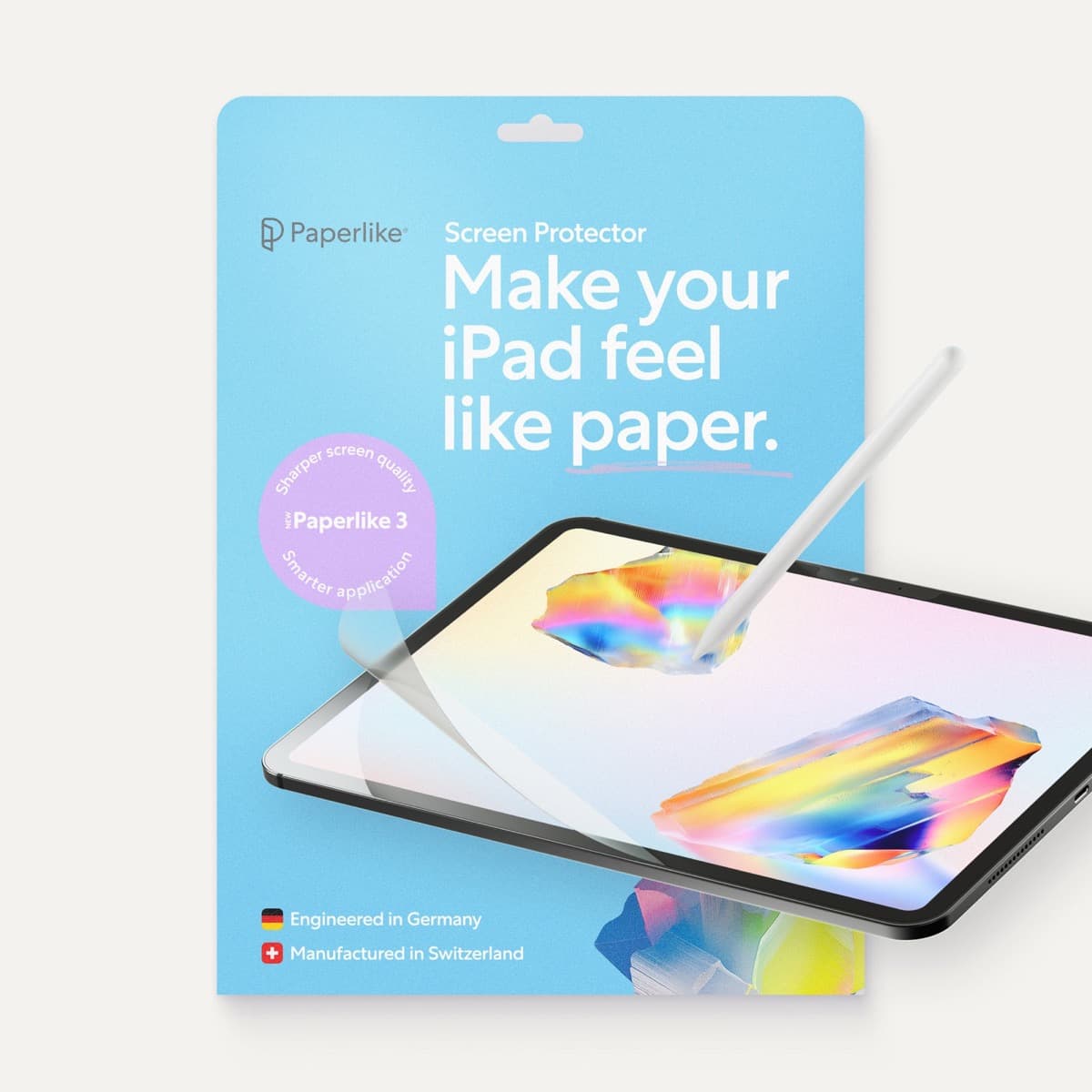
Paperlike 3 (11-inch, 2-pack)
amazon.comA strong surface-feel upgrade for drawing control. Clarity tradeoff is real and should be expected.
Pro: Adds controlled paper-feel friction
Con: Slightly reduces perceived display sharpness
11-inch fit only. Confirm generation before checkout.
Related buying picks
More in this collectionBuyer guide
What is the best handwriting app for iPad?
Choose between flexible vector canvases and traditional raster stroke engines based on how you organize your handwriting and notes.
Buyer guide
Best coloring app for iPad kids: guided pages or open digital canvas
Choose Lake for structured coloring books or step up to Procreate when older kids outgrow premade templates.
Buyer guide
Best iPad drawing app for beginners
Procreate remains the best first drawing app to buy on iPad, while free options like Sketchbook and Adobe Fresco let you start without upfront costs.
Buyer guide
Best iPad app for watercolor painting: top choices and stylus pairings
Pick the right iPad watercolor app based on pricing model, live brush needs, and Apple Pencil hardware compatibility.