If you want the best iPad for drawing in Adobe Illustrator and editing in Adobe Photoshop, buy the iPad Air (M4) [1]. It provides full compatibility with Apple Pencil Pro without forcing you to pay for high-end Pro extras [1], [3]. Upgrade to the iPad Pro (M5) only if you need its advanced display hardware and highest storage tiers [1]. Skip the base iPad (A16) if you plan to do serious design work, because it misses out on Apple Pencil Pro capabilities like squeeze, barrel roll, and magnetic wireless charging [2], [3].
Why the iPad Air (M4) hits the sweet spot
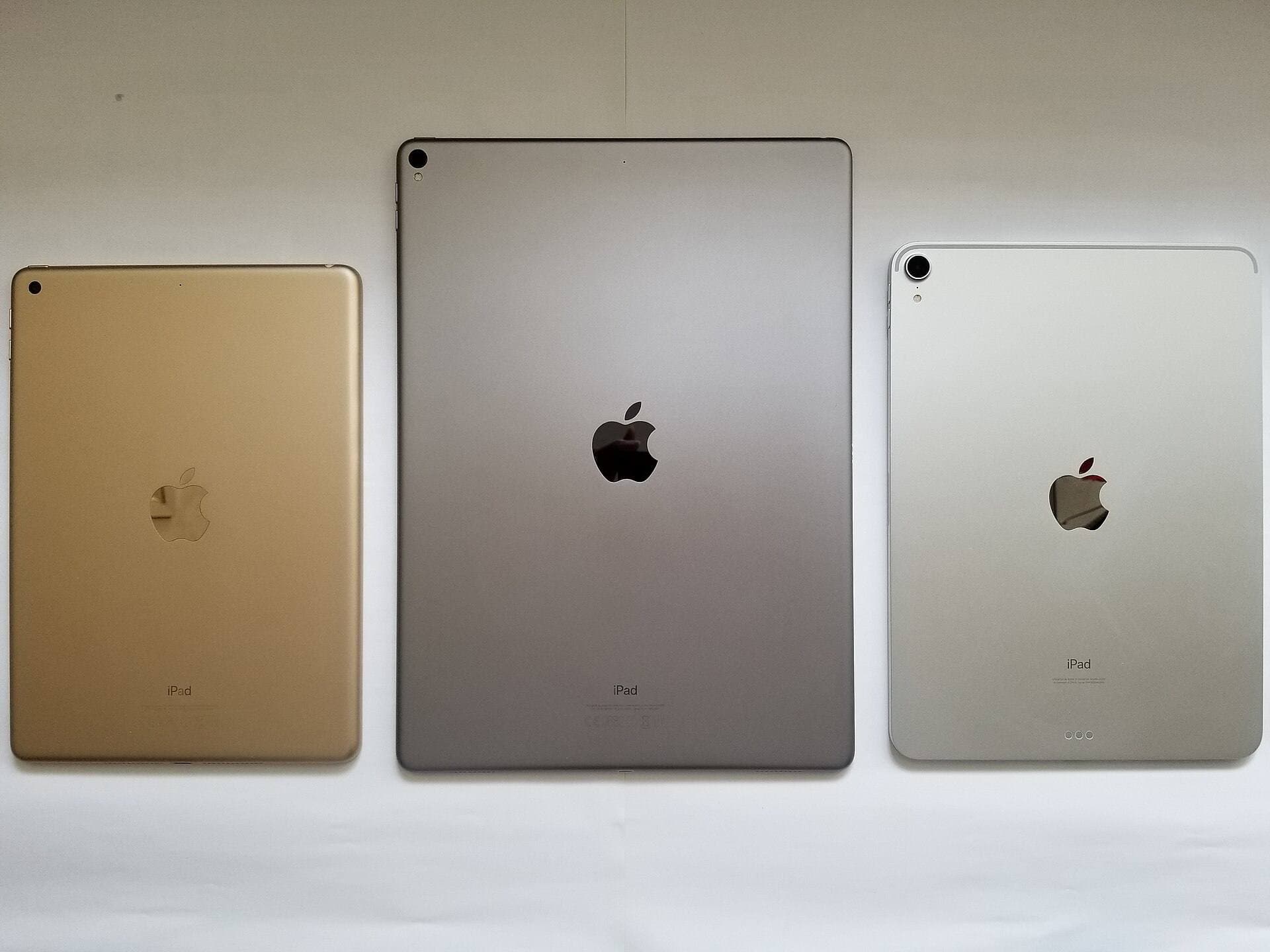
The iPad Air (M4) works as the primary recommendation for artists because it pairs an M-series chip with full support for Apple Pencil Pro [1], [3]. When you work with detailed vector paths in Illustrator or build multi-layer documents in Photoshop, hardware headroom matters [1]. The Air lineup gives you modern Apple silicon alongside multiple display size options, letting you pick between an 11-inch model and a 13-inch model based on your work habits [1].
You should buy the iPad Air (M4) if you want modern stylus features without paying the entry price of an iPad Pro [1], [2]. It supports Apple Pencil Pro features like barrel roll, squeeze gestures, haptic feedback, and hover [2]. That means you can change tools or rotate brush profiles directly on the barrel while keeping your eyes on your artboard [2]. You should skip the iPad Air (M4) only if your work demands the higher refresh rates or higher peak brightness found exclusively on Apple's top-tier display hardware [1].
When the iPad Pro (M5) justifies the premium
The iPad Pro (M5) sits at the top of Apple's tablet catalog and offers the most capable display setup in the lineup [1]. It features ProMotion technology with adaptive refresh rates up to 120Hz, as well as an Ultra Retina XDR display [1]. For users working across large Photoshop documents with fine color grading, this display provides deeper contrast and higher brightness levels than the standard liquid retina panels on lower models [1].
Buy the iPad Pro (M5) if your weekly creative workload demands the highest tier of display fidelity or if you need internal storage options that reach up to 2TB [1]. The Pro is also the right pick if you spend long daily sessions drawing and notice the difference that ProMotion brings to stylus tracking [1]. You should skip the iPad Pro (M5) if you are watching your budget closely, because the iPad Air (M4) runs the exact same Apple Pencil Pro hardware toolset for substantially less investment [1], [2].
Apple Pencil Pro features you should weigh before buying
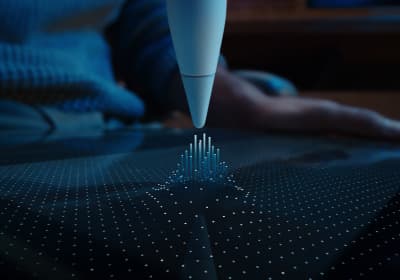
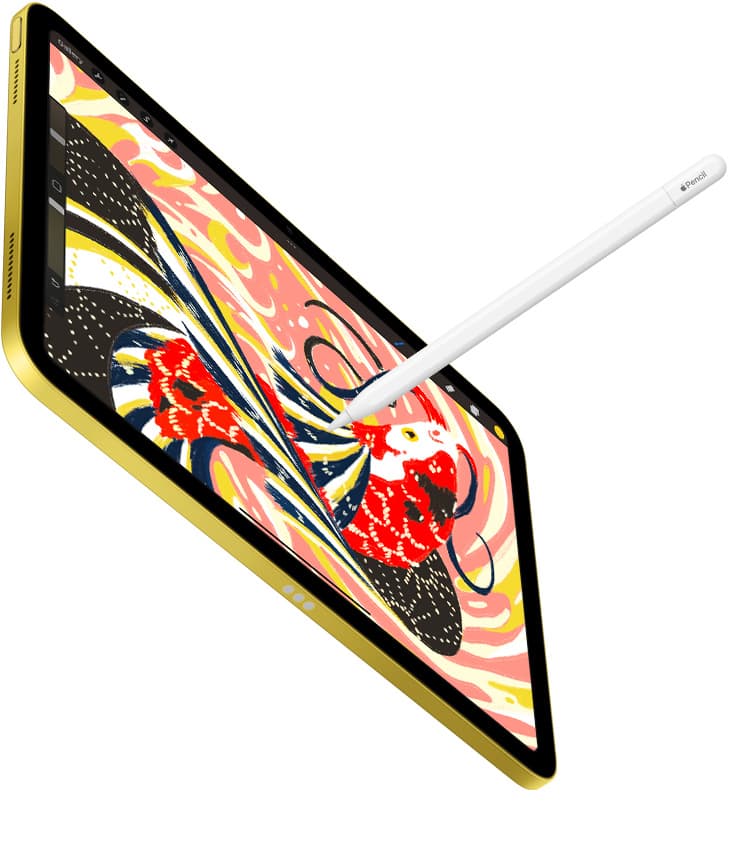
Stylus compatibility is often more important for illustrators than raw CPU benchmarks, and Apple divides its tablet lineup by pencil support [1], [3]. The Apple Pencil Pro includes a built-in sensor in the barrel that detects squeeze gestures, opening software palettes quickly without requiring screen taps [2]. It also includes a gyroscope that enables barrel roll, allowing precise orientation control for shaped brushes and calligraphic vector pens [2].
In addition to squeeze and barrel roll, Apple Pencil Pro features haptic feedback that pulses gently to confirm tool selections [2]. It also supports Apple Pencil hover, which shows a preview of your brush mark or cursor location before the tip touches the glass [2]. These capabilities pair with the iPad Air (M4) and the iPad Pro (M5), but they do not work on the entry-level iPad (A16) [1], [3]. If your digital drawing workflow relies on natural brush orientation or quick tool swaps, limiting yourself to a standard stylus is an unnecessary hurdle [2], [3].
Canvas size, memory, and portable options
Device memory and display real estate directly affect how you manage layered files and tool palettes [1], [4]. In creative apps like Procreate, total system memory sets hard ceilings on how many layers you can create at specific canvas resolutions [4]. While desktop Photoshop and Illustrator handle files differently than mobile raster apps, memory limits remain an operational reality across iPadOS [1], [4]. Opting for an M-series iPad with higher baseline storage ensures you have enough internal room for heavy document caches and local exports [1].
Screen size also changes how comfortable long drawing sessions feel [1]. An 11-inch display works well for travel, but interface panels in Photoshop and Illustrator consume significant canvas space [1]. Choosing a 13-inch iPad Air or iPad Pro gives you more drawing room around your active toolbars [1]. If maximum portability is your priority, the iPad mini (A17 Pro) supports Apple Pencil Pro in a compact form factor, but you sacrifice significant screen area for detailed layout work [1], [2].
Bottom line
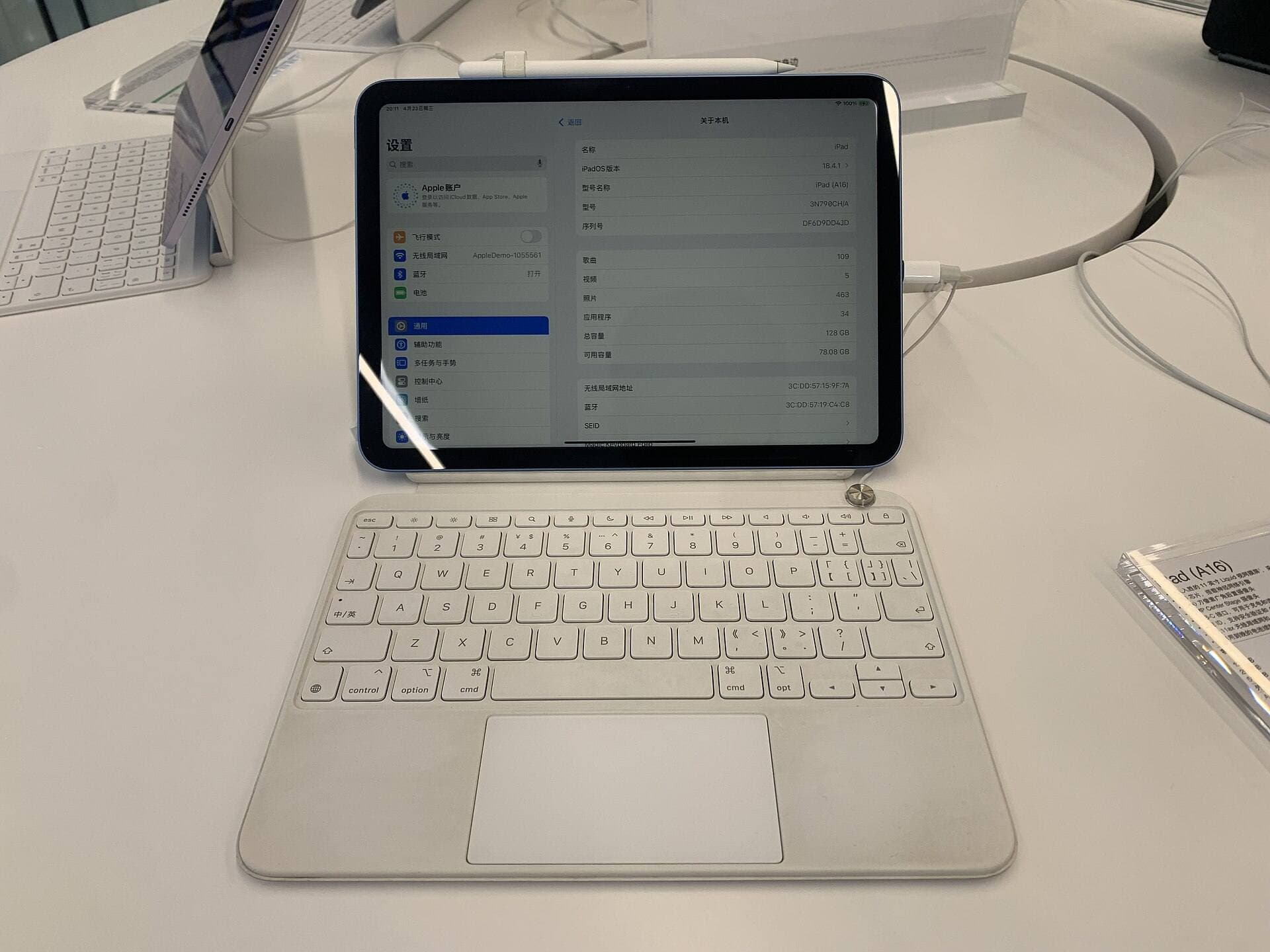
For most artists using Photoshop and Illustrator on iPadOS, the iPad Air (M4) is the smartest purchase [1]. It delivers full compatibility with Apple Pencil Pro, offers both 11-inch and 13-inch sizes, and keeps your kit cost manageable [1], [2]. Buy the iPad Pro (M5) only if you know you need an Ultra Retina XDR display, ProMotion, or maximum internal storage [1]. Skip the base iPad (A16), because losing access to Apple Pencil Pro gestures will limit your creative efficiency [2], [3].
Sources
[1] https://www.apple.com/ipad/compare/ [2] https://www.apple.com/apple-pencil/ [3] https://support.apple.com/en-us/108937 [4] https://help.procreate.com/articles/zlexav-ipad-compatibility
Recommended gear
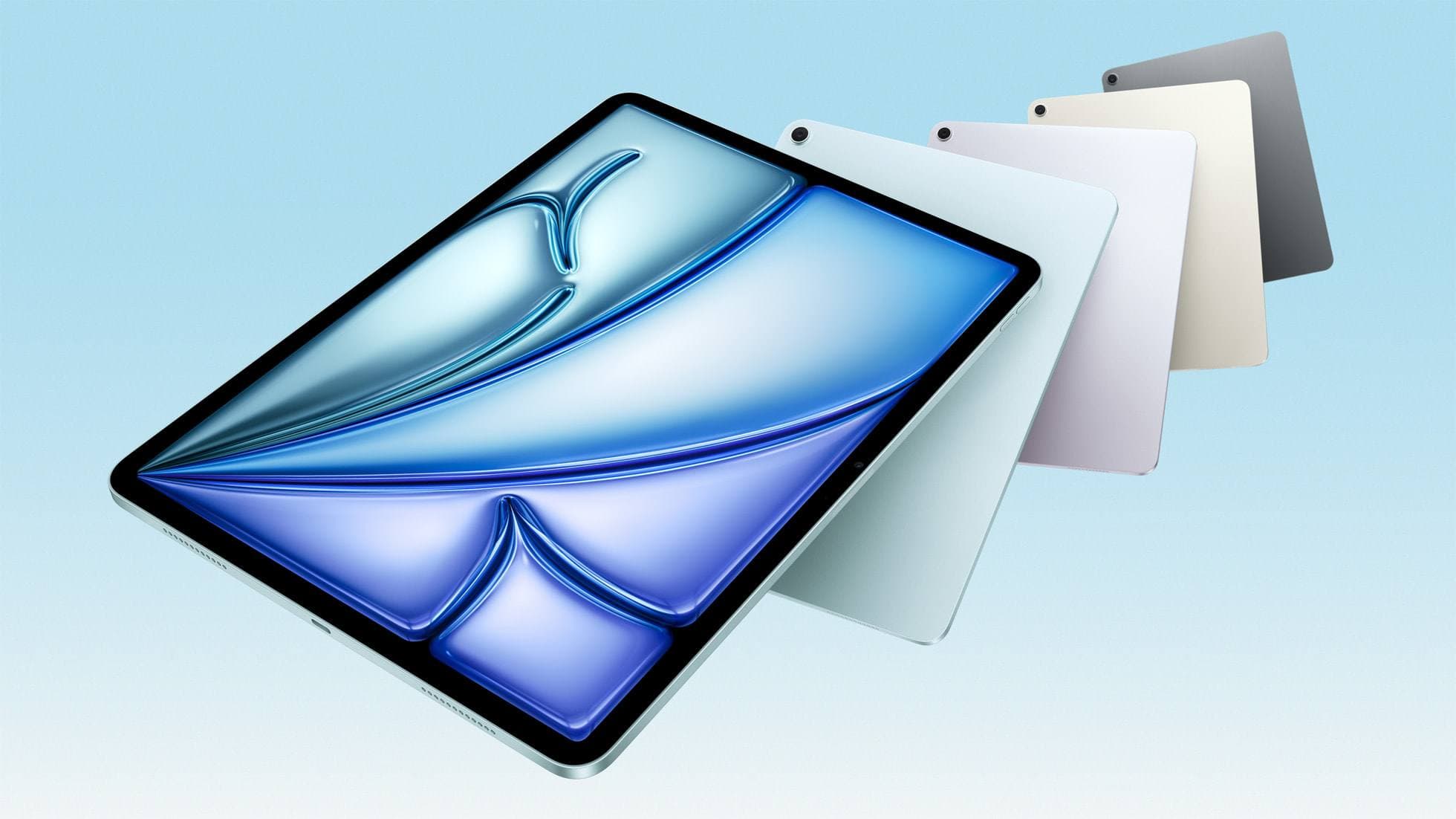
iPad Air (M4)
apple.comThe clean current Air recommendation for most serious hobby artists. Stronger buy logic than old-stock M3 when pricing is close.
Pro: Best current balance of price, headroom, and Pencil support
Con: Still 60Hz
Current Air lineup. Choose size, storage, and keyboard path before checkout.
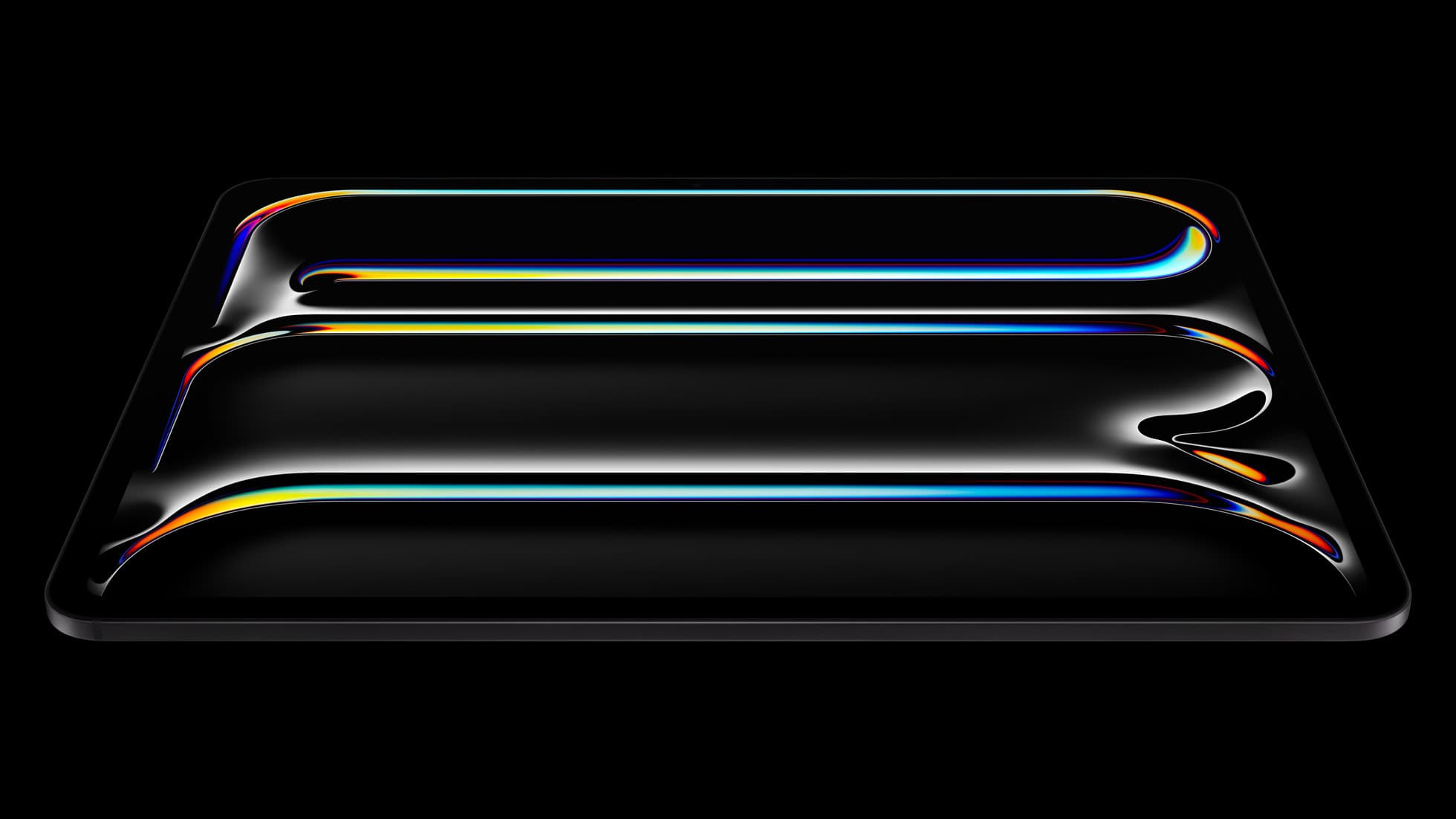
iPad Pro (M5)
amazon.comThe best iPad for drawing feel and premium workflow comfort, but many buyers still overpay for it.
Pro: Best iPad display and ProMotion feel
Con: Highest price in the lineup
Search opens with iPad Pro terms. Check year, chip, and screen size.
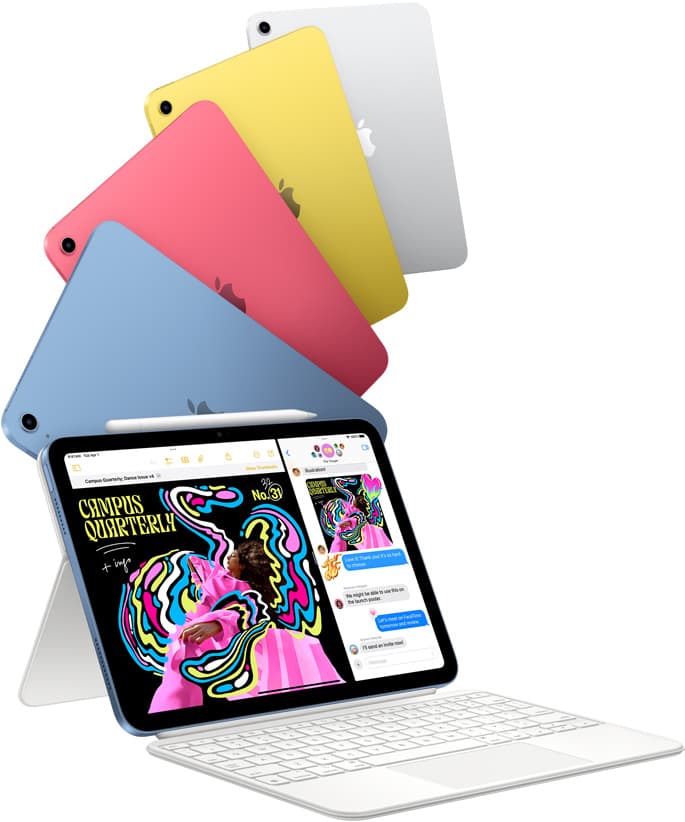
iPad (A16, 11th gen)
amazon.comThe best entry iPad for most artists on a budget. It is not premium, but it is very hard to beat on value.
Pro: Best value iPad right now
Con: No ProMotion display
Search opens with the exact model keywords. Verify size and storage before checkout.
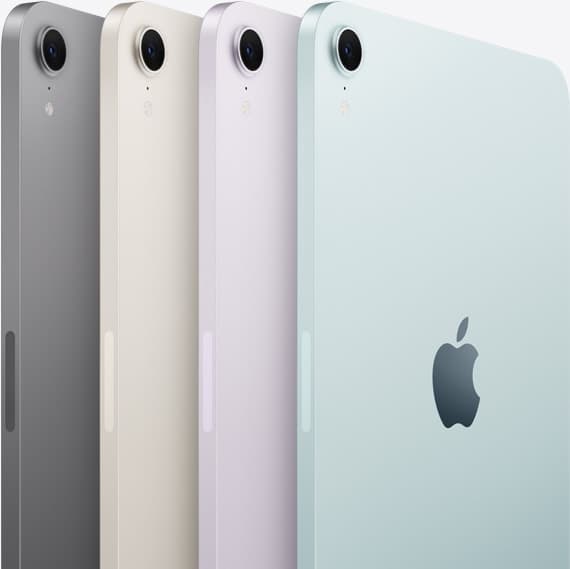
iPad mini (A17 Pro)
amazon.comThe most portable real iPad for drawing. It wins on mobility and loses on workspace.
Pro: Most portable drawing iPad
Con: Small canvas for detailed work
Search opens with iPad mini A17 Pro terms. Verify model number before buying.
Related buying picks
More in this collectionBuyer guide
Is a 64GB iPad enough for Procreate?
A 64GB iPad can run Procreate; decide whether it is enough by measuring your active canvases and the device storage already in use.
Comparison
iPad vs Samsung tablet for drawing: which setup to choose
Choose an iPad if your art workflow relies on Procreate and Apple Pencil tools, and pick the iPad Air for the best balance of features.
Comparison
iPad vs pen display for illustration: how to choose your drawing setup
Compare standalone iPad mobility against tethered pen displays to pick the right digital drawing tool for your illustration workflow.
Comparison
iPad vs MacBook for digital art: Which setup should you buy?
Choose an iPad if direct stylus drawing matters most, or stick with a MacBook if your art pipeline demands desktop desktop file management and external tablet hardware.