If you want to create t-shirt art on your tablet, buy Affinity Designer 2 for iPad or Adobe Illustrator if your prints need clean vector curves and infinite scaling, or buy Procreate if you focus on hand-painted raster illustrations [1], [2], [3]. Skip pure raster drawing apps if you regularly prepare vector cut files, spot-color separations, or logos that must scale cleanly from a pocket badge to an oversized back print [2], [3]. Apparel graphics demand specific file types and resolution targets depending on whether you print through direct-to-garment presses, heat transfer vinyl, or traditional screen printing [1], [2]. Picking the right app early saves you from redrawing artwork when print vendors request production-ready files [2], [3].
Choosing between raster illustrations and vector graphics
The fundamental choice in apparel graphics comes down to whether your design relies on pixels or mathematical vector paths [1], [2]. Raster graphics, such as those made in Procreate, record color on a fixed pixel grid [1]. This grid allows subtle painterly textures, watercolor washes, and detailed shading [1]. However, raster files lose sharpness if you enlarge them beyond their original canvas dimensions, meaning you must calculate physical print inches and resolution before laying down your first stroke [1], [6].
Vector graphics rely on points, lines, and curves defined mathematically rather than fixed pixels [2], [3]. Applications like Affinity Designer 2 for iPad, Adobe Illustrator, and Linearity Curve Graphic Design create artwork that you can scale to any size without loss of fidelity [2], [3], [4]. Print shops often prefer or strictly require vector artwork for screen printing because isolating solid ink layers and creating spot-color films requires crisp outlines [2], [3]. If you plan to cut heat transfer vinyl or send vector outlines to vinyl plotters, vector anchor points are mandatory [2], [4].
Direct-to-garment digital printing and all-over sublimation printing handle high-resolution raster files very well [1]. For these printing styles, a raster design built at actual garment size at 300 dots per inch produces great results [1], [6]. But if your brand identity relies on bold typography, sharp emblem lines, or geometric graphics, starting directly in vector software prevents raster pixelation issues [2], [3].
Raster apparel illustration with Procreate and Clip Studio Paint
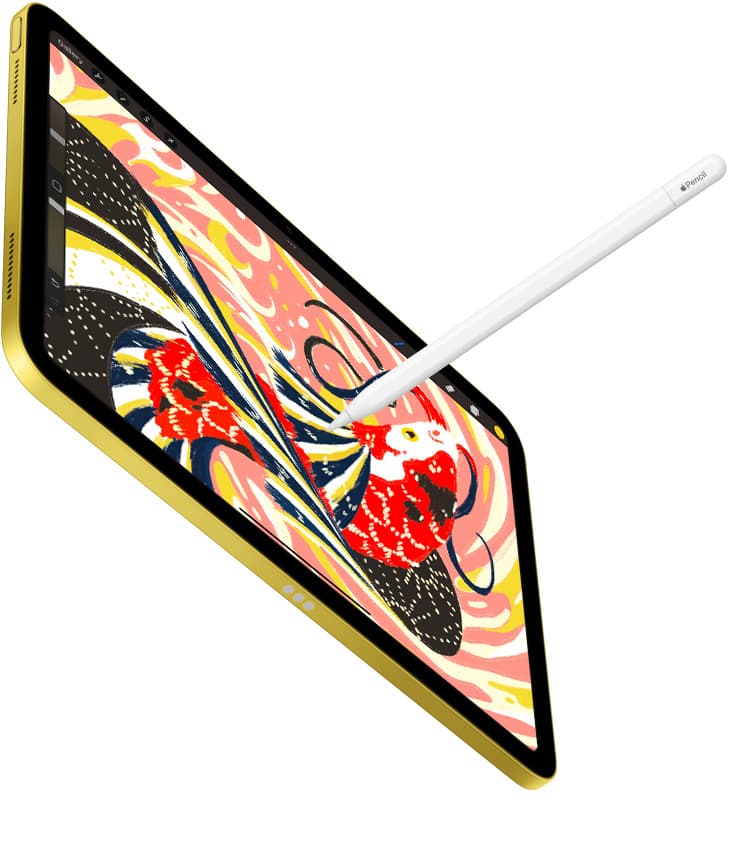
Procreate is an iPad-only digital illustration app available as a one-time purchase from the App Store [1]. Its brush engine makes it a favorite among illustrators who draw detailed character designs, vintage textured prints, and complex painterly graphics for t-shirts [1]. You get responsive pencil sketching, layer blending modes, and straightforward export tools for PNG and PSD formats [1].
The key limitation with Procreate for apparel design is its strict layer cap tied directly to your canvas size and device hardware [1], [6]. Because apparel prints require large physical dimensions at high resolutions, your available layers decrease substantially on heavy canvases [6]. If you build a 14 by 18 inch canvas at 300 dots per inch, your layer budget shrinks quickly, requiring disciplined layer management and flattening strategies [1], [6]. Procreate also lacks native vector path tools, meaning it cannot export vector files for plotting or precision separation [1].
Clip Studio Paint offers an alternative raster workflow that includes a deep comics, vector, ruler, and animation toolset. Unlike Procreate, Clip Studio Paint features specialized vector layers where you can adjust stroke widths and path points after drawing. It also offers multi-page management and desktop file handoff. However, its subscription plan model is less simple than Procreate's one-time purchase structure. If you need dedicated perspective rulers, symmetry tools, and hybrid vector inking for detailed apparel graphics, Clip Studio Paint is an excellent choice, but pure raster painters who want a simple interface should stick with Procreate [1].
Precision vector apps for logos and clean apparel graphics
For creators focused on typography, logos, emblems, and screen print separates, vector apps are the primary production tool [2], [3]. Affinity Designer 2 for iPad brings desktop-class vector and raster design into a touch-focused interface [2]. The app is a free download on the App Store that provides vector drawing, node editing, typography controls, and advanced export options [2]. It lets you switch between vector and pixel environments within a single document, making it easy to add textured shading inside razor-sharp vector shapes [2].
Adobe Illustrator: Graphic Art is another major vector option on iPad, listed as a free download in the Graphics & Design category on the App Store [3]. The listing highlights its capability to create logos, illustrations, and graphics [3]. If you already rely on an Adobe Creative Cloud desktop workflow, Illustrator on iPad offers natural cloud synchronization for handoffs between tablet sketching and desktop prepress work [3]. However, users who do not want ongoing monthly subscriptions will find Affinity Designer 2 far more economical over time [2], [3].
Linearity Curve Graphic Design is another vector option for iPad and iPhone, offering professional vector art and graphic design software with a 4.5 out of 5 rating on the App Store [4]. It suits designers who want modern layout tools and pen vector control without heavy desktop baggage [4]. Meanwhile, Concepts provides an infinite canvas and flexible vector-based sketching where ideas move smoothly from concept to rough layout [5]. While Concepts is great for conceptual ideation, Affinity Designer 2 and Adobe Illustrator remain the superior options when exporting production-grade vector EPS, PDF, or SVG files for apparel screen printers [2], [3], [5].
Hardware pairings and memory limits for large print canvases
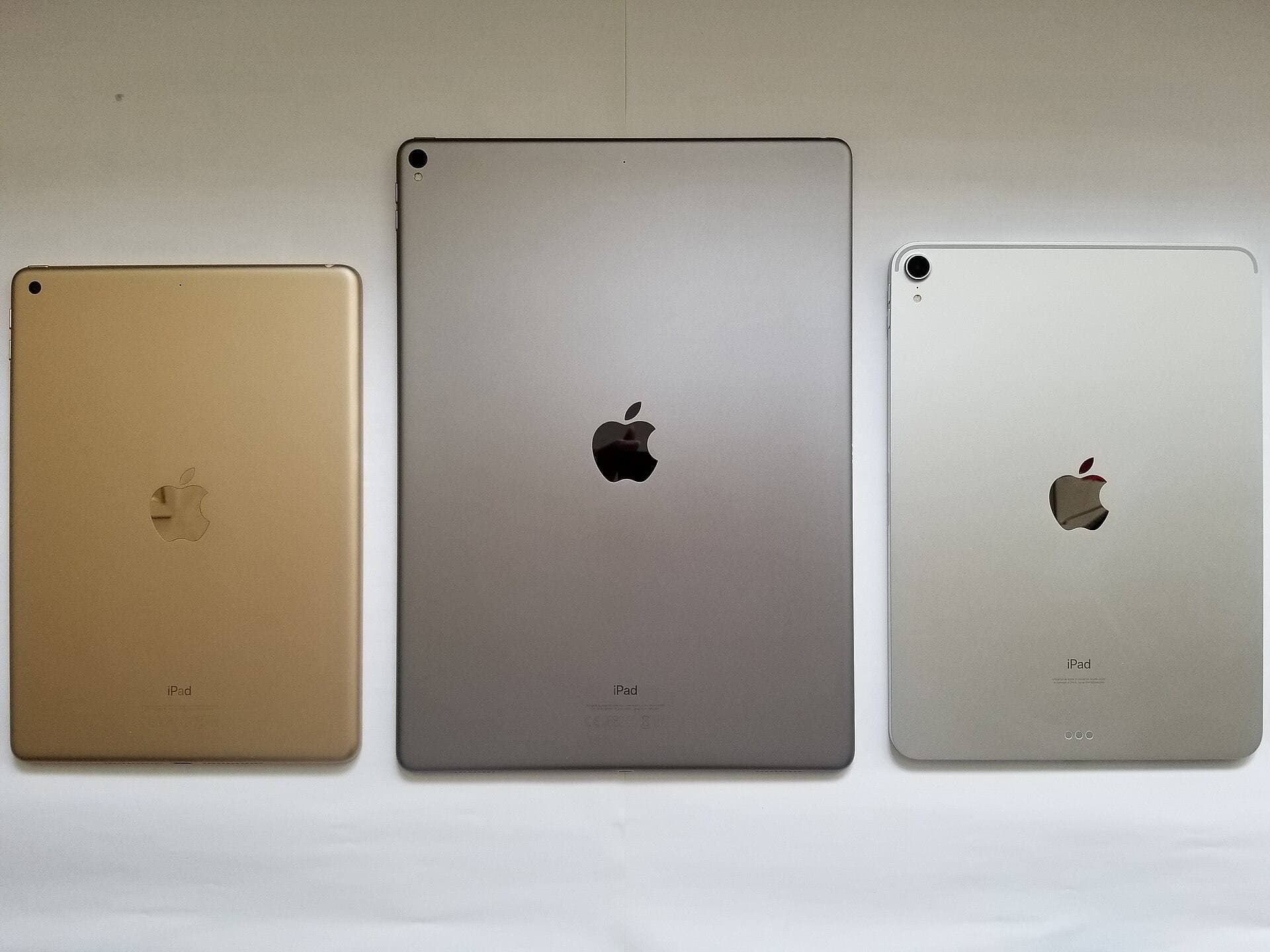
Your iPad hardware directly affects the maximum canvas resolution and layer count you can use in apps like Procreate [6], [7]. Procreate layer availability is constrained by the physical working memory inside your iPad model [6]. For example, working on standard merchandise print sizes requires significant memory headroom so you don't run out of usable layers during the sketching and coloring phases [6].
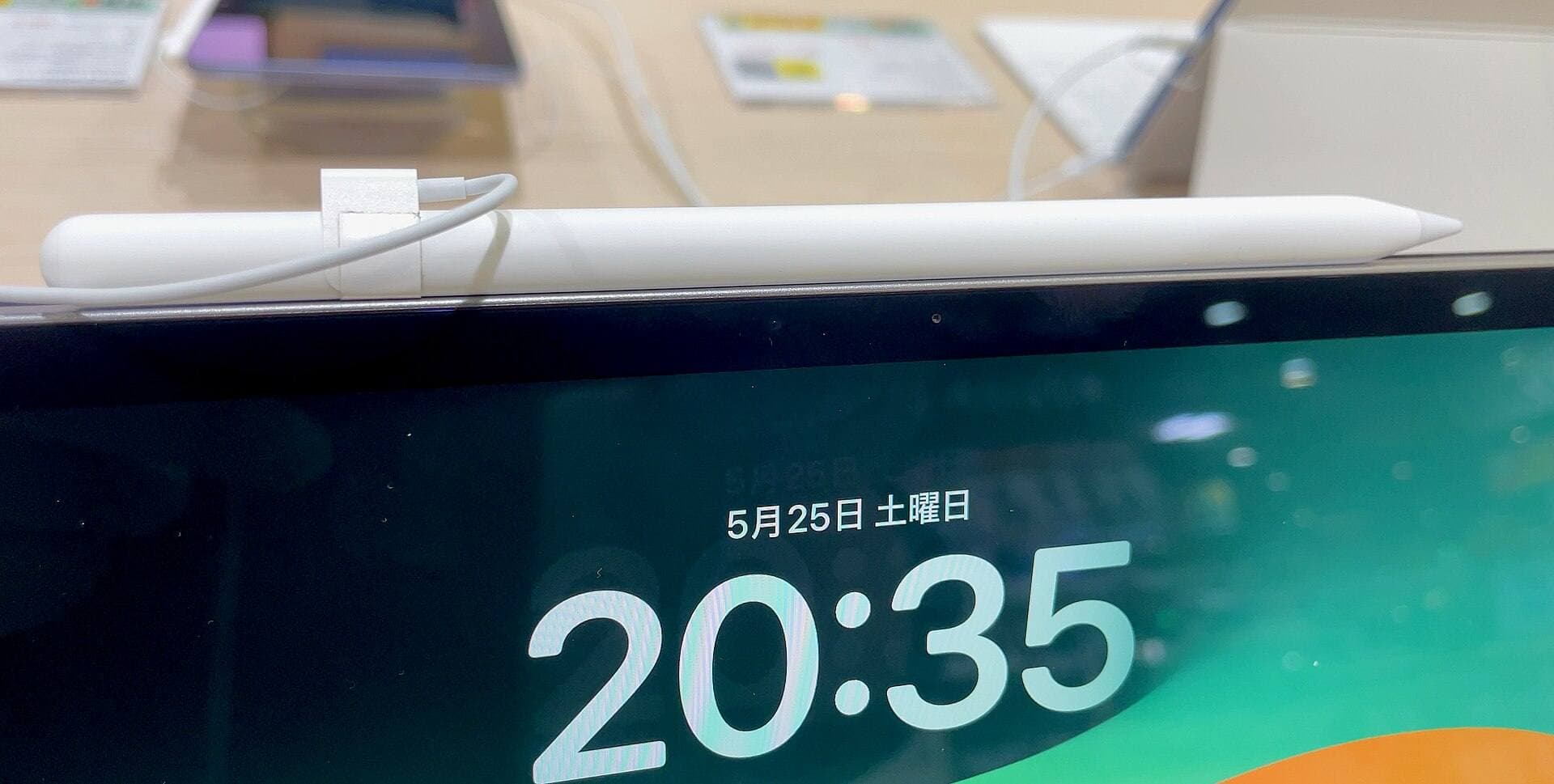
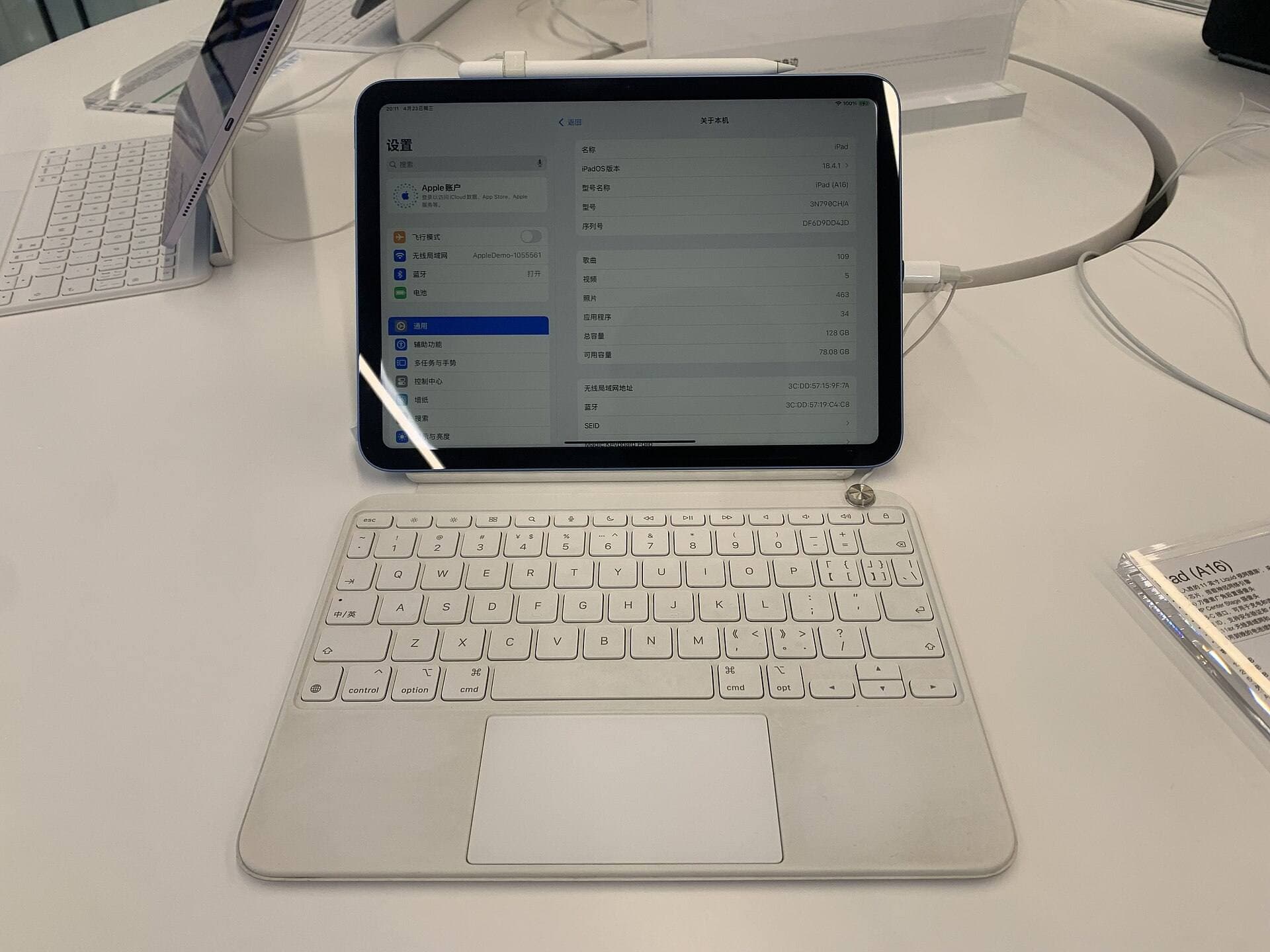
The current iPad Air with the M4 chip offers an appealing balance of processing headroom and Apple Pencil Pro support without stepping up to top-tier Pro tablet prices [7], [8]. The iPad Air lineup lets you choose screen sizes and internal storage configurations to fit your budget before checkout [7]. It pairs with the Apple Pencil Pro, which features tool hover, barrel roll, squeeze gestures, and haptic feedback [8], [9]. These stylus features let you preview brush orientations and quickly cycle through apparel design palettes without tapping floating menus [8].
If you use older iPad hardware or base-level devices, check your stylus compatibility carefully [8], [9]. Apple Pencil Pro works only with newer iPad models, including current Air and Pro tablets, while older generations rely on the Apple Pencil second generation or first generation [8], [9]. Pressure sensitivity and tilt detection remain vital for organic garment sketching, both of which are supported across primary Apple Pencil models [8]. Ensuring your hardware pairing matches your canvas resolution requirements ensures your creative workflow proceeds smoothly from sketch to finished export [6], [7], [8].
Bottom line
Buy Affinity Designer 2 or Adobe Illustrator if you create vector logos, typography, and crisp artwork for screen printing or vinyl cutting [2], [3]. Buy Procreate if you create textured, hand-drawn raster artwork for direct-to-garment printing and prefer a simple one-time purchase [1]. Skip raster-only workflows if your print shop requires scalable vector formats or precise mechanical outlines [1], [2], [3]. If you are upgrading your tablet hardware alongside your software, pairing an iPad Air with an Apple Pencil Pro gives you generous memory headroom and refined stylus controls for large merchandise canvases [7], [8].
Sources
[1] https://apps.apple.com/us/app/procreate/id425073498 [2] https://apps.apple.com/us/app/id1616833418 [3] https://apps.apple.com/us/app/id1018784575 [4] https://apps.apple.com/us/app/id1219074514 [5] https://apps.apple.com/us/app/id560586497 [6] https://help.procreate.com/articles/zlexav-ipad-compatibility [7] https://www.apple.com/ipad/compare/ [8] https://www.apple.com/apple-pencil/ [9] https://support.apple.com/en-us/108937
Recommended gear
Procreate
apps.apple.comPro: One-time purchase
Con: iPad-only
Clip Studio Paint
apps.apple.comPro: Deep comics, vector, ruler, and animation toolset
Con: iPad plan model is less simple than Procreate
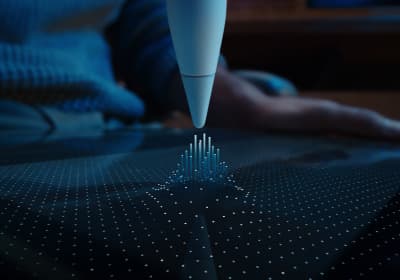
Apple Pencil Pro
amazon.comThe best Apple stylus for serious digital art workflows. Expensive, but the control upgrades are real.
Pro: Best brush-control and hover workflow
Con: Highest price in the lineup
Works only with newer iPad models. Check compatibility.
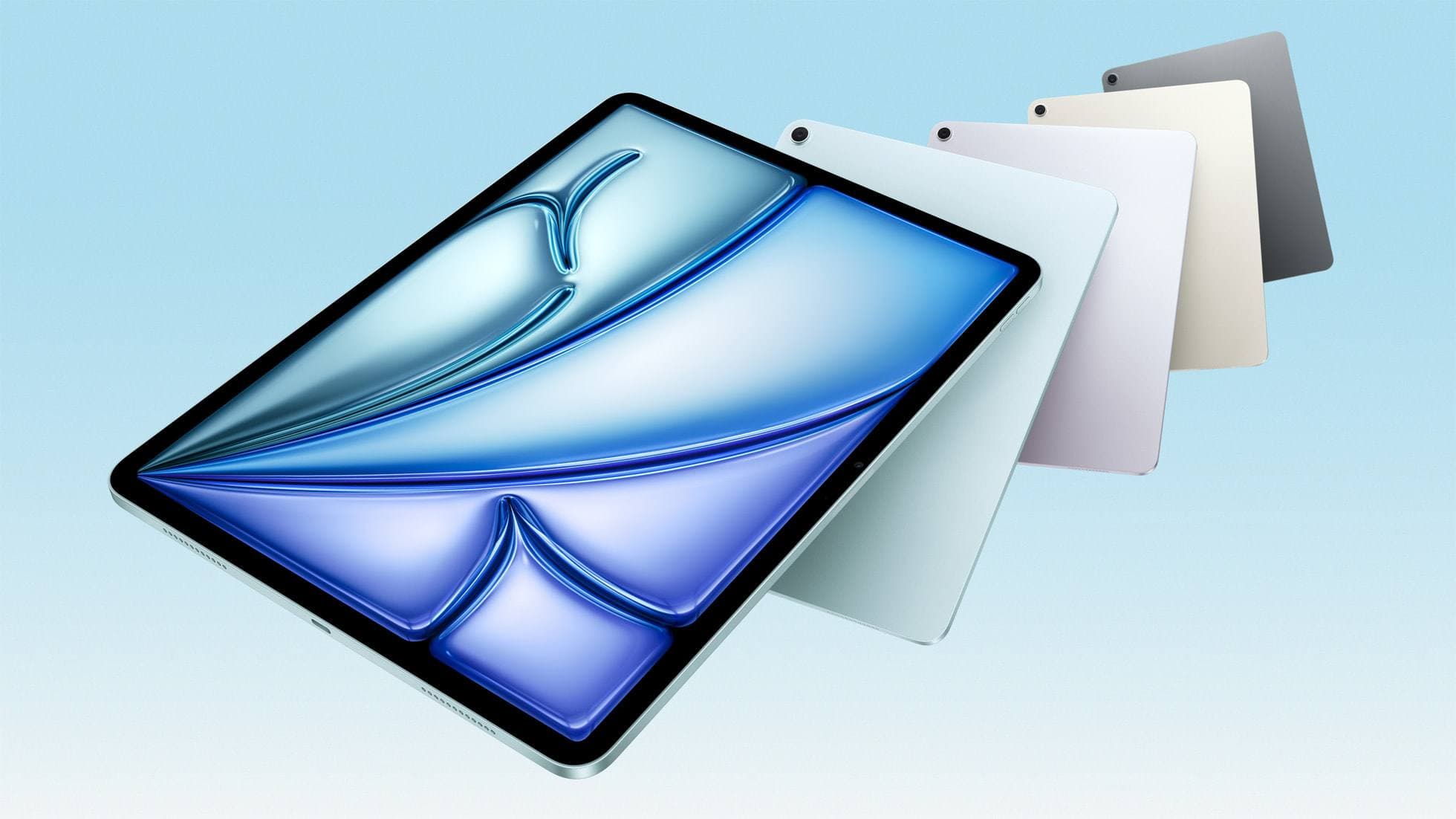
iPad Air (M4)
apple.comThe clean current Air recommendation for most serious hobby artists. Stronger buy logic than old-stock M3 when pricing is close.
Pro: Best current balance of price, headroom, and Pencil support
Con: Still 60Hz
Current Air lineup. Choose size, storage, and keyboard path before checkout.
Related buying picks
More in this collectionBuyer guide
Best iPad app for perspective drawing
Clip Studio Paint and Procreate offer distinct approaches to vanishing points, specialized rulers, and architectural sketching on iPad.
Buyer guide
Best iPad app for hand lettering
Procreate remains the best iPad app for hand lettering, paired with dedicated vector options when you need clean outlines.
Buyer guide
Best iPad app for surface pattern design: Procreate versus Clip Studio Paint
Choose Procreate for standalone raster pattern motifs or pick Clip Studio Paint for vector assets and complex pattern tile structures.
Buyer guide
Best iPad app for interior design sketching
Choose Procreate for simple one-time pricing and fast concept illustration, or pick Clip Studio Paint for multi-page floor plans and deep ruler systems.