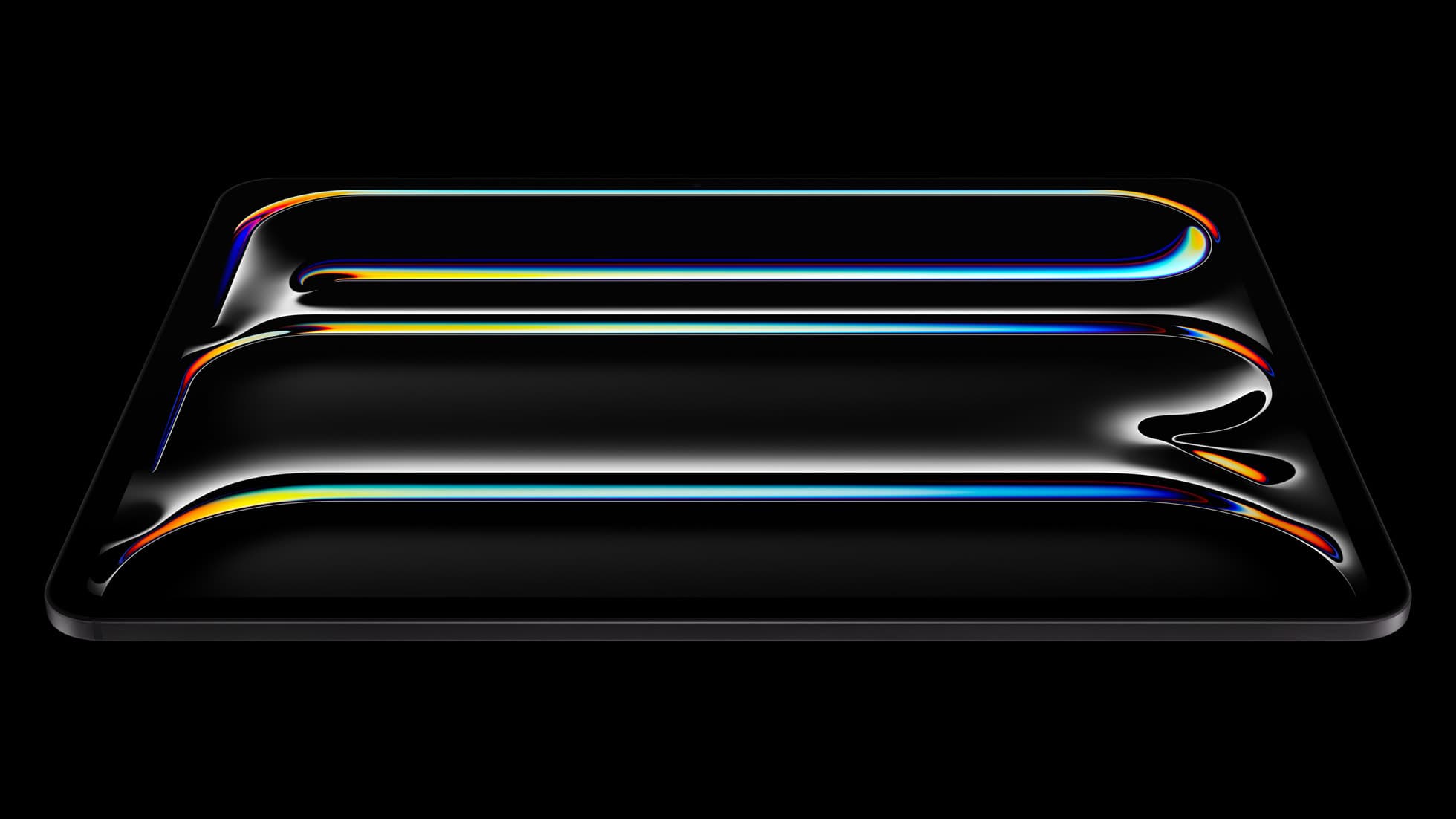
iPad Pro (M5)
iPad Pro (M5) review
4.7
The best iPad for drawing feel and premium workflow comfort, but many buyers still overpay for it.
Quick buy if you are done browsing this page of the archive.
iPad Pro (M5)
Top-rated picks from this archive page.
iPad Pro (M5)
The best iPad for drawing feel and premium workflow comfort, but many buyers still overpay for it.
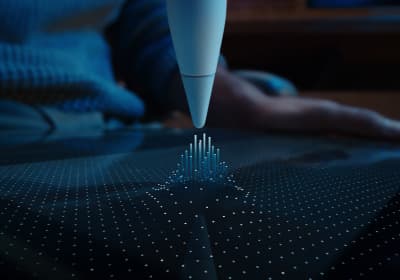
Apple Pencil Pro
The best Apple stylus for serious digital art workflows. Expensive, but the control upgrades are real.
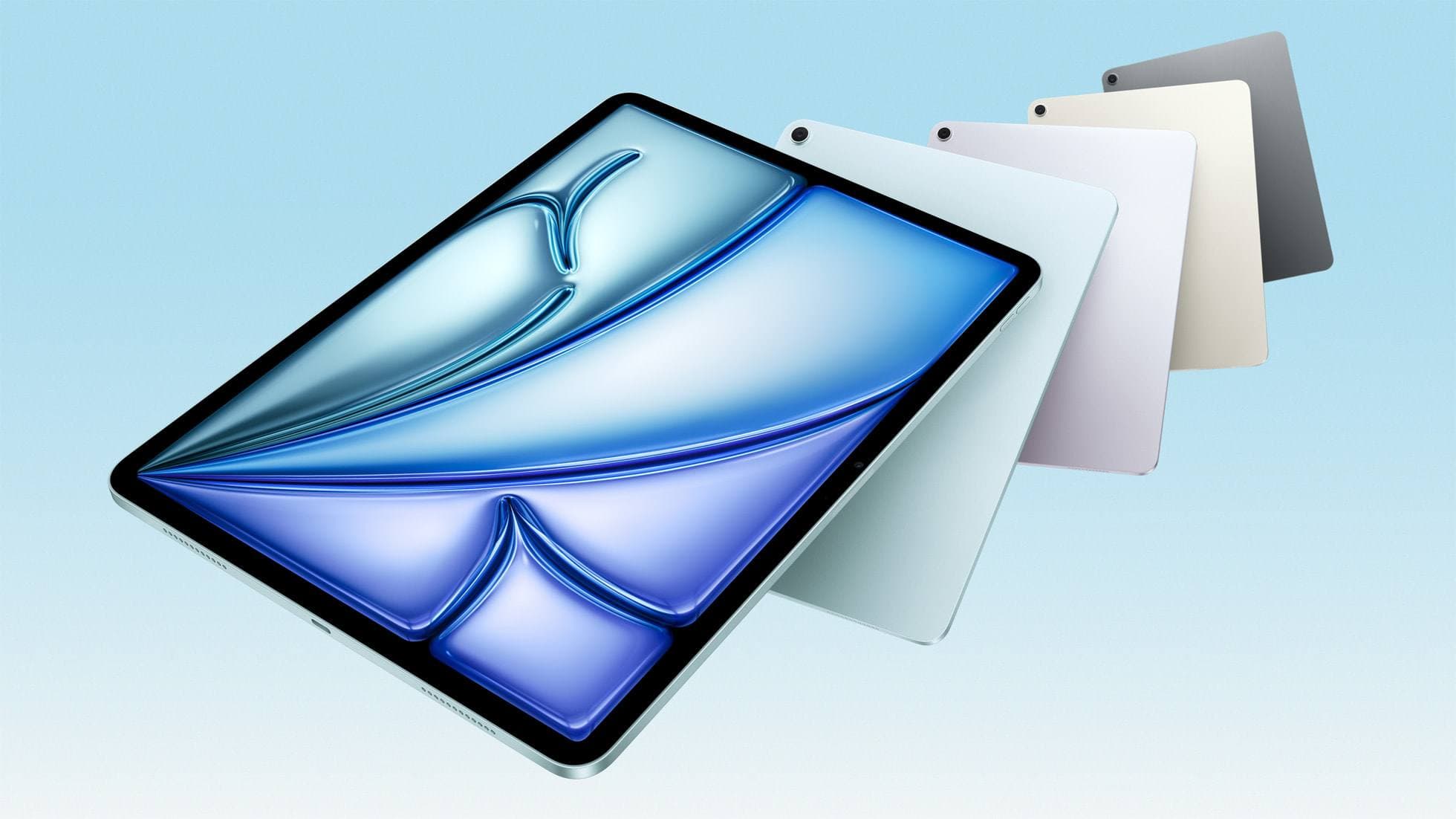
iPad Air (M4)
The clean current Air recommendation for most serious hobby artists. Stronger buy logic than old-stock M3 when pricing is close.
Page 17 is useful for scanning content. It is not the shortest route to a safe purchase. Use these buyer paths if you are actually trying to choose what to buy.
Compatibility first
Use this when the real risk is ordering the wrong Pencil for your iPad, not choosing between tablets.
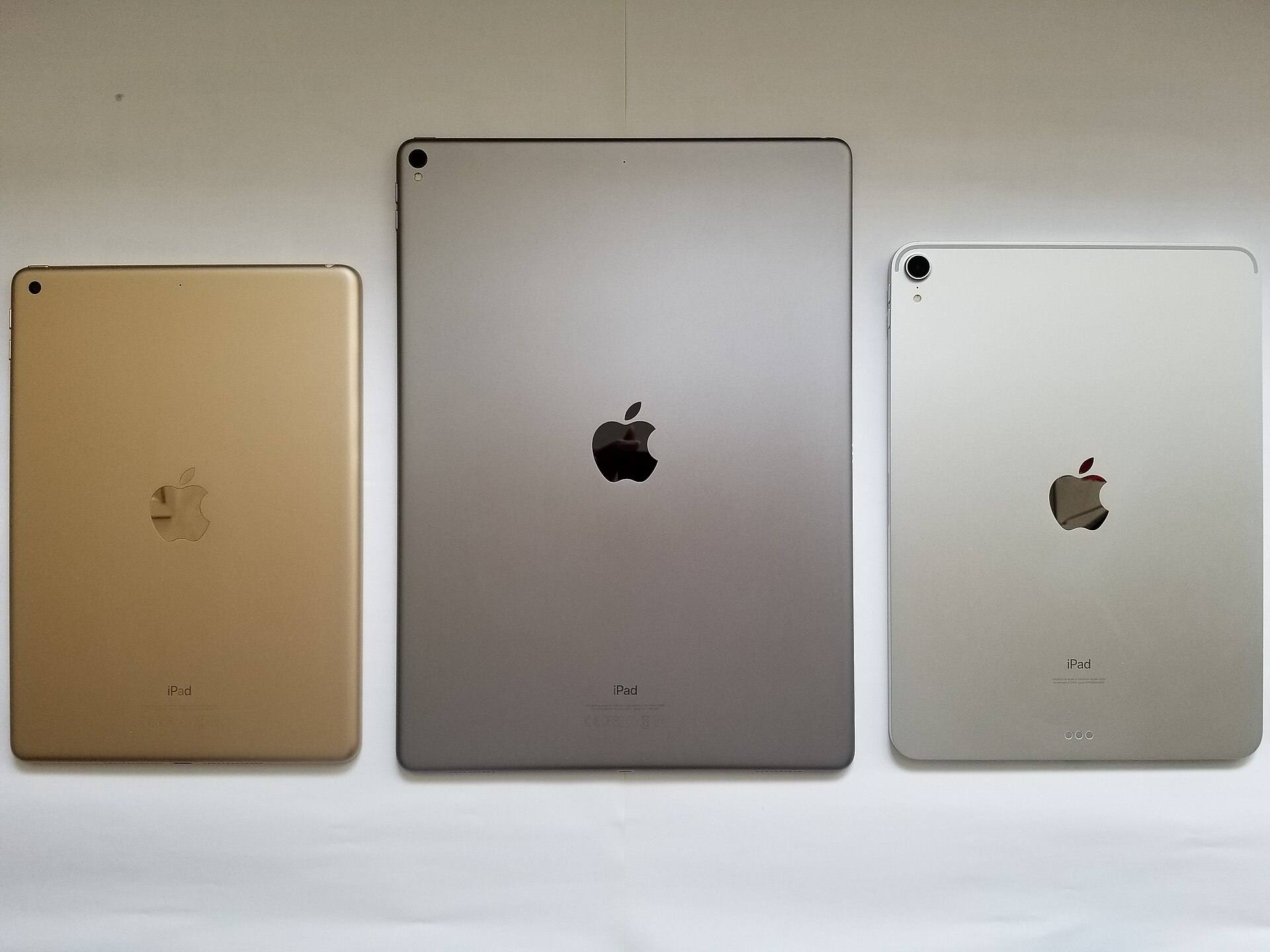
Compare models
The common upgrade question. Start here if you need the shortest path to the sensible buy.
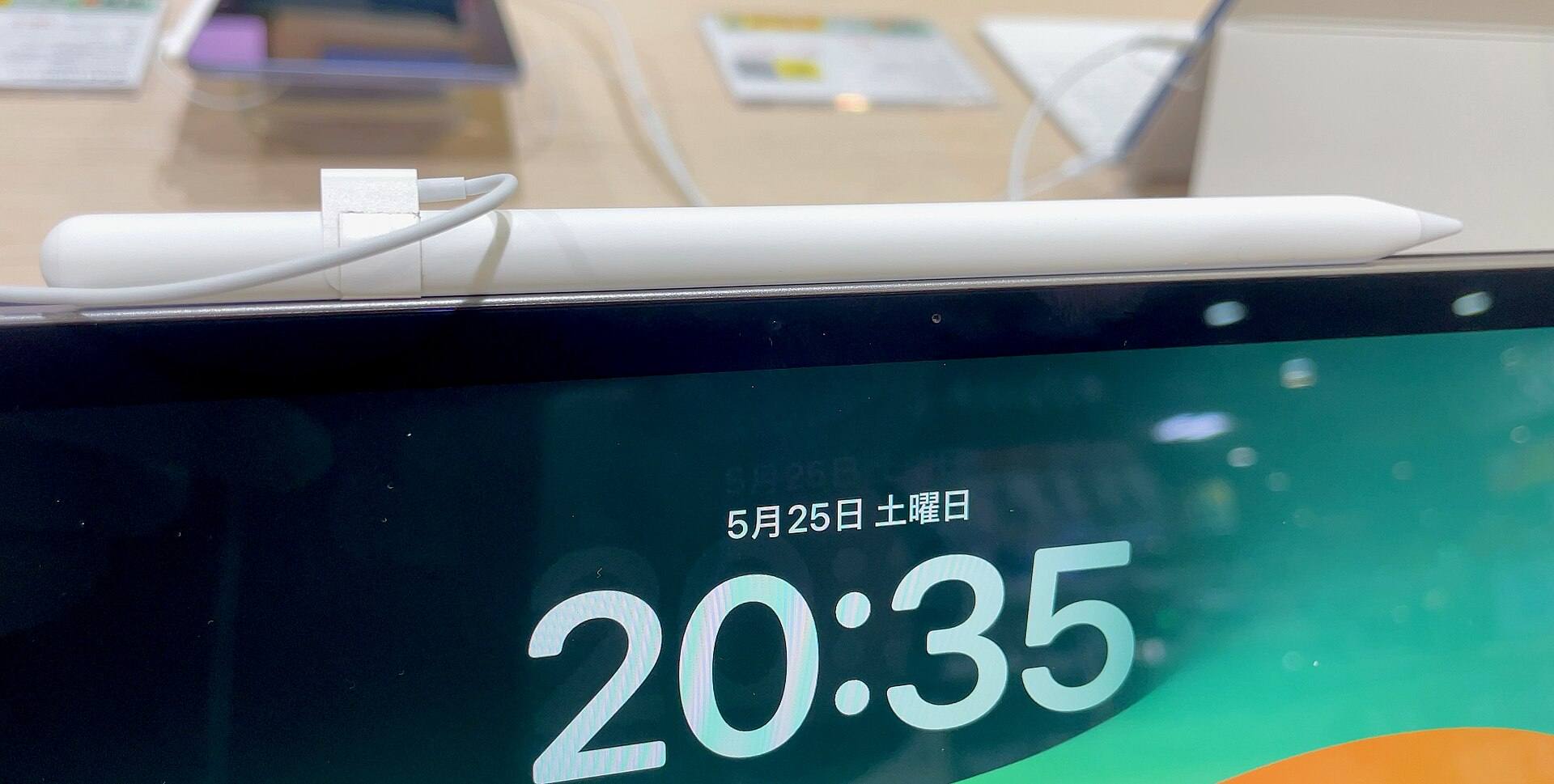
Main art app
Use this when the purchase is mainly about Procreate and you need the safest balance of cost, display feel, and headroom.
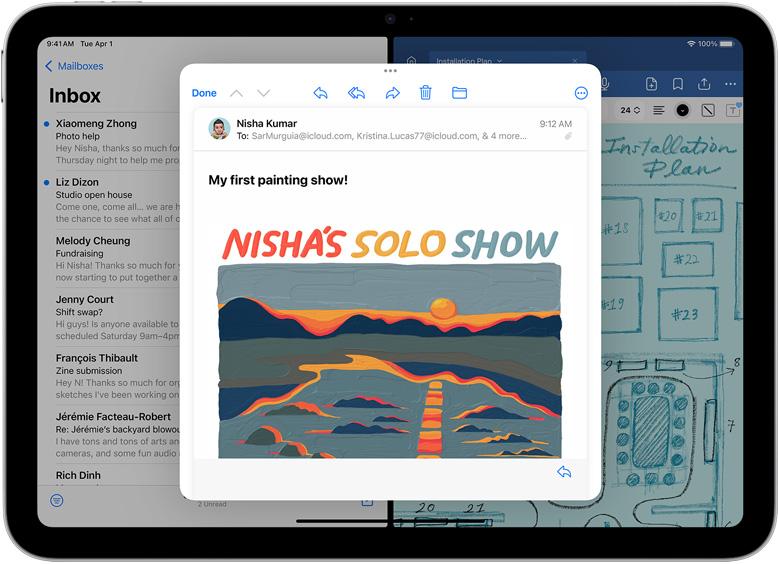
School plus art
Use this when the real purchase is one iPad for notes, PDFs, and regular drawing instead of separate school and art devices.
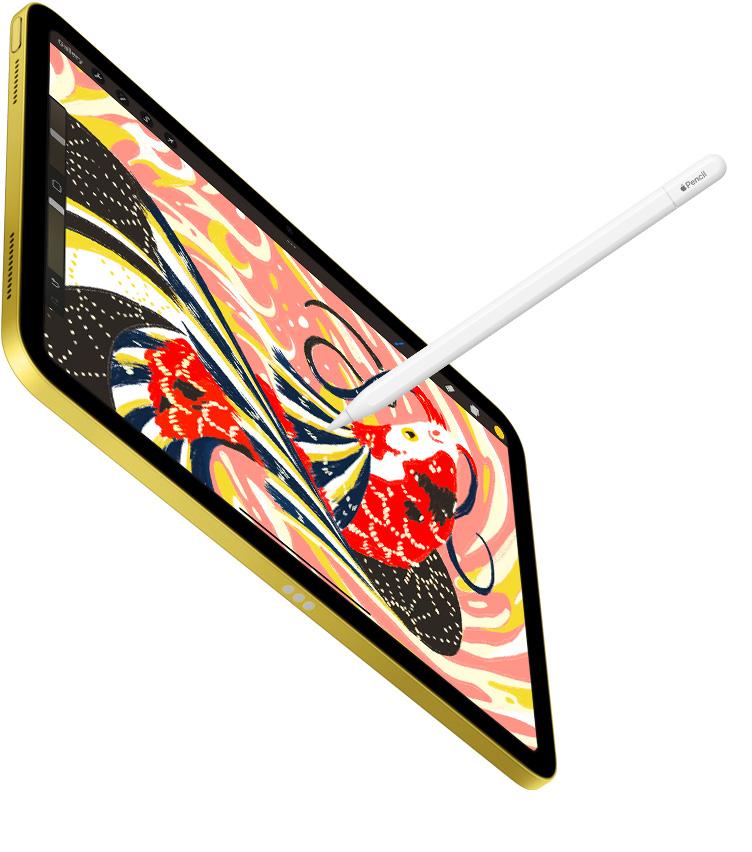
Notes plus drawing
Use this when the real purchase is one iPad for meetings, planning, PDFs, and regular drawing without drifting into the wrong premium tier.
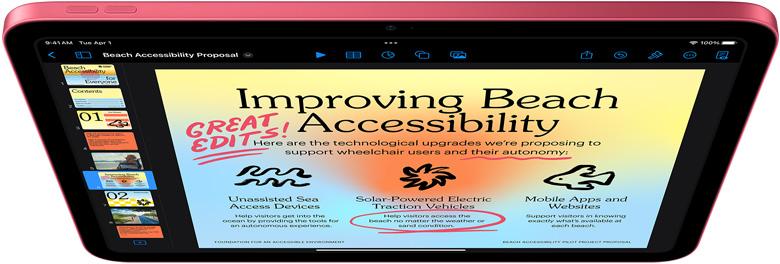
Cases and carry
Use this when the real choice is keyboard case versus draw-first case, not which iPad to buy.
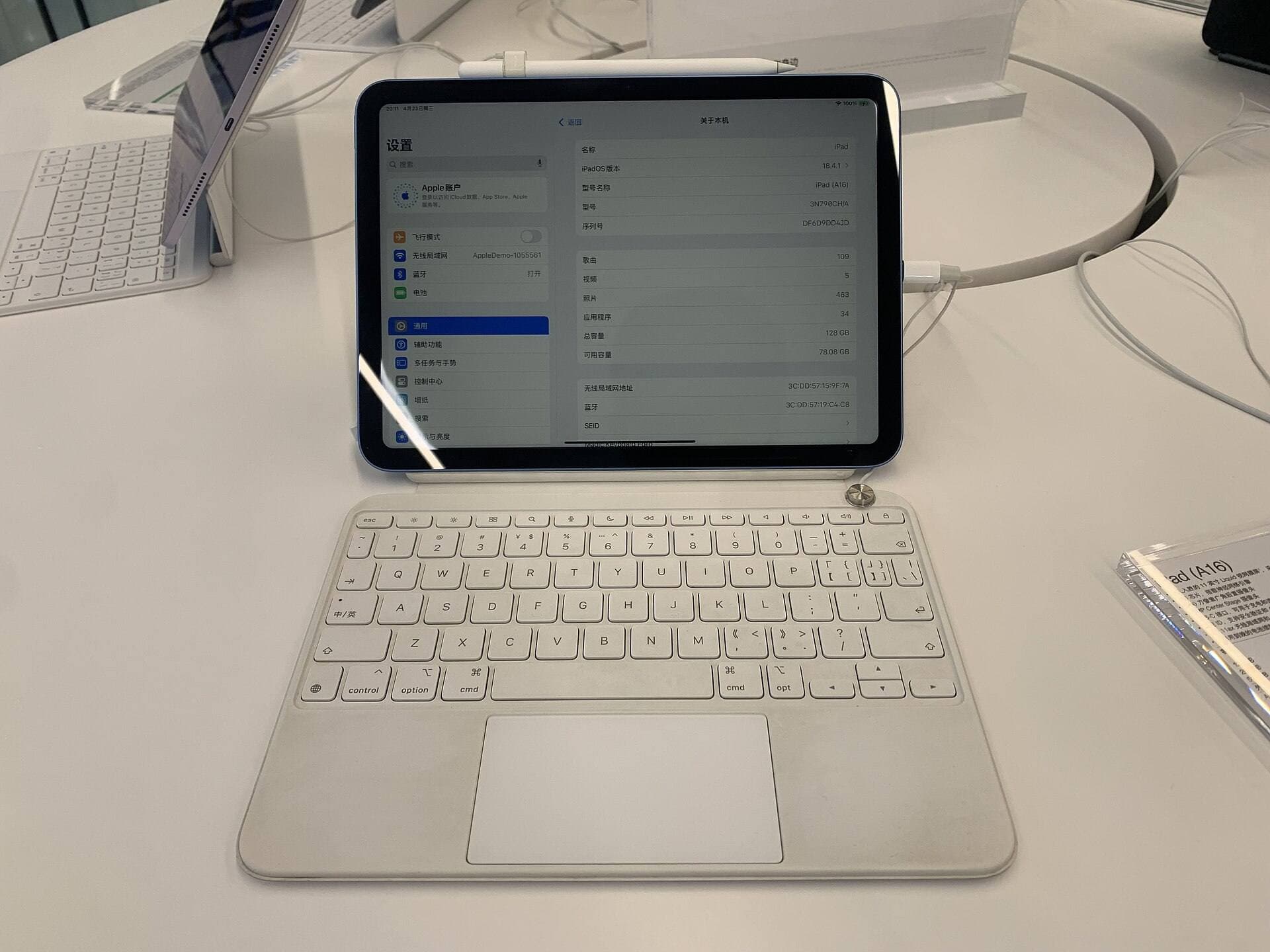
Start with a budget
Use this when you want the best beginner path without drifting into Pro-level overspending.
Buy now
Use this when the shortlist is already small and you mostly need the fastest route to checkout.
iPad
Oct 8, 2026 5 min read
Compare Procreate, Concepts, and Clip Studio Paint to choose the right iPad drawing tool for your architectural drafting workflow.
ipad animation
Oct 8, 2026 5 min read
Compare the best free animation apps on iPad and find out when to stick with no-cost tools or upgrade to dedicated software.
ipad buying guide
Sep 4, 2026 6 min read
Choose the iPad Air (M4) for balanced drawing tool support, pick the iPad Pro (M5) for the top display, or use the base iPad (A16) to keep total setup costs down.
Apple Pencil
Sep 4, 2026 6 min read
Diagnose missing pressure sensitivity in Procreate by checking Apple Pencil hardware support, Procreate pressure curves, and stylus pairing.
Apple Pencil
Sep 4, 2026 6 min read
Troubleshoot pairing failures, tool settings, and hardware limits before spending money on a replacement Apple Pencil.
ipad air
Sep 4, 2026 6 min read
The iPad Air delivers Apple Silicon processing and Apple Pencil Pro support, making it plenty capable for animation without stepping up to Pro pricing.
Apple Pencil
Sep 4, 2026 6 min read
The Apple Pencil (USB-C) functions in Procreate, but the lack of pressure sensitivity makes it a poor fit for expressive brushwork.
iPad
Sep 4, 2026 5 min read
An 11-inch iPad provides ample space for sketching, inking, and paneling comic pages when paired with the right Apple Pencil and app workflow.
iPad
Sep 4, 2026 6 min read
Compare operating system support, Apple Pencil illustration workflows, and file uploads to decide whether an iPad or a laptop fits your Cricut cutting setup.
Apple Pencil
Sep 3, 2026 5 min read
Choose the right Apple Pencil for fashion illustration based on pressure sensitivity, barrel roll, iPad compatibility, and screen texture.