Buy Procreate if you want an established, one-time purchase raster app for conceptual elevations and textured client renders [1], [2]. Choose Concepts if your architectural drafting relies on vector ink and flexible canvas scaling [3]. Choose Clip Studio Paint if you require integrated rulers, multi-page document organization, and desktop tool parity [4], [5]. Skip complex subscription painting apps if your only goal is freehand site notation, where simpler downloads like Sketchbook or Adobe Fresco cover standard sketching needs without upfront cost [6], [7].
Matching architectural workflows to app engines
Architectural drawings demand two distinct styles of digital drafting: loose conceptual presentation sketches and structured line drawings. Raster apps like Procreate operate on fixed-pixel grids where device memory directly dictates canvas dimensions and maximum layer counts [1], [8]. Savage Interactive categorizes Procreate under Graphics and Design in the App Store, maintaining it as a paid upfront download for iPad users [2]. For early schematic massing and site perspective paintings, raster tools simulate traditional marker renderings, watercolor washes, and physical drafting pencil strokes [2].
Vector sketching offers an alternate drafting model for spatial plans. Concepts by TopHatch is listed as a free download in the App Store Graphics and Design category and is built as a flexible vector-based sketchbook [3]. Unlike raster canvases that lock resolution at creation, vector engines let you sketch structural ideas while retaining line geometry and scaling flexibility [3]. If your architectural work moves between rough thumbnails and dimensioned plan work, choosing between raster grids and vector paths determines your drawing limits [2], [3].
Procreate for conceptual presentations and finishes
Procreate suits designers who treat the iPad like a digital trace paper roll for rendering over imported building models or photographs. The application requires an iPad and is sold as a one-time purchase through the App Store, avoiding monthly plan fees [1], [2]. Procreate uses device RAM to determine how many layers you can stack on a given canvas format [8]. On newer hardware, memory ceilings accommodate dozens of layers for complex architectural packages containing line work, color fills, shadows, entourage vegetation, and textures [8].
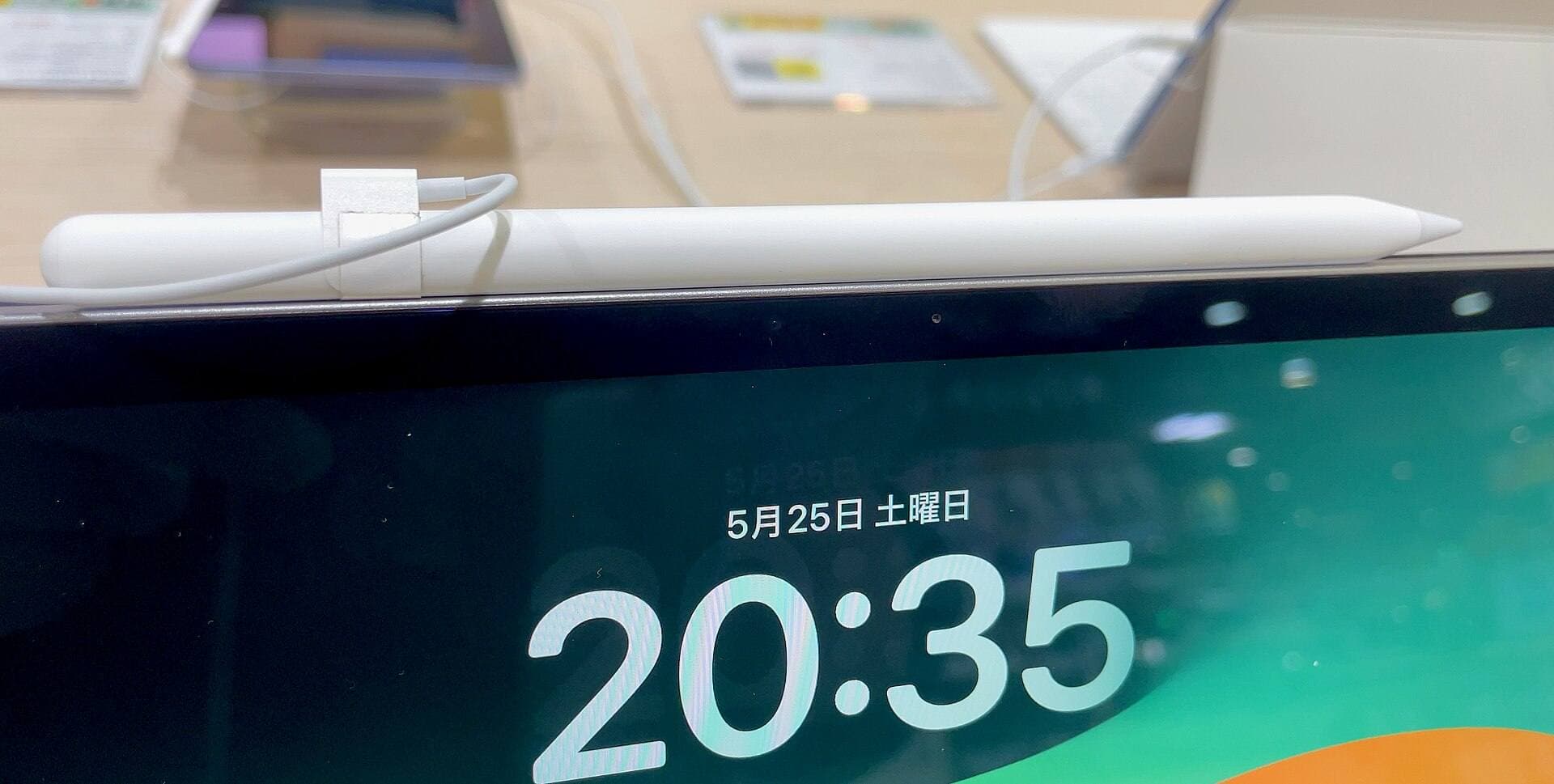
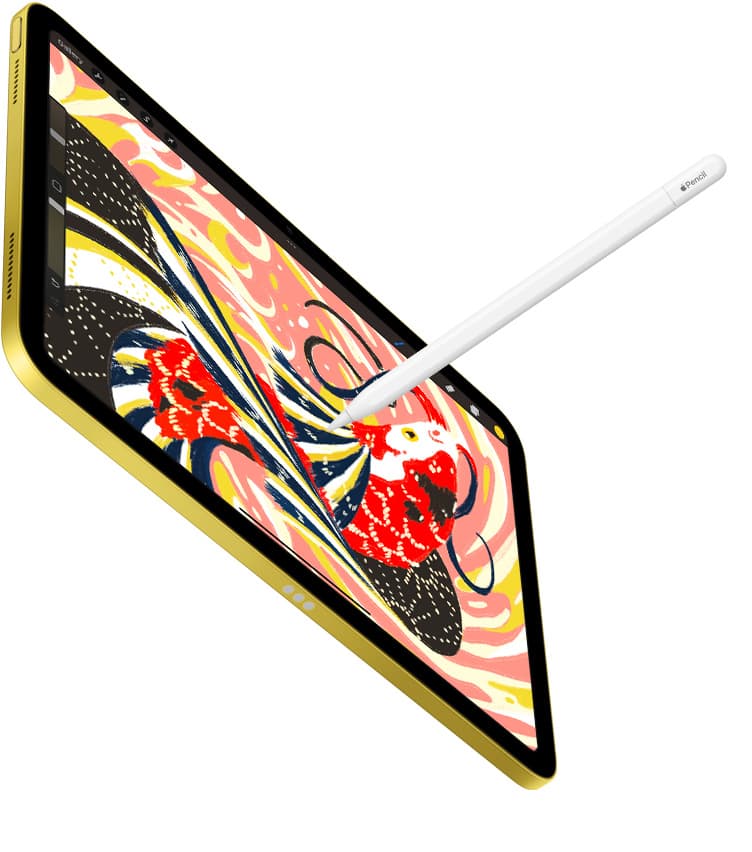
Precision drafting in Procreate pairs with Apple Pencil hardware features. Apple Pencil supports pressure sensitivity and tilt shading across compatible iPad models, letting you draft fine hairline dimensions or wide pencil shading [9], [10]. When working on hardware like the iPad Air with an Apple Pencil Pro, Procreate supports gesture controls and tool adjustments documented in the application handbook [1], [11], [12]. Squeeze gestures, barrel roll for shaped brush orientation, and double-tap shortcuts allow drafters to swap between ink pens and erasers without breaking drawing rhythm [9], [13]. Buy Procreate if you want a standalone presentation rendering tool and do not mind fixed raster layer ceilings [1], [2], [8].
Concepts and Clip Studio Paint for structured layouts
Designers drafting floor plans, structural sections, and strict axonometric projections often outgrow standard raster sketch pads. Concepts by TopHatch provides a vector approach where drawn lines remain scalable strokes rather than static pixels [3]. This vector structure allows architects to sketch initial building footprints and reframe viewports without raster pixelation [3]. Concepts is available as a free download on the App Store with an aggregate rating of 4.7 out of 5 stars across more than 26,000 user reviews [3].
Clip Studio Paint from CELSYS offers a different drafting advantage through dedicated perspective tools and multi-page project files [4], [5]. Listed in the App Store Graphics and Design category as a free download with an initial 30-day trial period, Clip Studio Paint brings a deep collection of vector lines, rulers, and desktop-level publishing tools to iPadOS [4], [5]. The software includes specialized perspective rulers that snap pencil strokes directly to vanishing points, making it suitable for rigorous two-point and three-point exterior perspectives [5]. The tradeoff lies in its commercial structure: unlike Procreate's one-time purchase, Clip Studio Paint uses a subscription or update plan model on iPadOS [1], [5]. Choose Clip Studio Paint if vanishing-point rulers and vector ink matter more to your office than upfront software pricing [4], [5].
Free and lightweight alternatives for site notes
Architects who only need digital markups on job sites or rapid meeting notes do not always need full-scale graphics packages. Sketchbook by Sketchbook, Inc. is available as a free download in the App Store with a 4.8-star rating across more than 220,000 reviews [6]. It provides pencil tools and a clean interface designed for quick freehand drawings without setup overhead [6]. It gives field architects a responsive sketch interface without requiring account configurations or software fees [6].
Adobe Fresco and Infinite Painter represent additional choices for design markups. Adobe Fresco by Adobe Inc. is a free download in the Graphics and Design category that combines digital drawing and painting tools [7]. Infinite Painter by Sean Brakefield is also available as a free download with a 4.1-star rating in the App Store [14]. Similarly, ibis Paint X by ibis inc. offers a free download option in the graphics catalog [15]. These options give students and junior architects capable drawing toolsets to test before paying for software licenses [2], [6], [7].
Hardware pairing considerations for drafting
Software selection must align with iPad display space and stylus capabilities. Apple Pencil Pro works exclusively with designated iPad models, including the M4 iPad Air lineup and M4 iPad Pro hardware [9], [10], [16]. The Apple Pencil Pro includes tool squeeze sensors, barrel roll gyroscopes, haptic feedback, and hover preview capabilities [9]. Hover features allow drafters to view exact brush cursor diameters and alignment angles before making contact with the glass [9], [13].
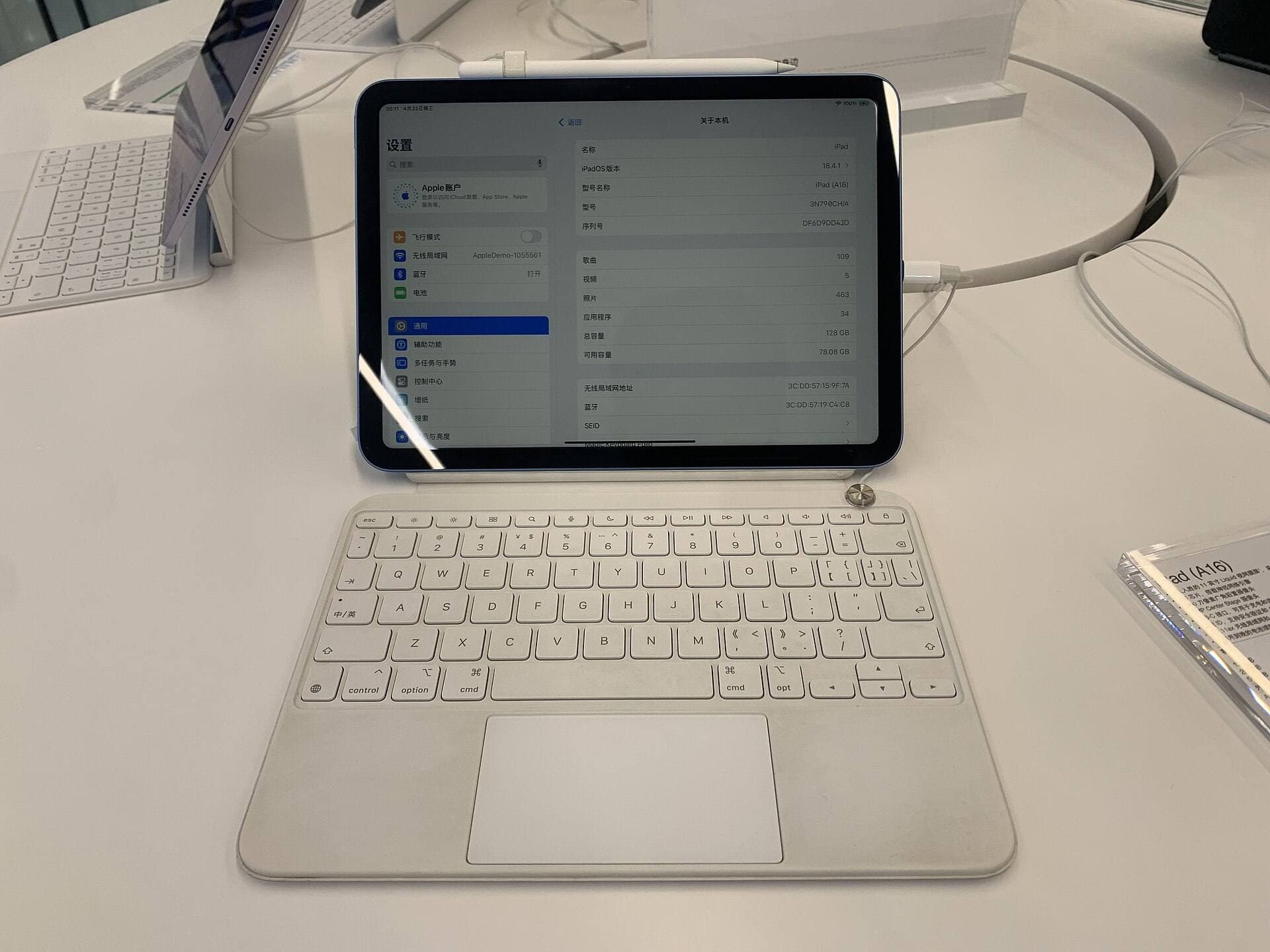
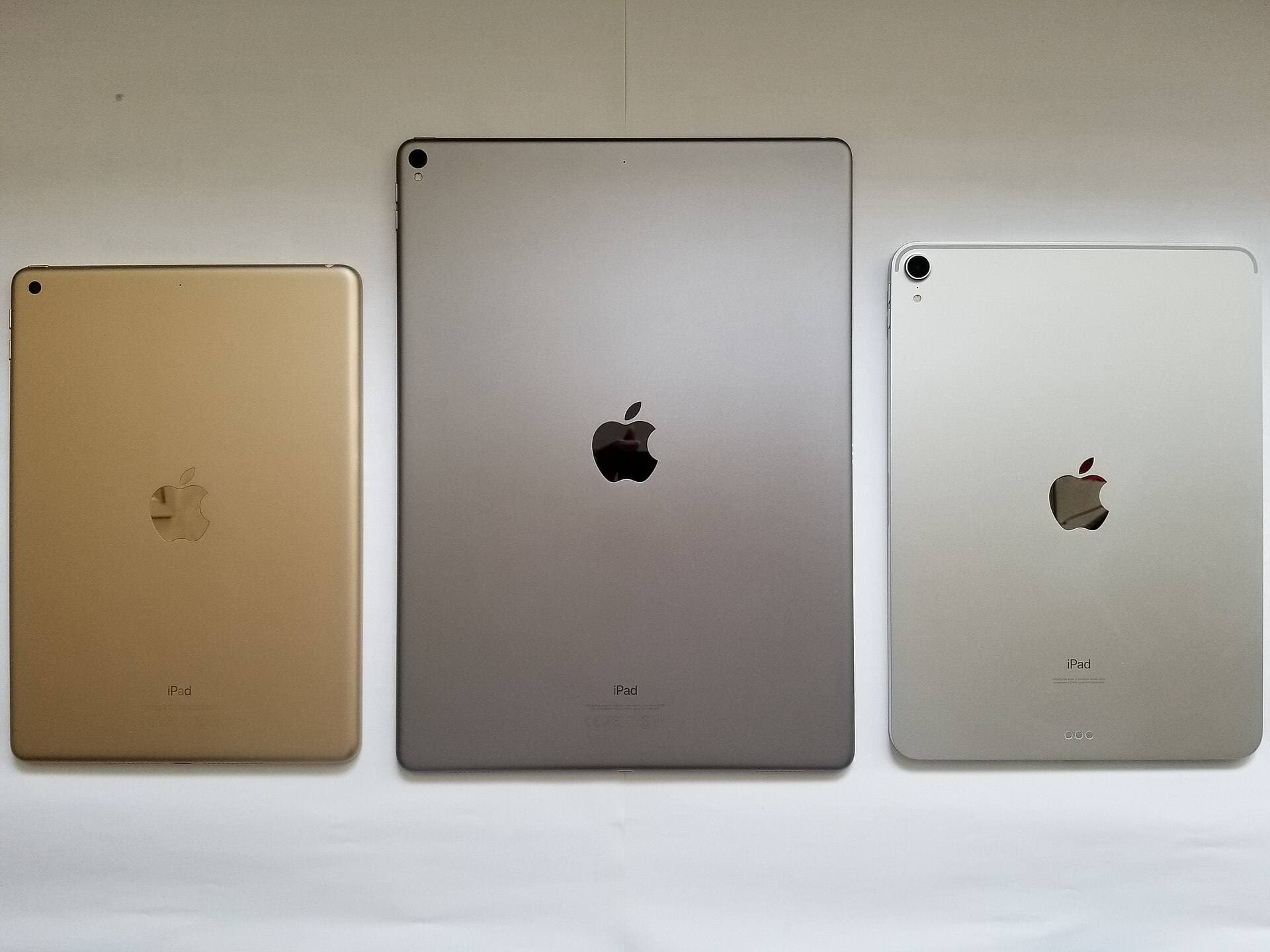
Display size and hardware headroom alter drafting comfort during extended design sessions. The iPad Air with the M4 chip offers a choice between an 11-inch and a 13-inch Liquid Retina display, running at a 60Hz refresh rate while supporting Apple Pencil Pro and Apple Pencil USB-C [10], [16]. A 13-inch screen provides broader canvas area for architectural sheet drafting alongside tool palettes [10], [16]. Drafters using basic Apple Pencil models lose pressure sensitivity when selecting the Apple Pencil USB-C, which limits line-weight modulation in architectural rendering [9]. Verify your iPad hardware and stylus compatibility before committing to specific drafting software [9], [10], [16].
Bottom line
For most architects and design students, Procreate remains the practical choice for conceptual sketching and color presentation renders due to its one-time purchase pricing and deep brush customization [1], [2]. If your drawings depend on infinite vector zooming, choose Concepts [3]. If your work requires snapping lines to complex vanishing points across multi-page architectural drawing sets, choose Clip Studio Paint and budget for its recurring software plan [4], [5]. Pair these tools with an iPad Air and Apple Pencil Pro if you want squeeze shortcuts and hover previews without stepping up to higher tier device prices [9], [10], [16].
Sources
[1] https://apps.apple.com/us/app/procreate/id425073498 [2] https://apps.apple.com/us/app/id425073498 [3] https://apps.apple.com/us/app/id560586497 [4] https://apps.apple.com/us/app/id1262985592 [5] https://www.apple.com/apple-pencil/ [6] https://apps.apple.com/us/app/id883738213 [7] https://apps.apple.com/us/app/id1458660369 [8] https://help.procreate.com/articles/zlexav-ipad-compatibility [9] https://support.apple.com/en-us/108937 [10] https://www.apple.com/ipad/compare/ [11] https://help.procreate.com/procreate/handbook/5.2/interface-gestures/pencil [12] https://support.apple.com/guide/ipad/draw-with-apple-pencil-ipadc55b6c7a/ipados [13] https://support.apple.com/guide/ipad/draw-with-apple-pencil-ipadc55b6c7a/ipados [14] https://apps.apple.com/us/app/id1146543227 [15] https://apps.apple.com/us/app/id450722833 [16] https://www.apple.com/ipad/compare/
Recommended gear
Procreate
apps.apple.comPro: One-time purchase
Con: iPad-only
Clip Studio Paint
apps.apple.comPro: Deep comics, vector, ruler, and animation toolset
Con: iPad plan model is less simple than Procreate
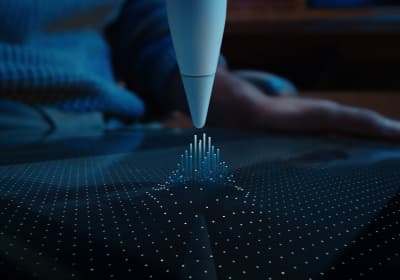
Apple Pencil Pro
amazon.comThe best Apple stylus for serious digital art workflows. Expensive, but the control upgrades are real.
Pro: Best brush-control and hover workflow
Con: Highest price in the lineup
Works only with newer iPad models. Check compatibility.
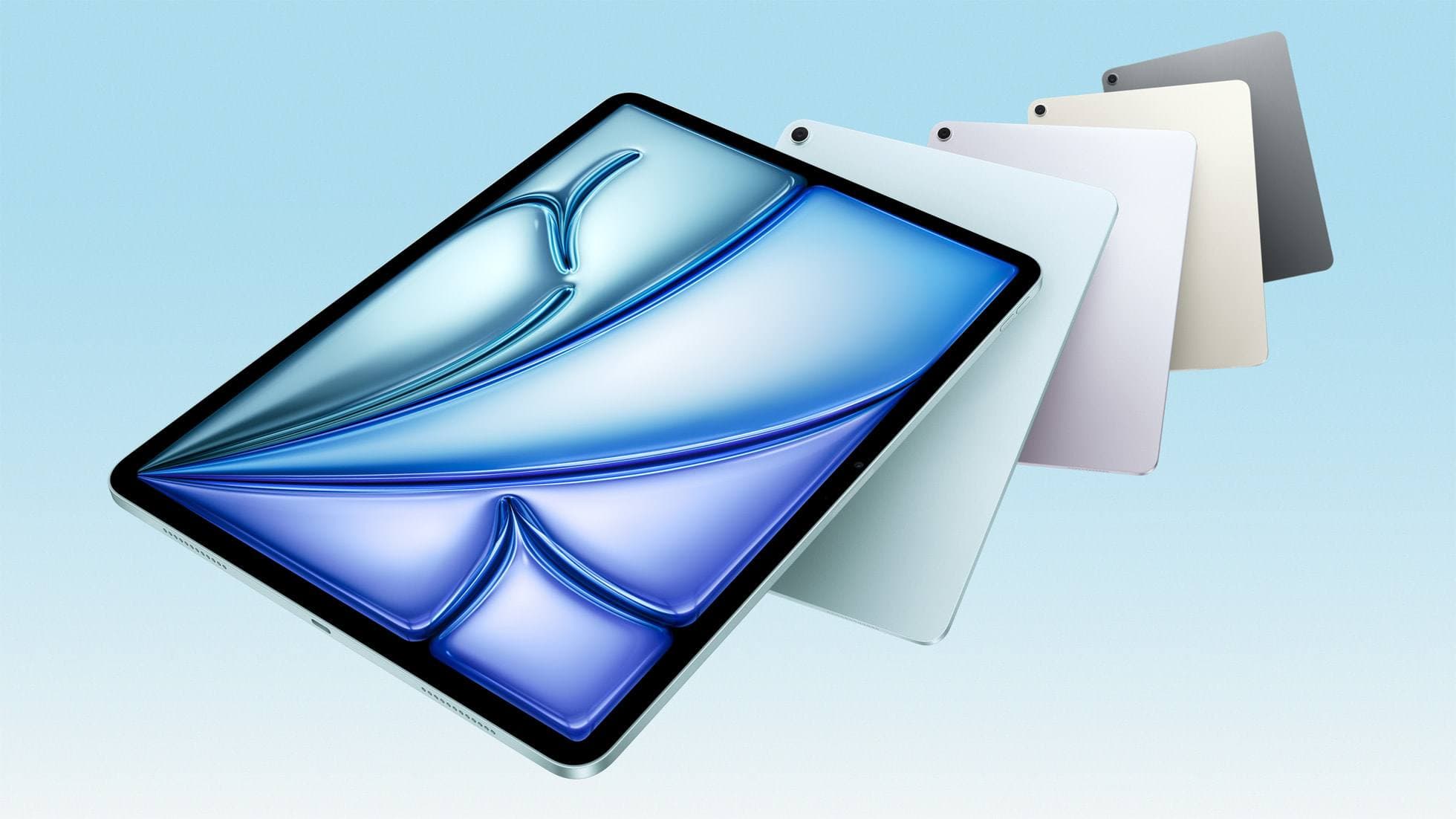
iPad Air (M4)
apple.comThe clean current Air recommendation for most serious hobby artists. Stronger buy logic than old-stock M3 when pricing is close.
Pro: Best current balance of price, headroom, and Pencil support
Con: Still 60Hz
Current Air lineup. Choose size, storage, and keyboard path before checkout.
Related buying picks
More in this collectionBuyer guide
What is the best handwriting app for iPad?
Choose between flexible vector canvases and traditional raster stroke engines based on how you organize your handwriting and notes.
Buyer guide
Best iPad app for manga: Clip Studio Paint versus Procreate and free alternatives
Clip Studio Paint is the best overall iPad app for serialized manga and multi-page comics, while Procreate remains the top one-time purchase for single illustrations.
Buyer guide
Best iPad drawing app for beginners
Procreate remains the best first drawing app to buy on iPad, while free options like Sketchbook and Adobe Fresco let you start without upfront costs.
Buyer guide
Best Procreate alternatives for iPad
Compare top iPad drawing apps to decide whether Clip Studio Paint, Fresco, or another tool fits your workflow better than Procreate.