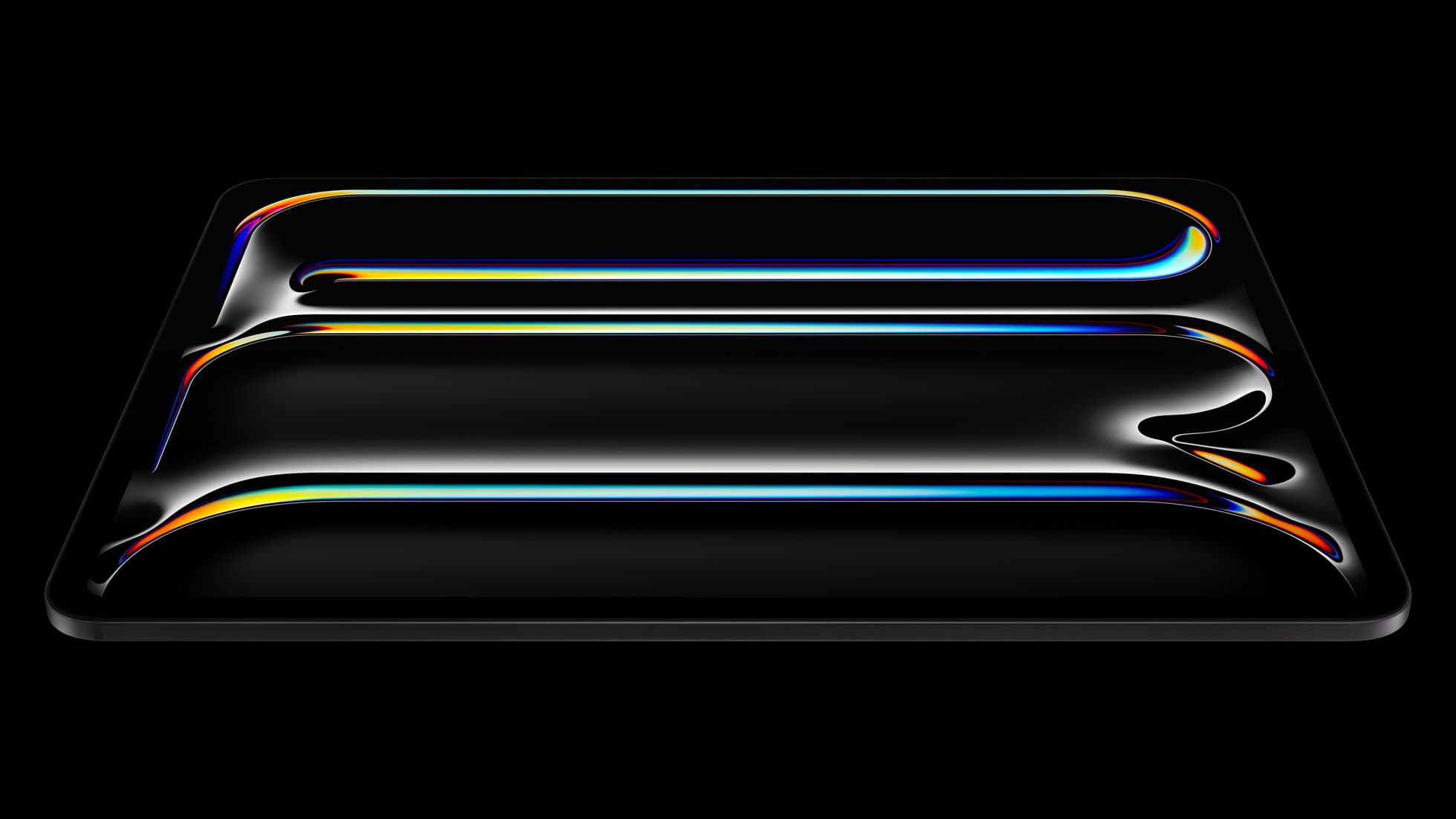
iPad Pro (M5)
iPad Pro (M5) review
4.7
The best iPad for drawing feel and premium workflow comfort, but many buyers still overpay for it.
Quick buy if you are done browsing this page of the archive.
iPad Pro (M5)
Top-rated picks from this archive page.
iPad Pro (M5)
The best iPad for drawing feel and premium workflow comfort, but many buyers still overpay for it.
Apple Pencil Pro
The best Apple stylus for serious digital art workflows. Expensive, but the control upgrades are real.
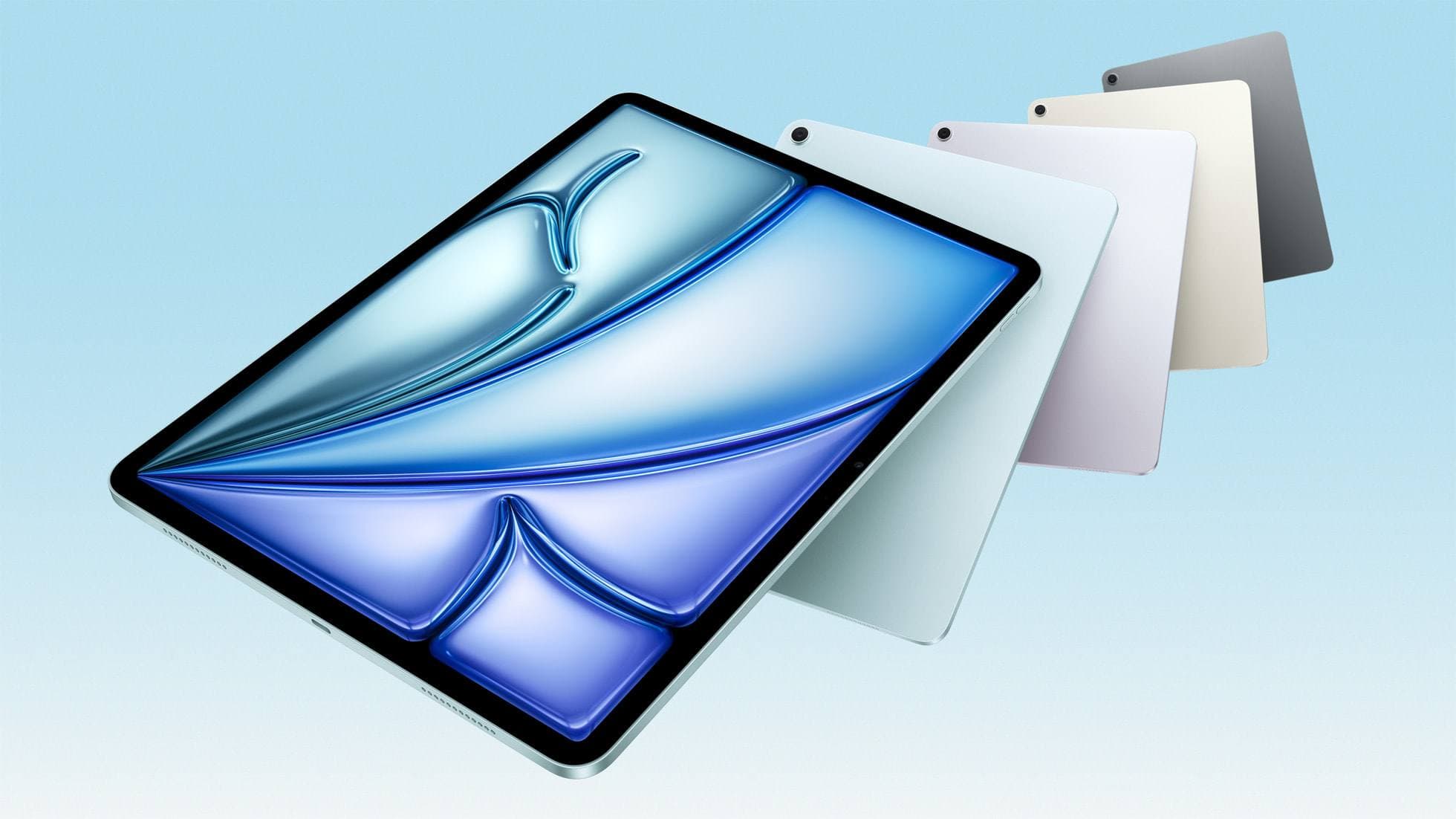
iPad Air (M4)
The clean current Air recommendation for most serious hobby artists. Stronger buy logic than old-stock M3 when pricing is close.
Page 2 is useful for scanning content. It is not the shortest route to a safe purchase. Use these buyer paths if you are actually trying to choose what to buy.
Compatibility first
Use this when the real risk is ordering the wrong Pencil for your iPad, not choosing between tablets.
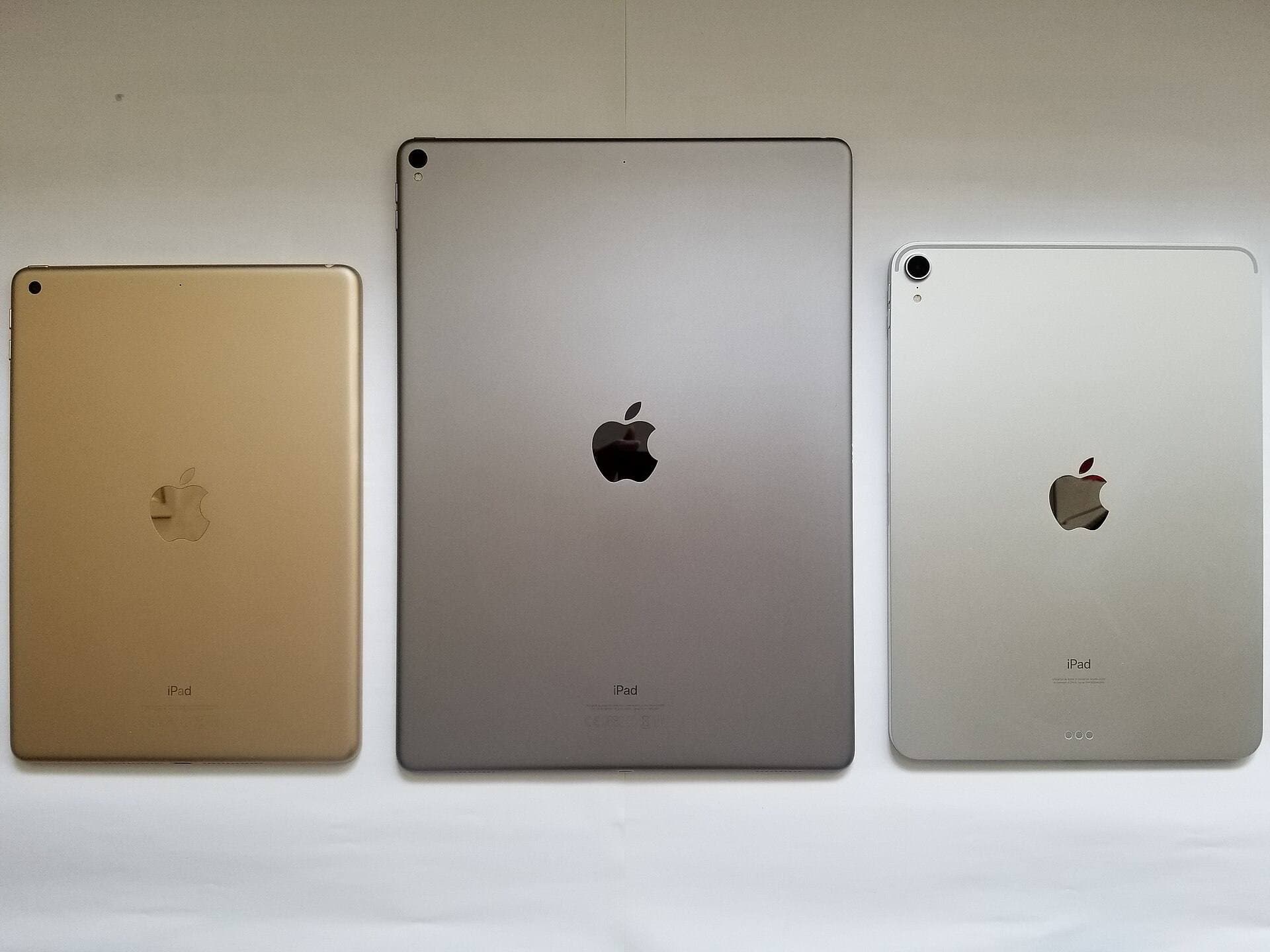
Compare models
The common upgrade question. Start here if you need the shortest path to the sensible buy.
Main art app
Use this when the purchase is mainly about Procreate and you need the safest balance of cost, display feel, and headroom.
School plus art
Use this when the real purchase is one iPad for notes, PDFs, and regular drawing instead of separate school and art devices.
Notes plus drawing
Use this when the real purchase is one iPad for meetings, planning, PDFs, and regular drawing without drifting into the wrong premium tier.
Cases and carry
Use this when the real choice is keyboard case versus draw-first case, not which iPad to buy.
Start with a budget
Use this when you want the best beginner path without drifting into Pro-level overspending.
Buy now
Use this when the shortlist is already small and you mostly need the fastest route to checkout.
Apple Pencil
Sep 3, 2026 5 min read
Choose the right Apple Pencil for fashion illustration based on pressure sensitivity, barrel roll, iPad compatibility, and screen texture.
Apple Pencil
Sep 3, 2026 4 min read
Cricut Design Space does not use pressure sensitivity, making the Apple Pencil (USB-C) the most practical choice unless you draw outside the app.
Apple Pencil
Sep 3, 2026 6 min read
Choose the right Apple Pencil for digital comic inking based on line weight control, tablet compatibility, and glass friction.
iPad
Sep 3, 2026 4 min read
A 64GB iPad can run Procreate; decide whether it is enough by measuring your active canvases and the device storage already in use.
iPad
Sep 3, 2026 5 min read
Decide between an all-in-one iPad and a dedicated drawing tablet for 2D or 3D animation work.
iPad
Sep 3, 2026 5 min read
Choose the iPad Air for barrel roll calligraphy tools without paying Pro prices, or pick the iPad Pro if you need 120Hz ProMotion for fast flourishing.
iPad
Sep 3, 2026 5 min read
Choose the best iPad for fashion illustration, technical flats, and digital fabric rendering based on Apple Pencil support and canvas size.
iPad
Sep 3, 2026 4 min read
Choose between the iPad Air and baseline iPad for designing, exporting, and cutting custom stickers with Cricut Design Space.
iPad
Sep 3, 2026 5 min read
The iPad Air (M4) offers the ideal balance of Apple Pencil Pro features, processing power, and screen space for comic and manga creators.
iPad
Sep 3, 2026 4 min read
Compare the best iPads for 2D animation, timeline performance, and stylus responsiveness to match your workflow and budget.