If you want the best iPad app for stop motion animation using physical objects, choose Stop Motion Studio from CATEATER, LLC [1]. It is a free download in the Photo and Video category with an established track record across tens of thousands of customer reviews [1]. Creators who want short social projects created at home should look at Life Lapse Stop Motion instead [2]. If you simply want a lightweight camera capture option, iMotion is another free download worth testing [3]. Skip pure drawing applications like Procreate or Clip Studio Paint if you want to shoot real-world clay, puppets, or paper under an iPad lens, because those tools focus on hand-drawn frame sequences rather than direct camera capture [4], [5].
Why Stop Motion Studio leads camera-based projects
Stop Motion Studio by CATEATER, LLC holds a rating of 4.6 out of 5 across more than 80,000 App Store reviews, placing it among the most widely vetted capture tools available on iPadOS [1]. The developer notes that over 25 million creators use the platform to assemble animations [1]. That massive user base matters when you need an application with reliable community documentation, widespread classroom adoption, and long-term operating system maintenance [1].
Because stop motion relies on photographing individual physical poses, your software must handle direct camera inputs inside the Photo and Video category on the App Store [1]. Stop Motion Studio is structured specifically for that task, allowing you to sequence live photos right on the iPad screen instead of importing external photo batches into an editing suite [1]. You don't have to pay anything up front to download the app and confirm that it works with your setup [1].
Who should pick Stop Motion Studio: download this app if you want to set your iPad on a stand, point the lens at clay models, Lego figures, or paper cutouts, and control frame captures right on the screen [1]. Who should skip it: skip it if you are looking strictly for digital illustration, hand-drawn 2D animation timelines, or vector graphics, where dedicated art suites take priority [4], [5].
When to choose Life Lapse Stop Motion or iMotion
Life Lapse Stop Motion by Bolandia Creative Inc. presents a compelling alternative for creators focused on home projects and personal media [2]. The app holds a 4.8 out of 5 rating across nearly 10,000 ratings on the App Store, competing directly in the Photo and Video category as a free download [2]. Its listing explains that the software lets creators make their own stop motion movies and animations directly at home [2].
If your goal is casual video production, social clips, or small tabletop scenes in your living room, Life Lapse Stop Motion is designed around that everyday creative environment [2]. Because it is a free download, you can install it alongside other tools without spending budget upfront [2]. It fits content creators who want a specialized capture app tailored for home video setups rather than traditional studio armatures [2].
Another free capture choice in the Photo and Video category is iMotion by SKETCHES SRL [3]. With a 4.5 out of 5 rating across nearly 3,000 reviews, iMotion focuses on bringing photos to life through automated or manual photo intervals [3]. It is a straightforward capture utility that you can install without paying a fee, making it easy to test on older or newer iPads alike [3].
Choose Life Lapse Stop Motion if you want high user satisfaction for domestic creative clips and quick home animation projects [2]. Choose iMotion if you want a simple, established free capture utility with thousands of reviews to handle basic frame recording [3]. Skip both if you need extensive drawn frame overlays, desktop comic production, or vector asset tools, which belong to specialized drawing applications [4], [5].
Physical capture apps versus drawn animation tools
A common point of confusion for new animators is whether to install a stop motion camera tool or a traditional drawing application [1], [4]. Procreate is an iPad-only digital painting program sold as a one-time purchase on the App Store [4]. While Procreate offers powerful tools for digital illustration, it is not built to act as a camera-tethered capture rig for physical armatures or clay models [4].
In Procreate, layer counts and canvas sizes depend directly on the amount of memory inside your iPad model [6]. That system is designed for drawing lines, painting colors, and stacking digital layers by hand [4], [6]. If your project involves drawing every frame with a stylus, Procreate is an excellent one-time purchase tool [4]. But if your animation involves moving a physical doll on a desk and clicking a shutter, Procreate cannot replace a dedicated camera capture utility like Stop Motion Studio [1], [4].
Clip Studio Paint offers another distinct path for creators who build multi-frame work [5], [7]. Available through subscription plans on iPad, Clip Studio Paint includes an expansive toolset covering comics, rulers, vector lines, and animation timelines [5], [7]. The software supports desktop handoff and extensive illustration features, but its engine is built around vector and raster drawing rather than real-world camera stop motion capture [5], [7].
Choose Procreate if you want one-time purchase software dedicated strictly to digital drawing, painting, and hand-drawn frame sequences without ongoing fees [4]. Choose Clip Studio Paint if you need multi-page comic layouts, deep ruler tools, and desktop vector workflows [5], [7]. Skip both if you want an app that opens the iPad camera lens, captures physical objects, and strings live photos into stop motion clips [1], [4], [5].
Choosing the right iPad hardware for stop motion capture
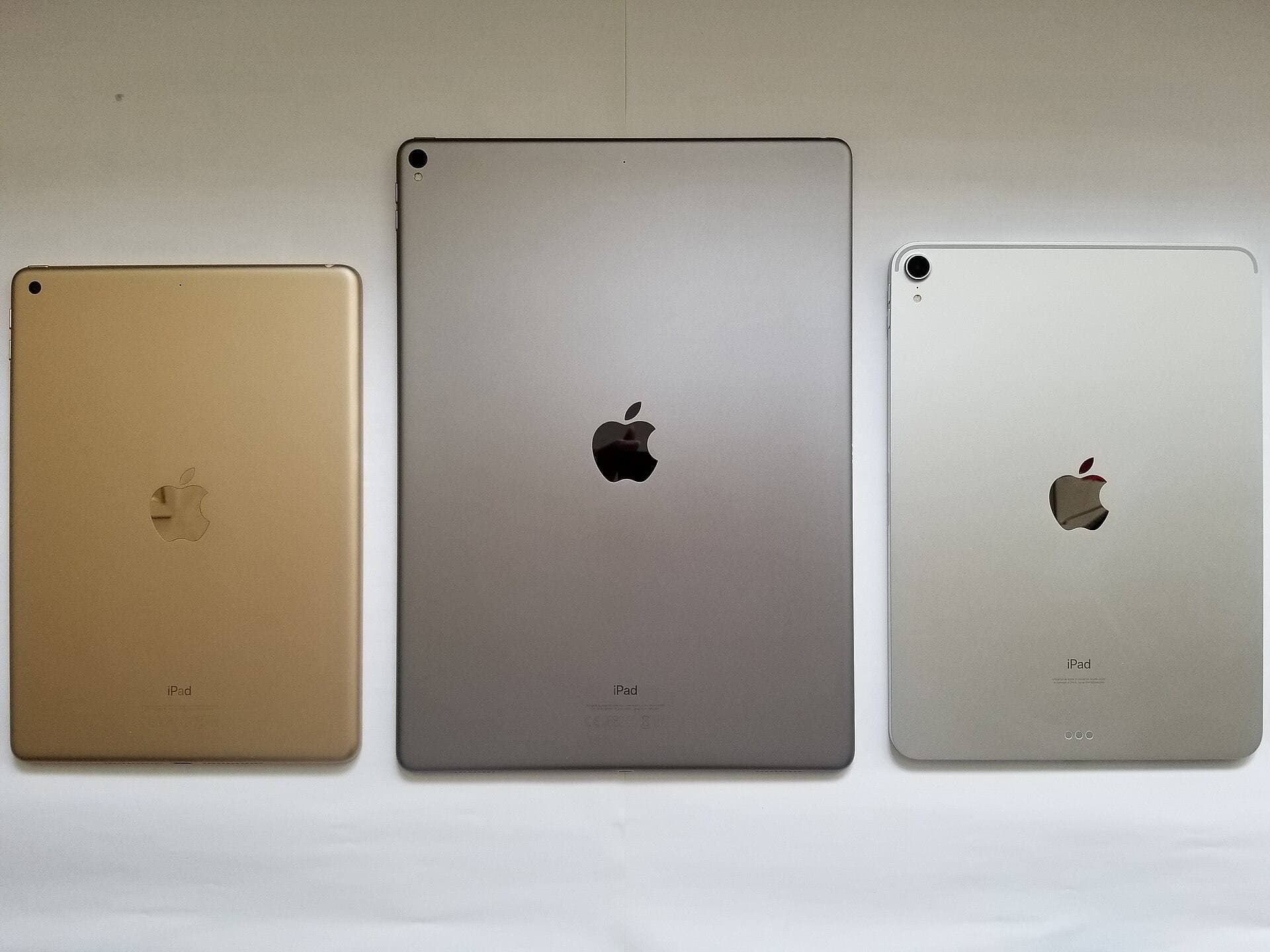
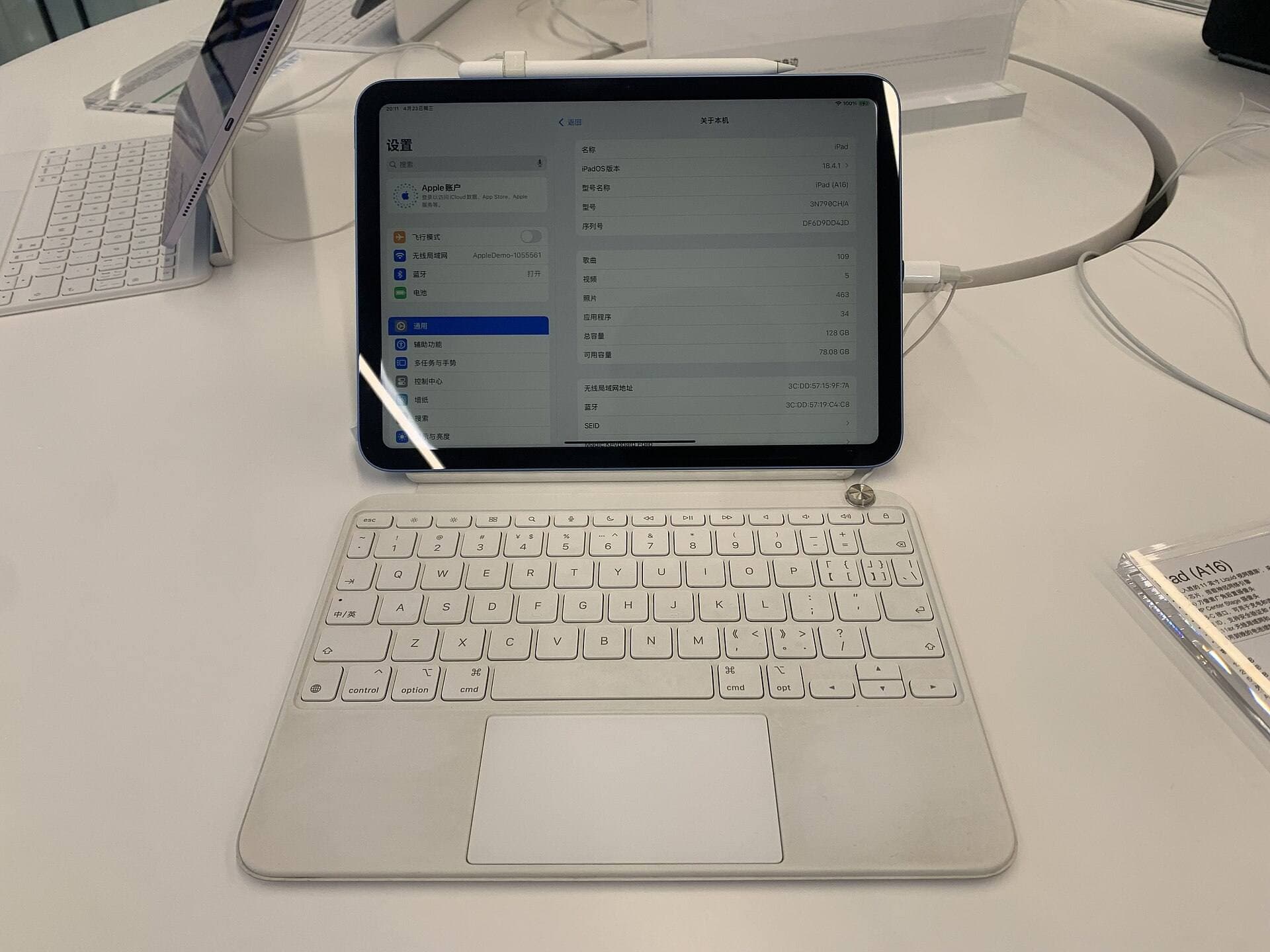
Running camera capture applications like Stop Motion Studio or Life Lapse Stop Motion requires choosing an iPad that balances camera placement, physical stability, and processing power [1], [2], [8]. The iPad Air with the M4 chip represents a strong current balance in Apple's tablet lineup [8]. It pairs with Apple Pencil Pro while avoiding the higher cost profile of top-tier hardware [8].
When capturing stop motion, your iPad must sit firmly in an adjustable tripod or desktop mount [1], [8]. The iPad Air display runs at a standard 60Hz refresh rate, which is more than adequate for monitoring video capture feeds and previewing stop motion playback [8]. Apple offers multiple storage tiers on the iPad Air, giving you enough room to store large libraries of uncompressed photos and exported video files [8].
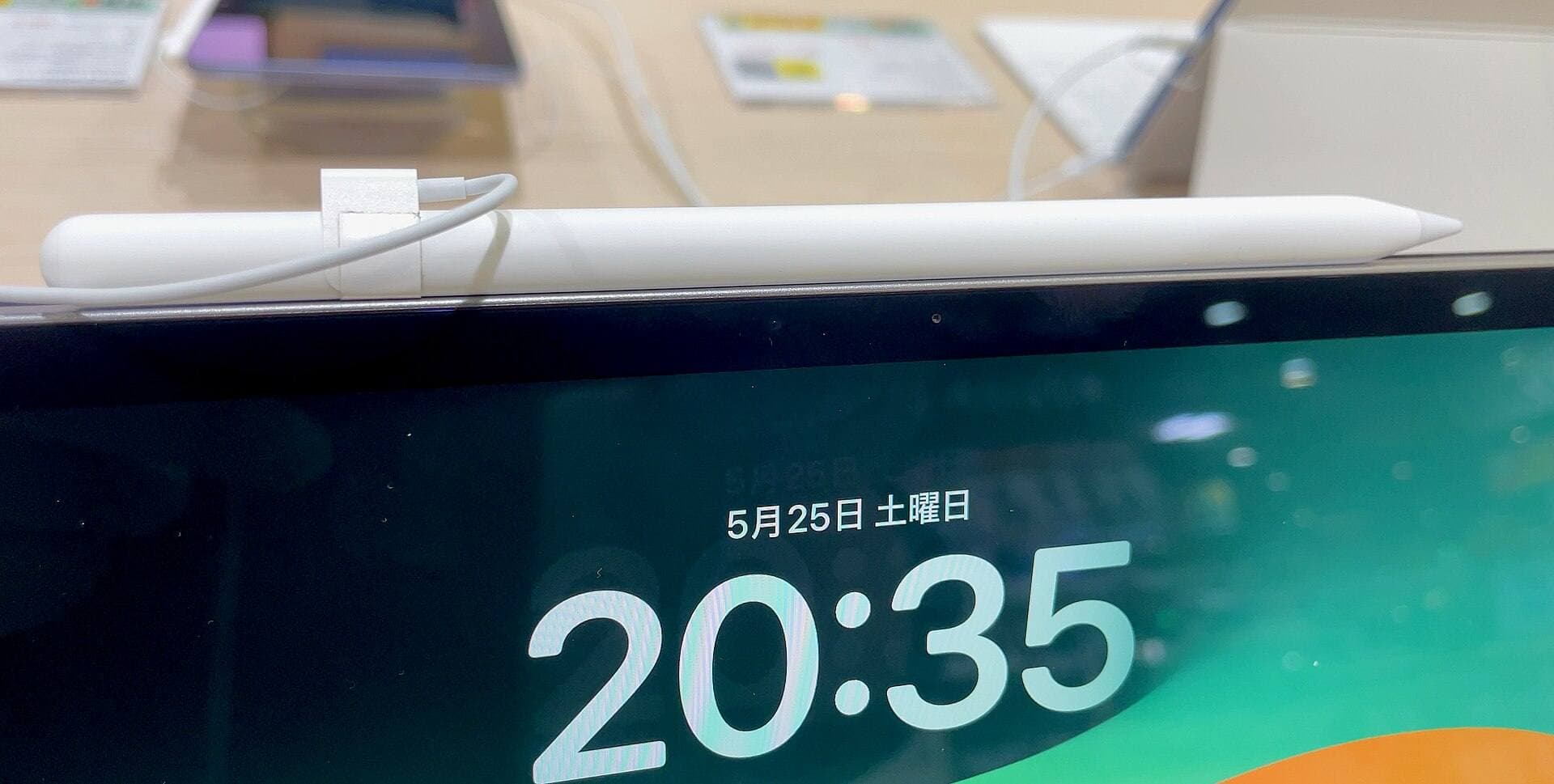
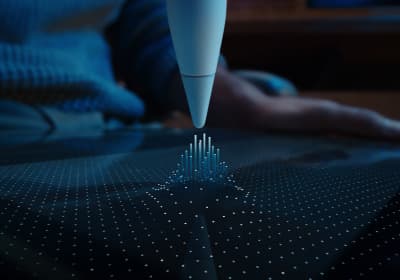
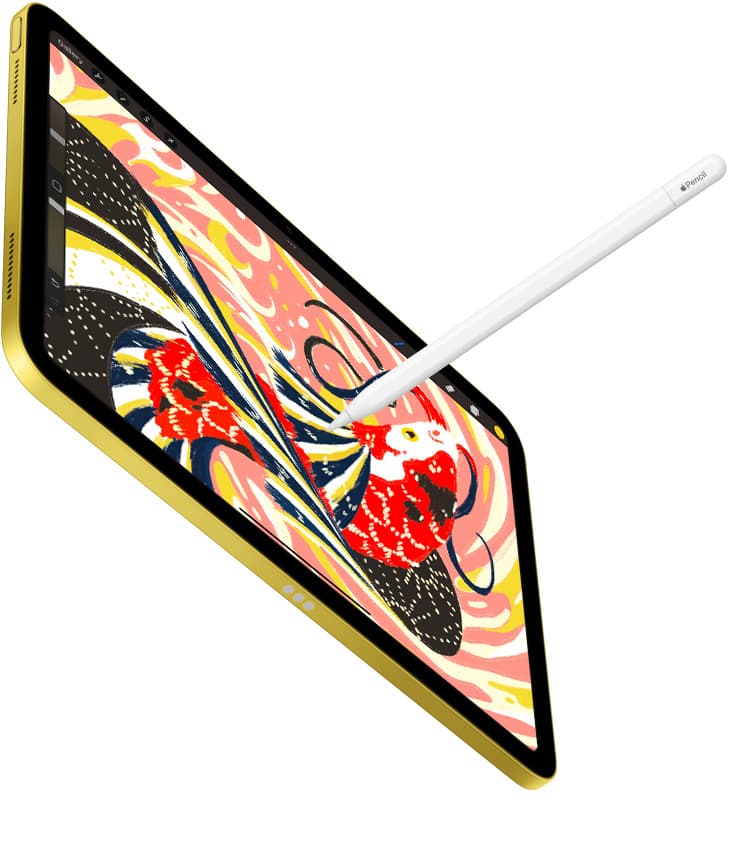
If you also plan to sketch character concepts, storyboard your scenes, or paint backgrounds, the iPad Air supports the Apple Pencil Pro [8], [9]. Apple Pencil Pro includes features like squeeze, barrel roll, haptic feedback, and Apple Pencil hover [9]. These drawing sensors let you navigate art software like Procreate or Clip Studio Paint with high precision when planning your animation sets [4], [5], [9].
Choose the iPad Air with M4 if you want a modern tablet that supports Apple Pencil Pro for storyboarding while giving you solid performance for camera capture apps [8], [9]. Skip buying a new iPad if your current model already runs iPadOS and lets you download Stop Motion Studio or Life Lapse Stop Motion without issues [1], [2], [8].
Bottom line
For real-world puppet, clay, and object animation, download Stop Motion Studio from CATEATER, LLC first [1]. It has the deepest user base in the Photo and Video category, making it the most proven starting point on iPadOS [1]. If your focus is making casual animated movies at home, test Life Lapse Stop Motion alongside it [2]. Keep your existing iPad if it handles capture smoothly, but look at the iPad Air with M4 if you want a modern device that handles camera capture while supporting the Apple Pencil Pro for storyboard sketches [8], [9]. Only invest in drawing apps like Procreate or Clip Studio Paint if your animation style relies on hand-drawn stylus frames rather than physical camera shots [4], [5].
Sources
[1] https://apps.apple.com/us/app/id441651297 [2] https://apps.apple.com/us/app/id1281464378 [3] https://apps.apple.com/us/app/id421365625 [4] https://apps.apple.com/us/app/procreate/id425073498 [5] https://apps.apple.com/us/app/clip-studio-paint/id1262985592 [6] https://help.procreate.com/articles/zlexav-ipad-compatibility [7] https://www.clipstudio.net/en/ [8] https://www.apple.com/ipad/compare/ [9] https://www.apple.com/apple-pencil/
Recommended gear
Procreate
apps.apple.comPro: One-time purchase
Con: iPad-only
Clip Studio Paint
apps.apple.comPro: Deep comics, vector, ruler, and animation toolset
Con: iPad plan model is less simple than Procreate
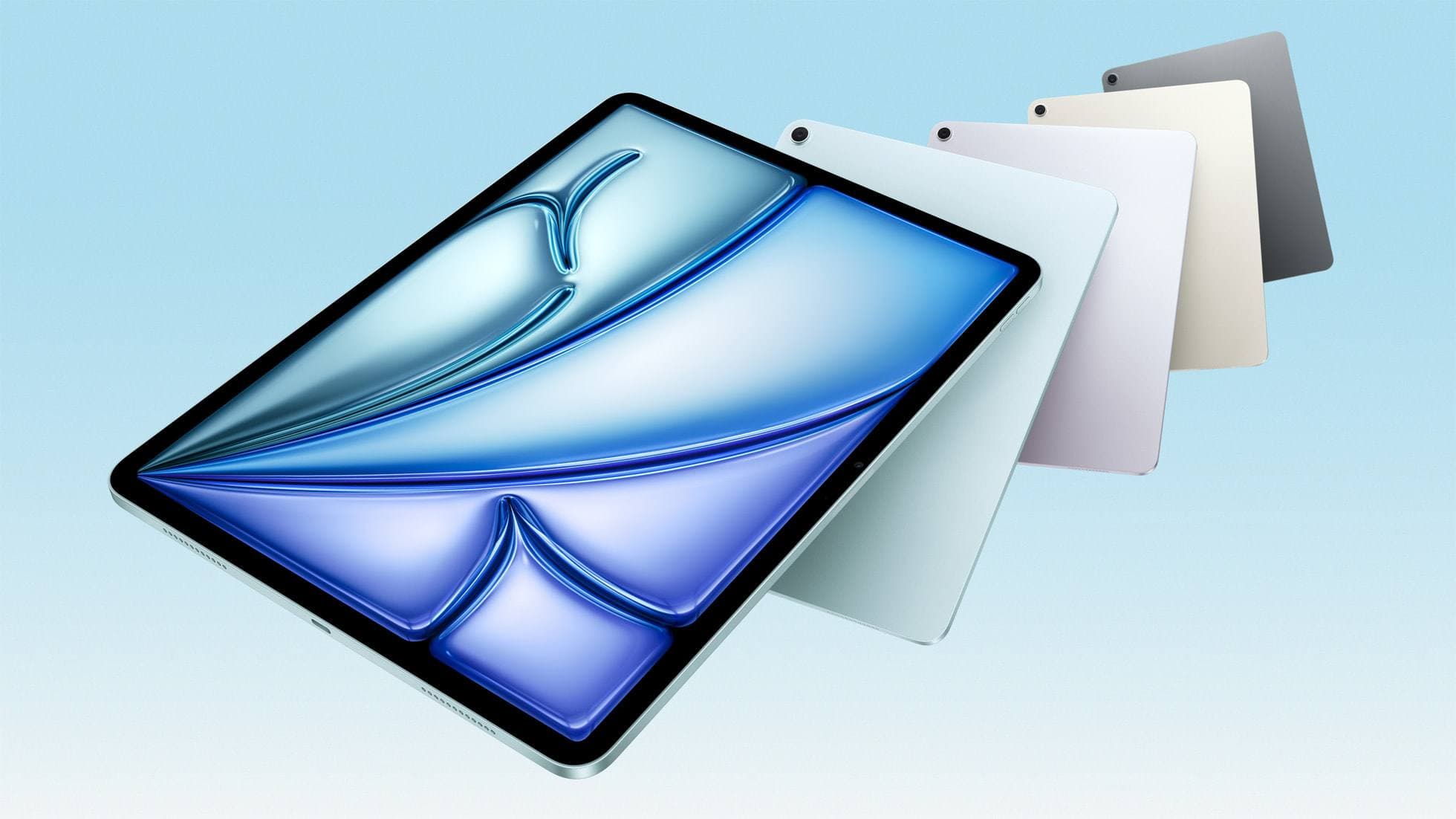
iPad Air (M4)
apple.comThe clean current Air recommendation for most serious hobby artists. Stronger buy logic than old-stock M3 when pricing is close.
Pro: Best current balance of price, headroom, and Pencil support
Con: Still 60Hz
Current Air lineup. Choose size, storage, and keyboard path before checkout.
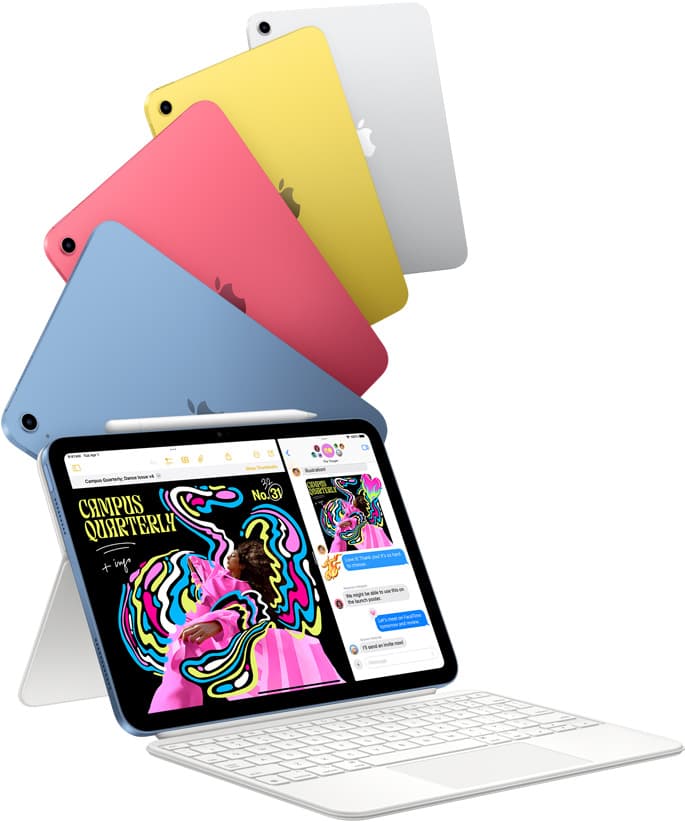
iPad (A16, 11th gen)
amazon.comThe best entry iPad for most artists on a budget. It is not premium, but it is very hard to beat on value.
Pro: Best value iPad right now
Con: No ProMotion display
Search opens with the exact model keywords. Verify size and storage before checkout.
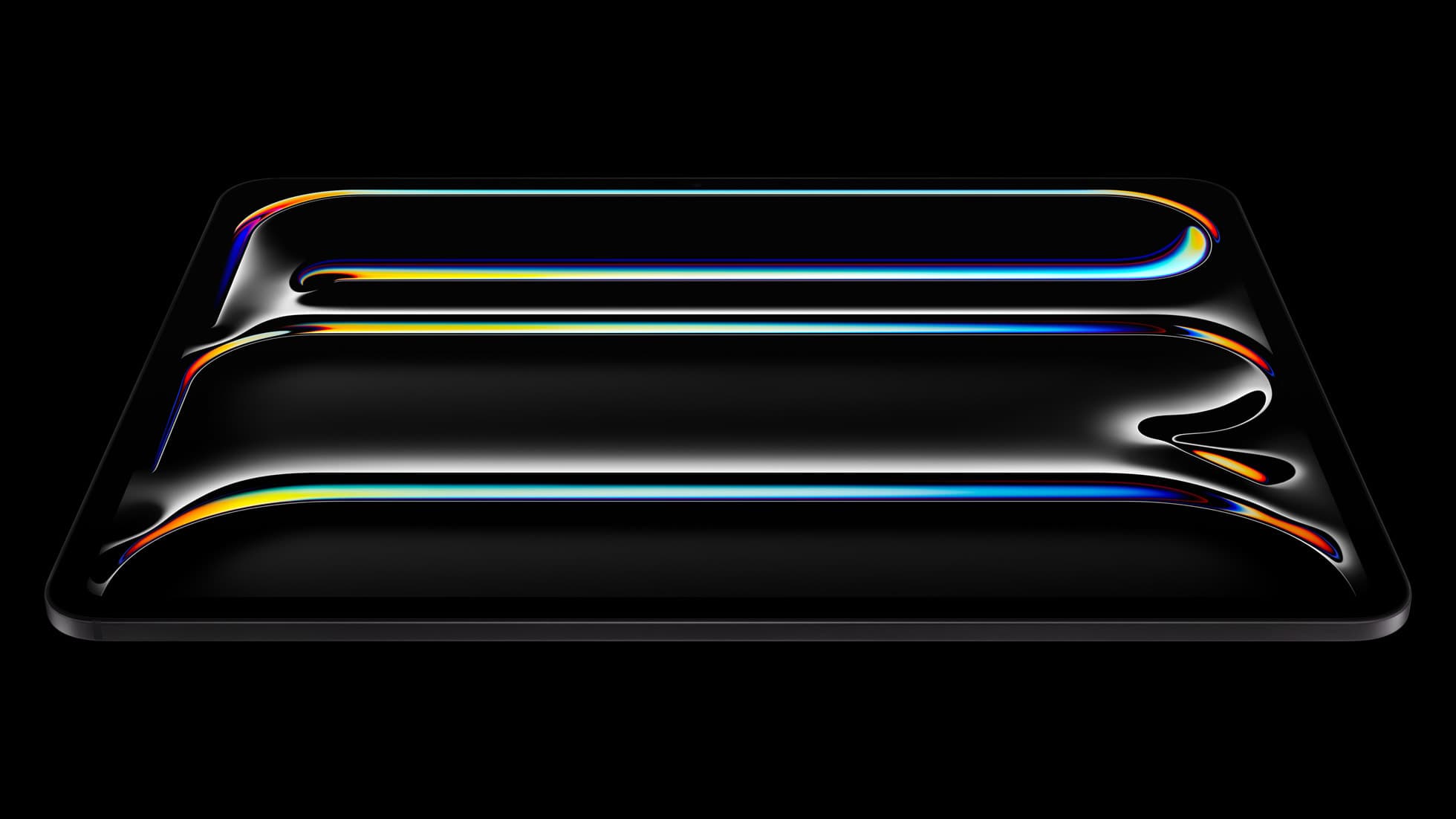
iPad Pro (M5)
amazon.comThe best iPad for drawing feel and premium workflow comfort, but many buyers still overpay for it.
Pro: Best iPad display and ProMotion feel
Con: Highest price in the lineup
Search opens with iPad Pro terms. Check year, chip, and screen size.
Related buying picks
More in this collectionBuyer guide
Best iPad drawing app for kids with Apple Pencil
Compare Procreate, Sketchbook, Adobe Fresco, and Clip Studio Paint to choose the best Apple Pencil drawing app for your child.
Buyer guide
What is the best app for illustration on iPad?
Procreate leads for standalone tablet raster painting, while Clip Studio Paint offers deeper multi-page tools and desktop parity.
Buyer guide
What is the best handwriting app for iPad?
Choose between flexible vector canvases and traditional raster stroke engines based on how you organize your handwriting and notes.
Buyer guide
Best iPad app for manga: Clip Studio Paint versus Procreate and free alternatives
Clip Studio Paint is the best overall iPad app for serialized manga and multi-page comics, while Procreate remains the top one-time purchase for single illustrations.