People compare Apple Pencil Pro and USB-C as if this is only a price question. It is not. It is a control question.
If your work depends on pressure transitions, brush edge control, and hover behavior, Pencil Pro is usually worth it. If your workflow is notes, markup, and light sketching, USB-C is often enough.
Compatibility first, always
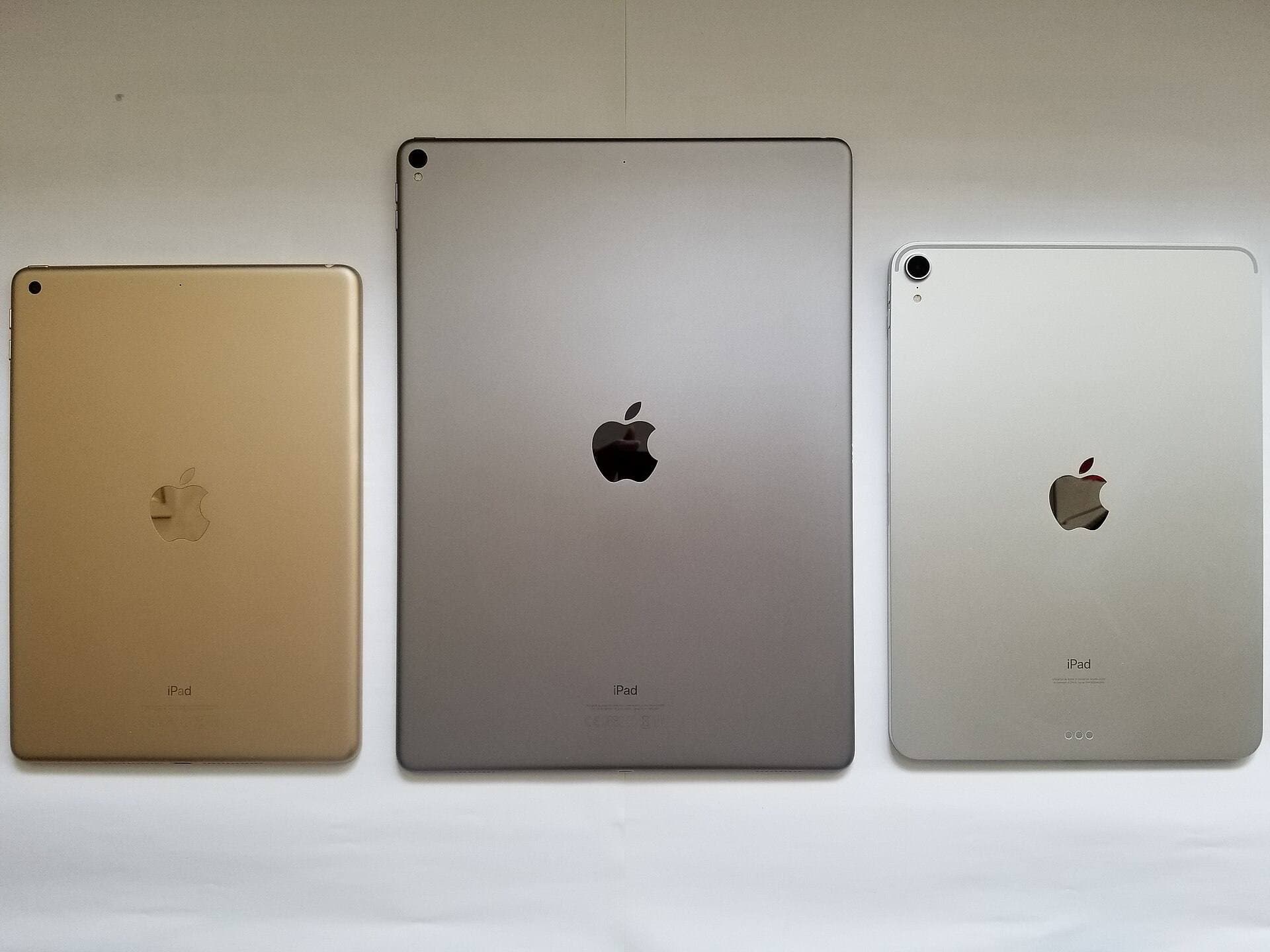
Before discussing feel, check model compatibility. Pencil Pro and USB-C do not support the same full set of iPads. This is still the most common buying mistake.
If you skip compatibility and buy by price, you can lose time and return cycles fast.
Use this order before spending money:
- confirm your exact iPad model,
- verify Apple compatibility for that model,
- decide whether drawing is the main job or a side job,
- only then compare Pencil price and features. [1] [2] [3]
The fastest buying answer
| If this sounds like you | Buy | Why |
|---|---|---|
| You mostly write, annotate, plan, and sketch lightly | Apple Pencil USB-C | Lower-cost option when advanced art features are not central to the workflow. |
| You paint seriously and care about stroke control | Apple Pencil Pro | Better fit when brush behavior and hover meaningfully affect output. |
| Your budget is tight enough that Pencil choice changes the iPad you can afford | Step back and rebalance | The wrong iPad-plus-Pencil bundle is worse than a slightly cheaper stylus on the right tablet. |
What Apple Pencil Pro actually adds for artists
Pressure and brush dynamics
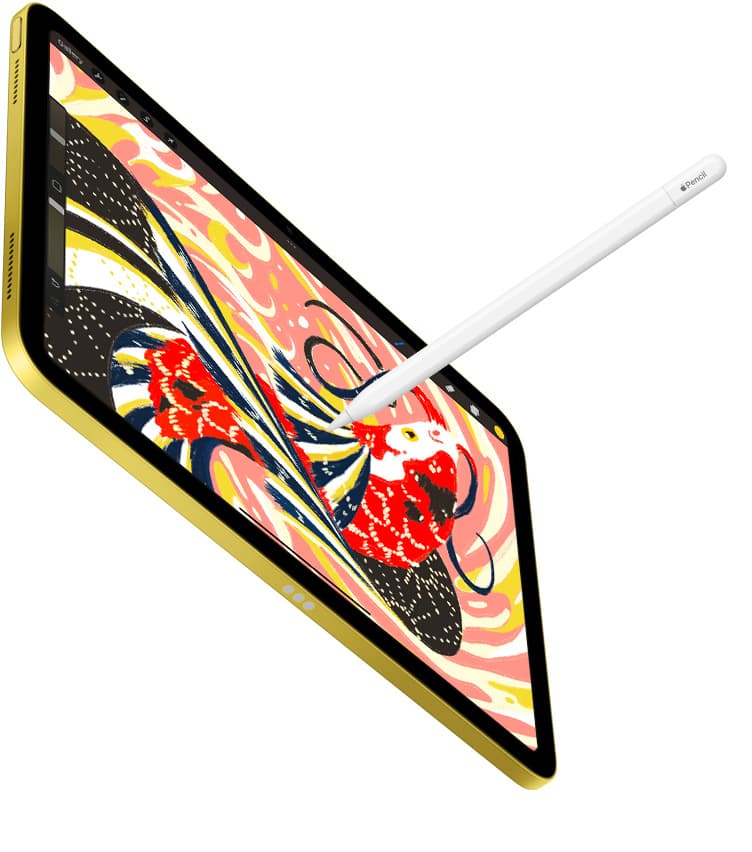
Pencil Pro is the better art tool when your style depends on soft transitions, taper control, and subtle pressure changes. That matters in rendering, texture work, watercolor-style brushes, and any workflow where line character carries part of the result. [4]
Hover and precision confidence
Hover changes how confidently many artists place strokes and target controls. If you paint frequently, this is one of the first differences that feels real rather than theoretical.
The premium is justified when these features save friction every week, not because they sound nice in a product page.
What you are giving up if you choose USB-C
USB-C is not "bad for art." It is limited for art-first buyers.
The real tradeoff is this:
- less headroom for nuanced brush behavior,
- less confidence if hover matters to how you paint,
- lower upside for buyers who already know they care about stylus feel.
If your drawing sessions are occasional, those losses may be acceptable. If art is the reason you bought the iPad, they become harder to ignore over time.
When Apple Pencil USB-C is still the smarter buy
USB-C is the honest answer when:
- your main work is notes, planning, diagrams, and light sketching,
- you care more about getting into the ecosystem cheaply than maximizing brush nuance,
- your iPad use is general-purpose first and art second,
- you would feel the price difference more than the feature difference.
The USB-C Pencil is not the premium art pick. It is the practical pick when the workflow does not demand premium control.
The bundle mistake that wastes money
The worst version of this purchase is spending up on Pencil Pro while the rest of the setup stays wrong.
Bad patterns:
- buying Pencil Pro while still stretching too hard on the iPad itself,
- paying for the premium stylus when you mostly do notes and planning,
- assuming the expensive Pencil will fix a setup that is really about surface feel or posture.
If the stylus premium forces the wrong iPad or leaves no room for storage and accessories, your bundle is unbalanced.
Surface feel matters, but it is the second decision
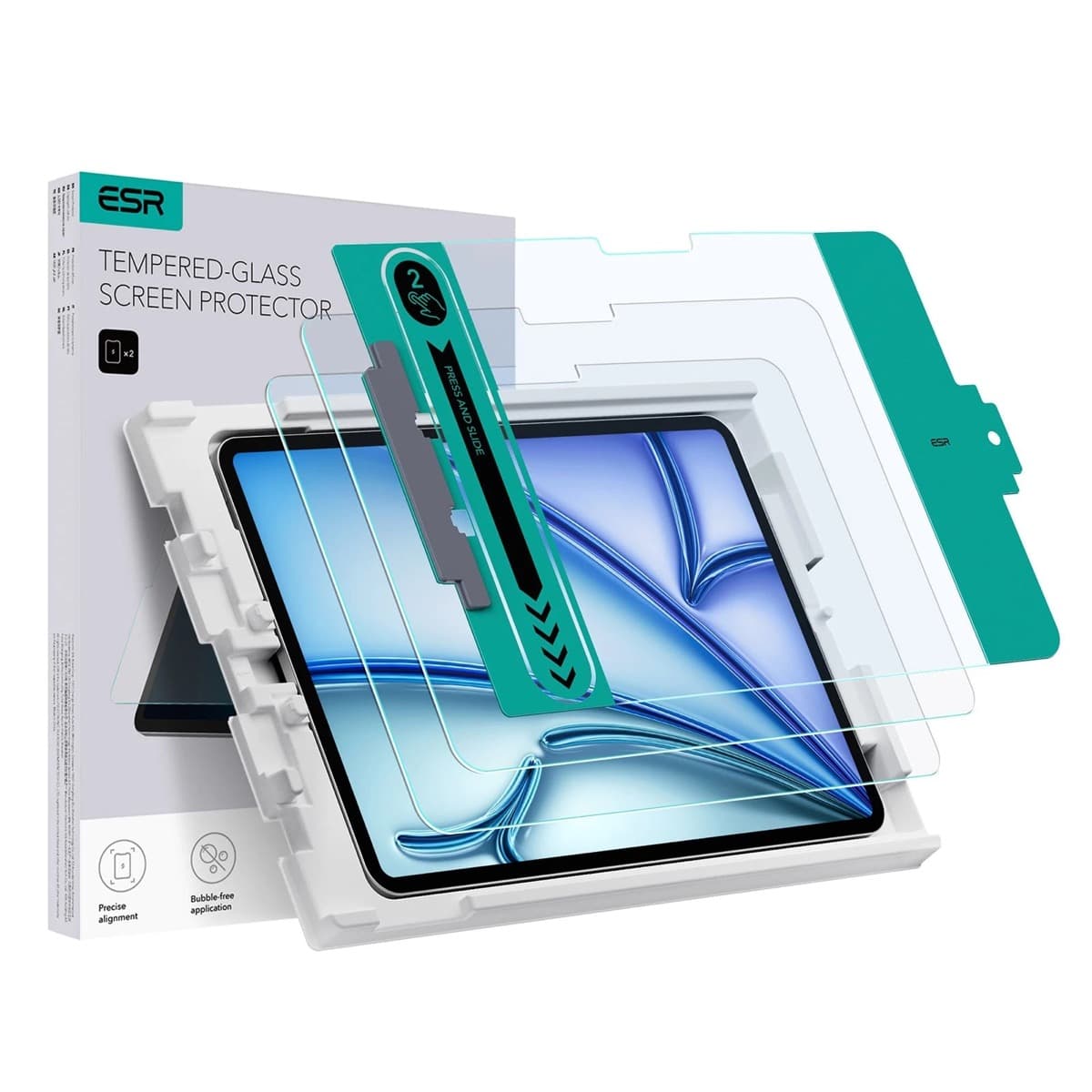
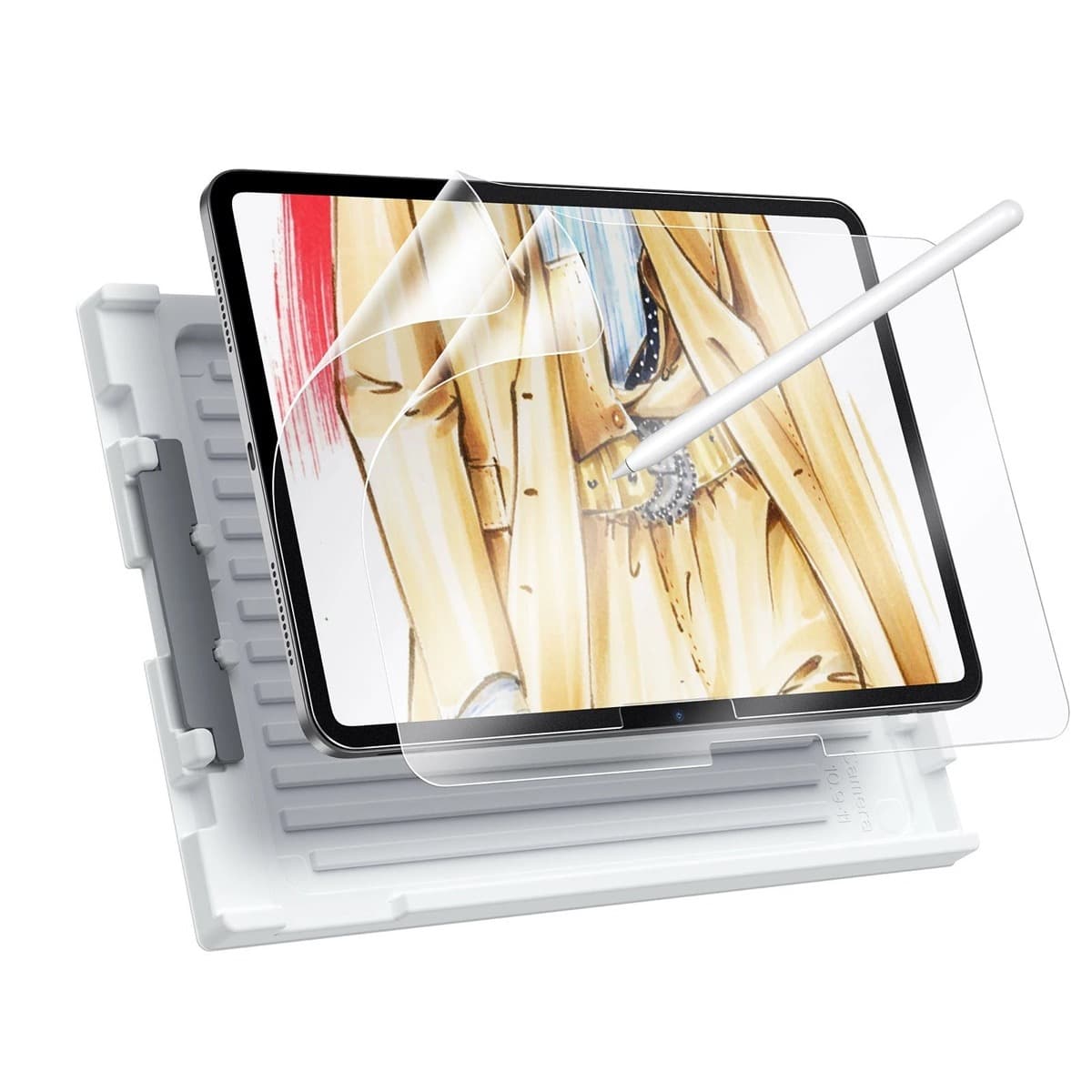
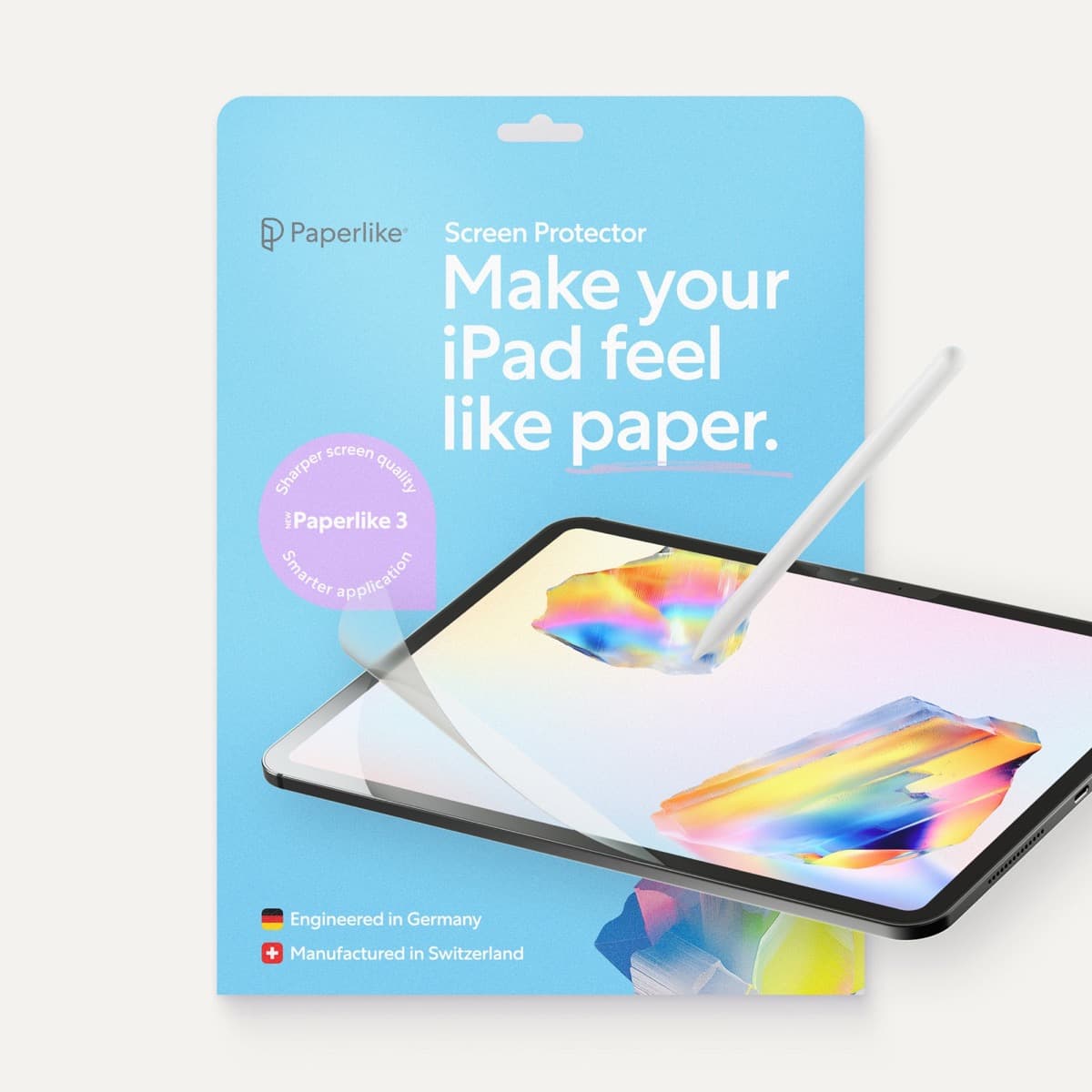
A glass surface and a textured surface can make the same Pencil feel very different. Many buyers obsess over stylus price first, then ignore the drawing surface and wonder why control still feels wrong.
General rule:
- Tempered glass keeps image clarity highest.
- Paper-feel style films add friction and reduce slip.
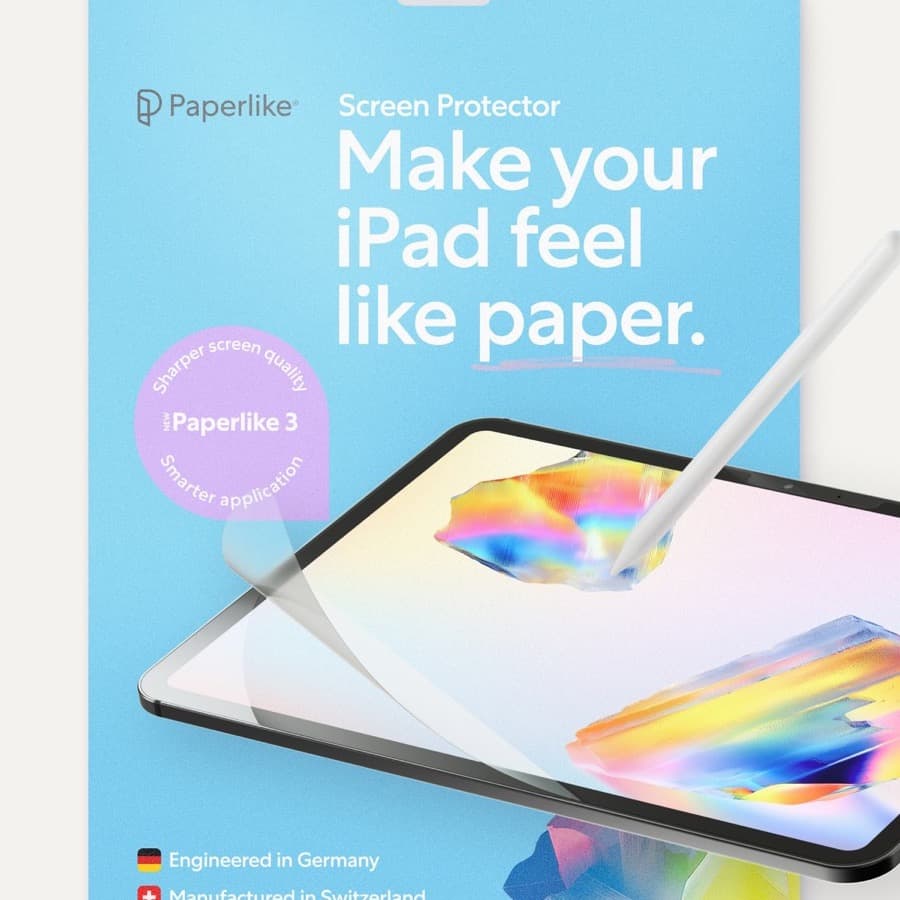
For many artists, the right surface tuning matters a lot. But it should refine a smart stylus decision, not distract from it.
Simple buyer paths
Buy Apple Pencil Pro if drawing quality is the point
Choose Pro when painting, rendering, and repeated brush control are central to why you are spending the money in the first place.
Buy Apple Pencil USB-C if the art workload is secondary
Choose USB-C when lower entry cost matters more than advanced feel and your use case is broader than serious art production.
Rebalance the whole bundle if the decision feels painful
If choosing between these two Pencils is making the whole iPad purchase unstable, you probably need to step back and simplify the setup instead of forcing the premium stylus.
Quick decision examples
Student or note-heavy buyer
Choose USB-C if the stylus mostly supports handwriting, planning, markup, and occasional sketching.
Dedicated Procreate hobbyist
Choose Pencil Pro if drawing quality and brush feel are the reason you are shopping in the first place.
Budget-capped first setup
If buying Pencil Pro would push you into the wrong iPad tier or delay the rest of the setup, it is usually better to keep the bundle balanced than to win the stylus argument.
Bottom line
Buy Apple Pencil Pro when your art workflow depends on pressure nuance and hover enough that you can feel the difference quickly. Buy Apple Pencil USB-C when notes, planning, and casual sketching dominate the job. Then tune the surface feel after the stylus decision instead of using screen protectors as an excuse to avoid the actual purchase choice.
Sources
[1] https://www.apple.com/apple-pencil/ [2] https://support.apple.com/en-us/108937 [3] https://www.apple.com/ipad/compare/ [4] https://help.procreate.com/procreate/handbook
Recommended gear
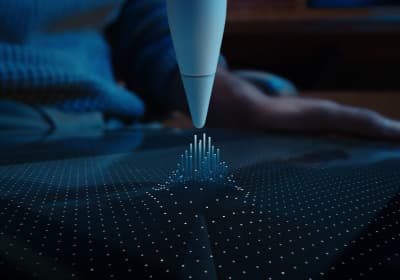
Apple Pencil Pro
amazon.comThe best Apple stylus for serious digital art workflows. Expensive, but the control upgrades are real.
Pro: Best brush-control and hover workflow
Con: Highest price in the lineup
Works only with newer iPad models. Check compatibility.
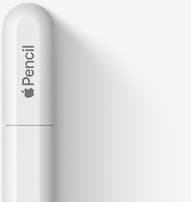
Apple Pencil (USB-C)
amazon.comA practical low-cost Apple stylus with broad compatibility, but limited for advanced art control.
Pro: Lowest official Apple Pencil cost
Con: No pressure sensitivity for brush work
Compatible with many recent iPads. No pressure support.
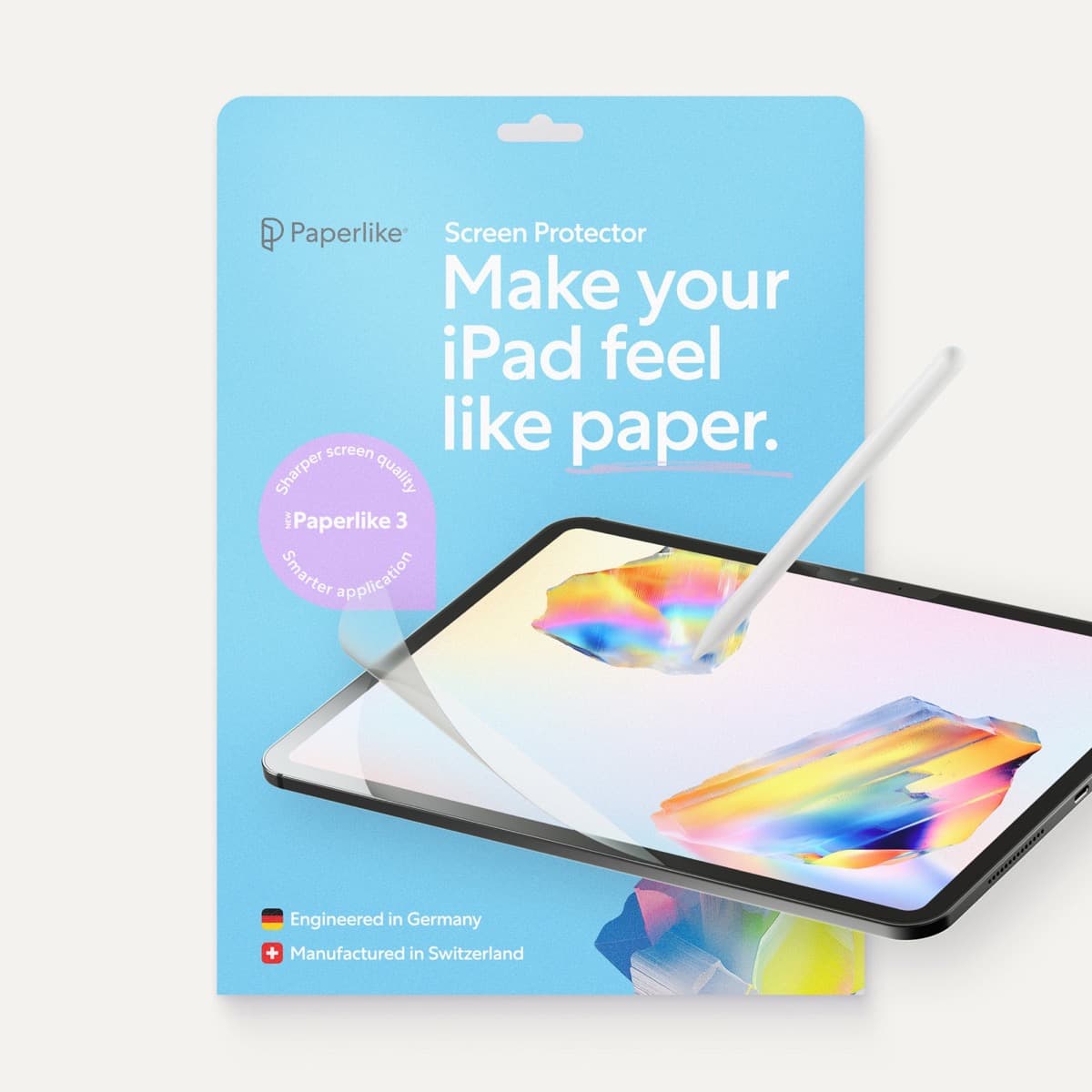
Paperlike 3 (11-inch, 2-pack)
amazon.comA strong surface-feel upgrade for drawing control. Clarity tradeoff is real and should be expected.
Pro: Adds controlled paper-feel friction
Con: Slightly reduces perceived display sharpness
11-inch fit only. Confirm generation before checkout.
Apple Pencil (2nd generation)
amazon.comStill a strong stylus on compatible iPads. Good pressure control, but compatibility is the main trap.
Pro: Pressure support without Pro pricing
Con: Not compatible with newest Pro-only iPads
Only for iPads that support 2nd generation pairing.
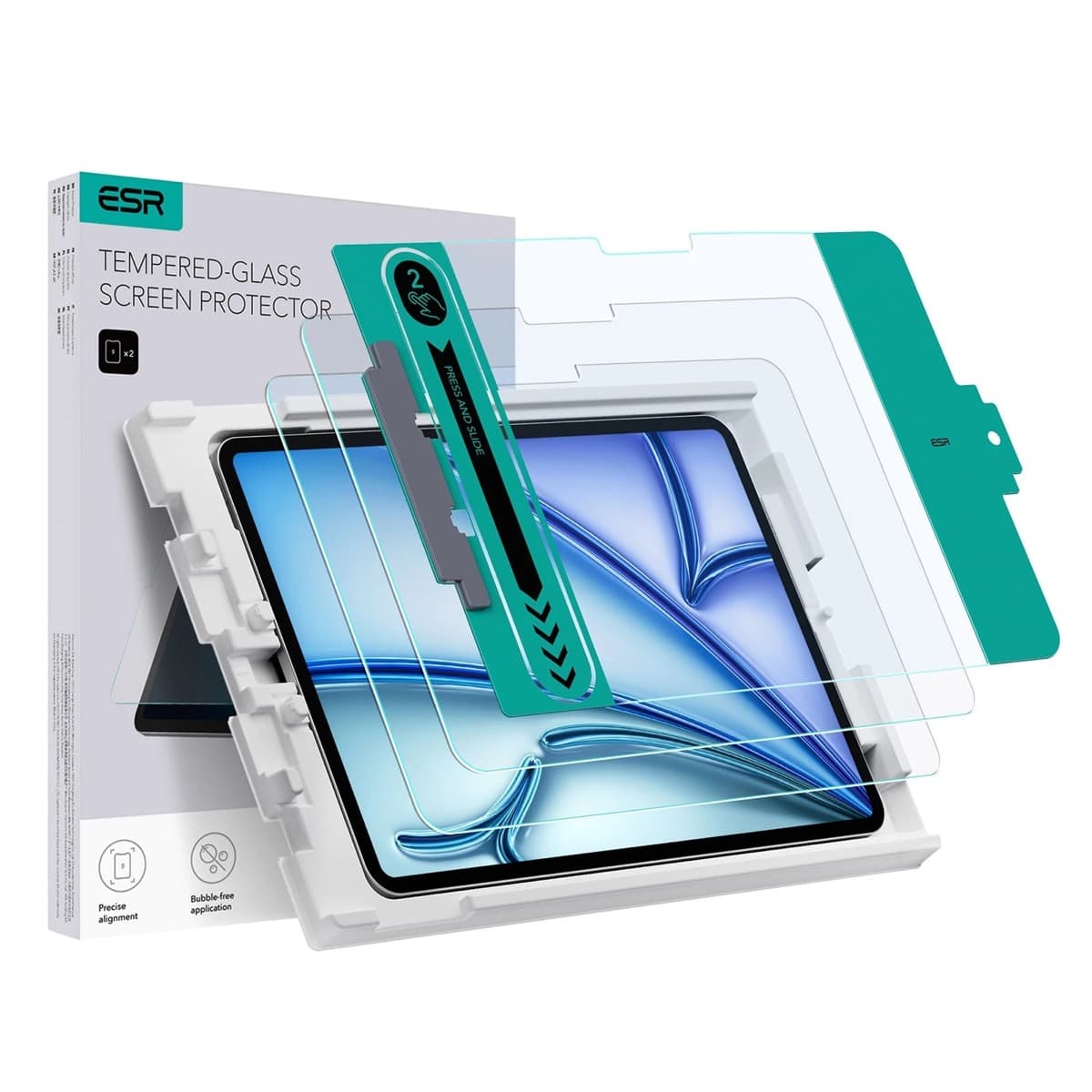
ESR Armorite Tempered Glass (11-inch)
amazon.comHigh-clarity protector with strong value. Great for visibility, less ideal for friction-seeking artists.
Pro: Very clear image with strong scratch resistance
Con: Minimal drawing friction compared with matte films
11-inch fit only. Verify exact iPad generation.
Related buying picks
More in this collectionBuyer guide
Apple Pencil Compatibility Guide (2026): Which iPad Works With Which Pencil?
Compatibility decides the right Apple Pencil before features do. This guide maps current and older iPads to the Pencil models that actually work.
Buyer guide
Best Apple Pencil Budget Bundle (2026): What to Buy and Skip
Build a low-cost but reliable Apple Pencil setup by buying one Pencil tier, one tip pack strategy, and skipping low-value extras.
Buyer guide
Best Apple Pencil Alternatives (2026): Is Apple Pencil Worth It?
Apple Pencil is worth paying for when pressure, reliability, and workflow speed matter daily. Here is when cheaper stylus options are enough.
Comparison
Apple Pencil Pro vs Pencil 2 vs Pencil USB-C (2026 Buyer Guide)
The right Apple Pencil is a compatibility decision first, then a feature decision. This guide maps both without fluff.