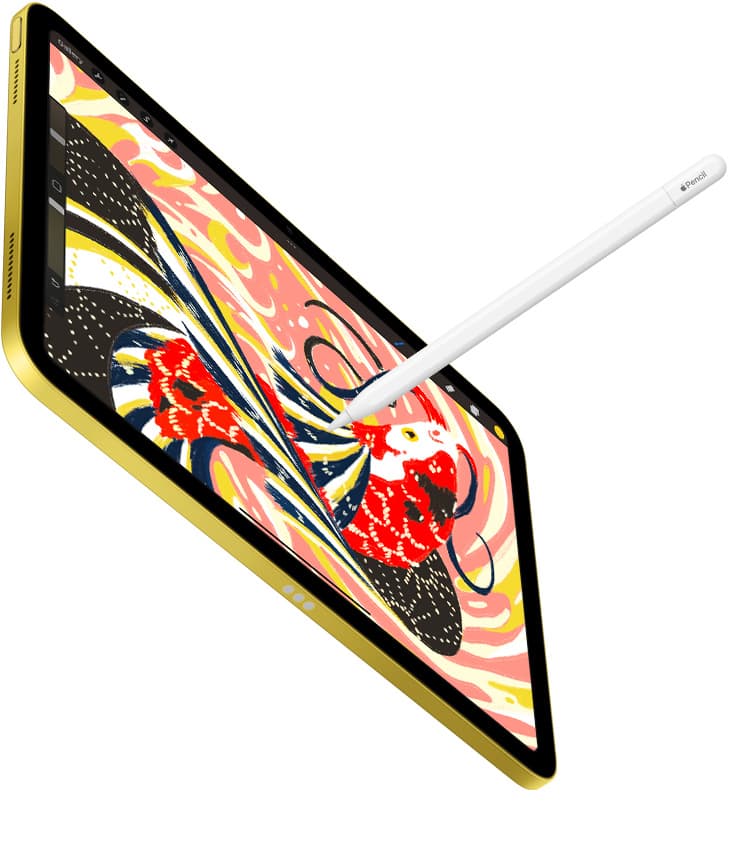
Buy Procreate if you create standalone picture book spreads and want a straightforward one-time purchase with no recurring bills [1]. Pick Clip Studio Paint instead if you manage entire multi-page picture book projects with vector linework or storyboard sequences, despite its subscription plan [2]. Skip specialized drafting tools like Concepts or basic sketch apps if your main goal is painting finished high-resolution storybook spreads [1], [2]. Procreate delivers the simplest standalone canvas workflow for single illustration spreads [1]. For picture books requiring multi-page continuity, Clip Studio Paint provides dedicated tooling within its thirty-day trial setup [2].
Procreate for standalone spread painting
Procreate stands out as a paid purchase from Savage Interactive Pty Ltd in the Graphics and Design category on the App Store [1]. It remains an iPad-only application, making it tailored directly to touch and stylus gestures [1]. For picture book illustrators, the core appeal lies in its brush engine and direct layer organization, allowing you to treat each double-page spread as an individual high-resolution painting [1], [3]. If your publisher or art director accepts final art files as separate raster images, Procreate keeps your workspace uncluttered [1].
Because Procreate relies entirely on raster canvases, device memory dictates your creative freedom [3]. The official Procreate documentation explains that maximum canvas dimensions and layer caps correlate directly with the RAM available on your iPad model [3]. A full-bleed double-page spread at 300 DPI for print requires substantial pixel dimensions [3]. Illustrators using older or base-tier tablets may run into layer limits sooner than expected when building complex scenes with separate foregrounds, characters, and text placements [3]. Even so, artists who favor painterly textures, colored pencil simulations, and rich watercolor washes consistently rely on Procreate because it requires no monthly licensing overhead [1].
Buy Procreate if you want to pay once, keep your toolset focused on painterly raster brushes, and export finished standalone book spreads one file at a time [1]. Skip Procreate if your workflow demands managing an entire 32-page book in a single multi-page project file or if you rely on scalable vector linework [1], [2].
Clip Studio Paint for multi-page manuscripts and vectors
Clip Studio Paint by CELSYS, Inc. takes an entirely different approach to picture book illustration [2]. Offered as a free download with an initial thirty-day trial period, the app uses an ongoing plan model on iPadOS [2]. While paying a recurring fee is less simple than buying a perpetual license, Clip Studio Paint includes specialized features that Procreate lacks, specifically multi-page document management, dedicated perspective rulers, and native vector layers [2].
Multi-page project management is a major asset when building children's books [2]. Instead of saving dozens of separate files across your tablet storage, Clip Studio Paint lets you organize an entire manuscript within a single project binder [2]. You can view thumbnails of all thirty-two pages side by side to ensure visual pacing, color balance, and character scale remain consistent across page turns [2]. Furthermore, its vector layers allow you to ink character outlines that remain crisp regardless of how much you scale, stretch, or reposition elements during the editorial revision process [2].
Choose Clip Studio Paint if you want to review entire book layouts in one workspace, use precision rulers, or keep your line art in vector format [2]. Skip Clip Studio Paint if you dislike recurring software subscriptions or prefer a clean, minimal interface over desktop-style menus and tool panels [1], [2].
Free sketching alternatives for early storyboards
Before diving into finished art, children's book creators must sketch storyboards, rough layouts, and character concept sheets [4], [5]. Several free-to-download apps serve this stage without requiring upfront spending [4], [5], [6].
Adobe Fresco from Adobe Inc. is a free download in the Graphics and Design category that provides both raster brushes and vector brushes in the same file [4]. This dual-brush engine makes Fresco practical for blocking out early color studies and testing fluid visual ideas [4]. If you already use desktop publishing tools, Fresco offers a smooth stepping stone for drafting picture book concepts [4].
Sketchbook by Sketchbook, Inc. and ibis Paint X by ibis inc. also offer zero-cost entry points for early developmental sketches [5], [6]. Sketchbook delivers an uncluttered sketching environment with a 4.8 rating across more than two hundred thousand user reviews [5]. ibis Paint X provides expansive brush libraries and animation support, making it useful for artists testing animated character movements alongside static illustrations [6]. Concepts by TopHatch, Inc. takes a vector-first approach on an infinite canvas, which helps artists map out visual storyboards across a continuous timeline before committing to strict trim sizes [7].
Use these free apps if you are brainstorming dummy books, sketching character turnaround sheets, or refining preliminary page layouts [4], [5], [7]. Skip relying on them as your sole production tool if your publisher requires comprehensive multi-page print management or deep custom raster brush libraries [1], [2].
Hardware memory and pencil pairing considerations
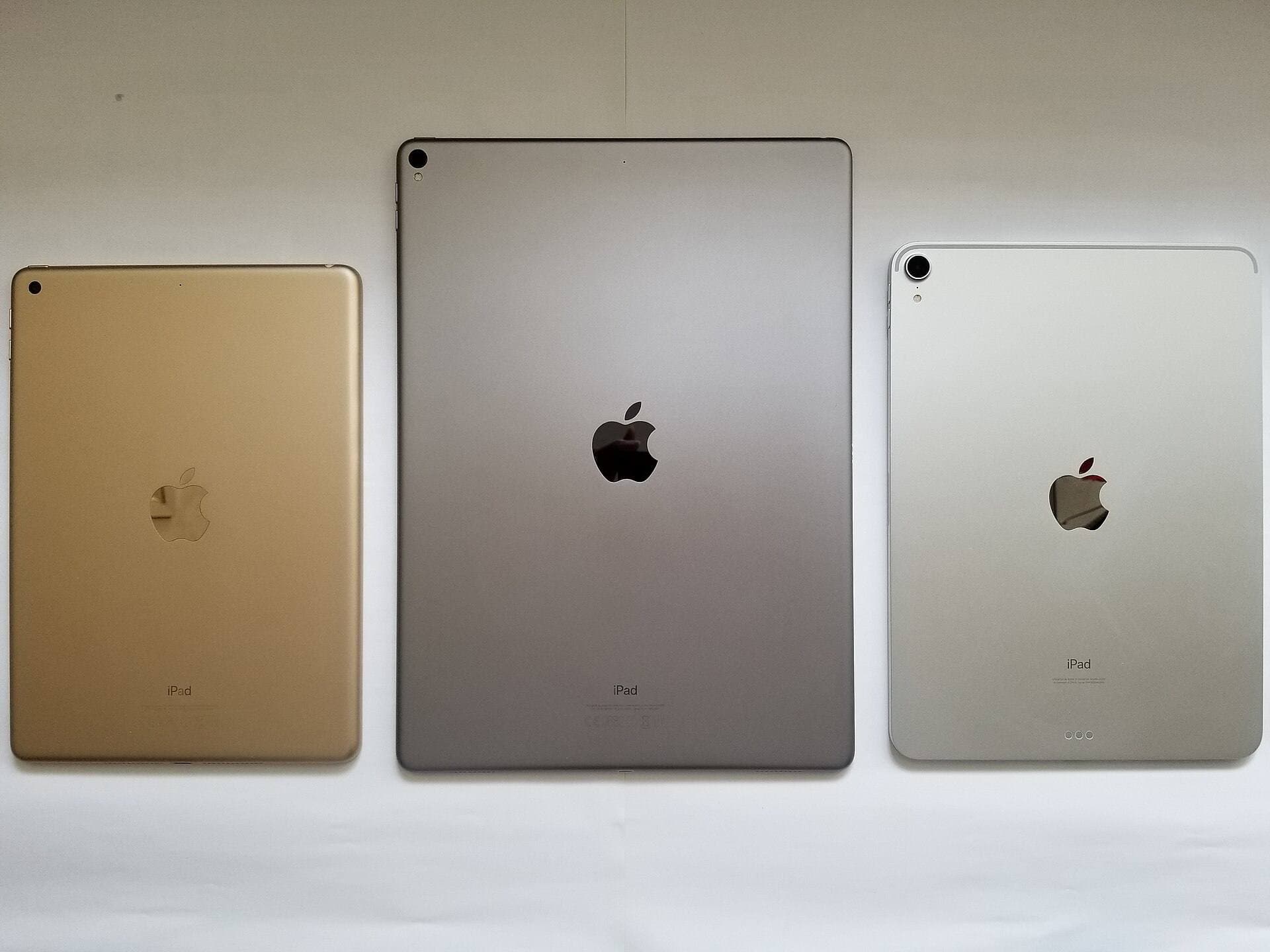
Choosing the best app for children's book illustration is only half the battle; your hardware configuration sets the ceiling for layer limits and stylus precision [3], [8]. Large double-page spreads intended for physical printing demand high DPI settings, which quickly consume memory [3]. According to Procreate support documentation, available hardware memory determines how many layers you can use at any specified canvas size [3].
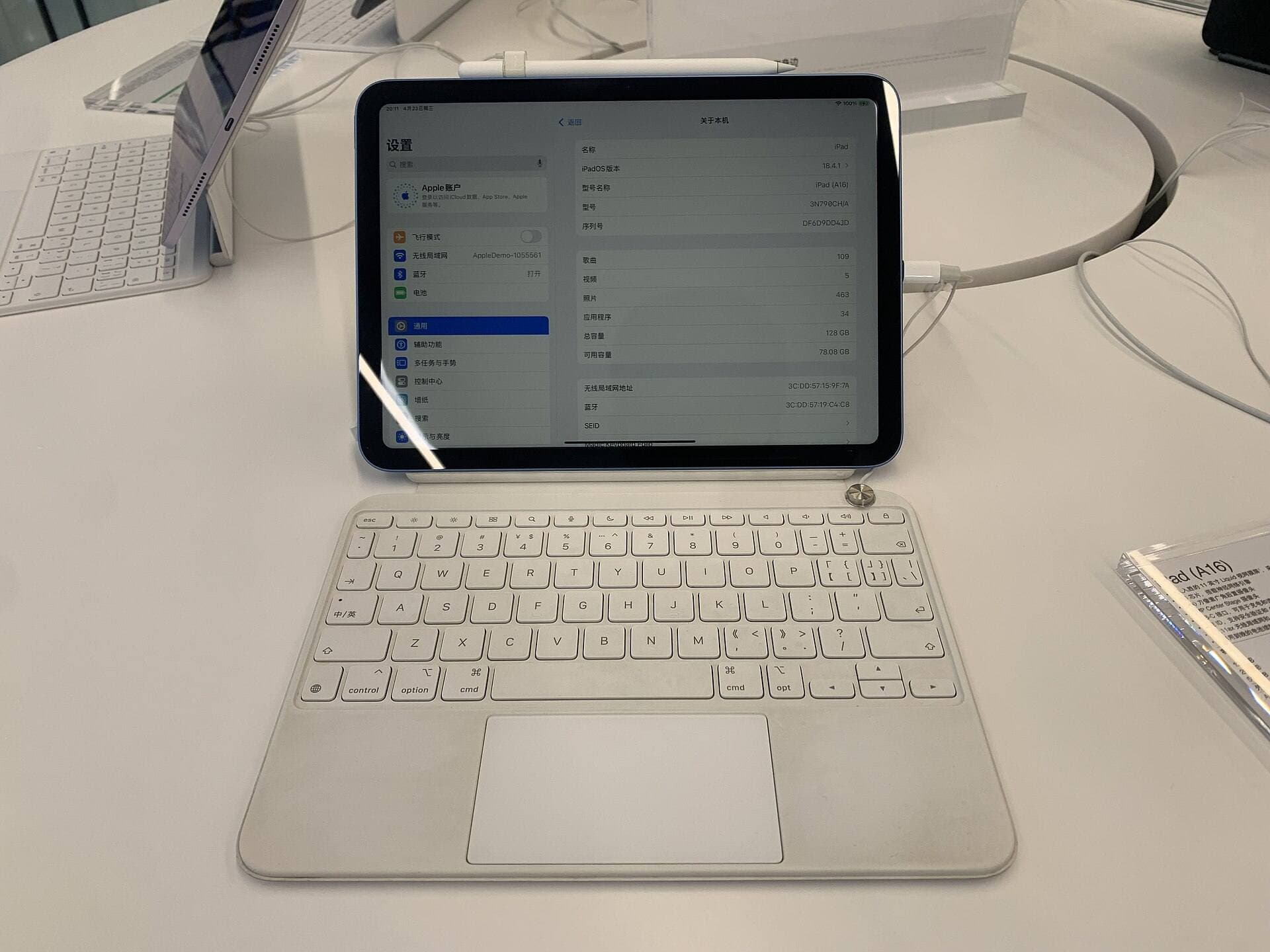
Apple's current lineup offers varying paths for digital illustrators [8]. The iPad Air with the M4 chip represents a balanced midpoint, pairing strong processing power with Apple Pencil Pro support on a 60Hz display [8], [9]. Higher-tier iPad models feature larger screens and higher memory configurations that expand maximum canvas dimensions and layer counts in Procreate [3], [8]. If you plan to produce complex illustrations with dozens of texture layers, checking memory allocations before buying your tablet prevents workflow roadblocks later [3], [8].
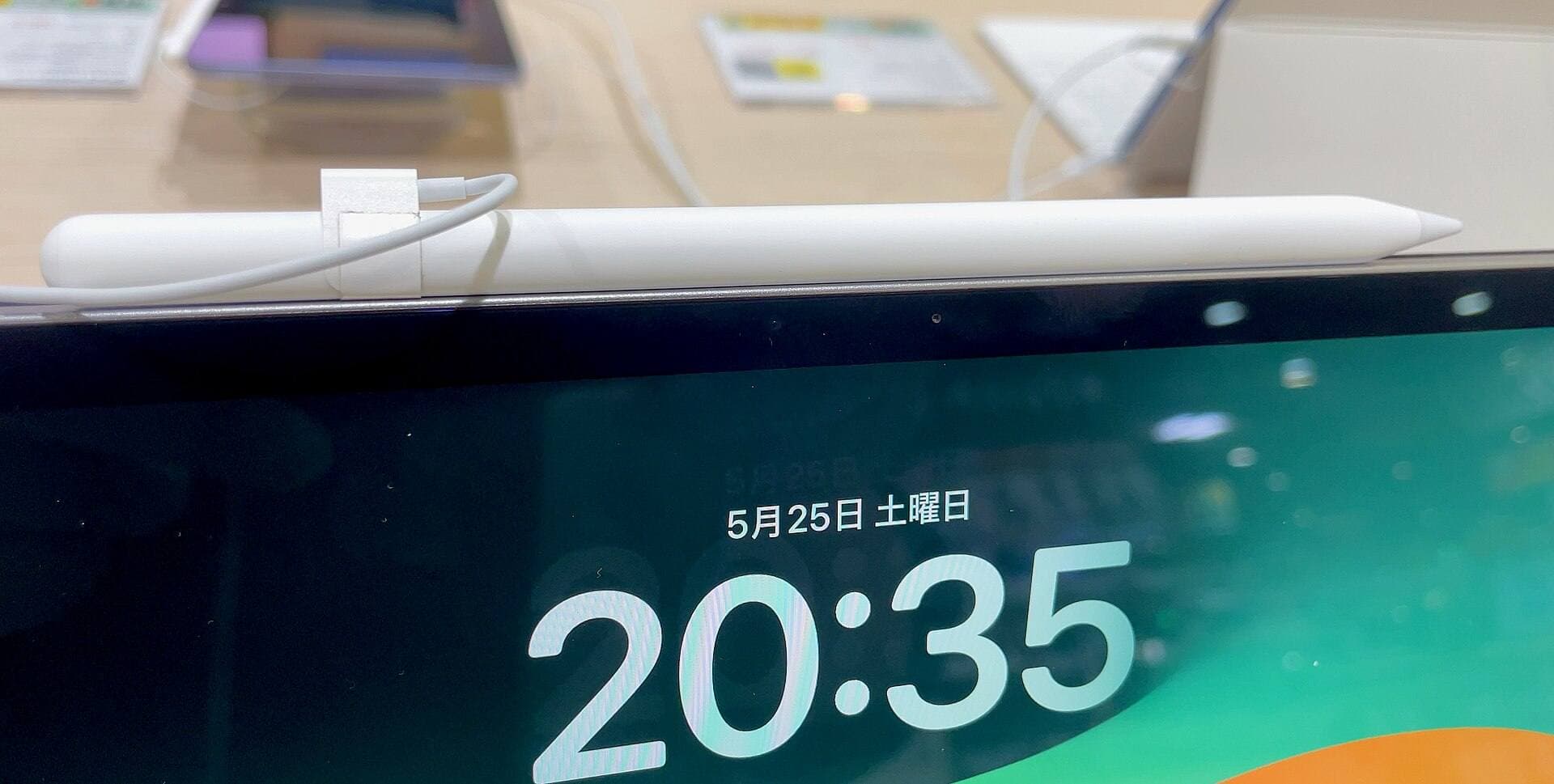
Your choice of stylus also influences your inking and painting control [9], [10]. The Apple Pencil Pro supports pressure sensitivity, tilt detection, hover previews, barrel roll, haptic feedback, and a squeeze gesture [9]. In contrast, the entry-level USB-C Apple Pencil lacks pressure sensitivity, barrel roll, and haptic feedback, though it still provides tilt detection and magnetic pairing [9]. For children's book artists who rely on dynamic line weight and realistic brush shading, choosing a stylus with pressure sensitivity is vital [9]. Make sure to consult Apple's official compatibility documentation to confirm that your tablet model pairs correctly with your chosen Pencil [10].
Bottom line
For most children's book illustrators working on iPad, Procreate is the top purchase recommendation because of its one-time pricing and deep raster painting toolset [1]. It lets you craft lush, textured spreads without recurring fees, provided you monitor layer limits on high-resolution print canvases [1], [3]. If your project demands multi-page manuscript organization, continuous page review, and vector linework, choose Clip Studio Paint instead [2]. You can also draft preliminary storyboards at zero cost using free alternatives like Adobe Fresco or Sketchbook before committing to your final illustration setup [4], [5].
Sources
[1] https://apps.apple.com/us/app/id425073498 [2] https://apps.apple.com/us/app/id1262985592 [3] https://help.procreate.com/articles/zlexav-ipad-compatibility [4] https://apps.apple.com/us/app/id1458660369 [5] https://apps.apple.com/us/app/id883738213 [6] https://apps.apple.com/us/app/id450722833 [7] https://apps.apple.com/us/app/id560586497 [8] https://www.apple.com/ipad/compare/ [9] https://www.apple.com/apple-pencil/ [10] https://support.apple.com/en-us/108937
Recommended gear
Procreate
apps.apple.comPro: One-time purchase
Con: iPad-only
Clip Studio Paint
apps.apple.comPro: Deep comics, vector, ruler, and animation toolset
Con: iPad plan model is less simple than Procreate
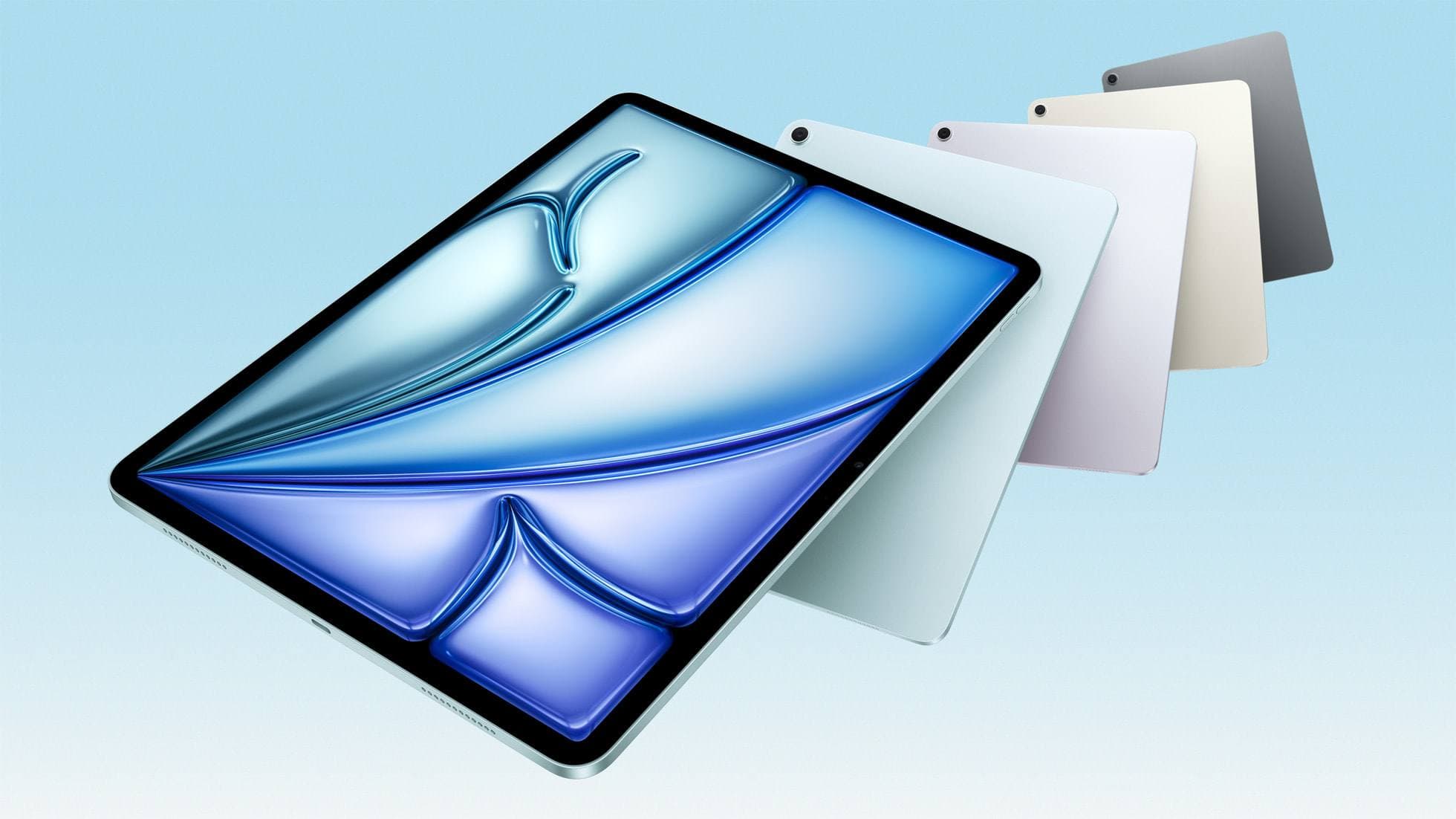
iPad Air (M4)
apple.comThe clean current Air recommendation for most serious hobby artists. Stronger buy logic than old-stock M3 when pricing is close.
Pro: Best current balance of price, headroom, and Pencil support
Con: Still 60Hz
Current Air lineup. Choose size, storage, and keyboard path before checkout.
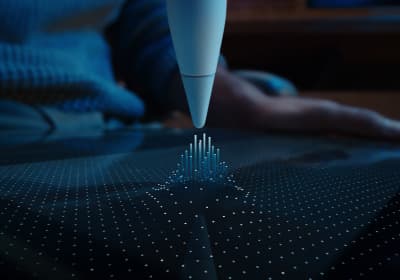
Apple Pencil Pro
amazon.comThe best Apple stylus for serious digital art workflows. Expensive, but the control upgrades are real.
Pro: Best brush-control and hover workflow
Con: Highest price in the lineup
Works only with newer iPad models. Check compatibility.
Related buying picks
More in this collectionBuyer guide
What is the best app for illustration on iPad?
Procreate leads for standalone tablet raster painting, while Clip Studio Paint offers deeper multi-page tools and desktop parity.
Buyer guide
Best iPad app for manga: Clip Studio Paint versus Procreate and free alternatives
Clip Studio Paint is the best overall iPad app for serialized manga and multi-page comics, while Procreate remains the top one-time purchase for single illustrations.
Comparison
Procreate vs Clip Studio Paint on iPad in 2026
Procreate is the low-friction iPad art app for most beginners and solo illustrators; Clip Studio Paint is better when comics, vectors, rulers, animation, or desktop handoff matter more than simplicity.
Buyer guide
Best iPad app for figure drawing practice
Procreate is the top pick for dedicated figure drawing drills, while Clip Studio Paint suits artists needing deep multi-page anatomy study tools.