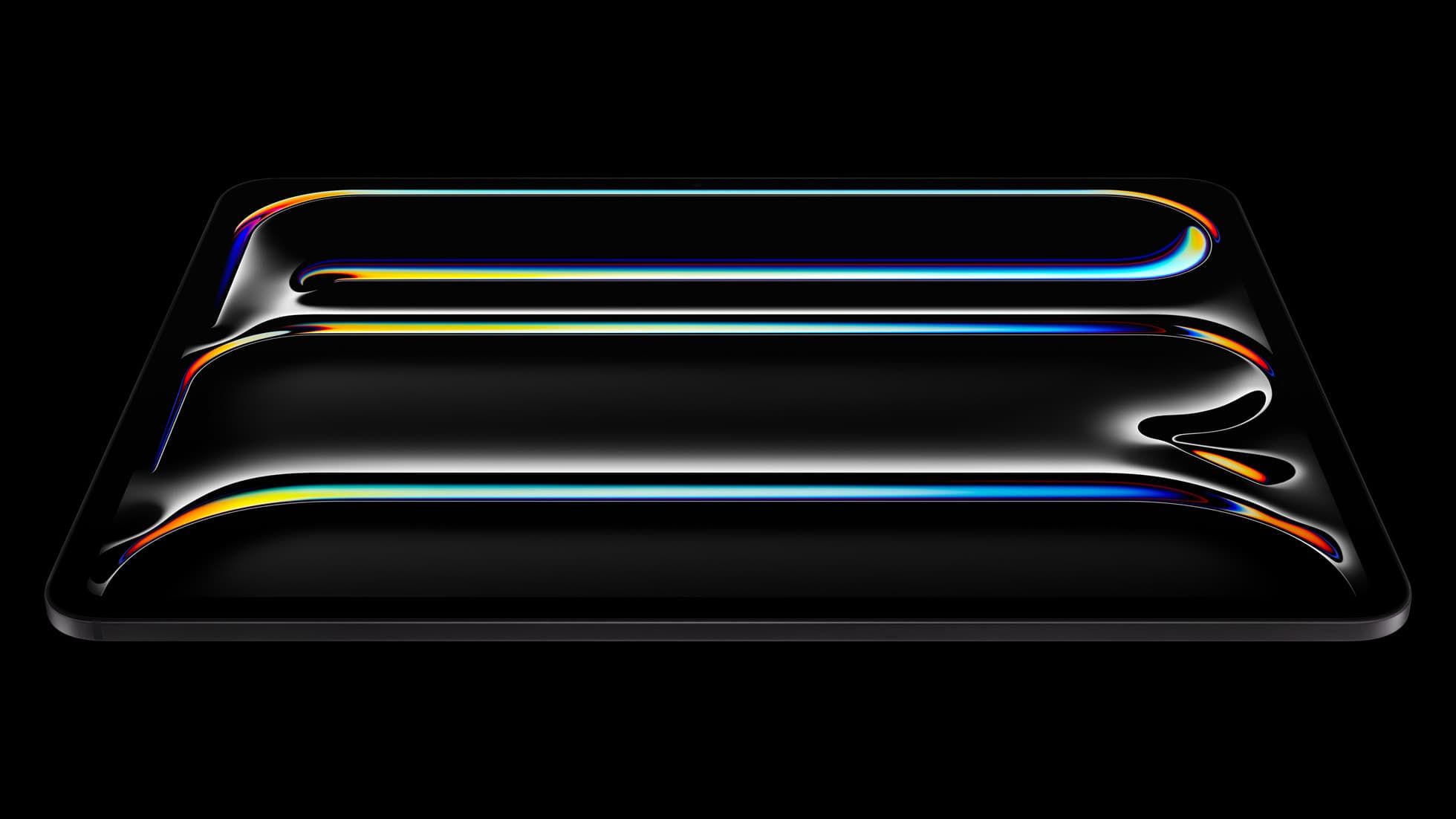
iPad Pro (M5)
iPad Pro (M5) review
4.7
The best iPad for drawing feel and premium workflow comfort, but many buyers still overpay for it.
Quick buy if you are done browsing this page of the archive.
iPad Pro (M5)
Top-rated picks from this archive page.
iPad Pro (M5)
The best iPad for drawing feel and premium workflow comfort, but many buyers still overpay for it.
Apple Pencil Pro
The best Apple stylus for serious digital art workflows. Expensive, but the control upgrades are real.
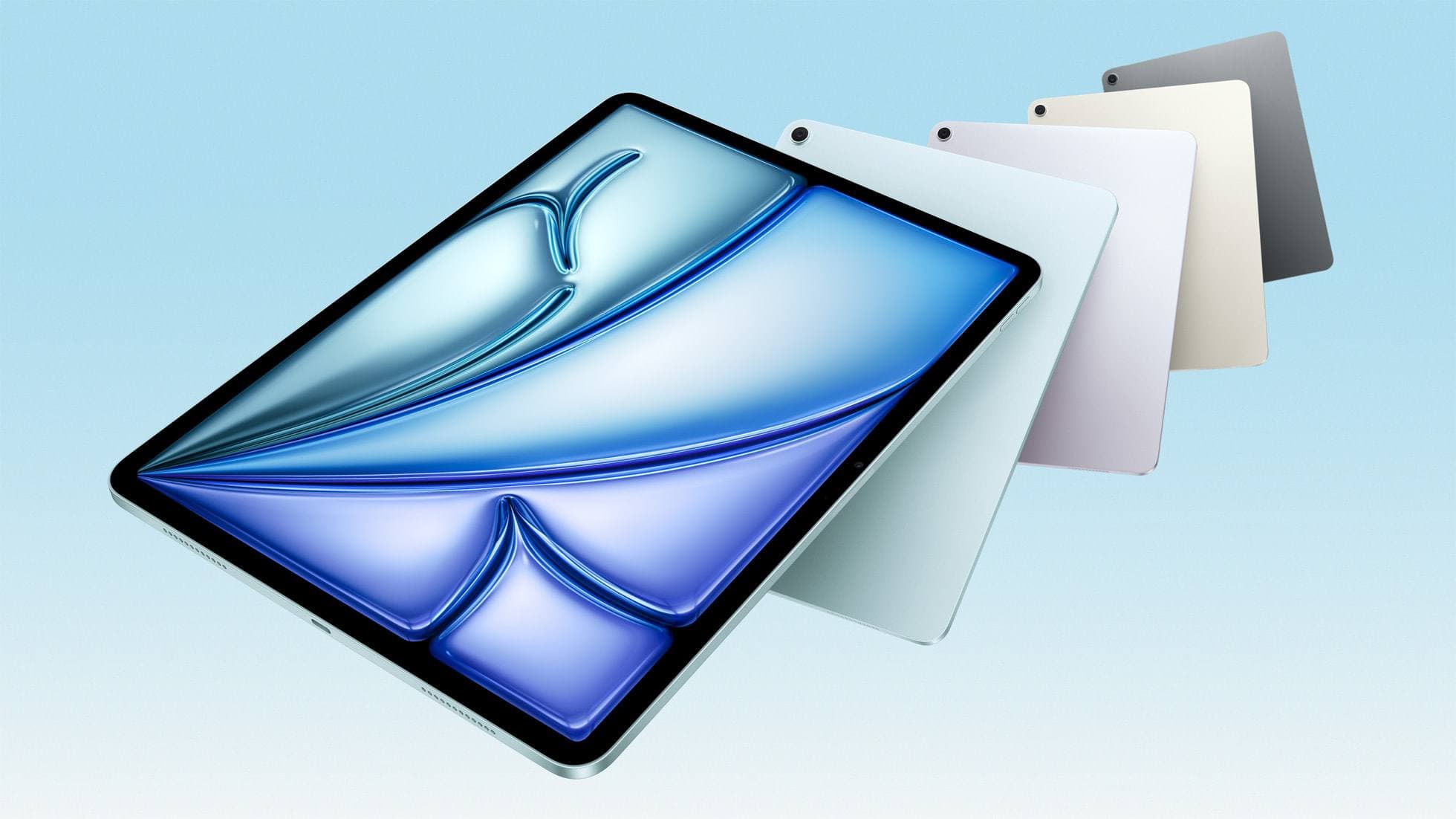
iPad Air (M4)
The clean current Air recommendation for most serious hobby artists. Stronger buy logic than old-stock M3 when pricing is close.
Page 8 is useful for scanning content. It is not the shortest route to a safe purchase. Use these buyer paths if you are actually trying to choose what to buy.
Compatibility first
Use this when the real risk is ordering the wrong Pencil for your iPad, not choosing between tablets.
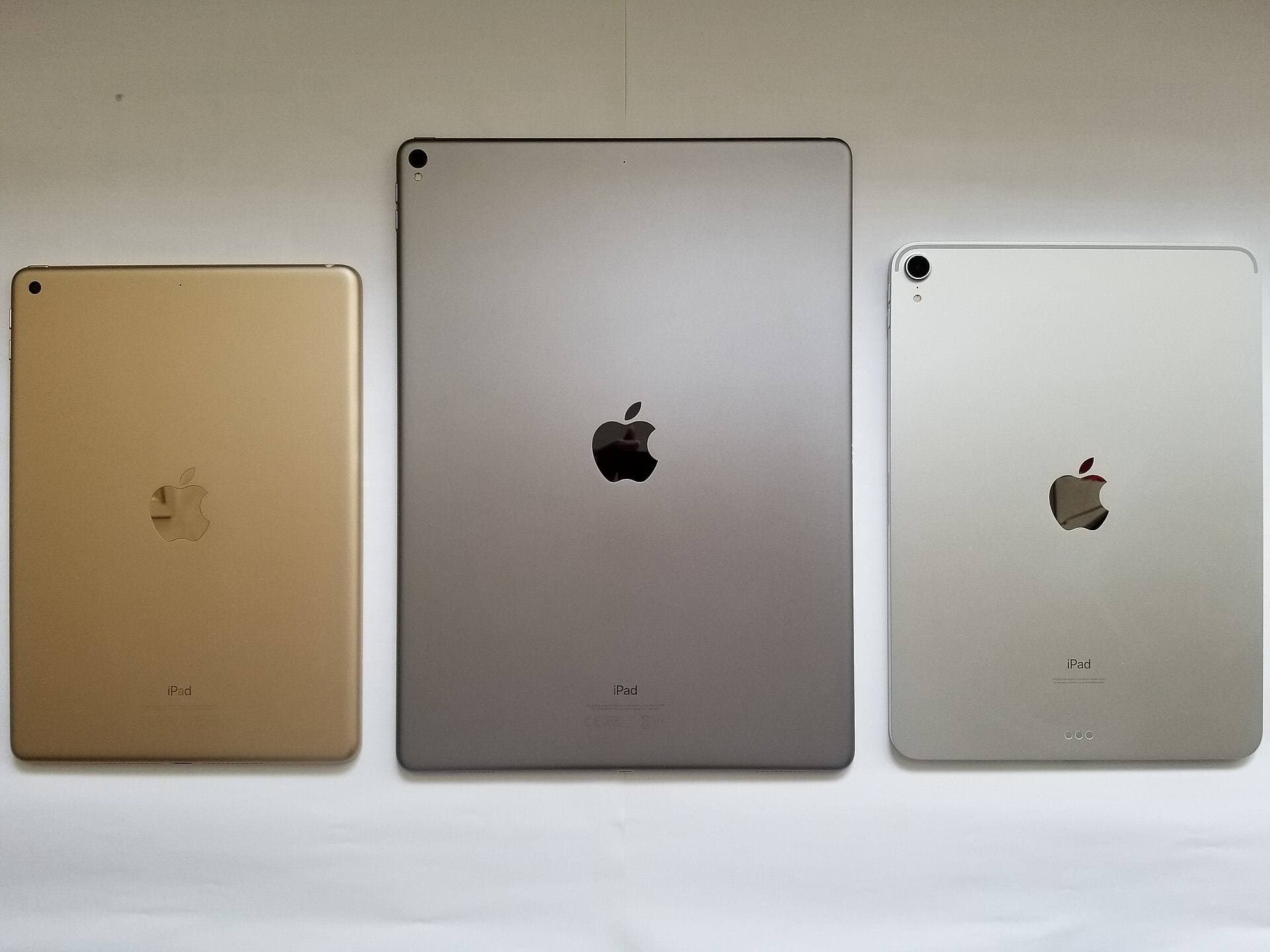
Compare models
The common upgrade question. Start here if you need the shortest path to the sensible buy.
Main art app
Use this when the purchase is mainly about Procreate and you need the safest balance of cost, display feel, and headroom.
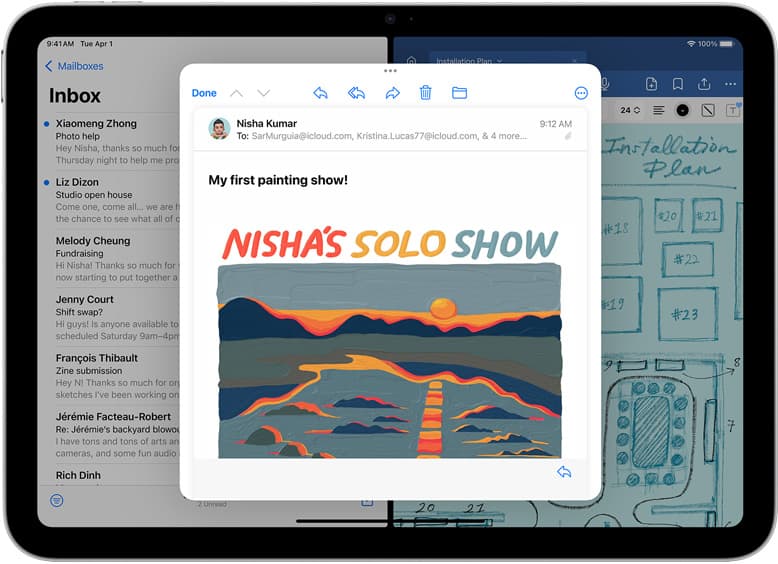
School plus art
Use this when the real purchase is one iPad for notes, PDFs, and regular drawing instead of separate school and art devices.
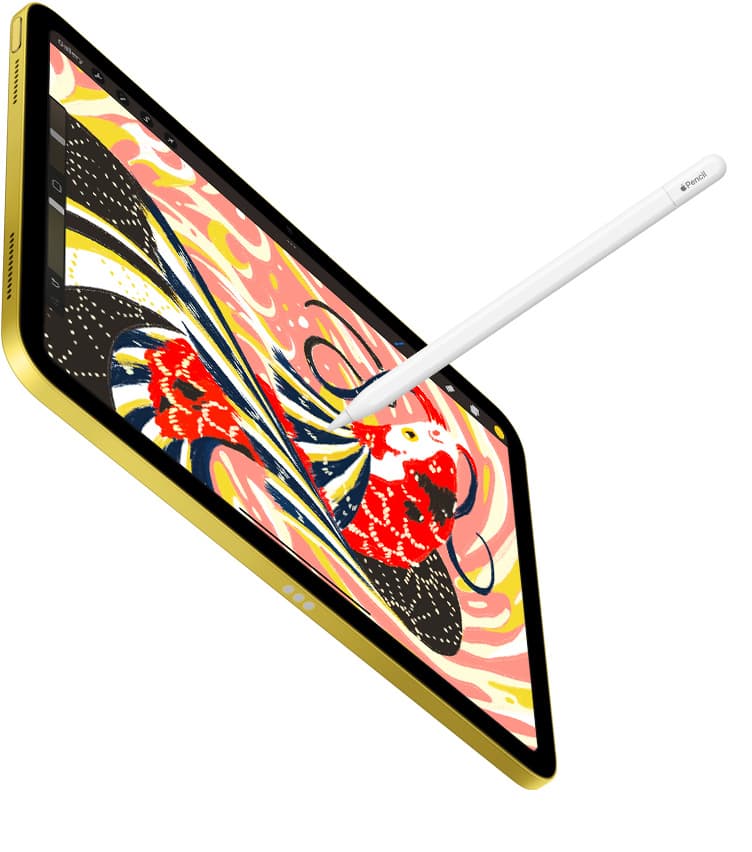
Notes plus drawing
Use this when the real purchase is one iPad for meetings, planning, PDFs, and regular drawing without drifting into the wrong premium tier.
Cases and carry
Use this when the real choice is keyboard case versus draw-first case, not which iPad to buy.
Start with a budget
Use this when you want the best beginner path without drifting into Pro-level overspending.
Buy now
Use this when the shortlist is already small and you mostly need the fastest route to checkout.
drawing apps
Oct 9, 2026 5 min read
Buy Procreate for the most versatile gouache workflow on iPad, or start with Adobe Fresco if you want to test opaque digital painting without paying upfront.
ipad apps
Oct 9, 2026 5 min read
Compare the leading iPad CAD apps for solid modeling, mechanical design, architectural drafting, and stylus input.
Clip Studio Paint
Oct 8, 2026 5 min read
Diagnose stylus hardware limitations, brush dynamic settings, and app pairing steps to restore pen pressure in Clip Studio Paint on iPad.
ipad for drawing
Oct 8, 2026 5 min read
Choose an iPad over a Chromebook if your priority is dedicated drawing software, precise stylus hardware, and flexible digital illustration.
iPad
Oct 8, 2026 6 min read
The iPad Air (M4) is the best overall iPad for interior designers needing Apple Pencil Pro support without paying Pro tier prices.
iPad
Oct 8, 2026 7 min read
Compare the best iPad models for CAD and drafting based on display room, Apple Pencil support, and processing headroom.
drawing tablets
Oct 8, 2026 5 min read
Choose the iPad Air with Apple Pencil Pro for repeat pattern design, or step up to the iPad Pro if high-resolution layer limits dictate your production.
ipad apps
Oct 8, 2026 5 min read
Choose Procreate for standalone raster pattern motifs or pick Clip Studio Paint for vector assets and complex pattern tile structures.
ipad apps
Oct 8, 2026 6 min read
Choose Procreate for simple one-time pricing and fast concept illustration, or pick Clip Studio Paint for multi-page floor plans and deep ruler systems.
Apple Pencil
Oct 8, 2026 6 min read
Diagnose Apple Pencil hover issues by checking iPad hardware support, iPadOS hover settings, and app options before replacing your stylus.