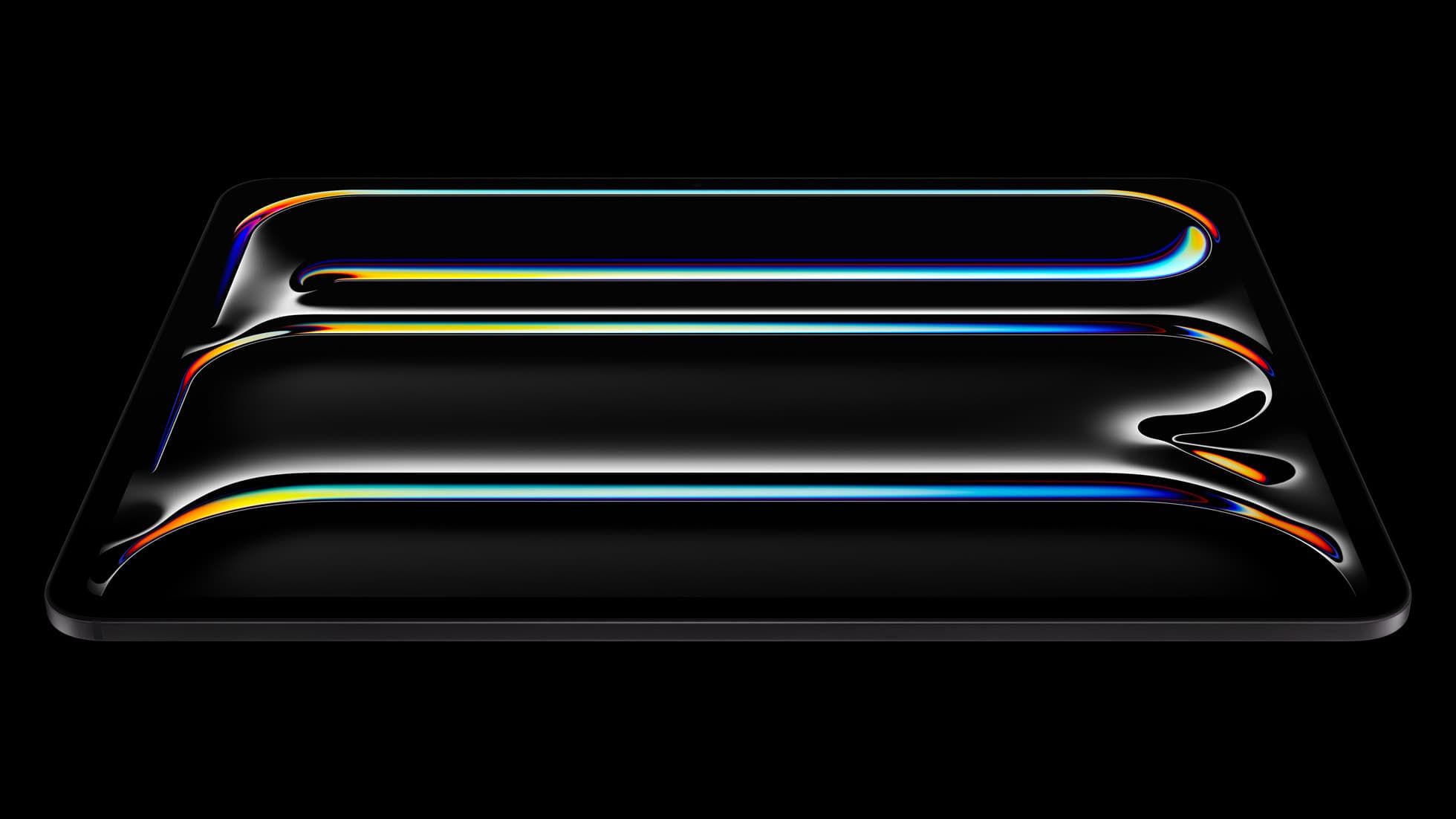
iPad Pro (M5)
iPad Pro (M5) review
4.7
The best iPad for drawing feel and premium workflow comfort, but many buyers still overpay for it.
Quick buy if you are done browsing this page of the archive.
iPad Pro (M5)
Top-rated picks from this archive page.
iPad Pro (M5)
The best iPad for drawing feel and premium workflow comfort, but many buyers still overpay for it.
Apple Pencil Pro
The best Apple stylus for serious digital art workflows. Expensive, but the control upgrades are real.
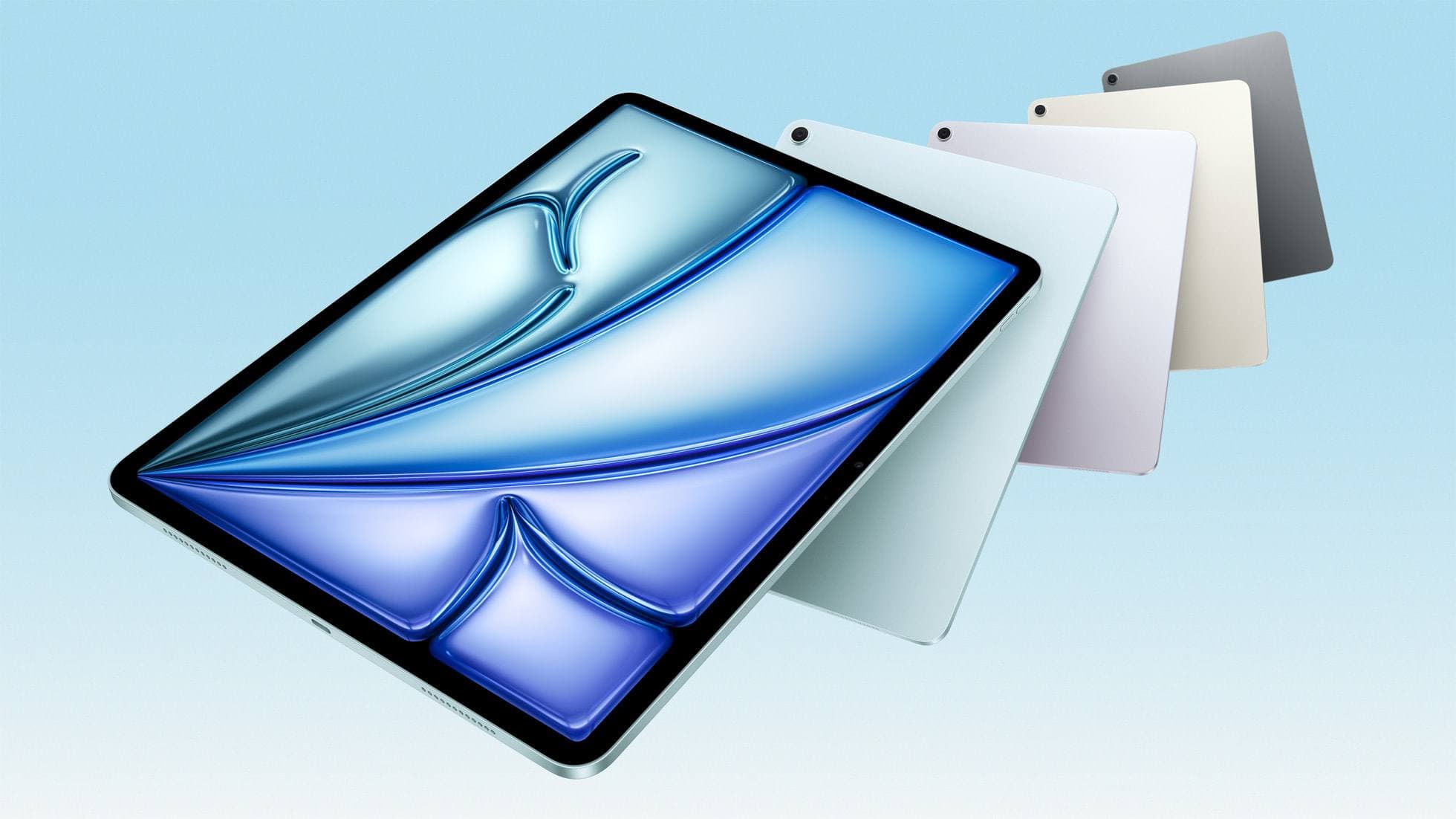
iPad Air (M4)
The clean current Air recommendation for most serious hobby artists. Stronger buy logic than old-stock M3 when pricing is close.
Page 9 is useful for scanning content. It is not the shortest route to a safe purchase. Use these buyer paths if you are actually trying to choose what to buy.
Compatibility first
Use this when the real risk is ordering the wrong Pencil for your iPad, not choosing between tablets.
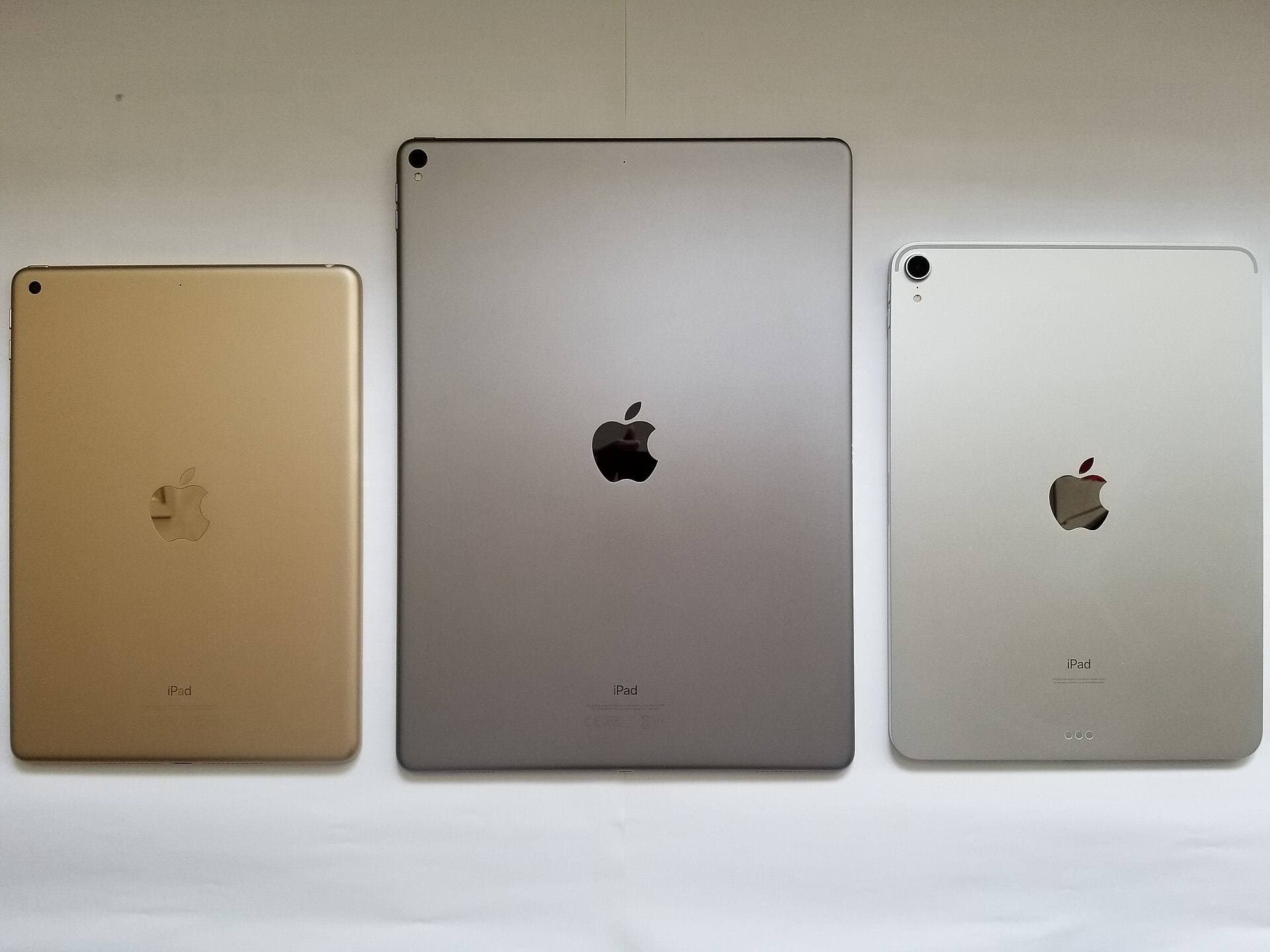
Compare models
The common upgrade question. Start here if you need the shortest path to the sensible buy.
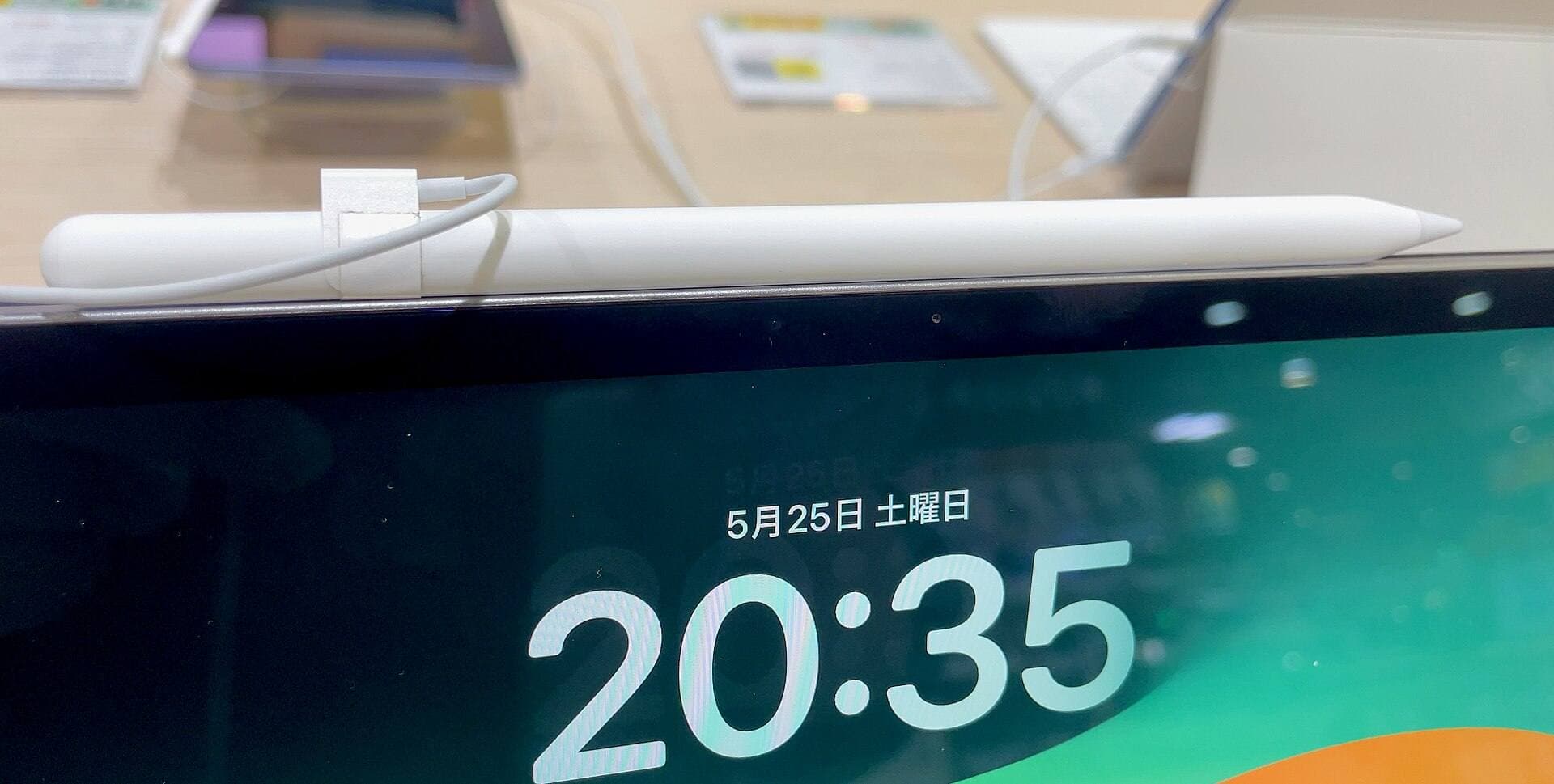
Main art app
Use this when the purchase is mainly about Procreate and you need the safest balance of cost, display feel, and headroom.
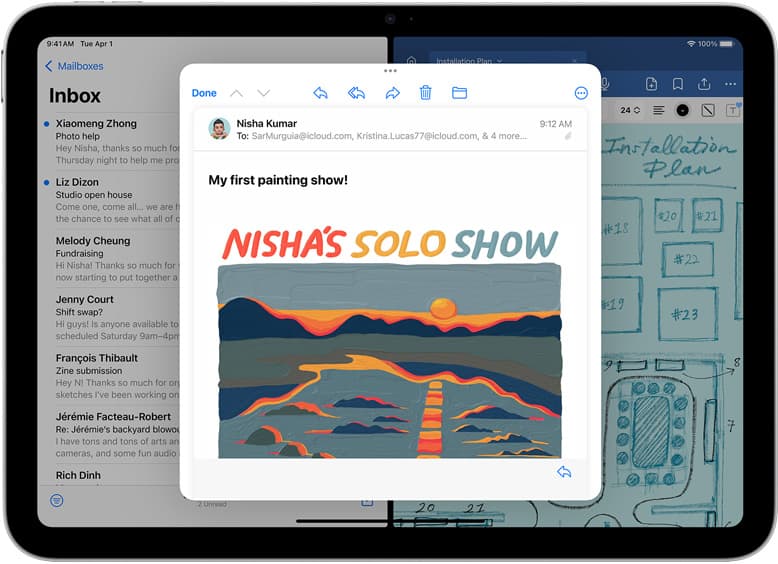
School plus art
Use this when the real purchase is one iPad for notes, PDFs, and regular drawing instead of separate school and art devices.
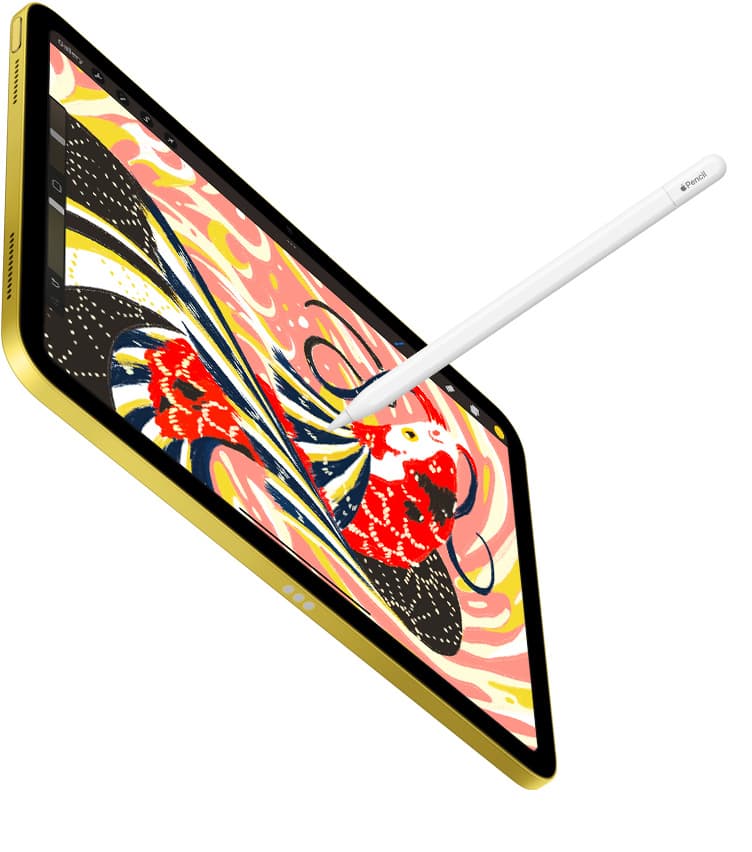
Notes plus drawing
Use this when the real purchase is one iPad for meetings, planning, PDFs, and regular drawing without drifting into the wrong premium tier.
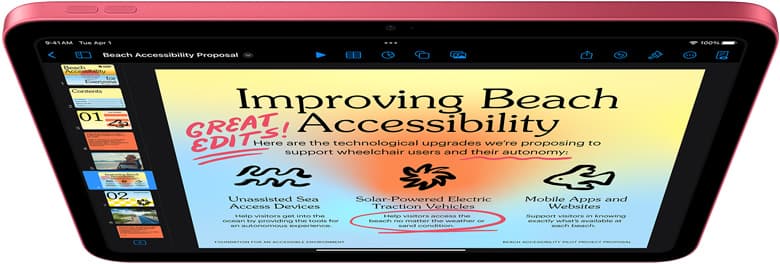
Cases and carry
Use this when the real choice is keyboard case versus draw-first case, not which iPad to buy.
Start with a budget
Use this when you want the best beginner path without drifting into Pro-level overspending.
Buy now
Use this when the shortlist is already small and you mostly need the fastest route to checkout.
Apple Pencil
Oct 8, 2026 5 min read
Diagnose why your Apple Pencil double tap stopped switching tools on iPadOS, verify your stylus hardware, and decide whether to tweak settings or replace your stylus.
Clip Studio Paint
Oct 8, 2026 5 min read
Diagnose Clip Studio Paint input lag on iPad by checking canvas dimensions, stabilization, and app differences before buying new hardware.
Apple Pencil
Oct 8, 2026 5 min read
Diagnose pairing drops, tip wear, and hardware failures before replacing your Apple Pencil.
iPad
Oct 8, 2026 5 min read
Choose an iPad Air or iPad Pro if you need color, layered sketches, and active stylus tools, but skip the iPad if you only want a distraction-free monochrome notebook.
iPad
Oct 8, 2026 5 min read
Cricut cut workflows run on iPad hardware, but choosing between a base iPad and an iPad Air depends on your stylus and illustration needs.
ipad mini
Oct 8, 2026 5 min read
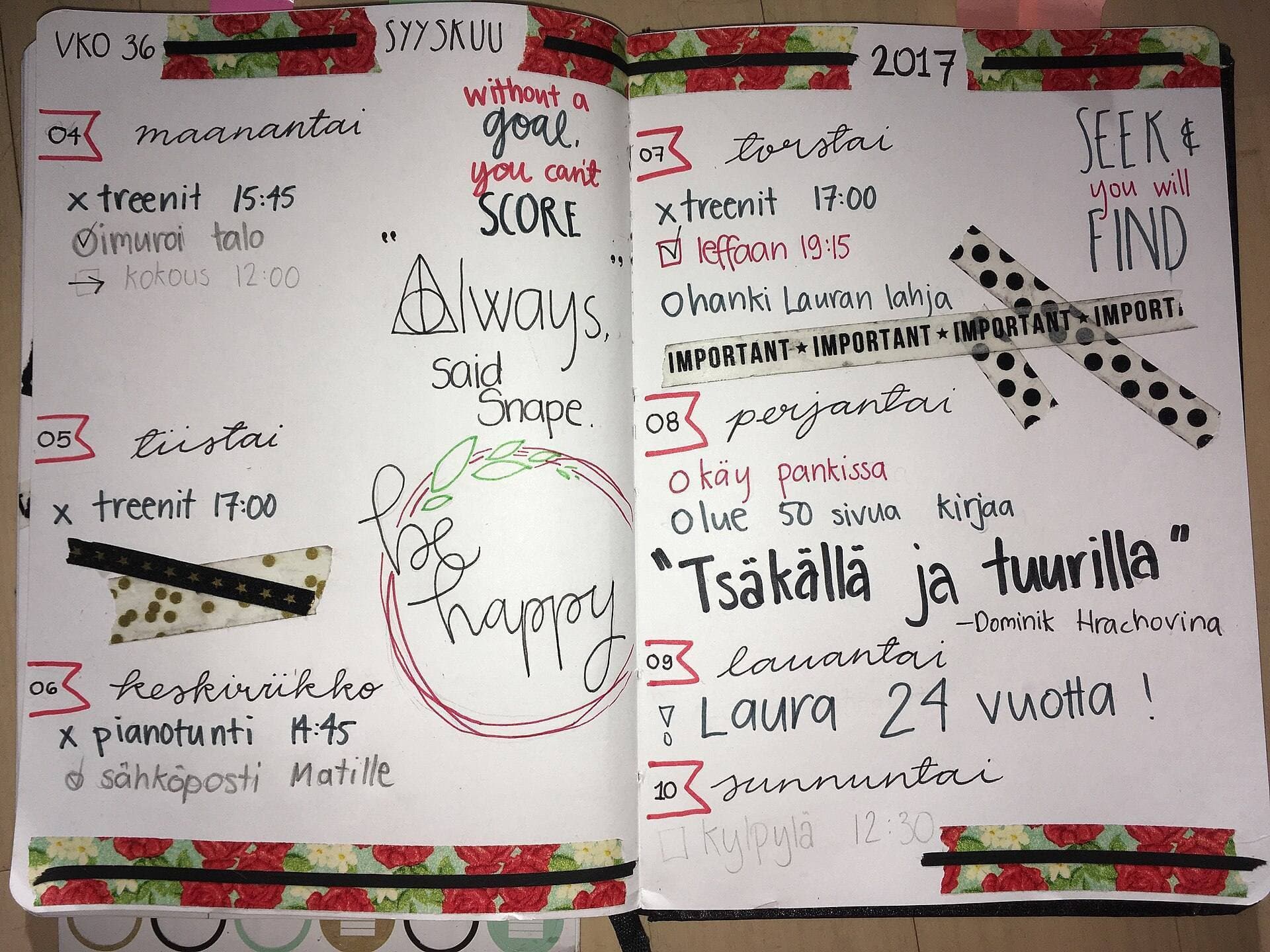
The iPad mini handles animation apps and Apple Pencil Pro, but its compact screen and layer headroom make it best for quick sketches rather than heavy production timelines.
Apple Pencil
Oct 8, 2026 5 min read
Resolve charging and pairing failures by checking iPad compatibility, resetting Bluetooth, and choosing the correct replacement stylus.
Screen Protectors
Oct 8, 2026 5 min read
Decide whether to install a textured matte screen protector like Paperlike or adapt your Apple Pencil hardware on bare glass.
ipad mini
Oct 8, 2026 6 min read
The iPad mini works well for pocket planning on the go, but an iPad Air gives you the screen space and Apple Pencil Pro features needed for complex layouts.
ipad air
Oct 8, 2026 5 min read
The iPad Air delivers more than enough power and Apple Pencil Pro features for Nomad Sculpt without the Pro model price.