
This purchase is mostly about context.
- Travel artists usually need fewer ports and fewer failure points.
- Desk artists often need persistent display and storage connections.
Fast decision
Pick the option that matches your most common setup:
- Mostly mobile: buy a compact adapter first.
- Mostly desk: buy a full hub first.
If you are still unsure, use this rule: Buy by your daily port pattern, not by total port count.
Compare at a glance
| What you care about | Compact adapter | Full hub |
|---|---|---|
| Best for | Travel reliability and packing light | Stable desk workflows |
| Port approach | Essentials, minimal clutter | More ports available at once |
| Typical workflow | HDMI plus charging | External drive plus monitor workflow |
| Setup style | Toss in a pouch | Leave plugged in at a fixed desk |
Choose by your port pattern
These checks map directly to the strengths of each type.
Pick a hub if you do this often
- You want more ports available at once.
- You want a better fit for a fixed desk setup.
- You want a clean external drive plus monitor workflow.
Pick an adapter if you do this often
- You want something lighter and easier to pack.
- You want lower cost and less cable clutter.
- You only need HDMI plus charging most days.
Recommended buys
Best compact adapter for travel setups
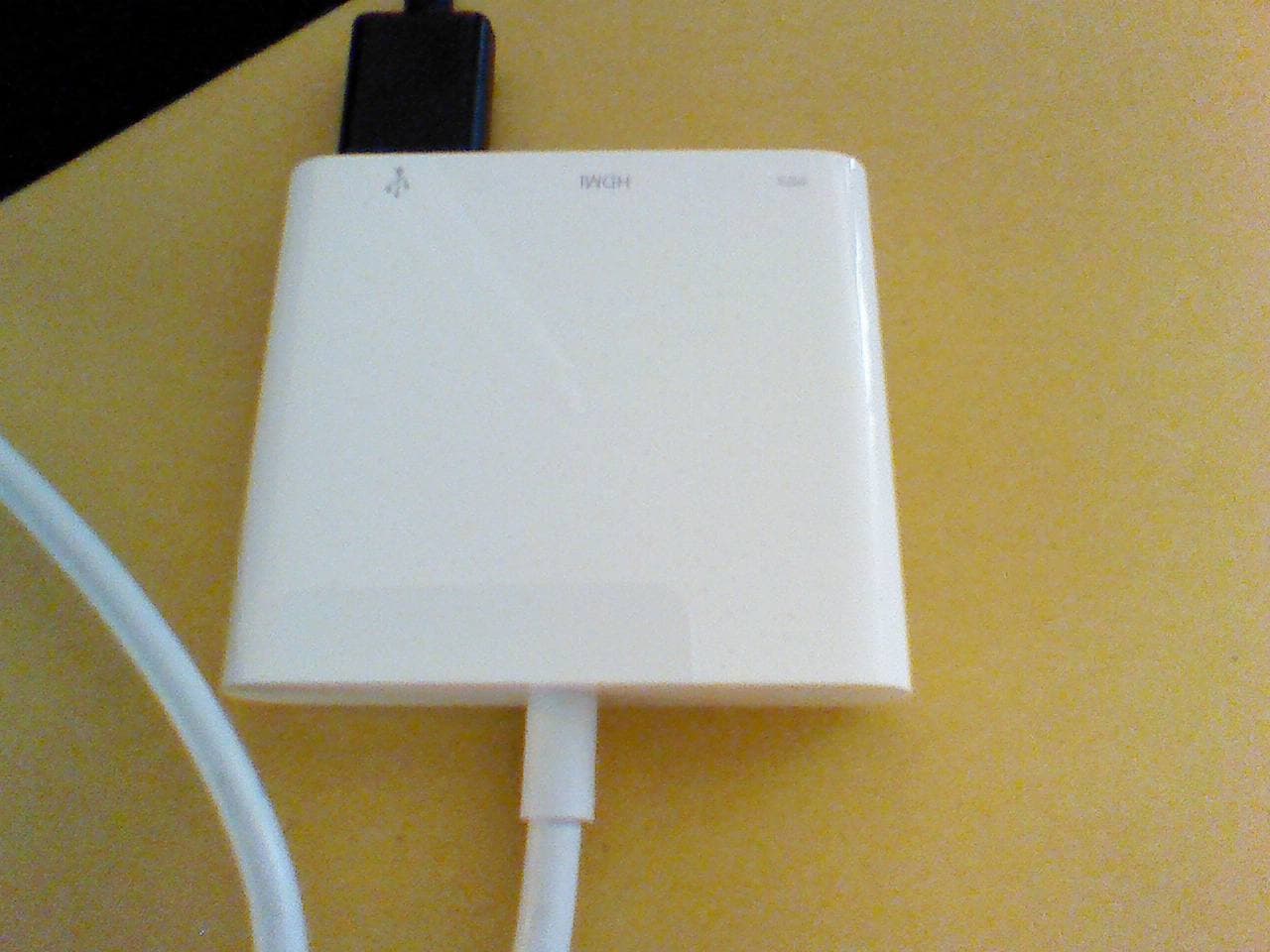
Apple USB-C Digital AV Multiport Adapter [1]
- Compact and easy to pack
- Good enough for HDMI plus charging
- A simple choice when you want fewer pieces in your bag
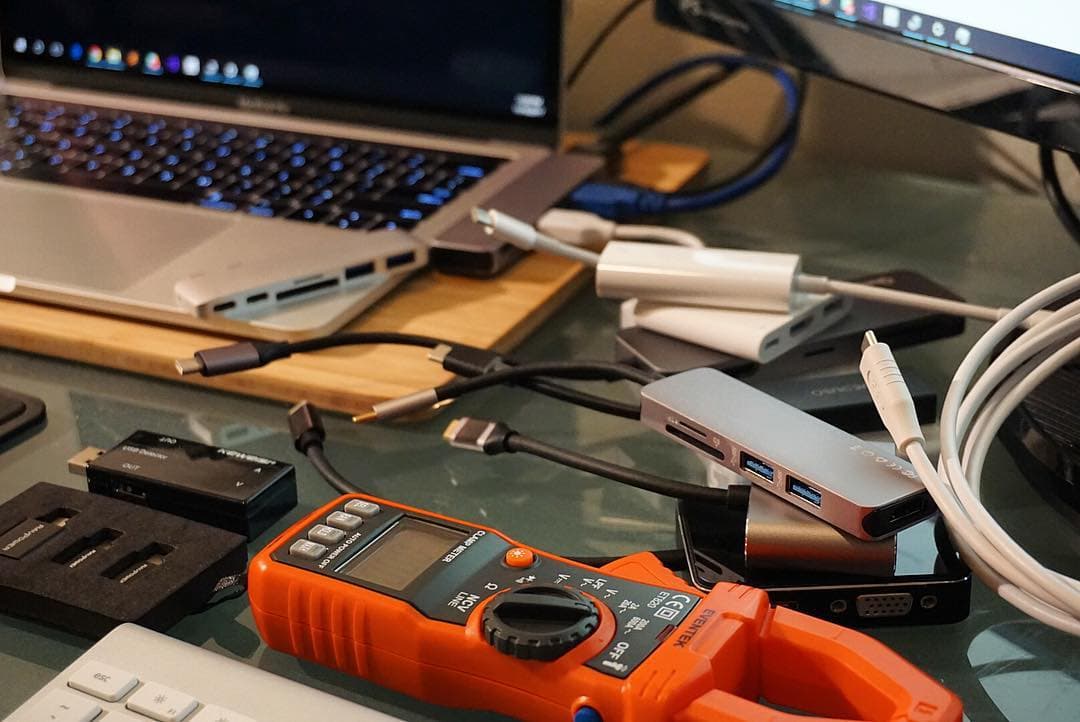
Best hub for desk workflows
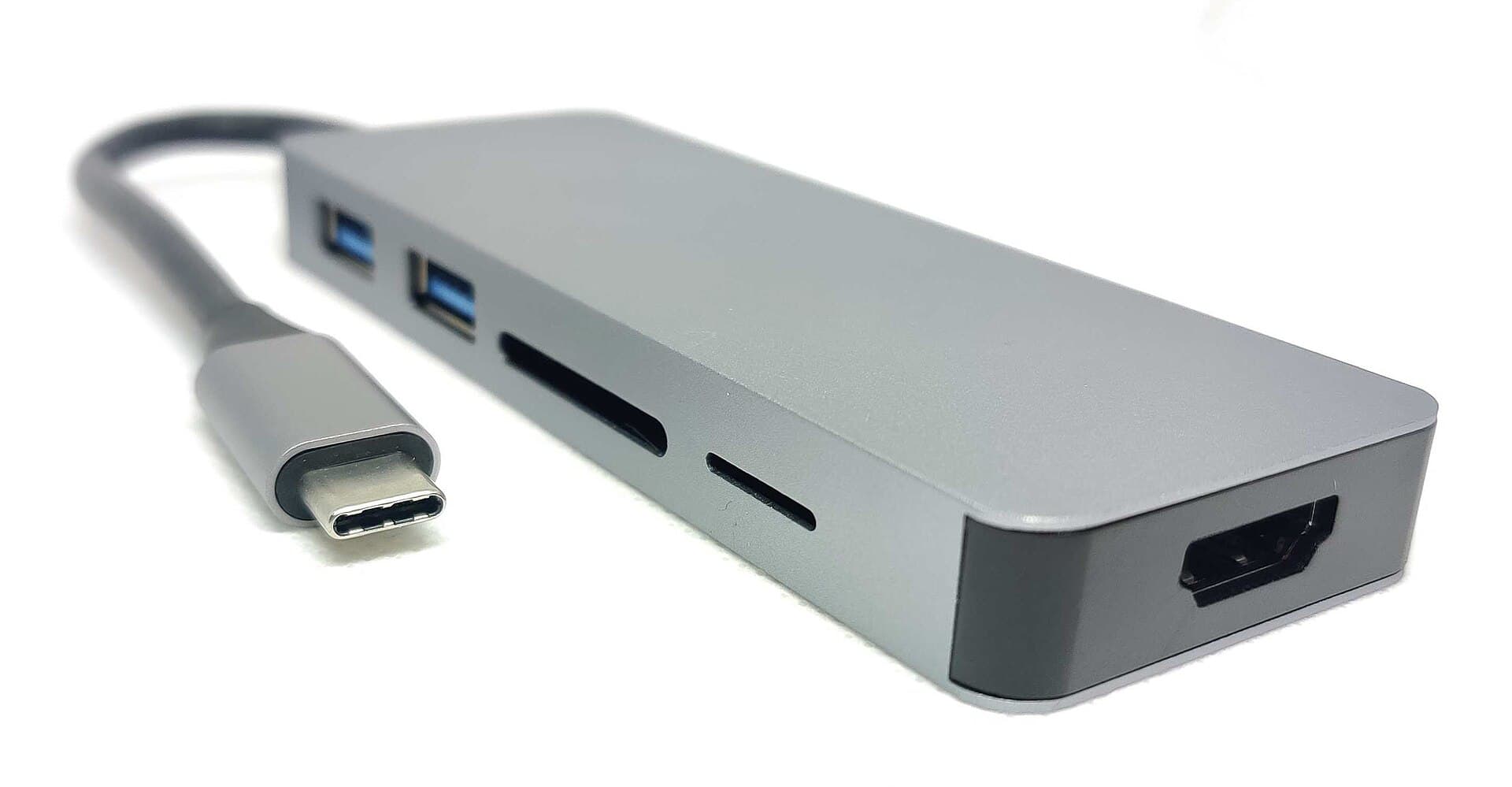
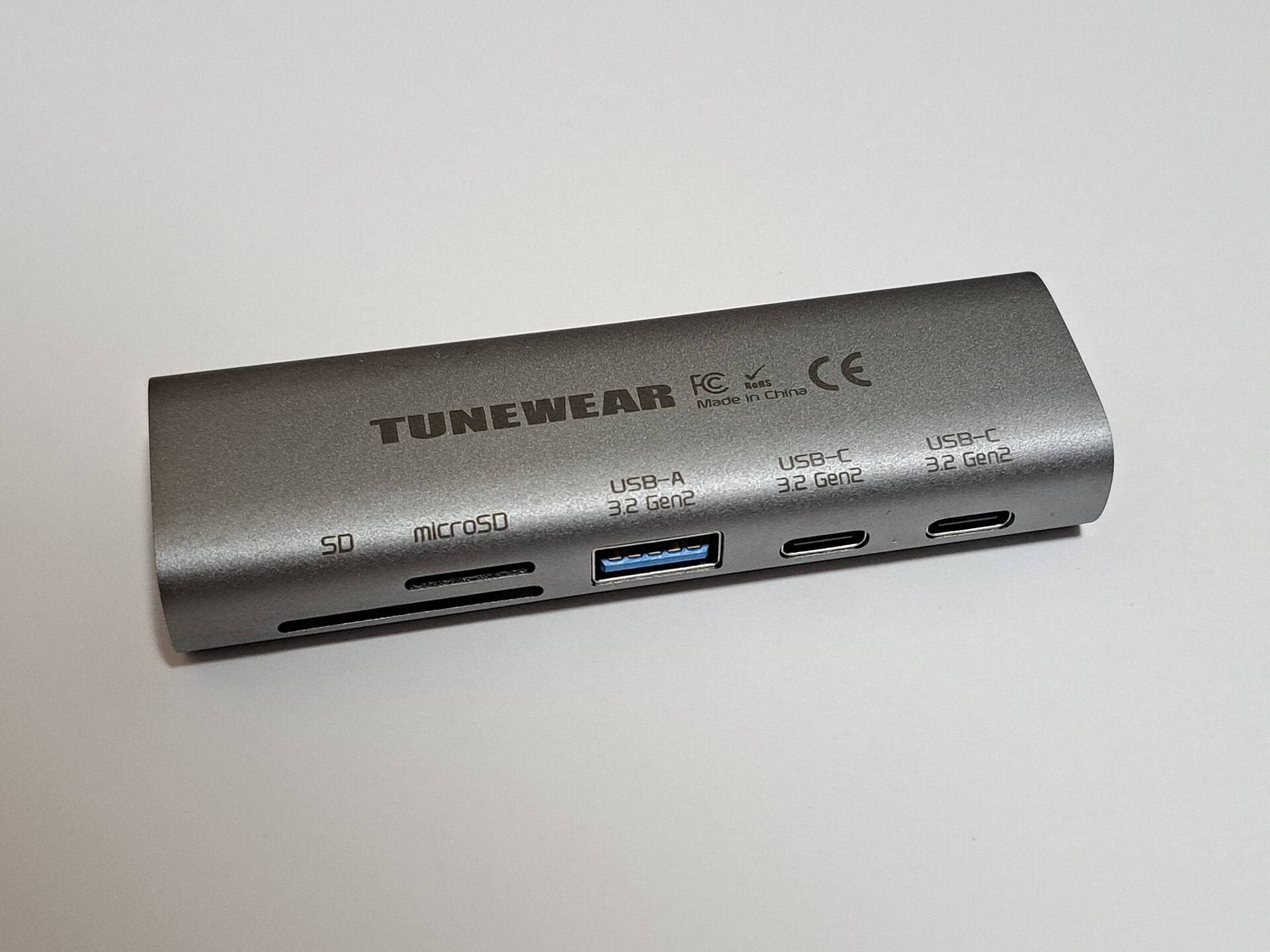
Anker 341 USB-C Hub [2]
- More ports available at once
- Better fit for a fixed desk setup
- Cleaner external drive plus monitor workflow
Power pairing that helps either choice
If you rely on charging while connected, pair your adapter or hub with a solid charger like UGREEN Nexode 65W so your setup stays consistent.
Buying checklist
Before you click buy, answer these in order:
- Where do you work most: desk or mobile?
- What is your daily combo: HDMI plus charging, or storage plus display?
- Do you want a fixed station: leave it plugged in, or pack it every day?
- What do you want to avoid most: extra cables, or not having enough ports at once?
Bottom line
Do not buy by total port count. Buy by your most common daily setup.
Product visuals
Scenario-based recommendations
For USB-C Hub vs Multiport Adapter for iPad (2026): What to Buy?, choose based on operating context, not abstract feature lists. If you run longer focused sessions, prioritize consistency and reduced interruption. If your workflow is mixed and mobile, prioritize portability and fast setup. For iPad users choosing between portable adapters and desk hubs for art workflows., the best option is usually the one that minimizes repeated friction across a full week of use, not the one that wins a single benchmark.
Decision checklist
Before selecting one side of this comparison, answer these questions:
- Which option reduces the most frequent bottleneck in your current workflow?
- Which option remains reliable under your real environment constraints?
- Which option keeps upgrade and replacement costs predictable over 3 to 6 months?
- Which option improves output speed without increasing setup complexity?
If one option wins at least three checks, that is your practical choice.
Common misreads in comparisons
Misread 1: treating headline specs as workflow outcomes
A higher spec does not always produce higher output if setup friction rises.
Misread 2: testing only in ideal conditions
Real usage includes noisy environments, limited outlets, and time pressure.
Misread 3: ignoring transition costs
Switching tools or accessories can create hidden retraining and compatibility overhead.
Misread 4: deciding from short trial windows
Use at least 10 to 14 days to capture reliability and fatigue effects.
Validation plan
Run both options through the same test blocks: 45-minute session, export/backup step, and one travel or mobile setup. Measure interruptions, setup time, and hand comfort. Pick the option with lower interruption frequency and better repeatability.
Extra scenario: high-pressure deadline window
For USB-C Hub vs Multiport Adapter for iPad (2026): What to Buy?, keep the lowest-risk path active when deadlines are near: stable setup, no new experimental changes, and one backup route for critical actions. This protects output velocity and reduces failure risk when timing matters most.
Extra scenario: travel or mobile environment
When working outside your main desk, reduce variables. Use your known-good kit, keep cable and power roles fixed, and avoid adding untested components mid-session. This improves consistency and protects session completion rates.
Extra scenario: handoff and collaboration
If your workflow includes sharing files or handing off assets, validate export and sync behavior before the final window. Reliability in handoff steps often matters more than small gains in tool speed.
Extra scenario: maintenance week
Schedule a short maintenance pass each week: verify connections, refresh baselines, and remove dead steps from your setup. Small maintenance habits prevent recurring disruption and preserve long-term workflow quality.
Extra scenario: high-pressure deadline window
For USB-C Hub vs Multiport Adapter for iPad (2026): What to Buy?, keep the lowest-risk path active when deadlines are near: stable setup, no new experimental changes, and one backup route for critical actions. This protects output velocity and reduces failure risk when timing matters most.
Extra scenario: travel or mobile environment
When working outside your main desk, reduce variables. Use your known-good kit, keep cable and power roles fixed, and avoid adding untested components mid-session. This improves consistency and protects session completion rates.
Extra scenario: handoff and collaboration
If your workflow includes sharing files or handing off assets, validate export and sync behavior before the final window. Reliability in handoff steps often matters more than small gains in tool speed.
Sources
Recommended gear
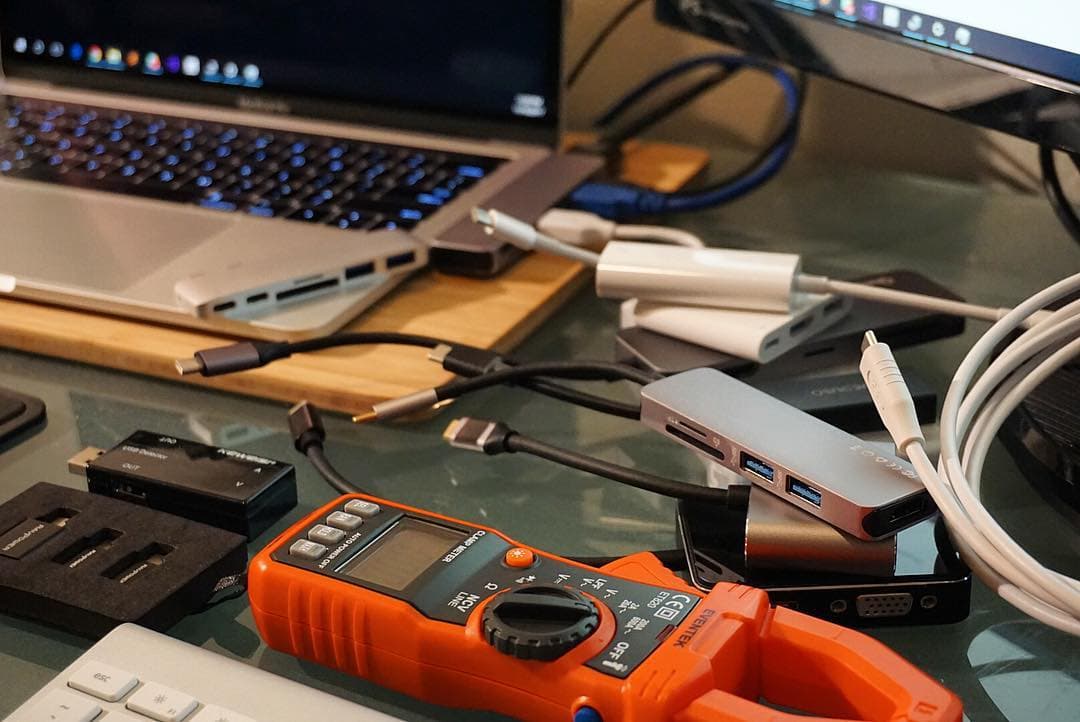
Anker 341 USB-C Hub (7-in-1)
amazon.comA strong everyday port hub for iPad workflows. Good value and layout, with expected bandwidth limits.
Pro: Solid all-around port mix for iPad setups
Con: Not Thunderbolt bandwidth
Check host power pass-through and display output before buying.
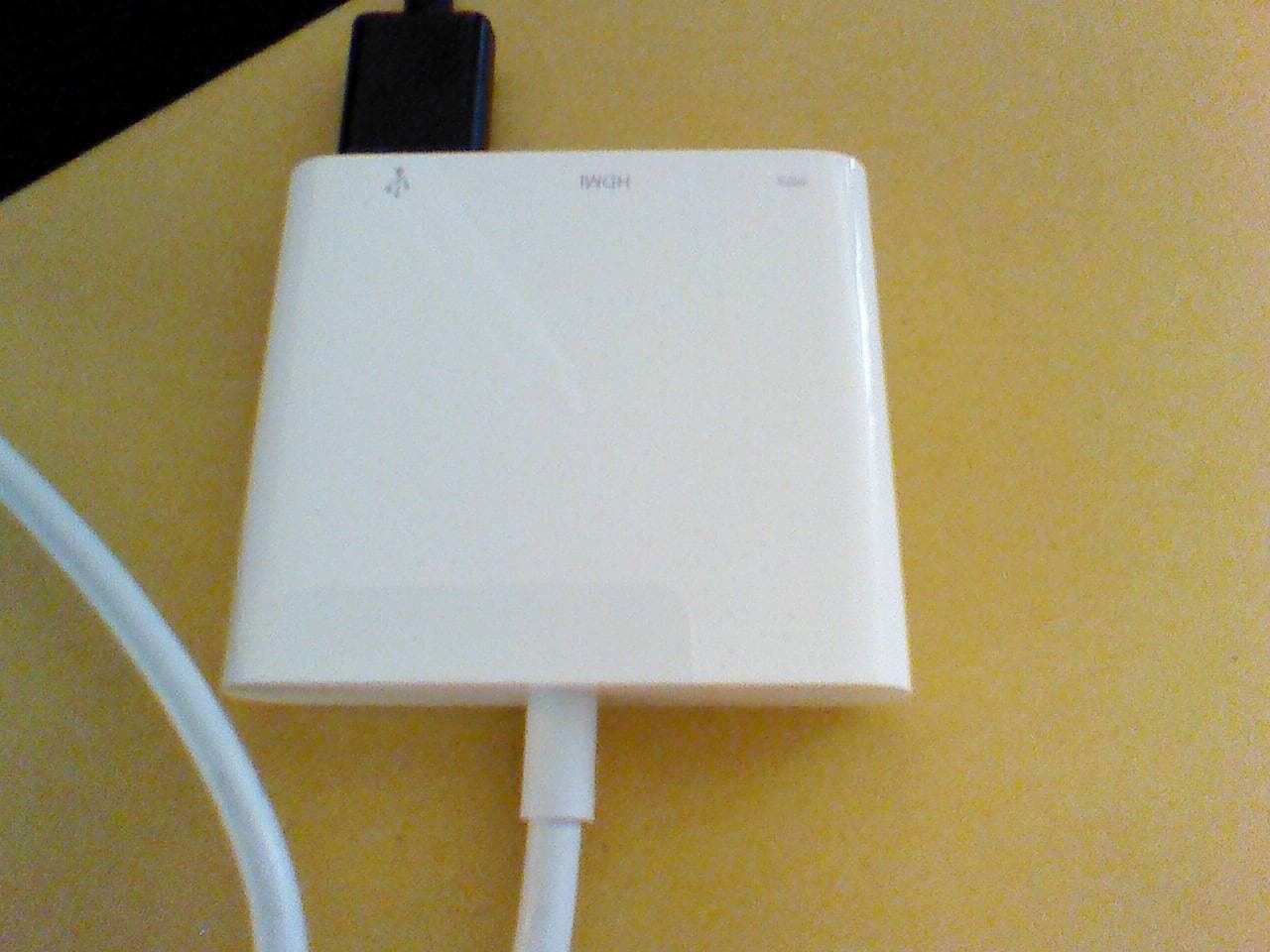
Apple USB-C Digital AV Multiport Adapter
apple.comPro: Reliable display output with Apple hardware
Con: Higher cost than generic adapters
Best fit when you need HDMI plus charging in one compact adapter.
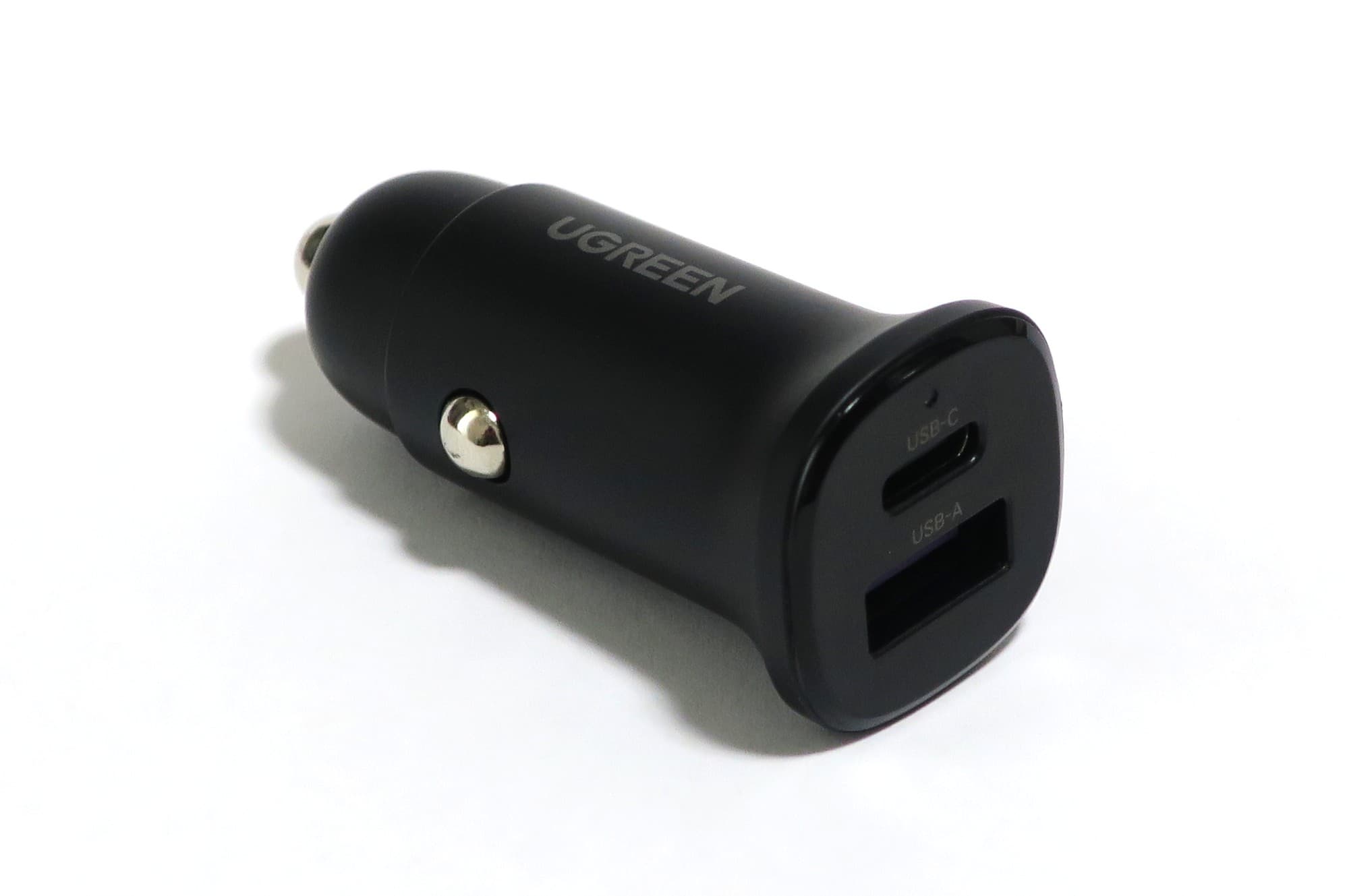
UGREEN Nexode 65W USB-C Charger
amazon.comPro: Compact size with useful multi-port output
Con: May drop port wattage more aggressively under load
Good balance for iPad plus phone in one outlet.
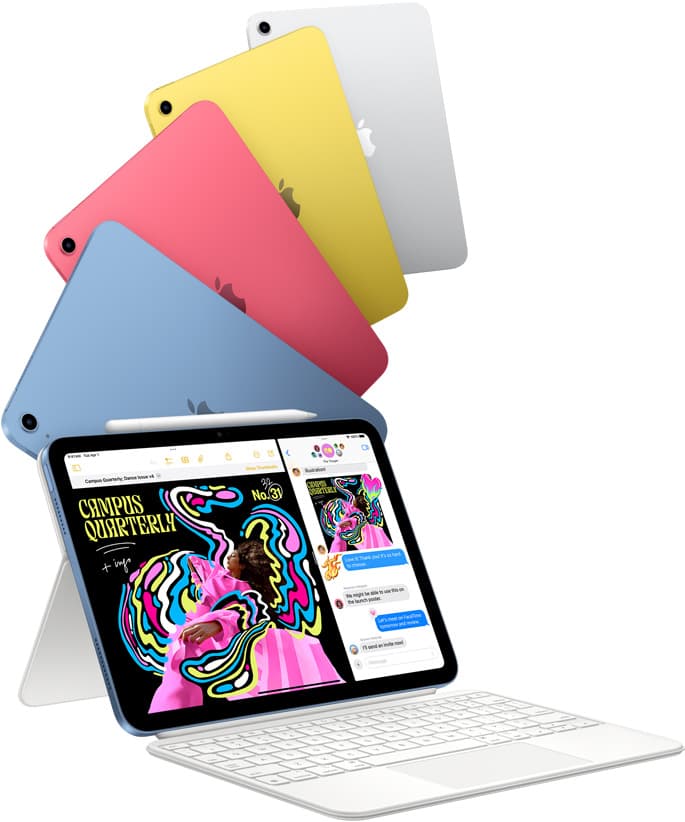
iPad (A16, 11th gen)
amazon.comThe best entry iPad for most artists on a budget. It is not premium, but it is very hard to beat on value.
Pro: Best value iPad right now
Con: No ProMotion display
Search opens with the exact model keywords. Verify size and storage before checkout.
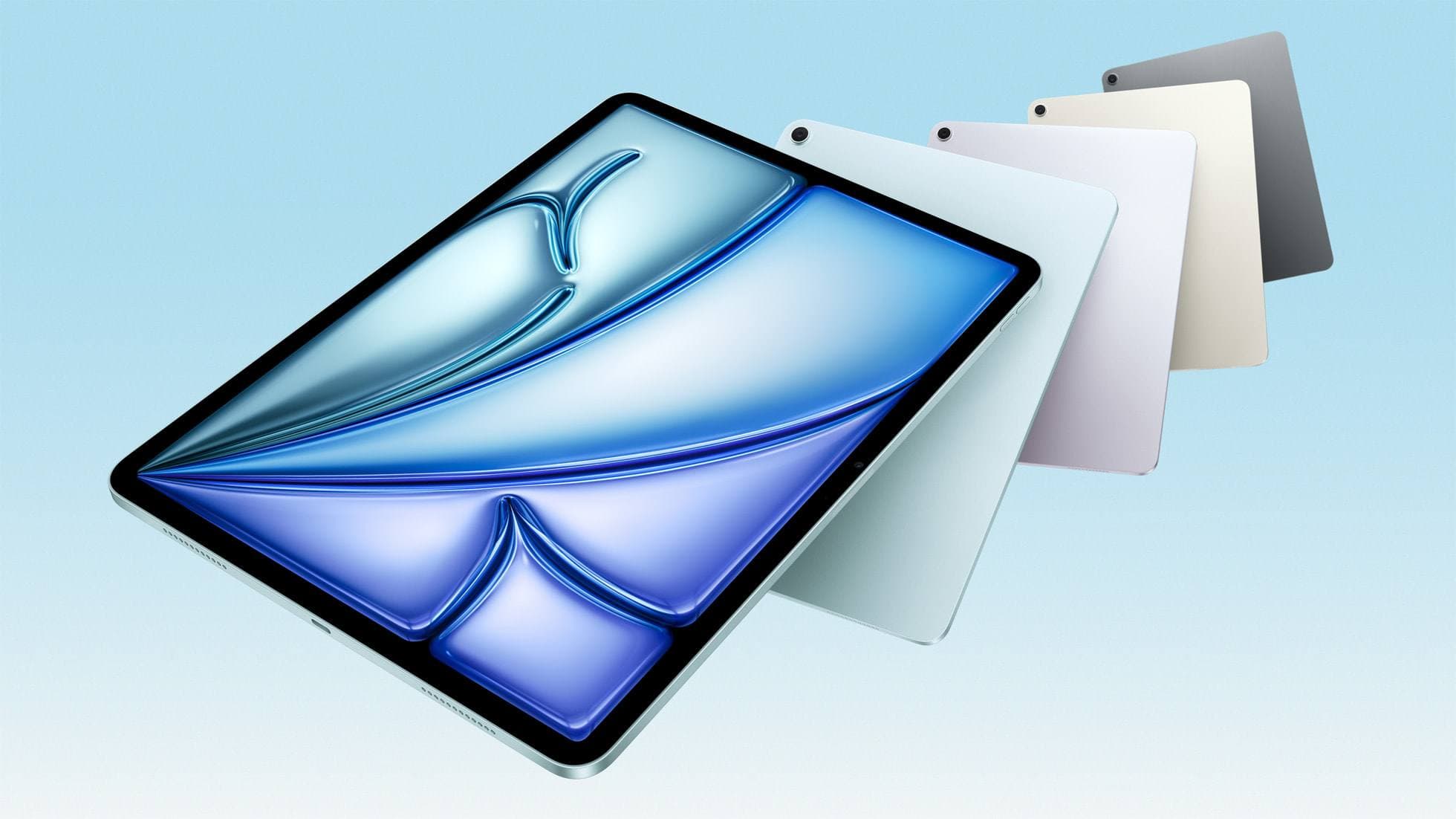
iPad Air (M4)
apple.comThe clean current Air recommendation for most serious hobby artists. Stronger buy logic than old-stock M3 when pricing is close.
Pro: Best current balance of price, headroom, and Pencil support
Con: Still 60Hz
Current Air lineup. Choose size, storage, and keyboard path before checkout.
Related buying picks
More in this collectionBuyer guide
Best iPad mini Accessory Bundle for Drawing (2026)
iPad mini is strongest when you keep the setup light. This buyer guide picks three pieces that add utility without killing portability.
Buyer guide
Best USB-C Chargers for iPad Artists (2026): Wattage, Heat, and Real Speed
For iPad artists, charger quality matters more than max wattage marketing. Buy by single-port output, heat behavior, and split-power rules.
Buyer guide
Best iPad Cases for Artists (2026): Protection, Weight, and Draw-Angle Tradeoffs
The right iPad case for art is a balance between corner protection, bag weight, and a stand angle that does not wobble while you draw.
Buyer guide
Best Travel Power Kit for iPad Artists (2026 Buyer Guide)
Pack one three-piece travel charging kit for iPad drawing: a 100W wall charger, a high-output power bank, and a 2m USB-C cable.