Buy Nomad Sculpt if your goal is organic digital clay work on an iPad. Nomad Sculpt is a paid download in the App Store Graphics and Design category that provides dedicated brushes including clay, flatten, smooth, and mask to shape your work directly [1]. If your projects focus on industrial fabrication or interior planning, choose dedicated CAD or layout tools instead [2], [3]. Artists who already use 2D paint applications like Procreate will find that dedicated sculpting software requires an entirely different toolset [4]. For the most responsive input, pair your iPad with an Apple Pencil that supports pressure sensitivity [5].
Why Nomad Sculpt is the primary pick for clay sculpting
Nomad Sculpt holds a 4.8 out of 5 rating across more than 14,000 App Store reviews, making it the most established dedicated organic modeling package on iPadOS [1]. The software provides specific sculpting brushes such as clay, flatten, smooth, and mask [1]. These brushes mimic traditional modeling workflows by pushing, pulling, and flattening virtual volume rather than assembling technical geometric shapes.
Because Nomad Sculpt is listed as a paid app on the App Store, you buy it upfront without dealing with trial expirations to access the core brush engine [1]. Digital sculptors who work on character busts, creature designs, or organic forms need mesh deformation tools that respond immediately to continuous stylus input [1], [5]. If your creative focus is figurative art or organic shape exploration, Nomad Sculpt is the direct choice on iPadOS [1].
Artists looking for an all-in-one studio must understand what Nomad Sculpt does not do. It is built strictly for 3D creation and mesh shaping [1]. It is not a 2D painting canvas or an architectural blueprint editor [1], [3]. If you want a digital sketchbook for two-dimensional drawing, Nomad Sculpt is not the right investment [1], [4].
How organic sculpting differs from CAD and technical modeling
Many buyers looking for 3D software on iPad confuse organic sculpting with computer-aided design. Shapr 3D CAD modeling is categorized under Productivity rather than Graphics and Design, and its store listing emphasizes taking projects from design to manufacturing [2]. The app is offered as a free download [2]. Shapr 3D is engineered for dimensional accuracy, mechanical parts, and engineering assemblies [2].
Attempting to sculpt a character, creature, or flowing fabric inside a parametric CAD application like Shapr 3D is counterproductive [1], [2]. CAD engines rely on precise curves, extrusions, and numerical constraints rather than virtual clay brushes [2]. If you need exact tolerances for CNC milling, 3D printing functional brackets, or engineering production parts, Shapr 3D is a strong platform [2]. If your goal is expressive artistic form, skip Shapr 3D in favor of Nomad Sculpt [1], [2].
Similarly, SketchUp 3D Modeling targets spatial planning and architectural layout rather than brush-based deformation [3]. SketchUp is a free download that includes a 7-day Go trial and focuses on architectural structures, interiors, and geometric modeling [3]. It lacks the clay, smooth, and mask brushes found in Nomad Sculpt [1], [3]. Purchasing SketchUp for character sculpting will result in frustration because its toolset is built for planes, edges, and building volumes [3].
When 2D illustration apps fit into a 3D pipeline
Many iPad creators begin their digital art journey with Procreate, which is a paid application rated 4.4 out of 5 on the App Store [4]. Procreate is described as a leading creative application made for iPad [4]. While Procreate dominates two-dimensional illustration and painting workflows, it does not provide native 3D volumetric sculpting brushes like clay, flatten, or mask [1], [4].
Artists frequently use Procreate alongside 3D sculpting software rather than as a replacement for it [1], [4]. For example, illustrators sketch reference orthographic views in Procreate before opening a sculpting workspace [4]. Procreate limits layer counts based on device memory and canvas resolution, which is an important operational boundary to monitor when exporting large texture sheets [6].
If you only need to create digital paintings, concept sketches, and raster artwork, keep Procreate and skip dedicated 3D tools [4]. Buying a 3D sculpting app is only necessary when you must manipulate forms from every viewing angle in three-dimensional space [1], [4].
Matching your iPad and Apple Pencil to sculpt work
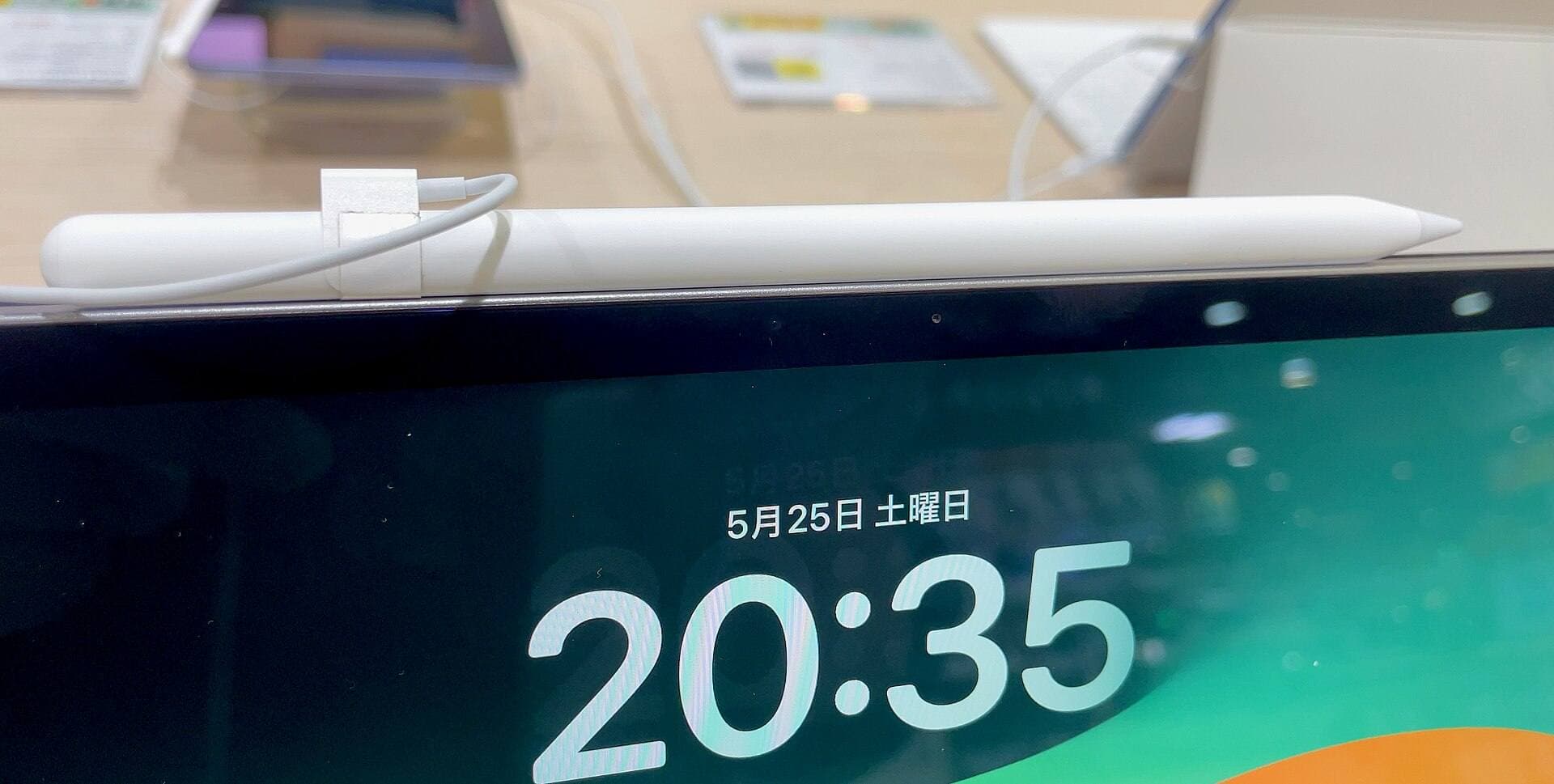
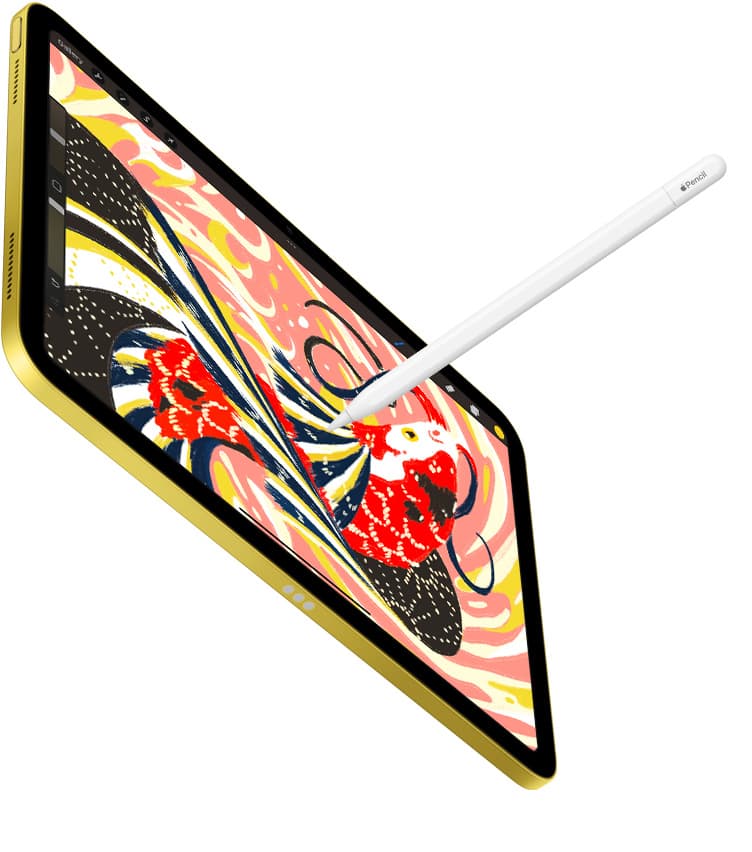
Digital sculpting relies heavily on hardware input to control brush size, stroke depth, and surface deformation [1], [5]. Apple offers several Apple Pencil models with differing feature profiles [5]. The Apple Pencil Pro supports pressure sensitivity, tilt, squeeze, barrel roll, haptics, and hover [5]. By contrast, the Apple Pencil USB-C lacks pressure sensitivity entirely, though it retains tilt detection and Apple Pencil hover on supported iPad models [5].
For 3D sculpting, pressure sensitivity is critical because it dictates how deeply a clay brush carves or how heavily a flatten tool affects the digital surface [1], [5]. Choosing an Apple Pencil model without pressure sensitivity forces you to adjust brush strength sliders manually, breaking your sculpting rhythm [5]. In addition, Apple Pencil Pro features like squeeze and barrel roll provide hardware shortcuts that streamline software interaction [5].
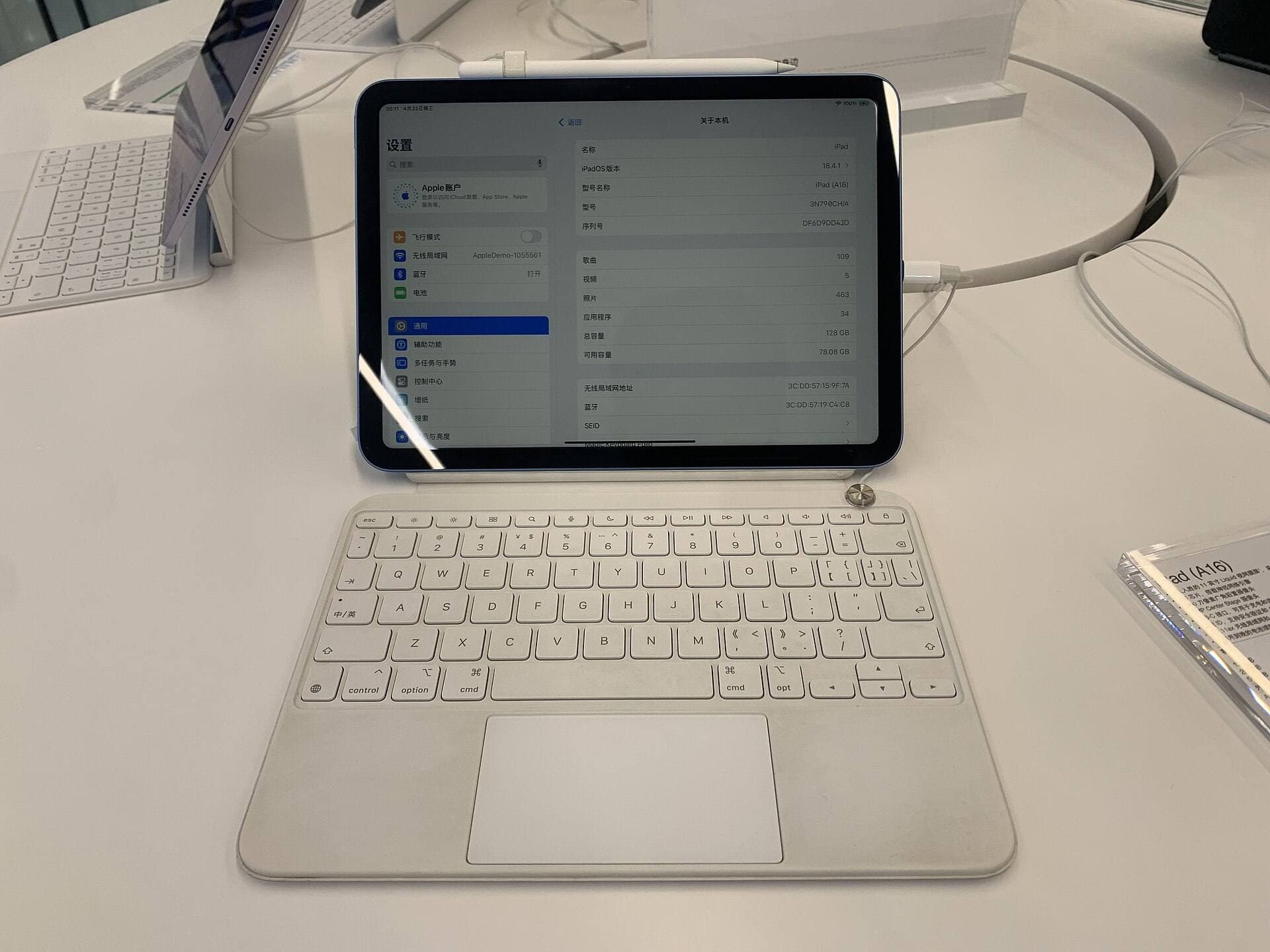
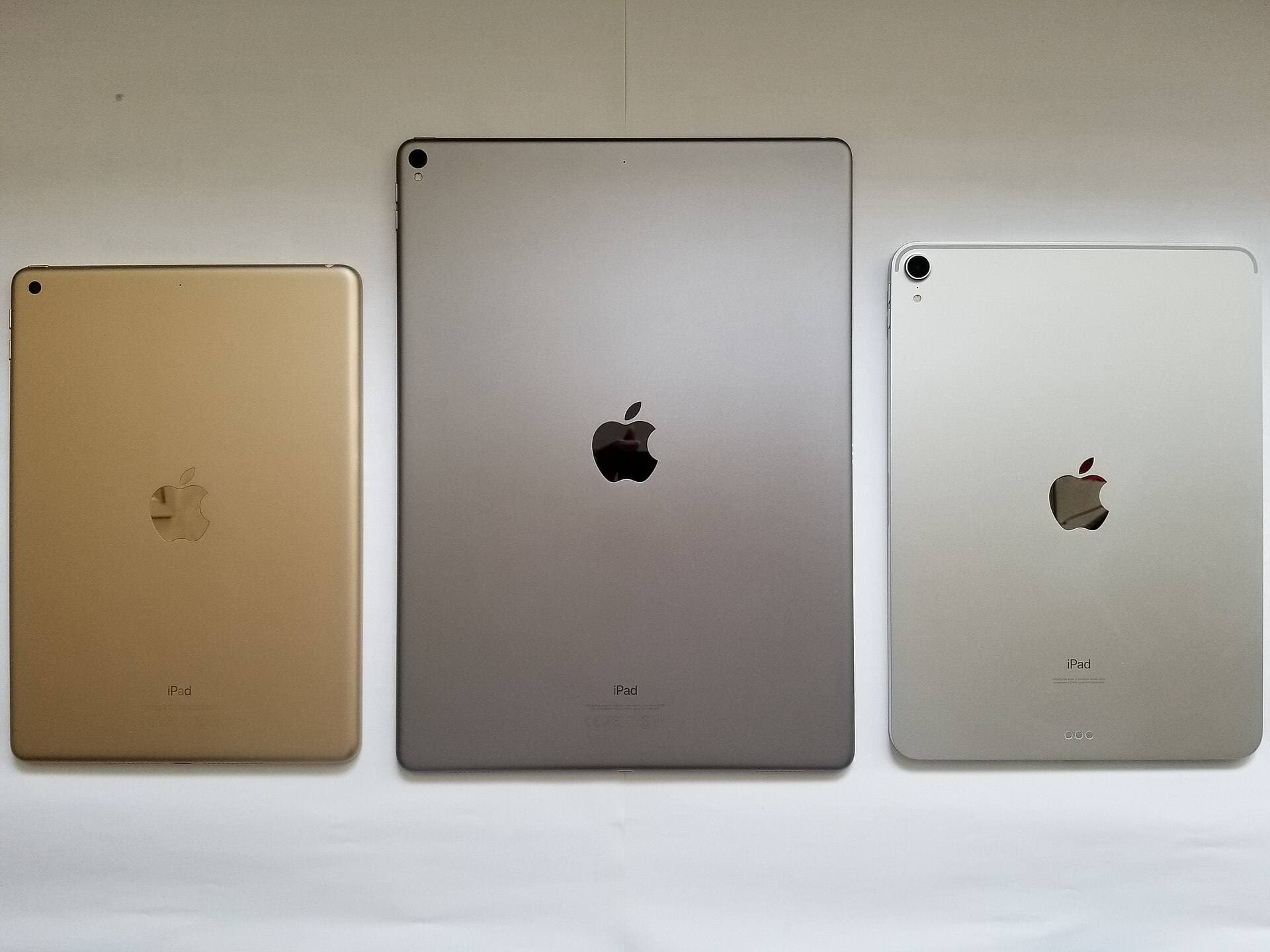
Hardware compatibility must guide your purchasing path [7]. Apple Pencil Pro is compatible only with newer iPad models, including recent iPad Air and iPad Pro hardware [7]. The iPad Air lineup features current Apple silicon chips such as the M4 and includes options for different display sizes and internal storage configurations [8]. If you already own an older iPad, check Apple's official compatibility documentation to ensure your tablet pairs with your preferred stylus before buying accessories [7].
Display size and memory also influence how comfortably you can manage detailed 3D scenes [6], [8]. While Apple's technical comparison notes display dimensions across the lineup, higher storage tiers and advanced chips provide useful headroom when managing large polygon counts or exporting complex assets [6], [8].
Bottom line
Nomad Sculpt is the best iPad app for 3D sculpting because it delivers a dedicated brush engine featuring clay, flatten, smooth, and mask tools designed specifically for organic shapes [1]. Skip CAD tools like Shapr 3D if your priority is artistic sculpting, as CAD software focuses on technical manufacturing rather than freeform deformation [1], [2]. Likewise, skip SketchUp unless you specifically need architectural modeling and space planning [3]. Pair your sculpting setup with an Apple Pencil that includes pressure sensitivity, such as the Apple Pencil Pro, to gain direct physical control over every stroke on your digital mesh [5], [7].
Sources
[1] https://apps.apple.com/us/app/id1519508653 [2] https://apps.apple.com/us/app/id1091675654 [3] https://apps.apple.com/us/app/id796352563 [4] https://apps.apple.com/us/app/id425073498 [5] https://www.apple.com/apple-pencil/ [6] https://help.procreate.com/articles/zlexav-ipad-compatibility [7] https://support.apple.com/en-us/108937 [8] https://www.apple.com/ipad/compare/
Recommended gear
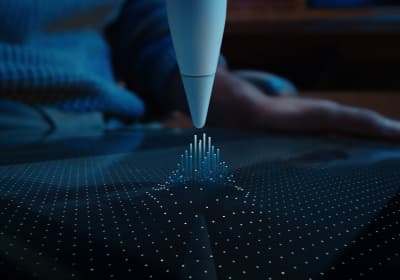
Apple Pencil Pro
amazon.comThe best Apple stylus for serious digital art workflows. Expensive, but the control upgrades are real.
Pro: Best brush-control and hover workflow
Con: Highest price in the lineup
Works only with newer iPad models. Check compatibility.
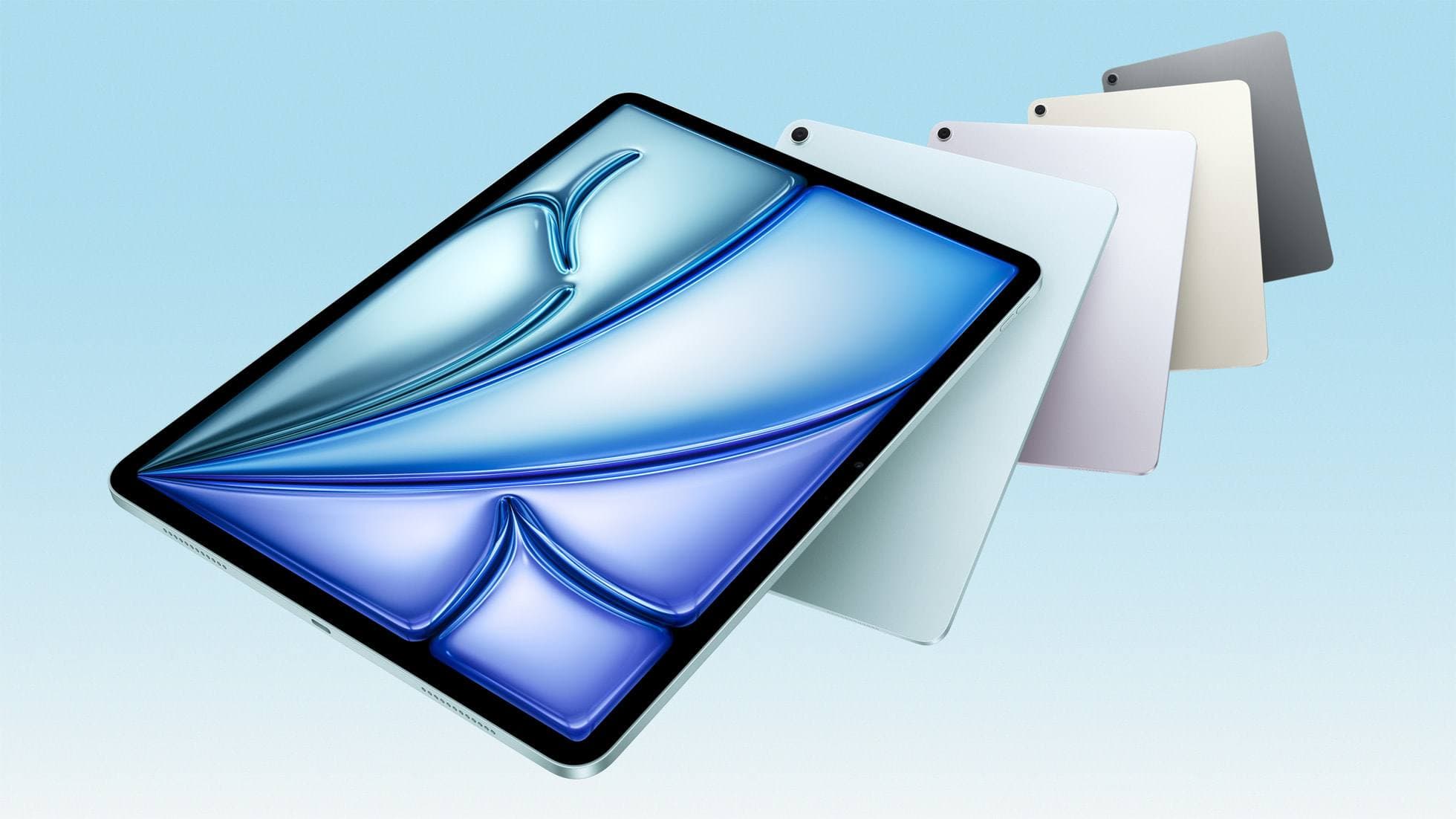
iPad Air (M4)
apple.comThe clean current Air recommendation for most serious hobby artists. Stronger buy logic than old-stock M3 when pricing is close.
Pro: Best current balance of price, headroom, and Pencil support
Con: Still 60Hz
Current Air lineup. Choose size, storage, and keyboard path before checkout.
Procreate
apps.apple.comPro: One-time purchase
Con: iPad-only
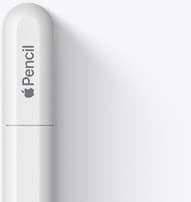
Apple Pencil (USB-C)
amazon.comA practical low-cost Apple stylus with broad compatibility, but limited for advanced art control.
Pro: Lowest official Apple Pencil cost
Con: No pressure sensitivity for brush work
Compatible with many recent iPads. No pressure support.
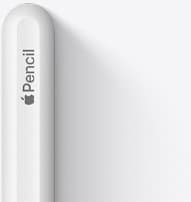
Apple Pencil (2nd generation)
amazon.comStill a strong stylus on compatible iPads. Good pressure control, but compatibility is the main trap.
Pro: Pressure support without Pro pricing
Con: Not compatible with newest Pro-only iPads
Only for iPads that support 2nd generation pairing.
Related buying picks
More in this collectionBuyer guide
What is the best handwriting app for iPad?
Choose between flexible vector canvases and traditional raster stroke engines based on how you organize your handwriting and notes.
Buyer guide
Best iPad drawing app for beginners
Procreate remains the best first drawing app to buy on iPad, while free options like Sketchbook and Adobe Fresco let you start without upfront costs.
Buyer guide
Best iPad app for manga: Clip Studio Paint versus Procreate and free alternatives
Clip Studio Paint is the best overall iPad app for serialized manga and multi-page comics, while Procreate remains the top one-time purchase for single illustrations.
Buyer guide
Best iPad app for architecture sketching
Compare Procreate, Concepts, and Clip Studio Paint to choose the right iPad drawing tool for your architectural drafting workflow.